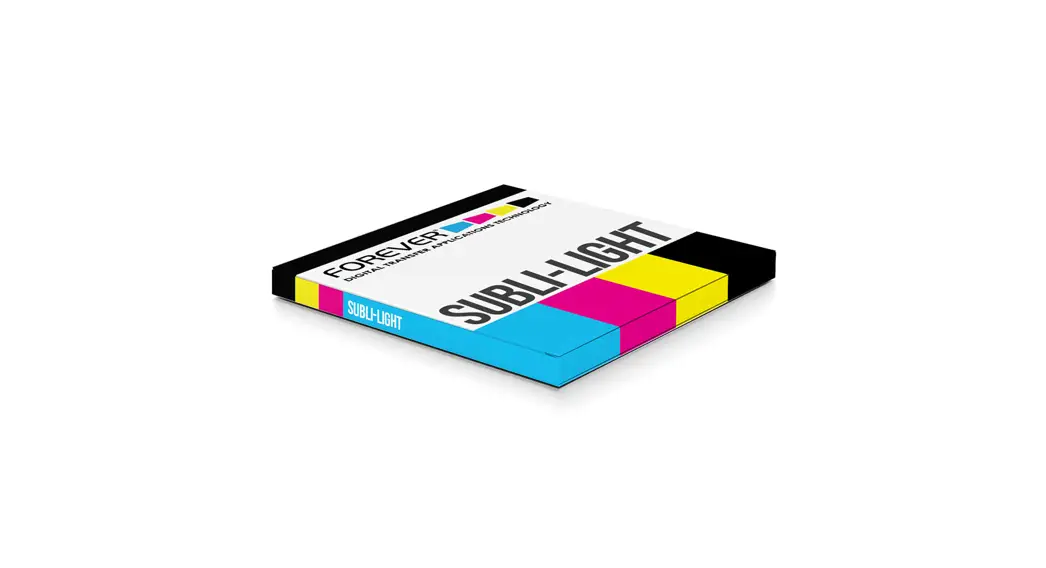
 SUBLI-LIGHT (NO-CUT)
FOR WHITE & LIGHT COLORED COTTON, POLYESTER, FELT, WOOD & MORE
1-PAPER-SYSTEM
 PRINT SETTINGS
 PRINT SETTINGS
- Image Mode: mirrored
- Print Mode: Use the Virtuoso Print Manager and the FOREVER Profile for printing with SAWGRASS SG400/800.
All other sublimation printers should be used with the standard settings and standard driver.
To install the Virtuoso Print Manager, download the instruction on www.forever-ots.com/ Support /
Downloads / Printing Instructions / Sublimation Printers / Virtuoso Print Manager Installation. - Print Quality: Priority Quality Paper Setting: Ink-Jet Normal Paper ICC Color Profile: OFF
- Image Style: Only for full-tone vector graphics. Not suitable for photographs and light colors
- Color Chart: As sublimation systems can vary from each other, we do recommend to first print a color-chart to test which color range works best with your system (printer / ink / press). We do recommend to press it on a white textile, to avoid any deviation of colors. If you don’t know how to create a color-chart, feel free to use ours at www.forever-ots.com / Support / Downloads / Test Files / Subli-Light (No-Cut) & Subli-Dark (No-Cut) Glitter Color Chart.
 TRANSFER PROCESS
 TRANSFER PROCESS
- Preheat your heat press. Make sure that the metal plate underneath the rubber mat is also hot.
- Place the textile on your lower plate and pre-press it for 15-30 seconds.
- Place the transfer paper onto the textile.
- Press for 20-30 seconds.
- Remove the transfer paper after 2 seconds.
(Never take the T-Shirt off the press before the transfer paper has been peeled off.) - For a better washability put a sheet of Matt Finish Economy or Glossy Finish with the glossy side faced down onto your design and press again for 30 seconds with high pressure.
- Stretch the t-shirt after removing the silicone paper as long as the shirt is hot. This leads to a softer touch.
 SETTINGS HEAT PRESS
| AUTOMATIC HEAT PRESS | MANUAL HEAT PRESS | |
| PRESSURE | 2-3 bar / 29-44 PSI | medium |
| TEMPERATURE | 170-190°C / 338-374°F | 170-190°C / 338-374°F |
| TIME | 20-30 seconds | 20-30 seconds |
| FIXING | 30 seconds (high pressure) | 30 seconds (maximum pressure) |
 WASHING
- Up to 40°C (cold wash cycle). Inside out
 DRYING
- Do not tumble dry! Hang dry or line dry recommended
 IRONING
- When ironing cover the print with baking paper
 ATTENTION
- You cannot print all colors. Please make sure that you are creating and selecting your designs with an high ink amount.
- You must transfer immediately after printing (the longer the time in between printing and pressing, the less would transfer)
- Do not use composite black. It might can change into a brown after few weeks or washes.
Before starting a mass production, we recommend to make transfer and washing test with all materials. Important advice for double-sided printing on textiles: T-Shirts for a double-sided print (front side & backside), has to be put over the lower heat plate.
In this case only one side will be treated with heat and you avoid that the applied design from the other side will be pressed out again. If your T-Shirt is yellowing, lay a piece of fleece onto it during the transfer process.
SUBLI-LIGHT (NO-CUT)
FOR WHITE & LIGHT COLORED COTTON, POLYESTER, FELT, WOOD & MORE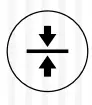 WOOD 5 mm / ¼ inch
- Pre-press both sides for 30 seconds.
- Press according to the table below.
- Peel the paper immediately while it is still hot
AUTOMATIC HEAT PRESS MANUAL HEAT PRESS PRESSURE 2-3 bar medium TEMPERATURE 180°C / 356°F 180°C / 356°F TIME 30 seconds 30 seconds FIXING OPTIONAL 10 seconds (light pressure) 10 seconds (light pressure)  You have to pre-press the wood from both sides to avoid that it bends in one direction.
- The transfer paper needs to be bigger than the wood you want to transfer on, to avoid residues on the edges of the transfer paper.
- Use heat resistant gloves because the paper sticks very strong on the wood and you have to hold the wood tight.
FELT
- Pre-press for 30 seconds.
- Press according to the table below and peel the paper immediately while it is still hot.
AUTOMATIC HEAT PRESS MANUAL HEAT PRESS PRESSURE 1-2 bar light TEMPERATURE 180°C / 356°F 180°C / 356°F TIME 10-15 seconds 10-15 seconds FIXING OPTIONAL 5 seconds (light pressure) 5 seconds (light pressure) - Too high pressure may lead to transfer of coating on unprinted areas.
CAPPY / HAT
- Pre-press for 30 seconds.
- Press according to the table below and peel the paper immediately while it is still hot.
| AUTOMATIC HEAT PRESS | MANUAL HEAT PRESS | |
| PRESSURE | 2-3 bar | medium |
| TEMPERATURE | 180°C / 356°F | 180°C / 356°F |
| TIME | 30 seconds | 30 seconds |
| FIXING OPTIONAL | 10 seconds (light pressure) | 10 seconds (light pressure) |
Before starting a mass production, we recommend to make transfer and washing test with all materials. Important advice for double-sided printing on textiles: T-Shirts for a double-sided print (front side & backside), has to be put over the lower heat plate.
In this case only one side will be treated with heat and you avoid that the applied design from the other side will be pressed out again. If your T-Shirt is yellowing, lay a piece of fleece onto it during the transfer process.
 www.HeatPressNation.com
[email protected]
PHONE: 1-800-215-0894
 Homepage - FOREVER GmbH
 HeatPressNation.com - Digital Heat Press Transfer Machines