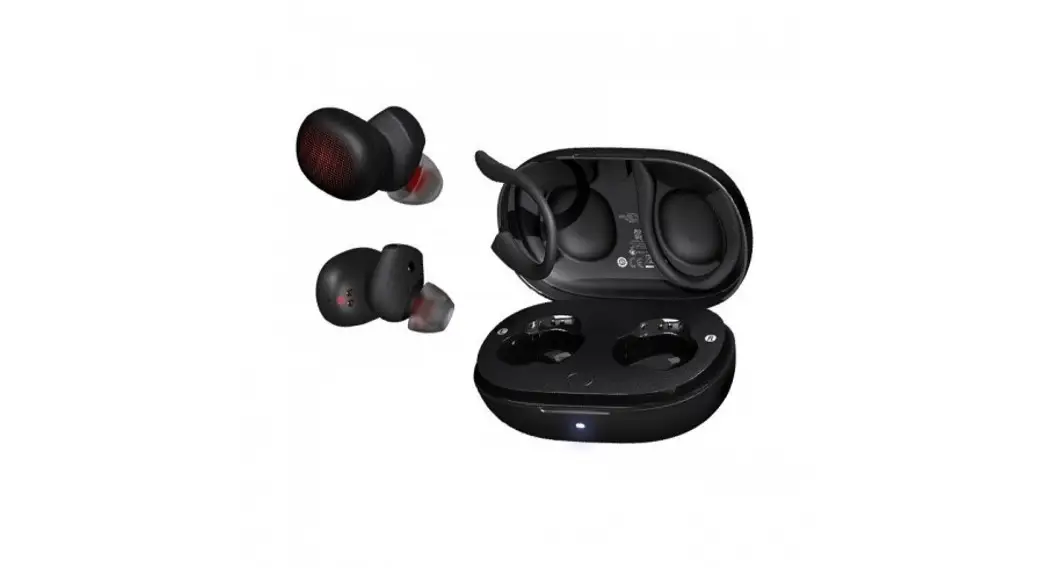
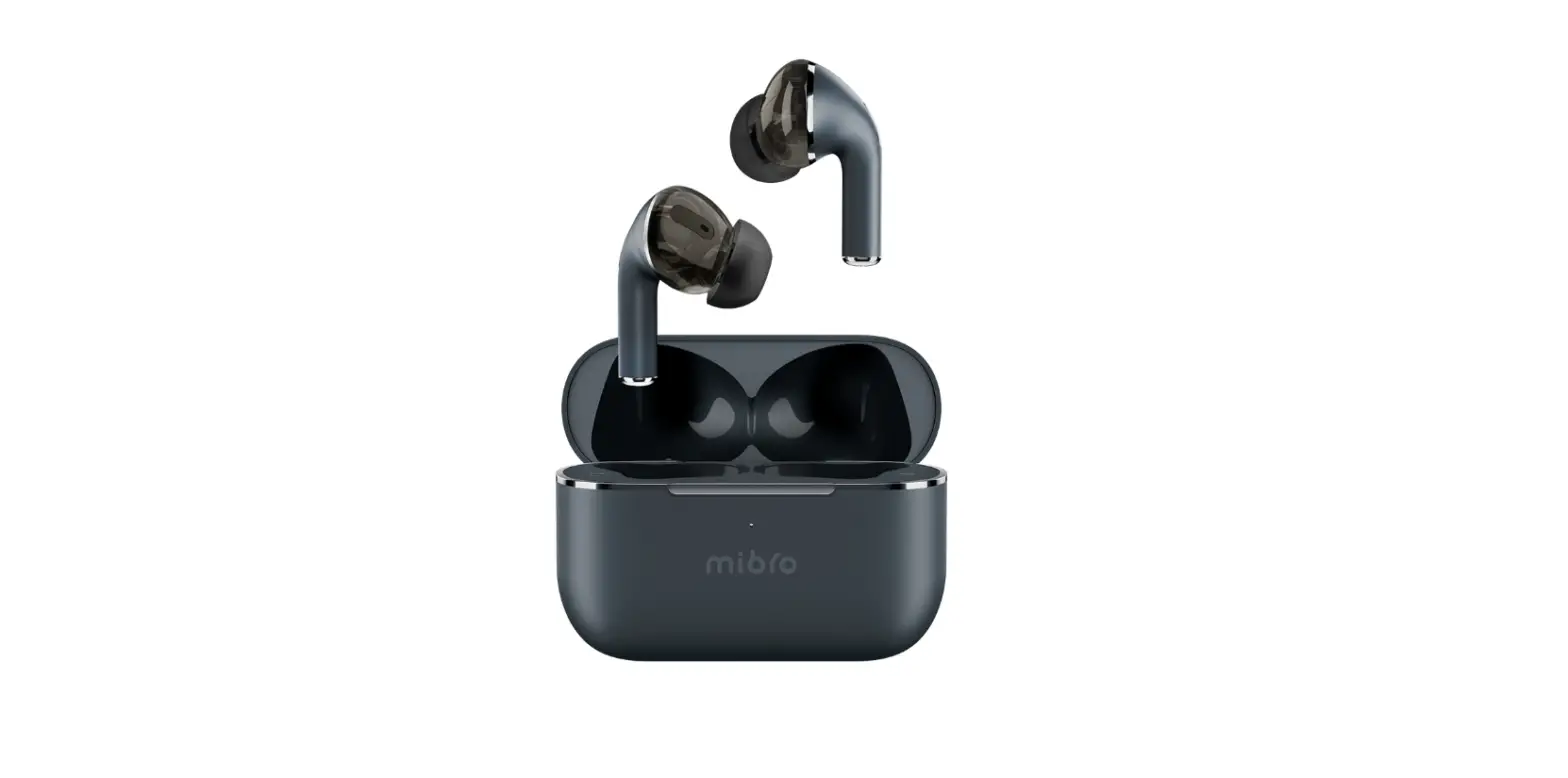
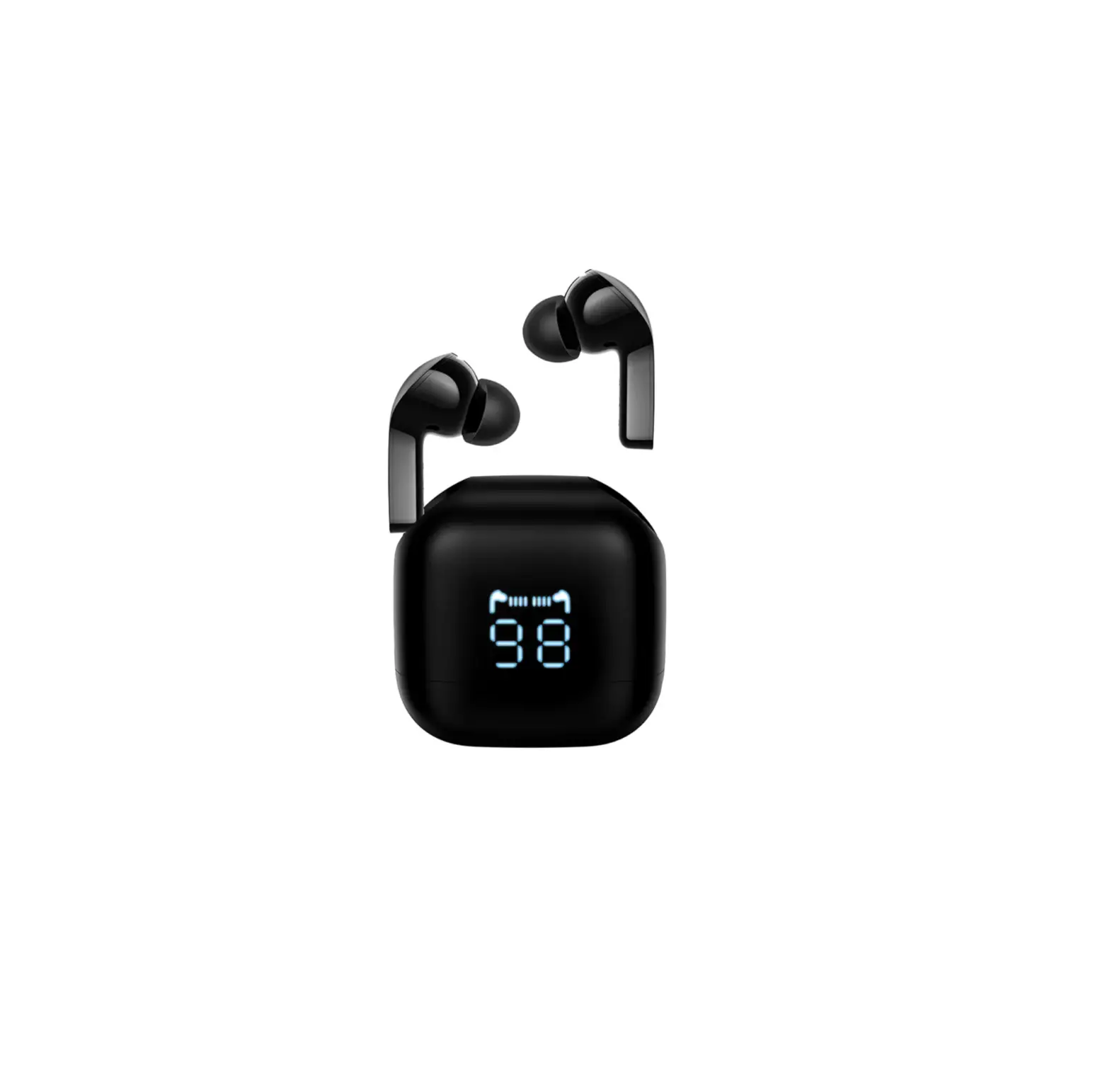
Poco MU Earbuds
Product Information
The product is a portable device that has been evaluated and
certified to meet general RF (Radio Frequency) exposure
requirements. It is designed to be used in portable exposure
conditions without any restrictions.
Product Usage Instructions
- Ensure that the device is fully charged or has sufficient
power. - Identify the left and right components of the device using the
FCC IDs: 2AI4QPOCOMU-L for the left component and 2AI4QPOCOMU-R for
the right component. - Place the left and right components in their respective
positions, ensuring a secure fit. - Turn on the device by pressing the power button or following
the specific power-on instructions provided in the user
manual. - Pair the device with your preferred audio source (e.g.,
smartphone, tablet, computer) using Bluetooth or any other
supported wireless connectivity method. - Adjust the volume to a comfortable level using the volume
control buttons on the device or through the connected audio
source. - You can now enjoy wireless audio playback through the device.
If applicable, follow additional instructions provided in the user
manual to access advanced features or settings.
Note: It is important to follow all safety guidelines and
regulations regarding RF exposure and portable device usage. If you
have any concerns or questions, refer to the user manual or contact
customer support for assistance.
( FCC ID: 2AI4QPOCOMU-L , FCC ID: 2AI4QPOCOMU-R )
RF warning for Portable device: The device has been evaluated to meet general RF exposure requirment. The device can be used in portable exposure condition without restriction.