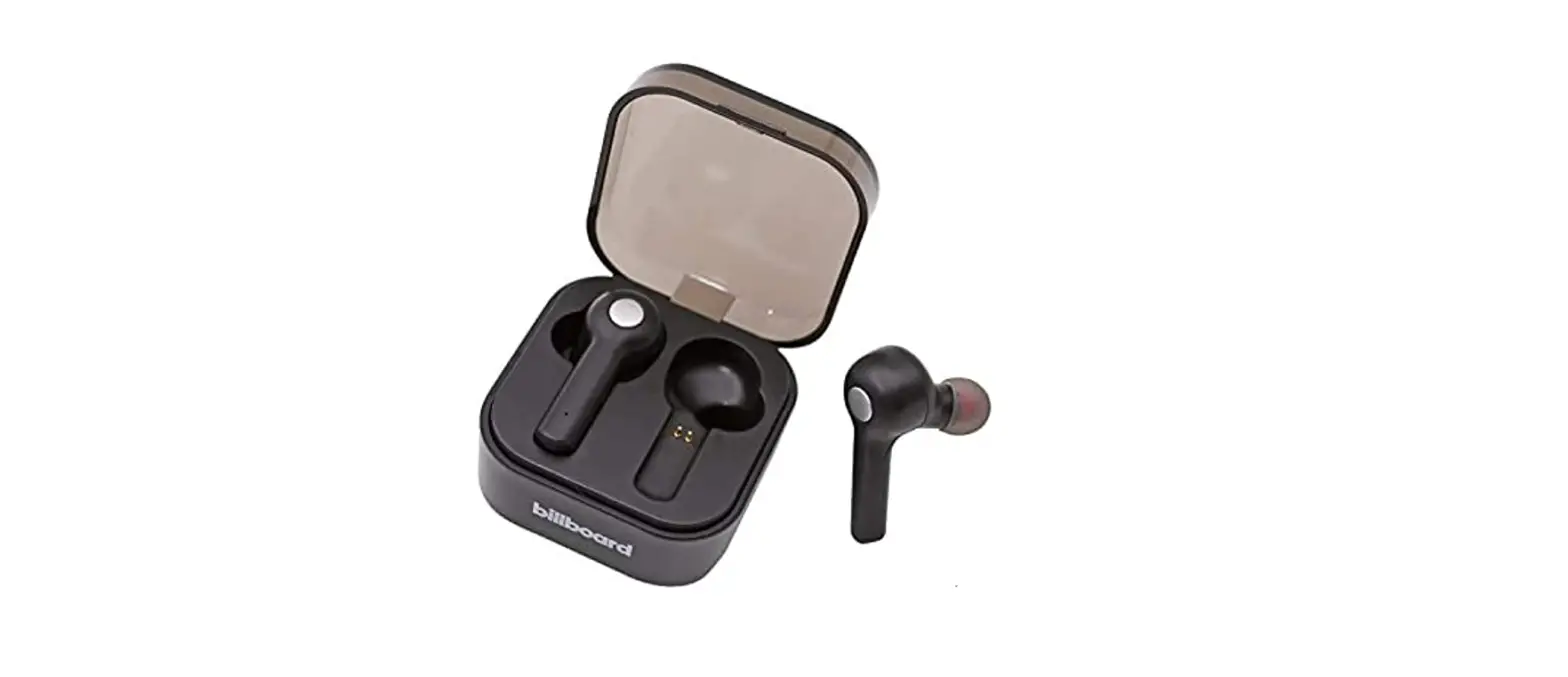
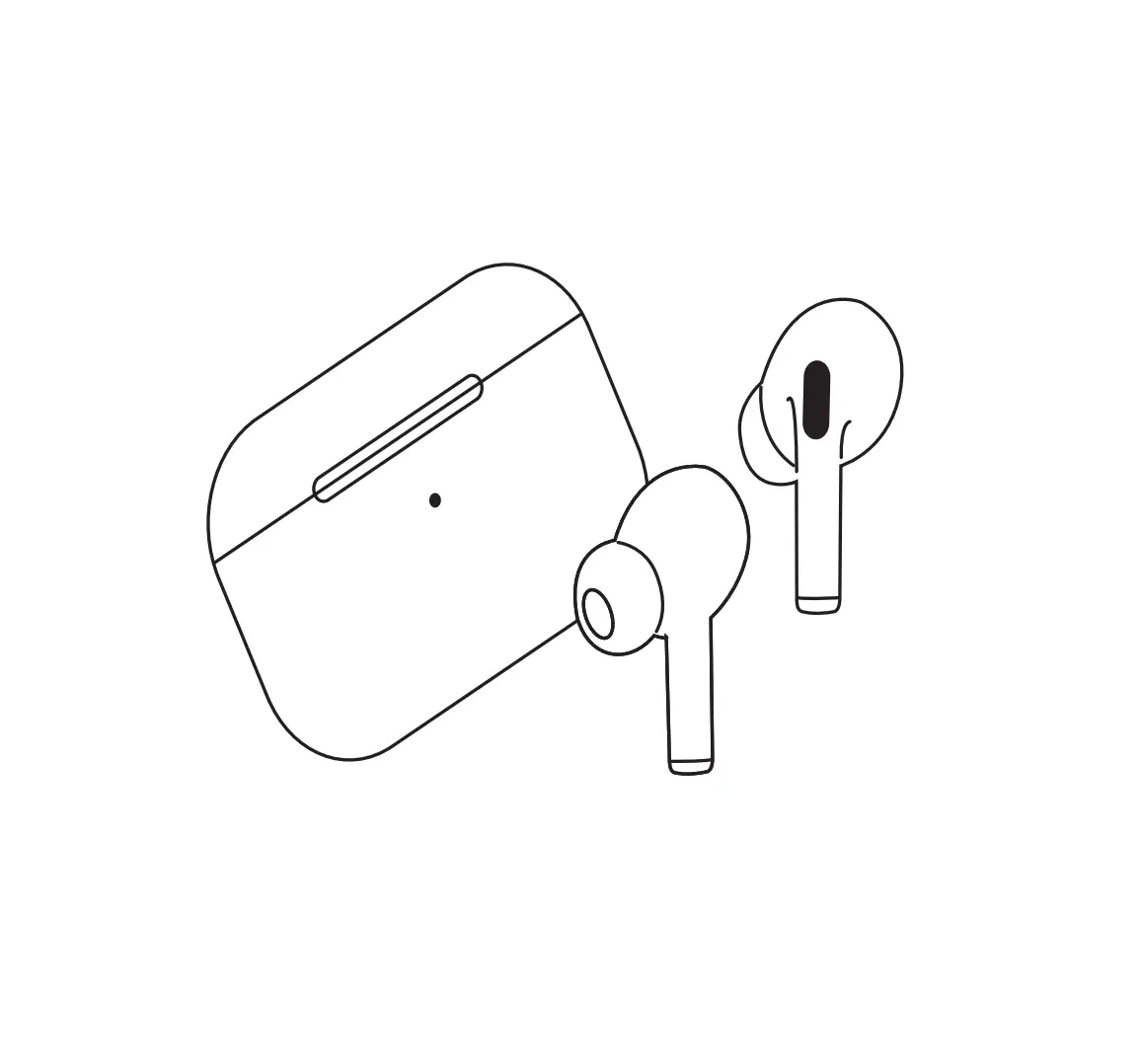
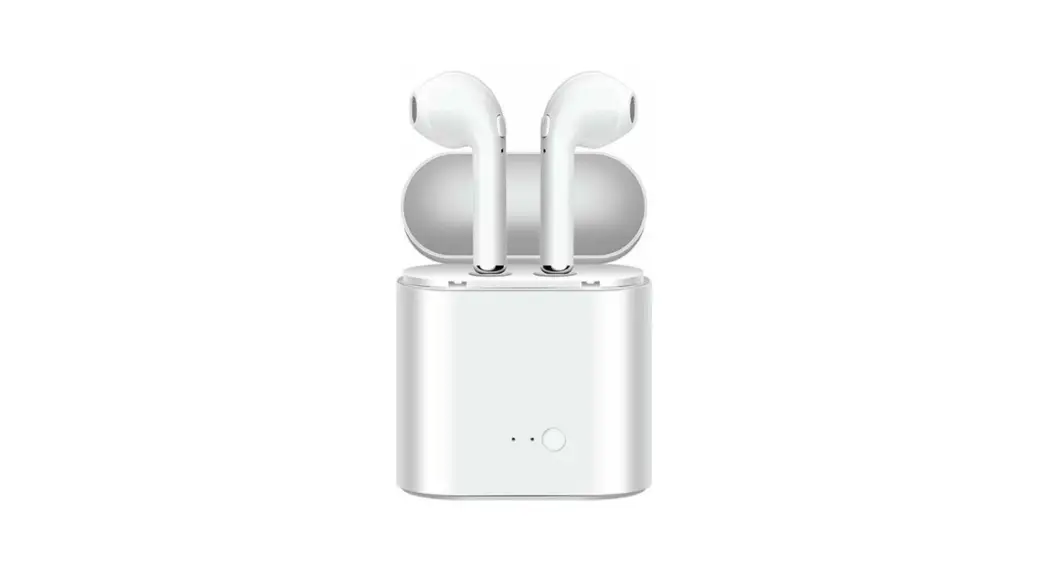
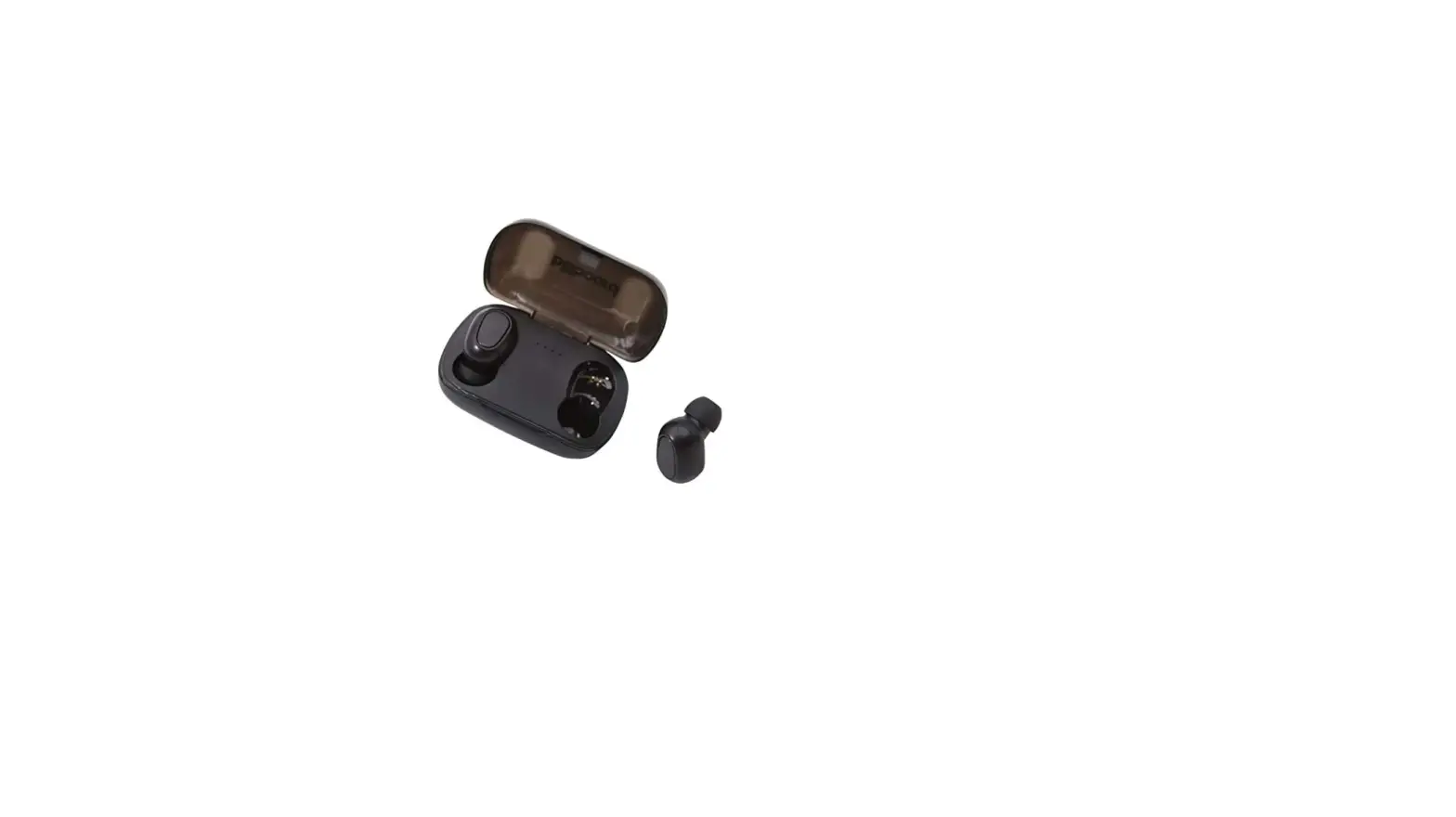
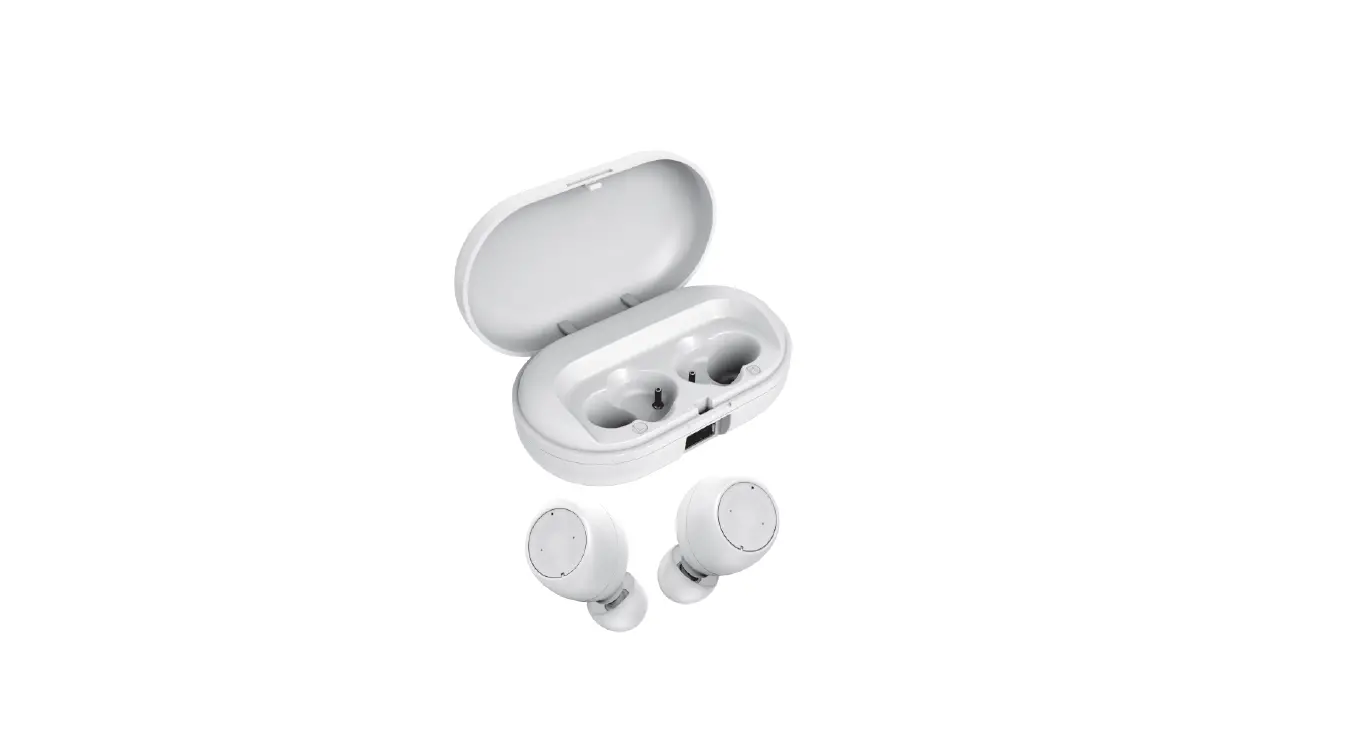
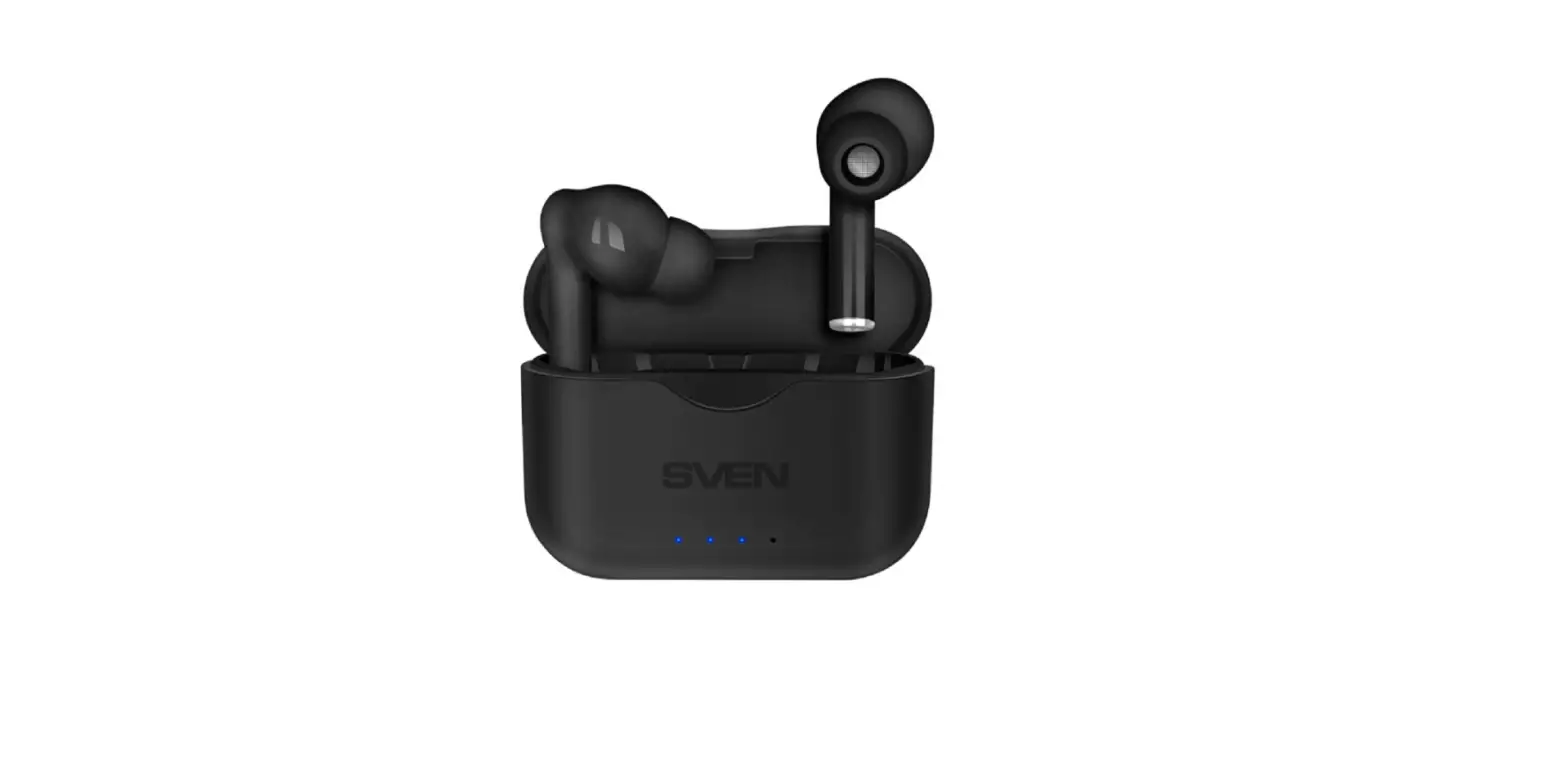
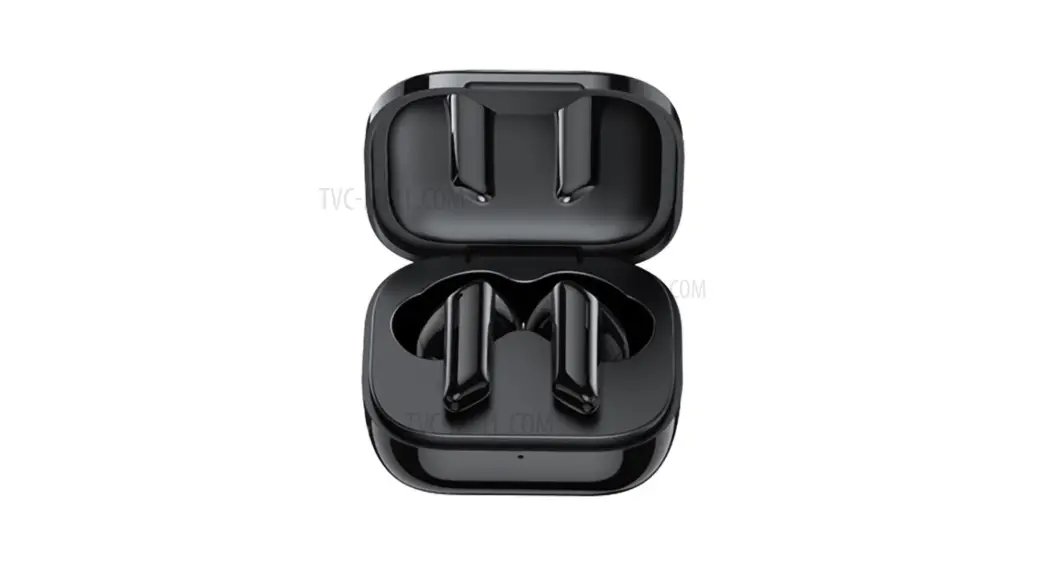
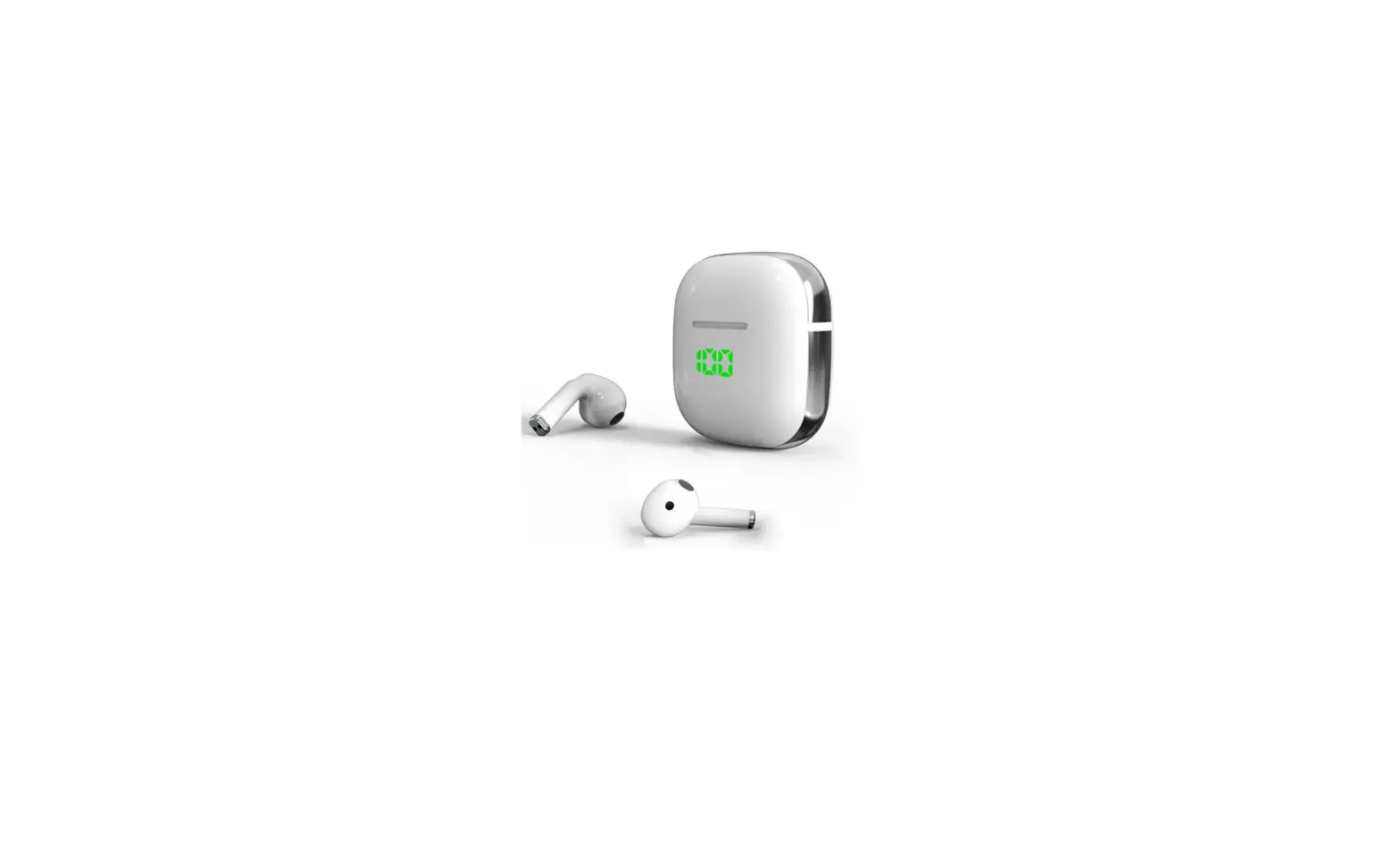
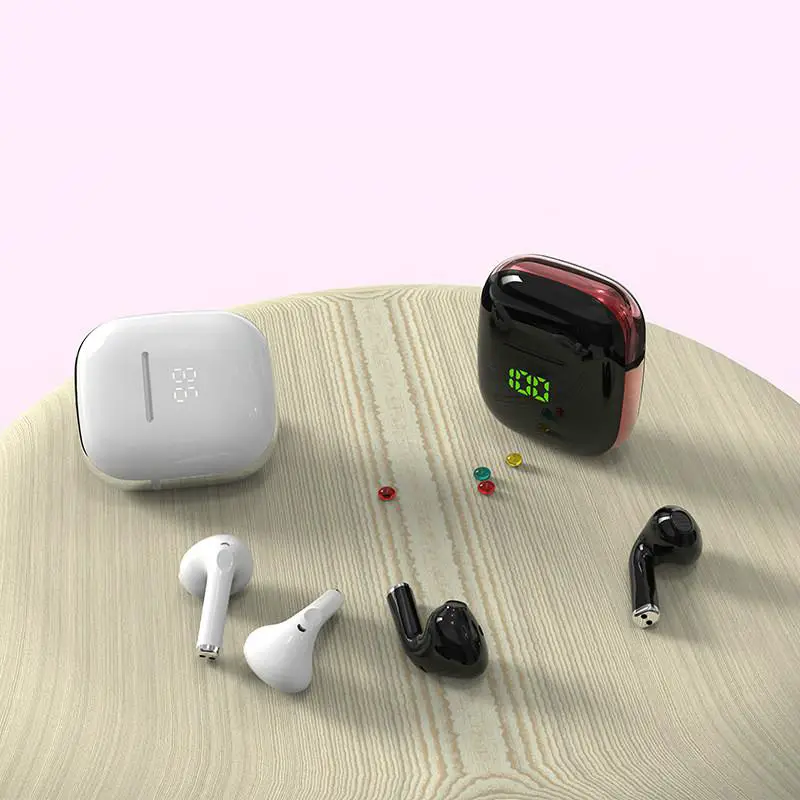
KR320B True Wireless Earbuds with Portable Power
Product Information
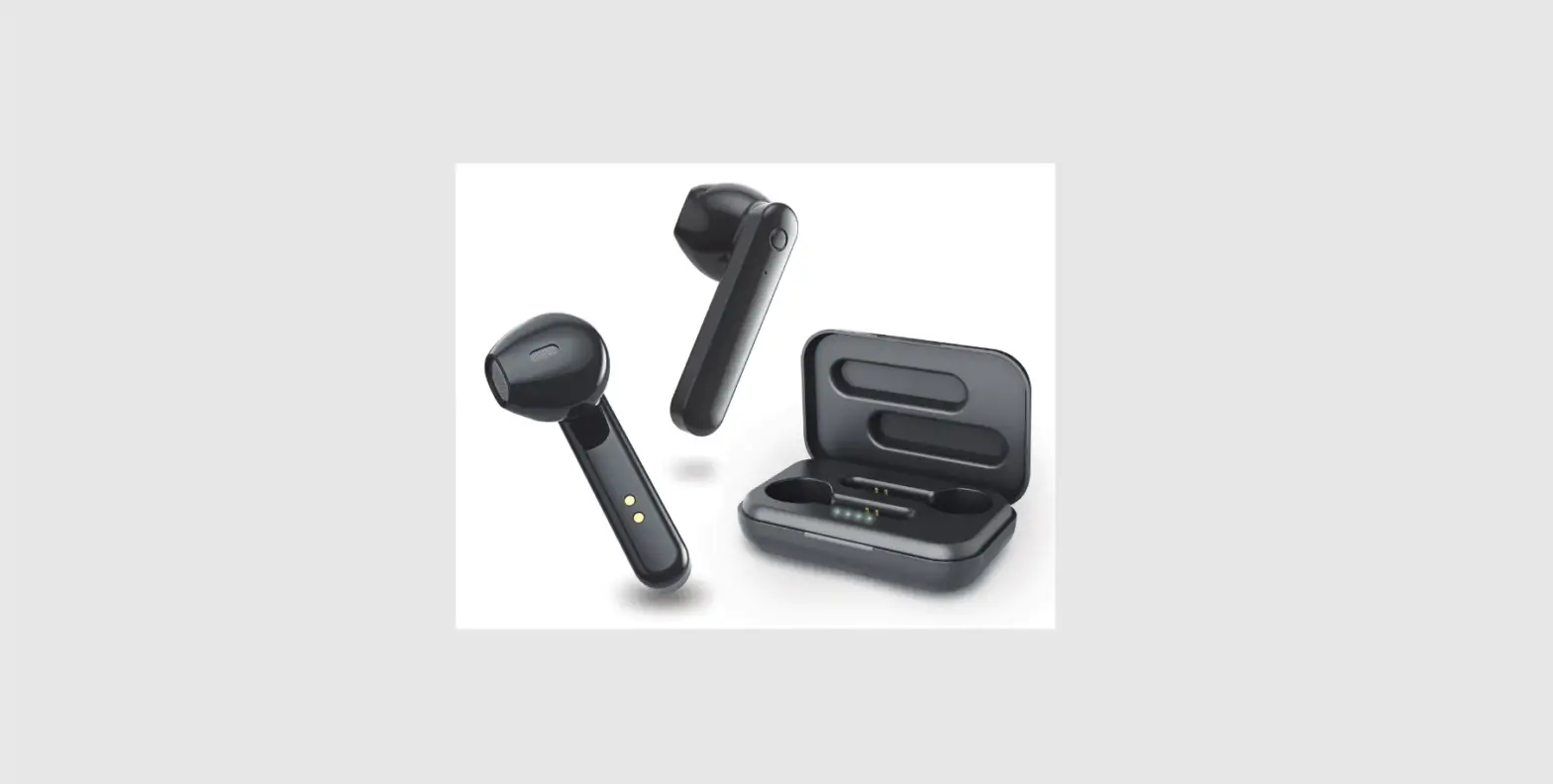
The TURE Wireless Earbuds with Portable Power (model number
2AML6KR320B) are a pair of wireless earbuds that offer a portable
power feature. These earbuds provide a convenient and hassle-free
way to listen to music or take calls without the need for any
wires.
Key Features:
- Wireless earbuds with portable power
- Triple click the MFB (Multi-Function Button) of the left earbud
to skip to the previous song - Triple click the MFB of the right earbud to skip to the next
song - Double click the MFB of the right earbud to decrease
volume - Double click the MFB of the left earbud to increase volume
- Volume can also be adjusted directly on the mobile phone
Product Usage Instructions
To use the TURE Wireless Earbuds, follow these instructions:
- Make sure the earbuds are fully charged before using them.
Charging can be done by placing them in the portable power
case. - To turn on the earbuds, remove them from the portable power
case and they will automatically power on. - To pair the earbuds with your mobile device, enable Bluetooth
on your device and search for available devices. Select the TURE
Wireless Earbuds from the list of available devices. - Once paired, you can play music or make calls using the
earbuds. - To skip to the previous song, triple click the MFB of the left
earbud. - To skip to the next song, triple click the MFB of the right
earbud. - To decrease the volume, double click the MFB of the right
earbud. - To increase the volume, double click the MFB of the left
earbud. - Alternatively, you can adjust the volume directly on your
mobile phone using its volume buttons. - After use, place the earbuds back into the portable power case
to charge them for future use.
For more detailed information on using the TURE Wireless Earbuds
with Portable Power, please refer to the user manual provided with
the product.
TURE WIRELESS EARBUDS WITH PORTABLE POWER
Portable Power
triple click the MFB of the left earbud to skip to previous song, triple click the MFB of the right eardud to skip to next song.
double click the MFB of the right earbud to decrease volume, double click the MFB of the left earbud to increase volume,you can also directly operate the volume button on the mobile phone to adjust the volume level.
Power on :take the earbuds out from the charging case the earbuds will turn on automatically, if not please long press the MFB to turn on. Power off :long press the MFB until power off ,or directly put the earbuds back into the charging case,the earbuds will automatically turn off when the red light is on. Playing Music :once the earbuds are paired,press play on your device. Short press the MFB to pause playback, and again to resume. Answering calls:when the phone calls,short press the MFB on either side to answer, and press again to hang up. Long press the MFB on either side to refuse an incoming call. Voice control function:press and hold MFB for 1S until you hear a “Beep” sound which actives your voice assistant ,short press the MFB to end this function.
2AML6KR320B