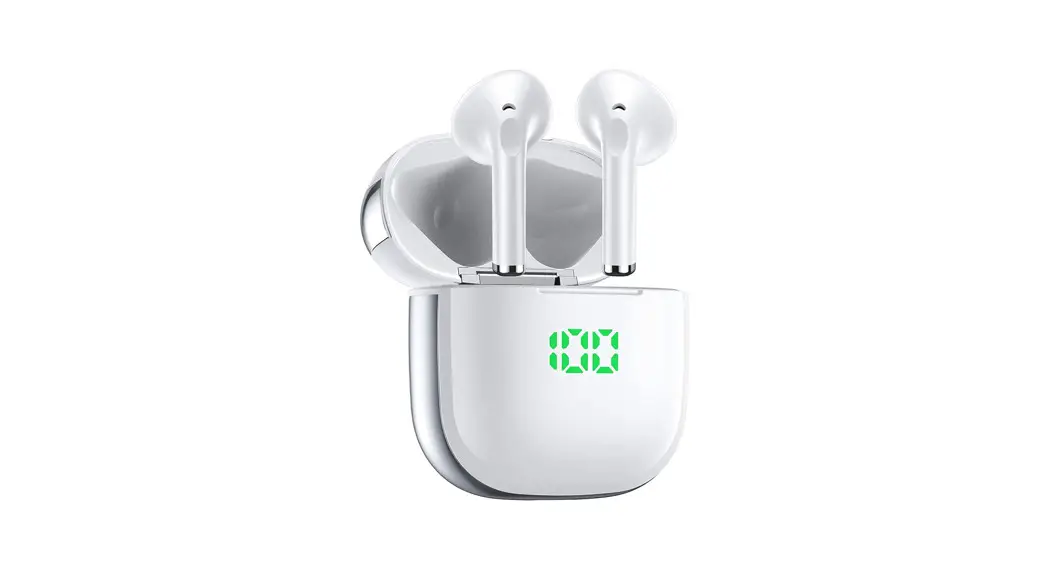

K6 User Manual
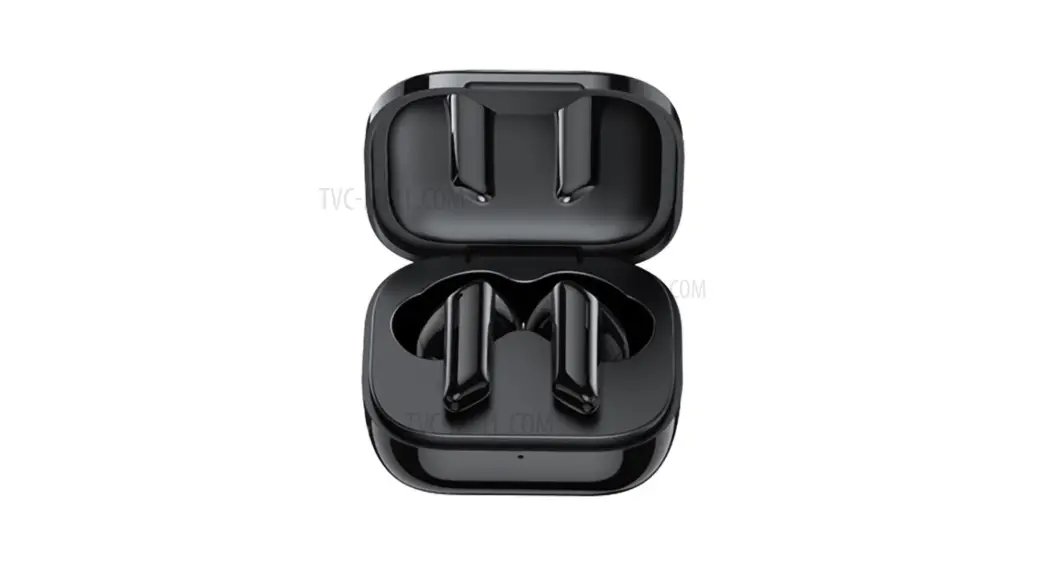
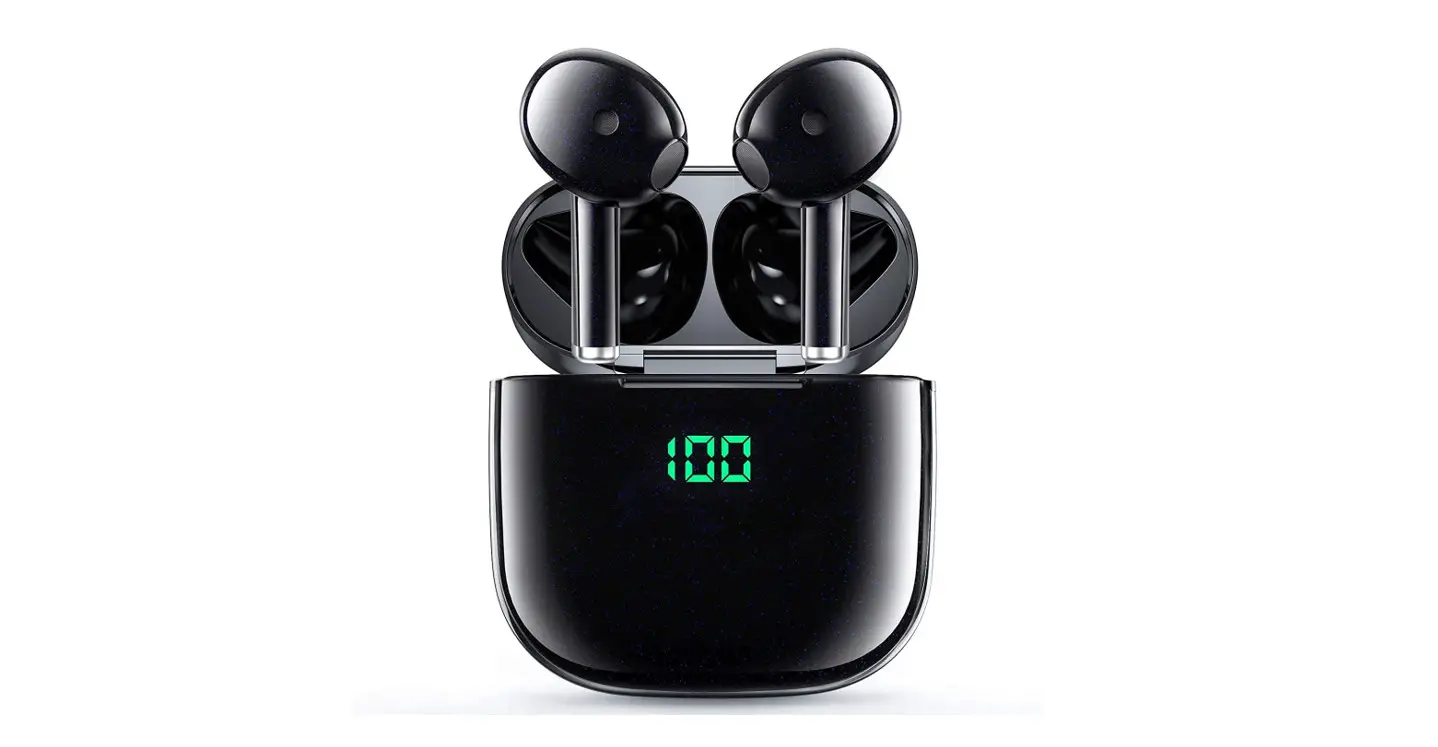
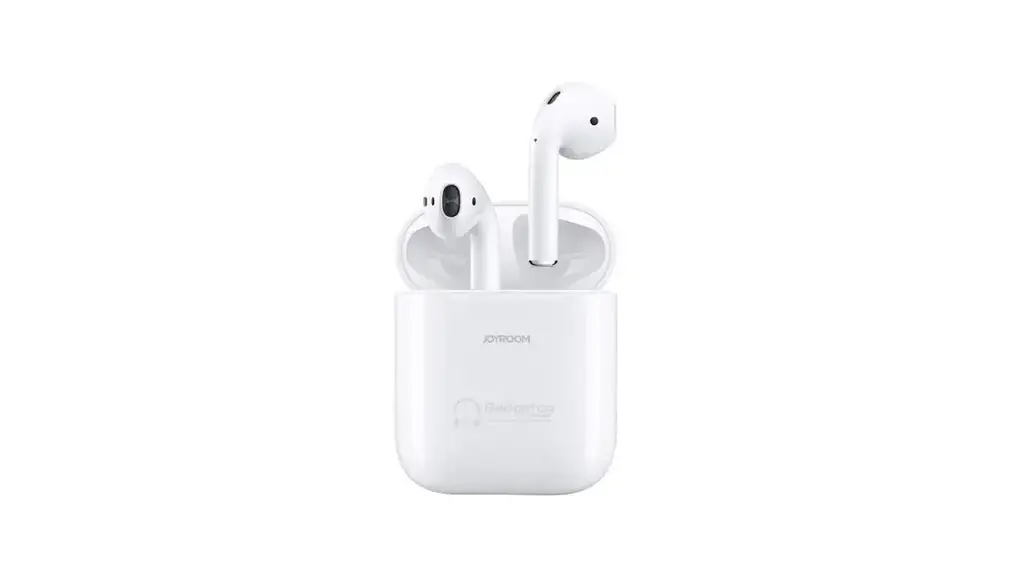
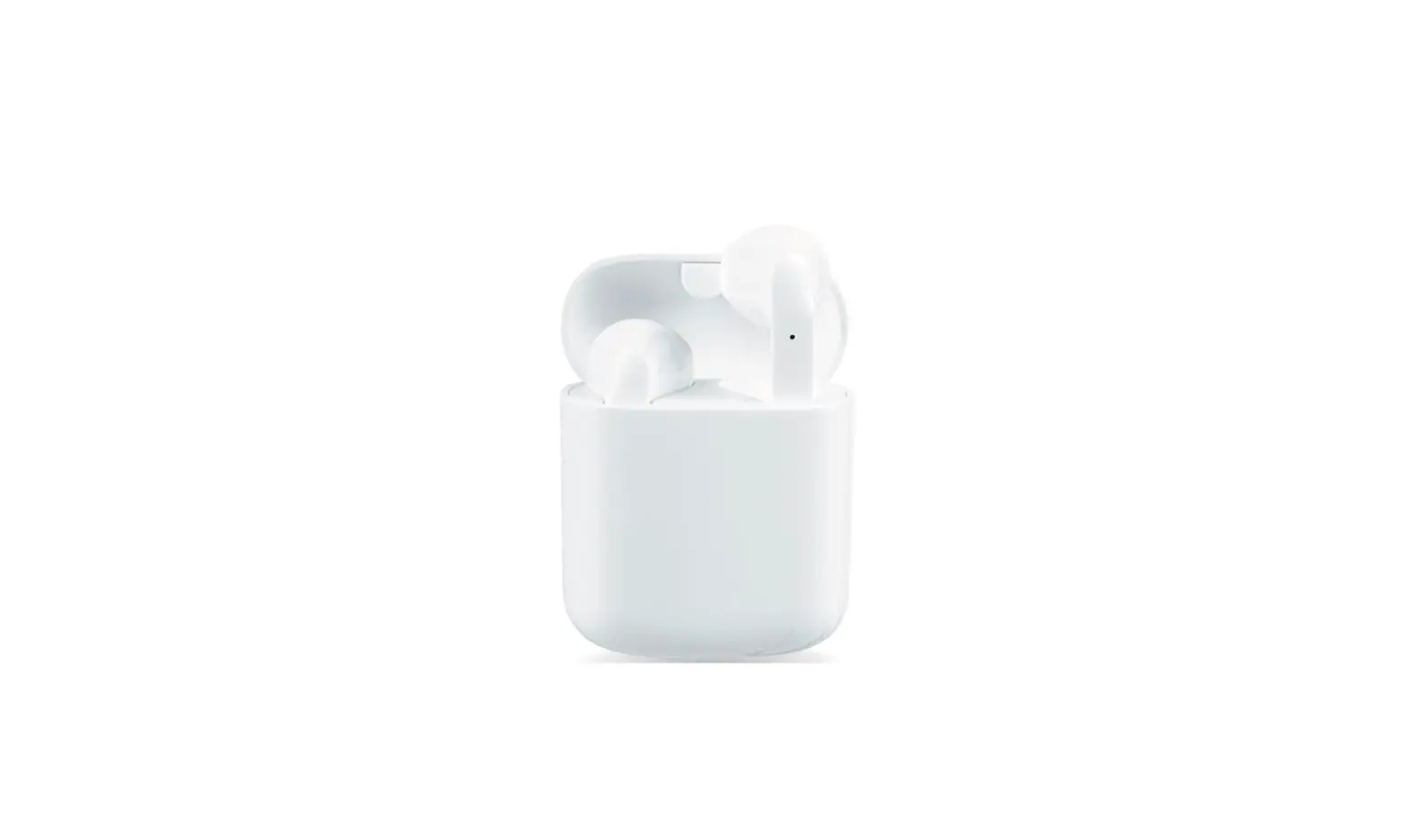
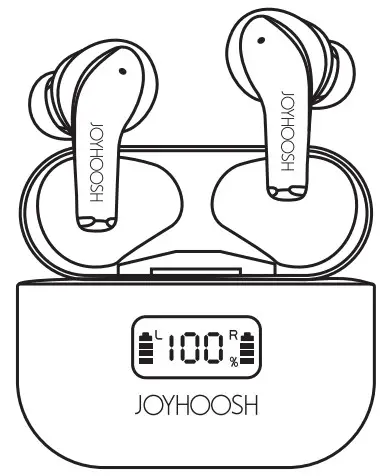
Product overview
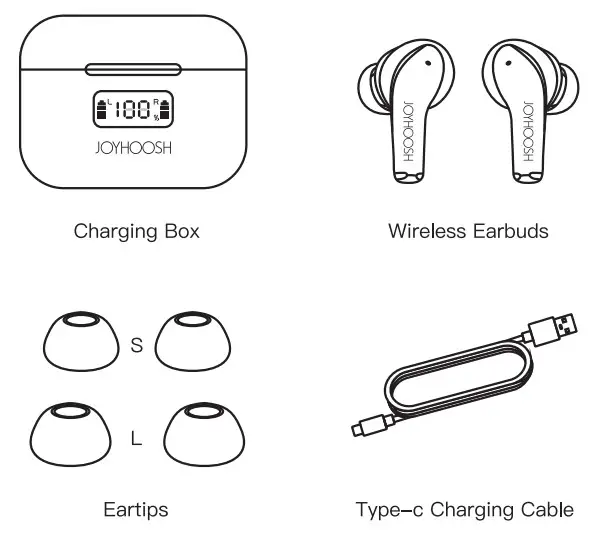
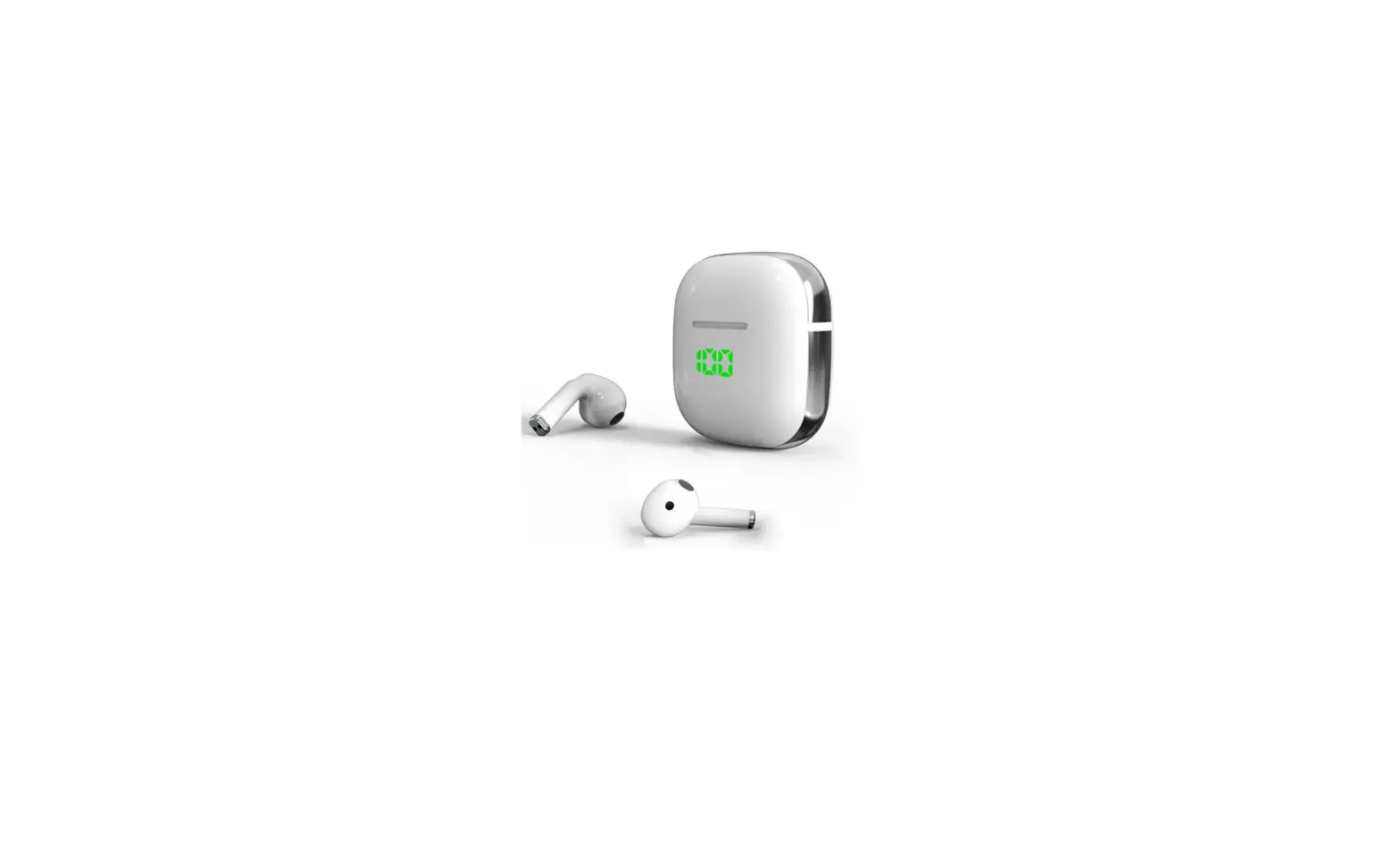
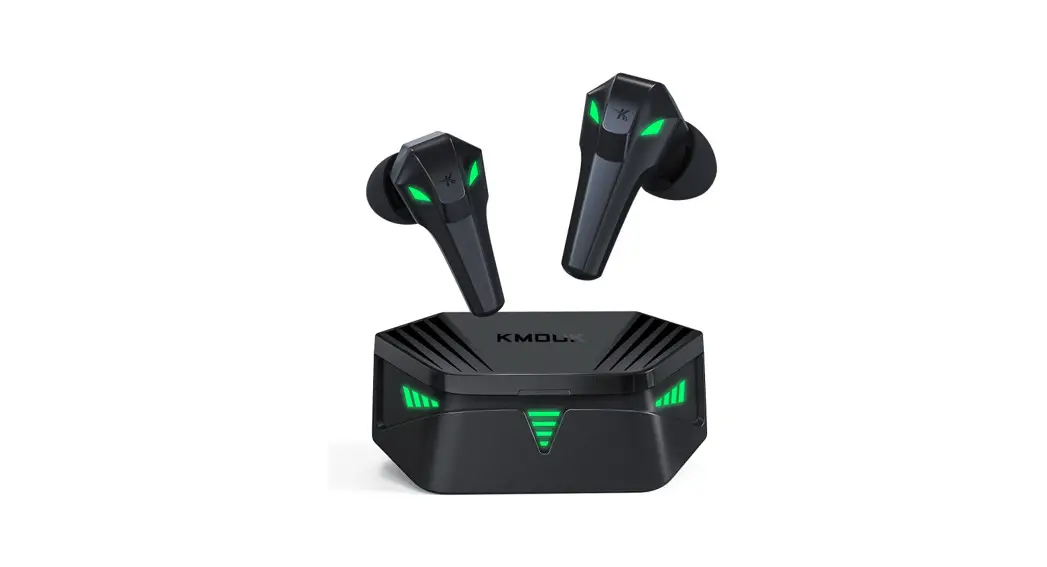
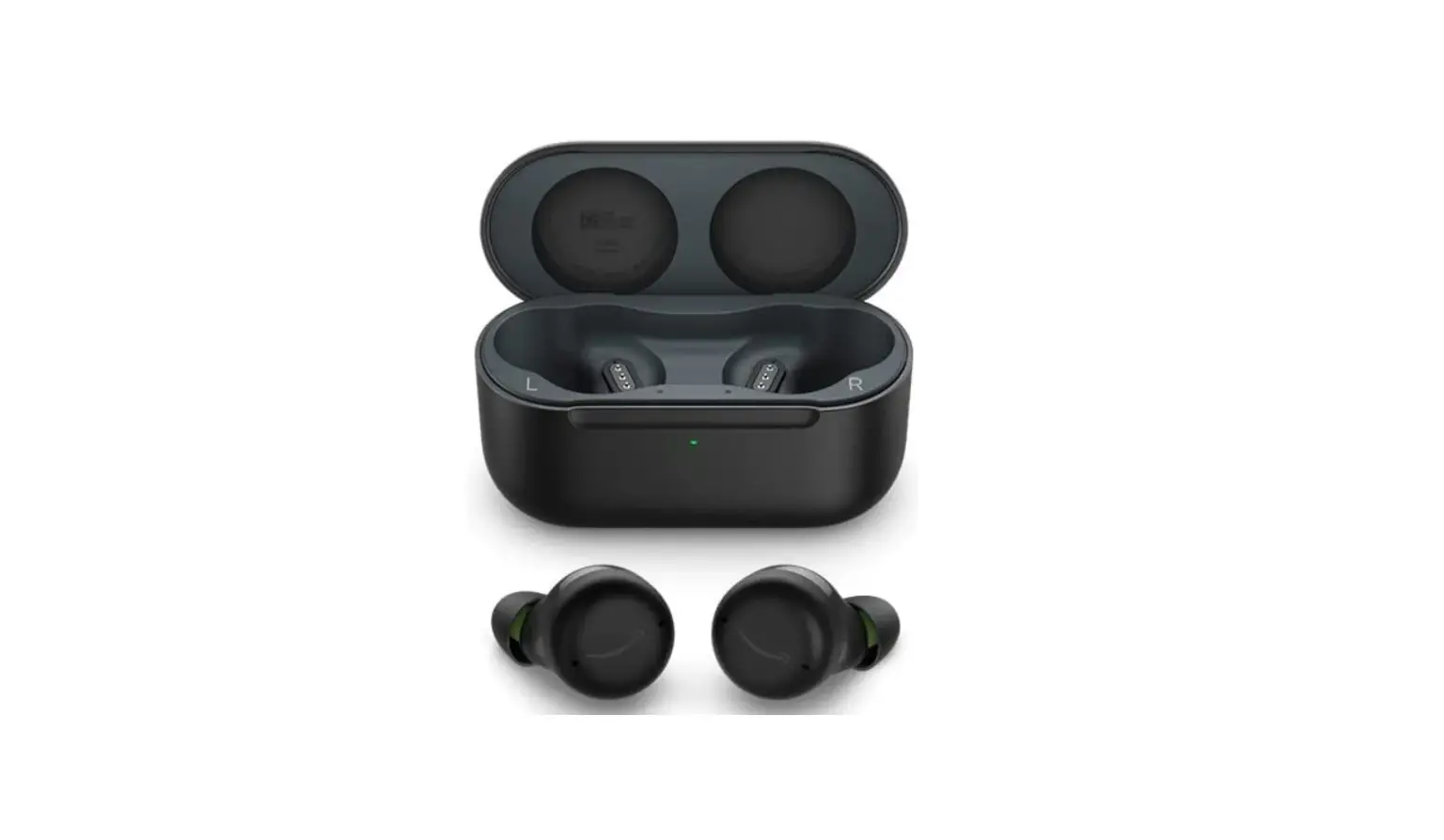
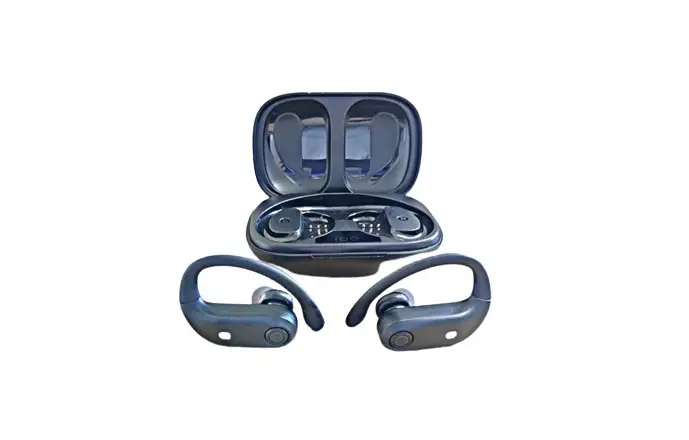
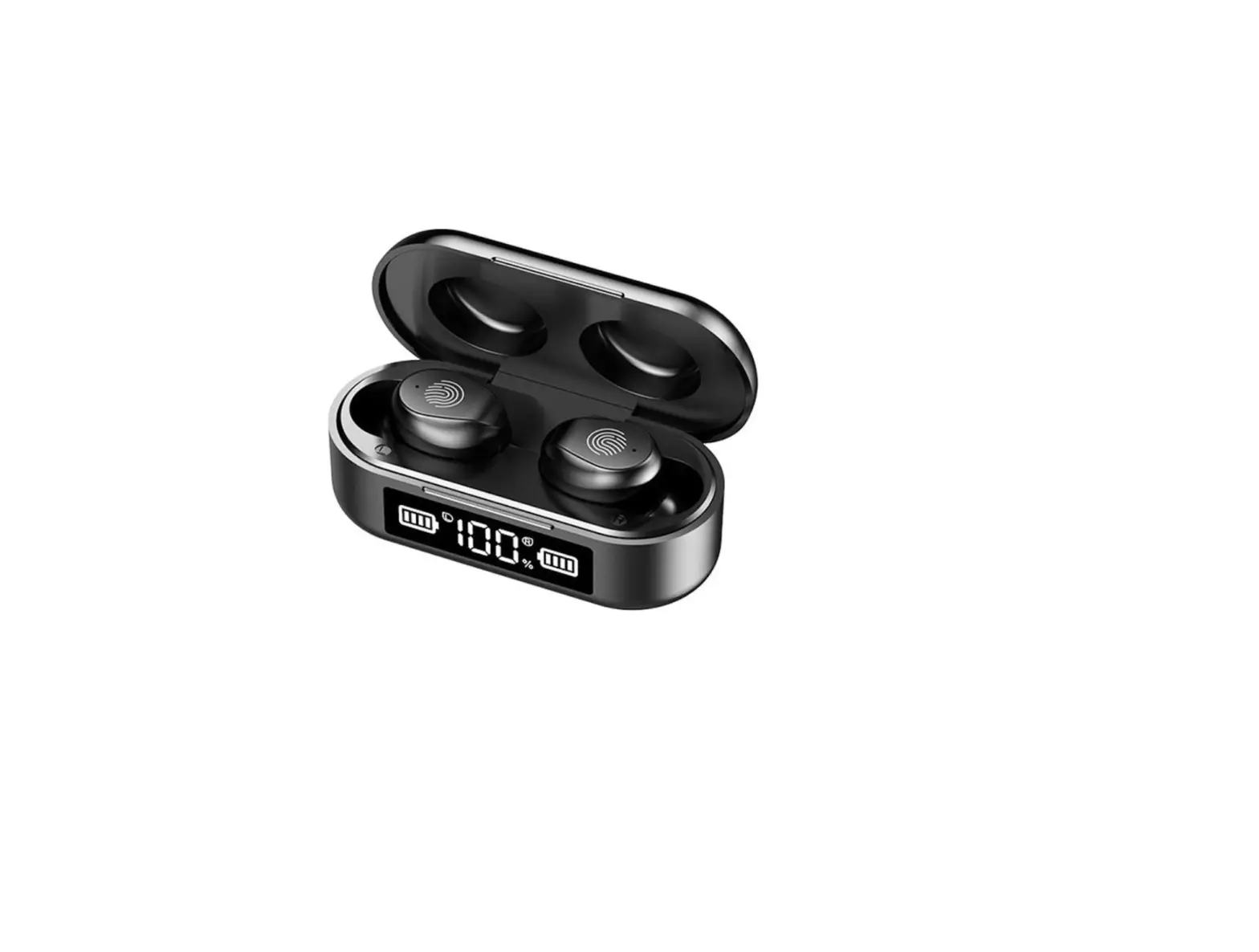
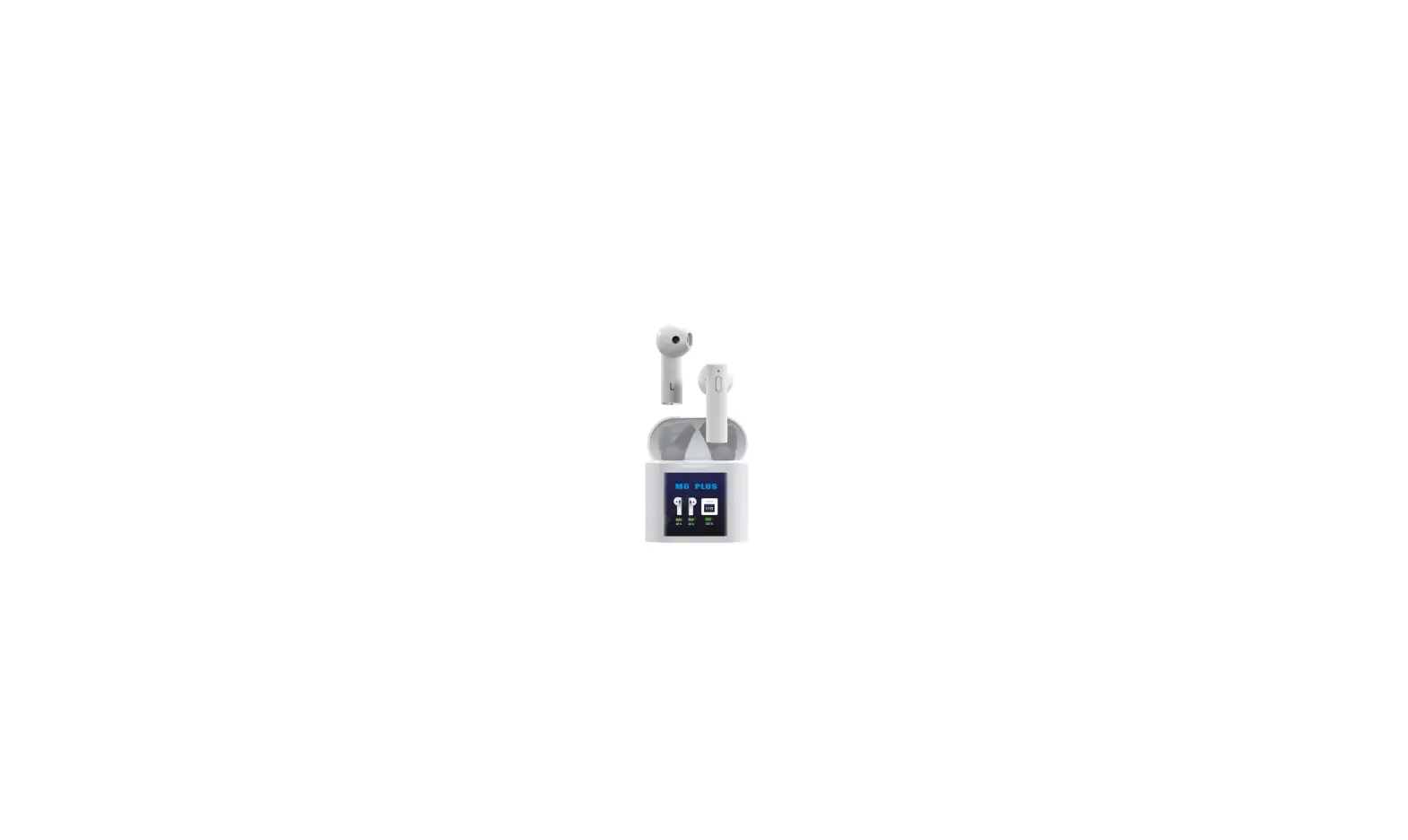
Make sure your wireless headset is equipped with the following items.
 A pair Of L&S Size Eartips Type-c Charging Cable Product Instructions
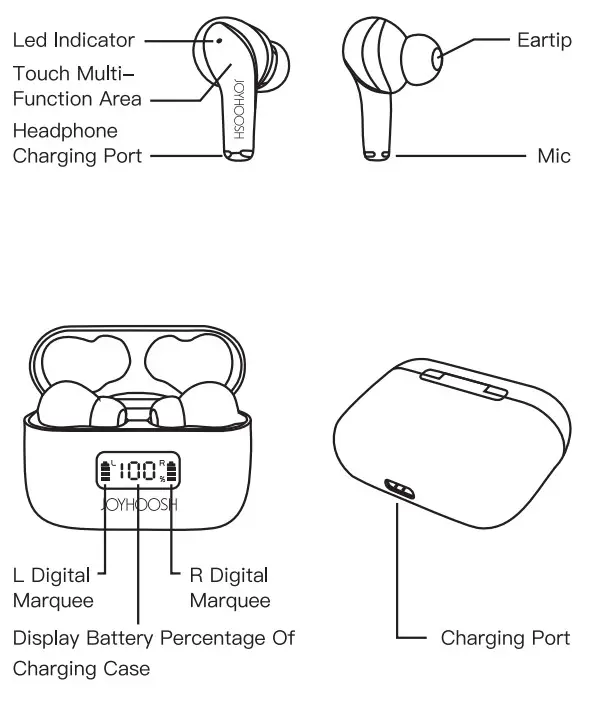
Function Operation
| Status | Features | Operation method/ description | Prompt tone | Flashing way |
| Boot up | Boot up | Remove the headset from the charging box to automatically turn on | alternately | Red and blue lights flash |
| Long press touch | ||||
| Match | Search the pairing name in the phone setting options window for pairing | Red and blue lights flash alternately | ||
| Connection | Click on the pairing name: K6 | LED light off | ||
| Disconnect | Phone settings option window unpairing name | Red and blue lights flash alternately | ||
| Shut- down | Put it back into the charging box, the earphone will be disconnected automatically in the charging state, and the light will be off after fully charged | Charging status, red light is on when fully charged,the light automatically goes out | ||
| Automa ical connect back | The left and right earphones are directly taken out of the charging box, automatically paired and connected back to the paired devices | LED light off | ||
| Low power | The battery voltage is lower than 3.3v, report a low battery prompt every 30 seconds | |||
| Status | Charging | DC 5V/0.5-1A | Red light on | |
| After fully charging | DC 5V/0.5-1A | The light off automatically | ||
| Headphone reset | Put the headset back into the charging box | Red light on | ||
| Charging In the charging compartment | The digital display shows the battery percentage | |||
| Charging comport- moot discharge | Display batten/ icon marquee on the left and right sides of the screen | |||
Function Operation
| Boot up | Long press for 2 seconds | |
| Shutdown | Long press for 5 seconds | |
| Play/pause | One-touch on the left or right earphone | |
| Previous song | Touch the right earphone twice | |
| Next song | Touch the left earphone twice | |
| Volume+ | Touch the right earphone 3 times | |
| Volume- | Touch the left earphone 3 times | |
| Answer/hang up a call | One-touch on the left or right earphone | |
| Reject the call | Long press for 2 seconds | L or R |
| Voice assistant | Long press for 3 seconds | |
| Resume factoring setting | When the device is powered on but before connecting with the smartphone, touch the earbuds 5 times and the red LED indicator flashes 3 times, then turn it off to complete the factory setting. | |
Shape And Size
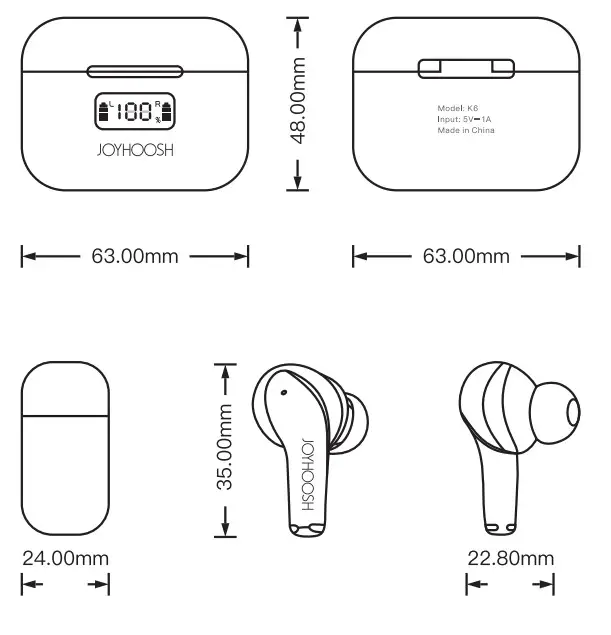
Special Note
Please choose the most suitable and comfortable eartips for the best auditory experience.
This device complies with Part 15 of the FCC Rules. Operation is subject to the following two conditions: (1) this device may not cause harmful interference, and (2) this device must accept any interference received, including interference that may cause undesired operation
NOTE: This equipment has been tested and found to comply with the limits for a Class B digital device, pursuant to Part 15 of the FCC Rules. These limits are designed to provide reasonable protection against harmful interference in a residential installation. This equipment generates, uses and can radiate radio frequency energy and, if not installed and used in accordance with the instructions, may cause harmful interference to radio communications. However, there is no guarantee that interference will not occur in a particular installation. If this equipment does cause harmful interference to radio or television reception, which can be determined by turning the equipment off and on, the user is encouraged to try to correct the interference by one or more of the following measures: — Reorient or relocate the receiving antenna. — Increase the separation between the equipment and receiver. — Connect the equipment into an outlet on a circuit different from that to which the receiver is connected. — Consult the dealer or an experienced radio/TV technician for help.
Warning: changes or modifications not expressly approved by the party responsible for compliance could void the user’s authority to operate the equipment
 [email protected]
Scan the QR Code below for 1 Year Guarantee.
[email protected]/1Year/Guarantee/from/Joyhoos/hDearCustomer,Thank.youfor.choosing our.products,senduse-mailnowtoapply 1 year guarantee.
Thankyou.