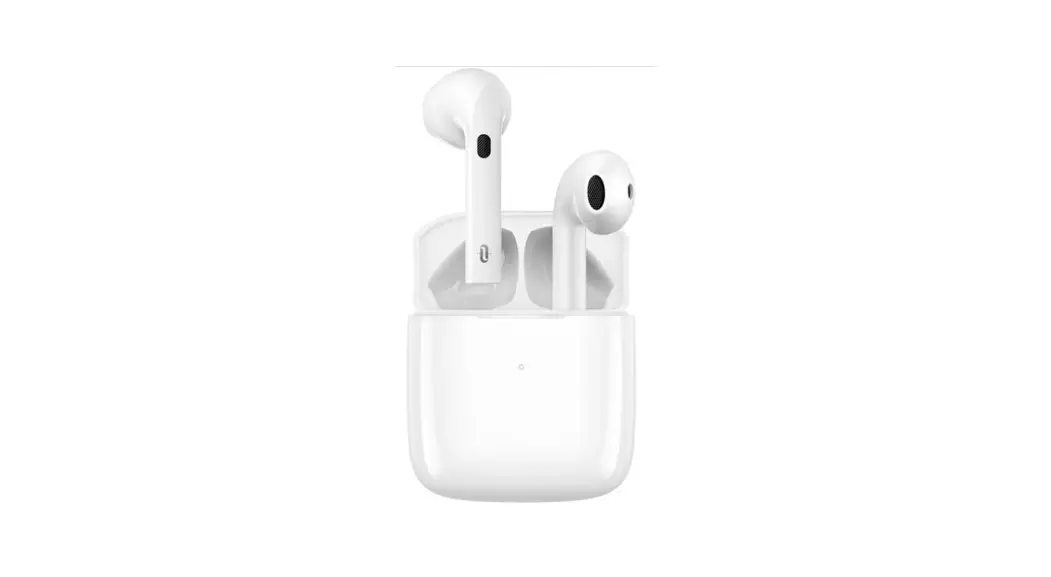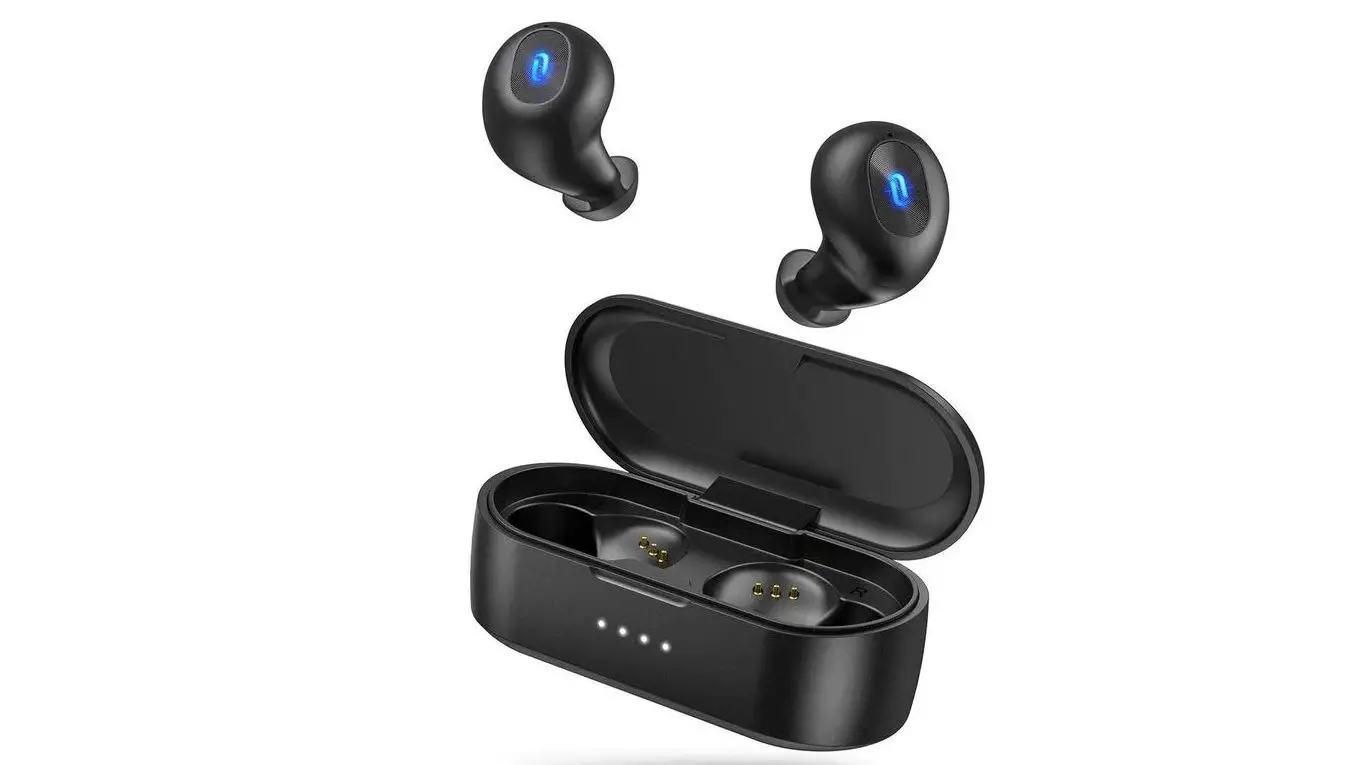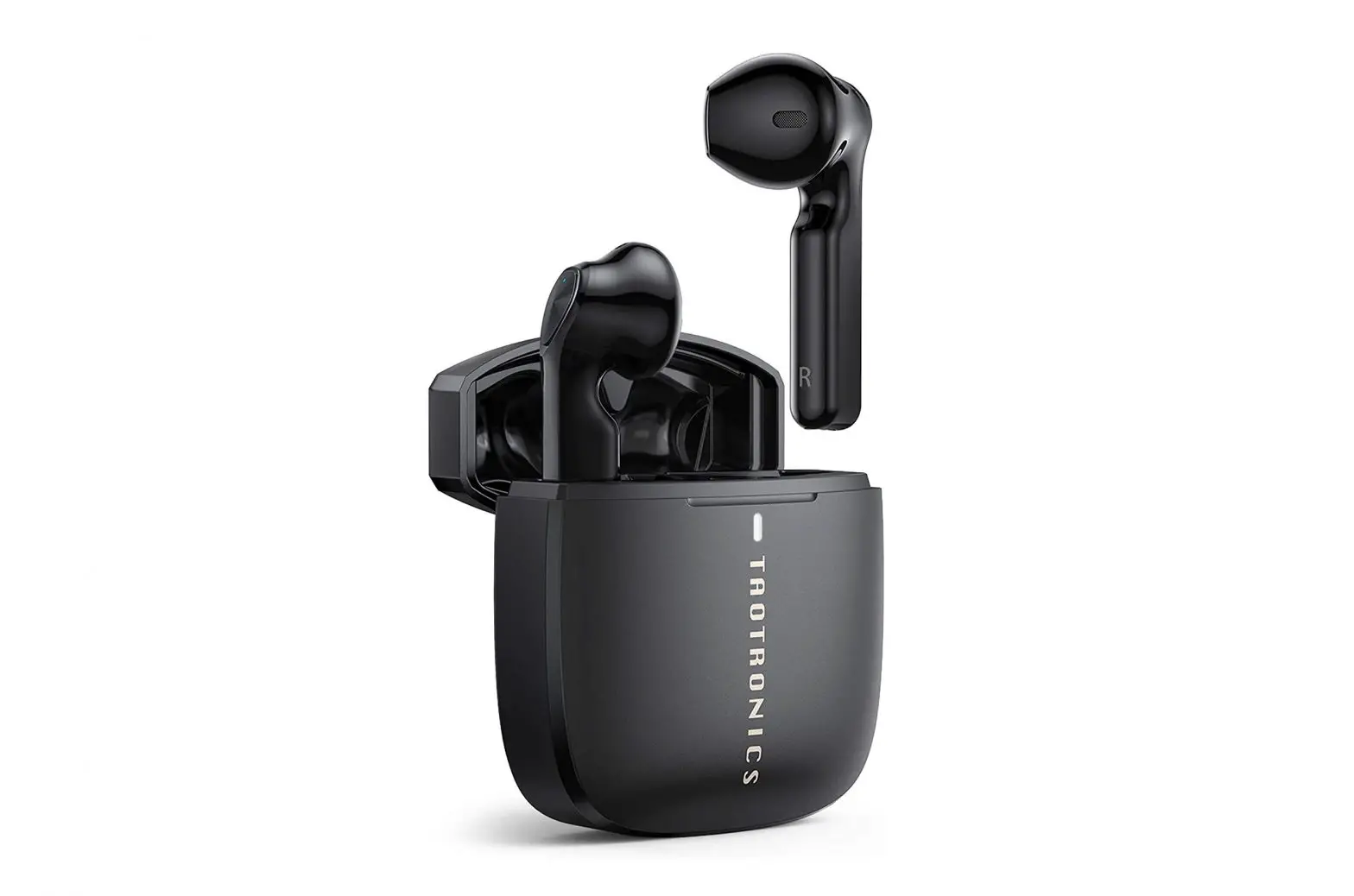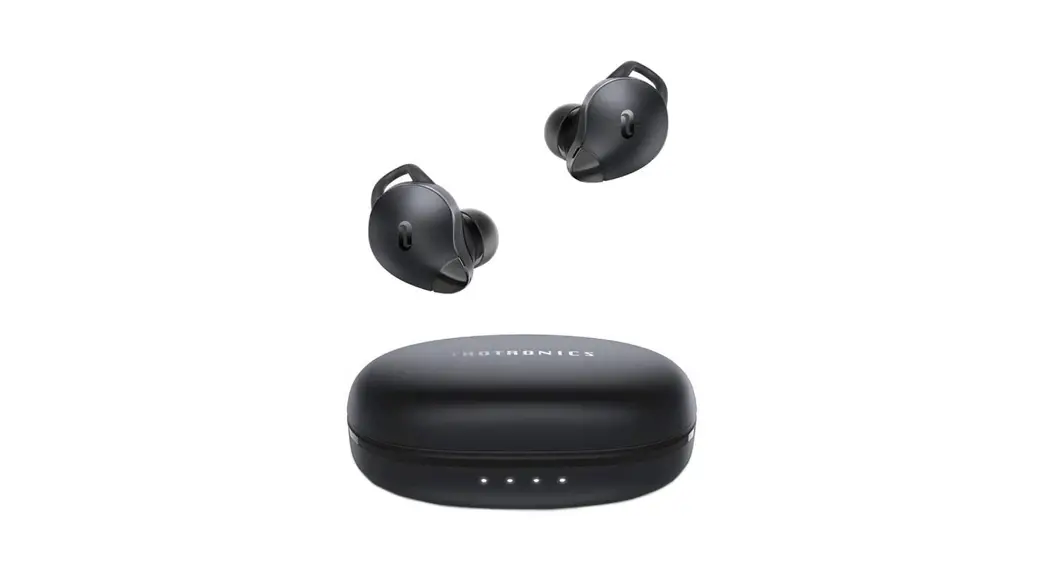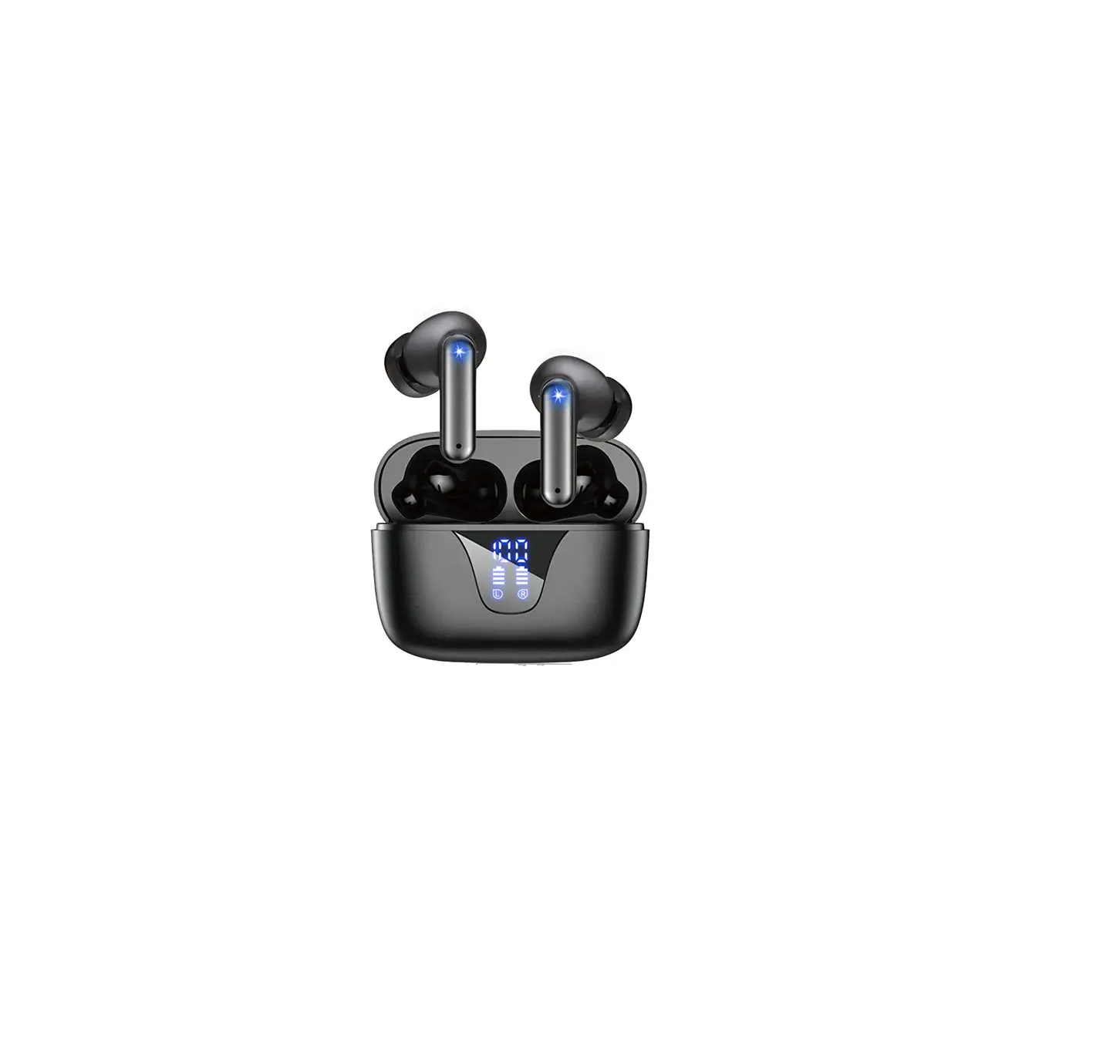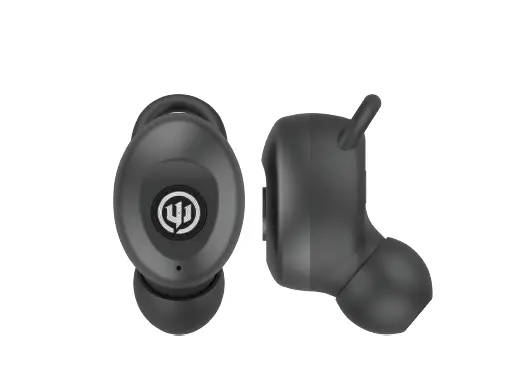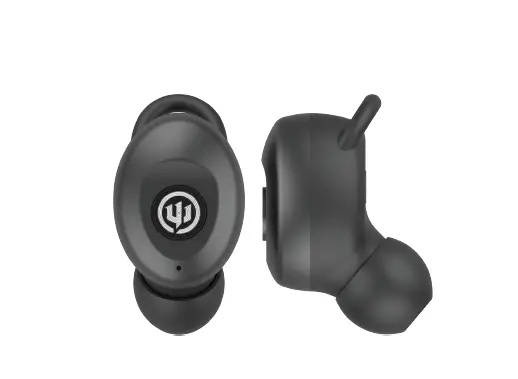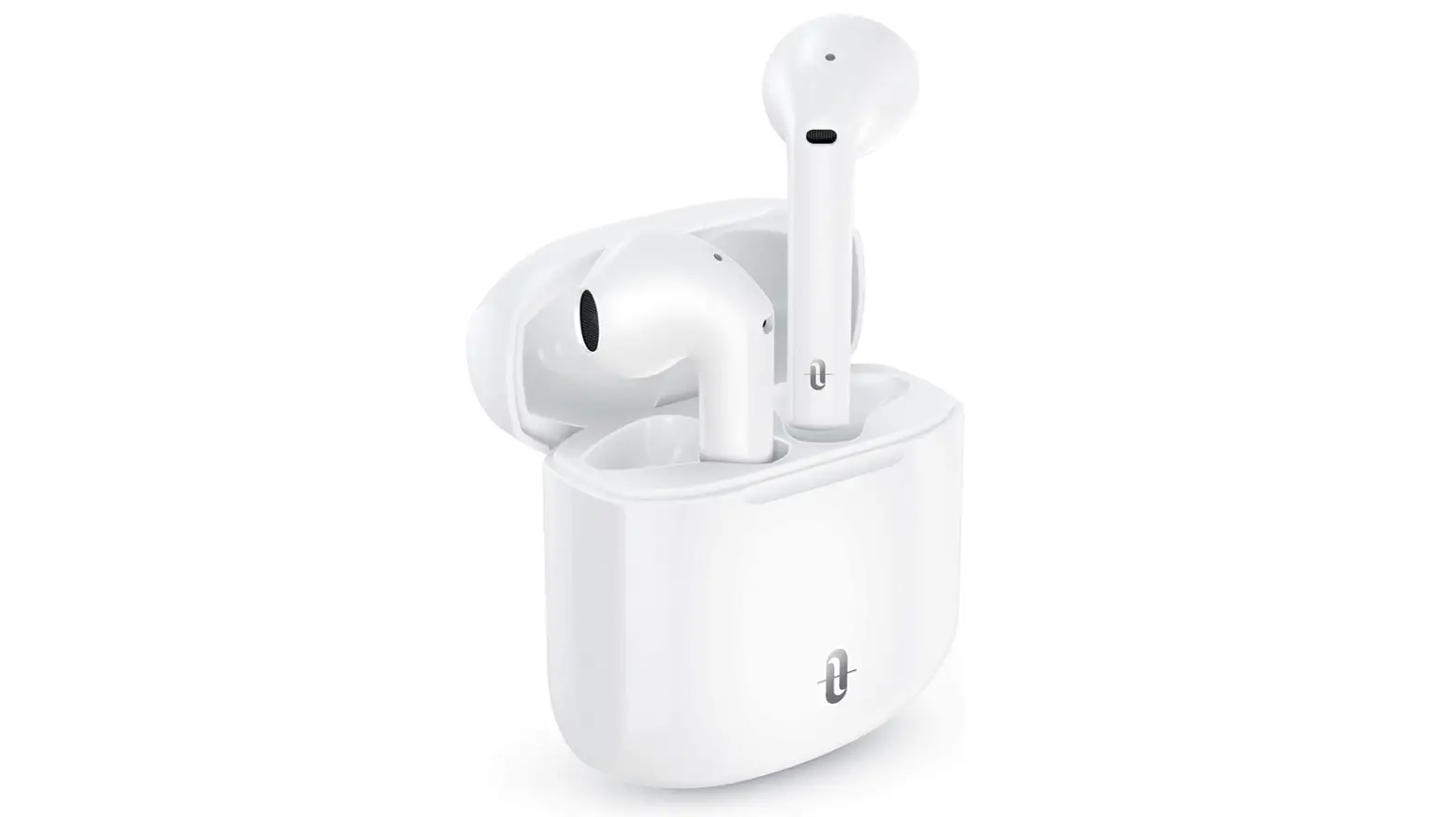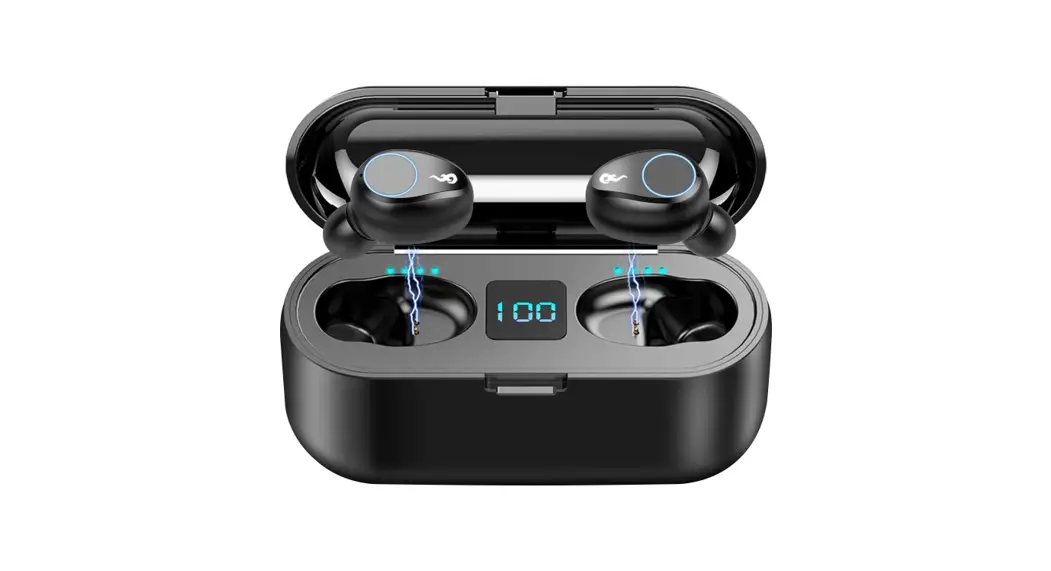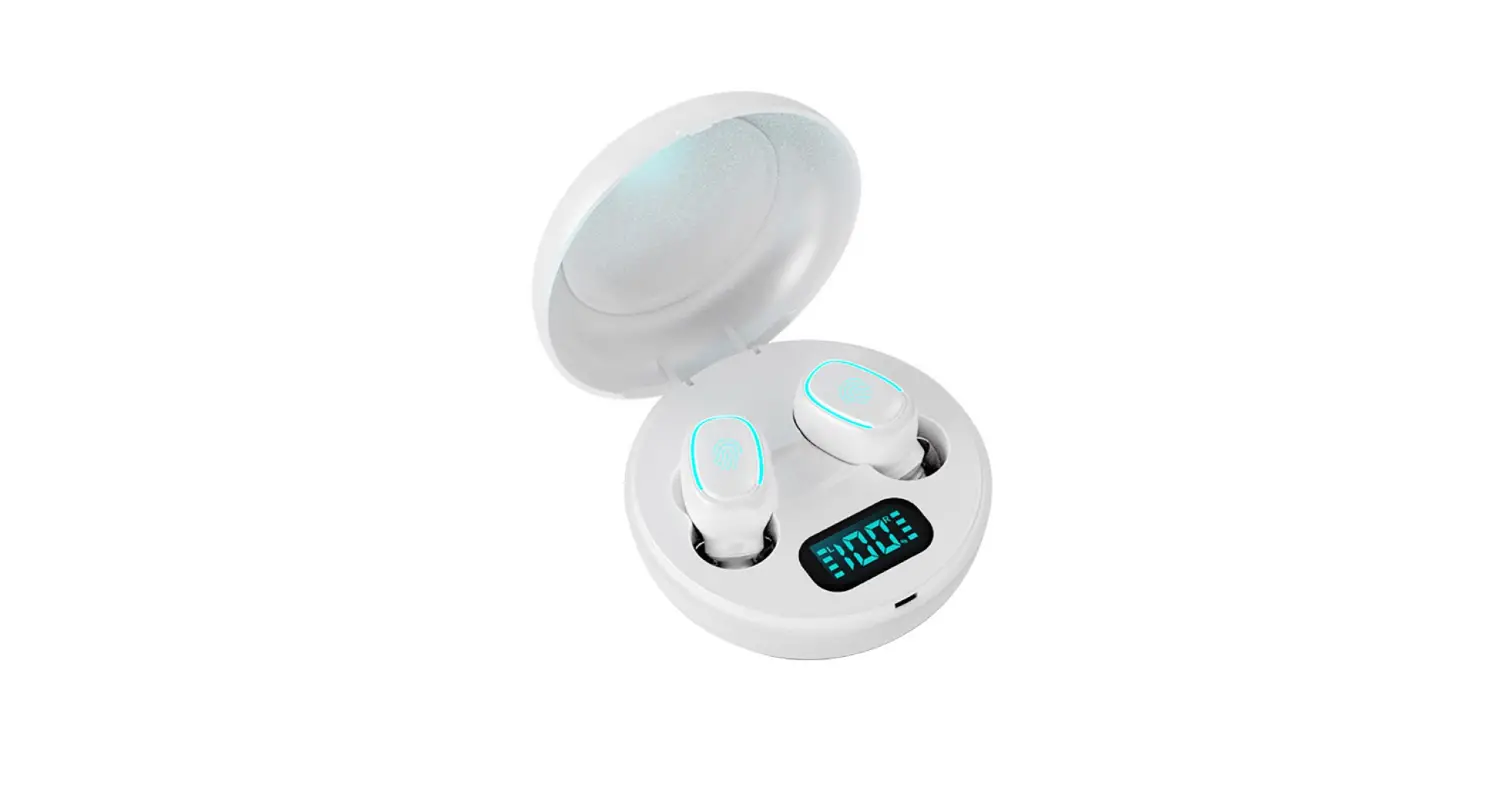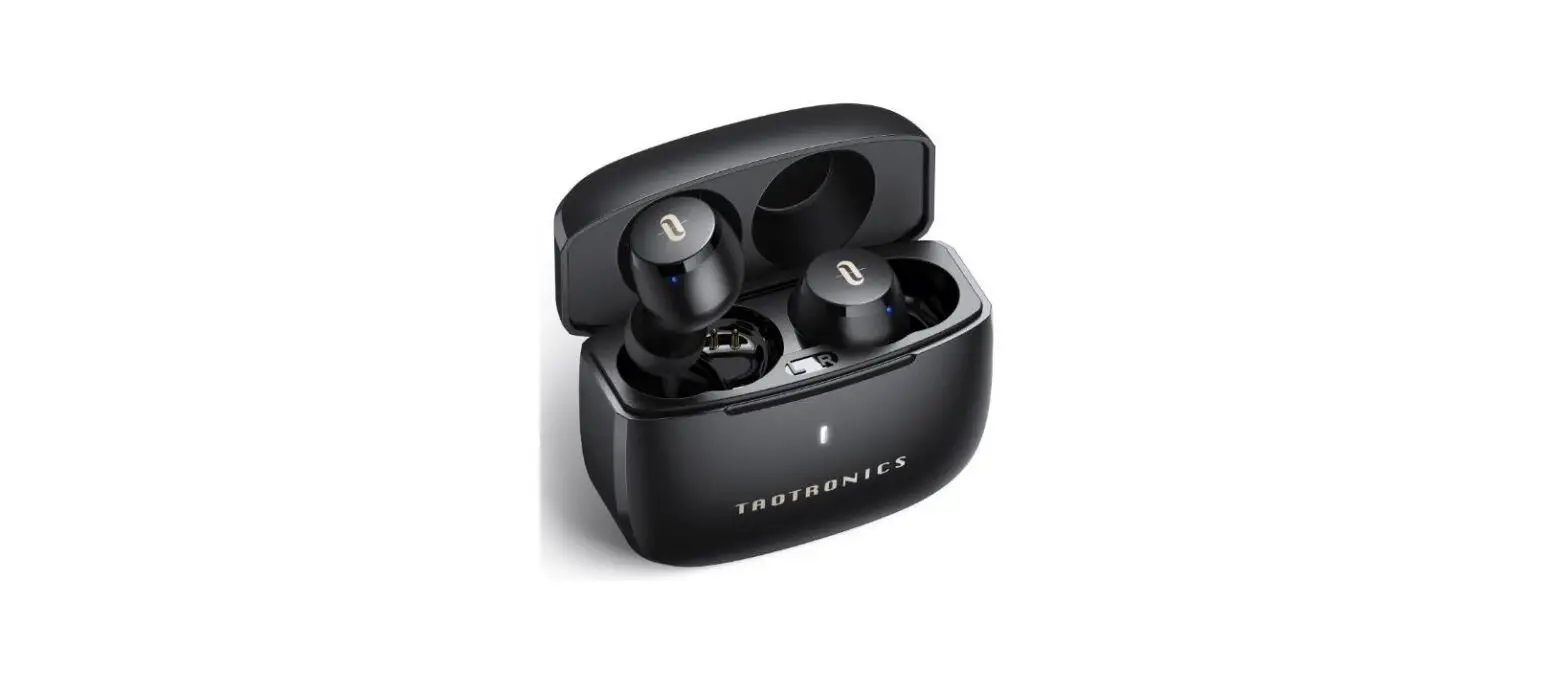

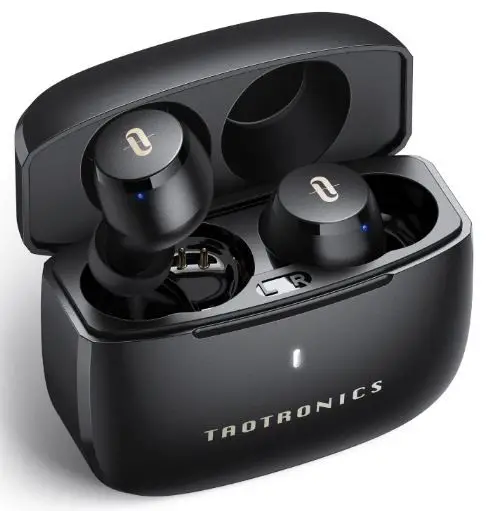
TAOTRONICS SoundLiberty A15 Wireless Earbuds
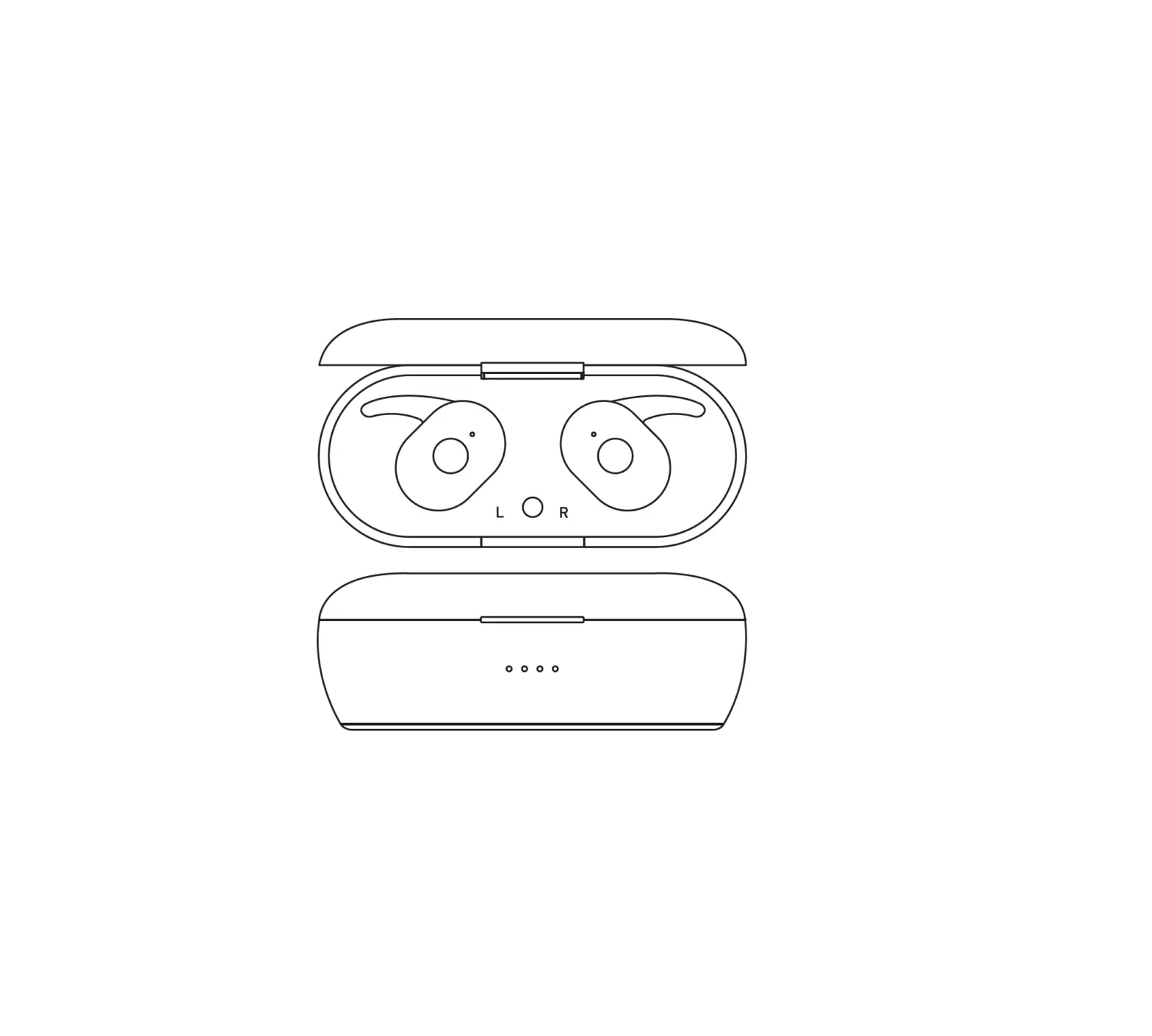
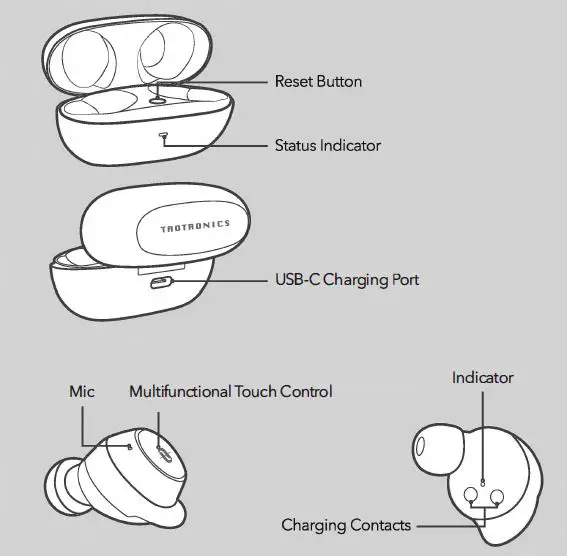
YOUR EARBUDS
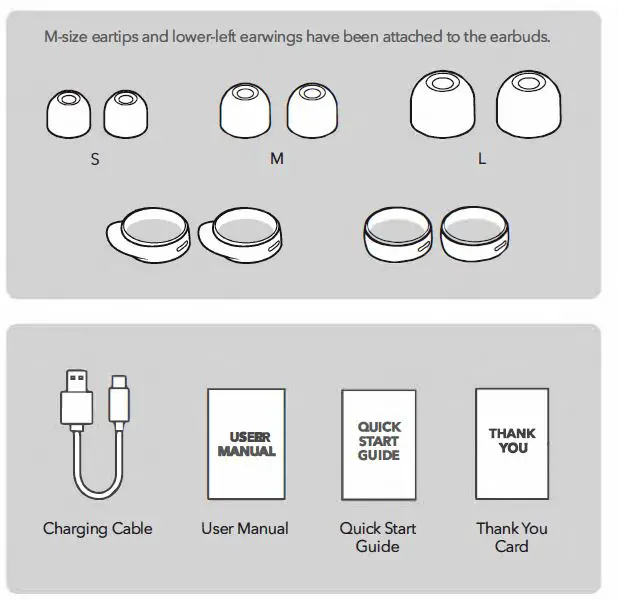
Accessories
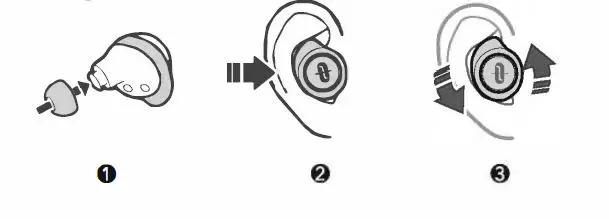
SETTING UP YOUR EARBUDS
Wearing
Charging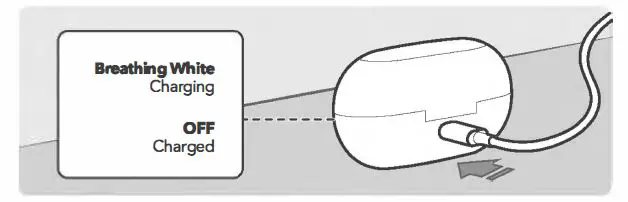
We highly recommend that you fully charge the earbuds before using them for the first time.
- Place the earbuds into the charging case.
- Close the case and connect to any USB charging port with the included cable.
Power ON/ OFF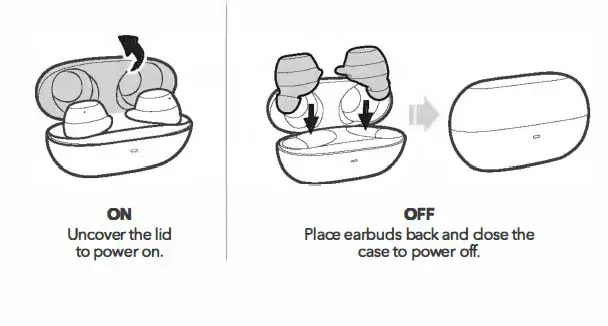
Bluetooth Caution
- Place the two devices to be connected close to each other and tum off \31 other Bluetooth devices.
- The maximum effective Bluetooth range may vary with the environmental circumstances. Obstacles (walls, fences, etc.) between the two devices may shorten the effective range.
Bluetooth Pairing – Binaural Mode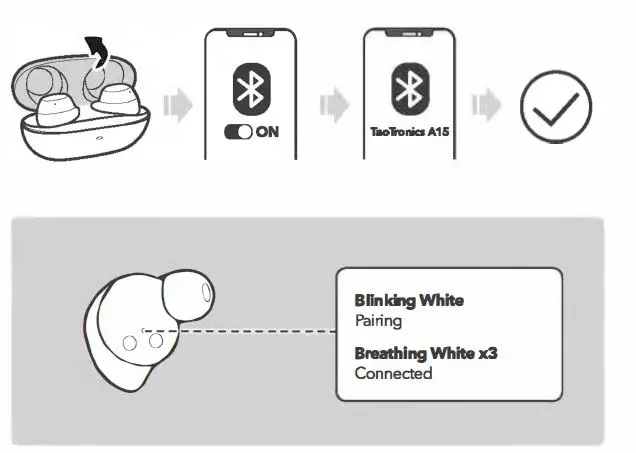
- Uncover the lid 10 tum on the earbuds, they will connect with each other au10matically.
- Turn on the Bluetooth function on your device and search for nearby devices.
- Find “TaoTronicsA15” in the search results, tap to connect.
- Each time you power on your earbuds, they will automatically connect to your last successfully connected device if it is available within the Bluetooth range.
- When earbuds are disconnected from your device for more than 10 minutes, they will turn off automatically.
Bluetooth Pairing – Mono Mode
- When Bluetooth connection, you can use either one of the earbuds as per your preference.
- Take out one earbud, and make sure the other one is placed in the case with the lid covered.
- If you want to change to binaural mode, simply take out the other
- I earbud from the charging case, they will pair with each other automatically.
- When failing to automatically pair with a Bluetooth device, you can manually pair as instructed below without clearing the pairing history.
- Place both earbuds back in the charging case with the lid uncovered.
- Press and hold the Reset Button for 3 seconds.
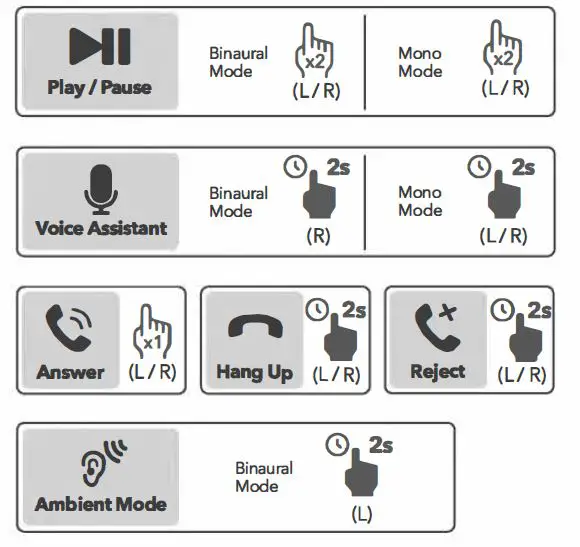
Controls and Functions

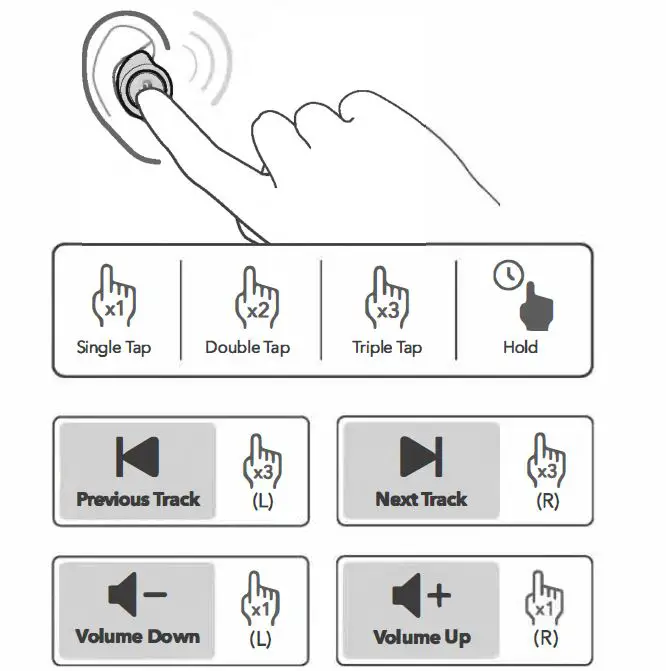
Resetting Your Earbuds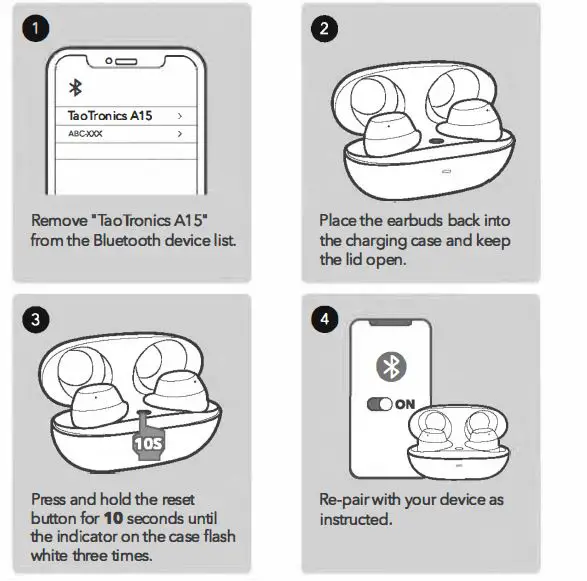
Reset the earbuds if they cannot connect with your device properly .
- Remove “TaoTronicsA15” from the Bluetooth device list.
- Place the earbuds back into the charging case and keep the lid open .
- Press and hold the reset button for 10 seconds until the indicator on the case flashes white three times.
- Re-pair with your device as instructed.
To pair with another Bluetooth device, deactivate the Bluetooth function on the paired device or remove ”TaoTronics A 15″ from its Bluetooth list.
CLEANING AND MAINTENANCE
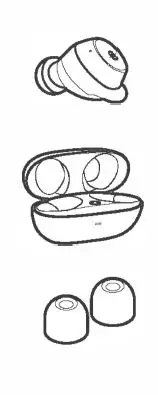
- Wipe only with a dry, soft cotton swab or equivalent. Never insert anything into the nozzle .
- Wipe only with a dry, soft cotton swab or equivalent
- Remove the ear tips and rinse with a mild detergent and water.
- Thoroughly dry before reattaching them to your earbuds.
- Clean the earbuds and the charging case regularly.
- Keep away from sharp objects to avoid scratches.
- Place in a dry and shady place if they are not in use for a long time.
- DO NOT clean with detergent or chemicals.
TROUBLESHOOTING GUIDE
Cannot find the earbuds In the Bluetooth list
- Deactivate the Bluetooth function of the previously paired device or remove the earbuds from the Bluetooth list and connect again.
- Place the device to be connected close to the earbuds.
Cannot connect with your device
- Place the earbuds and your device close to each other.
- Move both devices away from other Bluetooth devices, microwaves, wireless routers, and other electronics.
- Make sure the Bluetooth function is activated before pairing.
- Remove the earbuds from the Bluetooth list and connect again.
- Reset the earbuds and pair them again (see “Resetting Your Earbuds”).
Intermittent Bluetooth connection
- Move the device closer to the earbuds.
- Remove the earbuds from the Bluetooth list and connect again.
- Tum off other Bluetooth devices to decrease the interference.
Cannot use a single earbud
- Make sure both earbuds are paired with your device first.
- Then follow the steps to pair the single (left or right) earbud ith your device.
No sound from one earbud
- Make sure the earbuds are within range of each other.
- Place both earbuds back to the charging case and then take them out.
Poor sound quality
- Clear any debris from the earbud nozzles.
- Place both devices close to each other or remove the obstacles between them.
- Try with a different audio source.
Microphone does not receive sound
- Check that the microphone is not blocked or covered.
- Make sure the microphone is not muted on your phone.
- Remove the earbuds from the Bluetooth list and connect again.
Cannot hear own voice while on a phone call:
- Check that the microphone is not blocked or covered.
Cannot hear caller while on a phone call
- Set the volume to a higher level.
Earbuds do not turn on
- Battery low. Place both earbuds back into the charging case to charge.
- Failed to charge the Earbuds:
- Place both earbuds in the charging case properly until they magnetically snap into place.
- Make sure the charging case iS fully charged.
Earbuds do not respond to touch control
- Makue sure you are touching the correct touch control area.
- Make sure you put on the earbuds properly.
- Make sure your fingers are dry.
- Reset the earbuds and pair again (see “Resetting Your Earbuds”).
IMPORTANT SAFETY INSTRUCTIONS
Please read the Instructions thoroughly before using this product and retain it for future reference.
HEARING SAFETY
- DO NOT wear earbuds with high volume for a long time to avoid damaging your hearing.
- Set the earbuds to low volume before you put them on, then increase the volume gradually as per your preference.
- DO NOT set volume too high to stay aware of your surroundings.
- Please refer to local laws and regulations if you want to answer phone calls via this device during driving.
- For your safety, avoid distraction from music or phone call you are driving or doing other activities with potential dan
CAUTION
- DO NOT expose this product to high temperatures.
- DO NOT immerse the earbuds into water or expose them humidity for a long time.
- DO NOT clean the product with detergent containing alcohol, ammonia, benzene or abrasives.
- Avoid dropping.
- Place the earbuds back into the charging case when not in use and keep it away from children and pets to avoid choking hazard.
- Unauthorized disassembly of any parts of this product is forbidden, which may cause fire hazard, warranty voidance, and/or property loss.
- DO NOT use the product in thunderstorm to avoid malfunction or electric shock.
- Always ask a professional technician or authorized personnel for repair.
WARRANTY AND SERVICE
This product is covered with Tao T roincs product and labor warranty for 12 months from the date of its original purchase. The warranty will not apply in cases of:
- Accident, misuse, or repairs performed by unauthorized personnel.
- Any unit that has been tampered with or used for commercial purpose.
- Normal wear and tear of wearable parts.
- Use of force, damage caused by external influences.
- Damage caused by non-observance of the User Manual, e.g. connection to an unsuitable mains supply or non-compliance with the instructions.
- Partially or completely dismantled appliances.
- Defects caused by or resulting from damages from shipping or from
- repairs, service, or alteration to the product or any of its parts that have been performed by a repair person not authorized by TaoTroincs.
- We can only provide after sales service for products that are sold by TaoTroincs or TaoTroincs authorized retailers and distributors.
- If you have purchased your unit from a different place, please contact your seller for return and warranty issues.
Please have your invoice and order ID ready before contacting Customer Support.