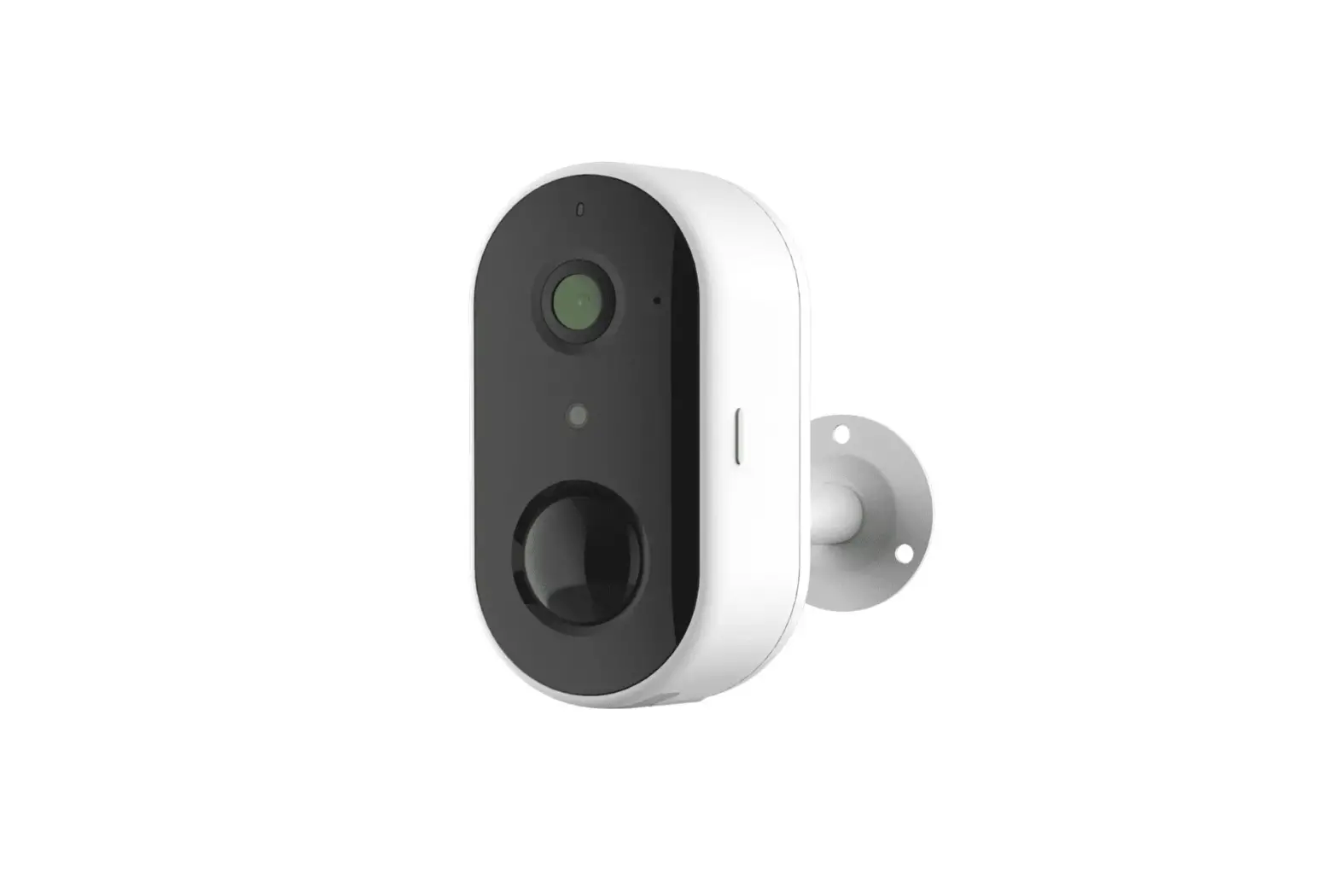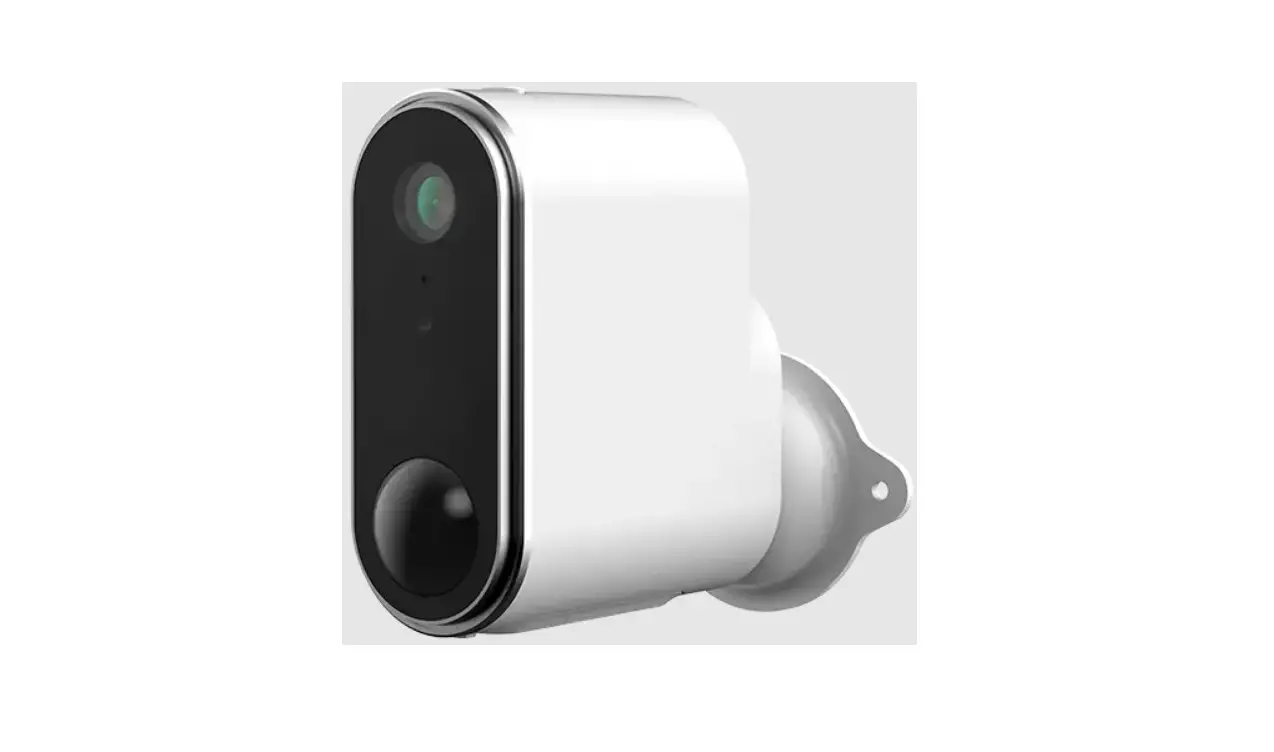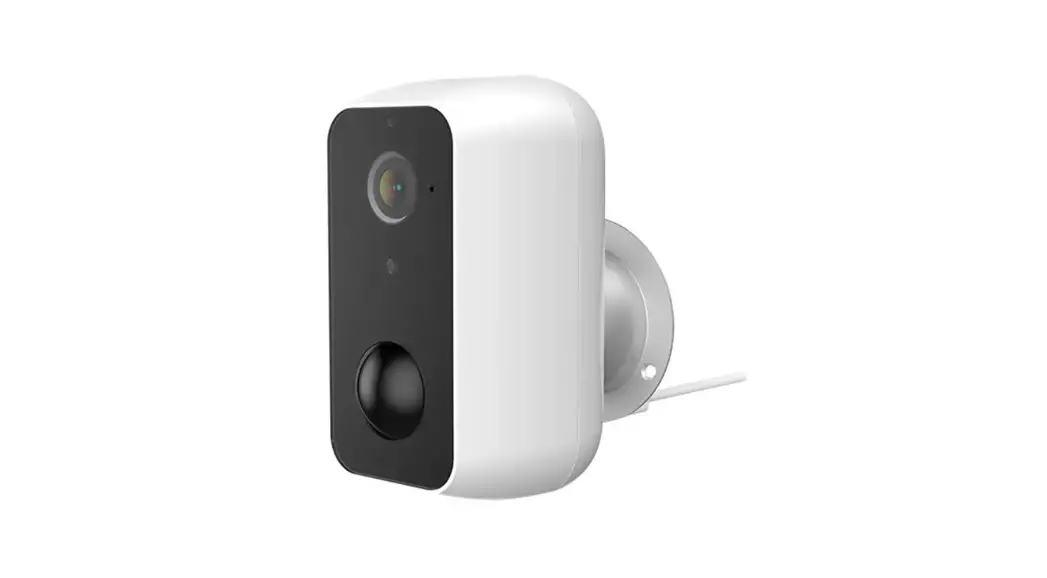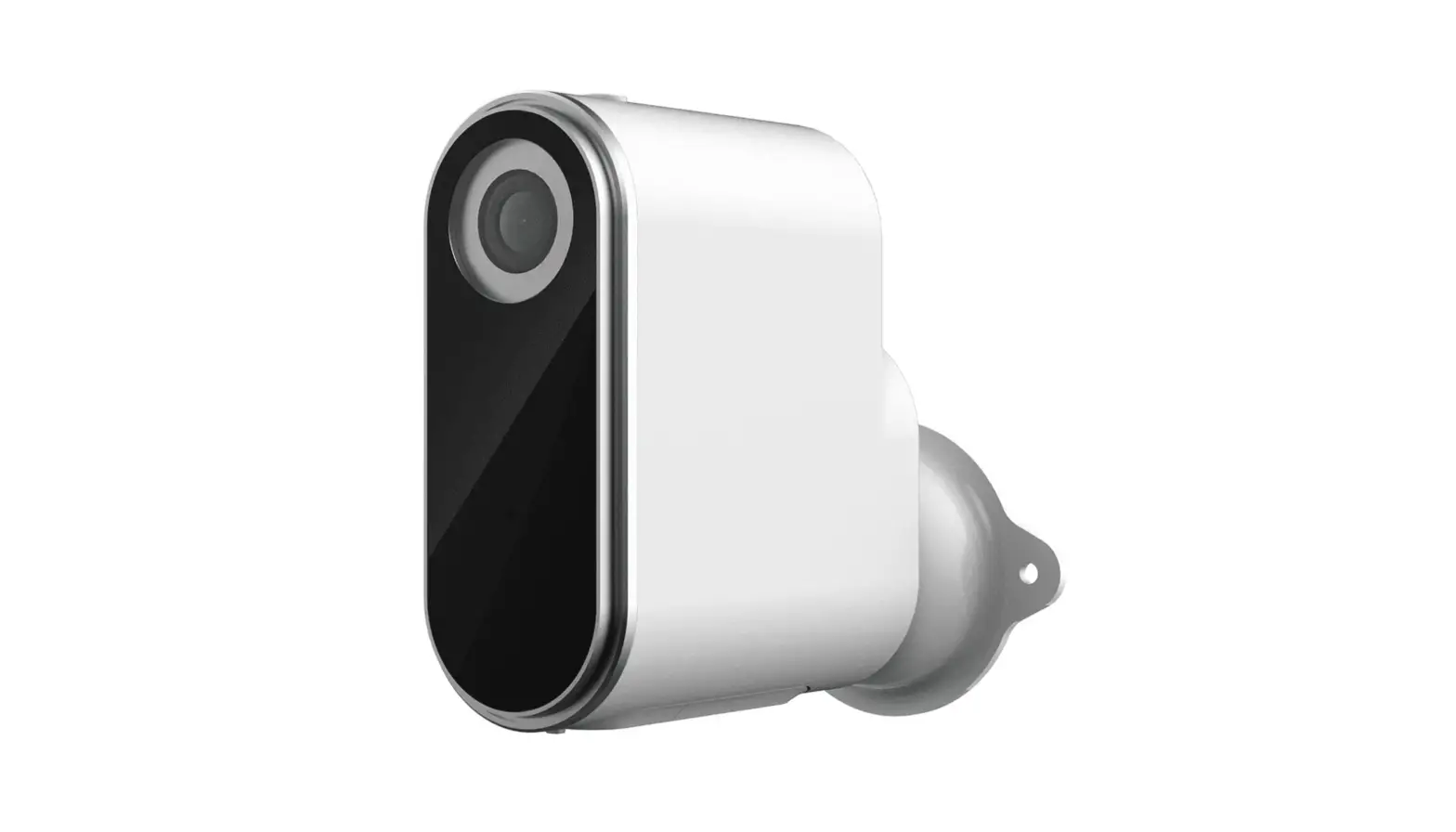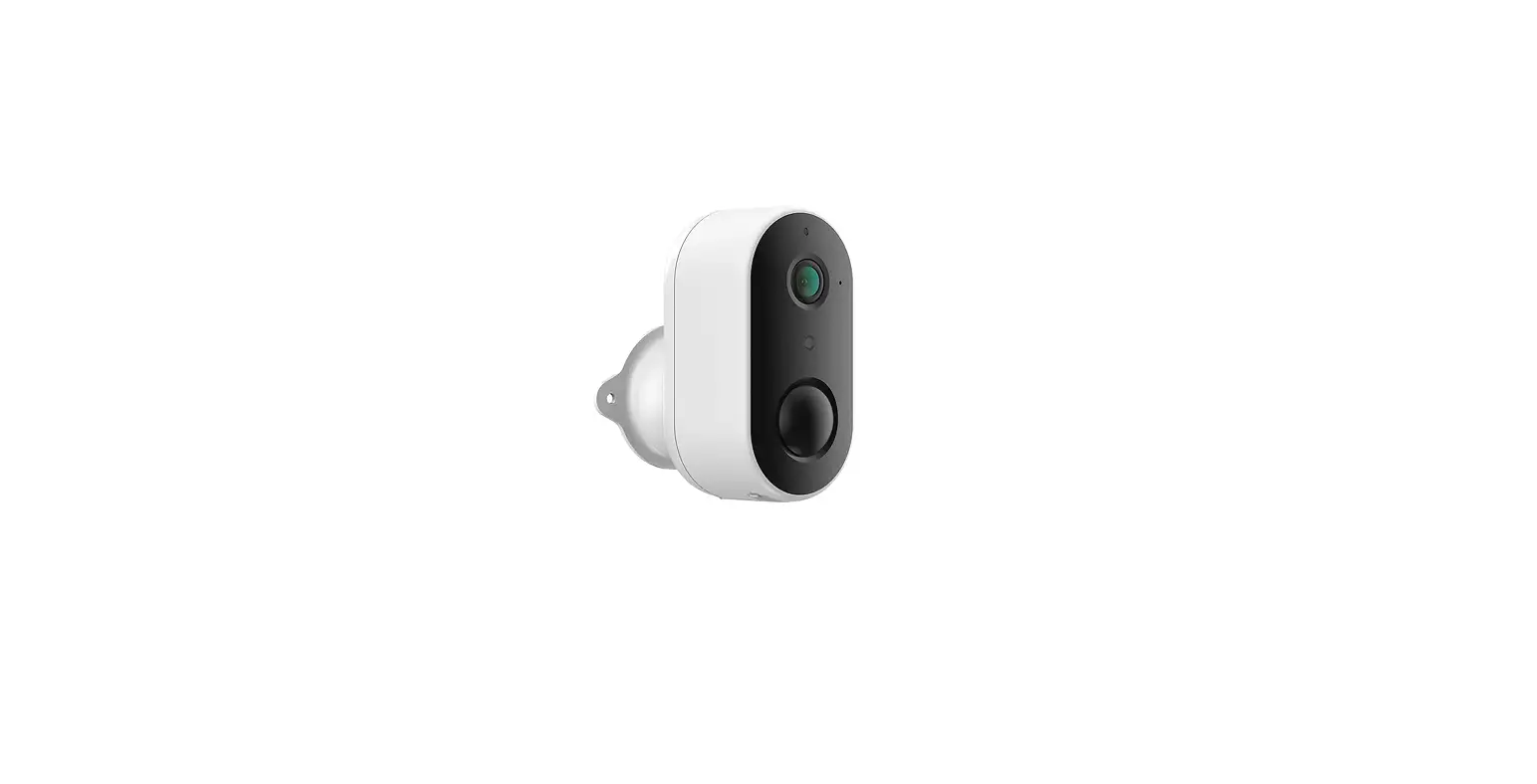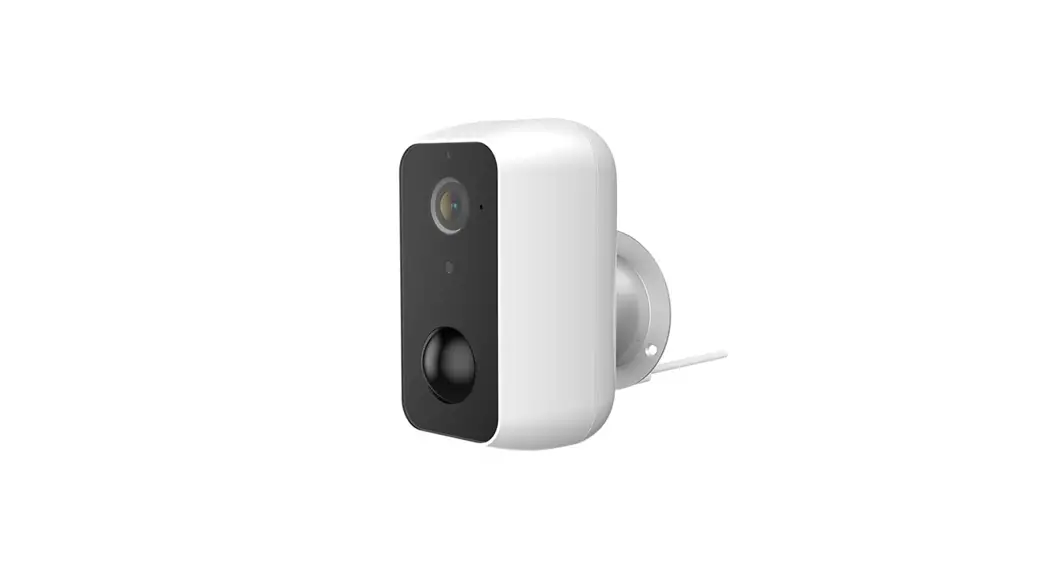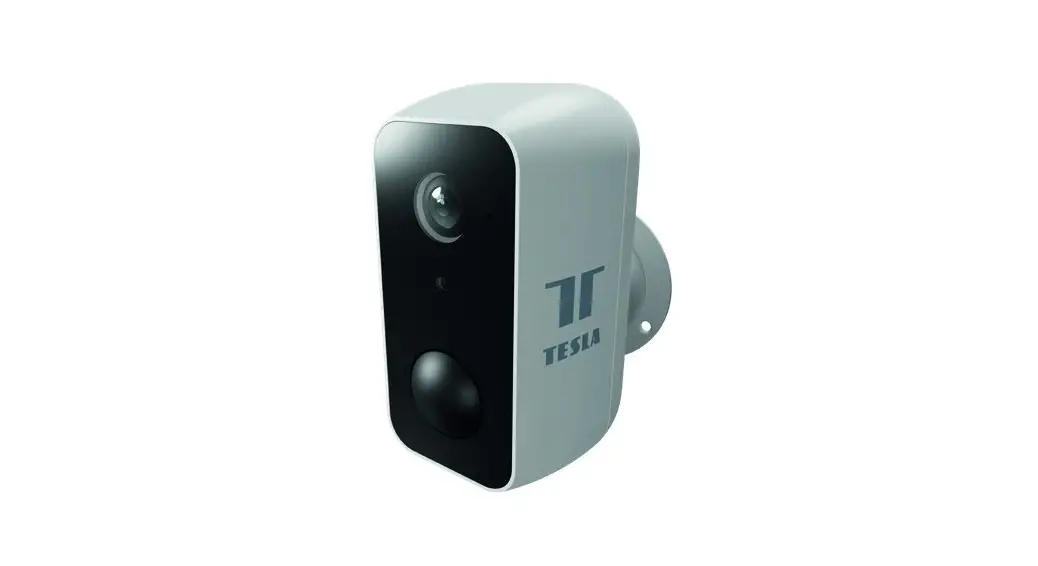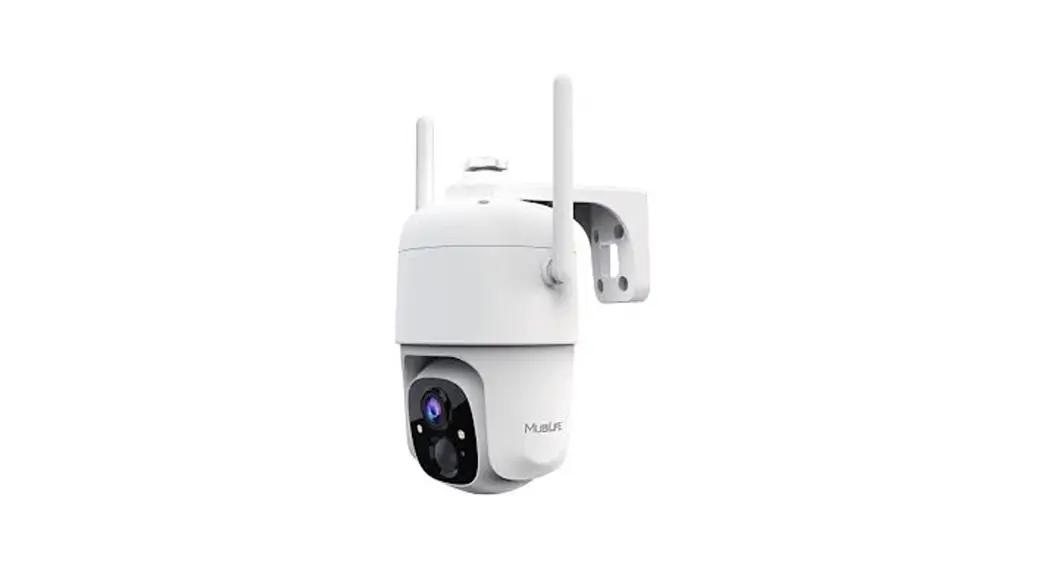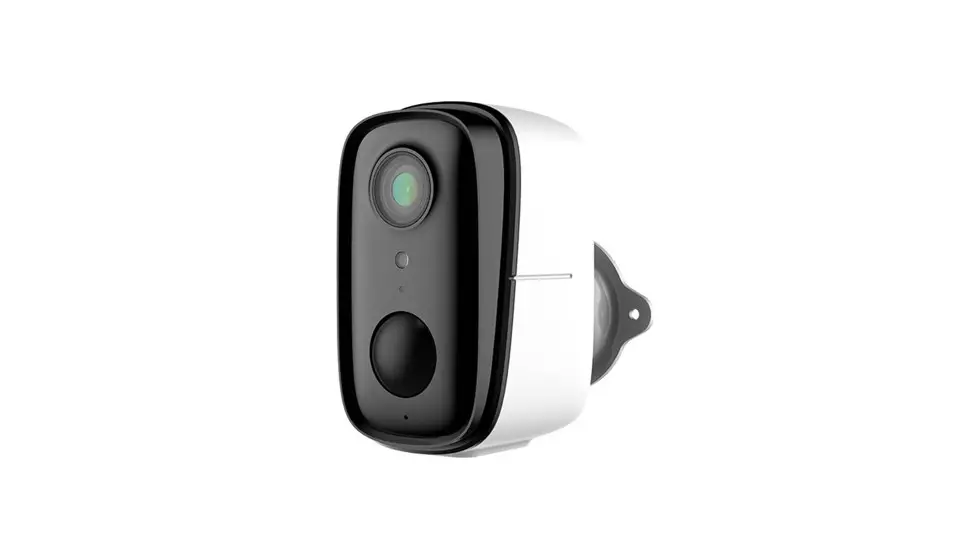
MEARI SNAP8S Battery Camera User Manual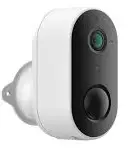
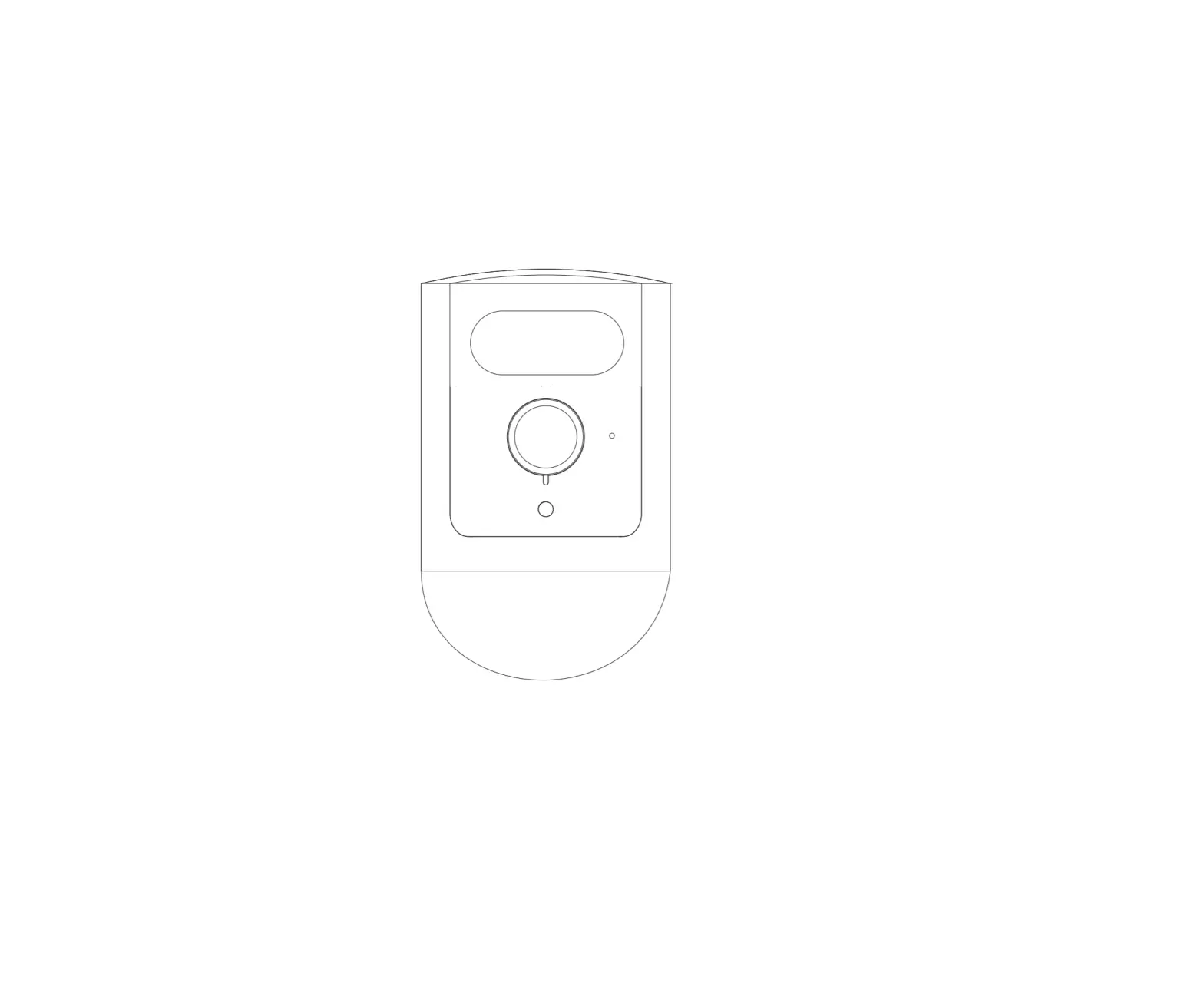
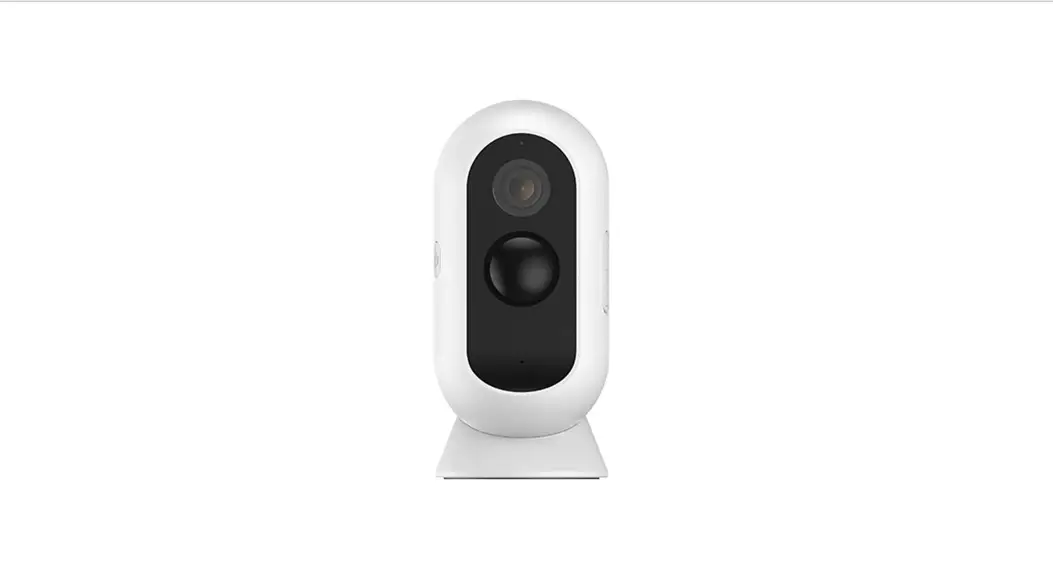
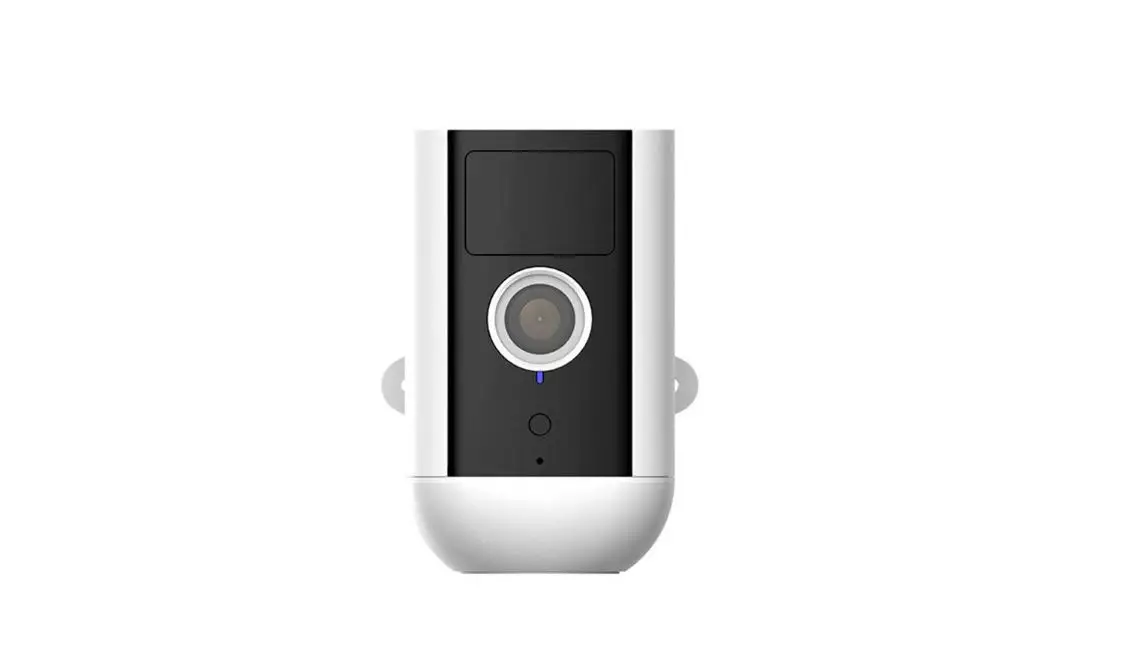
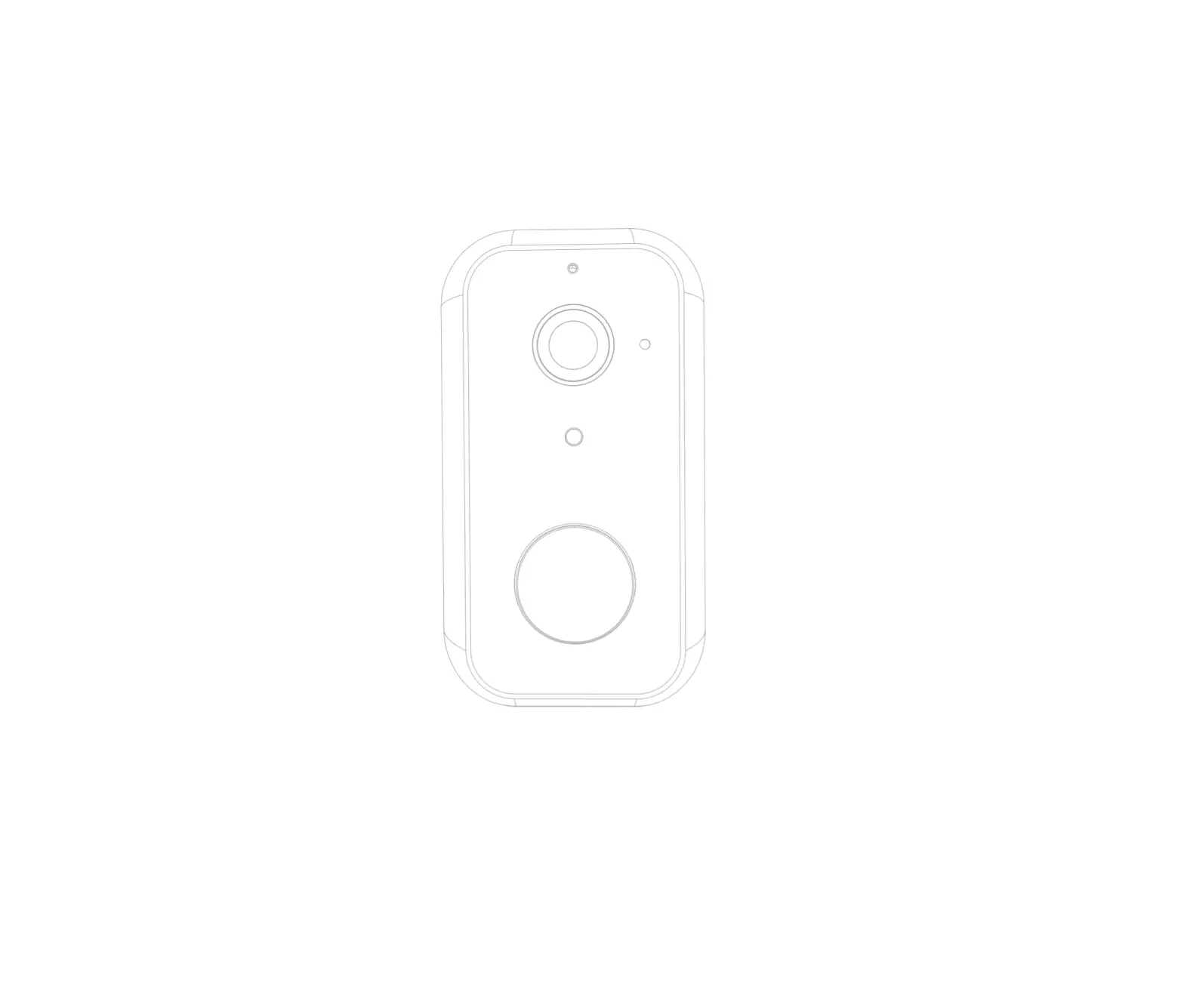
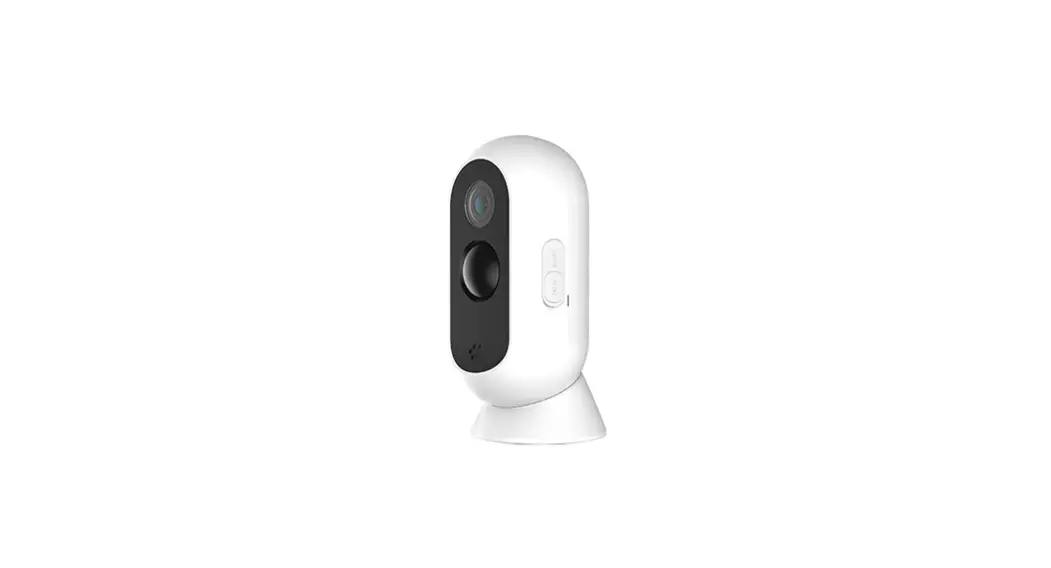
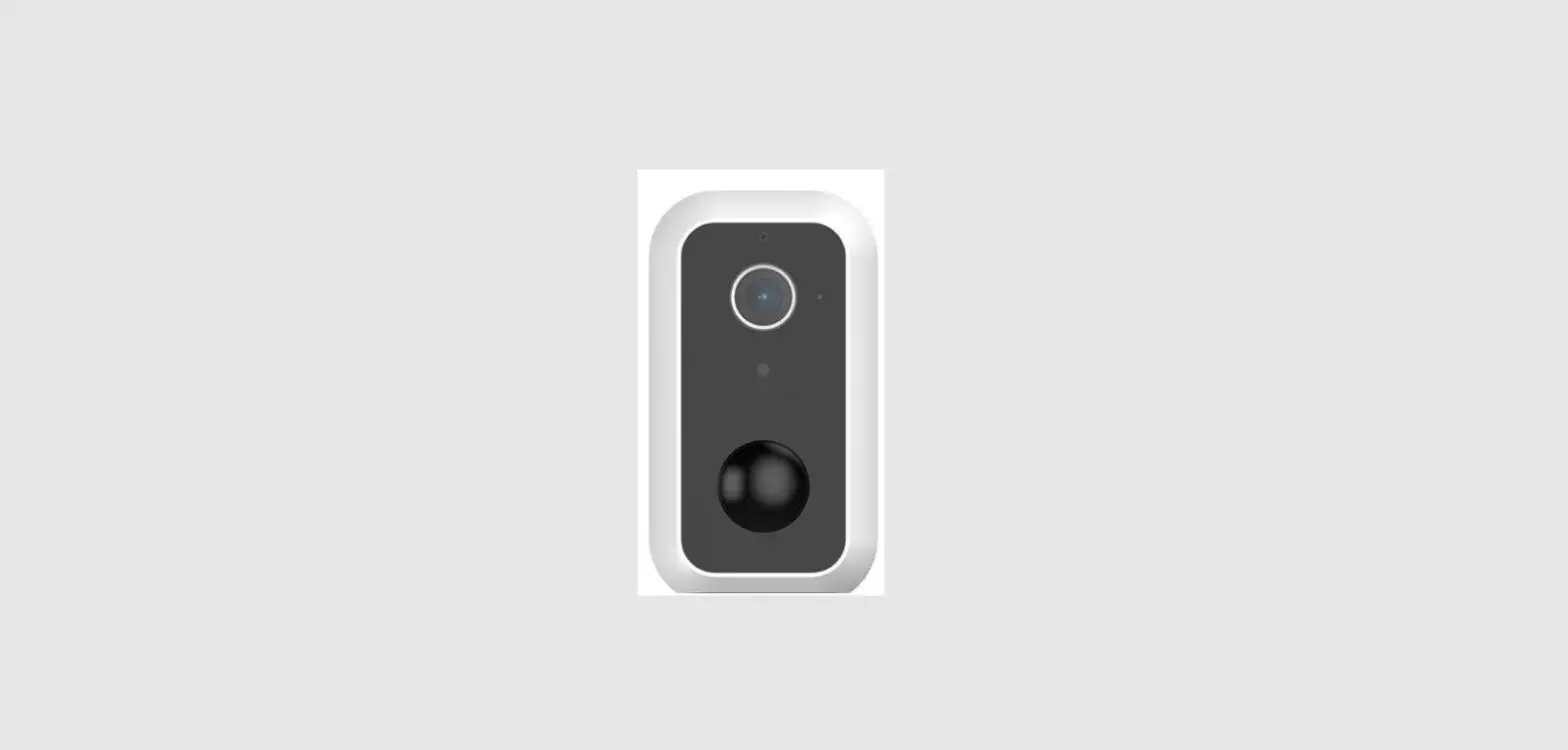
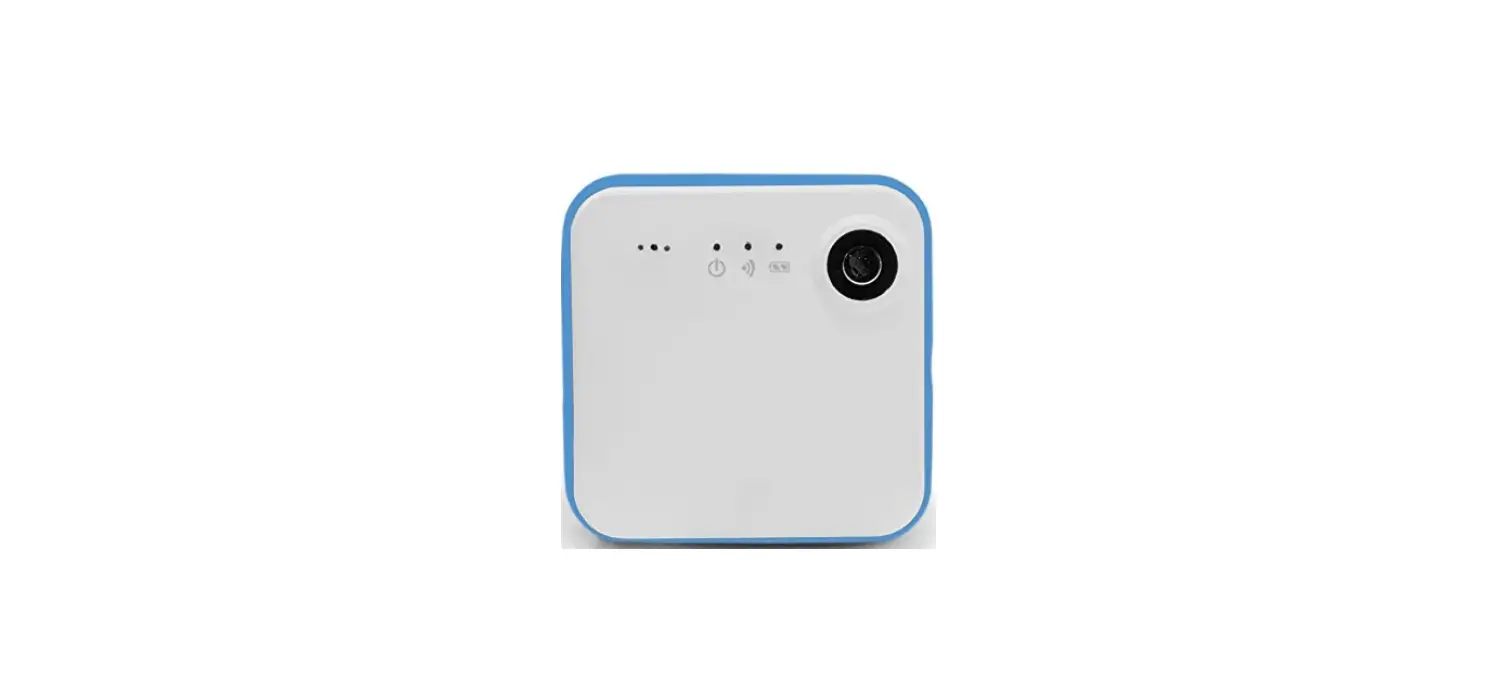
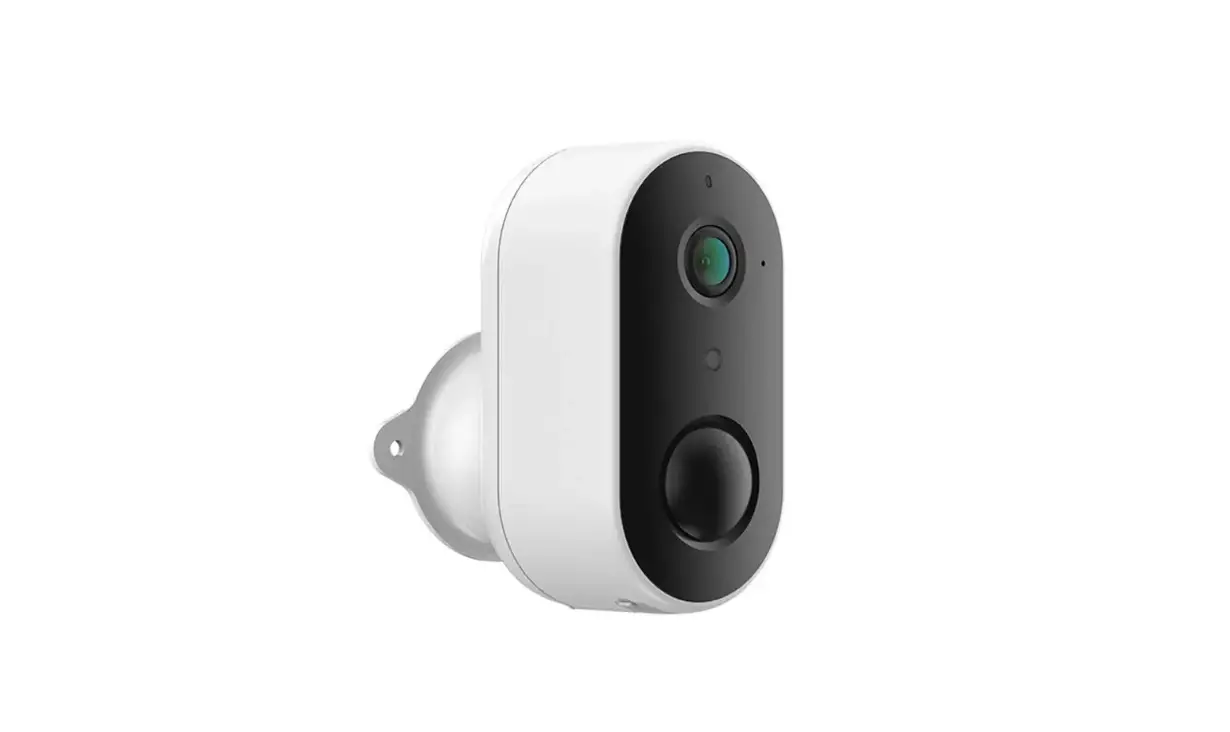
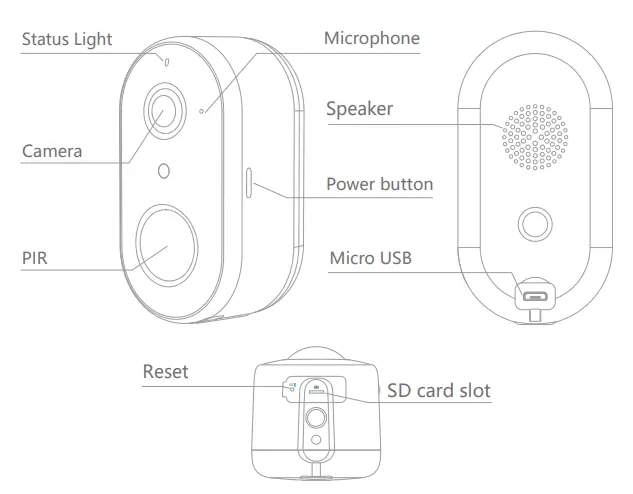
Product Overview
Specification
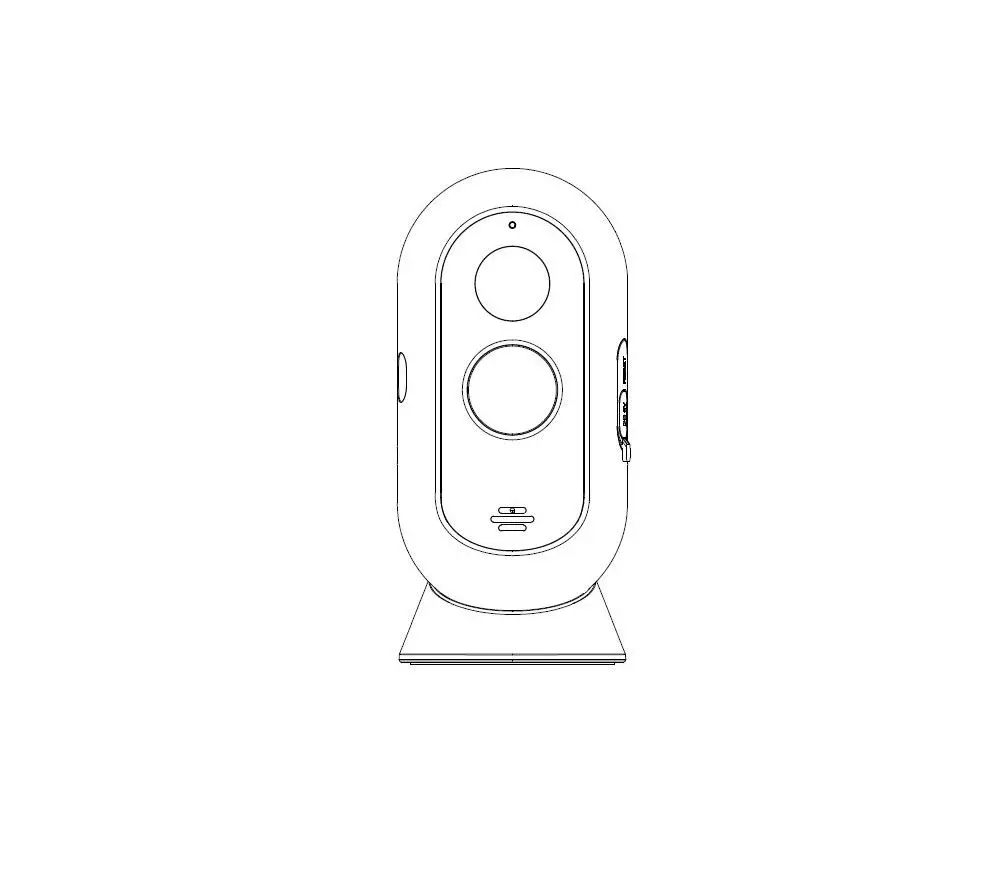
- Power Port: DC 5V±10%
- Power on/off: Press the button for 3 seconds to turn on/off the camera
- Status light:
- Red light solids on: the camera network is abnormal
- Red light blinks: awaiting WiFi connection, or currently\ connecting (faster blinking)
- Blue light solids on: camera running correctly
- SD card slot: Support local SD Card storage (Max.128G)
- Reset: Press and hold on for 5 seconds to reset the camera
- Charging: Red indicator solids on: battery is charging
- indicator: Blue indicator solids on: charging completed
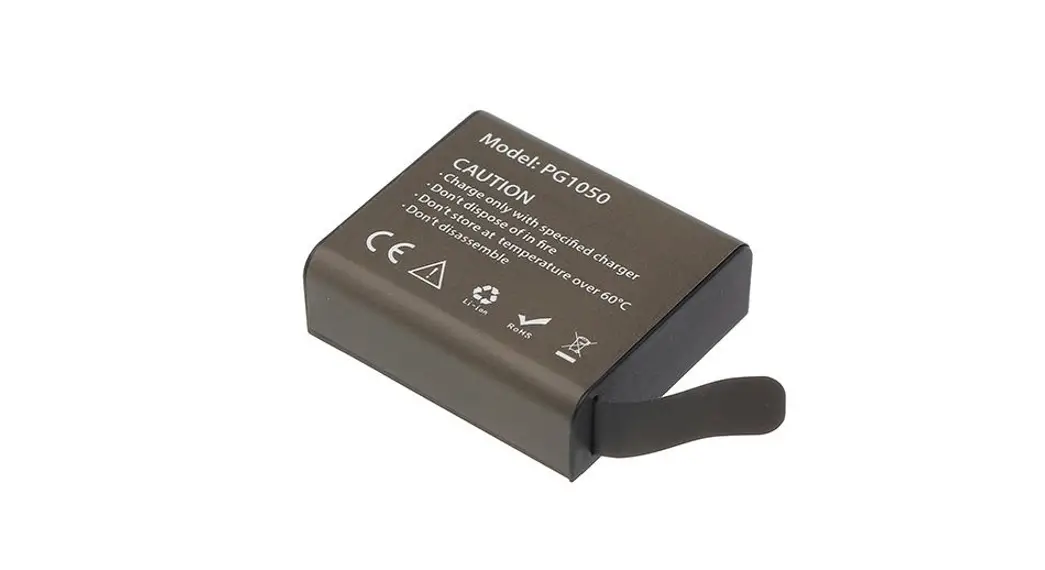
- Battery capacity: 6700mAh (Two 18650 lithium-ion batteries)
Installation Instruction
Mode 1 Bottom Bracket Installation
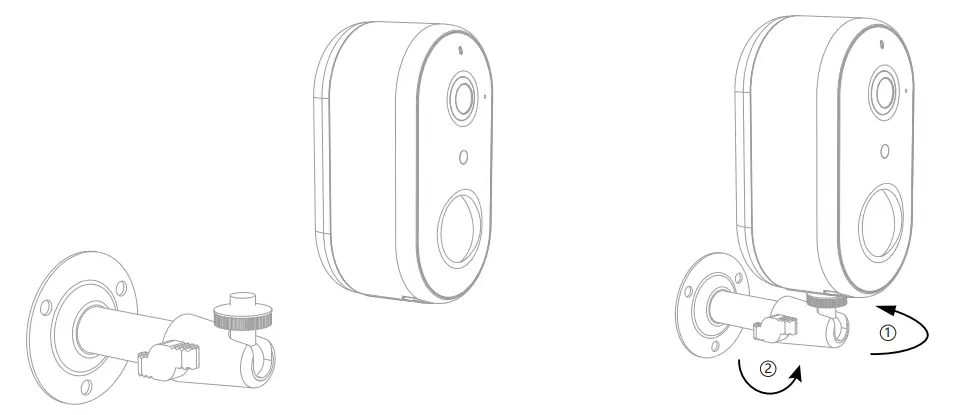
- Fix the bracket to the wall with the mounting screws
- Install the camera in the bracket and lock it with the screw
Mode 2 Side Bracket Installation
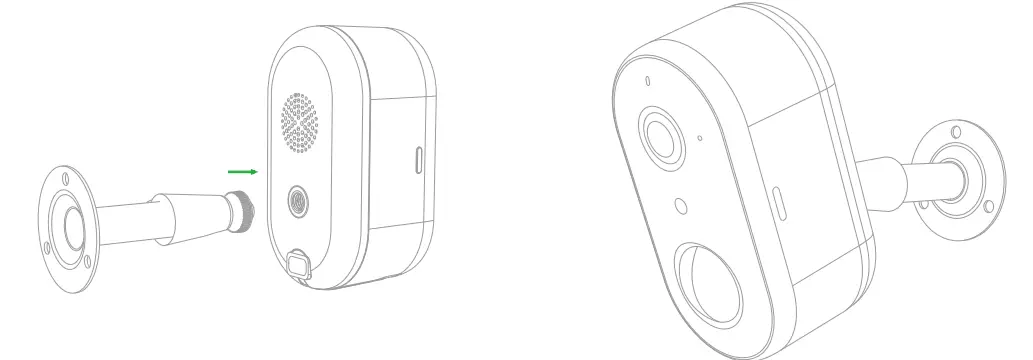
- Fix the mounting bracket in the angle wall mount
- Fix the angle wall mount to the wall
- Install the camera in the bracket and lock it with the screw