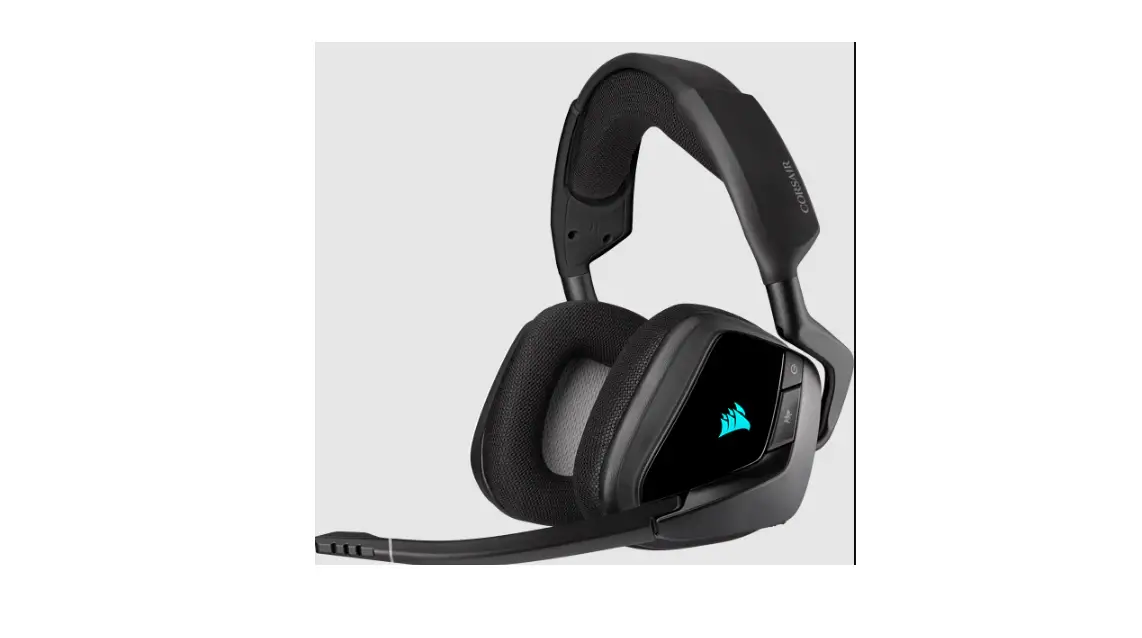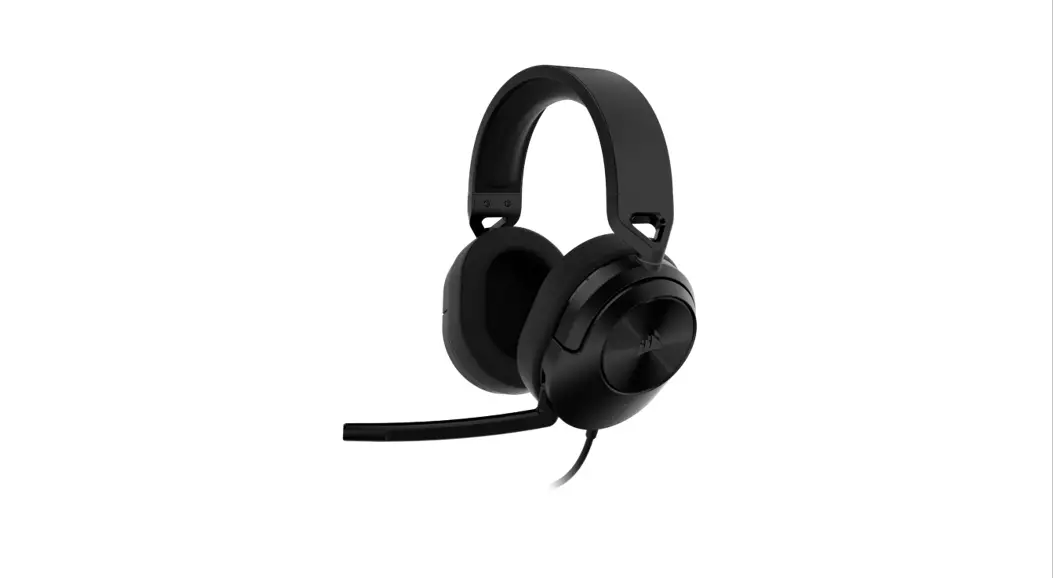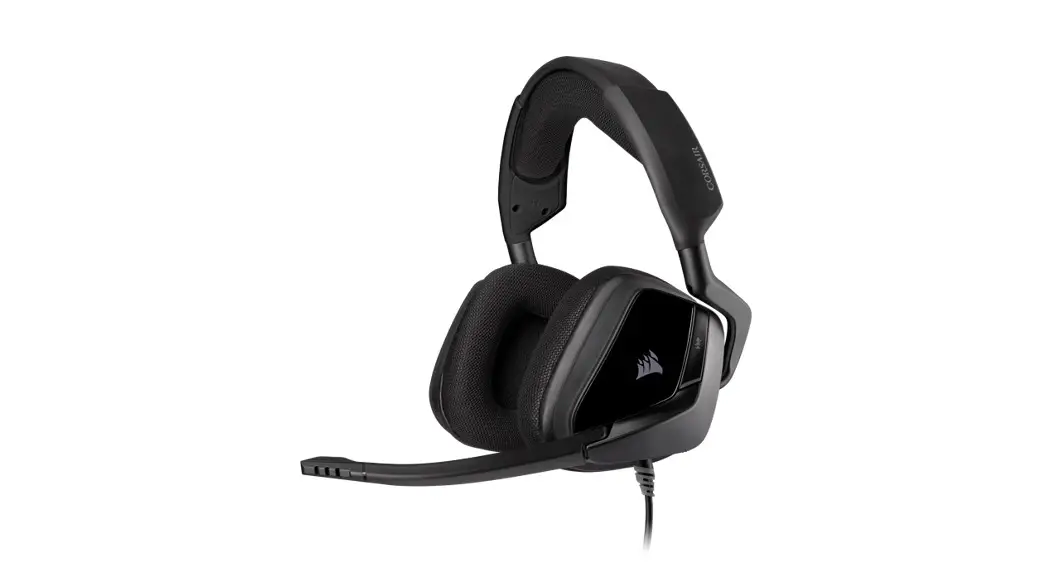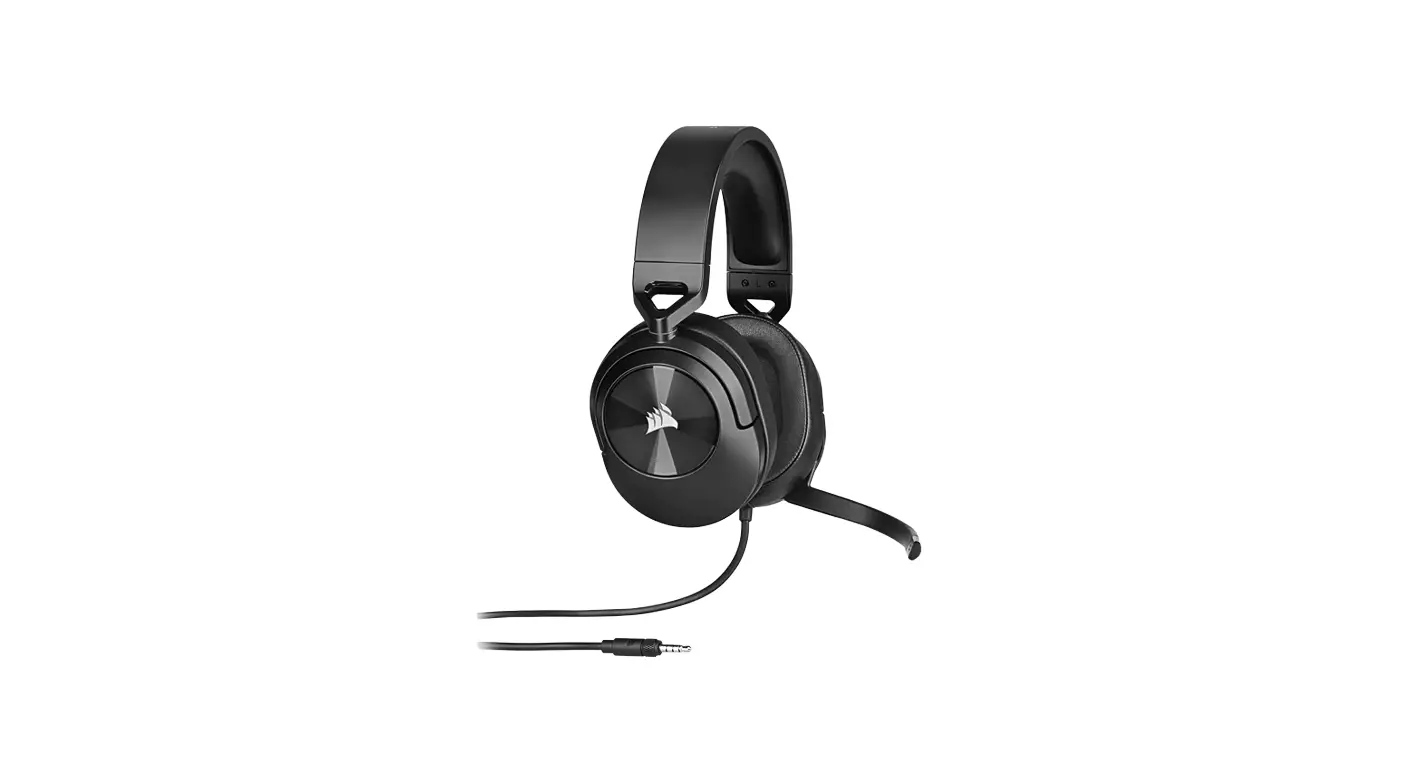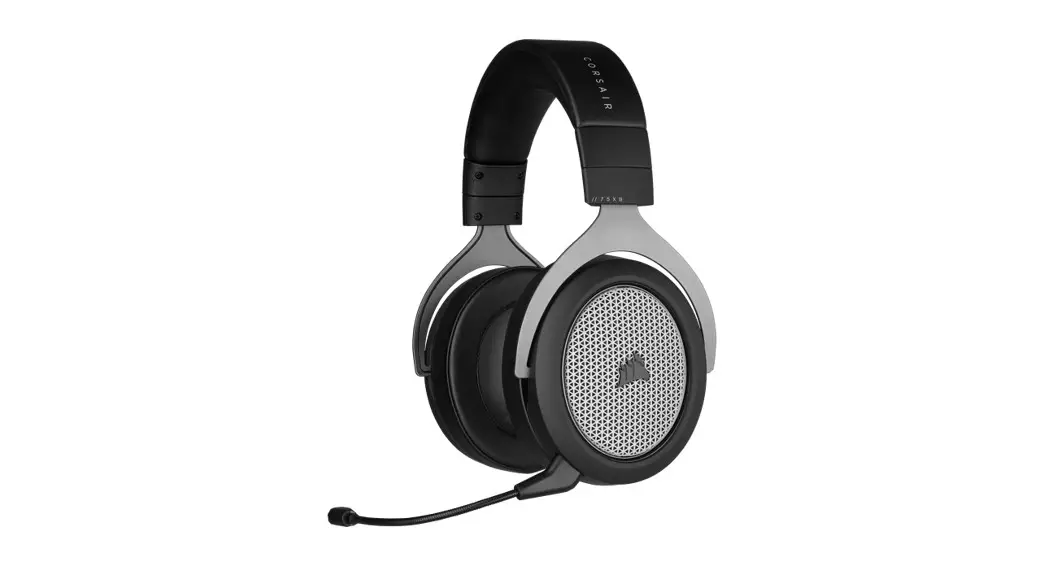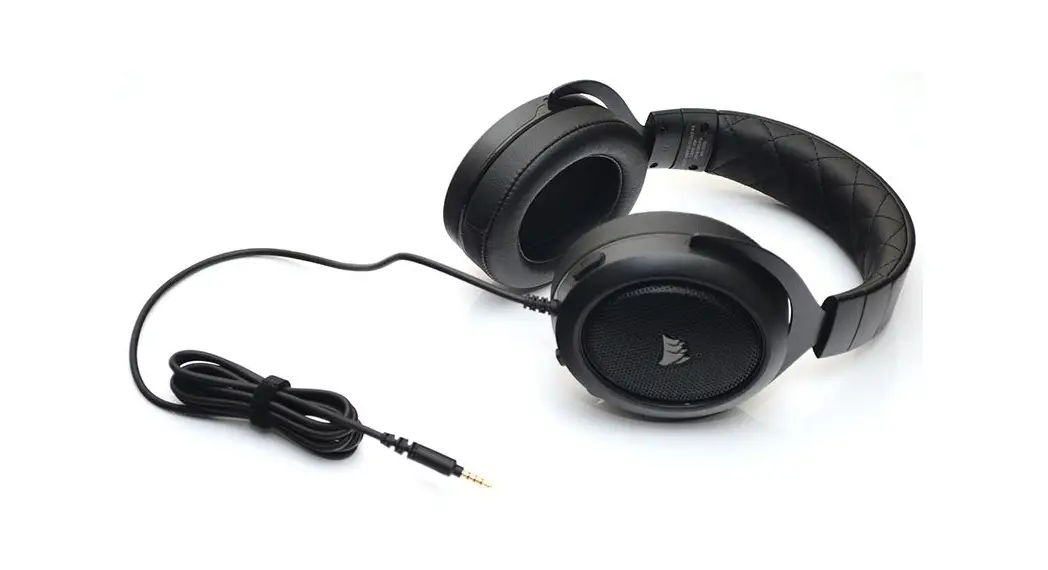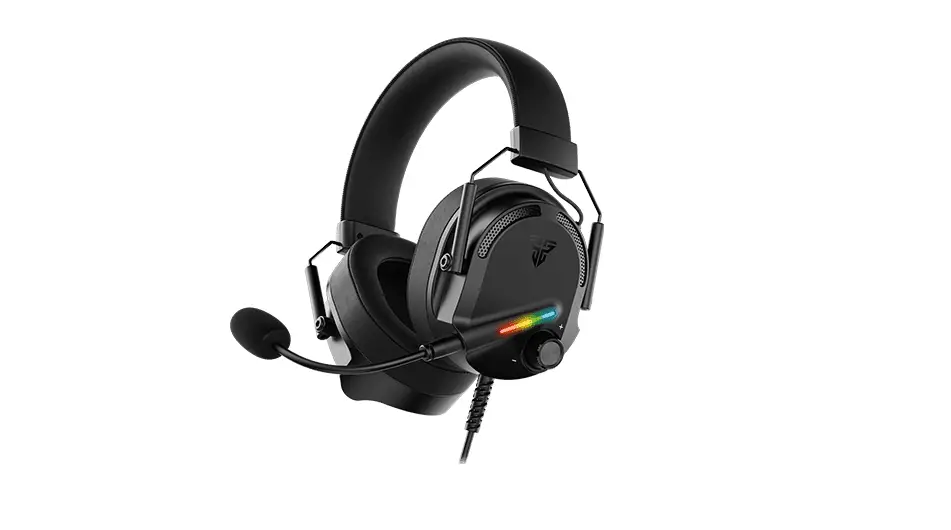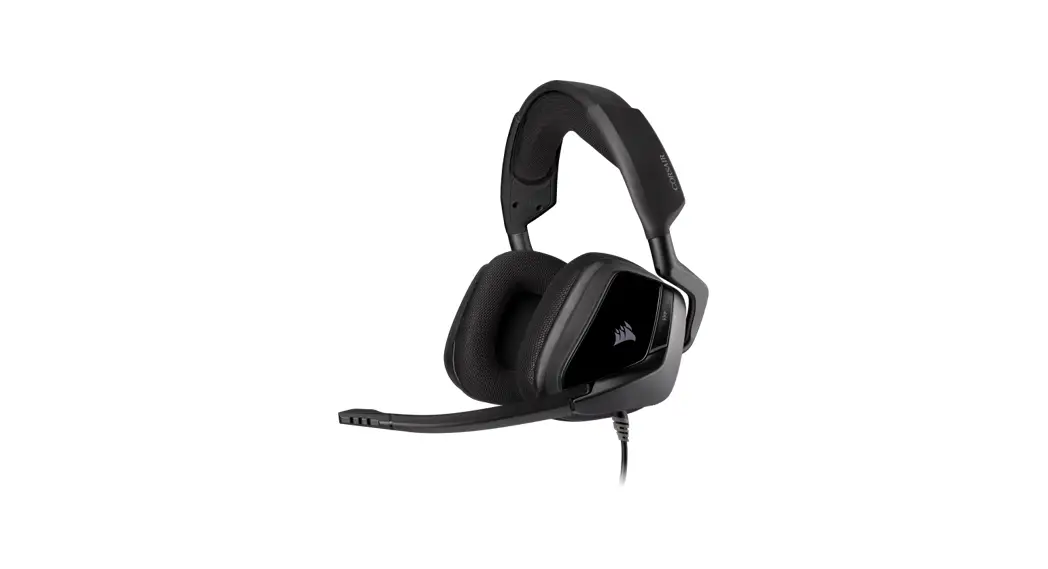

VOID ELITE SURROUND
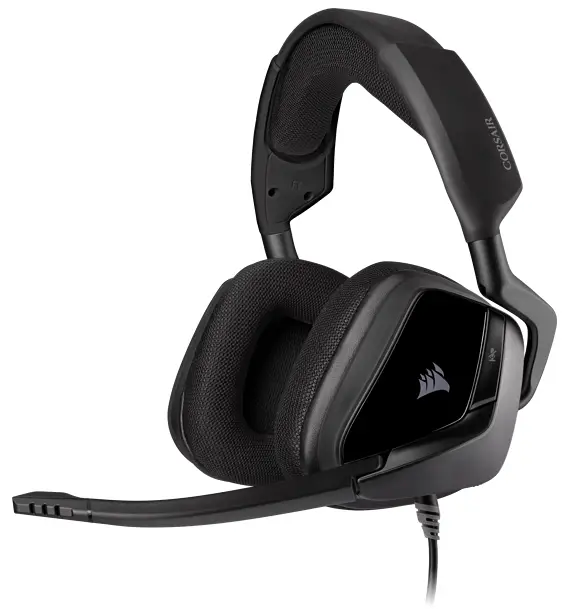
VOID ELITE SURROUND
Premium Gaming Headset with 7.1 Surround Sound
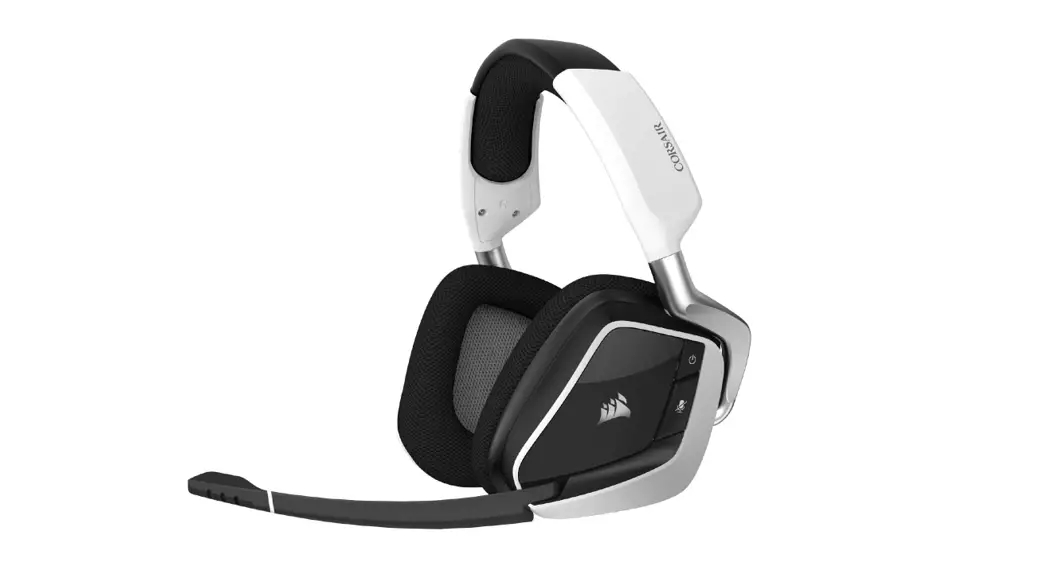
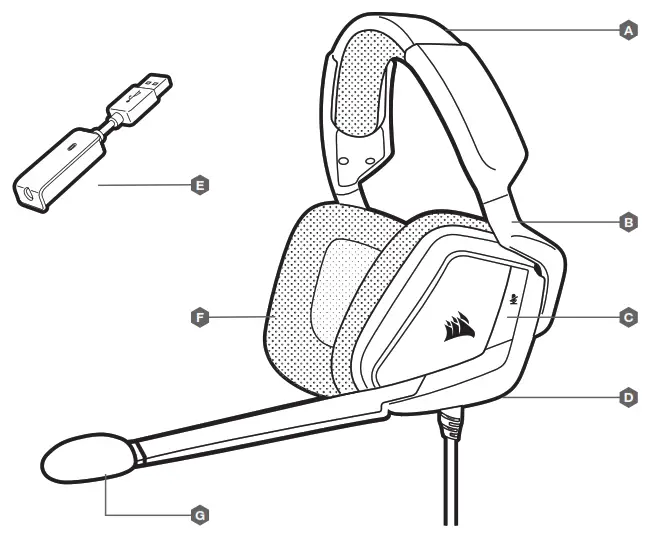
CONTROLS AND FEATURES
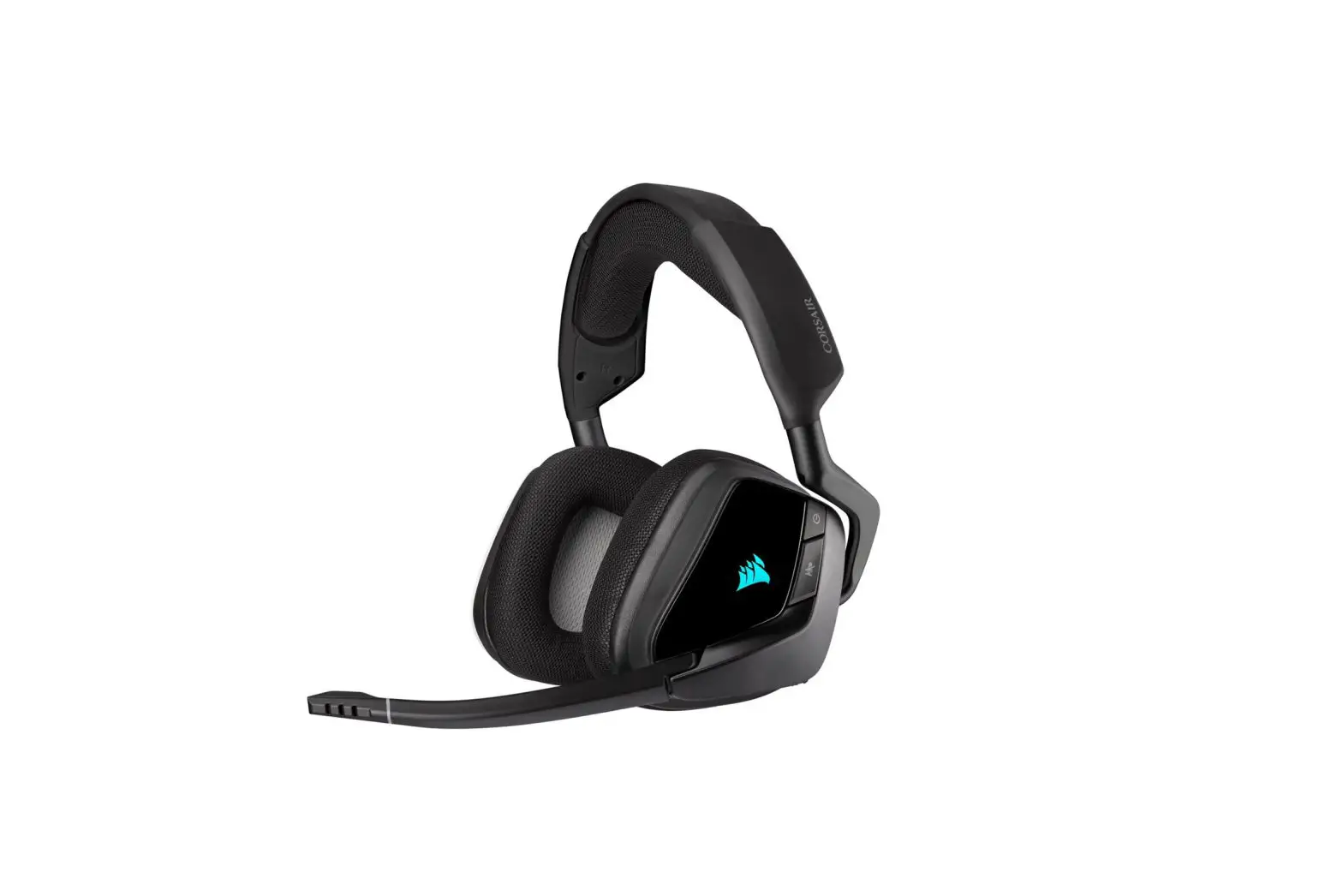
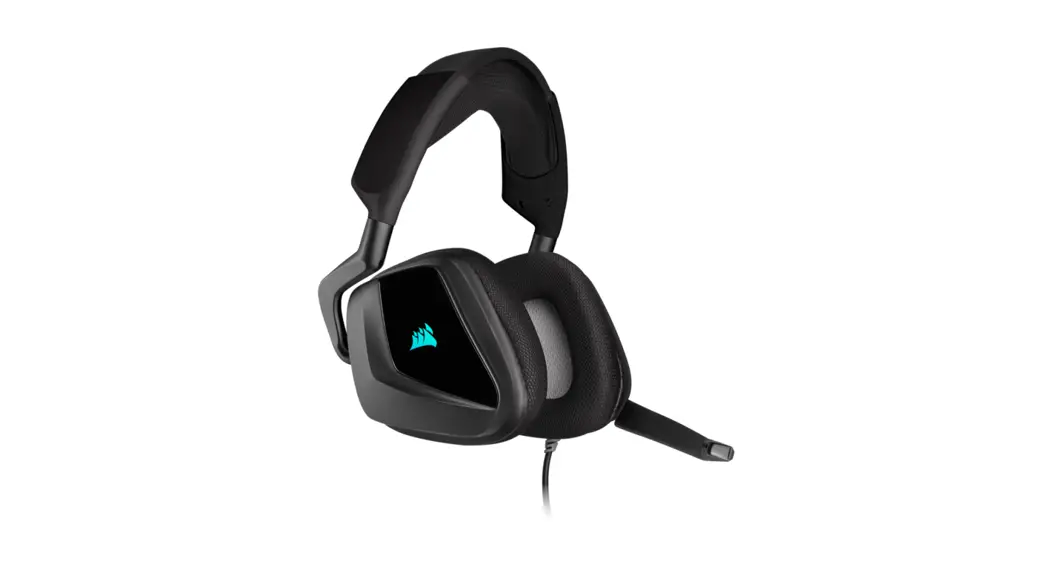
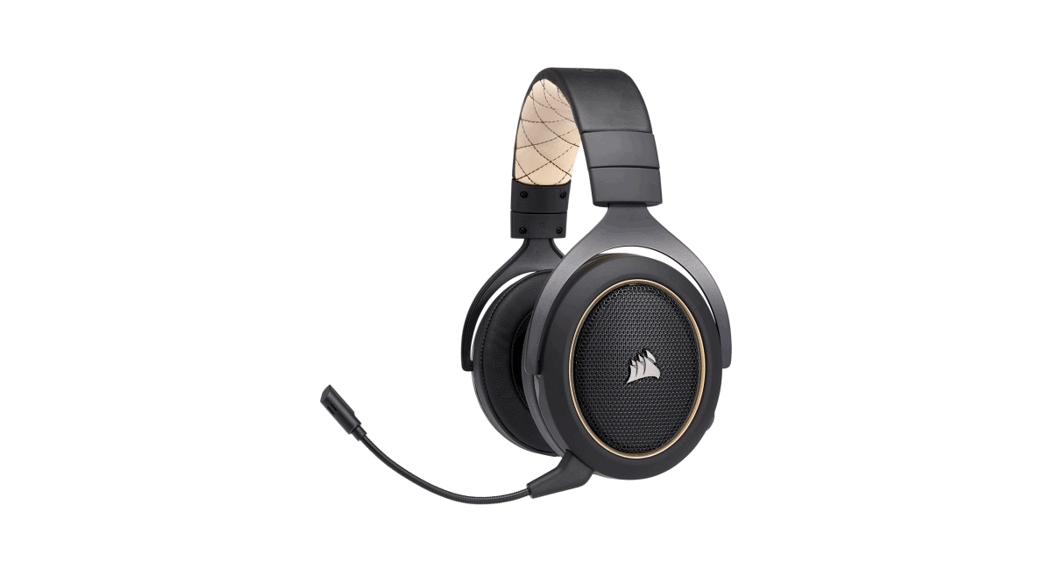
| A Headband adjustment B Cantilevered arm + hinge C Mute button D Volume control | E 7.1 surround sound USB adapter F Microfiber covered ear pads G Microphone foam windscreen (removable) |
GETTING STARTED WITH YOUR VOID ELITE SURROUND HEADSET
VOID ELITE SURROUND is a multi-platform headset that operates in two audio modes: stereo and 7.1 surround sound.
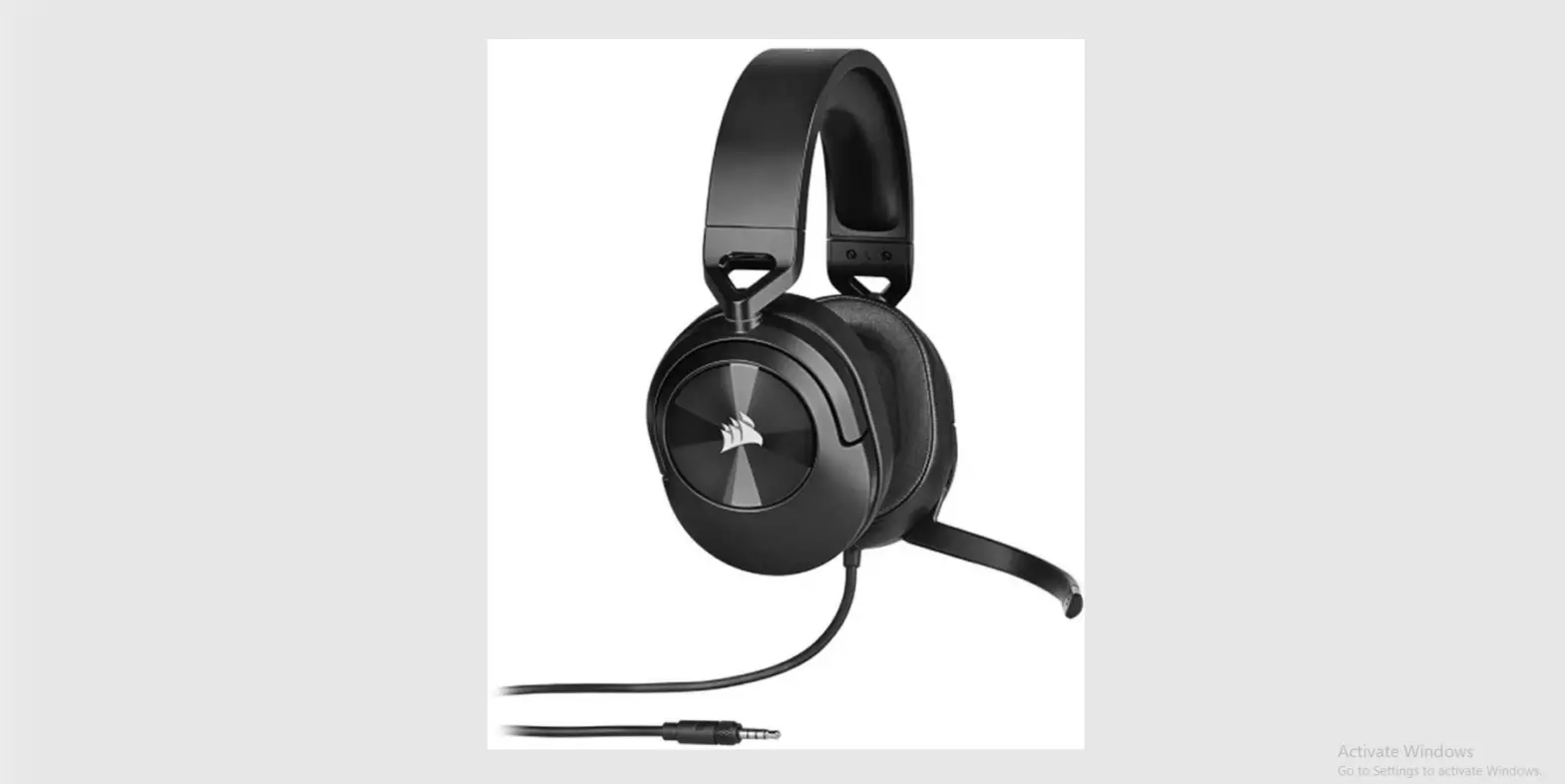
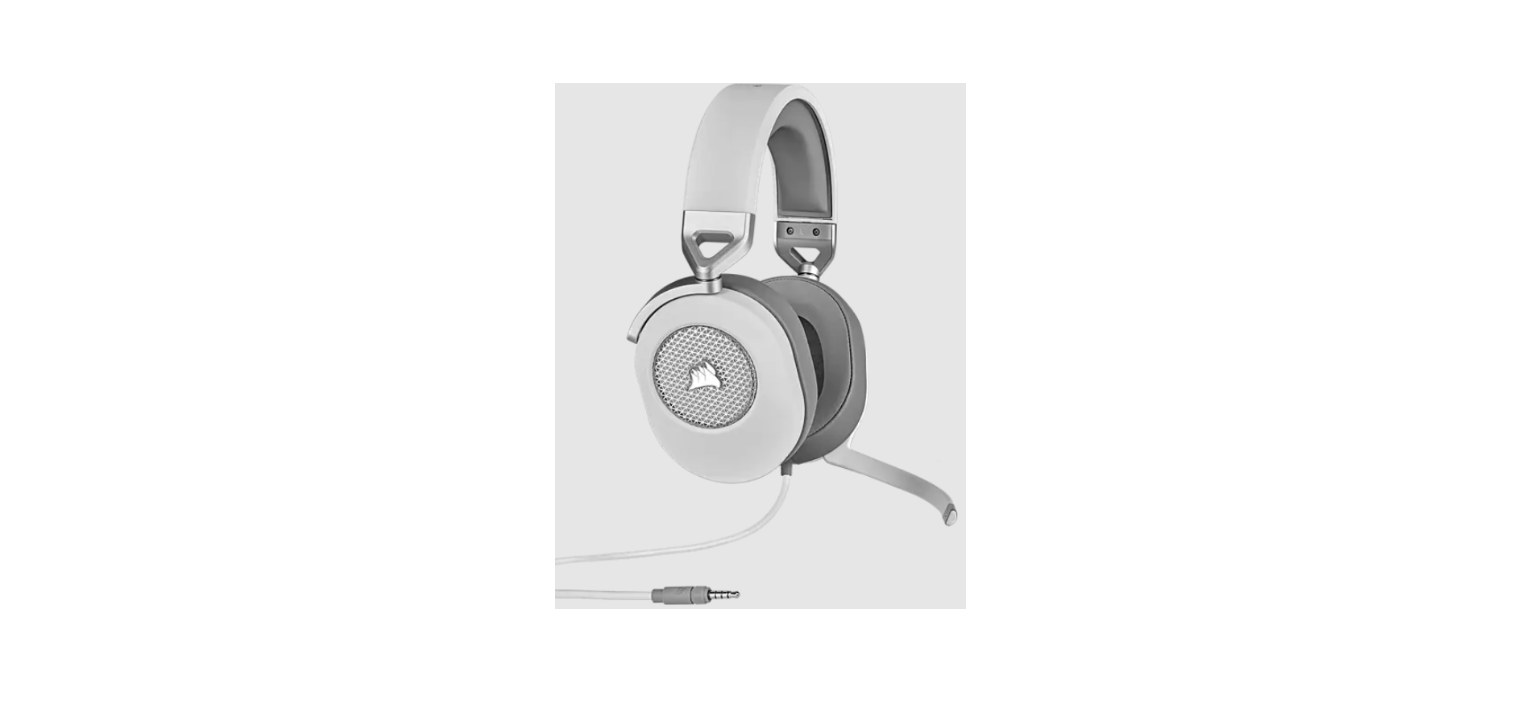
> In stereo mode, you can connect the 3.5mm audio jack to any PC, Mac, PlayStation 4, XBOX One*, Nintendo Switch, or mobile device.
> The included 7.1 surround sound USB adapter enables surround sound on PC.
* May require Microsoft adapter sold separately.
If using the headset on a PC, go to corsair.com/support/downloads to download the issue Software. Using the ECU software will enable the full feature set of your headset.
NOTE: If the headset is used without software, some features will be disabled.
> Install the iCUE software on a PC running Windows 7, Windows 8.1, Windows 10, or later.
> After installation is complete, reboot your PC and launch iCUE.
iCUE SOFTWARE CAN BE USED TO
> Select and customize audio equalizer (EQ) settings.
> Adjust microphone input volume and microphone side tone.
> Set 7.1 surround sound on or off.

NOTE: Prolonged listening at high volumes may adversely affect your hearing. Take breaks between sessions and always begin with the volume at the lowest possible level before increasing.
 MSIP-REM-CSI-RDA0009
Product Name: USB dongle
Model No. : RDA0009
WEB: corsair.com
PHONE: (888) 222-4346
SUPPORT: support.corsair.com
BLOG: corsair.com/blog
FORUM: forum.corsair.com
YOUTUBE: youtube.com/corsairhowto
© 2019-2021 CORSAIR MEMORY, Inc.
All rights reserved. CORSAIR and the sails logo are registered trademarks in the United States and/or other countries.
All other trademarks are the property of their respective owners.
Products may vary slightly from those pictured. 49-001927 AB 
 PC Components | Gaming Gear | CORSAIR
 Home - Corsair Community