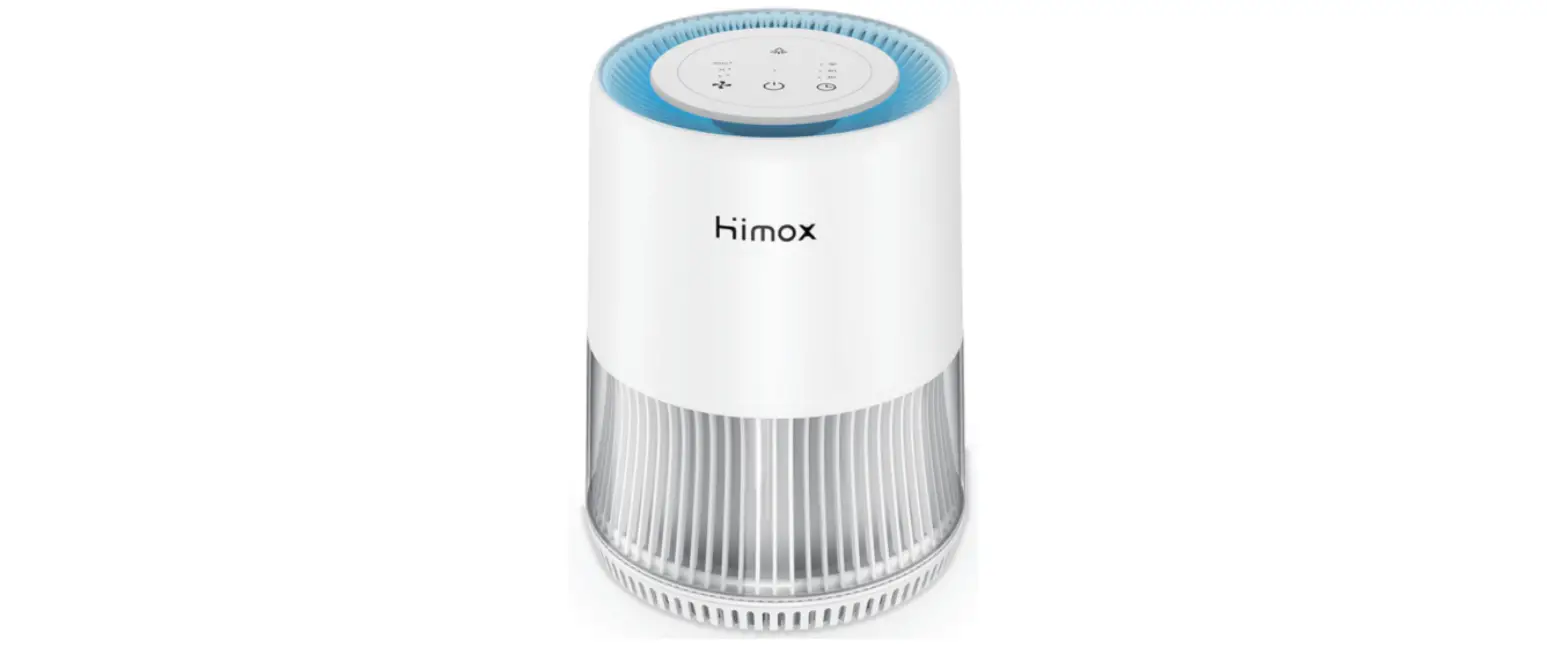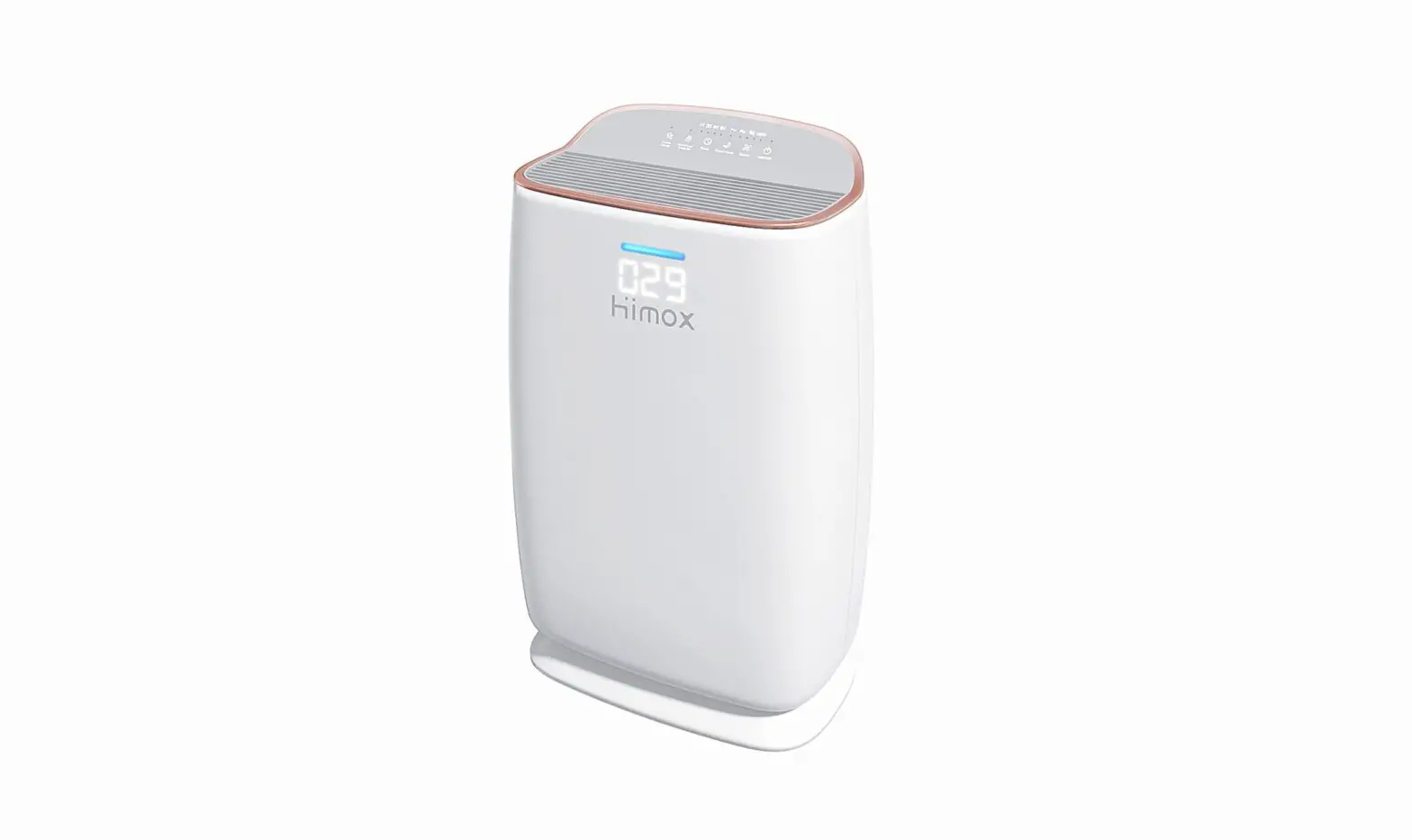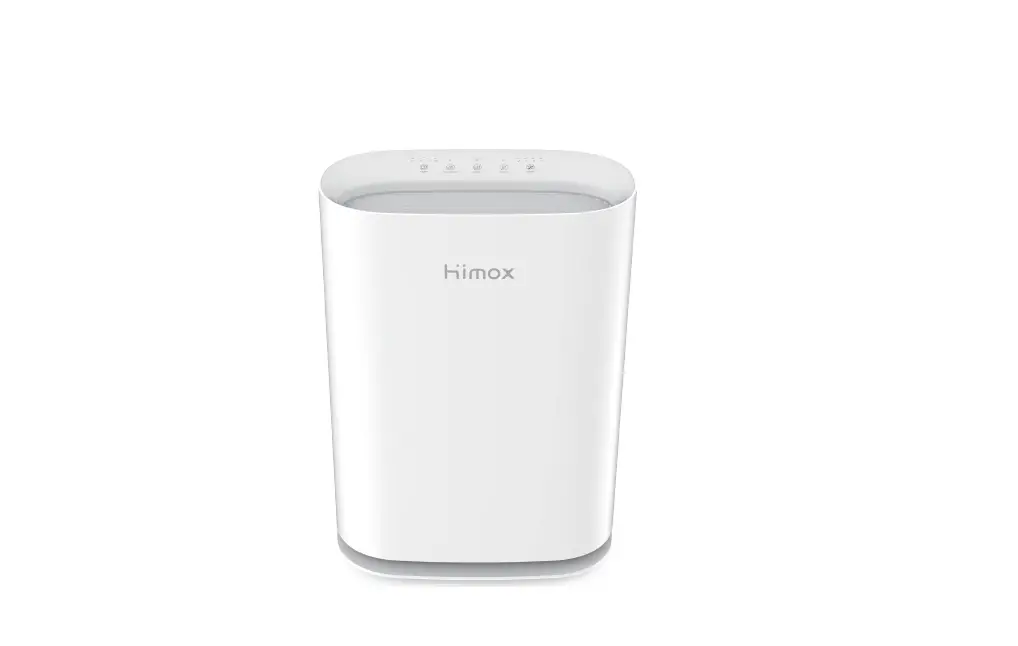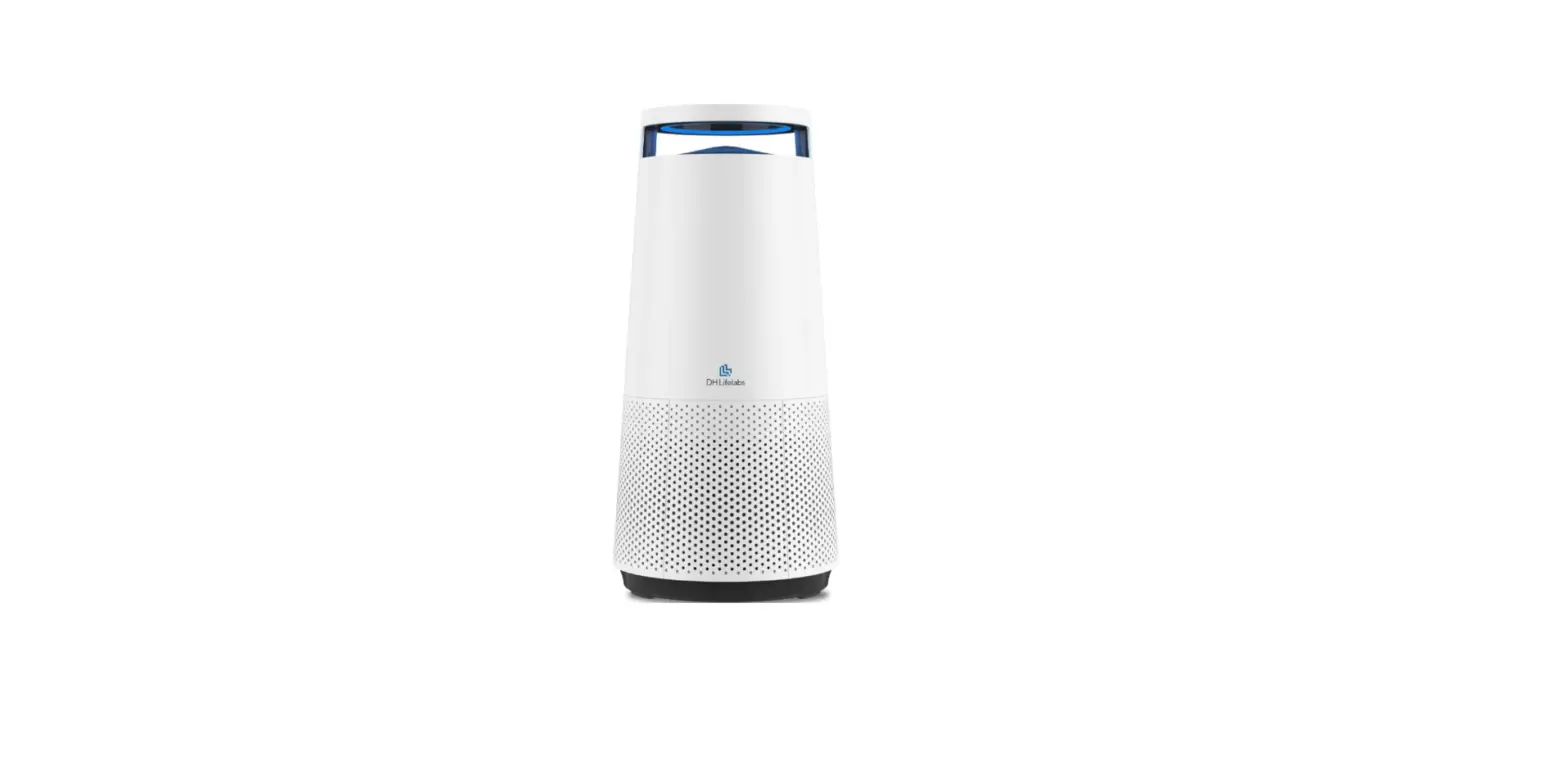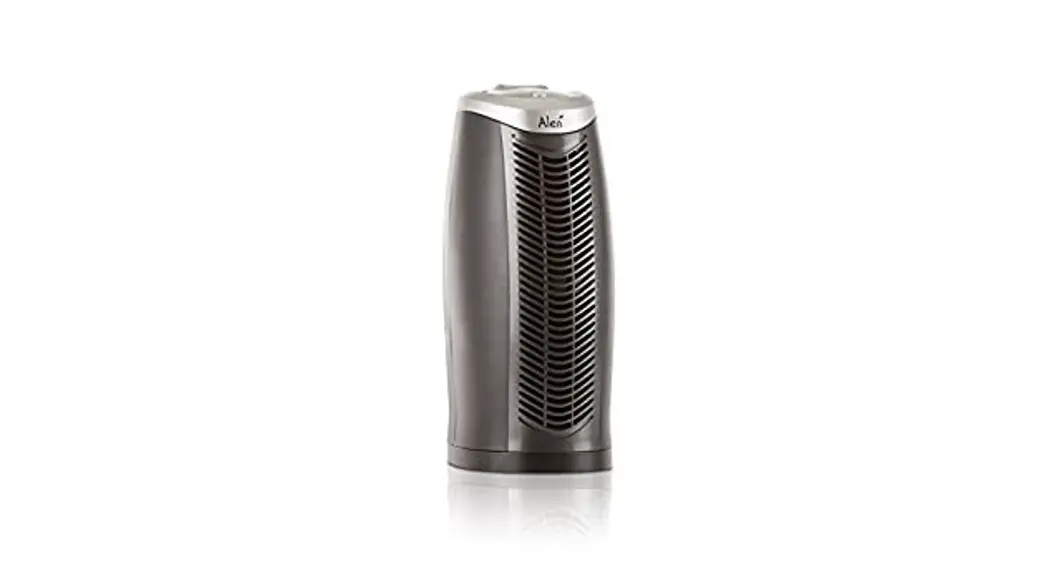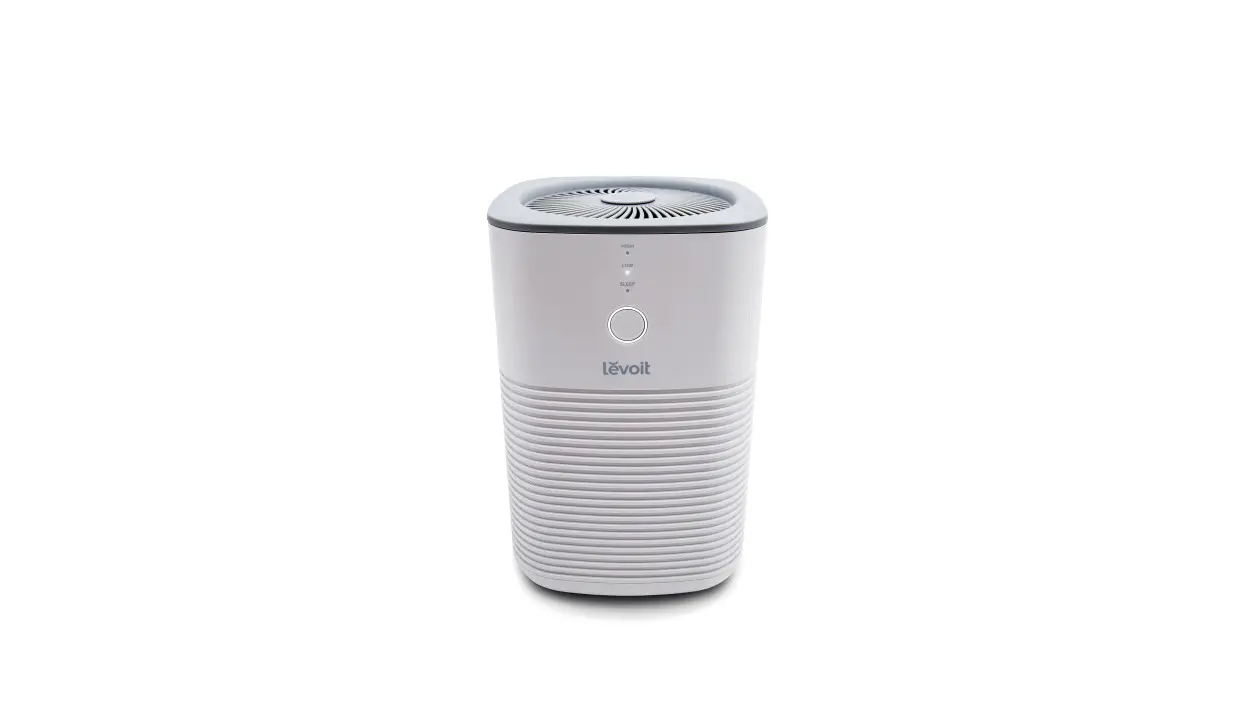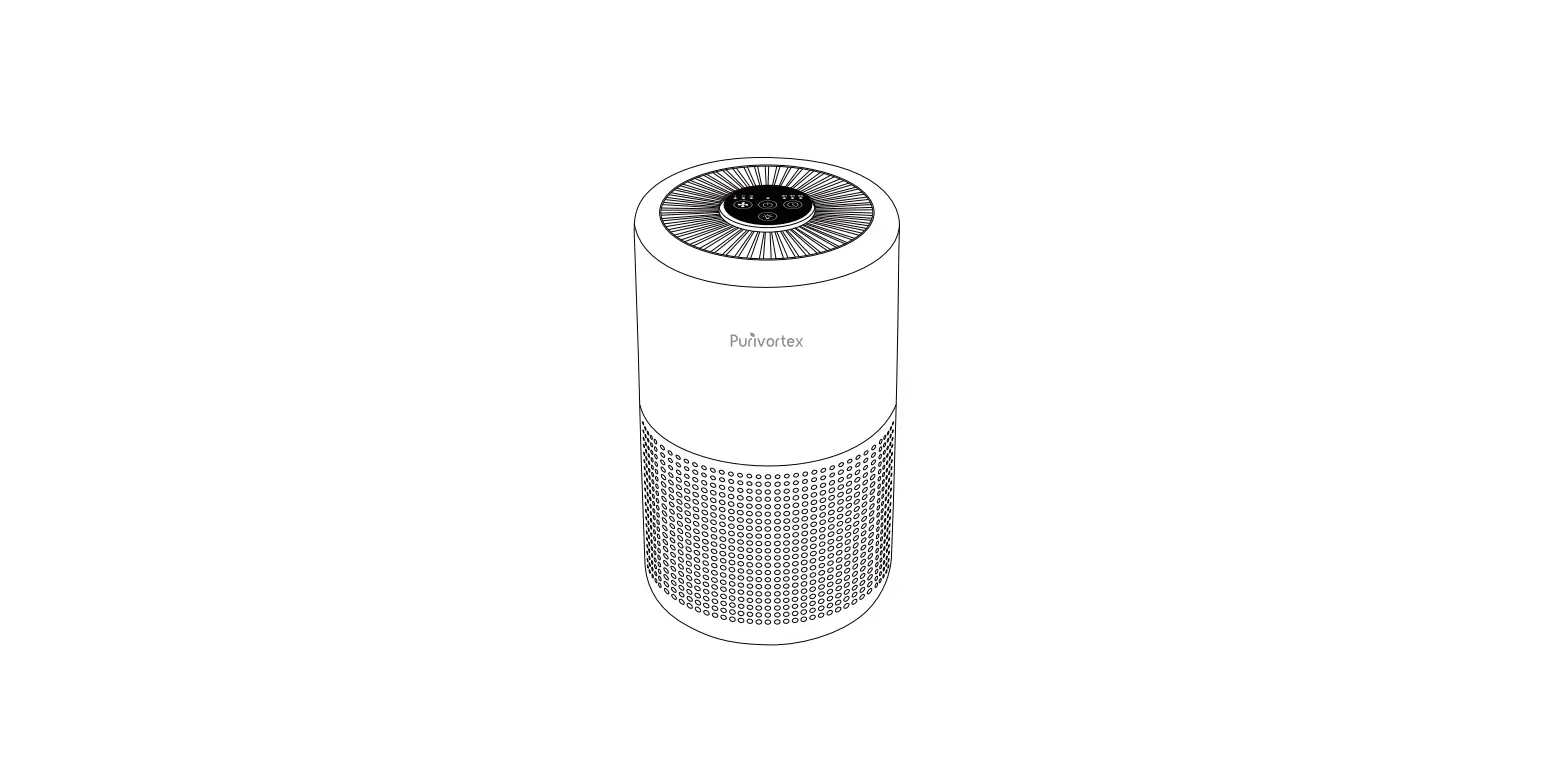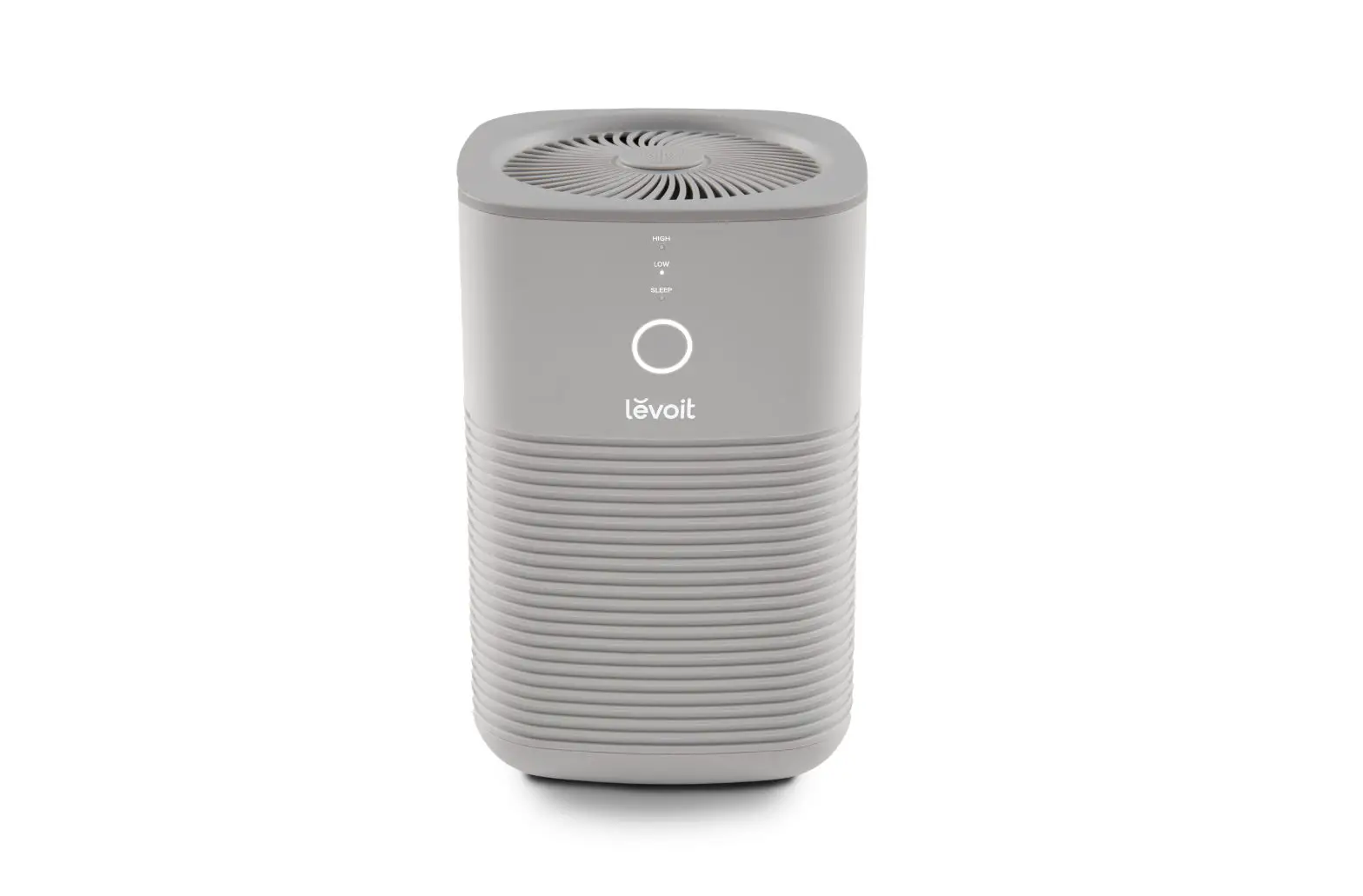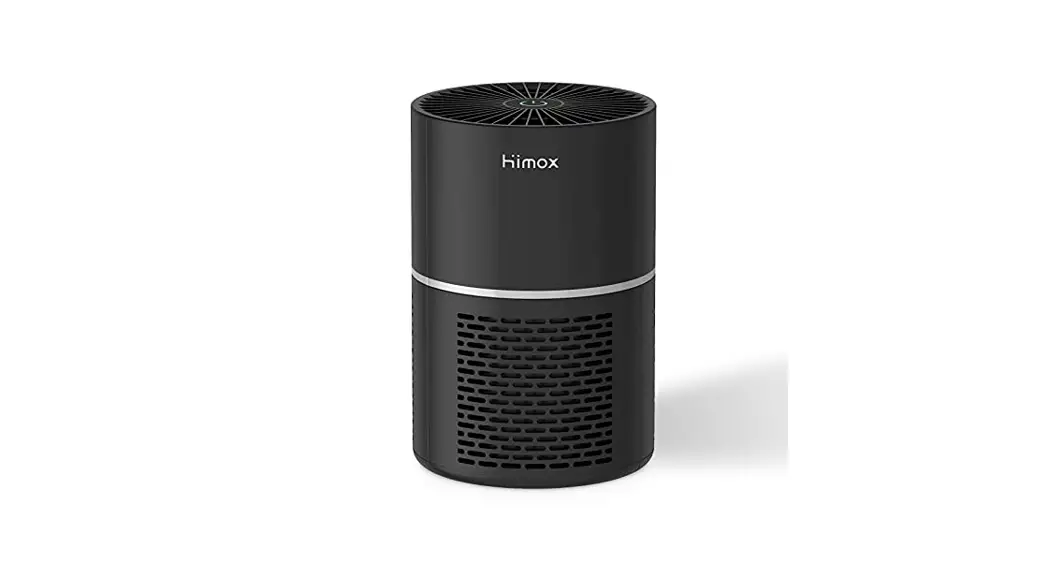

H07 Mini Desktop Air Purifier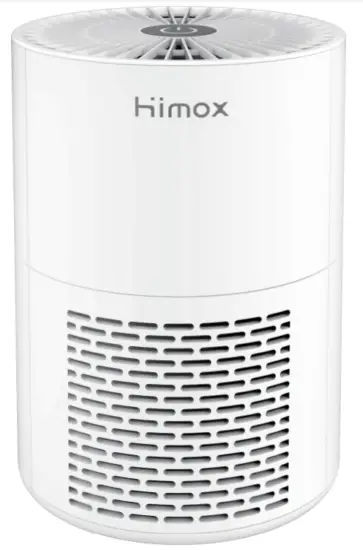 User Manual
Thanks for your purchase. To provide you a better user experience, please read this manual carefully before operating or maintaining the device, and retain it for future reference.
Cautions
Cautions of Power
- Clean the dust on the power plug regularly.
- If the power cord is damaged, please contact customer support.
Cautions When Using
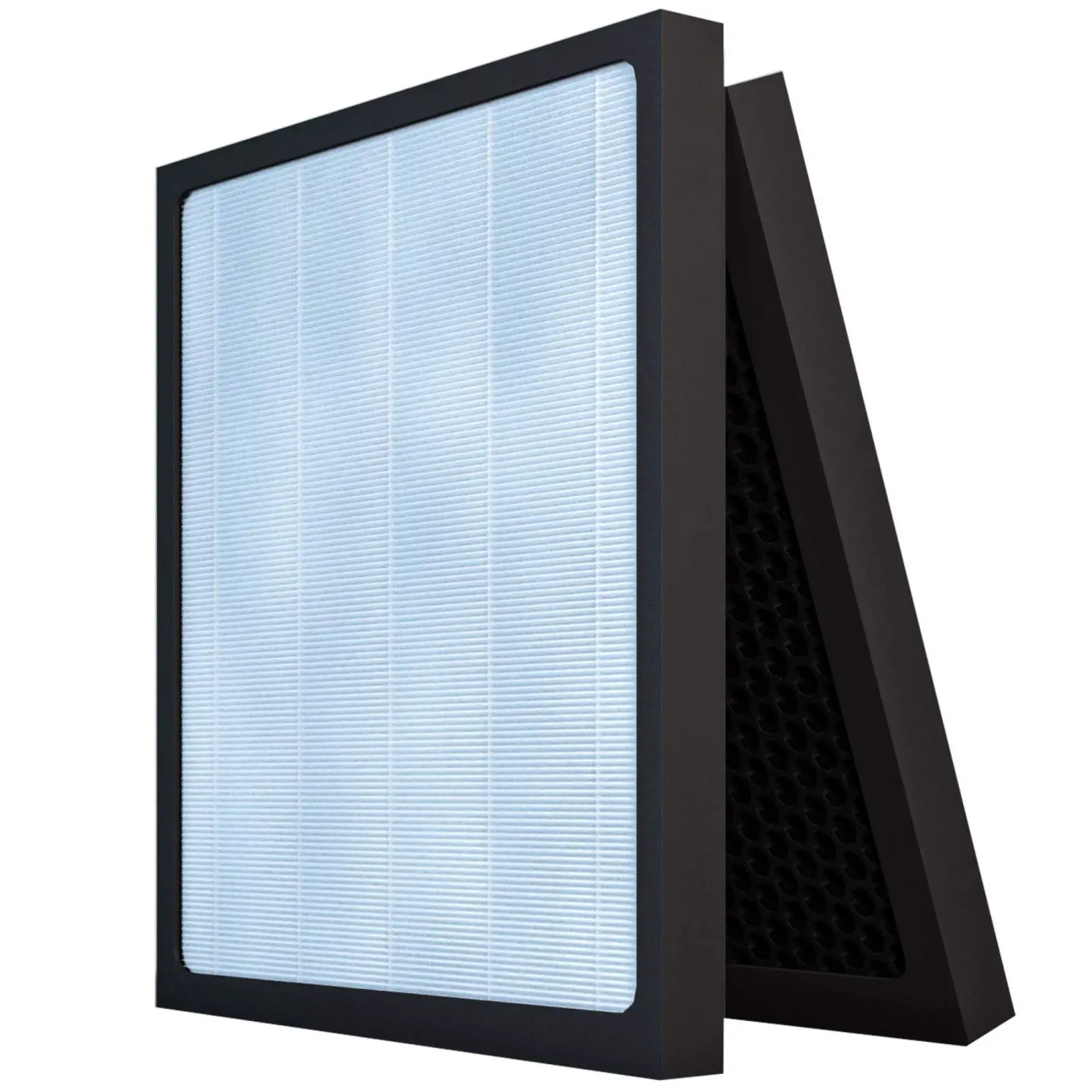
- Do not use without removing the plastic wrap from the filter. The purifier will not filter air and may overheat, causing a fire hazard.
- Do not use the product without a filter installed.
- Do not place anything into any opening on the air purifier
- Keep your air purifier away from heat sources.
- Unplug immediately if any malfunction happens like smoke, or peculiar smell, etc.
- Do not use the product in an environment full of hydrogen, natural gas, propane, and other flammable gases, in order to avoid electric shock, fire, and other damage.
- Do not use the product when using spray insecticides.
- Do not use it in the bathroom or other places with high temperature, or high humidity.
Cautions of Cleaning
- Unplug the power plug when cleaning or not using the machine.
- Do not clean and reuse the filter, Filter needs to be changed for 46 months.
- Use a soft cloth to clean the surface of the machine.
- Do not use alcohol or organic solvent to wipe the device.
Warm Reminder
- There should be a certain space around the air purifier to allow the wind and negative ions flow naturally, thus to improve the purification effect.
- Supervise children when they are near the air purifier.
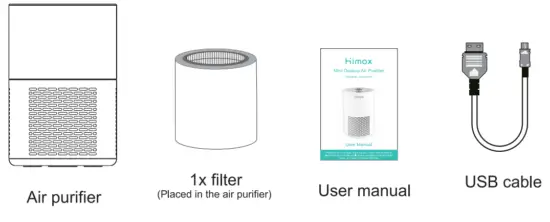
Machine & Spare Parts
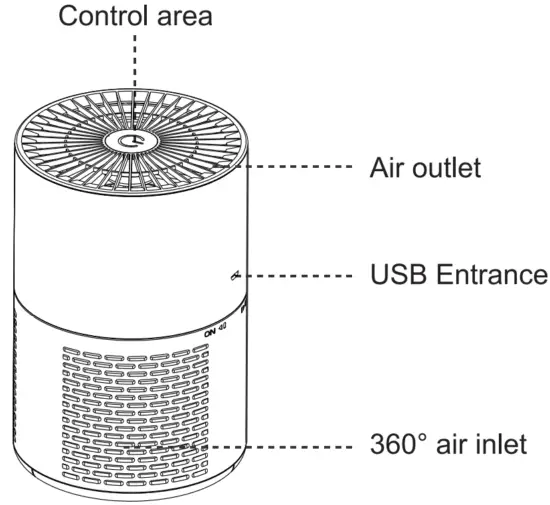
Product Structure
Operation Instruction
Touch the “Power’ icon to turn on/off
a Connect the power supply, then the power icon turns to the red and the air purifier is in standby mode.
b Tap the power icon to turn on the air purifier, and the power icon turns green.
c Tap the power icon when it is in green, then the air purifier switches to sleep mode. Greenlight turns off. Tap it again if it is in sleep mode, it will switch to normal running mode. At last tap it to turn the air purifier off. (First, touch to turn it on, the second touch to switch to Sleep mode, the third touch to switch back to normal, fourth touch to tum off)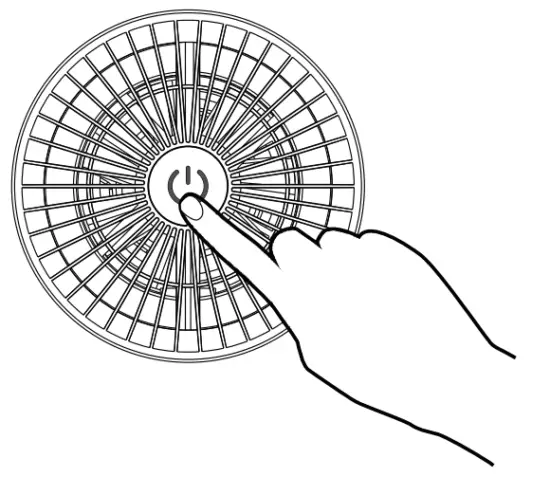 d When the air purifier is turned on, the negative ions run automatically; when the air purifier is turned off, the negative ions turn down automatically.
Filter Replacing
- Shut down and cut off the power supply
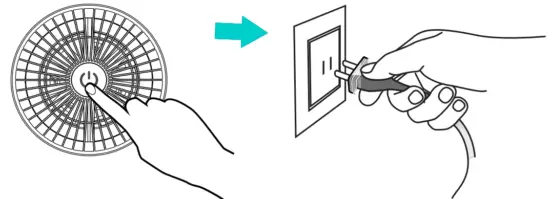
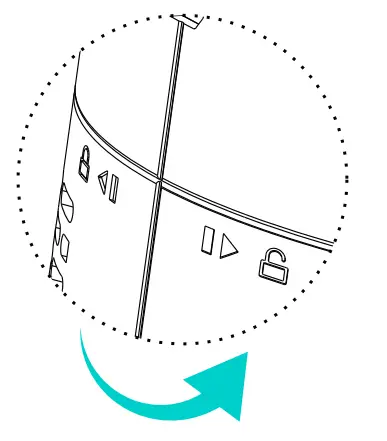
- Twist the top cover and remove it.
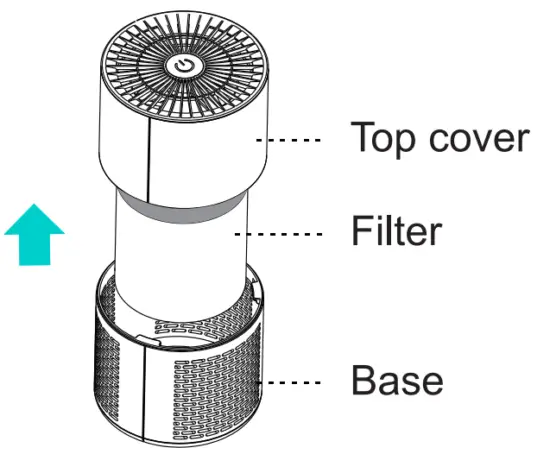
- Take out the filter from the plastic bag and place it into the base and twist the top cover to lock.
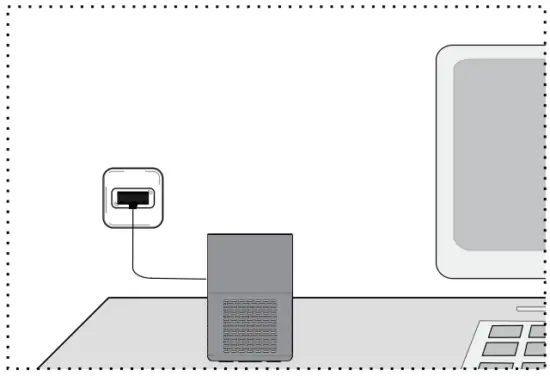
- Connect the power supply and turn on the air purifier.
Technical Parameters
| Model No. | Dimension | Net Weight |
| Himax-H07 | φ120x180mm | 0.43kg |
| Power | Rated Voltage | Coverage Area |
| 2W | DC 5V | 8 m²∼10 m² |
| Noise | Filter | |
| ≤45dB(A) | H11 HEPA |
Common Troubleshooting
If a malfunction occurs in the air purifier, please check the following situation.
| Phenomenon | Possible reason | Solution |
| Air purifier can not be turned on | The power plug got loose | Reconnect power plug |
| None obvious dust removal effect, none air quality improvement | Filter is not installed into the air purifier | Install the filter correctly |
| Filter is too dirty | Replace the filter | |
| The machine is placed in a narrow space or with obstacles nearby | Move the obstacles or place the air purifier elsewhere | |
| Running noise is too loud | The cover and base is not tight | lnstal I the top cover properly |
| Something get in the air purifier | Clean the matters | |
| Filter cannot be installed | Filter is installed oppositely | Check and adjust the filter to correct direction |
 Notice: After checking all the above, the troubleshooting still exists. Please contact customer service [email protected]

Twitter : @Himox_official
Email: [email protected]
Website: Himox.com
Youtube: Himox
Facebook: Himox.fans
Insta: Himox.fans