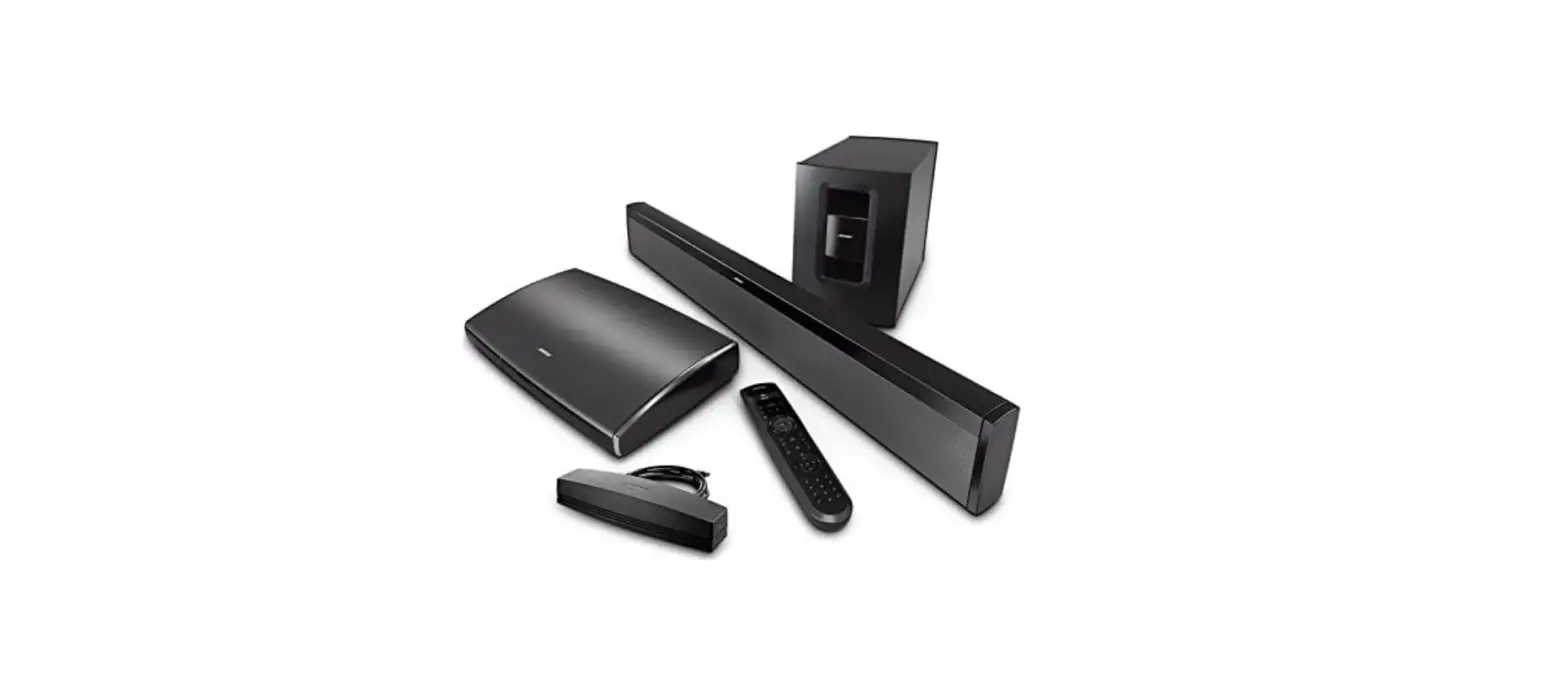
XY3201 XY-Series Bose Soundsystem
Product Information
Product Name: XY-Series
Installation Guide: Installationsanleitung / Installation
guide
1.) Installation with Bose Soundsystem
Remove Fibre Optic Cable from Original Head Unit Plug and plugin
to Most Adaptor
Connect connector A to the can-bus box. Cable 6 Please connect
to the radio input number 6.
4.) Original USB Connector
This product supports the use of the original USB connector.
Product Usage Instructions
1. Disconnect the Fibre Optic Cable from the original radio
plug.
2. Connect the Fibre Optic Cable to the Most Adaptor.
3. Connect connector A to the can-bus box.
4. Connect cable 6 to the radio input number 6.
5. The product is now installed and ready to use with the Bose
Soundsystem.
6. For using the original USB connector, simply connect it to
the corresponding port on the product.
TAFFIO®
XY-Series
Installationsanleitung / Installation guide
TAFFIO® Real Media GmbH & Co. KG Gladbacher Straße 475a 41460 Neuss Deutschland
TAFFIO® XY3201
Inhalt
1.) Installation mit Bose Soundsystem / Installation with Bose Soundsystem…………………… 3 2.) Rückfahrkameraanschluss / Rear Camera Connection ……………………………………………… 4 2.1) Originalrückfahrkamera / Original Rear View Camera Connection …………………………… 4 3.) Can Bus Verbindung / Can Bus Connection ………………………………………………………… 5 4.) Original USB-Anshluss / Original USB Connector ……………………………………………………… 6
1.) Installation mit Bose Soundsystem / Installation with Bose Soundsystem
Lichtleiterkabel vom Original Radiostecker abstecken und mit dem Most Adapter verbinden Remove Fibre Optic Cable from Original Head Unit Plug and plugin to Most Adaptor
2.) Rückfahrkameraanschluss / Rear Camera Connection
Bei Nachrüst- Rückfahrkamera verbinden Sie das Cinch Kabel von Ihrer Kamera an dem unten abgebildeten Stecker For retrofit rear view camera, connect the RCA cable from your camera to the connector shown below.
2.1) Originalrückfahrkamera / Original Rear View Camera Connection
Wenn Sie Original Rückfahrkamera haben, verbinden Sie Cinch A mit Cinch B If you have original rear view camera, connect Cinch A with Cinch B
3.) Can Bus Verbindung / Can Bus Connection
Verbinden Sie Stecker A mit dem Can-Bus Box. Kabel 6 Verbinden Sie bitte an das Radio Eingang Nummer 6. Connect connector A to the can-bus box. Cable 6 Please connect to the radio input number 6.
4.) Original USB-Anshluss / Original USB Connector
Um die Originale USB Buchse weiterzuverwenden schließen Sie den original USB Stecker an den USB Adapter am Android System an If you want to use the original USB socket connect original USB Connector to Android USB adapter