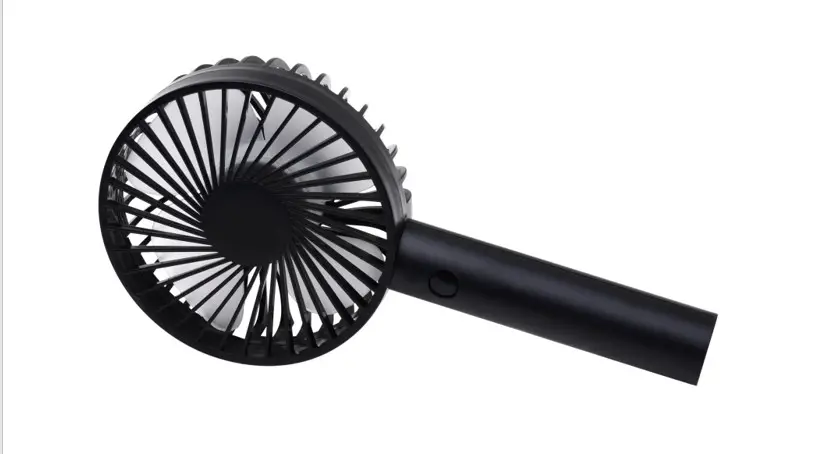
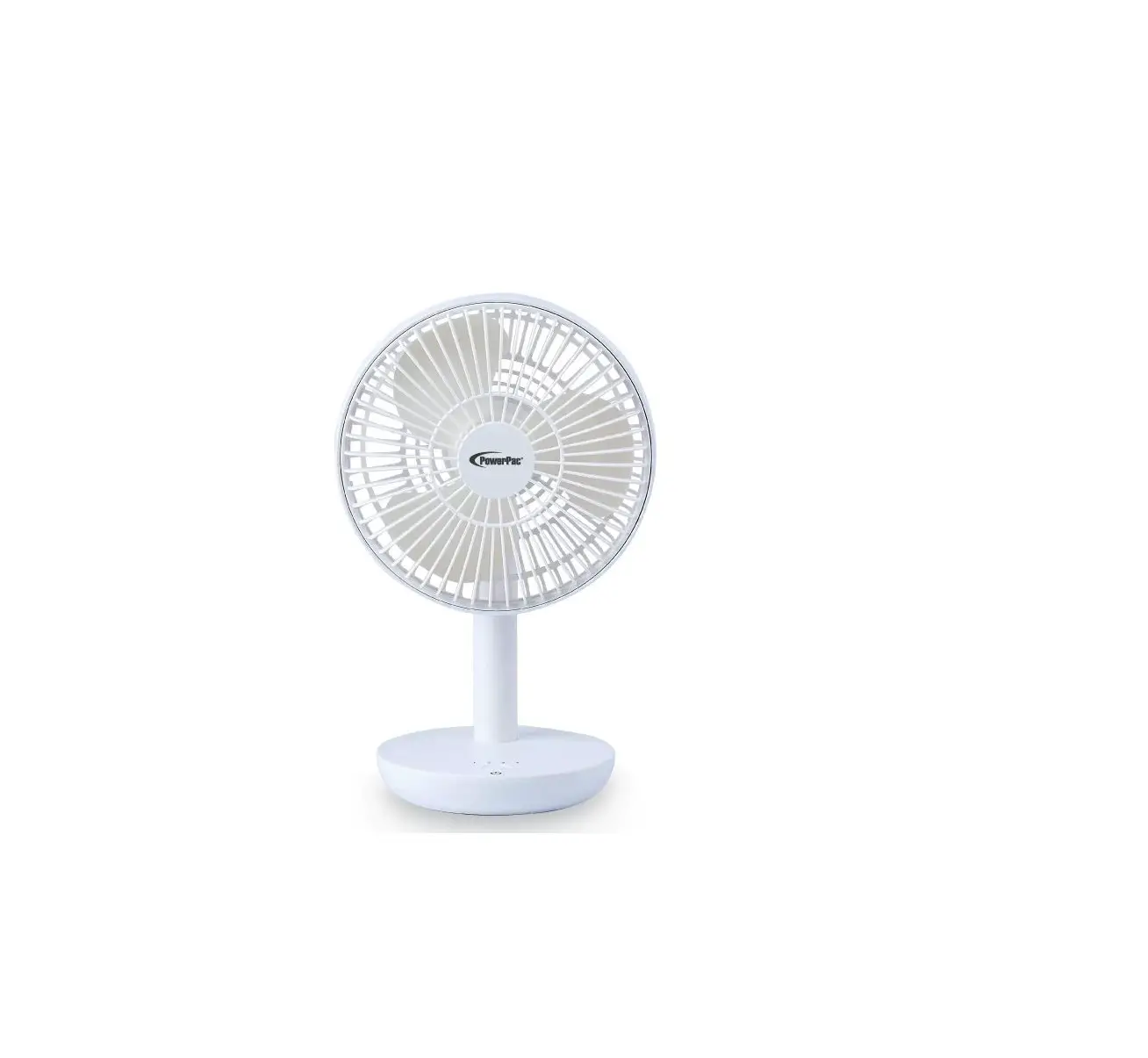
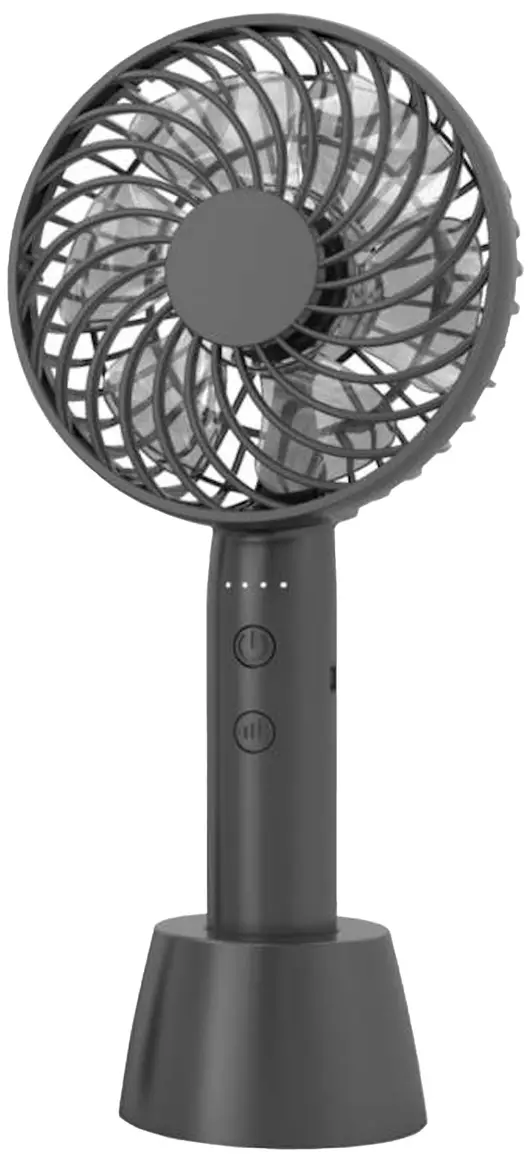
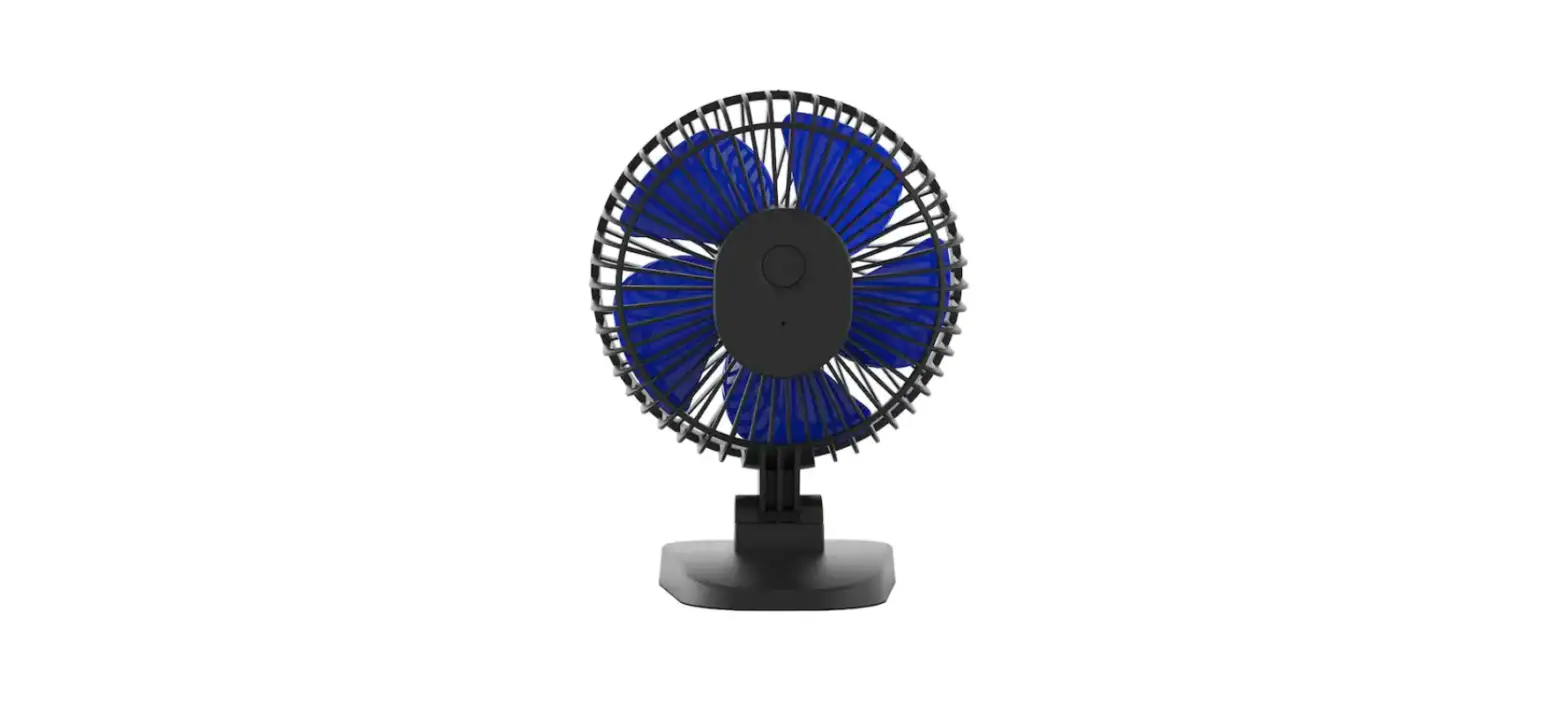
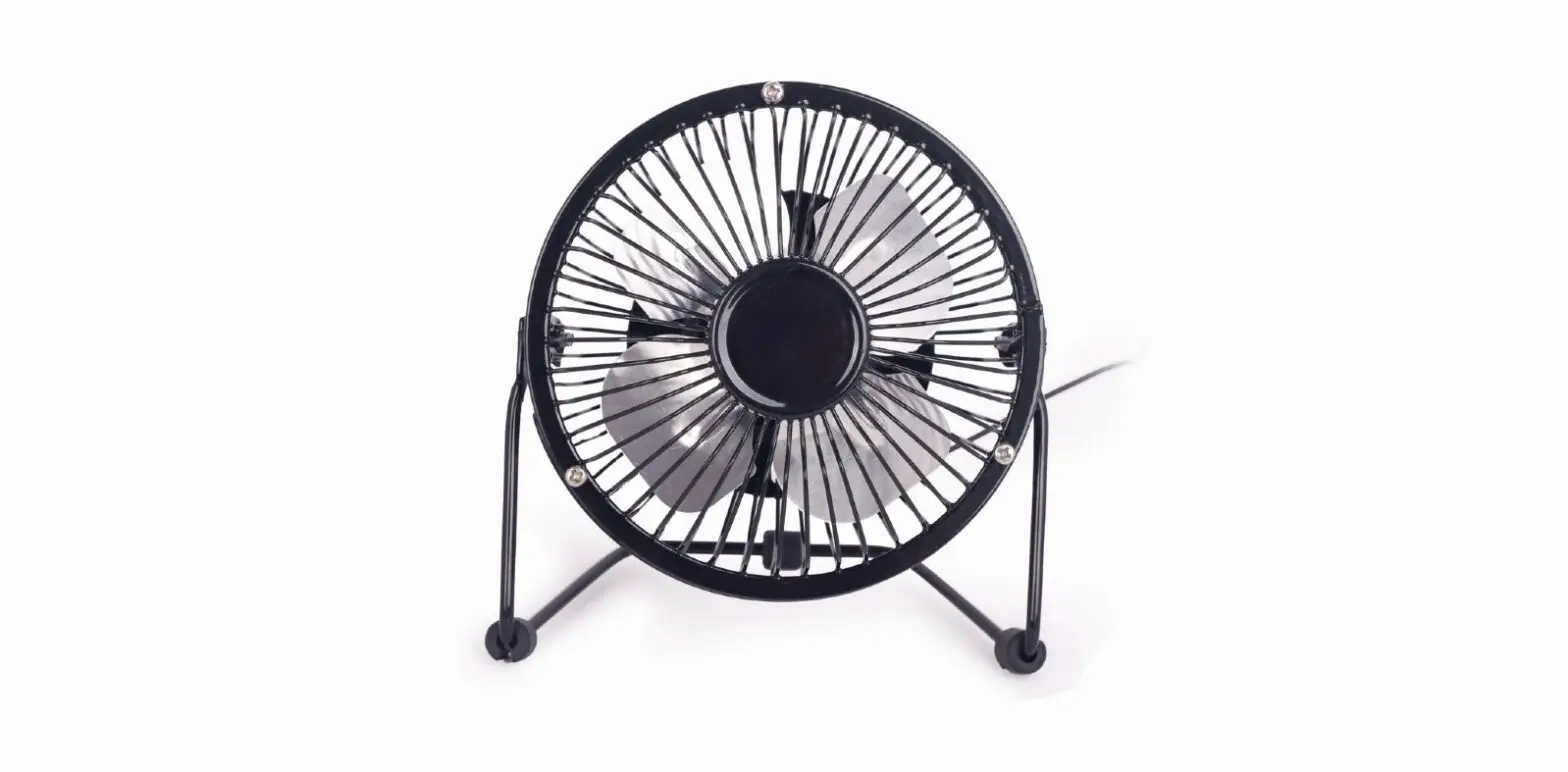
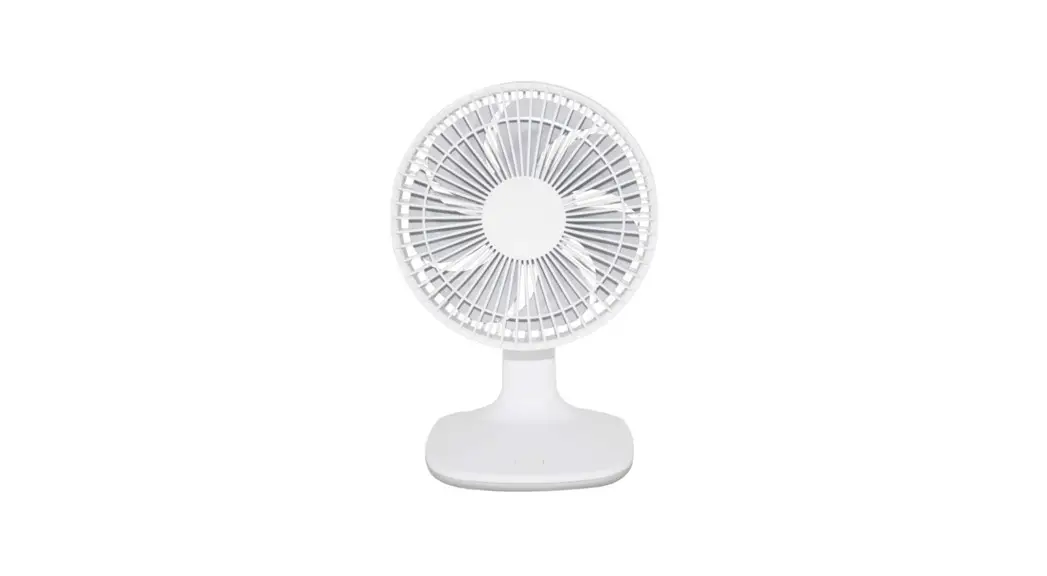
1DAFD5R Rechargeable USB Fan
Product Information
Product Name: Rechargeable USB Fan
Model: 1DAFD5R
Product Specifications:
- Battery Capacity: 2000 mAh
Product Usage Instructions
Charging the Fan
- Connect the fan to a power source using the provided USB
cable. - The power indicator light on the back of the unit, next to the
micro USB power socket, will turn on to indicate that the fan is
being charged. - Once charging is completed, remove the USB cable.
Operating the Fan
- Push the power button once to start the fan at its highest
speed. - Push the power button a second time to switch the fan to medium
speed. - Push the power button a third time to switch the fan to its
lowest speed. - Push the power button a fourth time to turn off the fan.
Maintenance and Cleaning
Warning: Before cleaning, make sure the fan is
turned off.
- To access the fan blades, open the front grill by rotating it
in an anti-clockwise direction. - Clean the front grill and blades using a soft cloth.
- After cleaning, reassemble the front grill by rotating it in a
clockwise direction.
Note: Do not put your fingers or any other
objects in the fan blades while it is operating. Do not use the fan
in humid or wet environments, as it may cause damage or
malfunction.
Special Attention:
- Operate the fan with a standard DC 5V voltage.
- Avoid placing the fan on flammable surfaces while
charging. - If the fan becomes too hot, out of shape, or the battery is
leaking while charging, stop charging immediately. - Do not place the product in a fire, as it may cause the battery
to explode. - Avoid hitting or smashing the product to prevent damage.
- Do not attempt to dismantle, change, or repair the product by
yourself. - Replace the battery only with professional guidance.
OWNER’S MANUAL
5″ RECHARGEABLE USB FAN
MODEL 1DAFD5R
DSAIAFGERTYAM& PRECAUTIONS
PLEASE SAVE THESE INSTRUCTIONS
WARNING READ THIS OWNER’S MANUAL CAREFULLY BEFORE USE.
PRODUCT DIAGRAM
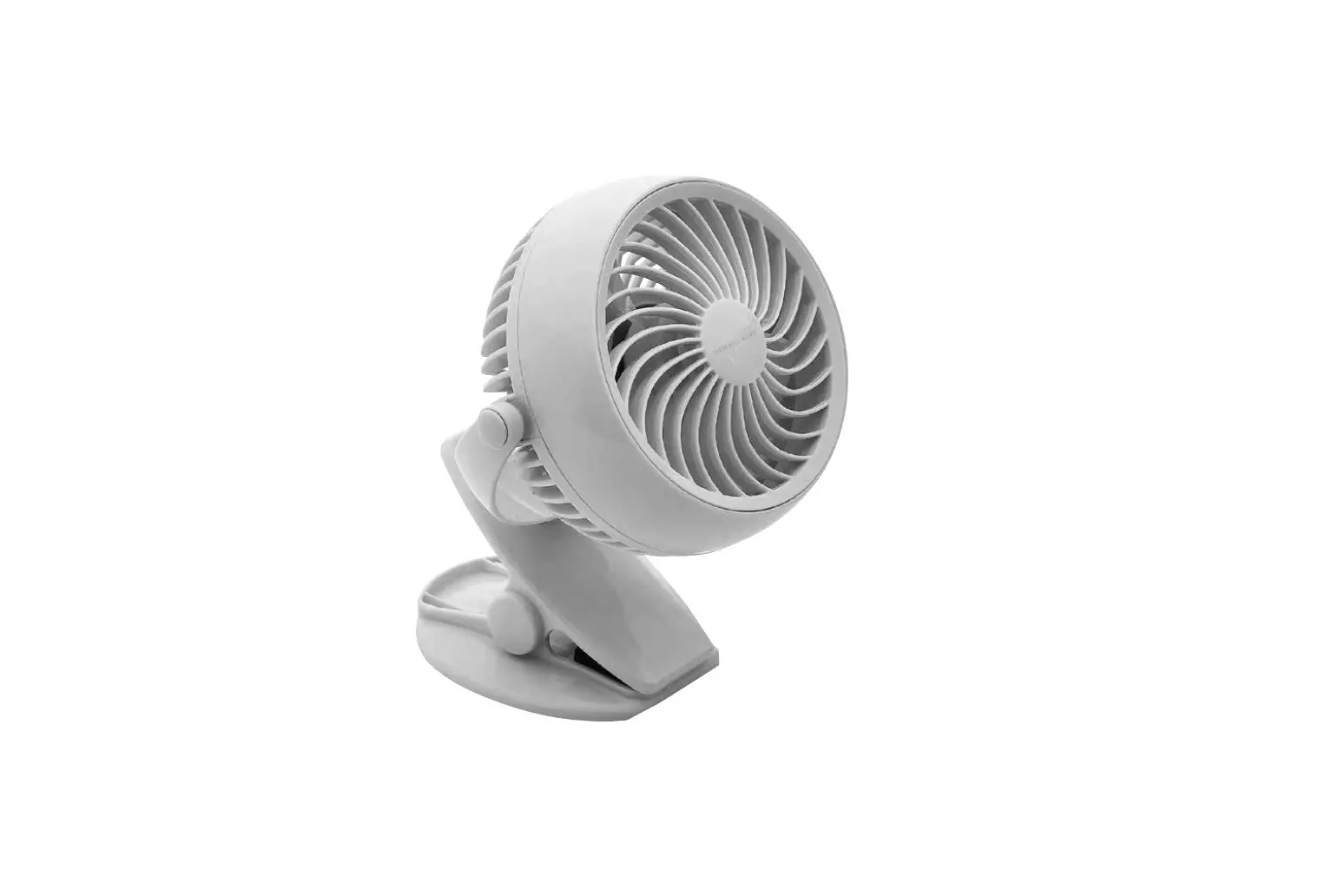
Fan with adjustable angle
FRONT VIEW
Power button
Power indicator light
Micro USB power socket
BACK VIEW
CHARGING STATUS
1. Connect the fan with power through USB cable
2. Power indicator light is on the back of the unit, next to the micro USB power socket.
· A RED LED light represents charging status
· When the LED light turns BLUE, it is fully charged
· When the fan is in use status, the LED light will turn BLUE color.
OPERATING THE FAN
1. Push power button once, and the fan starts operating at its highest speed.
2. Push power button a second time, and the fan operates at its medium speed.
3. Push power button a third time, and the fan operates at its lowest speed.
4. Push power button a fourth time, and the fan will turn off.
You can adjust the fan head angle from 10° to 40° as your want.
2
WORKING HOURS – when fully charged
· At the lowest fan speed, the fan works for about 5.5-6 hours.
· At the middle fan speed, the fan works for about 4.5-5 hours.
· At the highest fan speed, the fan works for about 2.5-3 hours.
MAINTENANCE
WARNING
· Don’t disassemble the product by yourself · Don’t put the product in wet place · Don’t put the product near hot place · Don’t put the product near any liquid · Children should be supervised by adults when using
CLEANING AND MAINTENANCE :
1
Make sure the fan is off. Open
the front grill at
anti-clockwise
direction, take the front grill off.
2
Clean the front grill and blade with soft cloth.
3
After washing,
follow at
clockwise
direction to
assemble the
front grill back.
SPECIAL ATTENTION:
1. When operating, the fan blade revolves at a high speed. Please don’t put a finger or other objects in the fan blades.
2. Please don’t use the fan in humid and wet weather or wet environment, as it could cause the product damage or to malfunction.
3. Please charge the fan with standard DC 5V voltage. Remove the USB cable when charging is completed.
4. Don’t place the fan on flammables when charging.
5. If the fan gets too hot or out of shape, or if the battery is leaking while charging, please stop charging immediately.
6. Please keep the product at 32°F-104°F degrees Fahrenheit.
7. Please don’t place the product in a fire, otherwise the battery will explode.
8. Please don’t hit or smash the product. Repeated hitting may damage the product.
9. Please don’t dismantle, change or repair the product by yourself.
10. Please don’t replace battery by yourself, and replace followed by professional guidance.
3
WHAT’S IN THE BOX
· Fan (1) · USB Cable (1) · User Manual (1)
PRODUCT SPECIFICATIONS:
Input: DC 5 Volts 1 Amp Speed Level: 3 Speeds
High / Medium / Low Battery capacity: 2000 mAh
For your records, staple your sales receipt to this manual and record the following:
Date of Purchase: _______________________________________________
Place of Purchase: ______________________________________________
NOTE: Proof of purchase is required for all warranty claims. NOTE: As a result of continual improvements, the design and specifications of
the product within may differ slightly to the unit illustrated on the packaging.
SCAN CODE TO LEAVE A REVIEW
THANK YOU FOR YOUR PURCHASE! As a small business, reviews are everything!
We’d love to hear how you are enjoying your Denali Aire product! Please take a minute to tell us (and others) about your experience.
Thanks (again!)
5401 Dansher Road Countryside, IL 60525
888-433-6254 | [email protected] | www.denali-aire.com
Printed in China | 0922_M1037
 Home - AIRE Rafts
 Denali Aire