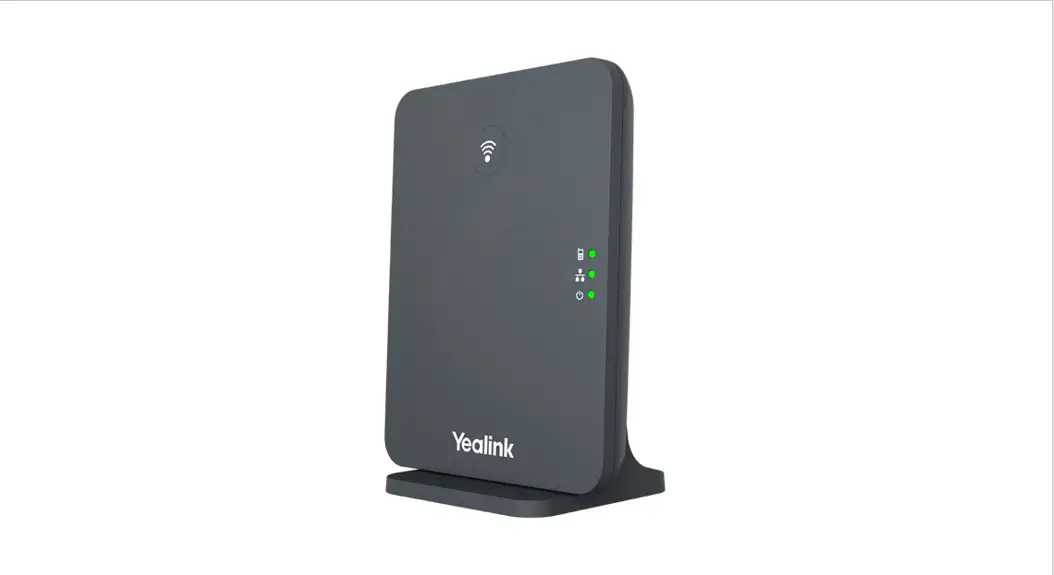
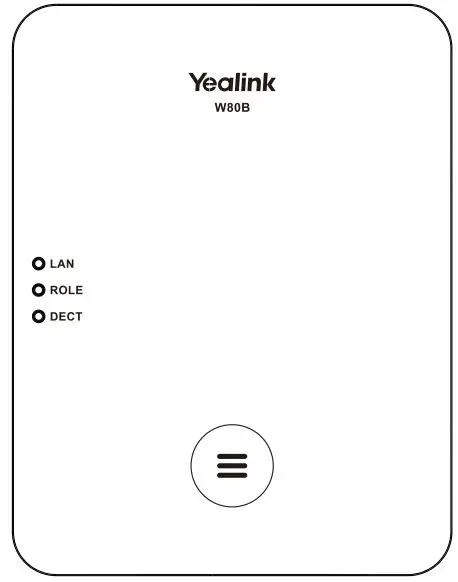
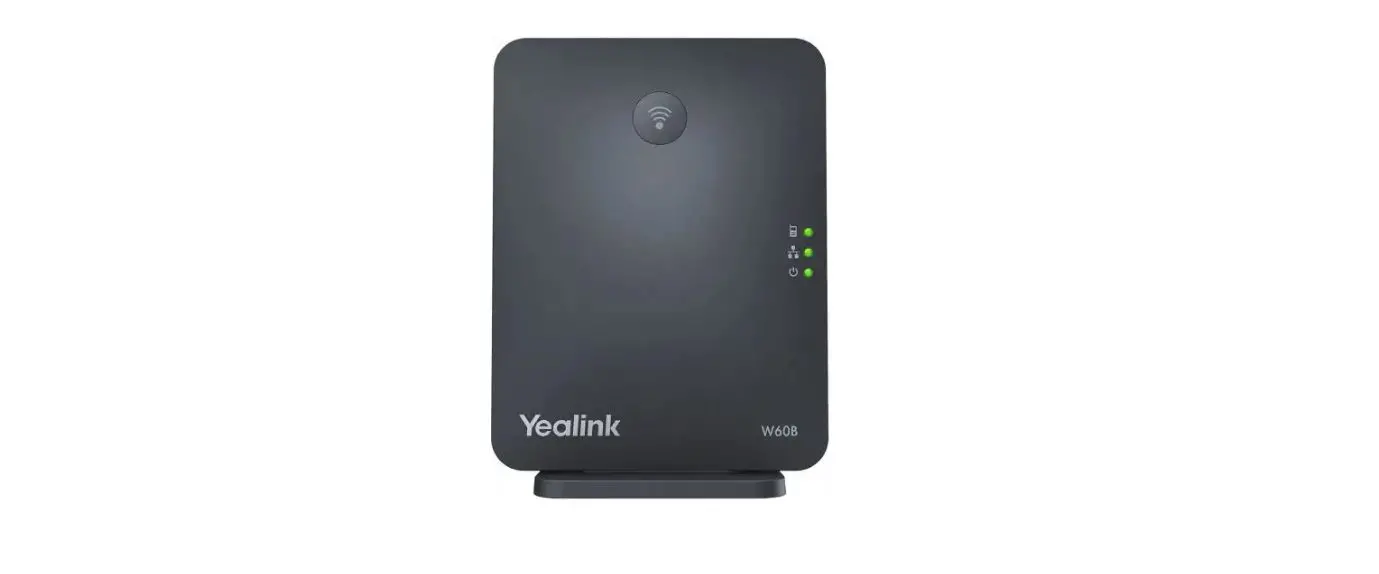
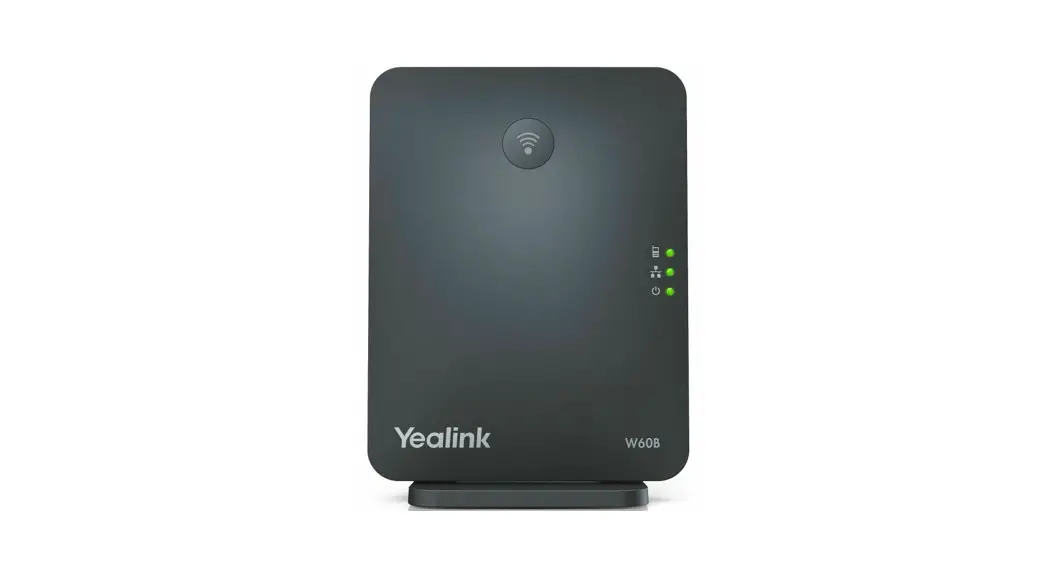
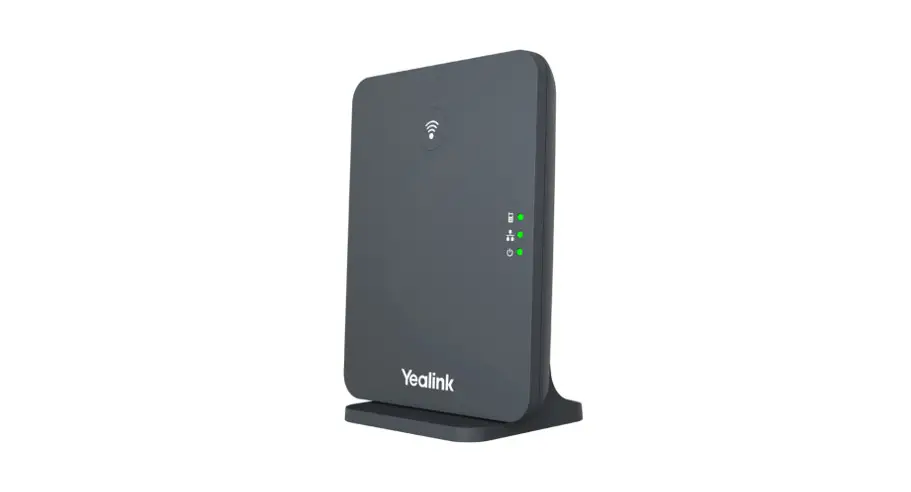
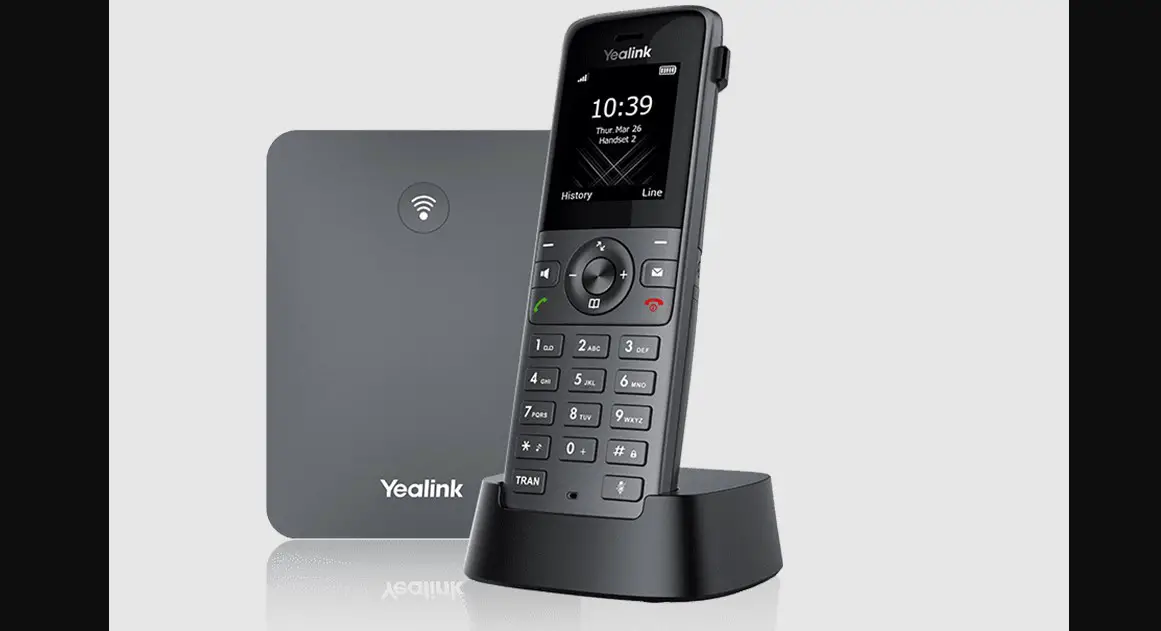
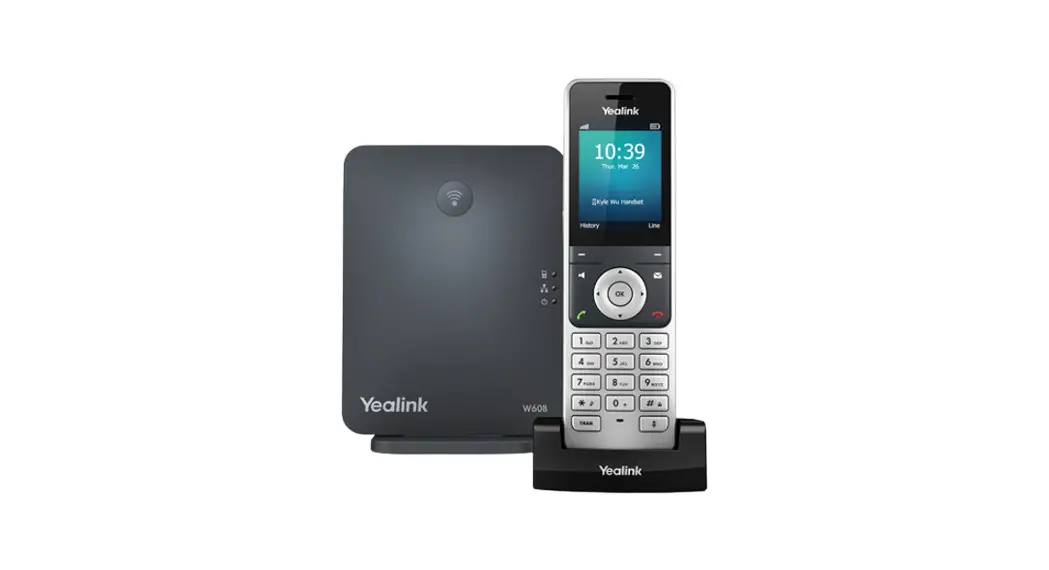
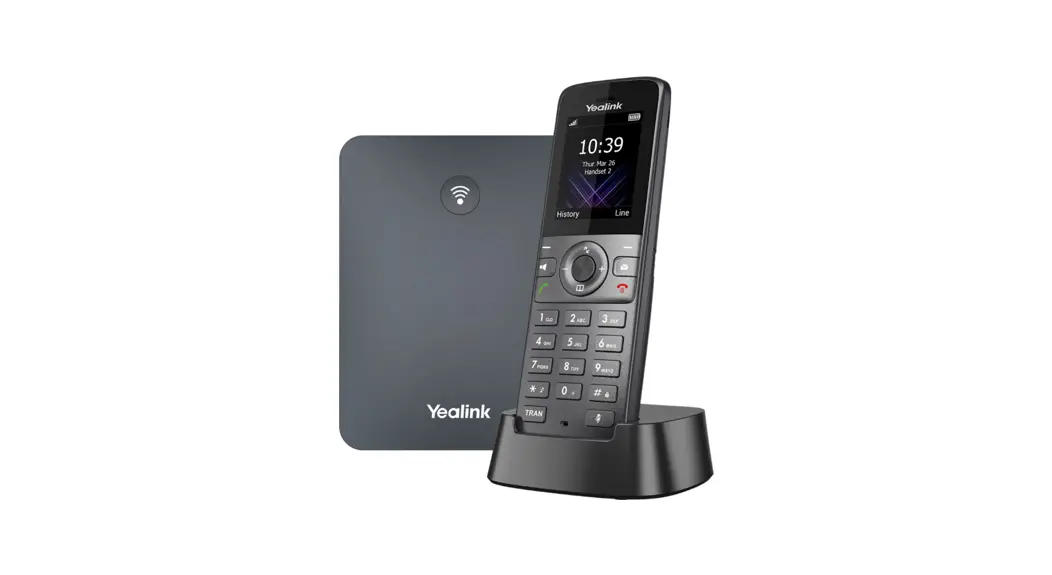
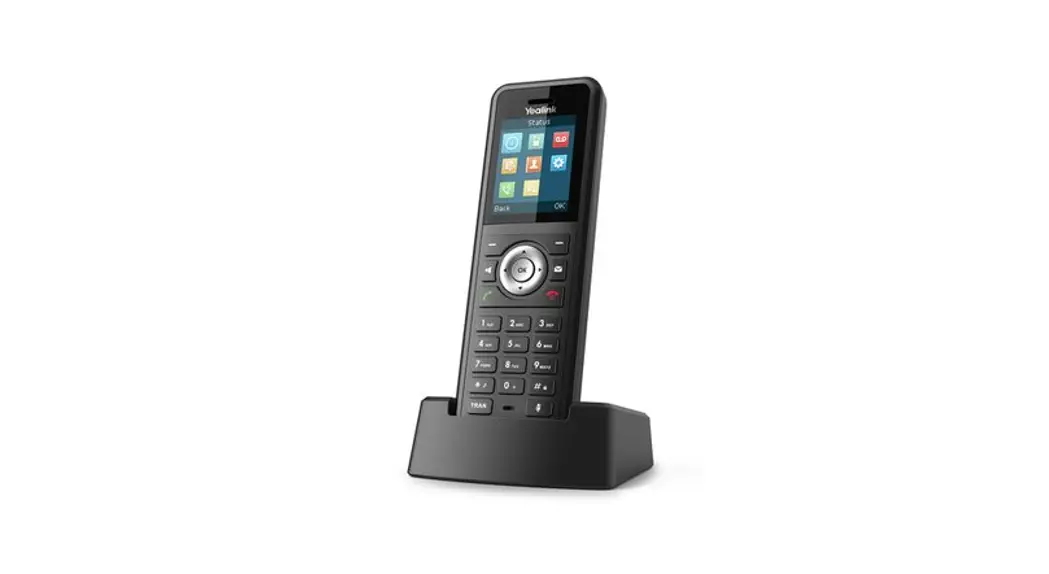
Yealink W70B Base Station
Product Information
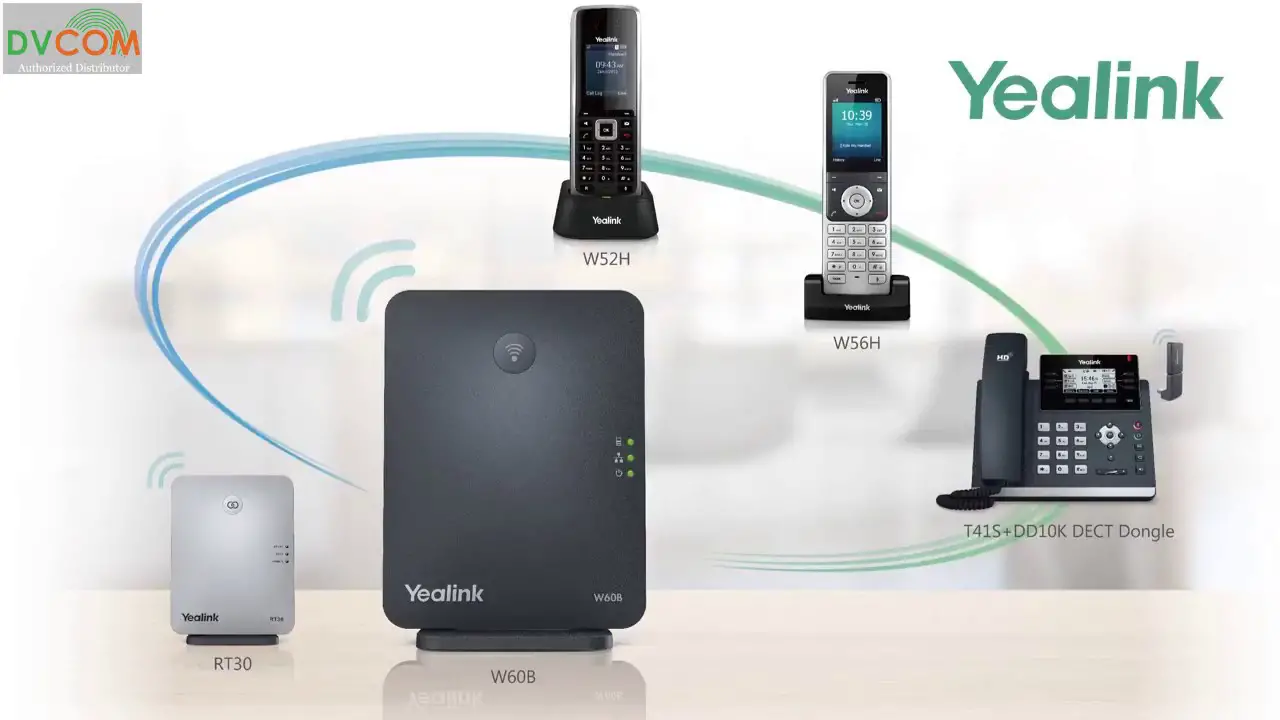
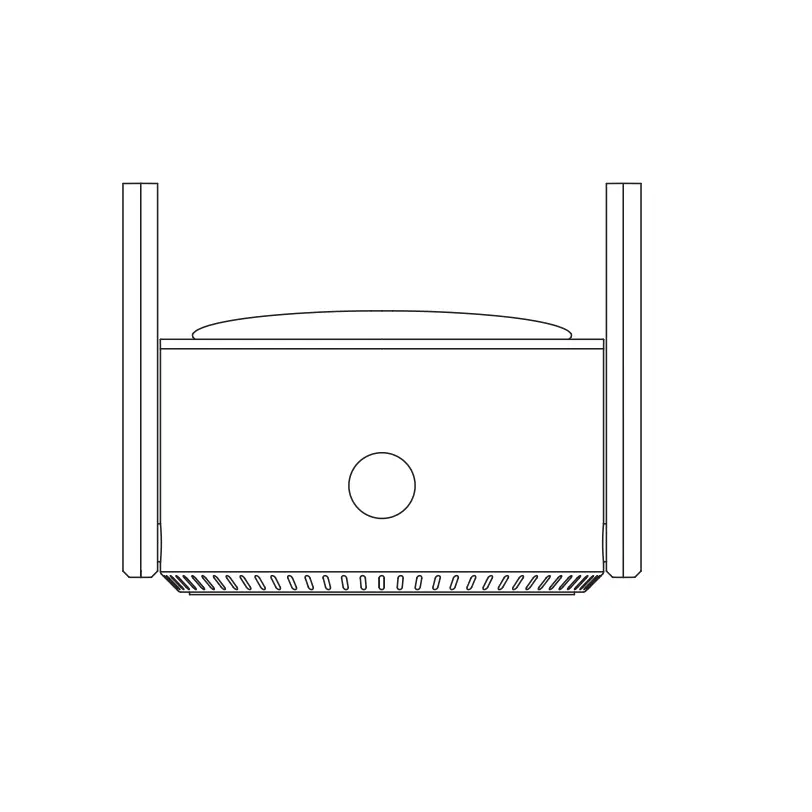
The Yealink W70B is a communication device that consists of a
base station, a 4G router (optional), headsets with single
chargers, and handsets. It is designed to provide efficient and
reliable communication in various settings.
Package Contents
- 1 Base station W70B
- 1 4G Router (if ordered)
- Headset(s) including single charger
- USB multicharger (if ordered)
- Handset (if ordered)
Product Usage Instructions
Setting up the Base Station (W70B)
- Remove the W70B base station and the supplied plug from the
packaging. - Connect the plug cable to the back of the base station.
- Insert the plug into a 220V socket.
- Hang the base station as high and central as possible.
Setting up the 4G Router (if ordered)
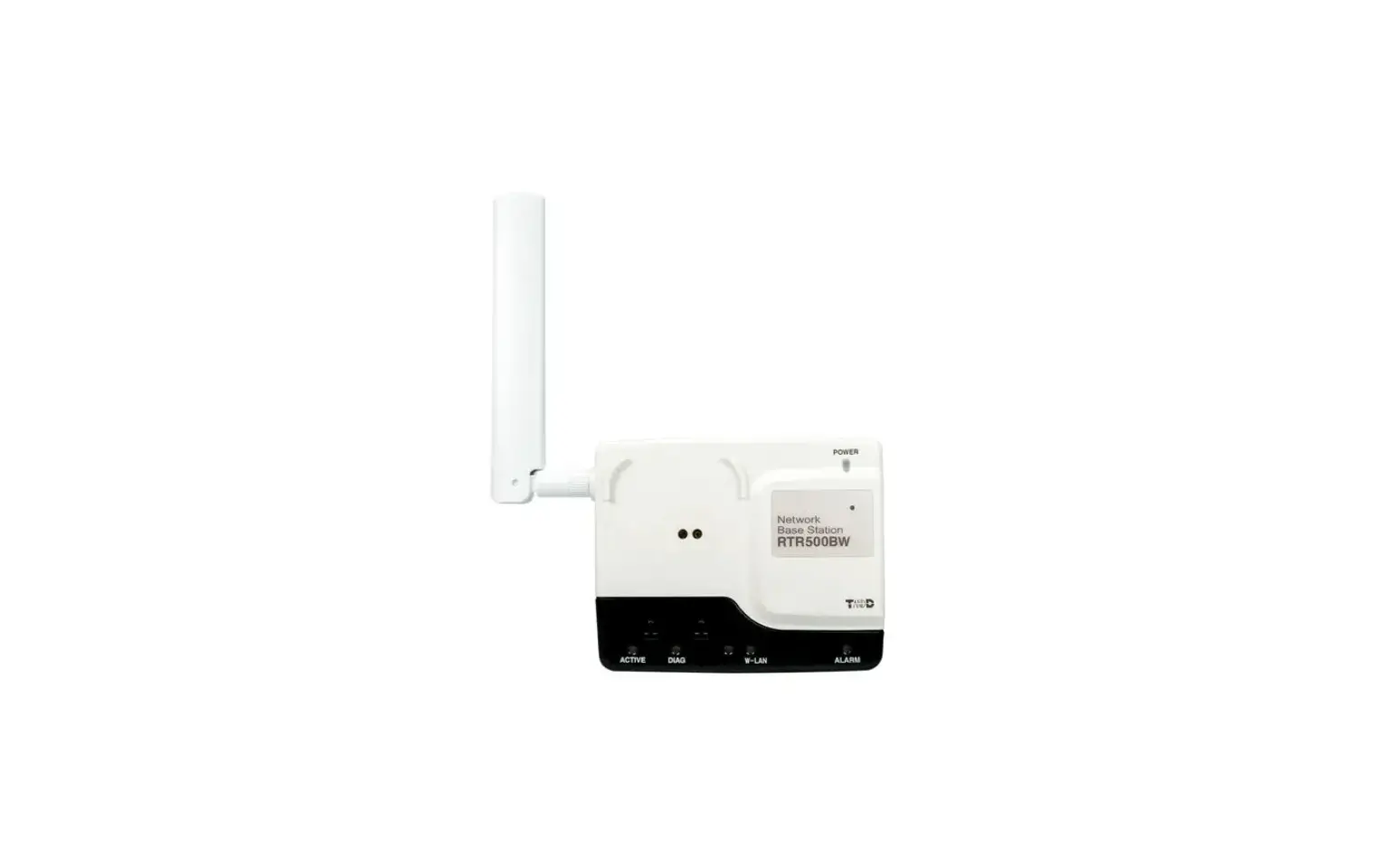
- Screw the 3 antennas onto the router: 2 on Mobile, 1 on
WiFi. - Connect the plug cable with the 4-pin block into the back of
the router. - Insert the plug into a 220V socket.
- Connect the supplied UTP cable to the LAN port of the
router. - Connect the other end of the UTP cable to the LAN connection of
the W70B.
Setting up the Headset with Single Charger
- Remove the headset and single charger from the packaging.
- Connect the plug to the back of the charger in the DC5V
port. - Insert the plug into a 220V socket.
- If you have ordered a USB-multicharger, connect the supplied
USB cable to the PC port and then to the USB-multicharger. - Insert the plug of the USB-multicharger into a 220V
socket. - Place the headset in the single charger and wait for 30
minutes.
Setting up the Handset(s)
- Remove the handset, base station, and power cable from the
packaging. - Connect the cable to the back of the base station.
- Insert the plug into a 220V socket.
- Place the handset in the base station.
- Charge the handset for 30 minutes.
- Remove the handset from the base station. The handset is now
ready for use.
If you need further assistance or have any questions, please
contact our customer support at 073 – 751 77 77 or email us at
[email protected].
2
1
+
34
DC5V
PC
12
QUICK START GUIDE
Yealink W70B
Heeft u vragen?
bel naar: 073 – 751 77 77 of mail naar: [email protected]
Controle
Controleer de verpakkingen of alle bestelde producten aanwezig zijn:
1
Basisstation W70B
4G Router (indien besteld)
Headset(s) inclusief enkelvoudige lader
USB multicharger (indien besteld)
Handset (indien besteld)
2 1
Basisstation W70B
Haal de W70B basisstation en de meegeleverde stekker uit de verpakking. Sluit de stekkerkabel aan op de achterkant van het basisstation (1). Steek vervolgens de stekker in het stopcontact. Hang het basistation zo hoog en centraal mogelijk op.
3
30 min
4
5
30 min
4G Router
Schroef de 3 antennes op de router: 2 op Mobile (1), 1 op WiFi (2) Sluit de stekkerkabel met blokje met 4 pinnen (3) aan op de achterkant. Steek vervolgens de stekker in het stopcontact. Sluit de meegeleverde UTP kabel aan op LAN (4). En sluit deze kabel aan op de W70B in LAN aansluiting.
Headset met enkelvoudige lader
Haal de headset en enkelvoudige lader uit de verpakking. Sluit de stekker aan op de achterkant in DC5V (1) Steek vervolgens de stekker in het stopcontact. Indien u een USB-multicharger heeft besteld, sluit dan de meegeleverde USB kabel aan op PC poort (2) en daarna op de USB-multicharger. Steek vervolgens de stekker van de USB-multicharger in het stopcontact. Plaats de headset in de enkelvoudige lader en wacht 30 minuten. De headset is klaar voor gebruik (of zie QSG WH62/WH63).
Handset(s)
Haal de handset en lader en de meegeleverde stekker uit de verpakking. Sluit de kabel op de achterkant van het basisstation. Stop de stekker in het stopcontact. Zet de handset in basisstation. Wacht 30 minuten. Neem de handset uit het basisstation. De handset is klaar voor gebruik (of zie QSG W59R).
2
1
+
34
DC5V
PC
12
QUICK START GUIDE
Yealink W70B
Questions?
Please call: 073 – 751 77 77 or email: [email protected]
Checks
Check the packaging whether all ordered products are present:
1
Base station W70B
4G Router (if ordered)
Headset(s) including single charger
USB multicharger (if ordered)
Handset (if ordered)
2 1
Base station W70B
Remove the W70B base station and the supplied plug from the packaging. Connect the plug cable to the back of the base station (1). Then put the plug into the 220V socket. Hang the base station as high and central as possible.
3
30 min
4
5
30 min
4G Router
Screw the 3 antennas onto the router: 2 on Mobile (1), 1 on WiFi (2) Connect the plug cable with the 4-pin block (3) into the back. Then put the plug into the 220V socket. Connect the supplied UTP cable to LAN (4). And connect this cable to the W70B in LAN connection.
Headset with single unit charger
Remove the headset and single charger from the packaging. Connect the plug to the back in DC5V (1) and then plug the other side of the cable into the 220V socket. If you have ordered a USB-multicharger, connect the supplied USB cable to the PC port (2) and then to the USB-multicharger. Then put the plug of the USB-multicharger into the 220V socket. Place the headset in the single charger and wait 30 minutes. The headset is ready for use (or see QSG WH62/WH63).
Handset(s)
Remove the handset and base station and power cable from the box. Connect the cable to the back of the base station. Then put the plug into the 220V socket. Place the handset in the base station. Charge for 30 minutes. Remove the handset from the base station. The handset is ready for use (or see QSG W59R).