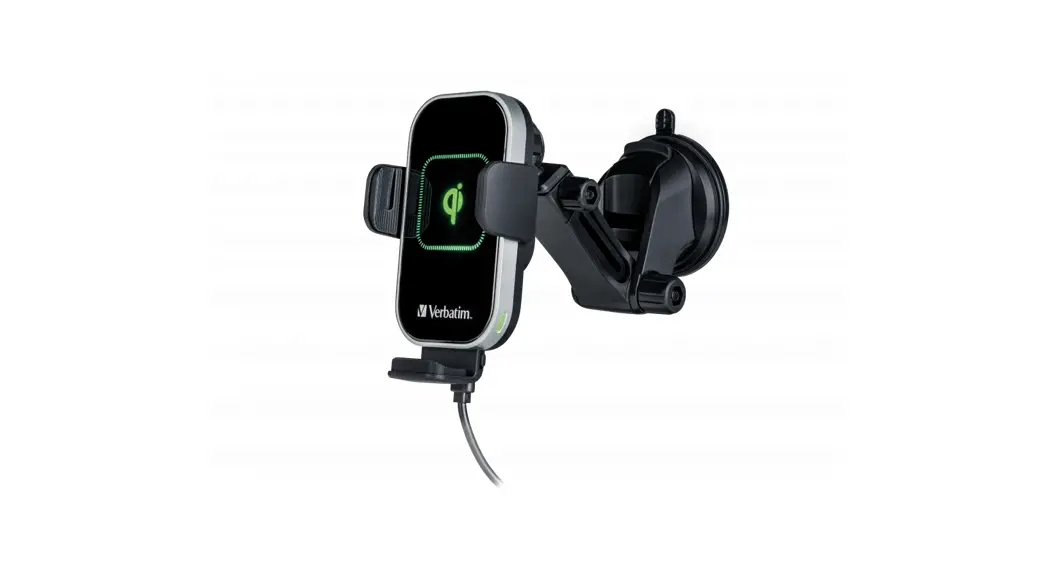
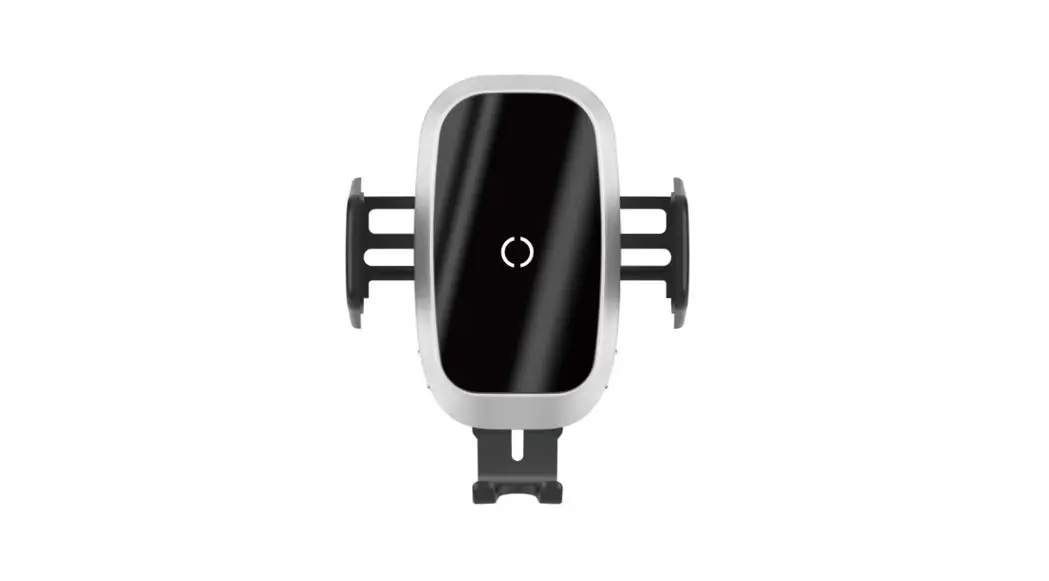
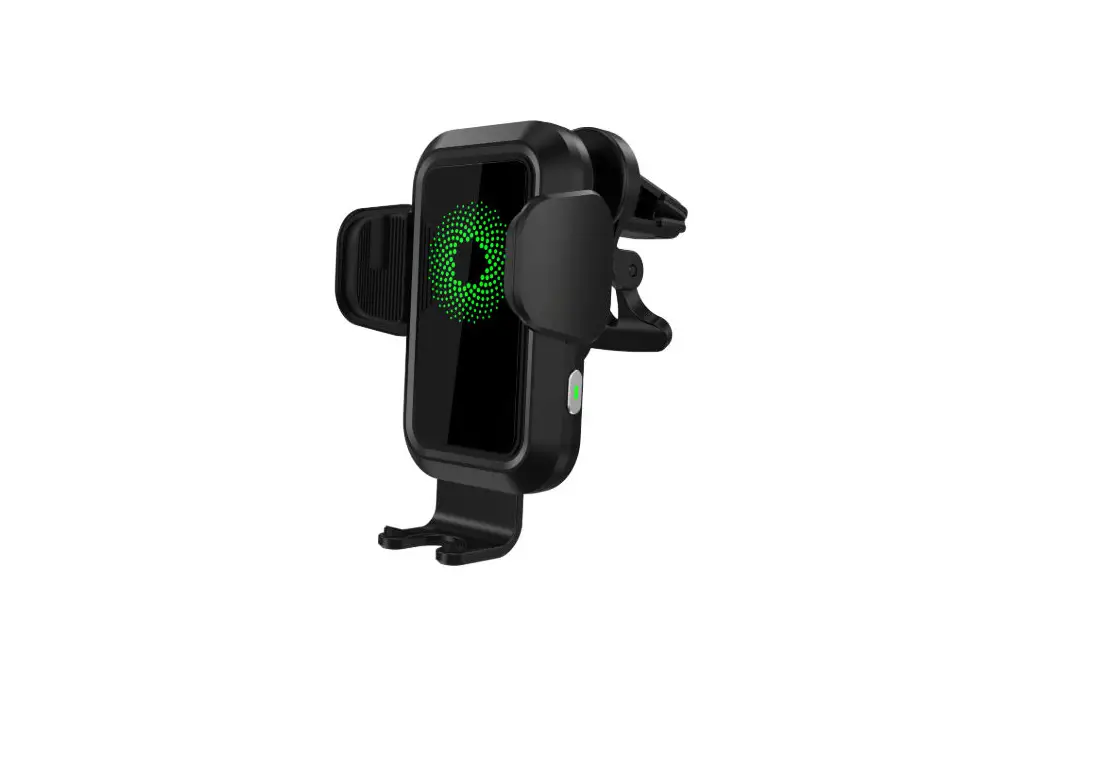
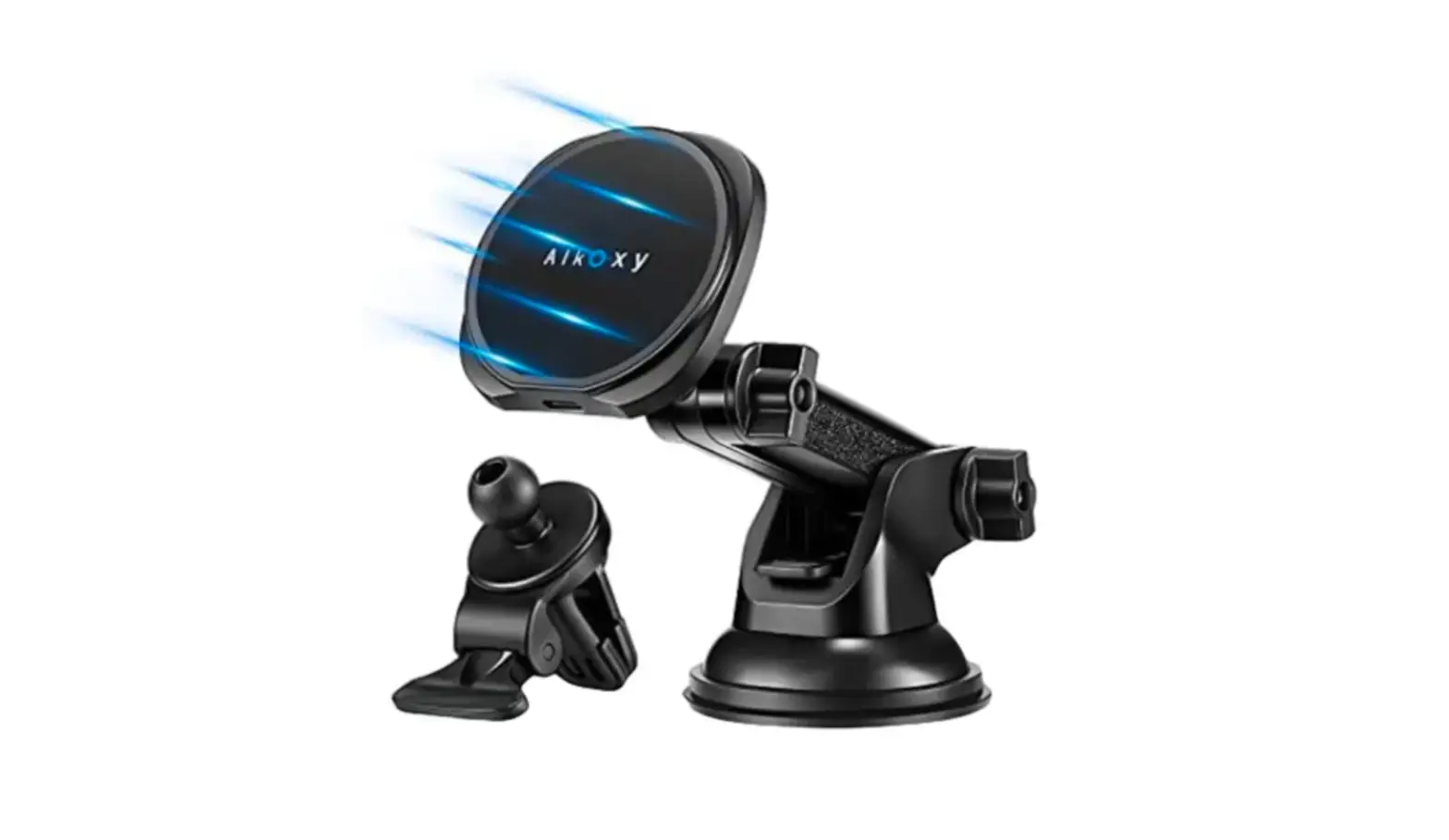
FWC-01 Qi Fast Wireless Car Charger
Product Information:
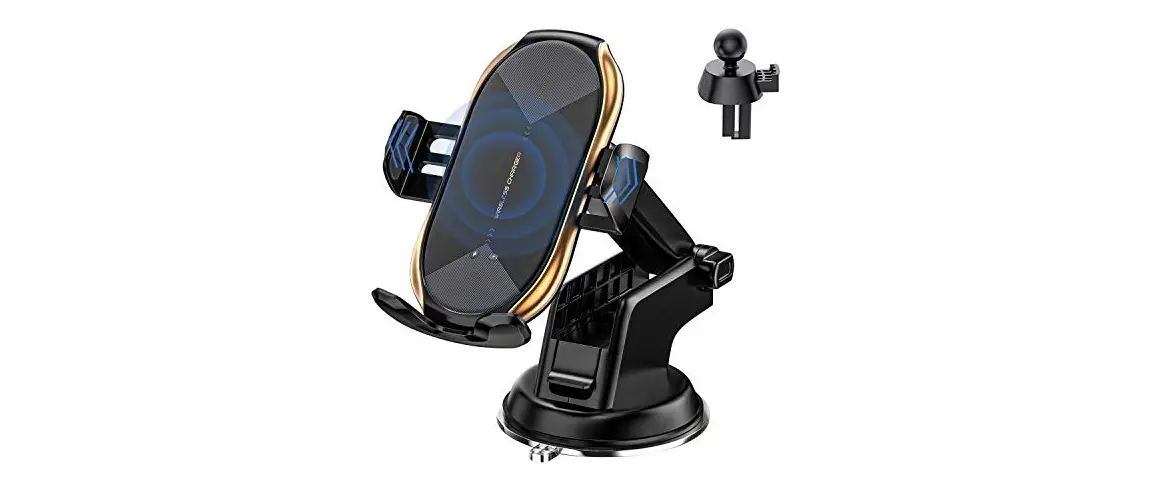
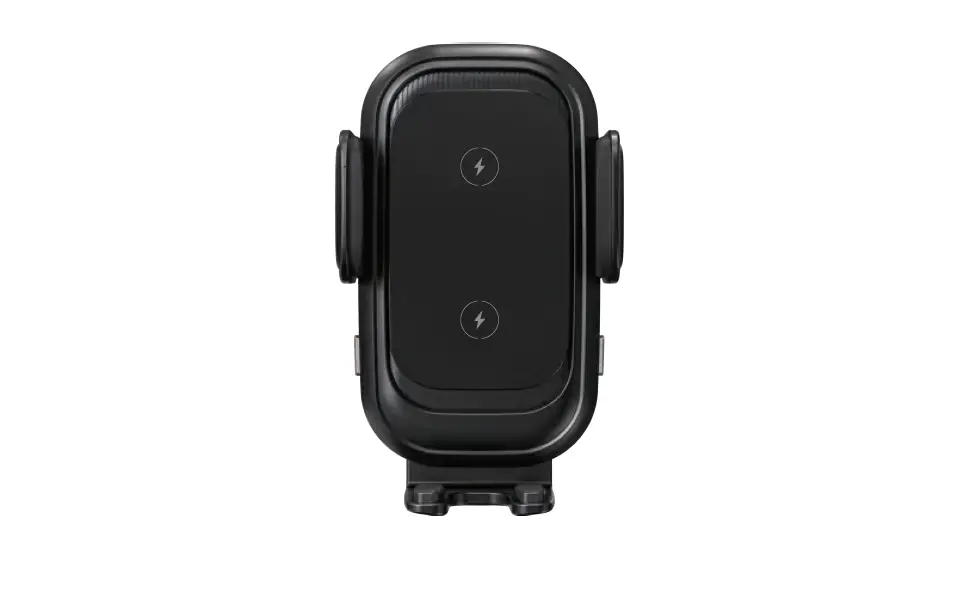
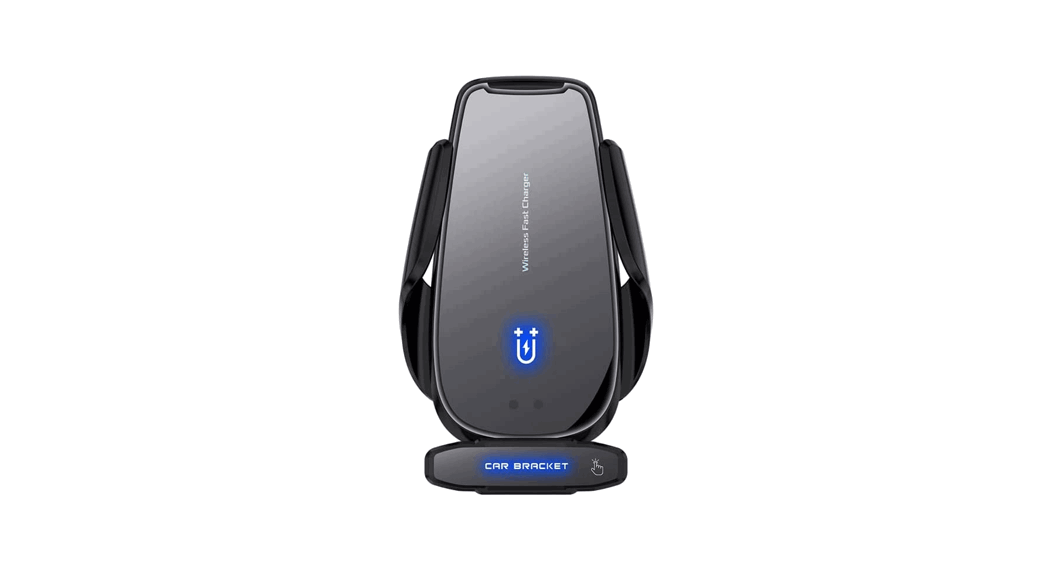
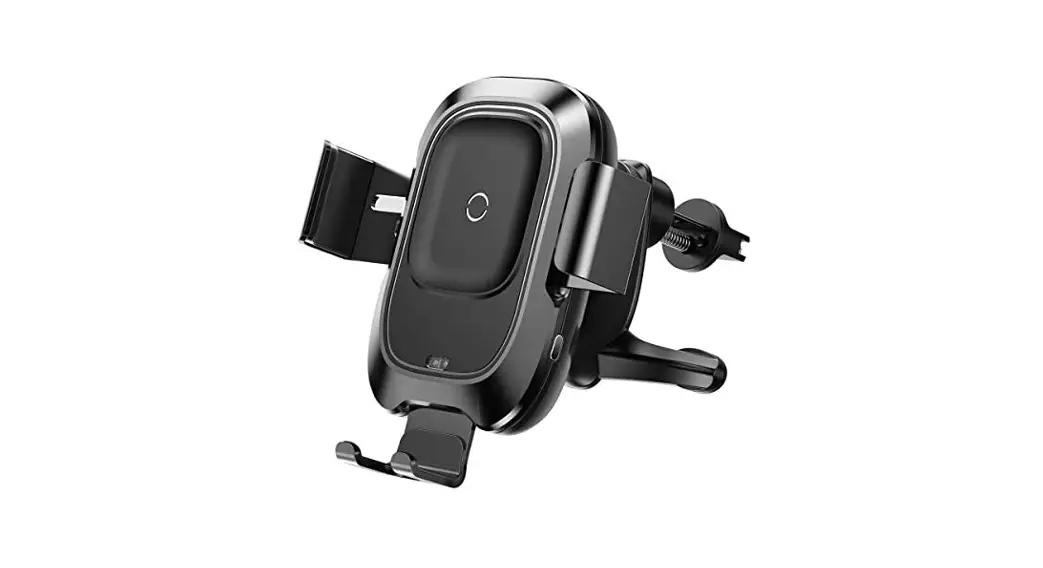
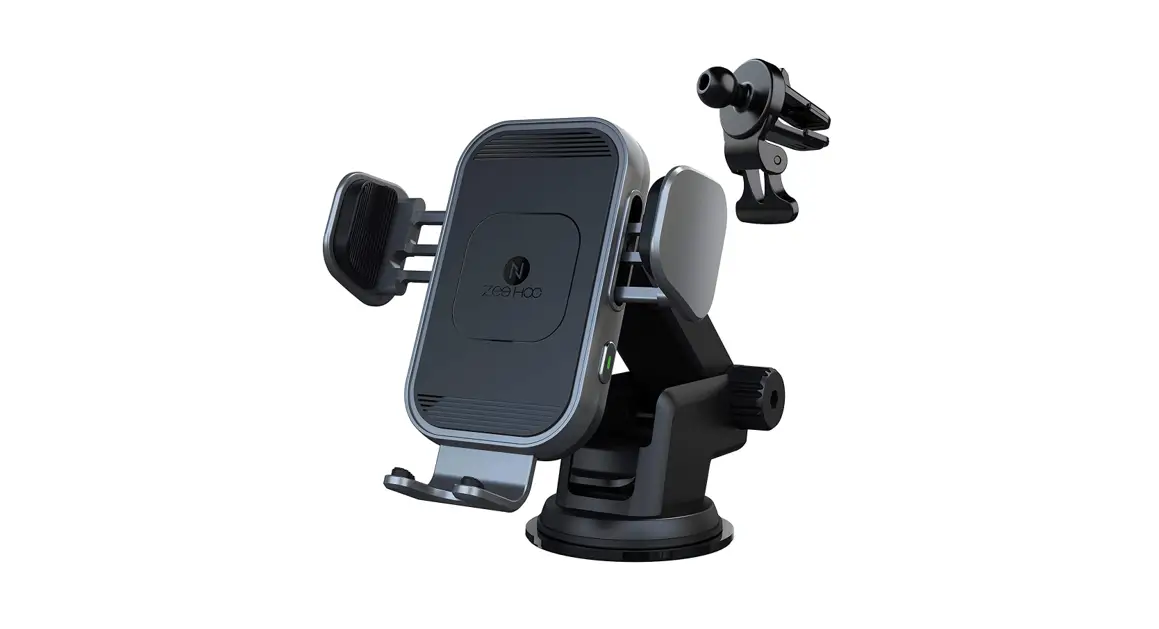
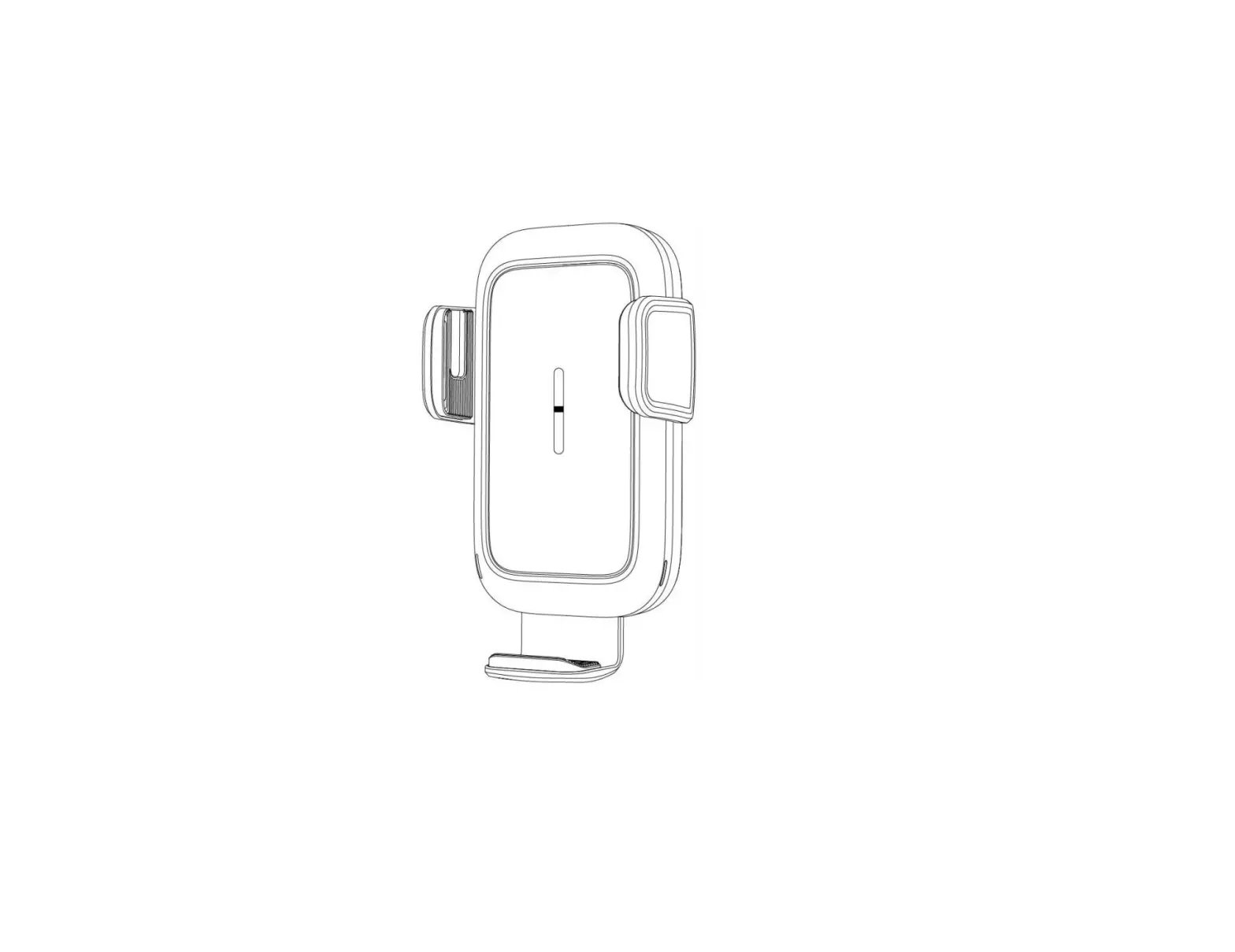
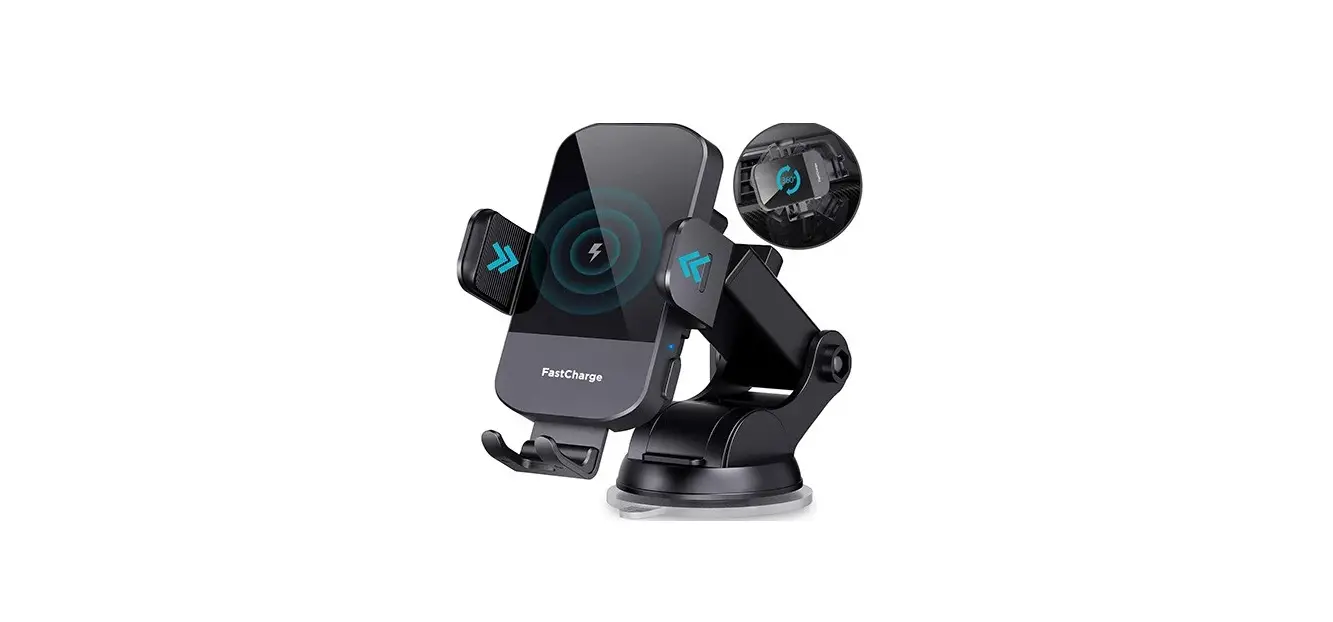
The Qi Fast Wireless Car Charger FWC-01 is a versatile car
charger that allows for fast wireless charging of smartphones. It
features a silicon mat, adjustable side arms, lever, suction cup,
pivot knob, telescopic knob, telescopic support pole, left and
right touch buttons with indicator lights, and an adjustable foot.
The charger also includes an angle pivot knob, tightening wheel,
air vent clip, and a USB-C charging port.
Product Usage Instructions:
Mounting options:
- Mounting on suction cup:
- Unscrew the angle pivot knob from the car charger and place it
over the ball joint adapter. - Insert the ball into the socket of the charger at the
back. - Tighten the angle pivot knob to secure it.
- Unscrew the angle pivot knob from the car charger and place it
- Mounting on windscreen or dashboard with suction
cup:- Before using the suction cup holder, peel off the protective
paper film from the suction cup. - Clean the mounting area.
- Lift the lever, push the suction cup firmly against the
windscreen or dashboard, and press the lever to lock.
- Before using the suction cup holder, peel off the protective
- Adjusting the telescopic support pole:
- Turn the pivot knob to move the telescopic support pole up or
down. - Tighten the pivot knob to fix the position.
- Turn the telescopic knob to extend or retract the telescopic
support pole. - Tighten the telescopic knob to fix the position.
- Turn the pivot knob to move the telescopic support pole up or
- Mounting on air vent:
- Unscrew the angle pivot knob from the car charger and place it
over the ball joint adapter. - Insert the ball into the socket of the charger at the back and
tighten the pivot knob. - Clean the surface of the air vent.
- Insert the mount clips into the car air vent and turn the wheel
until it is tightened. - Ensure that the eagle beak at the end of the air vent holder
bites firmly into the air outlet.
- Unscrew the angle pivot knob from the car charger and place it
Power connection:
- Plug in the power:
- Plug the included USB-C cable into the wireless car charger
port. - If fast charging is required, use a QC 3.0 adapter (not
included) or a QC 3.0 capable USB-A charging port in your car.- If using an adapter, connect it to the lighter plug and connect
the USB-A end of the cable to the adapter. - If a USB-A charging port is available, you can use it
directly.
- If using an adapter, connect it to the lighter plug and connect
- Plug the included USB-C cable into the wireless car charger
- Charging your phone:
- Touch the left or right button (or both) on the charger.
- Place your phone in the car charger.
- Extend the adjustable foot to align the charging center if your
phone does not charge immediately.
Indicator LED info:
- Working mode: Indicates that the charger is in
normal working mode. - Standby mode: Indicates that the charger is in
standby mode. - Charging mode: Indicates that the charger is
currently charging a device. - Charge complete: Indicates that the device has
finished charging. - Foreign object detection warning: Indicates
that a foreign object has been detected on the charger, preventing
it from charging.
QUICK START GUIDE
Qi Fast Wireless Car Charger FWC-01
Safety Notes:
1. Only use the product according to the instructions provided. 2. Do not disassemble the product, immerse it in water or expose it to open flames. 3. Do not use the product in high temperature, wet or corrosive environments. 4. Do not use the product in the immediate vicinity of heaters or other heat sources or
in direct sunlight. 5. Ensure that there are no metal parts (for example, a magnetic metal holder place) on
the back of your device whilst charging. Metal can be heated up significantly by the charger and may cause damage to your device and/or the wireless charger. 6. Do not put cards with magnetic strips or chips (ID card, credit card etc.) close to the wireless charger to avoid demagnetization. 7. Keep the wireless charger at least 20 cm away from implanted medical devices, such as heart pacemakers. 8. Ensure that the wireless charger is clear of airbags, safety areas, controls, instruments, etc, and the driver’s visibility is not blocked or restricted. 9. Keep the product out of the reach of children.
1
How it works
2
63
1
4
5
7
8 9
1. Silicon mat 2. Adjustable side arms 3. Lever 4. Suction cup 5. Pivot knob 6. Telescopic knob 7. Telescopic support pole 8. Left and right touch button with indicator light 9. Adjustable foot
12
1. Angle pivot knob 2. Tightening wheel 3. Air vent clip 4. USB-C charging port
3
4
2
Mounting options
1. Mounting on suction cup
a.
b.
c.
a. Unscrew angle pivot knob from car charger. Put it over the ball joint adapter. b. Insert the ball into the socket of the charger in the back. c. Tighten the angle pivot knob.
2. Mounting on a. Windscreen or b. Dashboard with suction cup
a.
b.
Before use of the suction cup holder please peel off the protective paper film off the suction cup. a. Please clean the mounting area, lift the lever, push the suction cup firmly against the
windscreen and press the lever to lock. b. Find a flat surface and clean the area, lift the lever, push firmly against the dashboard and
press the lever to lock.
3. Adjusting the telescopic support pole
a.
b.
7 7
270° rotation 6
5
a. By turning the pivot knob (5), the telescopic support pole (7) can be moved up/down. To fix the position, please tighten the pivot knob (5).
b. By turning the telescopic knob (6), the telescopic support pole (7) can be extended. To fix the position please tighten the telescopic knob (6).
3
4. Mounting on air vent a.
a. Unscrew angle pivot knob from car charger and put it over the ball joint adapter. Insert the ball into the socket of the charger at the back and tighten the pivot knob.
b.
c.
b. Find a place on the air vent and clean the surface. c. Insert the mount clips in the car air vent and turn the wheel until it is tightened.
At the end of the air vent holder you will find the eagle beak which will bite firmly into the air outlet and will not fall off. This method of turning and locking the holder is suitable for a lot of cars. d. Please go ahead with Step 5. (a)-(c) Power connection.
Note · Confirm your car’s air vents are compatible before purchasing. · 5V / 1A car chargers are not sufficient to power the Verbatim Qi Fast Wireless Car Charger. · A Quick Charge 3.0 car charger adapter (not included) or a QC 3.0 USB port in your car is
required for Fast Charge Mode. · Metal attachments, Pop sockets, or credit cards will interfere with charging. Cases which
contain metal will trigger foreign object detection and interrupt charging. · Please note that your device/smartphone needs to be compatible to Qi Standard, min. 5W. · Fast Wireless Charging supported with 7.5 W to 15 W (power varies between manufacturers
of your device /smartphone).
4
Power connection
5. Power connection
a. Plug the included USB-C cable into the wireless car charger port.
(1)
(2)
b. For fast charging you need a QC 3.0 adapter (not included) or a QC 3.0 capable USB-A charging port in your car. If using an adapter connect it to the lighter plug (1) and connect the USB-A end of the cable to the adapter. If a USB-A charging port (2) is available you can use it directly.
c. Touch the left or right button (or both) and place your phone in the car charger. Extend the adjustable foot to align the charging center should your phone not charge immediately.
5
Indicator LED info
Working mode:
Standby mode: Charging mode: Charge complete: Foreign object detection warning:
Green (on both sides)
Green (on both sides)
Blue (on both sides)
LED will switch from blue to green (on both sides)
If metal or magnetic objects are somewhere on the charger, the LED will flash green and blue. If foreign objects are detected, charging will be stopped.
Standby Charging
6. Inserting/removing phone
After you mounted the holder and the car charger is provided with power you can insert your phone, the arms will close automatically. The phone will automatically start charging (if the smartphone supports Qi). The green status LED on both sides will switch to blue. If you want to open the arms while the device is charging and connected to power supply, you need to touch the left or right touch button (or both). After touching the buttons, the arms will release your phone so you can take it out. CAUTION: Never use force to open or close the arms manually as the product is designed to open and close automatically. Manual adjustment might damage the device.
Specifications
Input (requirements for adapter): 9V/1.67A; 12V/1.5A-3A
Output:
15W / 10W / 7.5W / 5W (auto-adaptation)
Working frequency:
110 KHz-205KHz
Product standard:
Qi
Charging distance:
10mm
Charging efficiency:
80%
Product dimension:
114mm x 71mm x 54.8mm
Product material:
ABS+PC
Product weight:
115g
Cable:
USB-C to USB-A cable,1m
Protective functions:
Over-voltage protection / Over-current protection
Over-temperature protection / Short circuit protection
FOD (foreign object detection)
NPO capacitors:
Lower charging temperature and high charging efficiency
6
Limited Warranty Terms
Verbatim GmbH warrants this product to be free from defects in material and workmanship for a period of 2 years from date of purchase. This warranty excludes batteries. If this product is found to be defective within the warranty period, it will be replaced at no cost to you. You may return it with your original cash register receipt to the place of purchase or contact Verbatim. Product replacement is your sole remedy under this warranty, and this warranty does not apply to normal wear or to damage resulting from abnormal use, misuse, abuse, neglect or accident, or to any incompatibility or poor performance due to the specific computer software or hardware used. VERBATIM WILL NOT BE LIABLE FOR DATA LOSS OR ANY INCIDENTAL, CONSEQUENTIAL OR SPECIAL DAMAGES, HOWEVER CAUSED, FOR BREACH OF WARRANTIES OR OTHERWISE. This warranty gives you specific legal rights and you may also have other rights which vary from state to state or country to country.
Note
Verbatim GmbH may at any time revise the content of this user guide without further notice.
Rights
Copyright © 2022 Verbatim GmbH. No part of this document may be reproduced in any form or by any means, for any purpose, without the express written permission of Verbatim GmbH. All rights reserved. All other brands and product names referenced herein are property of their respective owners.
CE Declaration
Complies with the requirements set out in the Council Directive on the Approximation of the Laws of the Member States relating to Electromagnetic Compatibility (2014/30/EC) and General Product Safety Directive (2001/95/EC). This declaration applies to all specimens manufactured identical to the model submitted for testing/evaluation. ETSI EN 301 489-1 V2.2.3 (2019-11) ETSI EN 301 489 V2.3.0 (2022-07) EN 55032:2015/A11:2020 EN 55035:2017/A11:2020
RoHS Compliance
This product is in compliance with Directives 2011/65/EU and 2015/683 of the European Parliament and of the Council of 18th December 2006, on the restriction of the use of hazardous substances in electrical and electronic equipment (RoHS) and its amendments. Substances of Very High Concern (SVHC) including 224 substances contained in Candidate List of June 10th 2022 are not present in this product range above permitted levels.
WEEE Notice
The Directive on Waste Electrical and Electronic Equipment (WEEE), which entered into force as European law on 13th February 2003, resulted in a major change in the treatment of electrical equipment at end-of-life. The WEEE logo (shown at the left) on the product or on its box indicates that this product
must not be disposed of or dumped with your other household waste. For more information about electronic and electrical waste equipment disposal, recovery, and collection points, please contact your local municipal household waste disposal service or shop from where you purchased the equipment.
7
Triman (Only for France)
The product and packaging materials are recyclable, dispose of it separately for better waste treatment. The Triman logo is valid in France only.
Technical Support
a If you have any questions about this product, please contact the Verbatim support team www.verbatim.com/support. b Si vous avez des questions au sujet de ce produit, contactez l’équipe d’assistance Verbatim à l’adresse www.verbatim.com/support. c Wenn Sie Fragen zu diesem Produkt haben, wenden Sie sich bitte an den Verbatim-Support: www.verbatim.com/support. q Voor vragen over dit product kunt u contact opnemen met het ondersteuningteam van Verbatim – www.verbatim.com/support. d Per maggiori informazioni su questo prodotto, contattare il Supporto Tecnico di Verbatim www.verbatim.com/support. e Si tiene alguna pregunta sobre este producto, póngase en contacto con el equipo de soporte de Verbatim: www.verbatim.com/support. f Caso tenha alguma dúvida sobre este produto, entre em contacto com a equipa de apoio da Verbatim – www.verbatim.com/support. g W przypadku jakichkolwiek pyta na temat tego produktu prosimy o kontakt z dzialem wsparcia firmy Verbatim — www.verbatim.com/support. h – , Verbatim www.verbatim.com/support. i Máte-li k tomuto produktu njaké otázky, kontaktujte tým podpory spolecnosti Verbatim www.verbatim.com/support. j Ha bármilyen kérdése van a termékkel kapcsolatban, kérjük, lépjen kapcsolatba a Verbatim ügyfélszolgálatával: www.verbatim.com/support. yz Ce imate vprasanja glede izdelka, se obrnite na skupino za podporo strankam Verbatim www.verbatim.com/support. n Ukoliko vas zanima bilo sta u vezi ovog proizvoda, obratite se timu za podrsku kompanije Verbatim www.verbatim.com/support. w Dac aveti întrebri despre acest produs, v rugm s contactati echipa de asistent Verbatim – www.verbatim.com/support. p Bu ürünle ilgili herhangi bir sorunuz varsa, lütfen Verbatim destek ekibi ile iletiime geçin www.verbatim.com/support.
EUROPE/MIDDLE EAST/AFRICA: Verbatim GmbH, Düsseldorfer Straße 13, 65760 Eschborn, Germany
Verbatim QSG 49552 Qi Fast Wireless Charger FWC-01 EN Rev. 22-11
8
 Support Center | Verbatim: Digital Media Storage Solutions, USB Flash Drives, External Hard Drives, SD Memory Cards