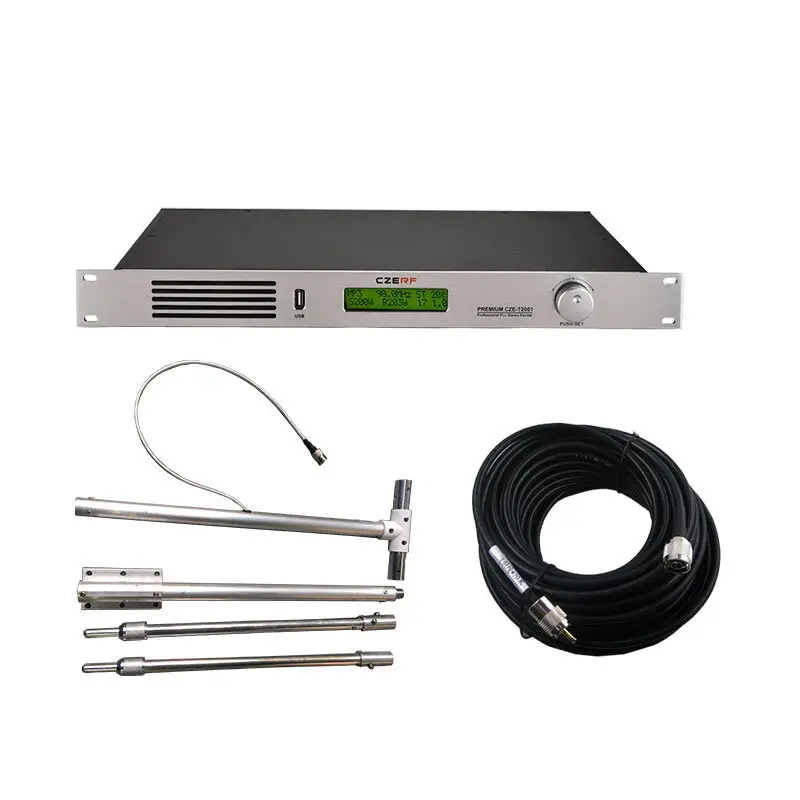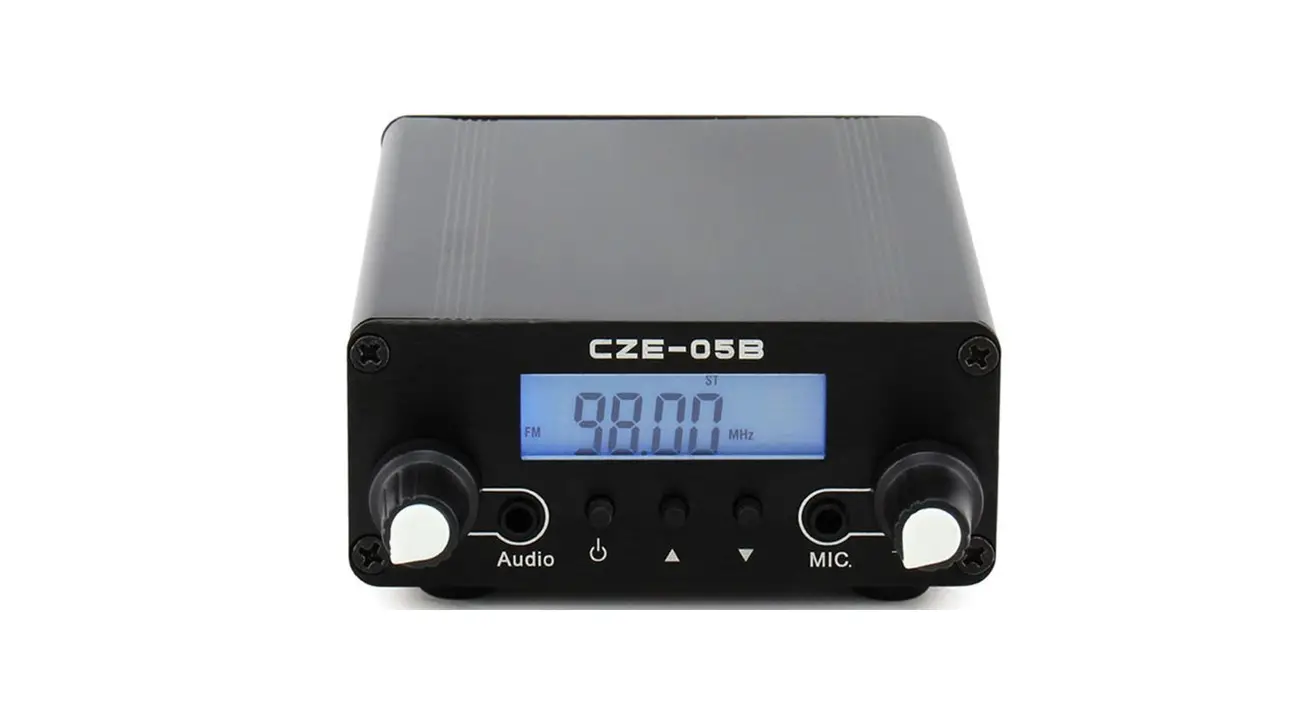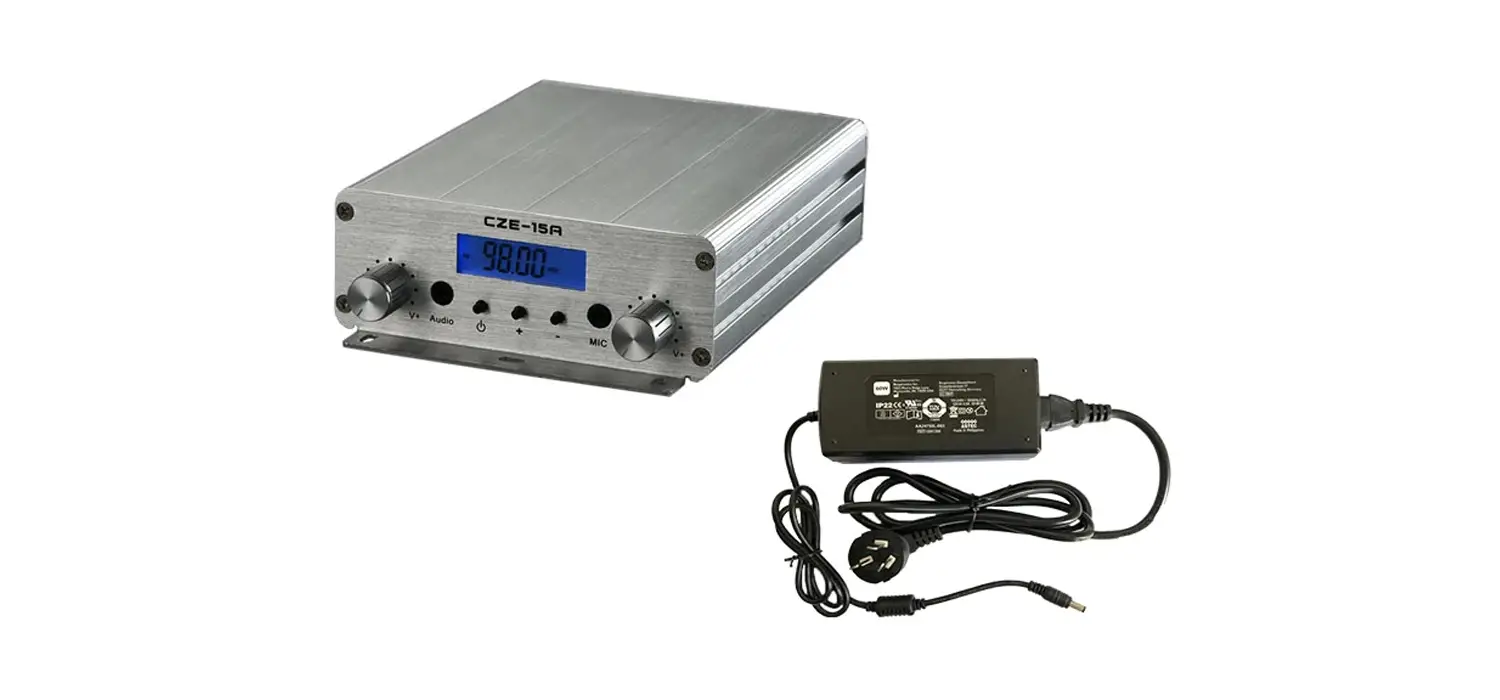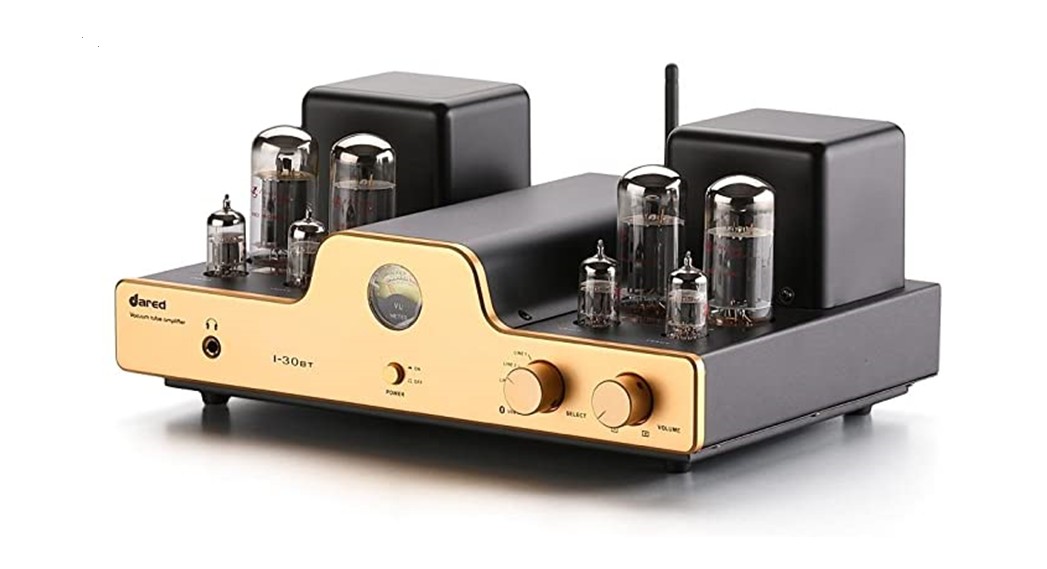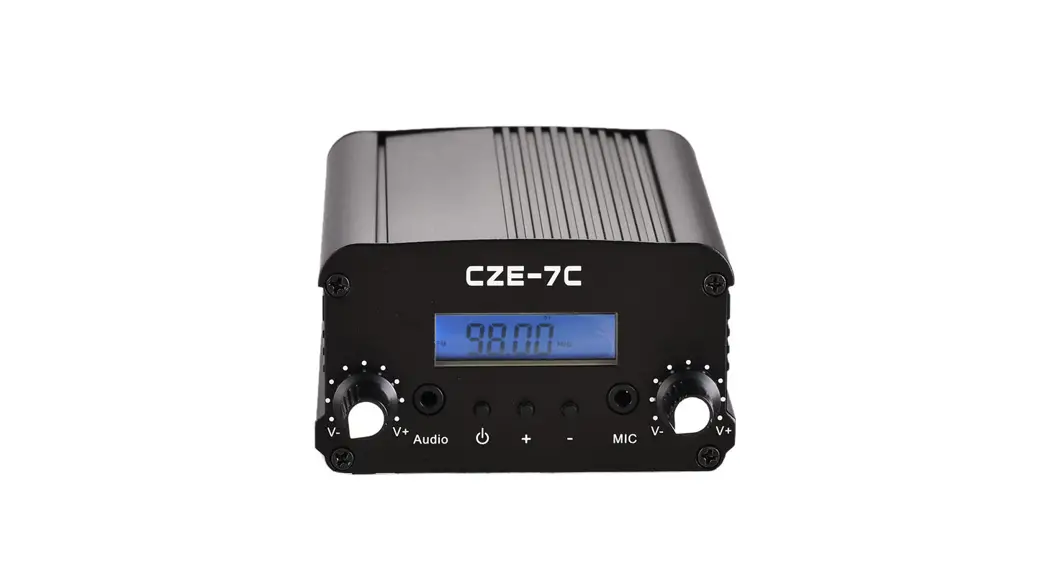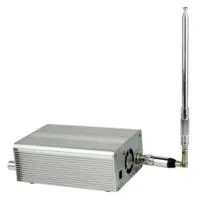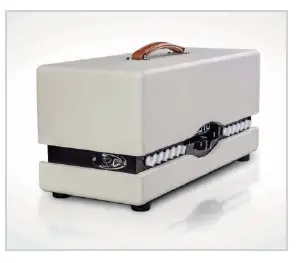

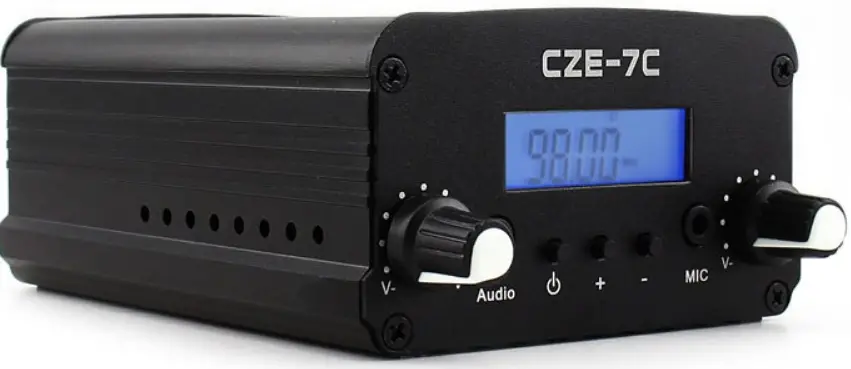
CZERF CZE-7C 1/7watt Stereo Tube Amplifier FM Transmitter Kits
Operating Instructions
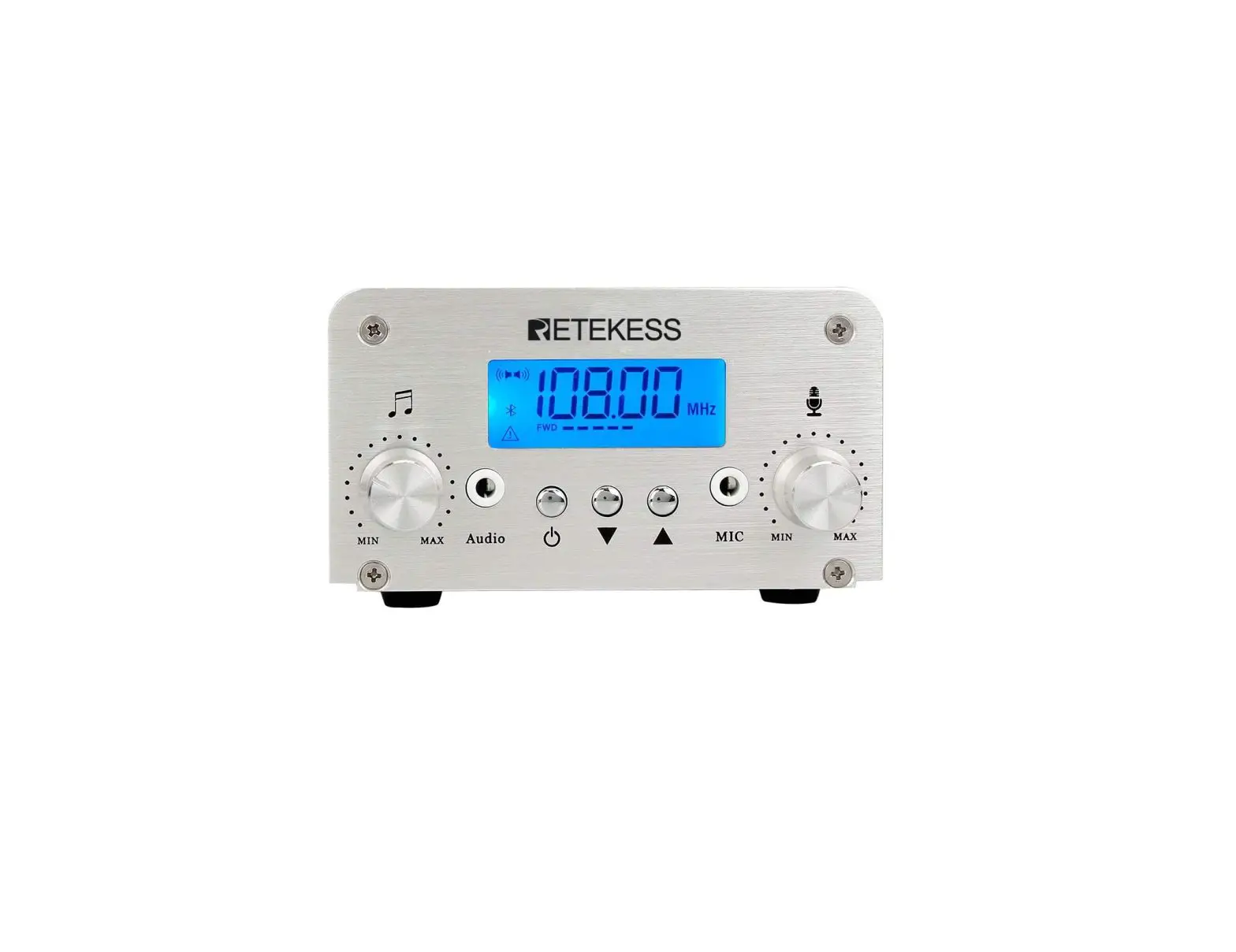
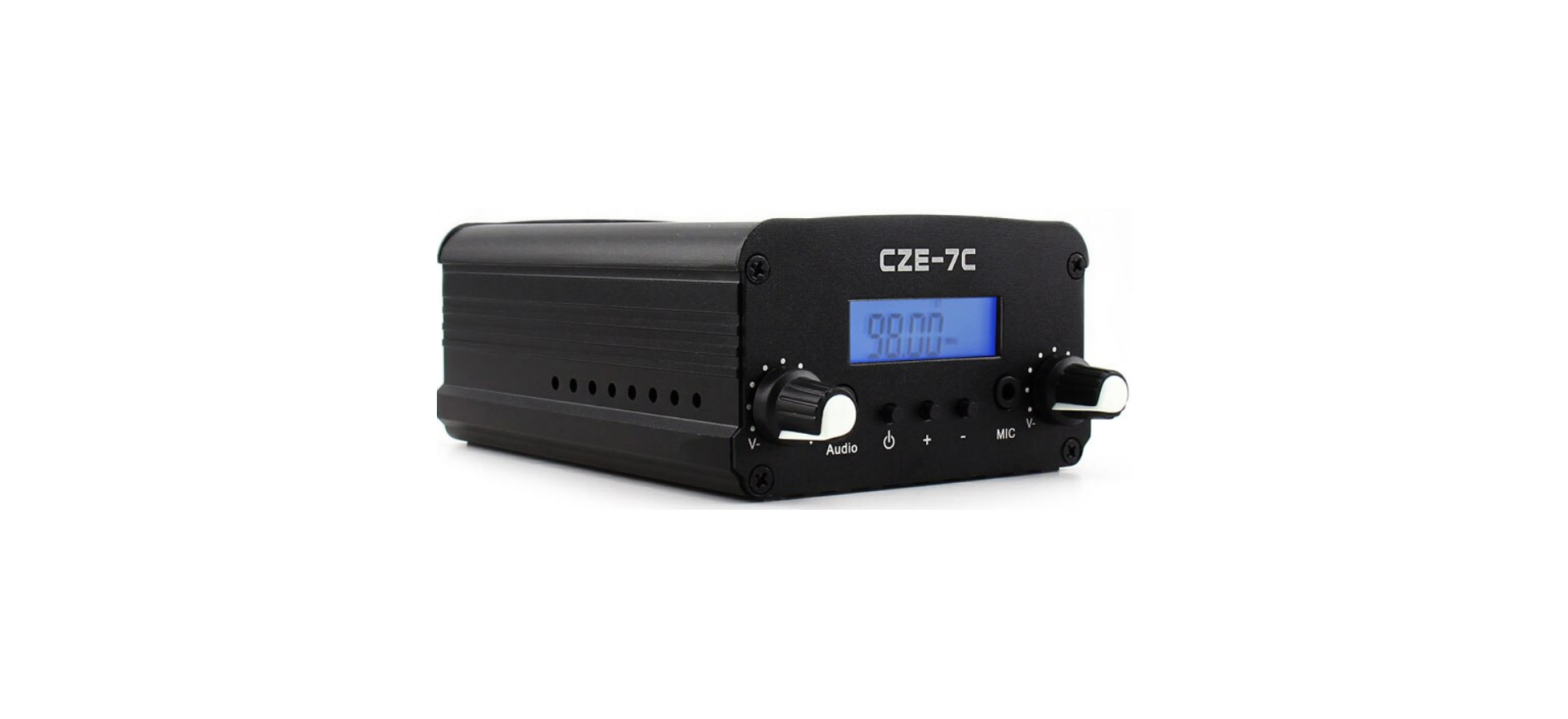
Front panel and rear panel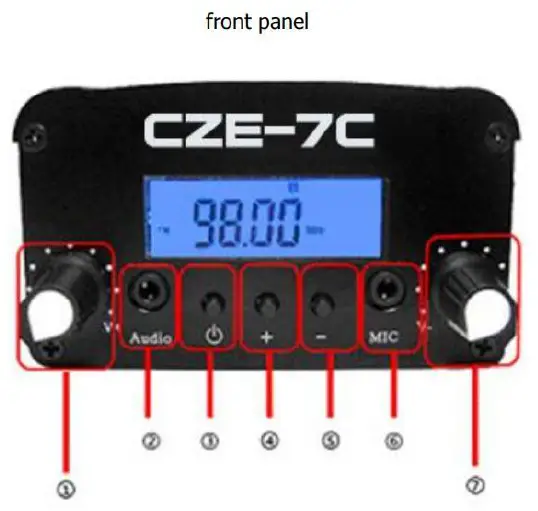
| CD volume adjustment | @ Frequency down |
| ® volume input | ® Microphone input |
| @ tum on/of | (J) Microphone adjustment |
| ® Frequency increases |
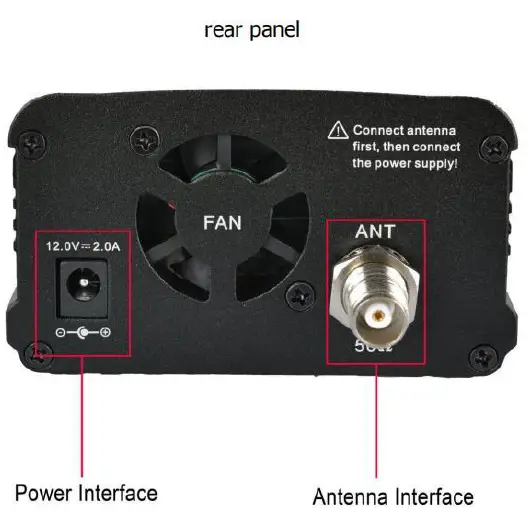
Audio volume and microphone adjustment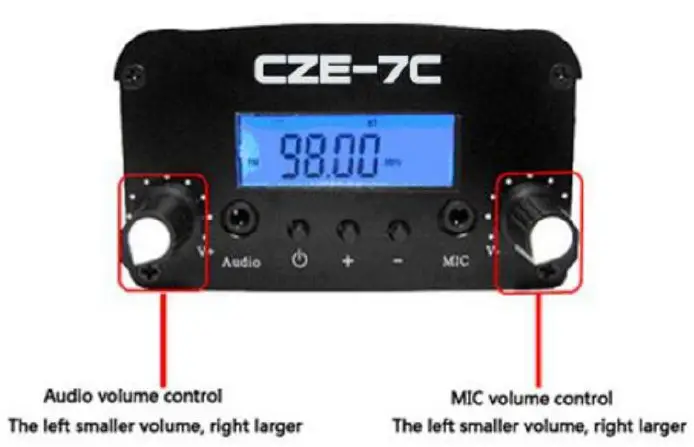
frequency adjustment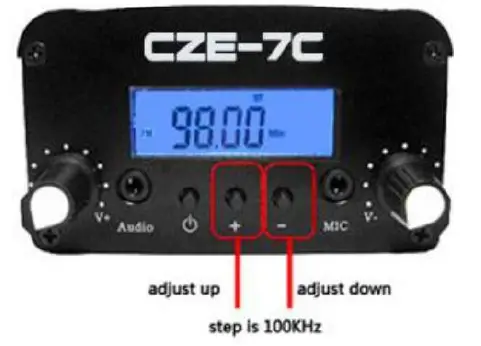
power adjustment
The output power of the machine in two stages: High-power file (1-1): >7W; Low power file (L): <IW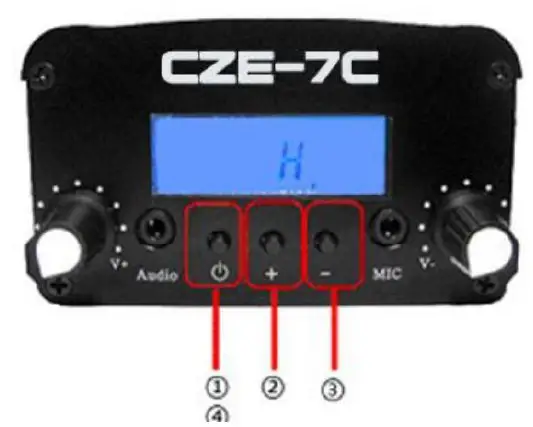
Turn off the power adapter, disconnect the transmitter power finish line state to follow these steps:
- First press and hold the power switch [ O,and connect the power (DC 12V) to the antenna, after 3 seconds after release the key, at this time into the power adjustment status, the LCD display shows “L” or “H” (default image file H high power)
- Press A) , and set it as high power (H)
- Press V), and set it as low power (L)
- Select the desired power profile, and press power setting finished, and it will into the frequency range setting state.
Frequency range setting
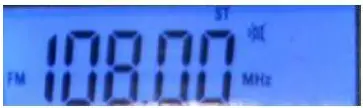
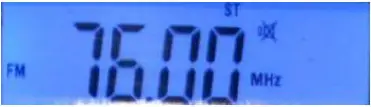
- After the power setting, it will enter the frequency range setting state, power setting is completed, press the LCD screen display shows a set of frequencies, the frequency data is the high-end of the operating band (below)

- For example, to set the operating frequency range of 9OMHz to 10OMHz, then through the key KA [V1 , adjust the frequency data as 100.00MHz

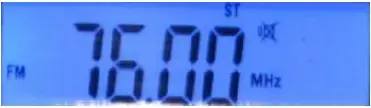
- Band after the completion of the high-end setting, press key [ <b] , the band will enter the low-end setting, LCD displayed data band low frequency (below), through key [ ] to adjust the data to 90.00MHz
 Then press key (O] ,at this time the setting finished.
(Note that the low-end band must not be higher than the high-end band.)
 Then press key (O] ,at this time the setting finished.
| No. | Parameter index | Technical index |
| 1 | Ambient temperature | -20℃~55℃ |
| 2 | Relative humidity | 10%~90% |
| 3 | Supply voltage | 100V~240V±10% |
| 4 | Channel mode | Single frequency point |
| 5 | Frequency range | 88.1MHZ~107.9MHZ |
| 6 | Number of channels | 199 |
| 7 | Load impedance | 50Ω |
| 8 | Modulation method | FM |
| 9 | Pre-emphasized | 50us |
| 10 | Frequency adjustment step | 0.1MHZ |
FCC Statement
This device complies with part 15 of the FCC rules. Operation is subject to the following two conditions: (1) this device may not cause hamful interference, and (2) this device must accept any interference received, including interference that may cause undesired operation.
Caution: Changes or modifications not expressly approved by the party responsible for compliance could void the user’s authority to operate the equipment.
NOTE: This equipment has been tested and found to comply with the limits for a Class B digital device, pursuant to part 15 of the FCC Rules. These limits are designed to provide reasonable protection against harmful interference in a residential installation. This equipment generates uses and can radiate radio frequency energy and, if not installed and used in accordance with the instructions, may cause harmful interference to radio communications. However, there is no guarantee that interference will not occur in a particular installation. If this equipment does cause harmful interference to radio or television reception, which can be determined by turning the equipment off and on, the user is encouraged to try to correct the interference by one or more of the following measures:
- Reorient or relocate the receiving antenna.
- Increase the separation between the equipment and receiver.
- Connect the equipment into an outlet on a circuit different from that to which the receiver is connected.
- Consult the dealer or an experienced radio/TV technician for help important announcements.
Radiation Exposure Statement
To comply with FCC RF exposure compliance requirements, this grant is applicable to only mobile configurations. The antennas used for this transmitter must be installed to provide a separation distance of at least 20 cm from all persons and must not be co-located or operating in conjunction with any other antenna or transmitter.