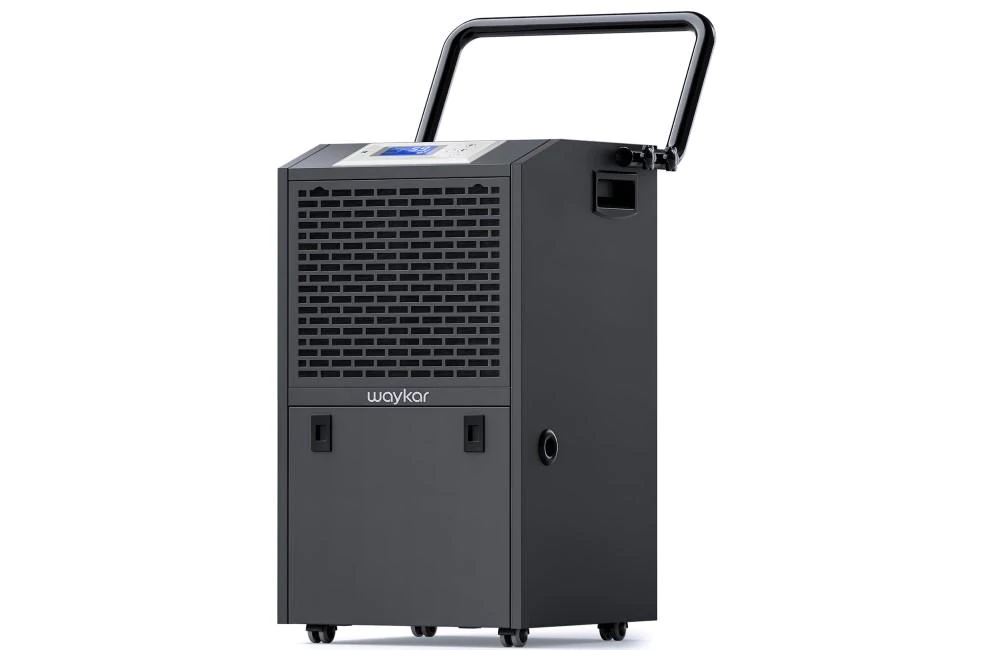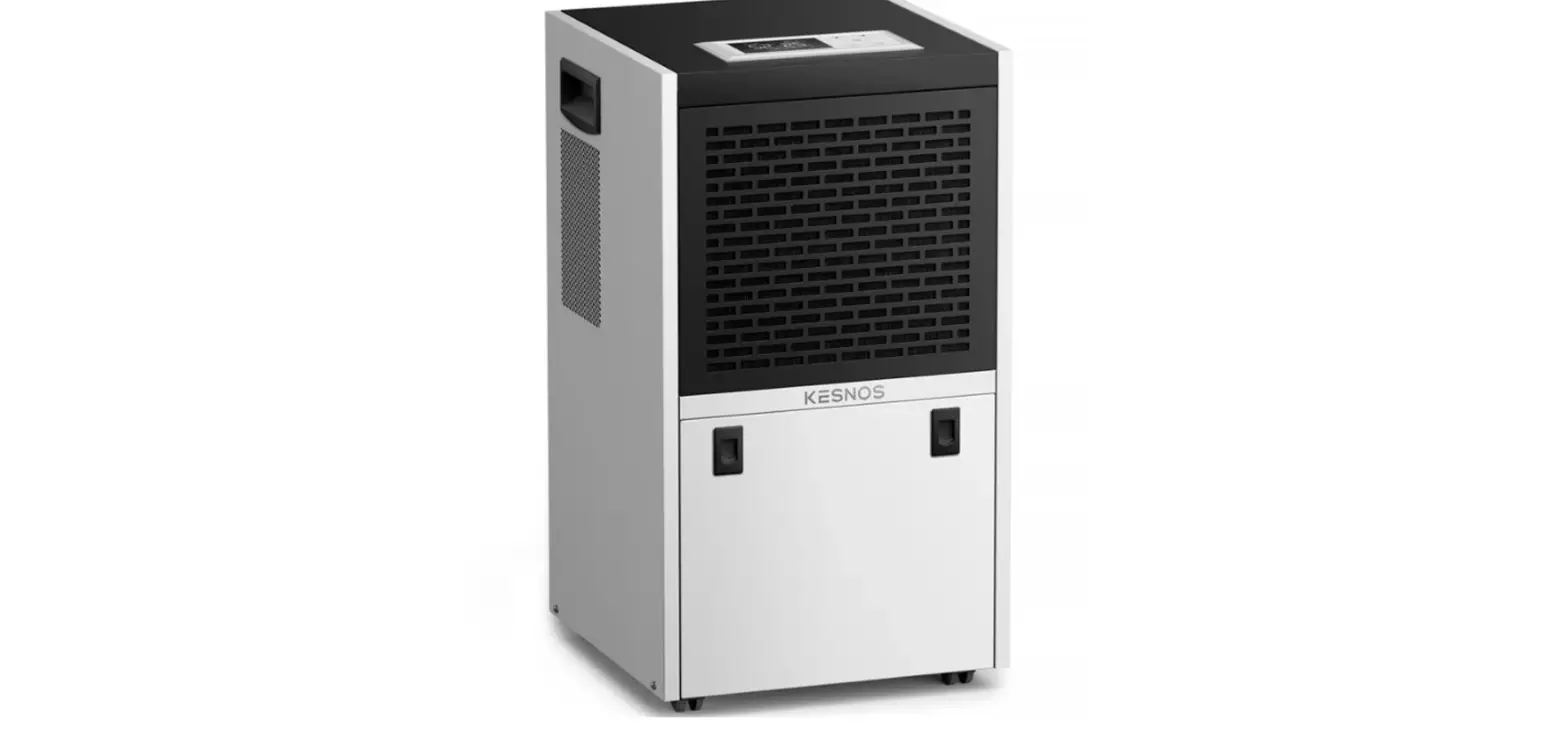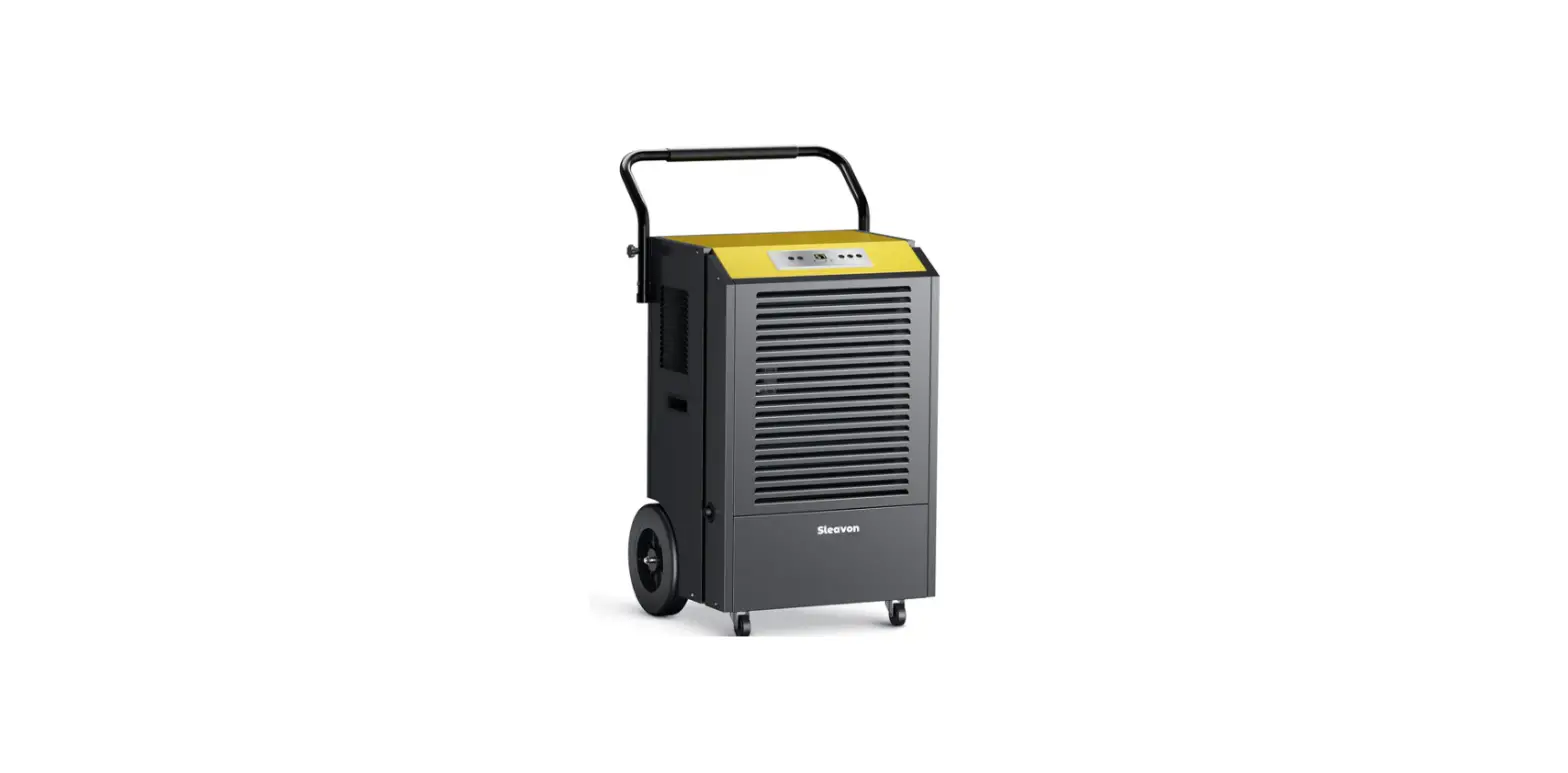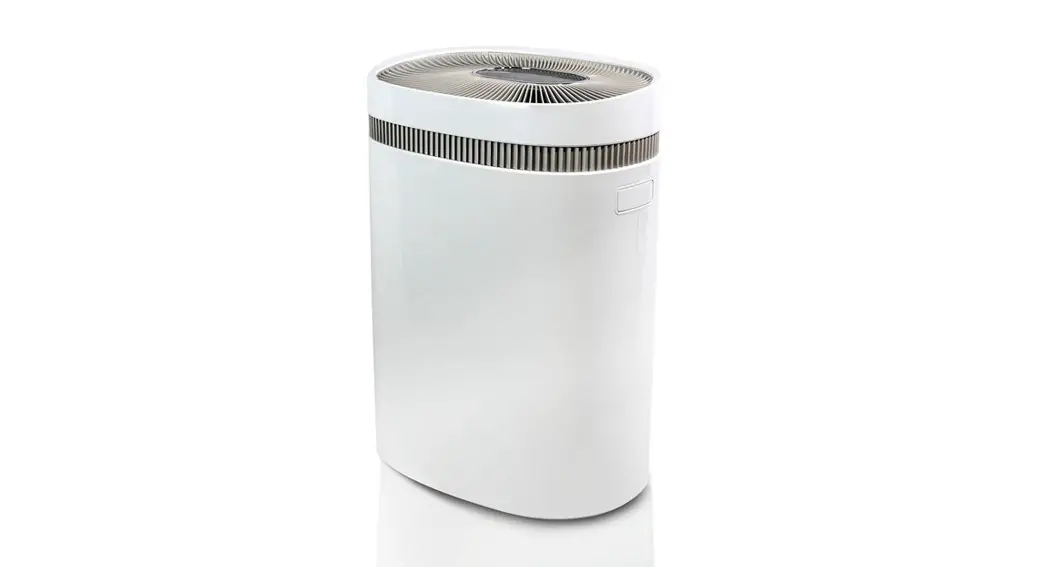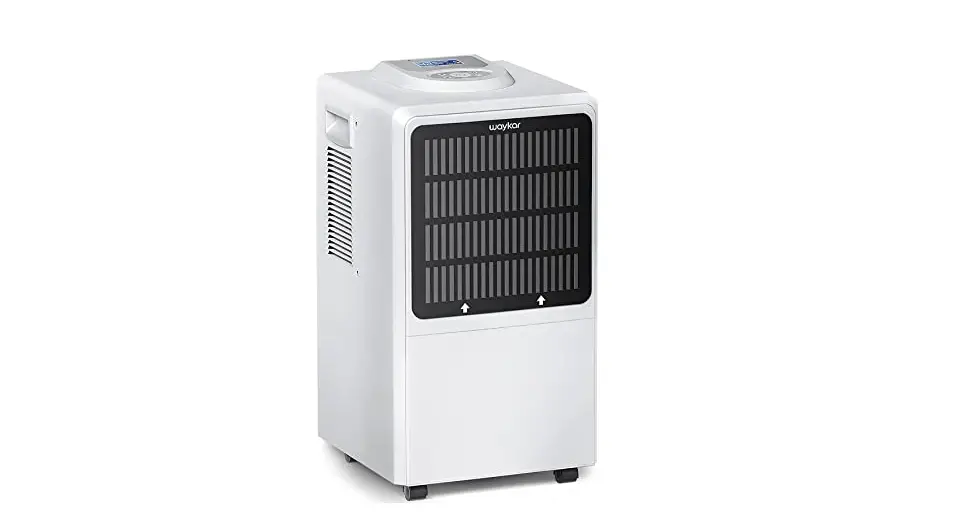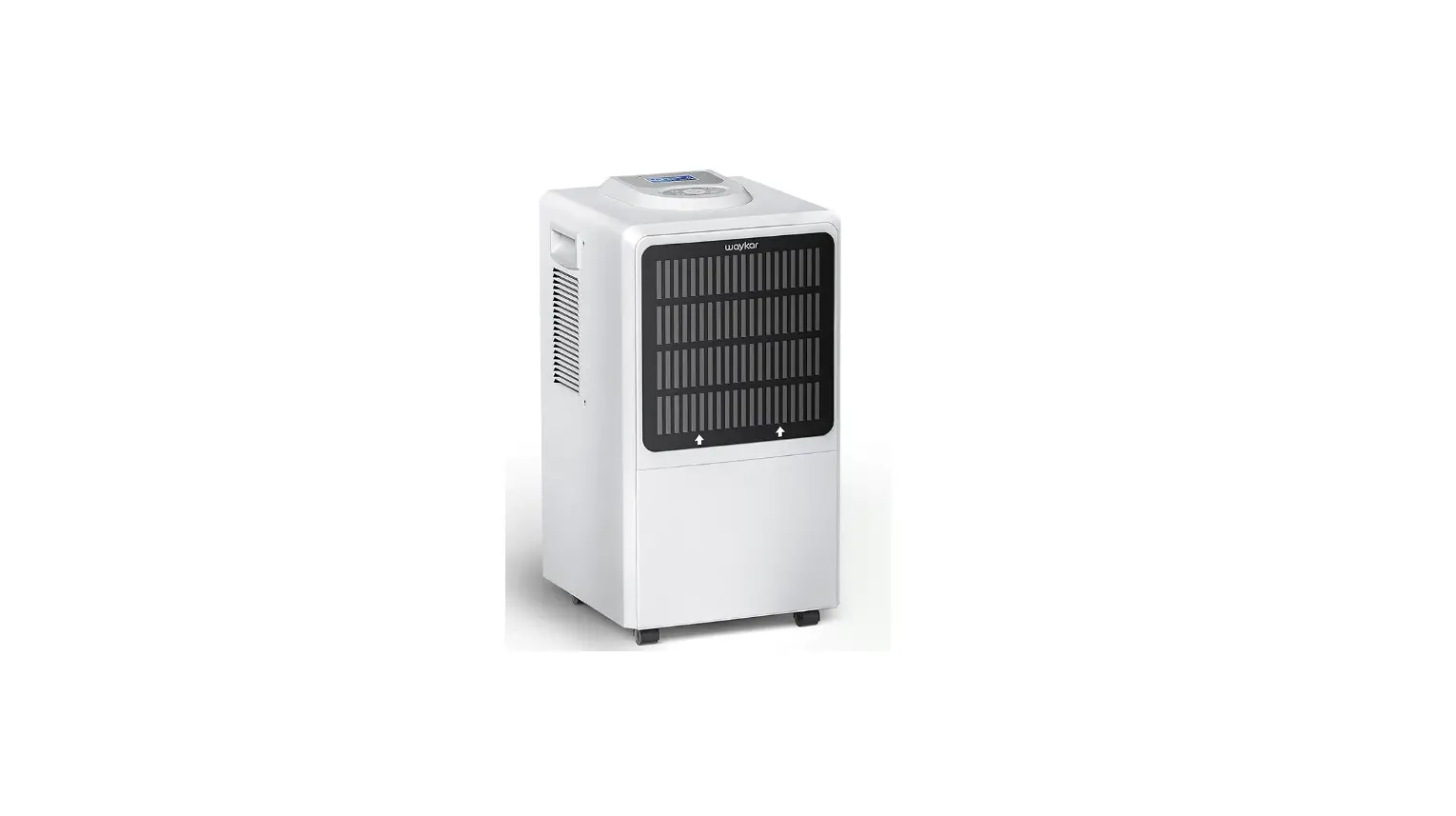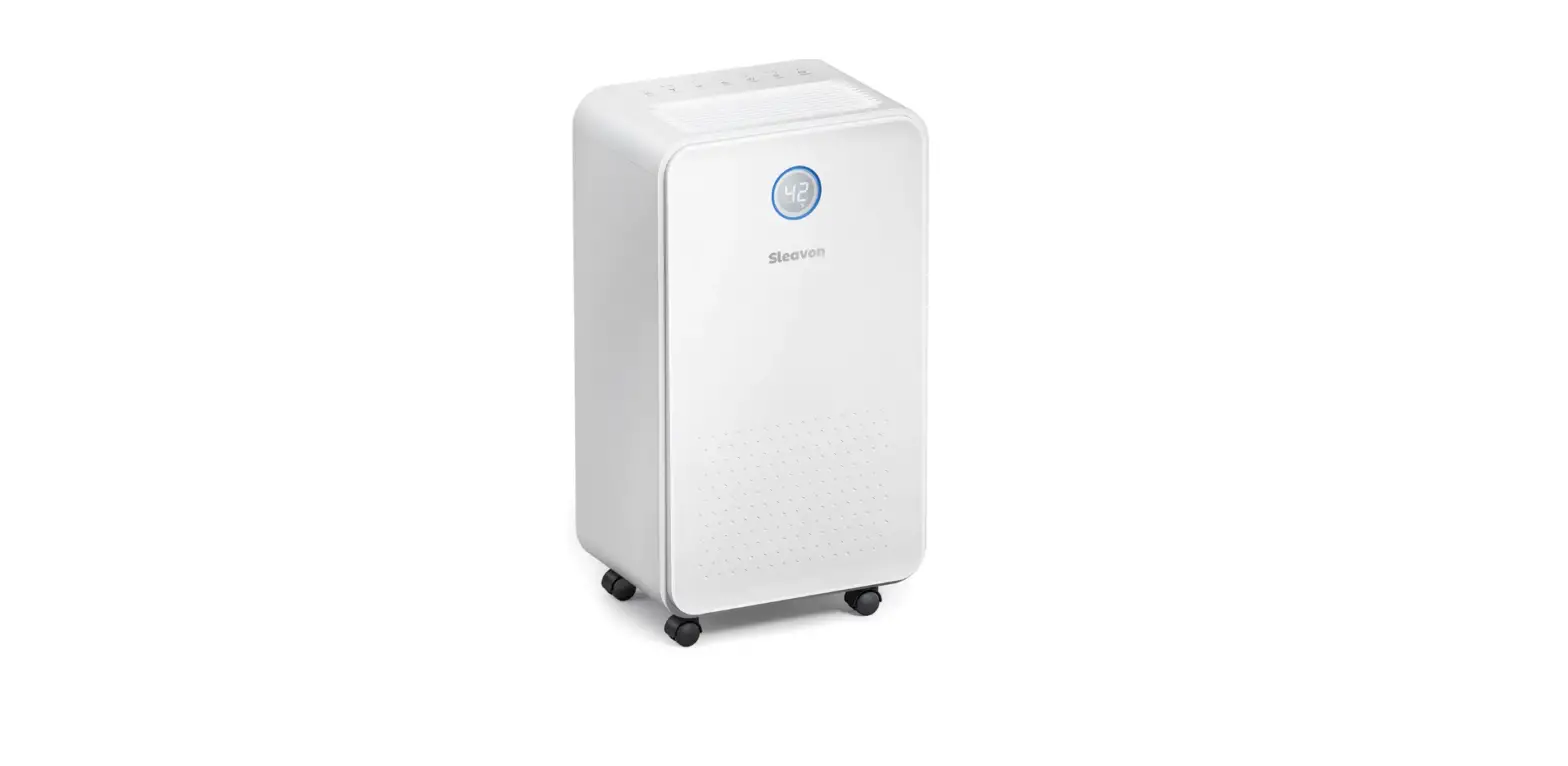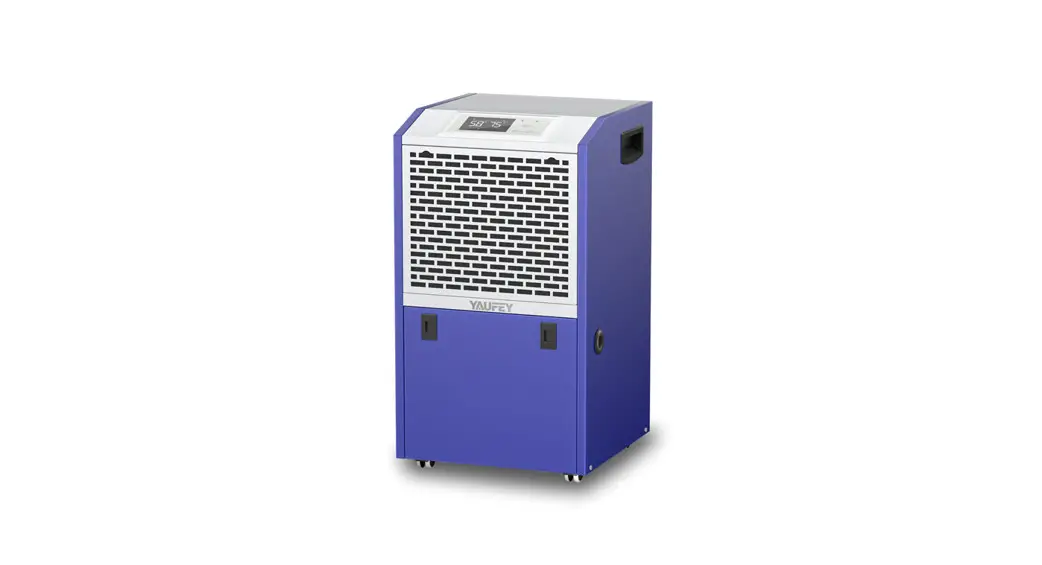

Commercial Dehumidifier
Please read the manual carefully
before using the product
PD606C
USER MANUAL
FOR CUSTOMERS
Thank you for purchasing our dehumidifier.
Yaufey has been committed to developing powerful and easy-to-use products to bring more convenience to your life. We highly recommend you keep this user manual for future reference in case of unexpected problems.
Please read this user manual carefully to ensure proper use of the dehumidifier. This dehumidifier is perfect for reducing humidity in family bedrooms, bathrooms, basements, offices, storage rooms, and more.
Yaufey dehumidifiers reduce the room humidity efficiently, creating a more healthy and comfortable environment for you and your family.
REQUESTING CUSTOMER SERVICE
If there are any problems with the product, please contact Yaufey Customer Service at [email protected] with your Purchase Order ID. We’ll help you solve the problems as soon as possible.
BEFORE FIRST USE:
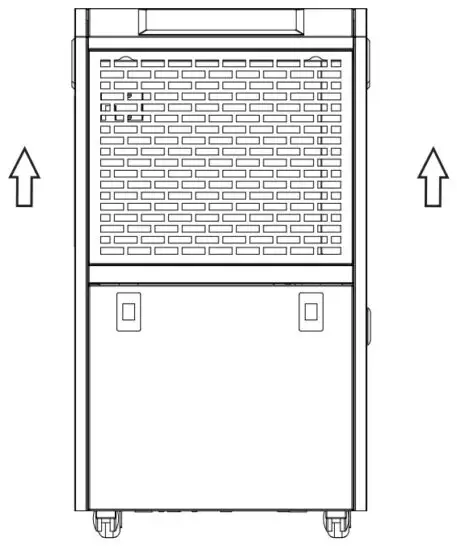
To protect the product from any internal damages, please keep the product in the upright position throughout its journey.
Please take out the product and leave it standing in the upright position for 24 HOURS before plugging it in.
Statement
The graphics and functions provided in this manual maybe not be the same as the actual product.
The model shown in this manual is only for reference. Please install and operate the machine according to the actual situation.
The company reserves the right to interpret relevant terms.
Precautions for Use
Safety Note:
Before installing, operating, and maintaining this machine, please read the safety precautions carefully.
Please remove the package of the machine before use. Please keep it far away from children to avoid the risk of suffocation.
Before connecting the machine to a power supply, please make sure the voltage is applied.
Although the machine is safe when it is working, you should operate it carefully just like other electrical appliances.
Please place the machine vertically for two hours before powering it on for the first time.
Cautions!
- The dehumidifier is for indoor use only.
- Please use a 110-120/60Hz grounding socket.
- Please install and operate this machine in accordance with local regulations.
- If you have any questions about the installation, please consult professionals to learn more information.
- Please unplug the machine from the power source when it is not in use. Do not unplug it by pulling the cord.
- Do not operate the machine when your hands are wet.
- Keep the machine away from children.
- Do not soak the machine in water or spray water directly on the machine during cleaning.
- When using the dehumidifier, please keep other surrounding objects at least 39.4 inches/1m away from the machine.
- Please unplug the machine before cleaning any part of it.
- Please unplug the machine when changing the filter.
- Do not use an extension cord to connect the machine to a power source. Please ask a professional for help when there is no proper sockets available.
- Use on Single Outlet Circuit Only.
- To avoid dangers, please ask the manufacturers, agents, or qualified staff for the replacement of the damaged power cord.
Product Introduction
The dehumidifier is used to remove moisture from the air to maintain proper room humidity.
Beautiful, compact, and easy to use, this dehumidifier is widely used in places with high humidity, such as scientific research institutes, medical and health clinics, commodity storage rooms, kitchens, bathrooms, archives, warehouses to prevent instruments, meters, telecommunications equipment, medicines, and materials from being damp, rusted, and moldy.
Accounting for climate, environment change, human physiological health, and indoor furniture condition, the optimal humidity is 45%RH-65RH. It is suggested to set the humidity within this range.
Product Features
- Stylish design, compact size, and sturdy construction
- Easy to operate, special timing function
- Able to work in low temperature, efficient automatic haze system
- Precisely adjust the humidity by a 1%RH increment
- Continuous drain via a hose
- Display ambient temperature, auto diagnosis malfunctions
- Universal wheels (some models) for easy mobility
- Industry-leading compressor and humidity sensor
Operation Instructions
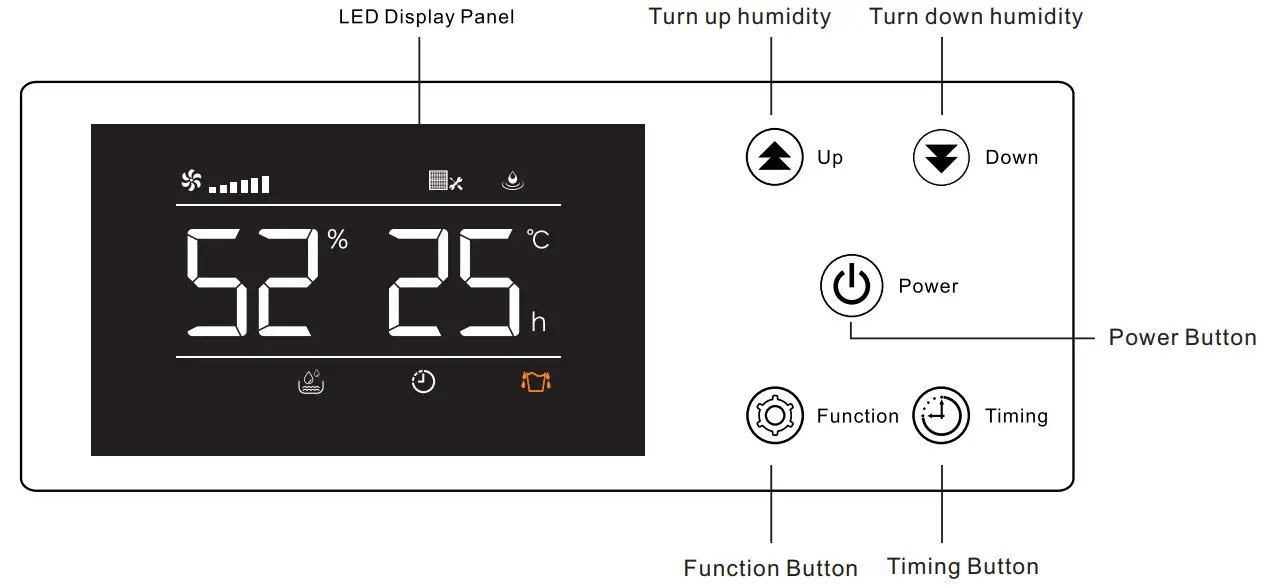
Button Description
- Power Button: In the power-off state, press this button to turn on the machine and vice versa (In the power-on state, the LED screen will light up).
- Press this button to turn up or turn down the humidity.
- Press and hold this button to enter the timer setting. When you select the timing, press this button again to confirm your setting.
- Press this button to confirm your settings.
Humidity Setting
In the power-on state, press the UP/DOWN button to set the humidity level within the range of 10%RH-98%RH. The dehumidifier will exist in the function setting when you press the Function button once or do not press any buttons for 10 seconds.
Timing Setting
In the power-on state, press the “Timing” button to enter the timing setting state. The timing indicator will light up and the display will flash a small number of 77 to show the time. In the timing setting state, press the “UP” or “Down” button to set the desired timing. The timing range is 01-24h which can be cycled. The dehumidifier will exist in the timing state when you press the “Function” button once or do not press any buttons for 10 seconds. If the time is set to 00, the timing is invalid.
Status Description
If the fan is delayed, the running symbol  will flash. If it is running, the running symbol will be off. Otherwise, it will be off.
If the compressor is delayed, the dehumidification symbol  will flash. If it is running, the dehumidification symbol will be on. Otherwise, it will be off.
If the ambient humidity is lower than the set humidity and the compressor is stopped the humidity control symbol  will flash, otherwise, it will be off;
If the machine needs to be cleaned, the cleaning symbol  will flash. Otherwise, it will be off.
If the machine is defrosting, the defrost symbol will flash until the defrosting is completed.
Memory Function
When power resumes, the machine will work at the same settings before the power outage.
Defrost Function
When the frost builds up on the evaporator coils, the compressor will cycle off and the fan will continue to run until the frost disappears.
Temperature Protection Function
When the ambient temperature is higher than the default temperature of 113℉, the system will activate high-temperature protection, the small number will indicate “HH” and the compressor will stop working. When the ambient temperature is lower than the default temperature of 39℉, the system will activate low-temperature protection, the small number will indicate “LL” and the compressor will stop working.
Cleaning Remind Function
If the accumulative running time of the fan is ≥ 30 days, the machine will continue to run and prompt ”  ” which won’t disappear even if the machine is powered on again. In the power off state, press and hold the “Function” button for a few seconds, then the display will show one time, and the” ” prompt will be released. The fan running time will be cleared.
Special Note:
To avoid any damage to the dehumidifier, it will not start to operate after a complete cycle within 3 minutes. The compressor will automatically start to work after 3 minutes.
Parts Description
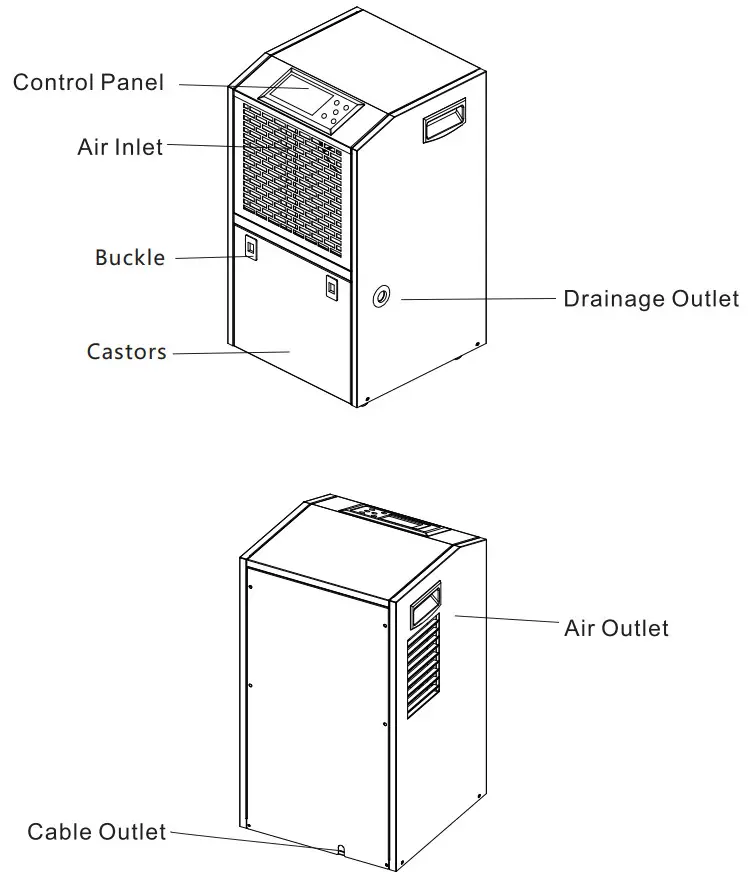
Note:
This picture only shows the outline drawing of the dehumidifier. Other models may vary in shape and size. Please refer to the actual product.
Specifications
| MODEL | PD606C |
| POWER SOURCE | 120V ~60Hz |
| RATED POWER | 1000w |
| RATED CURRENT | 8.8A |
| MOISTURE REMOVAL (65℉, 60%RH) | 47 Pints/Day |
| MOISTURE REMOVAL (80℉, 60%RH) | 75 Pints/Day |
| MOISTURE REMOVAL (86℉, 80%RH) | 126 Pints/Day |
| MOISTURE REMOVAL (95℉, 90%RH) | 155 Pints/Day |
| INPUT POWER (65℉, 60%RH) | 515W |
| INPUT CURRENT (65℉, 60%RH) | 4.6A |
| IEF (65℉, 60%RH) | 1.80 liters/kWh |
| MOTOR FLA | 0.85A |
| MOTOR COMPRESSOR | RLA:10A LRA:30A |
| REFRIGERANT | R410A/450g(15.87ozs) |
| MAXIMUM ALLOWABLE PRESSURE | 5.5MPa |
| MAXIMUM OPERATING PRESSURE HIGH | 4.0MPa |
| MAXIMUM OPERATING PRESSURE LOW | 1.7MPa |
The working temperature of the dehumidifier is 41℉(5℃)-95℉(35℃). The machine will not work if the room temperature is not within this range.
The above specifications are subject to modifications without further notice.
 WARNING: This product can expose you to chemicals including Styrene and its compounds, which is known to the State of California to cause cancer and birth defects or other reproductive harm. For more information go to: www.P65Warnings.ca.gov
Malfunction Codes
| Malfunction Codes | Description |
| EO | Malfunction of defrosting temperature sensor 2 |
| El | Malfunction of the humidity sensor |
| E2 | Malfunction of defrosting temperature sensor 1 |
| E3 | Malfunction of phase sequence (reverse phase or lack phase) |
| E4 | Malfunction of environmental temperature sensor |
| ES | Malfunction of system high pressure |
| E6 | Malfunction of system low pressure |
| E7 | Alarm for a full tank |
| E8 | Malfunction of overloading current of the compressor |
| E9 | Malfunction of overloading current of air blower |
| ER(EA) | Defrost temperature sensor 3 failure |
| Eb (Eb) | Defrost temperature sensor 4 failure |
| Ec (Ec) | Display information transmission abnormal |
Note:
- When the display shows the code E0, E1, E2, E3, E4, ER, or Eb, the compressor and the fan will not stop working. The machine can be turned on when plugged into a power source (Press any button to cancel the alarms).
- After troubleshooting the malfunctions of E3, E5, E6, E8, and E9, you should restart the machine to cancel the alarms.
- When the code E2 appears, the operation of the machine will not be controlled by the operation panel.
- If the malfunctions still exist, please don’t hesitate to contact Yaufey Customer Service email: [email protected] for help.
Safety Operations and Protection
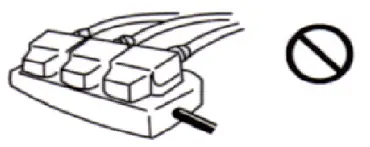 | 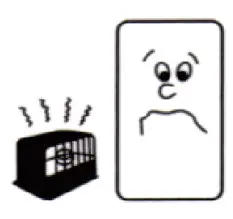 |
| Do not use an overall relay, extension cable, or adapter to connect this device. The wrong application could cause fire, electric shock, or heating. | Do not place this device close to the furnace, heater, and devices that could produce heat. The wrong application could cause resin to melt and even fire. |
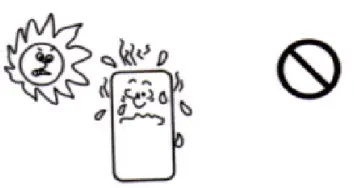 | 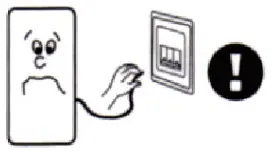 |
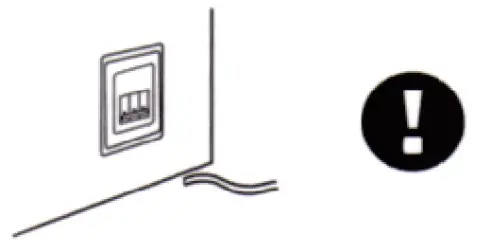
| Do not use the machine in an area that is subject to direct sunlight, wind, or rain, indoor application only. | Turn off the machine and remove the power wire when the problem happens (e.g. the machine emits a smell of burning.)s.mell of The wrong application could result in fire, electric shock, and new failure. |
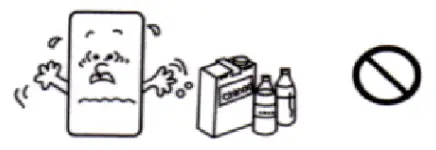 |  |
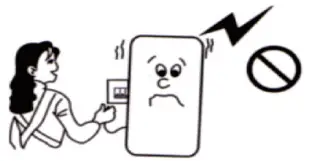
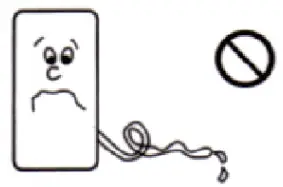
| Do not use the machine in an area that could be affected by chemicals. The medicine or solvent permeated into the air could cause a bad influence on the device and cause leakage of water in the tank. | Remove the power cable when do not use the machine for a long time. |
 |  |
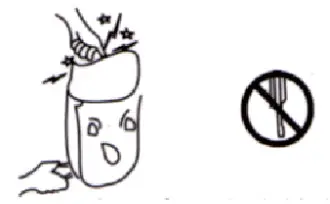
| Turn off the machine and remove the power cable when cleaning the machine. The improper operation could cause personal injury. | Place the drainage hose well when draining water continuously so as to flow the water freely. If work in a cold temperature that could freeze the water, then the continuous drainage may not be applicable. |
 |  |
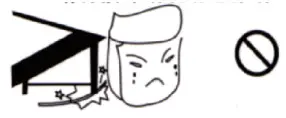
| Do not repair, disassemble or modify this machine through do-it-yourself. The wrong application could cause fire or an accident of electric shock. | Place this machine on a stable site or platform. If the device is tip over, the water inside could leak, which damages the surrounding items and cause electric leakage, ire, or electric shock. |
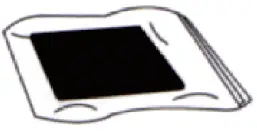 | 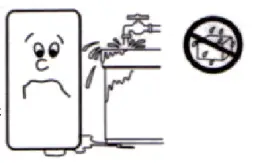 |
| The way to extend the application life of an air purification filter screen is to place the filter into a plastic bag before you seal it and store it when do not use the device for a long time | Do not use the machine in the area that is adjacent to water, as electric leakage could happen when this machine encounters water and will cause fire or electric shock. |
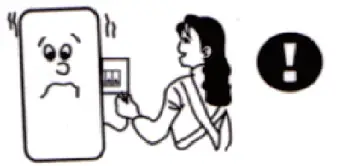 |  |
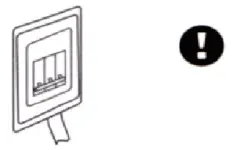
| Please apply the proper power switch, the wrong application could cause fire or electric shock | Do not damage or alter the power cable. Please do not place heavy items on the power cable, heat, or drag the power cable with force, or it could damage the power cable and cause fire or electric shock. |
 | 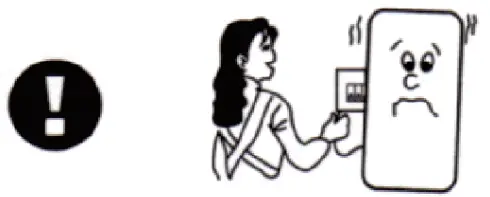 |
| Please connect the power cable with the switch securely. Looseness of power cable could pose a safety risk of electric shock. | Do not pull the power cable to stop the operation of the machine. The wrong application could cause fire or electric shock. |
Maintenance and Repair
Before cleaning or maintaining the machine, please unplug it from the power source. Please clean the machine at least once a month.
Do not use detergent, steel wire ball, chemically treated dust removing cloth, gasoline, benzene, thinner, or other solvents to clean the machine, as these items could damage the machine’s body.
Cleaning the Filter
This machine is equipped with a washable filter by which the machine can isolate the majority of contaminants in the air, such as dust, smoke, animal fur, mold spores, and pollen.
It is suggested to check the filter regularly. Please make sure to clean the filter at least once a month.
- Take out the filter.
- Remove the contaminants in the filter with a dust cleaner.
- If the filter is extremely dirty, please use the warm water and soft cleaner for the cleaning, and air dries the part thoroughly. Do not expose the part to direct sunlight or use other heating devices for baking, as this could deform the filter.
- Put the filter back into the machine after cleaning. This dehumidifier will drain water continuously. Please follow the instructions in this manual for the continuous drain.
- Attach a drain hose to the machine. Please refer to the diagram.
- Please do not bend the drain hose to make sure it can drain water smoothly.
You shall never try to disassemble or repair the machine by yourself, as improper repairs may cause dangers.
Troubleshooting
Malfunctions | Causes | Troubleshooting |
| The dehumidifier does not operate | 1. Power failure 2. Switch is not connected 3. Plug is not inserted into the socket 4. Fuse melted | 1. Supply power again 2. Re-connect to power 3. Insert the plug into the socket 4. Replace the fuse |
| The dehumidification effect is not significant | 1. Dust accumulates on the air filter 2. Obstacles block the air inlet or outlet 3. Door and window are open 4. Refrigerant leaks | 1. Clean the air filter 2. Remove the obstacles 3. Close door and window 4. Contact the agent or manufacturer for repairing |
| Water leakage | 1. The machine has tilted 2. Drain hose is blocked | 1. Place the machine on an even surface 2. Remove the hose and clean it |
| Abnormal noises | 1. The machine is not placed stably 2. The air filter is blocked | 1. Place the machine stably 2. Clean the air filter |
- If the above malfunctions still exist after troubleshooting, please ask the supplier or professional to repair them. Please do not disassemble the machine on your own.
- When the machine is working or stops working, you’ll hear the circulating sound of the refrigerant, which is a normal phenomenon.
- The air outlet will exhaust hot air, which is a normal phenomenon.
Warranty&Contact Us
Warranty
Yaufey offers a 12-month warranty to all of our products together with the original proof of purchase when a defect occurred, including those newly purchased and unused, from Yaufey or through an authorized reseller, wholly or substantially, or as a result of faulty manufacturing parts, or workmanship during the Warranty Period.
The warranty does not apply if the damage is caused by other factors, including but without limitation:
( a ) Normal wear and tear;
( b ) Abuse, mishandling, accident, or failure to follow operating instructions;
( c ) Exposure to liquid or infiltration of foreign particles;
( d ) Servicing or modification of the product other than by Yaufey.
There are our general terms for the warranty service, but we always encourage our customers to contact us if any issues, regardless of warranty terms. If you are experiencing an issue with the Yaufey product, you can reach out to us at [email protected], we will dedicate our efforts to resolve it for you. )
Extend Your Warranty by 1Year
Register your product to extend your 1-year warranty by an www.yaufey.com additional year.
*Please fill out all required fields and include your Order ID, and Date of Purchased if applicable.
Customer Support
If you have any questions or concerns about our product, please feel free to contact our expert support team. Yaufey customer service is ready to help.
Yaufey Office
13211, Spring Street Baldwin Park, CA, US
Email: [email protected]
Live Chat: www.yaufey.com
Support Hours
24 Hours available
 @Yaufey
 @Yaufey
 @Yaufey
 @Yaufey
scan the QR code for live chat

We are expecting to see our products fulfill your life and hear your voice.
Your satisfaction means a lot to us.
Please tag us if you share a snap on your social media.
www.yaufey.com
 YAUFEY