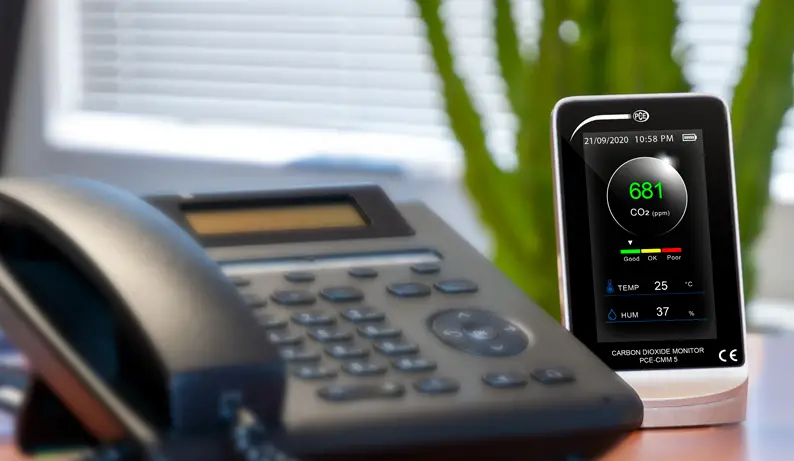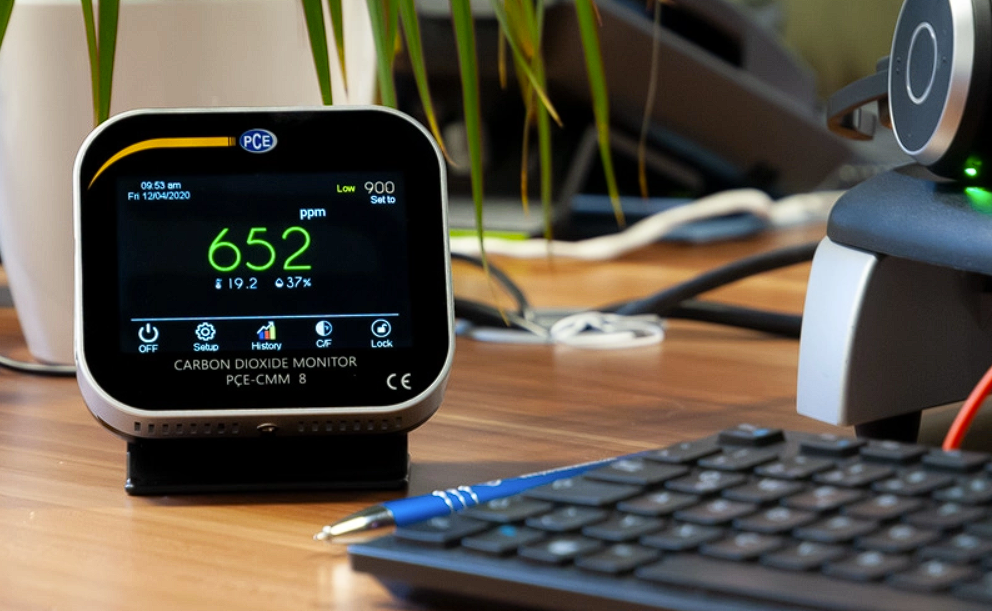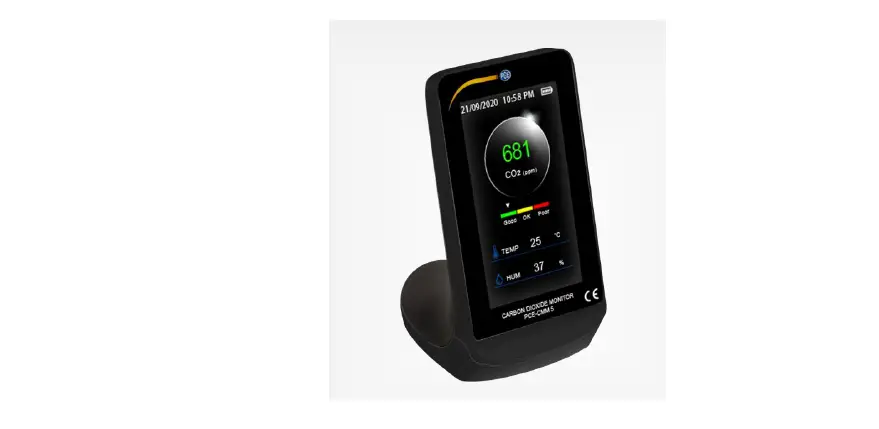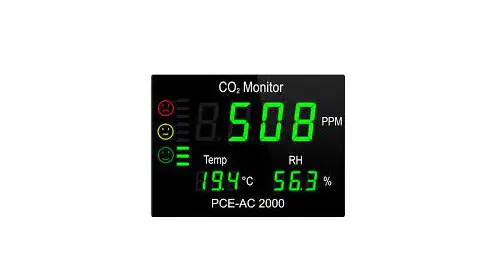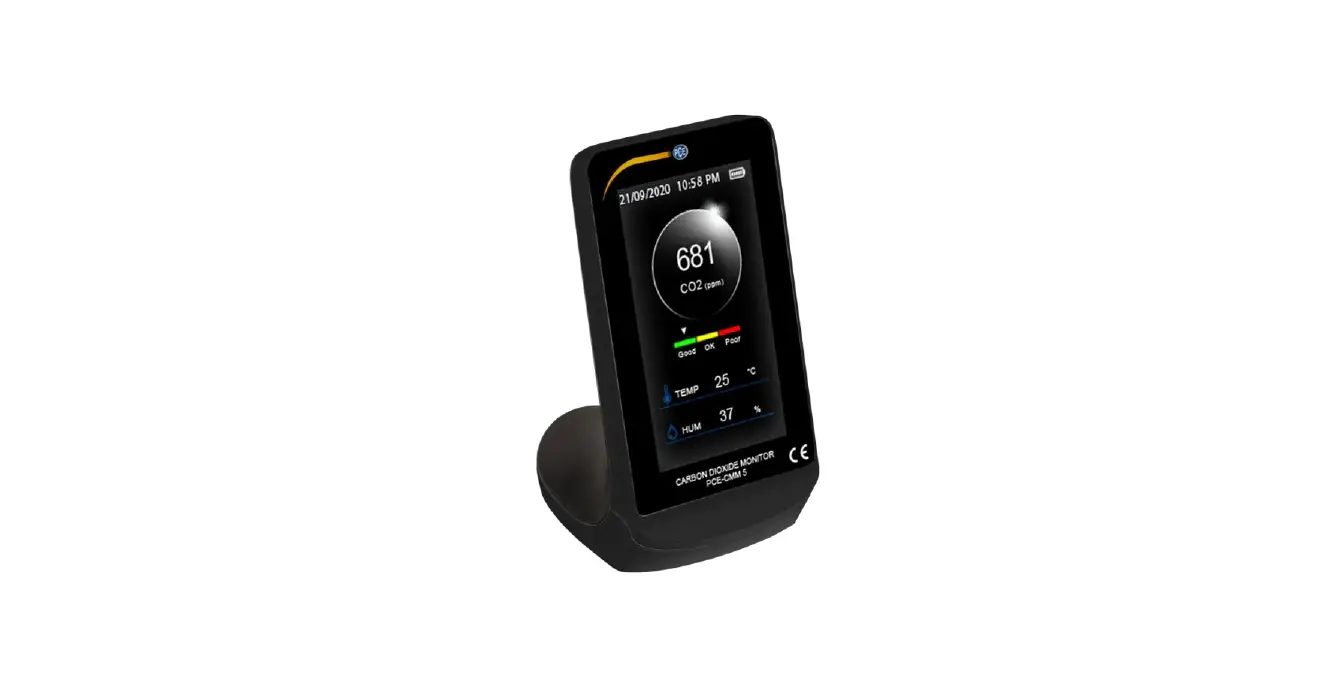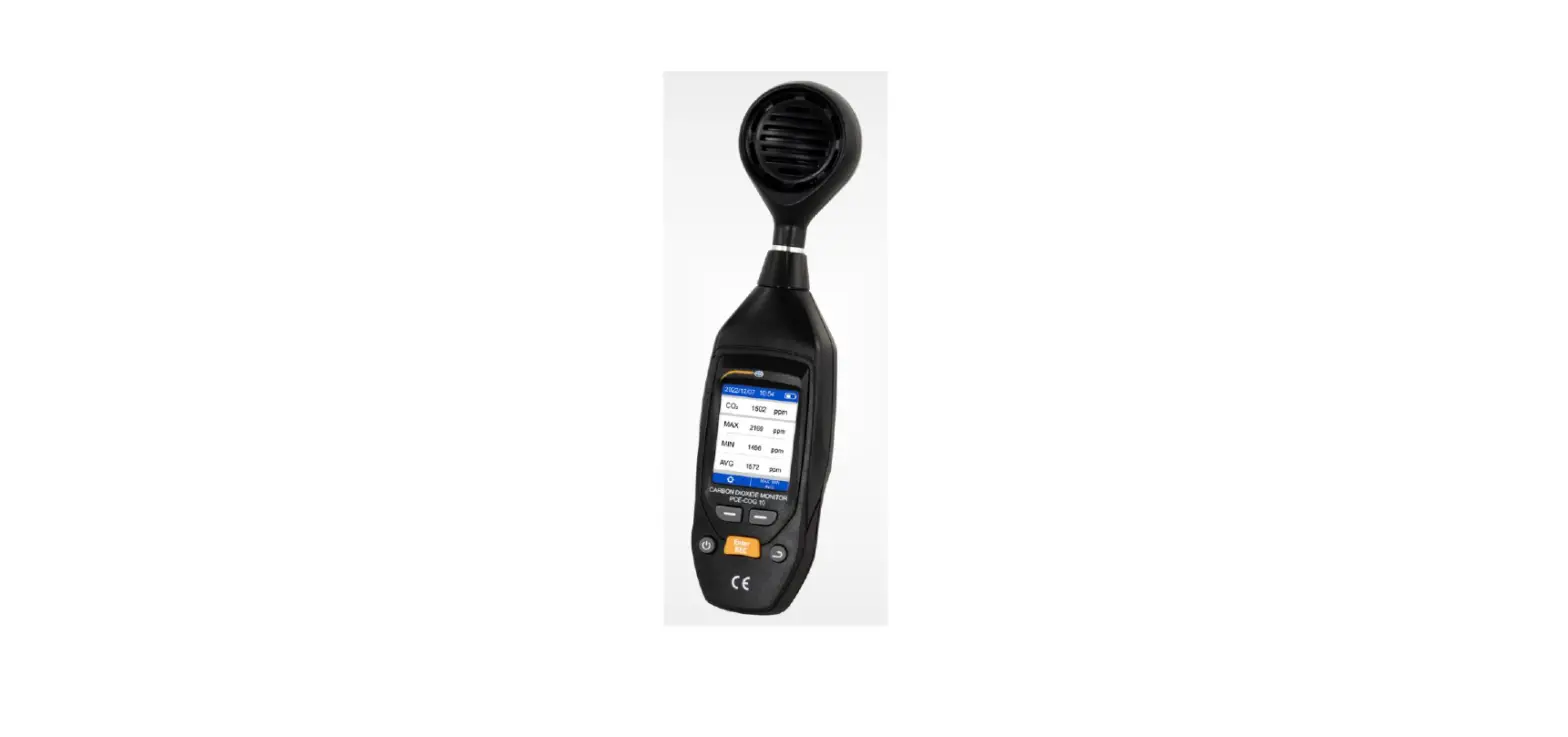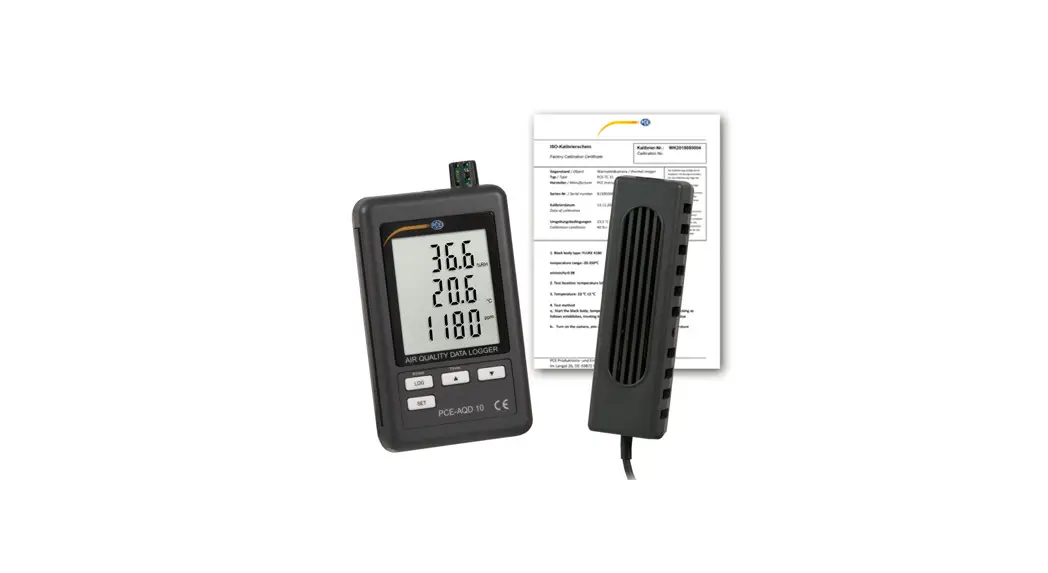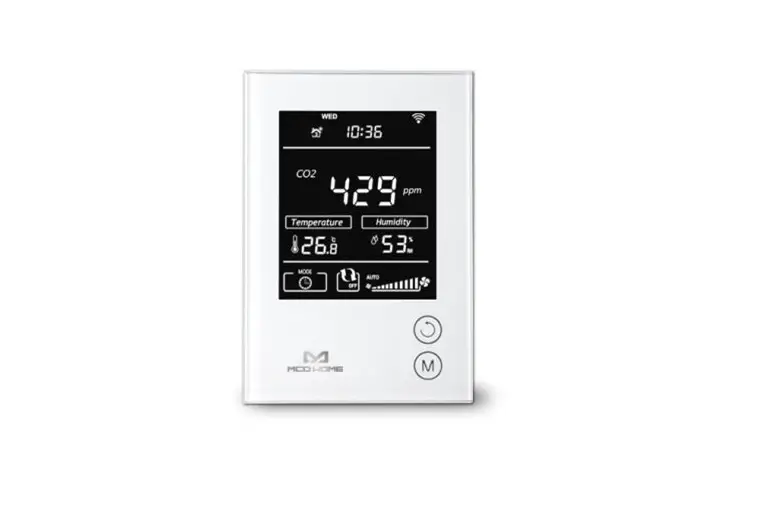
 CMM CO2 Analyser
User Manual
 User manuals in various languages can be found by using our product search on: www.pce-instruments.com
Safety notes
Please read this manual carefully and completely before you use the device for the first time. The device may only be used by qualified personnel and repaired by PCE Instruments personnel.
Damage or injuries caused by non-observance of the manual are excluded from our liability and not covered by our warranty.
- The device must only be used as described in this instruction manual. If used otherwise, this can cause dangerous situations for the user and damage to the meter.
- The instrument may only be used in the environmental conditions (temperature, relative humidity, …) are within the ranges stated in the technical specifications. Do not expose the device to extreme temperatures, direct sunlight, extreme humidity, or moisture.
- Do not expose the device to shocks or strong vibrations.
- The case should only be opened by qualified PCE Instruments personnel.
- Never use the instrument when your hands are wet.
- You must not make any technical changes to the device.
- The appliance should only be cleaned with a damp cloth. Use only pH-neutral cleaner, no abrasives or solvents.
- The device must only be used with accessories from PCE Instruments or equivalent.
- Before each use, inspect the case for visible damage. If any damage is visible, do not use the device.
- Do not use the instrument in explosive atmospheres.
- The measurement range as stated in the specifications must not be exceeded under any circumstances.
- Non-observance of the safety notes can cause damage to the device and injuries to the user.
We do not assume liability for printing errors or any other mistakes in this manual.
We expressly point to our general guarantee terms which can be found in our general terms of business.
If you have any questions please contact PCE Instruments. The contact details can be found at the end of this manual.
System description
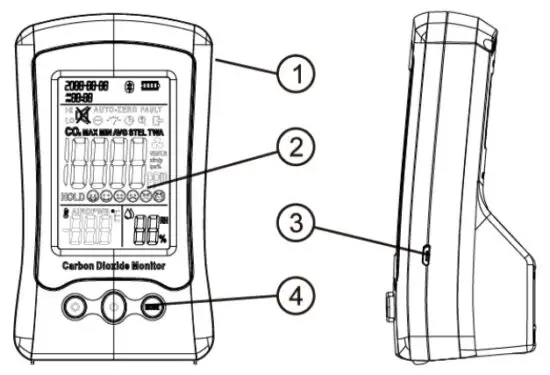
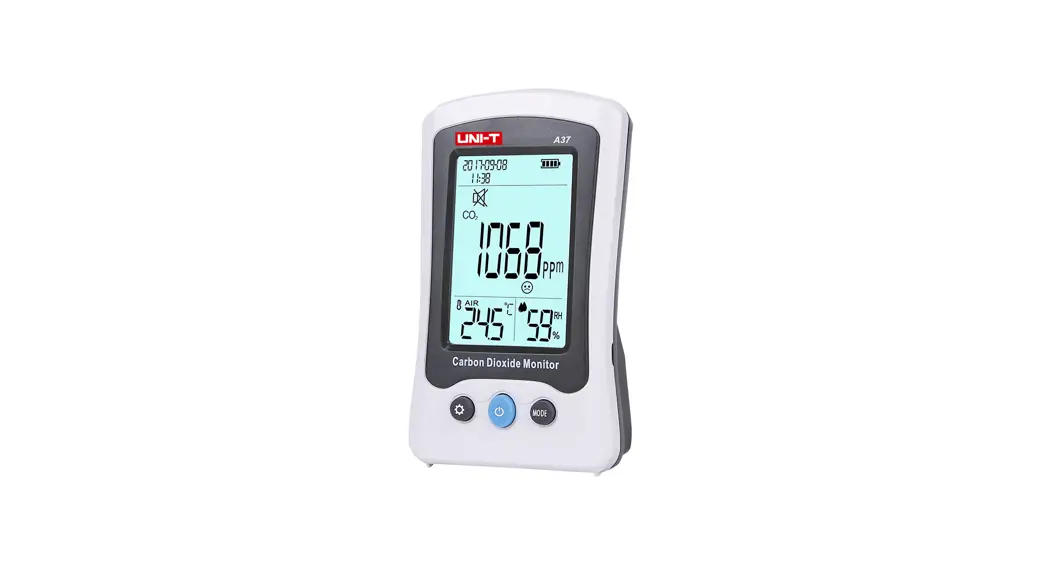
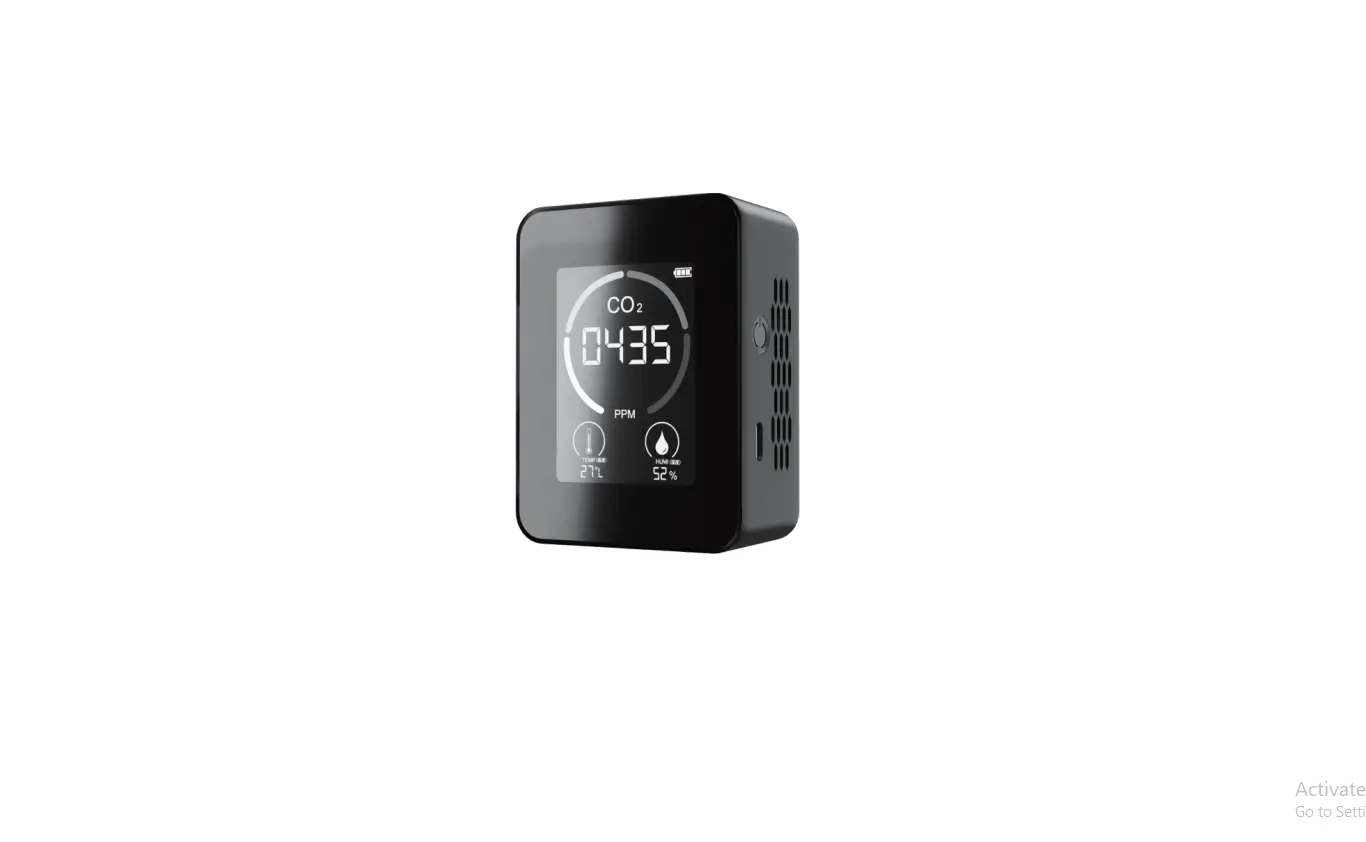
| ① Case | ③ USB socket |
| ② Display | ③ Function keys |
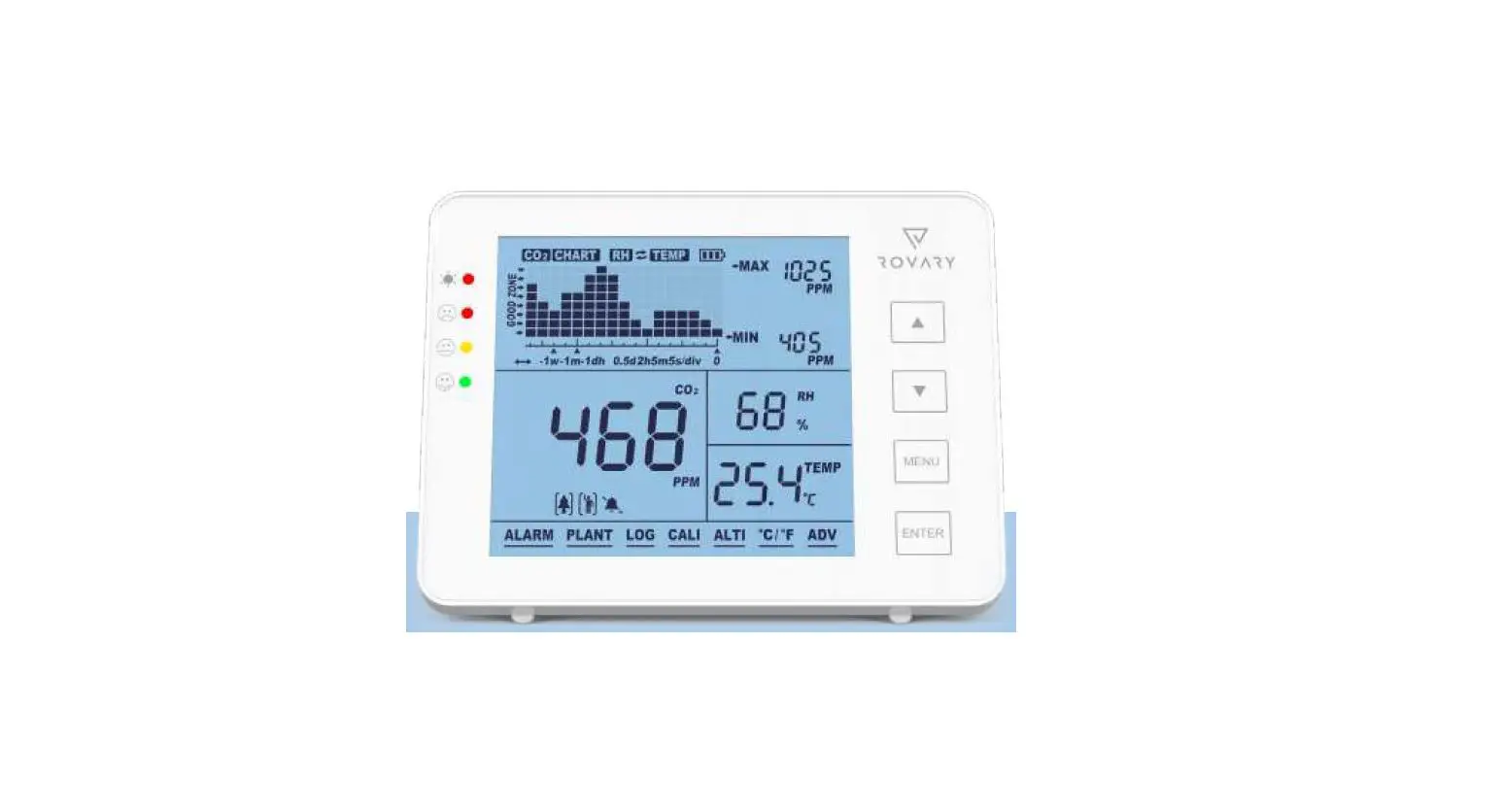
Display
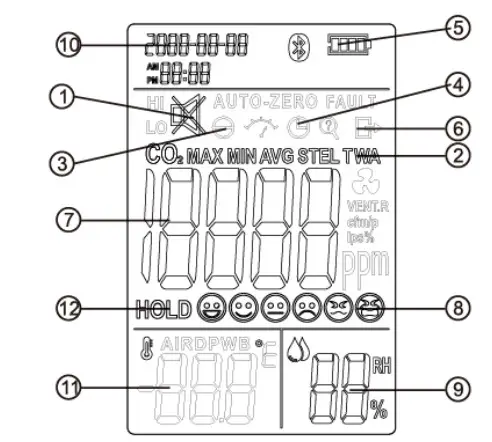
| ① Audio alarm indicator ③ Calibration indicator ⑤ Battery status ⑦ Measured CO2 value ⑨ Air humidity ⑪ Temperature | ② Mode indicator ④ Automatic power-off ⑥ Cancel calibration ⑧ Emoticon CO2 value ⑩ Date / time ⑫ Freeze displayed measured value |
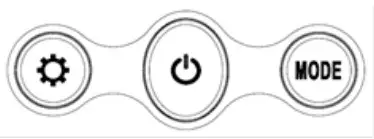
Function keys
Terms / icons
| Symbol | Measurement modality |
| HOLD | Freeze measured values |
| MAX | Maximum measured value |
| MIN | Minimum measured value |
| AVG | Average measured value |
| TWA | Time-weighted average (8 hours) |
| STEL | Short-term exposure limit (15 minutes weighted average) |
Emoticons
| Emoticon | CO2 reading range |
 | 400ppm – 450ppm |
 | 450ppm – 700ppm |
 | 700ppm – 1000ppm |
 | 1000ppm – 2000ppm |
 | 2000ppm – 5000ppm |
 | >5000ppm |
Technical specifications
| Specification | Description |
| Measurement range CO2 | 400 … 5000 ppm |
| Resolution | 1 ppm |
| Accuracy | ±(5 % + 50 ppm) between 400 … 2000 ppm and at an atmospheric pressure of 1013 mbar |
| Measurement range temperature | -10.0 … 50.0 °C |
| Resolution | 0.1 °C |
| Accuracy | ±1 °C (may be influenced by meter’s waste heat) |
| Measurement range air humidity Resolution | 0 … 99 % RH |
| Accuracy | 1 % RH |
| Sensor | ±(5 % at 25 °C) between 10 … 90 % RH |
| ABC | NDIR principle |
| Audio alarm | Automatic baseline correction |
| Visual alarm | Buzzer |
| Display | Red backlight |
| Battery status | 3-inch LC display |
| Display frequency | Four-level display |
| Automatic power-off | 3 seconds |
| Backlight | switches itself off after 2 hours |
| Operating conditions | white backlight |
| Storage conditions | 0 … 50 °C, 0 … 85 % RH |
| Power supply | -20 … 60 °C, 0 … 95 % RH |
| Weight | integrated rechargeable 3.7 VDC battery |
| Dimensions | 195 g |
Operation
On / off
On
To switch on the meter when it is switched off, press and hold the center key for about 3 seconds. The meter starts with a 120-second warm-up phase.
Off
To switch off the meter when it is switched on, press and hold the center key for approx. 3 seconds.
Temperature
Press and release the key to switch between the temperature units °C and °F.
Alarm
When 1000 ppm of CO2 is reached, the unit switches to alarm mode.
This is indicated by means of an acoustic and a visual alarm.
Visual alarm:
The display background flashes red every second.
Audible alarm:
The beep sounds every second. To switch the acoustic warning off or on, press and hold the key for about 3 seconds.
Measurement mode
Press the MODE key to switch between the different measurement modes. (see 2.4) Press and hold the MODE key to delete the minimum, maximum and average values.
Backlight
When the meter is switched on, press the central key to switch the backlight on or off.
Automatic power-off
The unit switches off after 2 hours of inactivity (no operation by pressing a key) in battery mode.
This function is not active during mains operation. The unit then remains permanently switched on.
Charging the battery
Fully charge the device using the USB cable supplied before using it for the first time.
Recharge the device when the battery status indicator shows the flat battery icon .
.
For example, use a USB plug-in mains adaptor (not included) with at least 1 A output power or use a USB port on a PC that provides this power.
Date / time
To set the date and time, press and hold the + keys simultaneously when the meter is turned off until the display switches on.
Press the key twice. The year flashes.
Use the keys and MODE to set the current year.
Press the key.
Use the keys and MODE to set the current month.
Press the key.
Use the and MODE keys to set the current day.
Press the key to switch to the hour setting.
Use the and MODE keys to set the current hour.
Press the key.
Use the and MODE keys to set the current minute.
Press the key.
Use the and MODE keys to set the current second.
Press the key to go to 12-hour or 24-hour setting mode.
Use theMODE keys to select the mode.
To save your entries, press and hold the key until the icon appears on the display as a confirmation.
Press and hold the + keys to exit setting mode.
Calibration
The unit was calibrated at the factory. If there are noticeable deviations in the measured values, you can recalibrate the unit.
Two options are available for calibration.
Automatic calibration
The PCE-CMM 10 has an integrated self-correcting ABC (Automatic Baseline Correction) algorithm for automatic adjustment of the base value.
To calibrate the meter, place it in an environment with fresh air for 3 days when it is switched on. (The best result is achieved outside buildings) Connect the instrument to an external power source for calibration.
The measured value is automatically adjusted.
The ABC function is permanently switched on and adjusts the base value at regular intervals in case of low CO2 pollution.
Do not use this meter in a closed environment where the CO2 concentration remains relatively high. This would negatively affect the self-correction of the device.
Manual calibration
Place the switched-on unit in an environment with fresh air for 20 minutes.
(The best results are achieved outside buildings)
When the meter is switched on, press and hold theMODE keys until the icon appears on the display. The calibration takes about 10 minutes. Afterward, the instrument returns to measurement mode.
Warranty
You can read our warranty terms in our General Business Terms which you can find here:
https://www.pce-instruments.com/english/terms.
Disposal
For the disposal of batteries in the EU, the 2006/66/EC directive of the European Parliament applies. Due to the contained pollutants, batteries must not be disposed of as household waste. They must be given to collection points designed for that purpose.
In order to comply with the EU directive 2012/19/EU, we take our devices back. We either re-use them or give them to a recycling company which disposes of the devices in line with law.
For countries outside the EU, batteries, and devices should be disposed of in accordance with your local waste regulations.
If you have any questions, please contact PCE Instruments.


United Kingdom
PCE Instruments UK Ltd
Unit 11 SouCthpoint Business Park
Ensign Way, Southampton
Hampshire
United Kingdom, SO31 4RF
Tel: +44 (0) 2380 98703 0
Fax: +44 (0) 2380 98703 9
[email protected]
www.pce-instruments.com/english
United States of America
PCE Americas Inc.
1201 Jupiter Park Drive, Suite 8
Jupiter / Palm Beach
33458 FL
USA
Tel: +1 (561) 320-9162
Fax: +1 (561) 320-9176
[email protected]
www.pce-instruments.com/us
China
PCE (Beijing) Technology Co., Limited
1519 Room, 6 Building
Zhong Ang Times Plaza
No. 9 Mentougou Road, Tou Gou District
102300 Beijing, China
Tel: +86 (10) 8893 9660
[email protected]
www.pce-instruments.cn
© PCE Instruments
References
 France.fr : Actualités, destinations et infos du tourisme en France
-
iberica.es
-
instruments.cn
 Make an offer on the domain instruments.co.uk - Domains.co.uk
-
Computer Instruments | Home
 Discover Italy: Official Tourism Website - Italia.it
 PCE(北京)科技有限公司
-
Industrial Measurement Products and Solutions | PCE Instruments
-
PCE Deutschland GmbH Prüfgeräte vom Hersteller | PCE Instruments
-
PCE Brookhuis B.V. | PCE Instruments
-
PCE Americas Inc. : Test Instruments | PCE Instruments
-
PCE Iberica S.L. Instrumentación | PCE Instruments
-
PCE Instruments France | PCE Instruments
-
PCE Italia s.r.l. / Strumenti di Misura | PCE Instruments
-
PCE Teknik Cihazlar Paz. Tic. Ltd.Şti. | PCE Instruments
-
PCE Americas Inc. : Test Instruments | PCE Instruments
 France.fr : Actualités, destinations et infos du tourisme en France
 iberica.es
 instruments.cn
 Make an offer on the domain instruments.co.uk - Domains.co.uk
 Computer Instruments | Home
 Discover Italy: Official Tourism Website - Italia.it
 PCE(北京)科技有限公司
 Industrial Measurement Products and Solutions | PCE Instruments