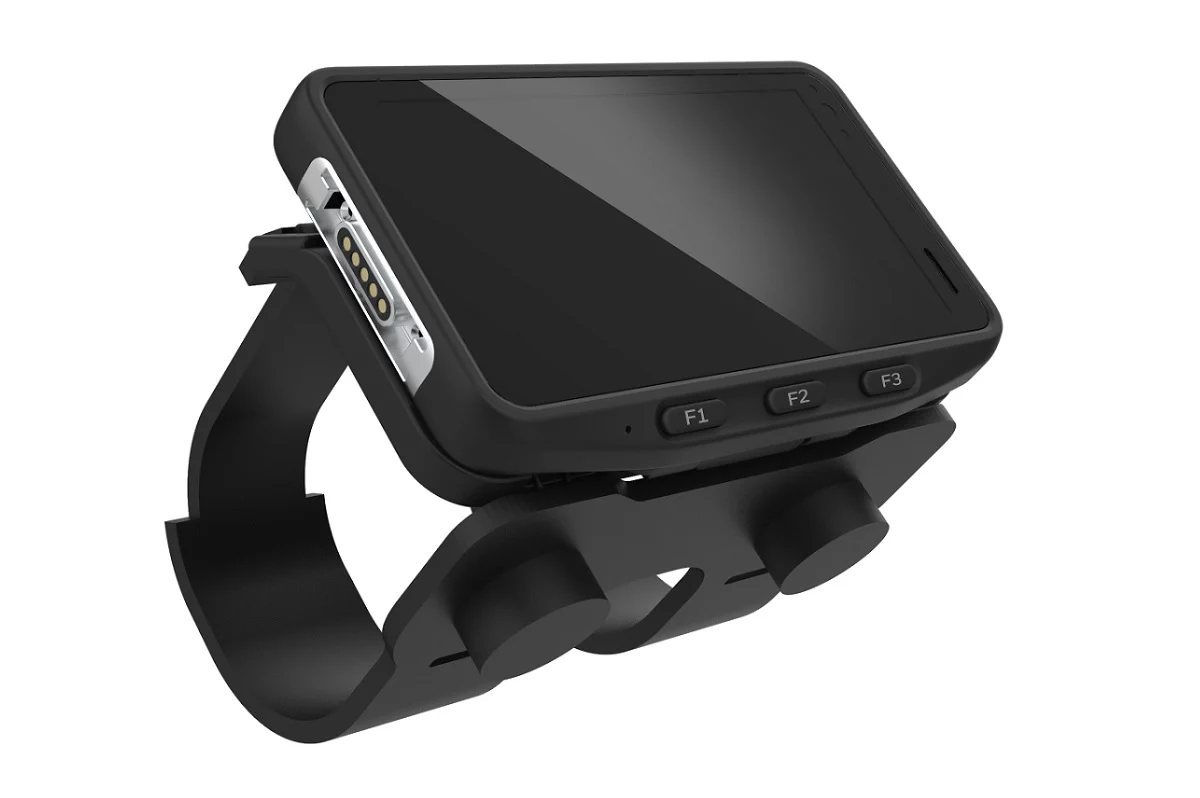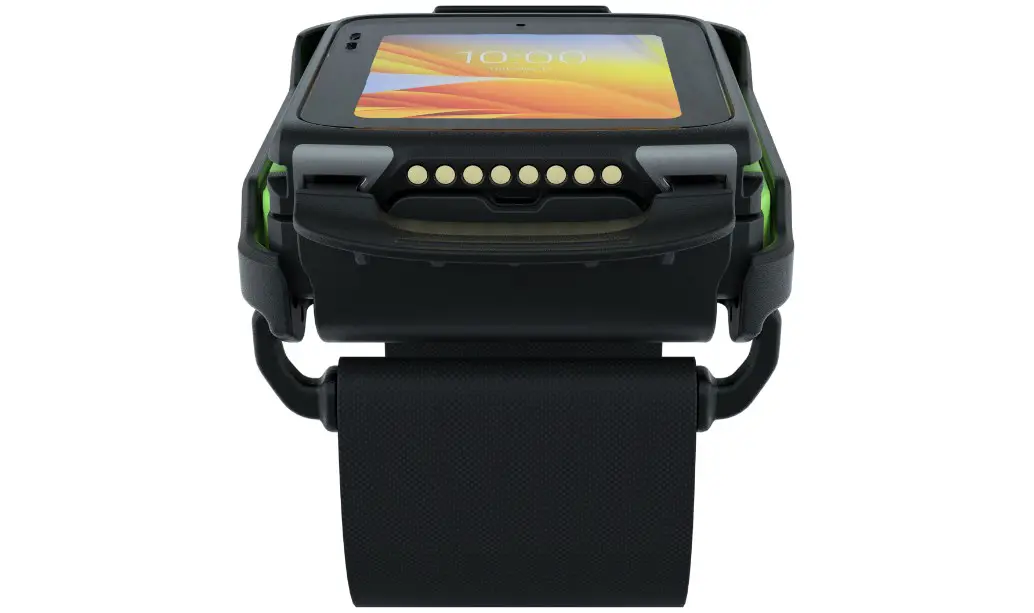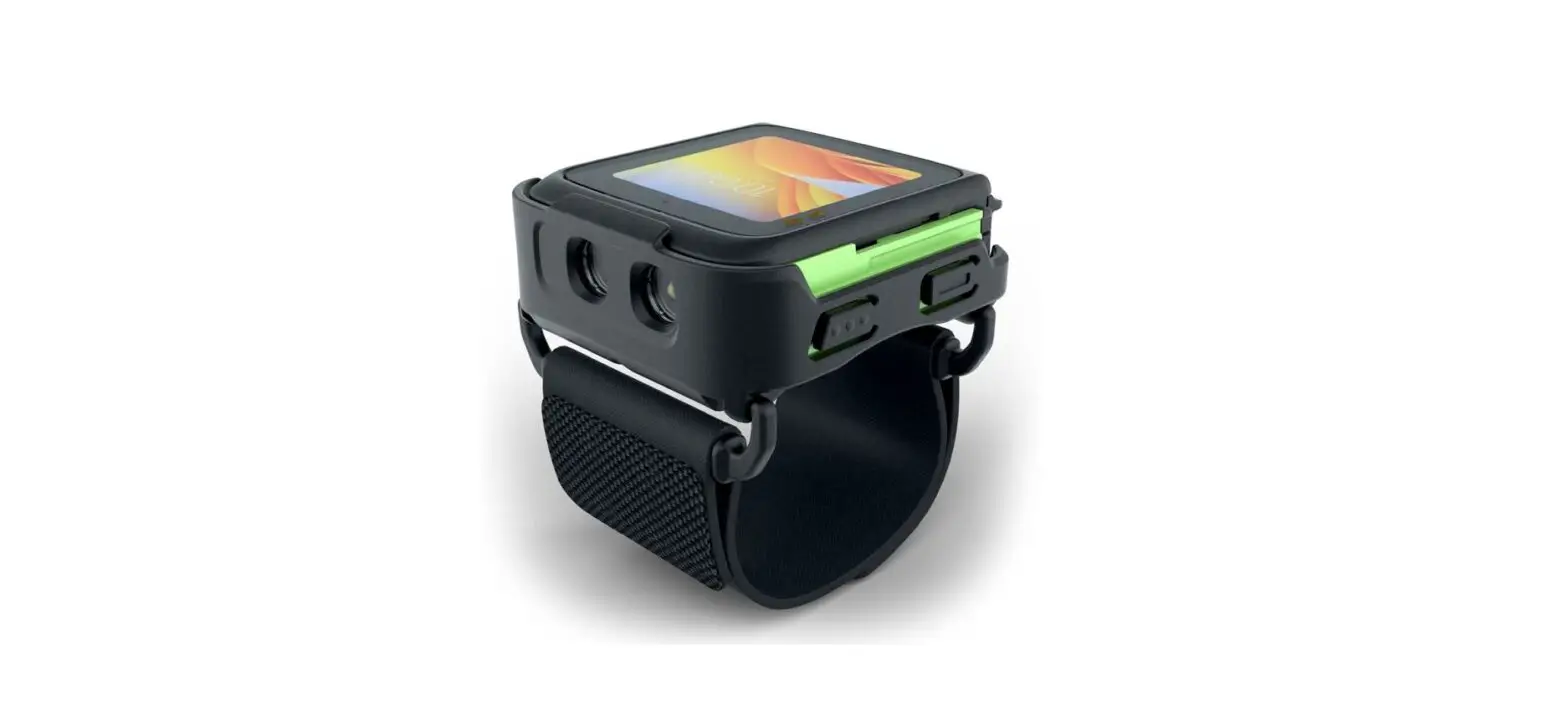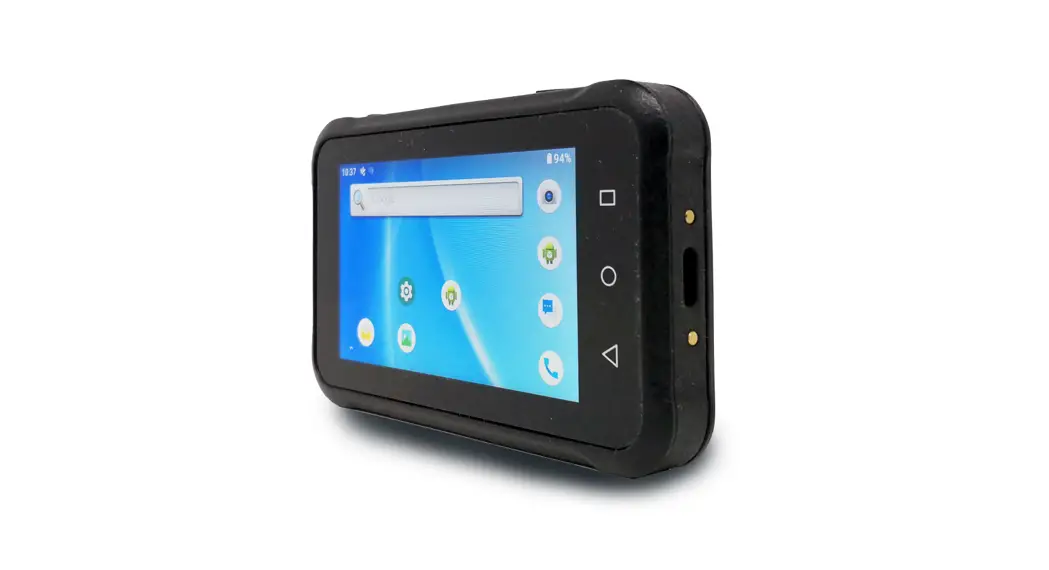
 – WD200 Wearable Terminal –
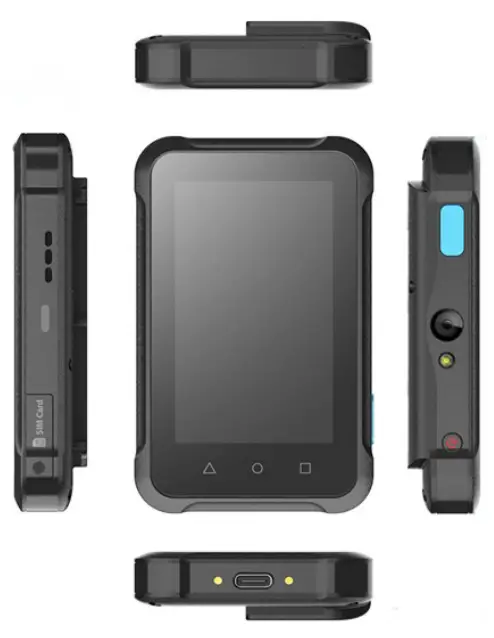
Quick Start Guide
608901G V1.0
Package
Please make sure the following contents are in the WD200 gift box. If something is missing or damaged, please contact your Unitech representative.
The package contents
- WD200
- USB Type C Cable
- Quick Start Guide
- Regulatory Compliance Statements
Optional accessories
- 4 slot cradle
- EZ Lock arm strap Holder
- Wrist Holder
- Necklace Holder
- Belt Holder
- USB 3.0 Cable
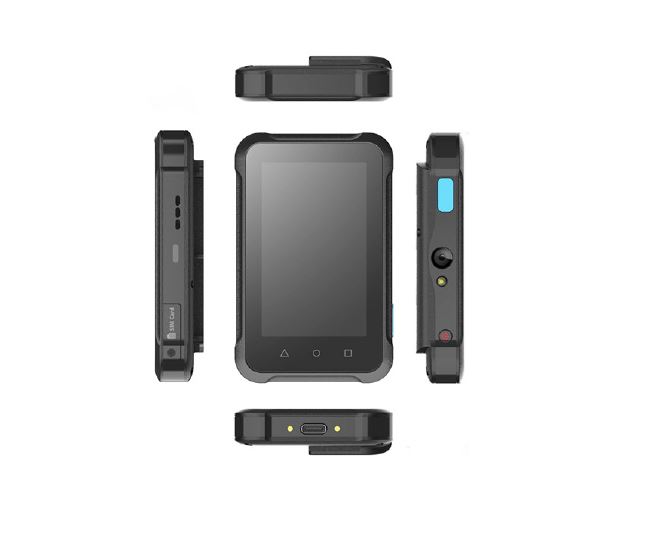
Product View
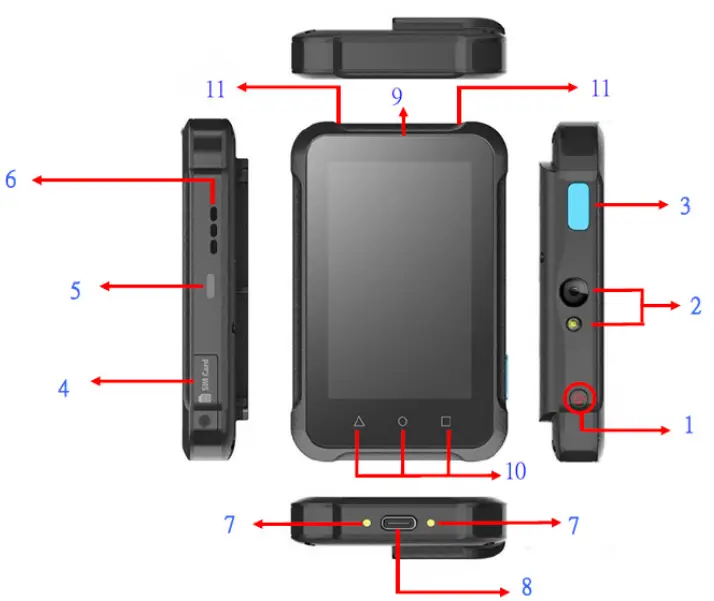
| 1 | Power Key | 6 | Speaker |
| 2 | Camera & LED Flash Light | 7 | Pogo pin |
| 3 | Programmable Button / Camera Button | 8 | USB Type C Port |
| 4 | SIM Card Slot | 9 | Touch Panel |
| 5 | LED Light | 10 |  : Back Button : Back Button |
 : Home Button : Home Button | |||
 : Recent Button : Recent Button | |||
| 11 | Microphone Holes |
Charging the battery
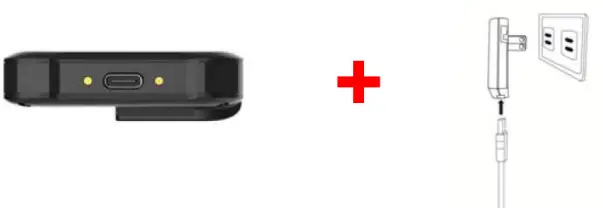
Connect the type C USB cable to the USB port on WD200 and connect the other end of the USB cable to the AC power adapter. Then plug into the electrical outlet. It is highly recommended that use the Unitech USB type-C cable to charge the terminal.
The charging LED indicator on WD200 is turning red when it is in the charging state. The green light is on after the battery is fully charged.
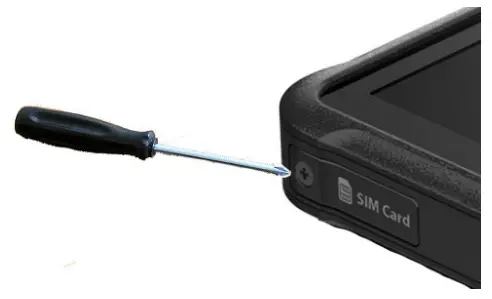
Inserting a Nano SIM Card
- Remove the one screw on the Nano SIM card slot cover with a screwdriver and remove the cover.
- Insert the SIM card with the notched corner.
- Push the card into the slot until you feel the card click into place.
- Lock the cover back into place.
Checking LED Status
| LED | Description |
| Red Light |
|
| Green Light |
|
| Blue Light | Message |
| No LED (Red and Green) display when the battery is out(even AC IN) | |
For other product documentation, please scan the QR code below for more information.
 https://www.ute.com/en/products/detail/EA630
WARNING!
DO NOT force opening the battery cover and attempt to change the battery as you may damage the product and the battery, it is built-in and is not user-changeable. Any battery’s inappropriate use could result in damage or safety issues such as catching fire or malfunctioning the sensitive components. Unitech reserves the right and disclaims any liability as a result of any damages caused by ignoring this warning. To avoid any consequential damages, please contact a Unitech representative before removing the battery.
WARNING!
There is a risk of fire and burns if the battery is handled improperly. DO NOT disassemble, crush, puncture, short external contacts, or dispose of the battery pack in fire or water. DO NOT attempt to open or service the battery. Dispose of used batteries according to local recycling guidelines in your area.
CAUTION!
- To ensure the unit working properly, please keep all connectors away from the contaminants staying inside of them such as dust, grease, mud, and water. The negligence may cause the unit to have no communication, short-circuited, overheated, and so on.
- If the connector is damaged, please ensure the connector is being fully repaired before using the unit to avoid causing short-circuited.
http://www.ute.com/
Copyright 2021 Unitech Electronics Co., Ltd. All rights reserved. Unitech is a registered trademark of Unitech Electronics Co., Ltd.