 Installation Guide for 80519
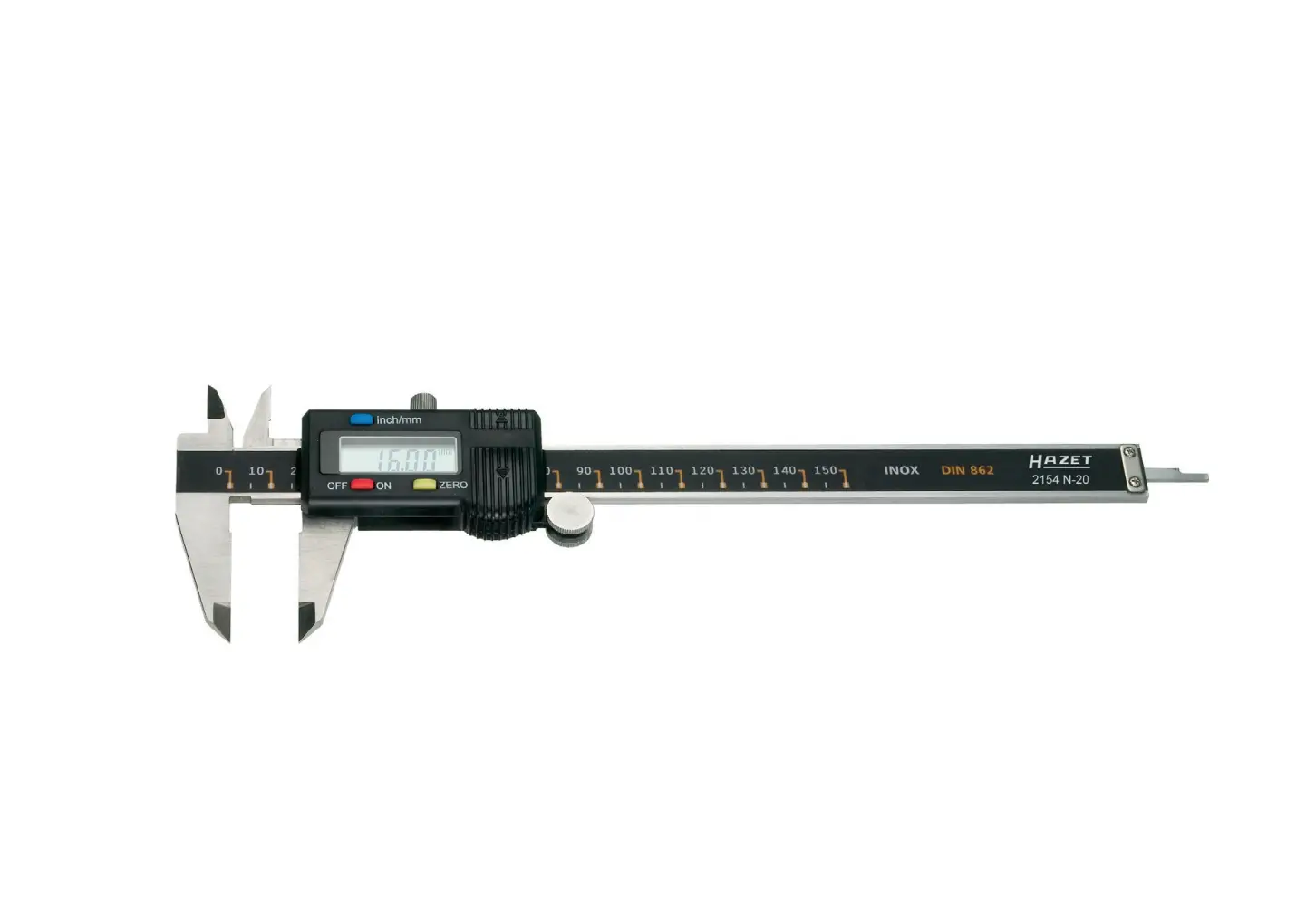
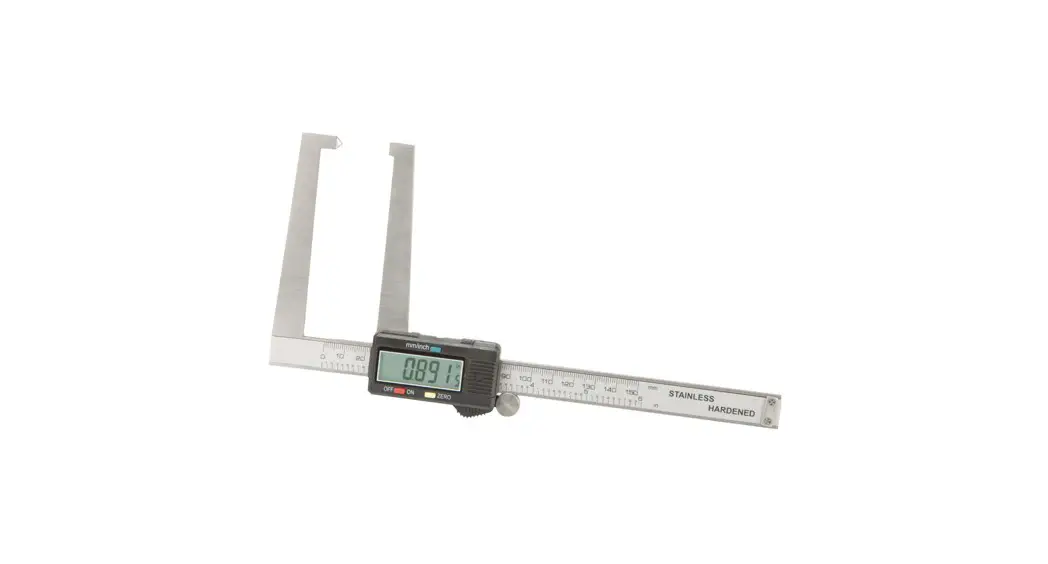
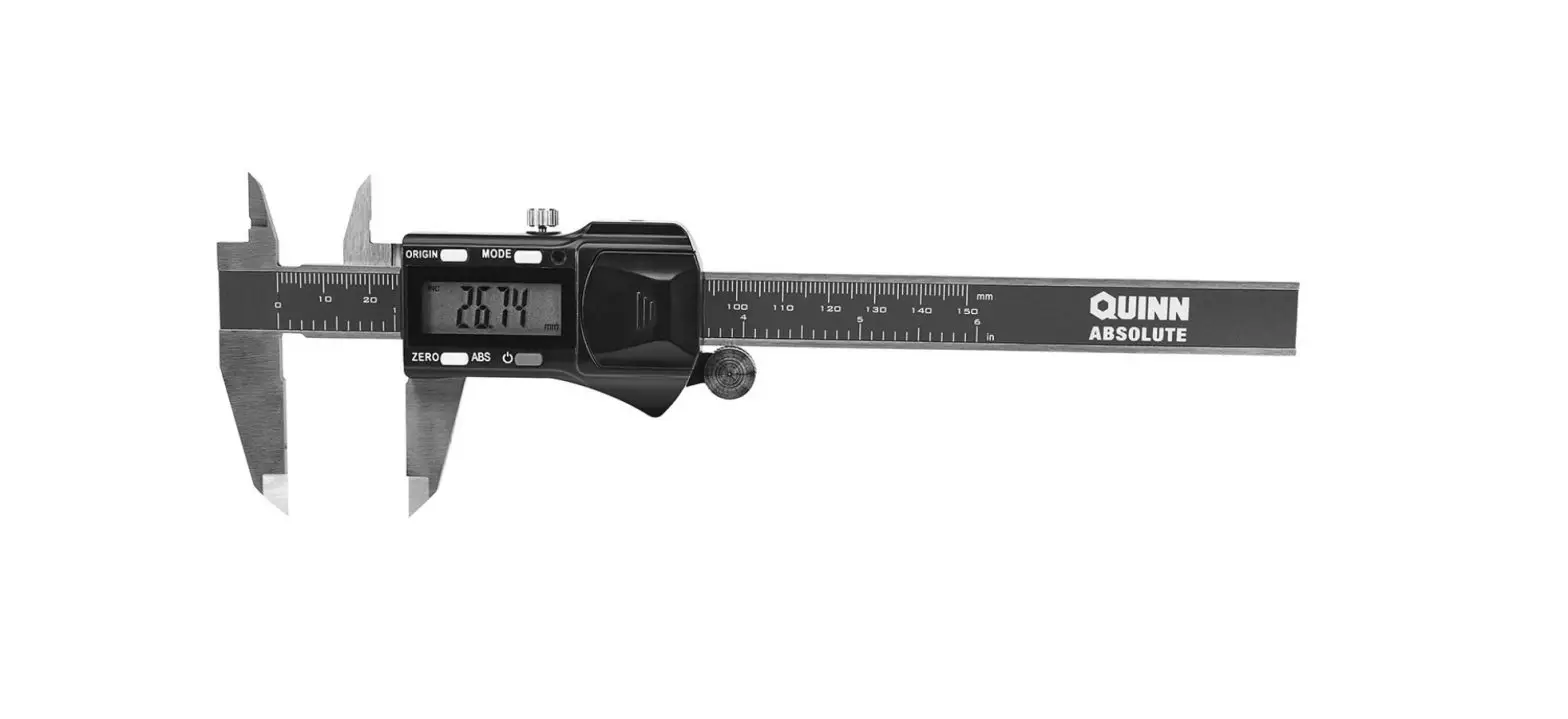
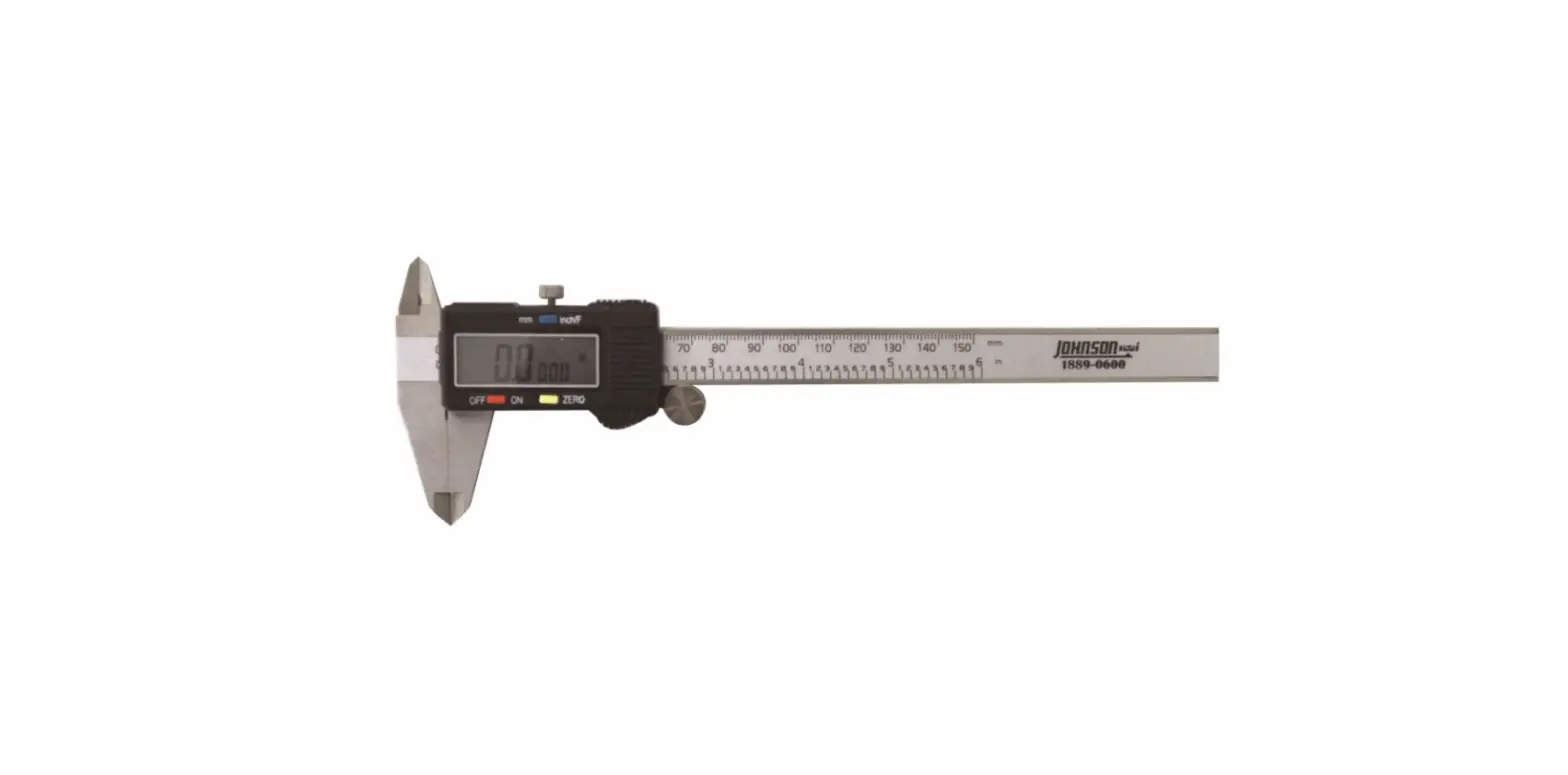
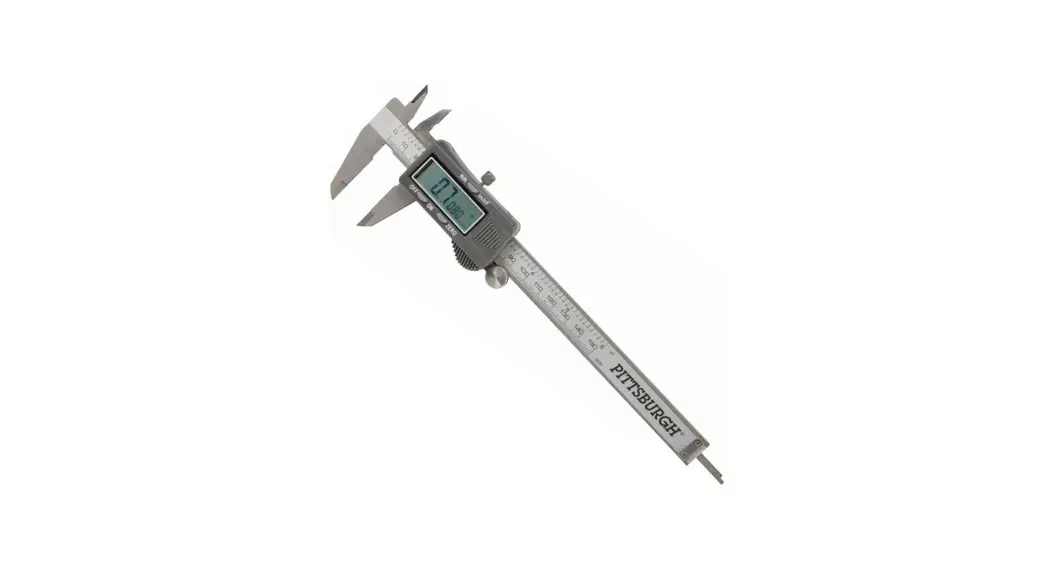
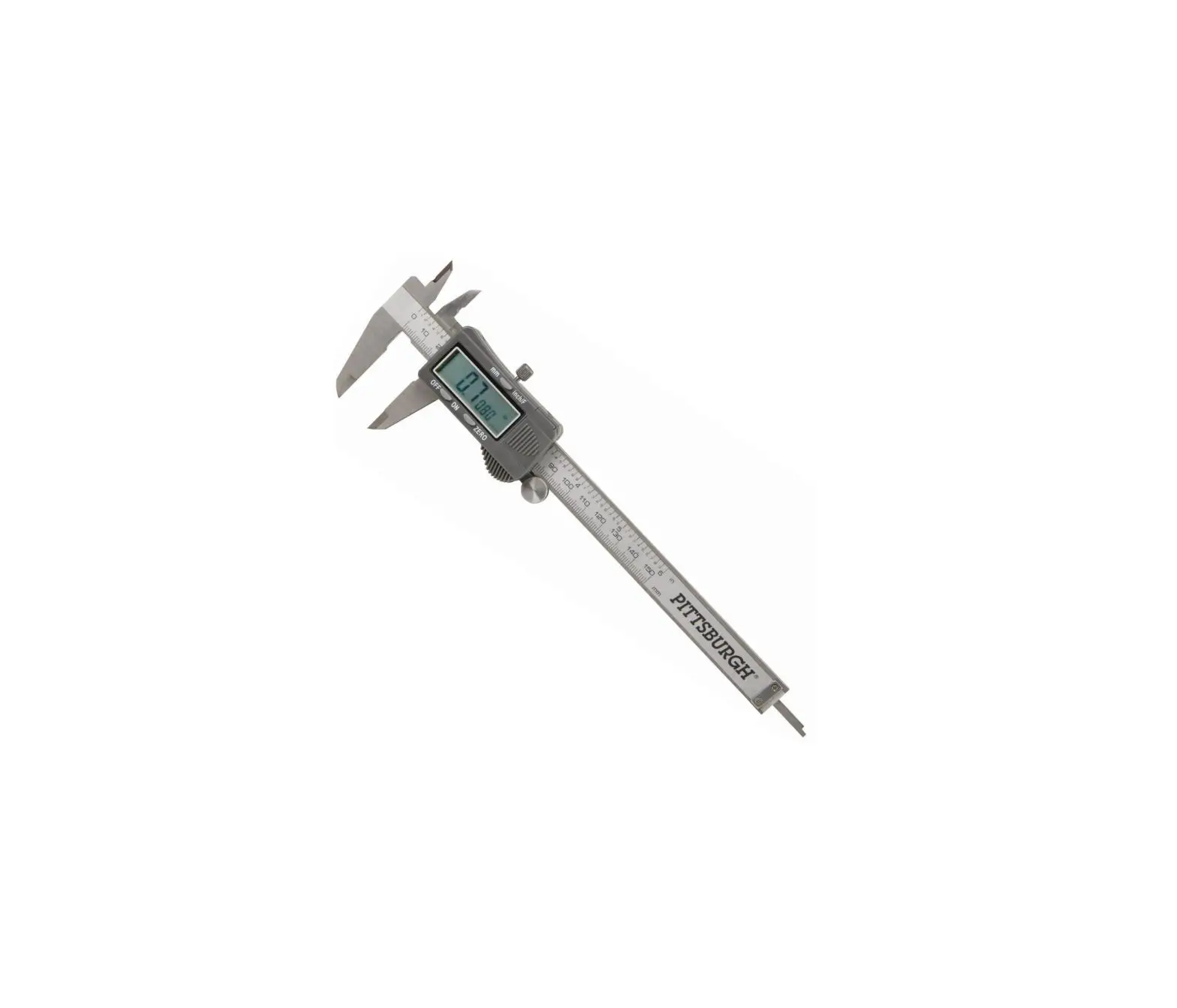
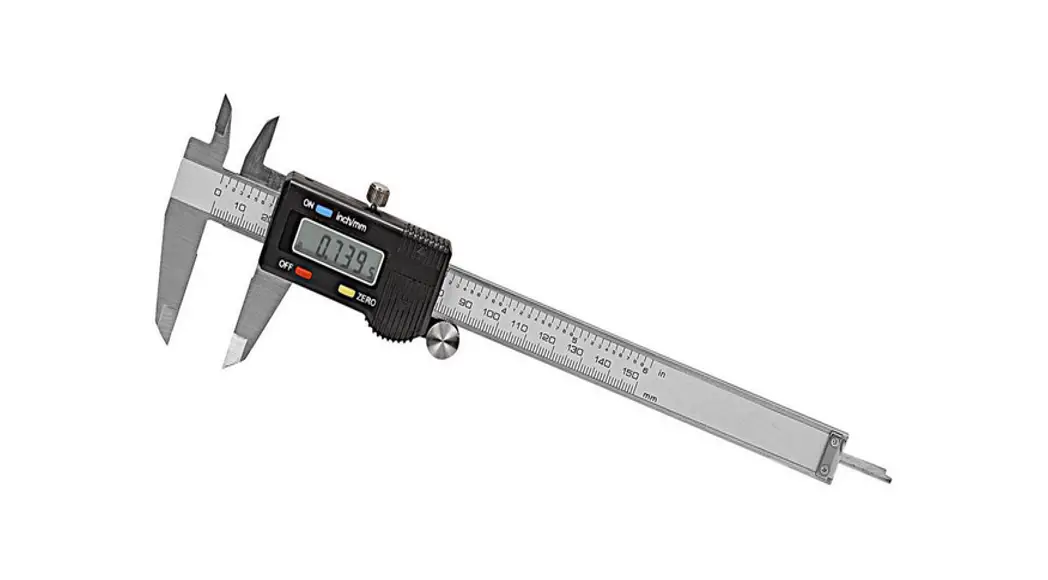
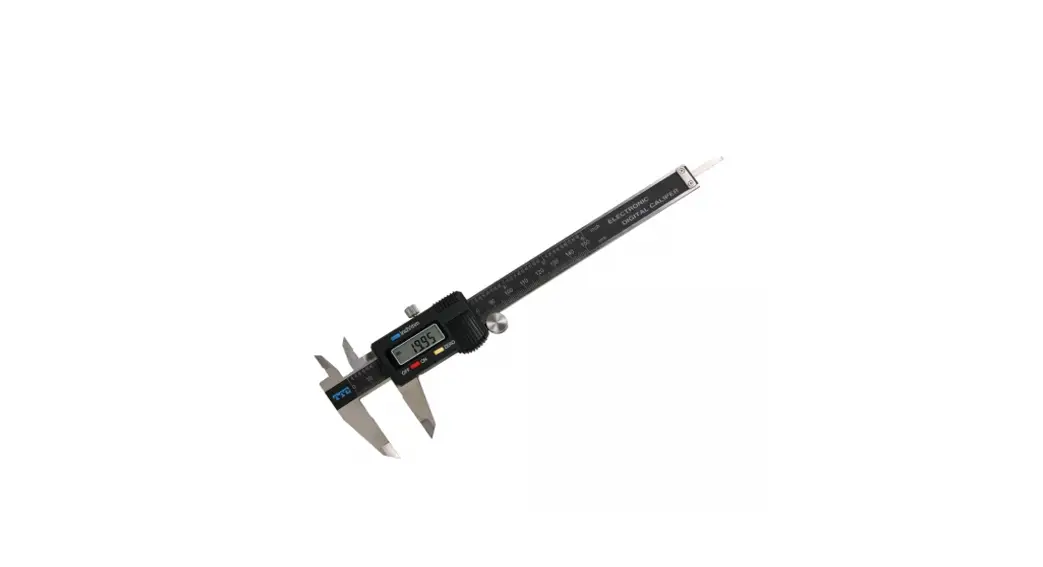
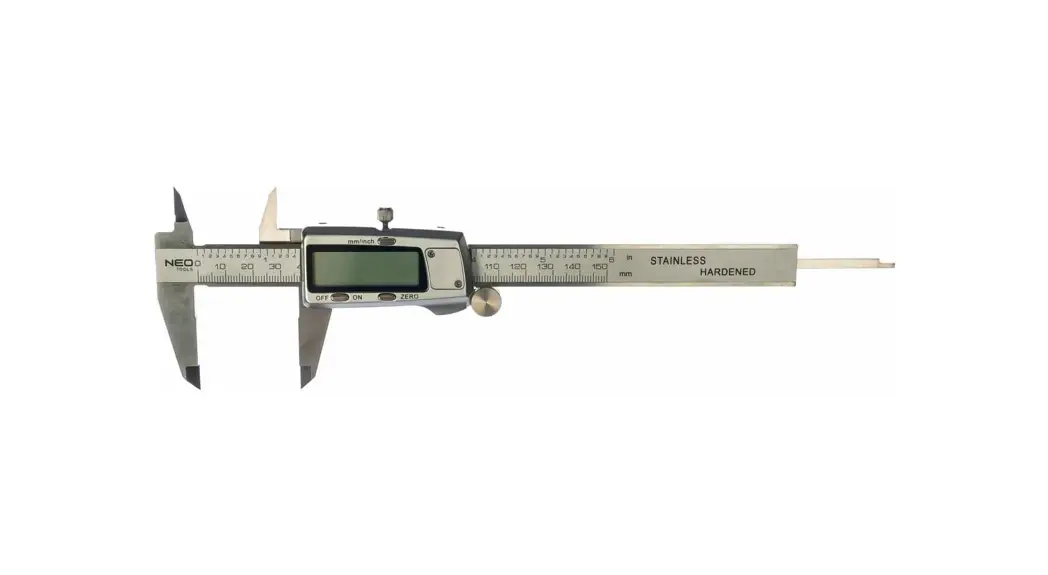
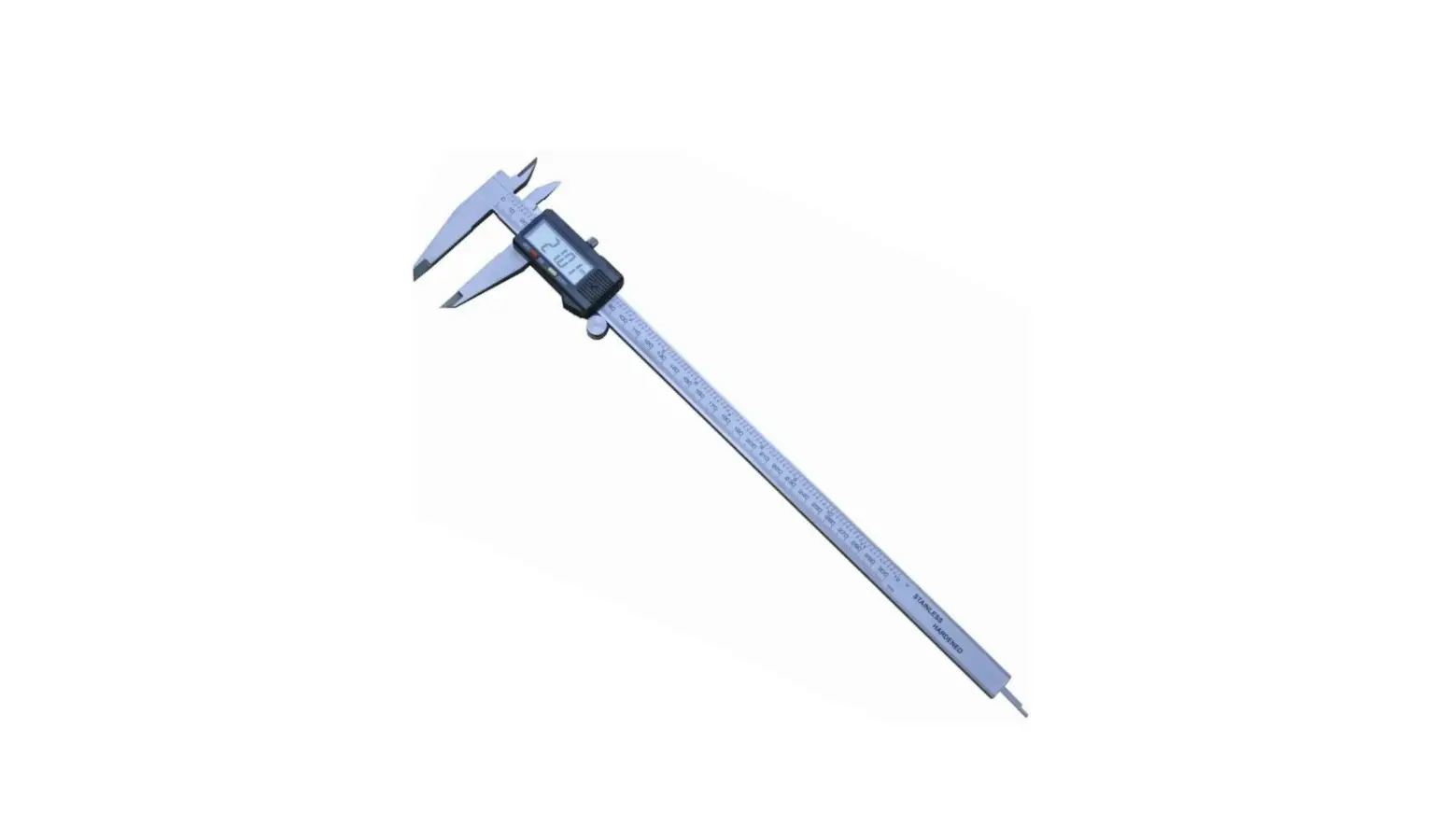
Digital Caliper
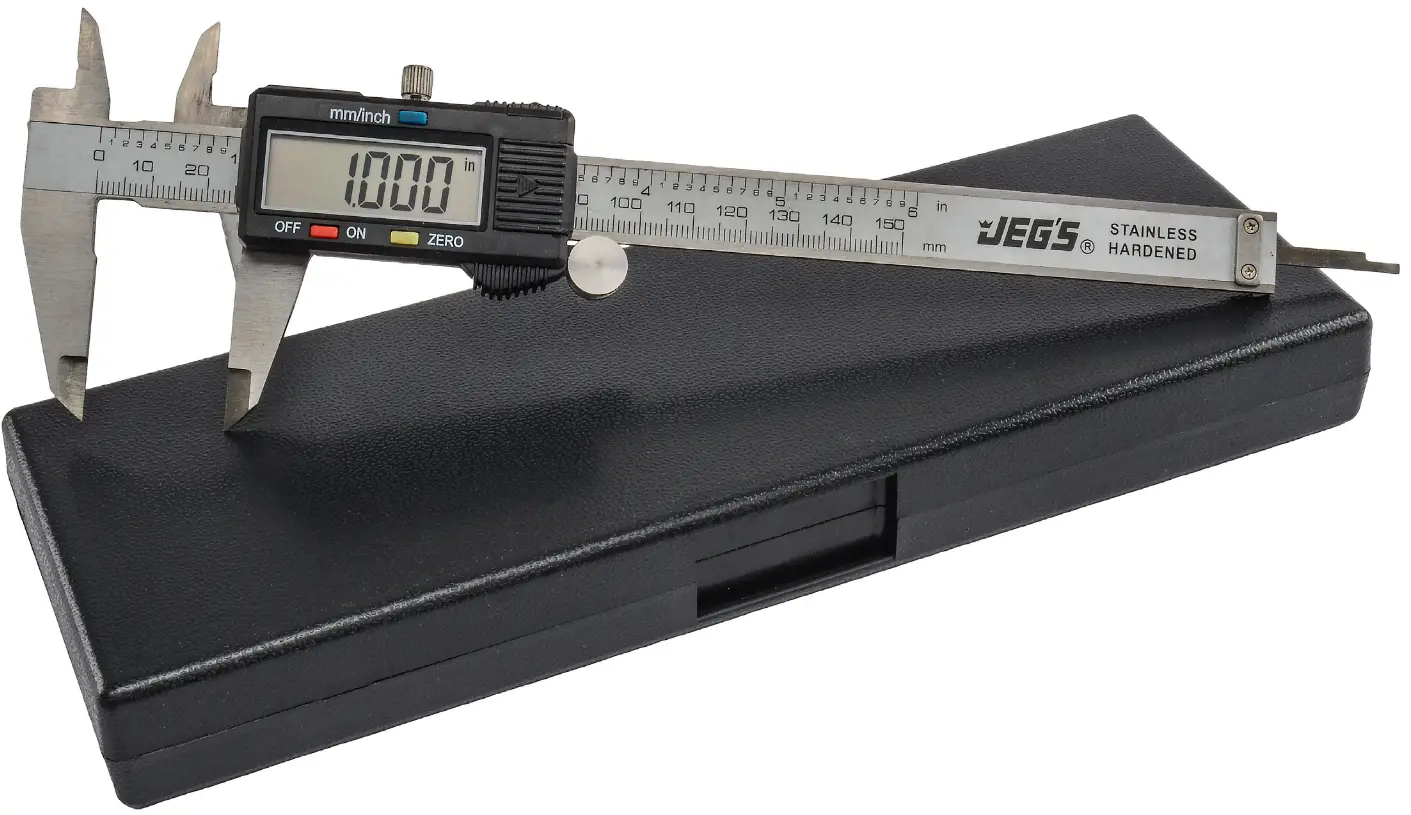
6 in. (150 mm) Length
1-800-345-4545
Features
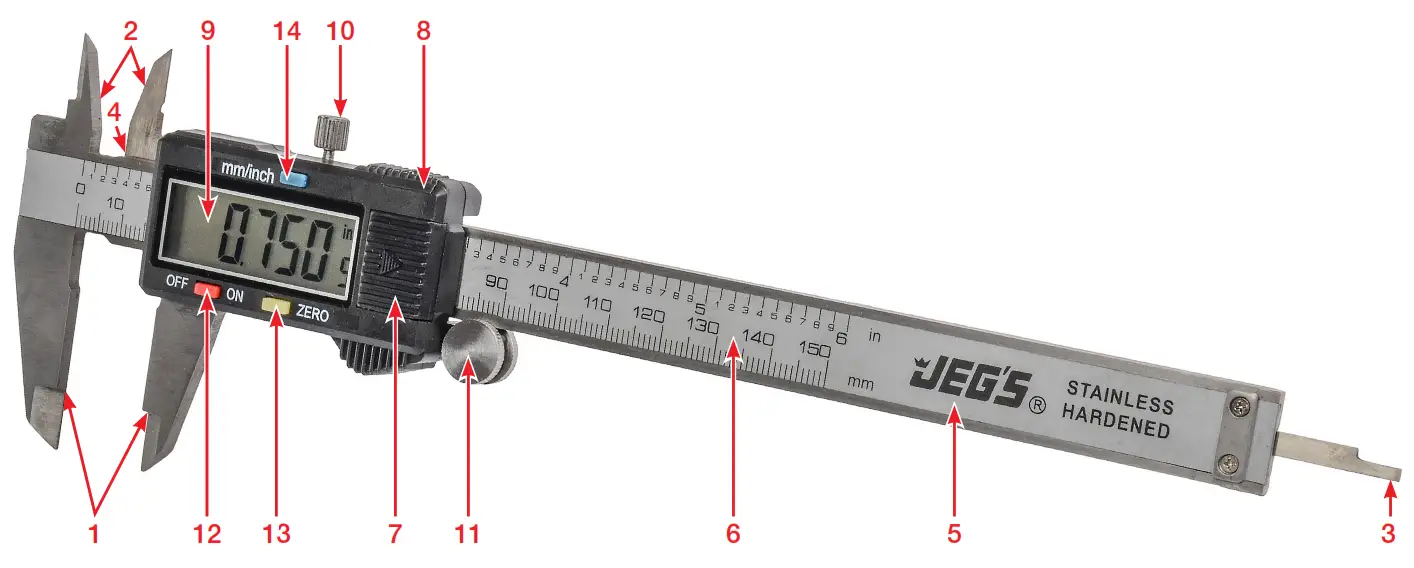
| 1 | External Measuring Jaws | 8 | Output Connector |
| 2 | Internal Measuring Jaws | 9 | LCD Display |
| 3 | Depth Blade | 10 | Slider Clamp Screw |
| 4 | Step Measuring Faces | 11 | Thumb Roller |
| 5 | Beam | 12 | ON/OFF Switch |
| 6 | SAE & Metric Scale | 13 | Zero Switch |
| 7 | Battery Compartment | 14 | SAE & Metric Conversion Switch |
Read Before Installation
Thank you for your purchase of this JEGS 6 in. digital caliper.
Before using, please be sure to verify that the caliper is fully functional. Reference the features on the previous page. If any components are damaged or non-functional please contact customer service at: 1.800.345.4545.
If you are having issues, or have questions regarding the use of this digital caliper, please contact our technical support department at: 1.800.345.4545.
Return Information: Before modifying any of the parts in this universal digital dash panel, please trial-fit all components. Once this kit has been modified, or wires cut it will not be accepted for return.
Technical Specifications
| Measuring Range: | 0-6 in. (0-150 mm) |
| Resolution: | 0.0005 in. (0.01 mm) |
| Accuracy: | ±0.001 in. (±0.02 mm) |
| Repeatability: | 0.0005 in. (0.01 mm) |
| Max Measuring Speed: | 60 in./sec (1.5 m./sec) |
| Measuring System: | Linear Capacitive Measuring System |
| Display: | LCD |
| Power: | (1) Alkaline Lithium Button Cell Battery (1.5V, Type LR44) |
| Working Temperature: | 41°-140° F (5°-40° C) |
| Note: | Accuracy affected in environments with relative humidity in excess of 80% |
Troubleshooting
| Display Flashes: | Low battery | Replace battery |
| Display Doesnt Change when Slider is Moved: | System locked | Remove and replace battery to reset (30 sec.) |
| Accuracy Less than ±0.001 mm: | Dirt in sensor | Remove slider cover and blow clean |
| No Display on LCD: | Improper battery position/Low battery | Check battery position/ Replace battery |
Instructions
Outside Measurement
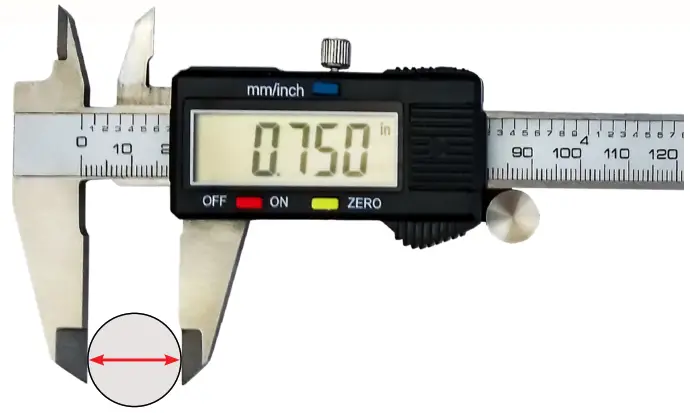
Step Measurement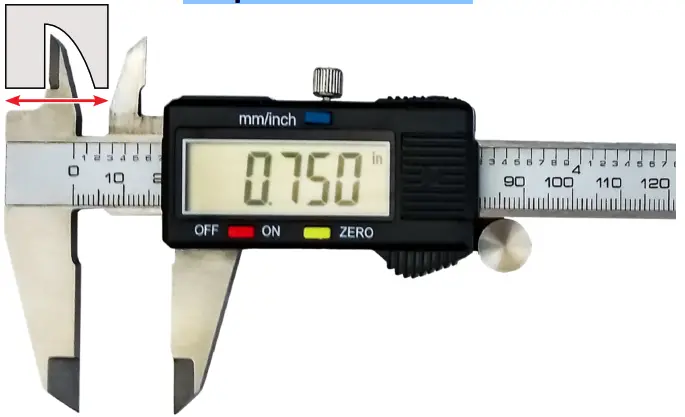
Inside Measurement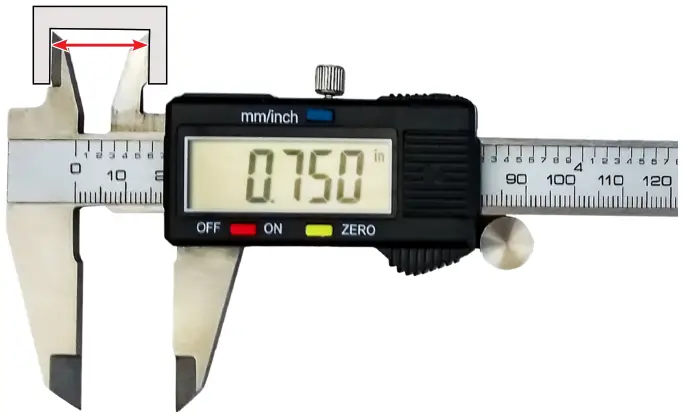
Depth Measurement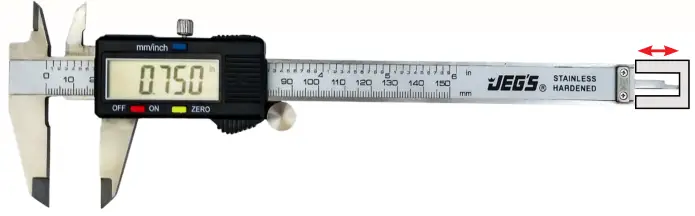
Battery Replacement
A flashing display indicates a low battery.
To replace the battery:
- Remove the battery cover by sliding it in the direction of the arrow
- Pop-out the battery
- Install new battery with the (-) negative terminal facing down
- Replace cover and turn caliper on
Maintenance
- Keep the caliper clean and dry. Liquid can damage the slider.
- Use a clean, dry cloth to clean all surfaces. Do not use solvents or solvent-based cleaners
- To save power, turn off the unit when not in use
- Avoid contact with electricity or electronic devices