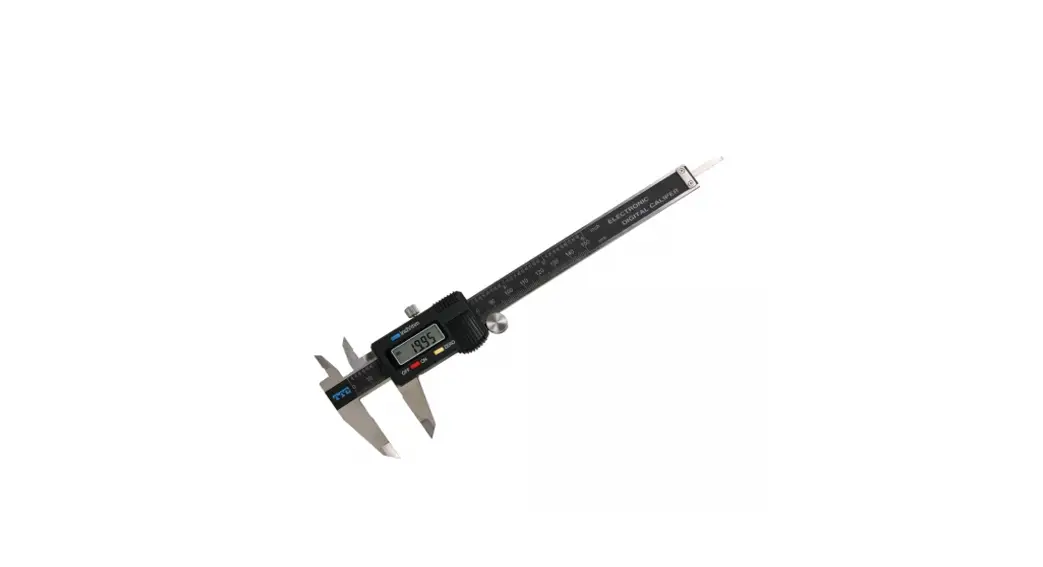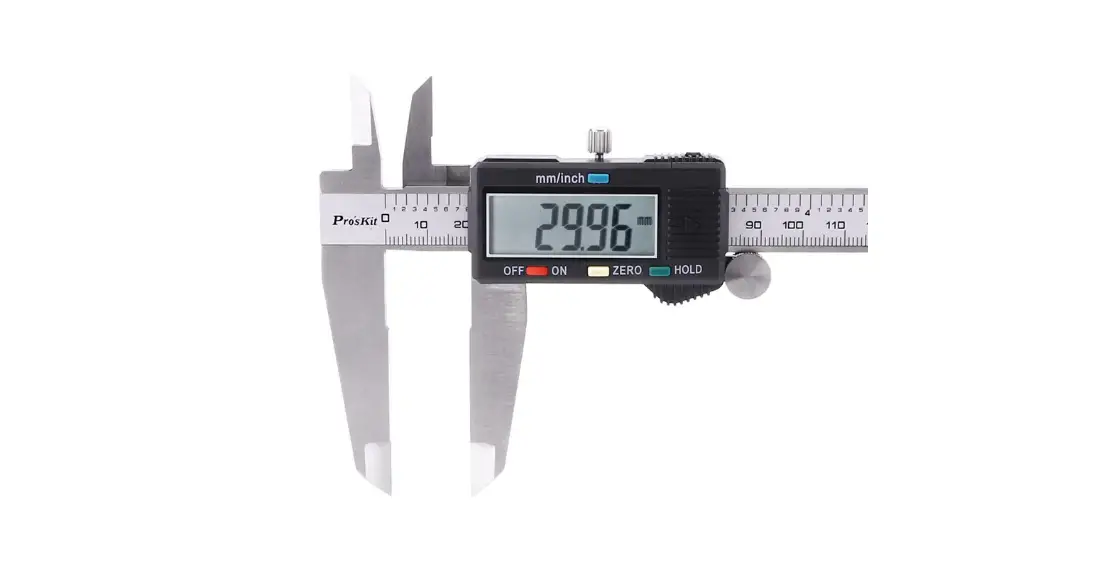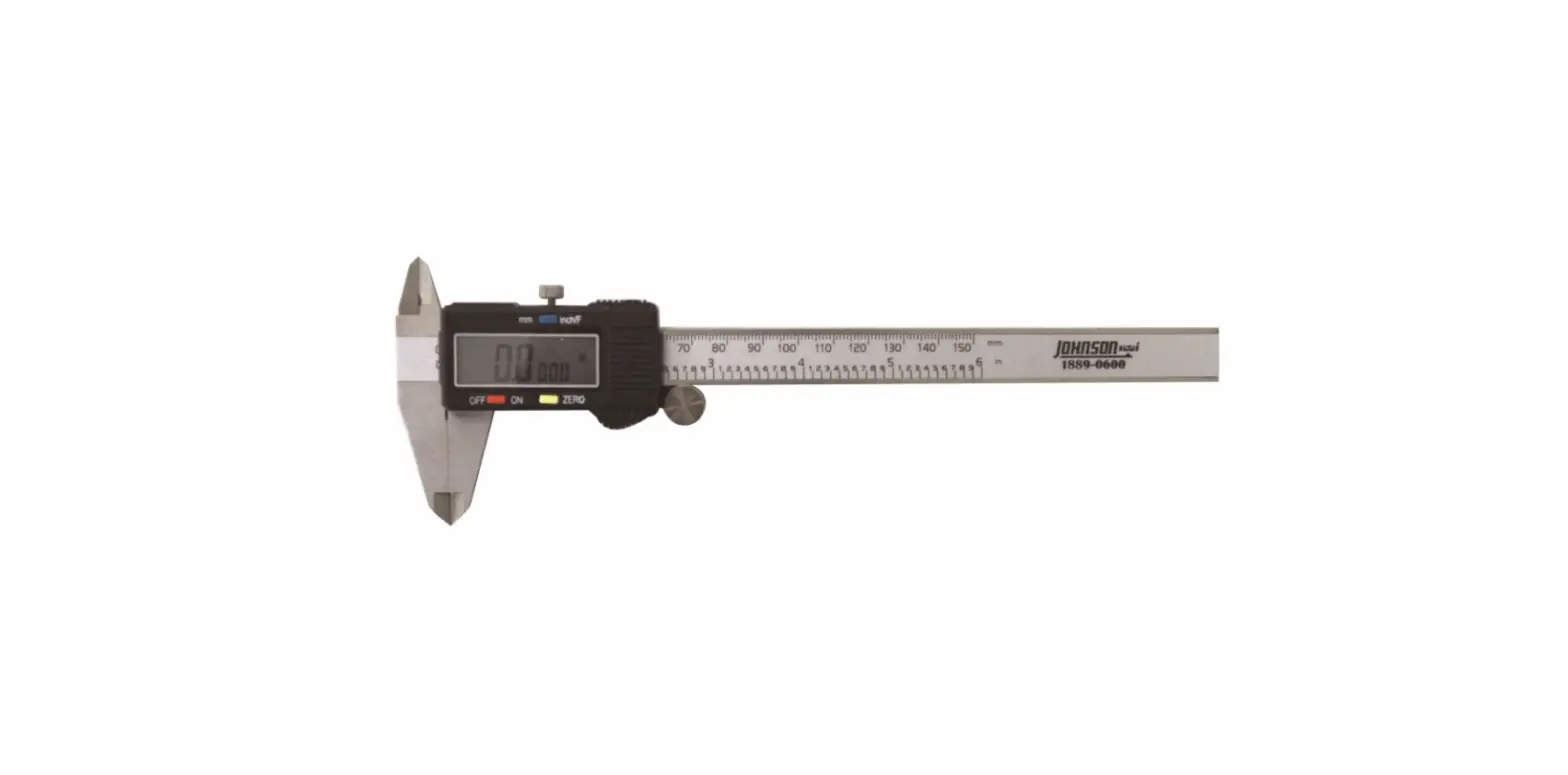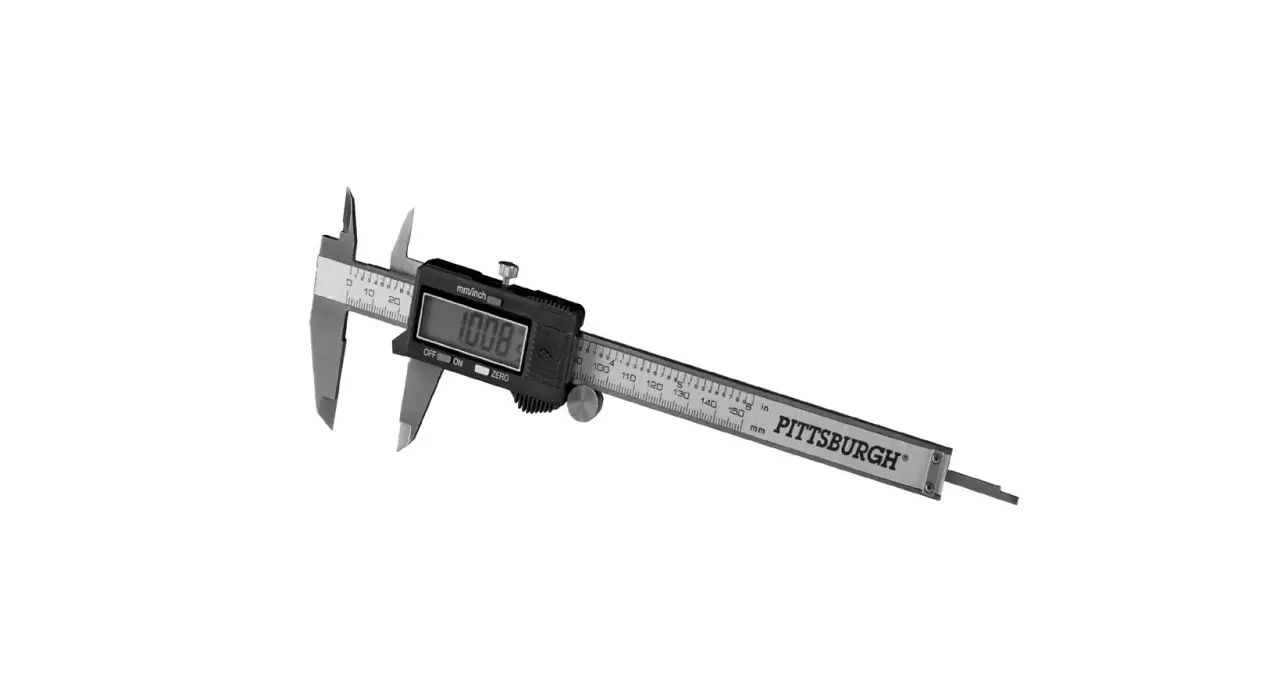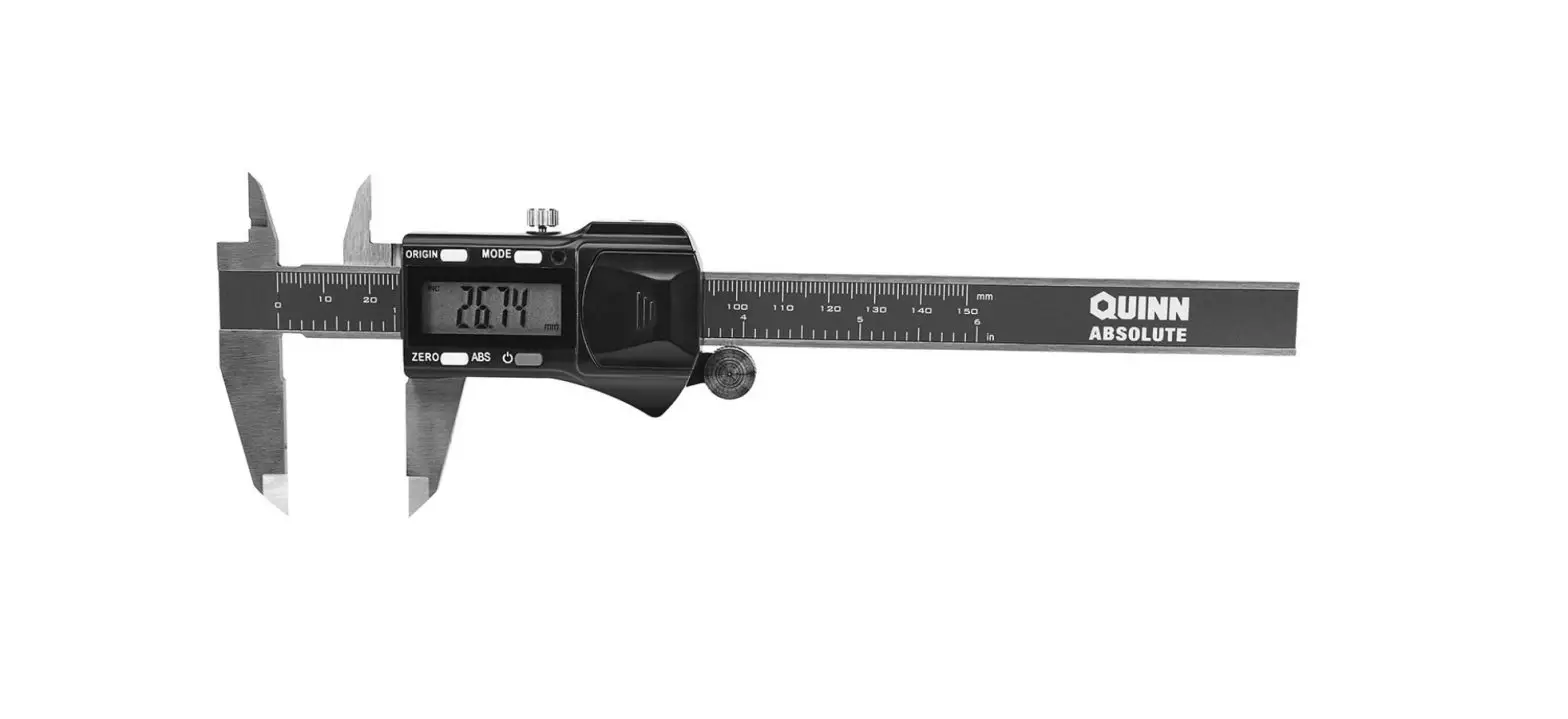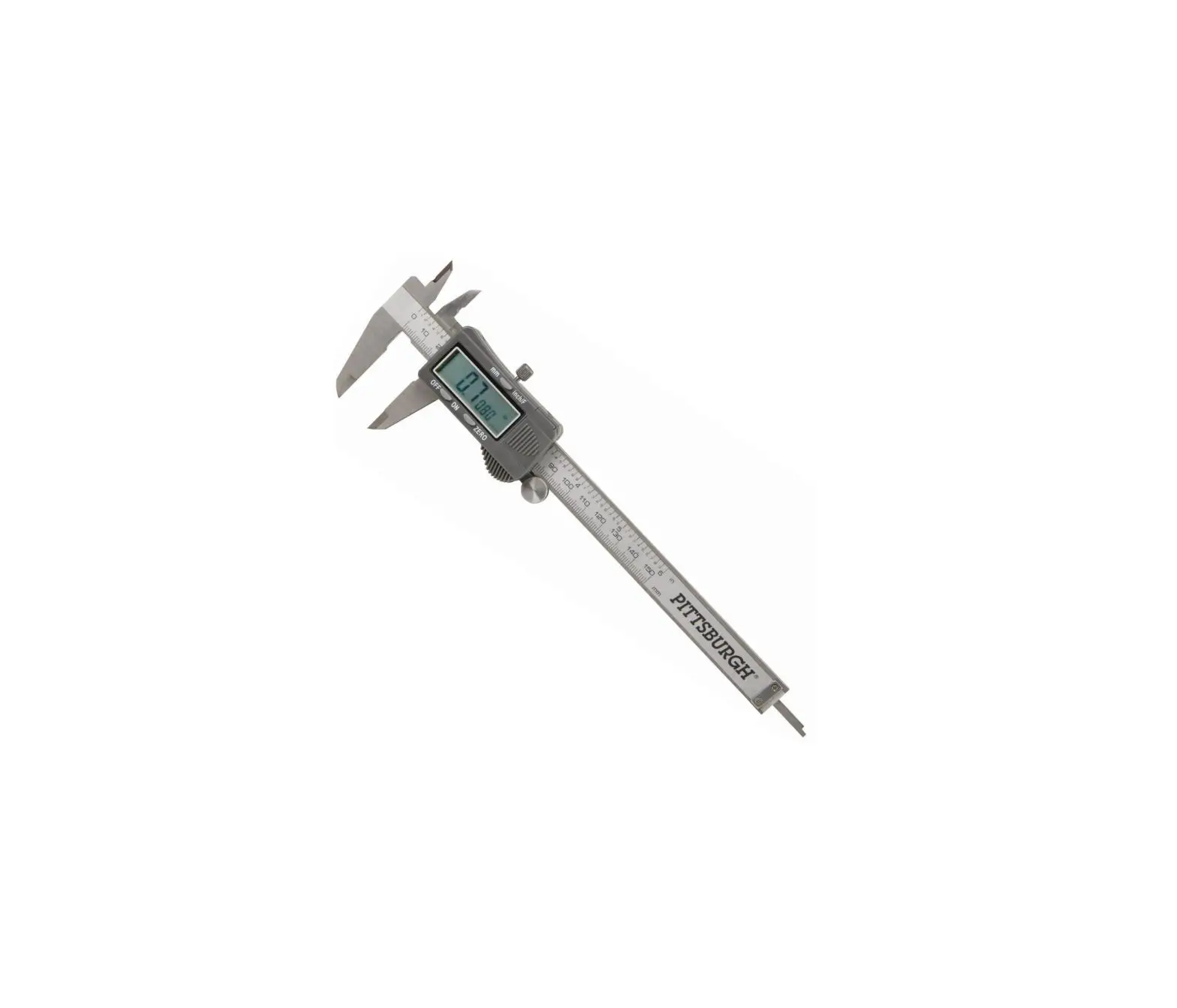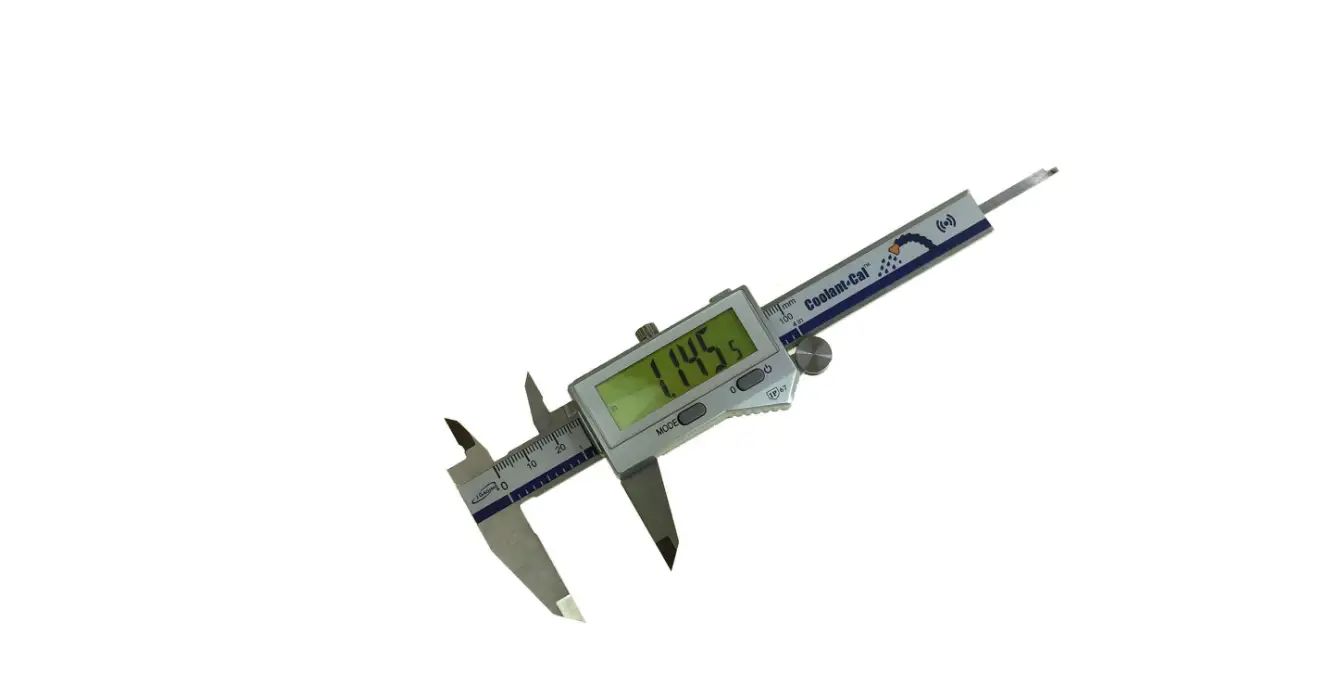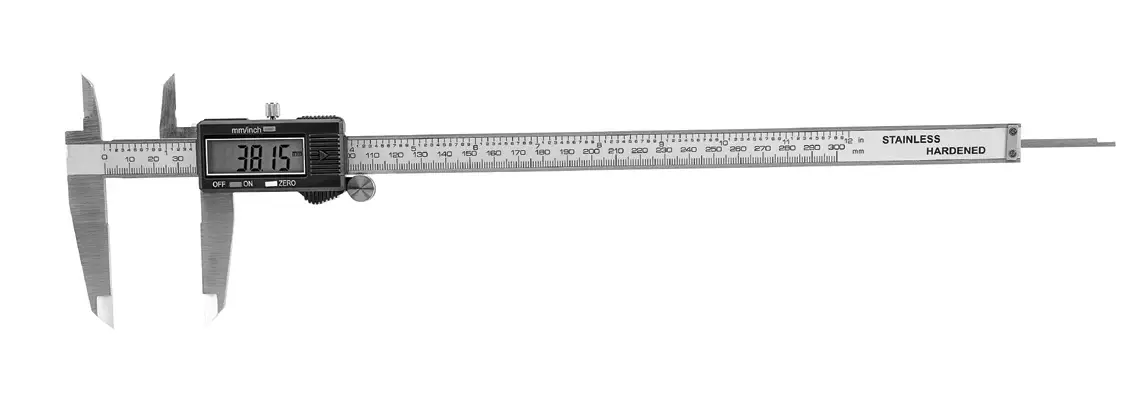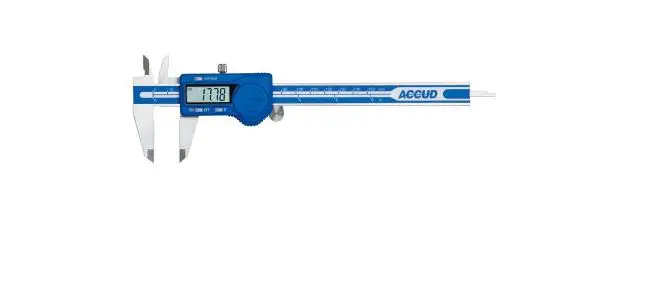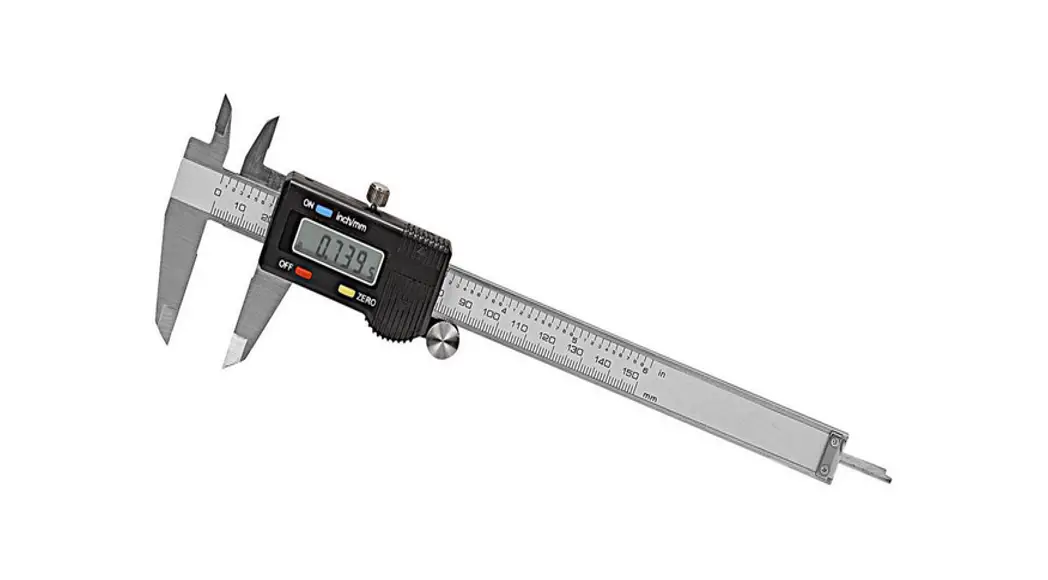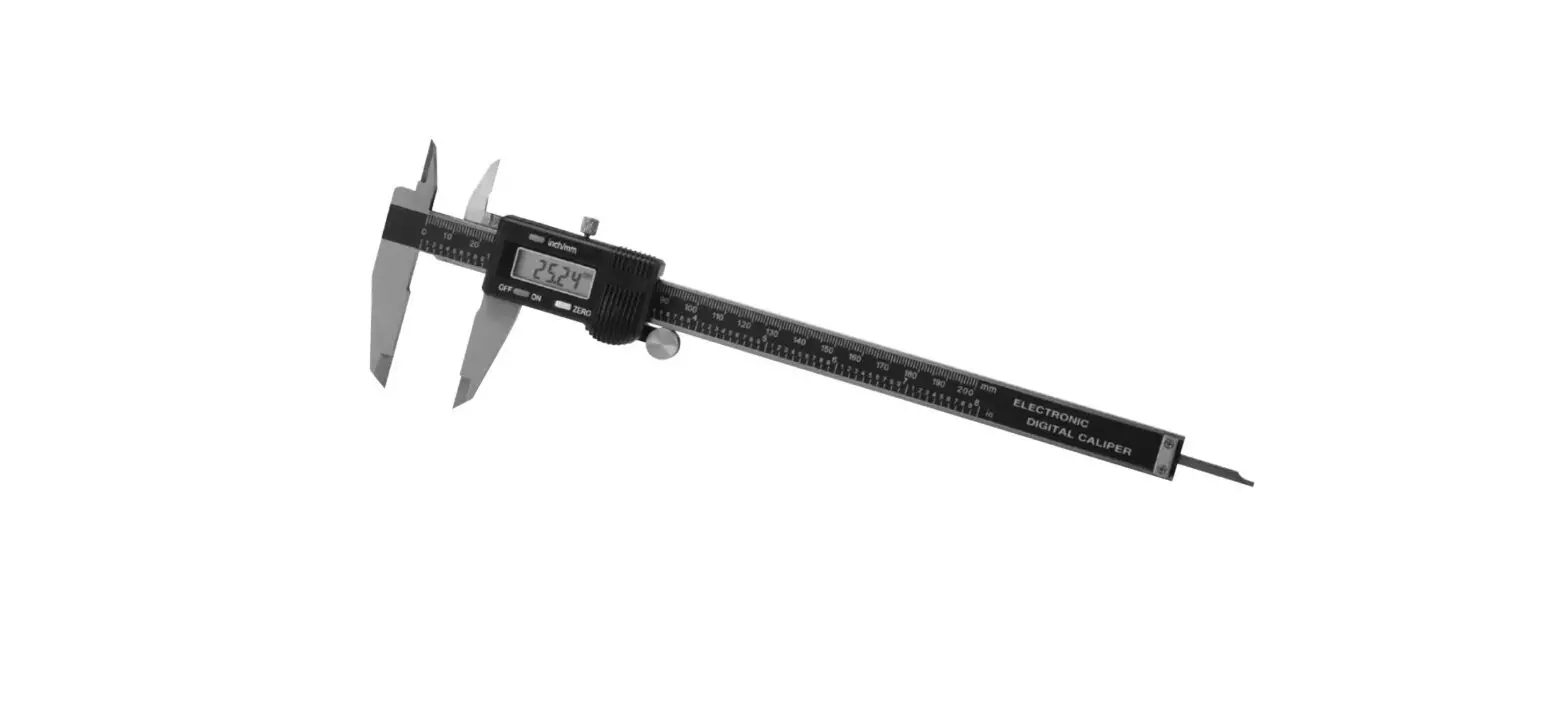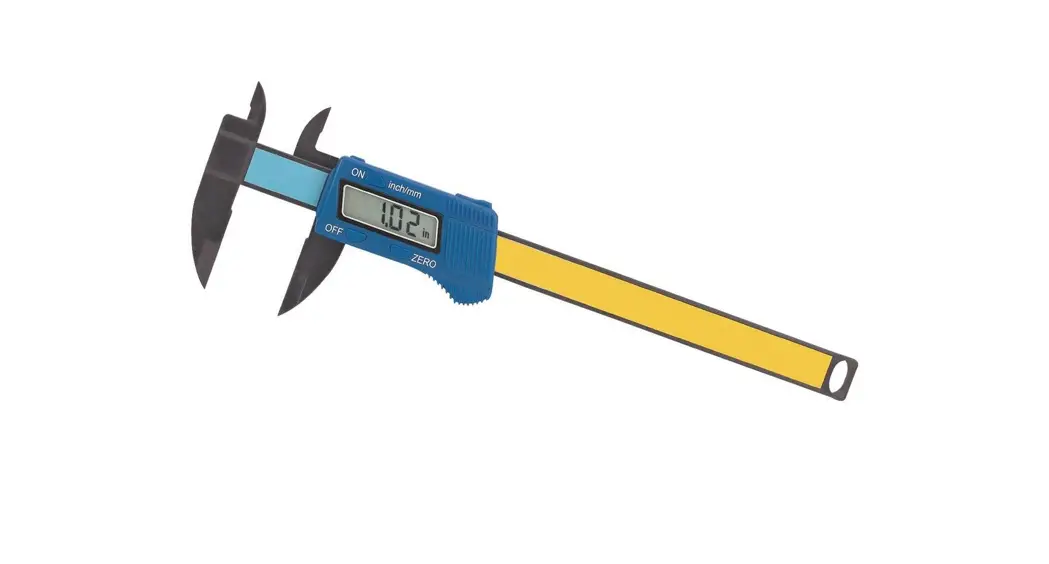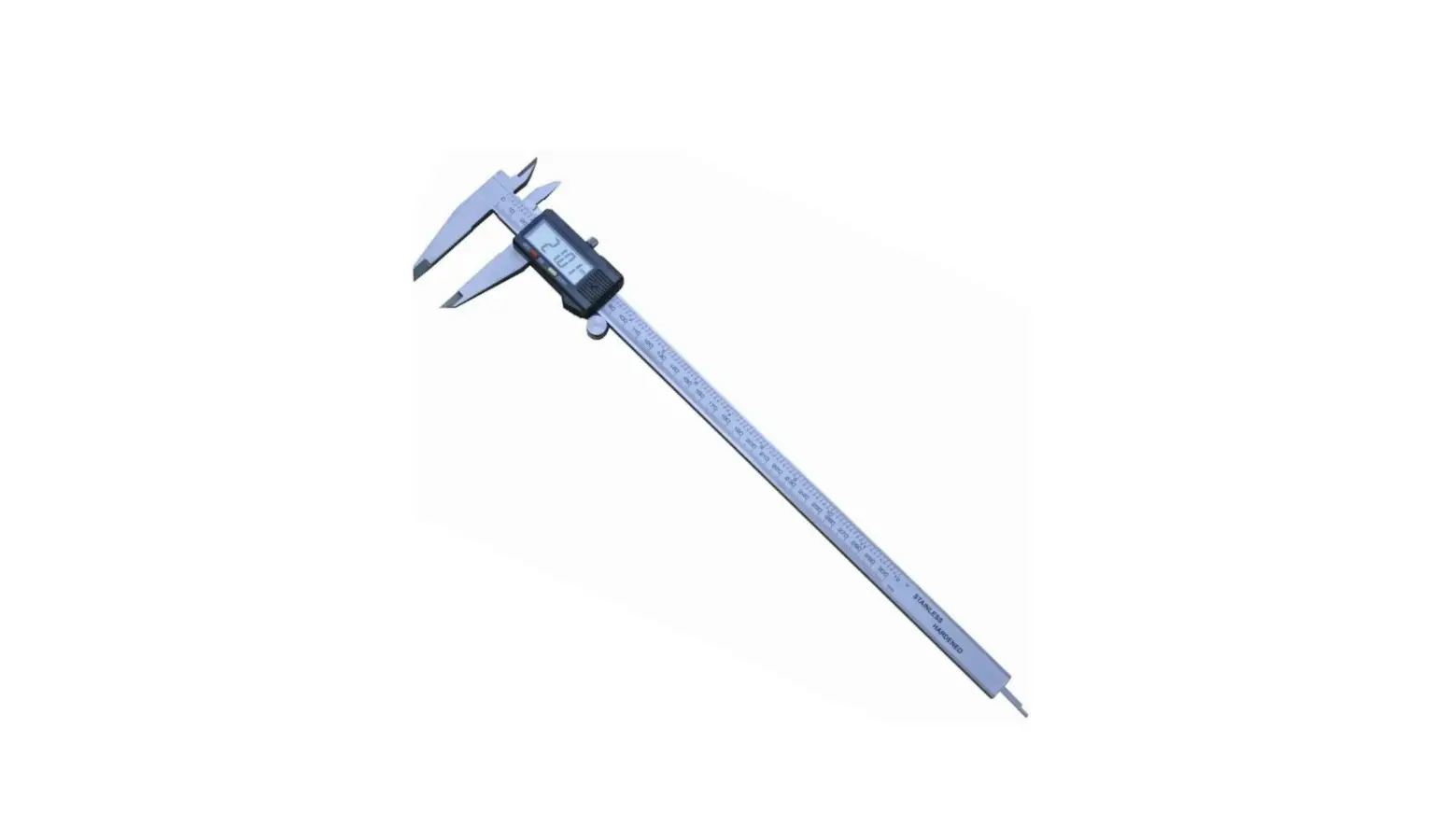
RS PRO 2436621 Electronic Digital Caliper Instruction Manual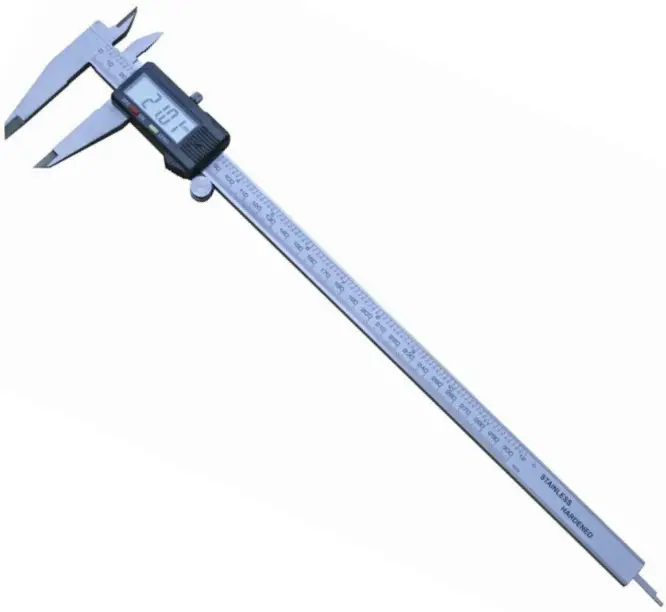
FEATURES
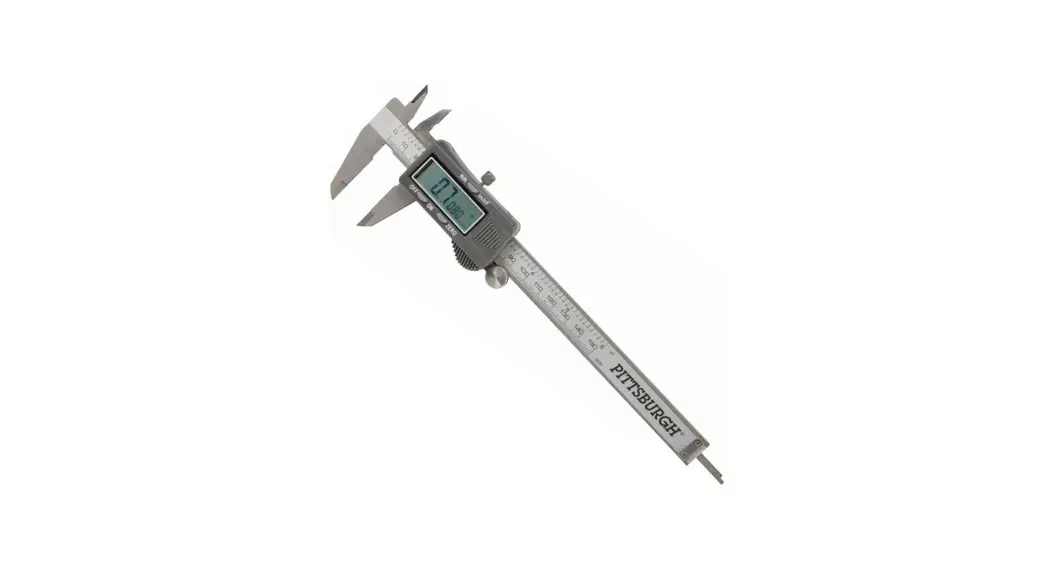
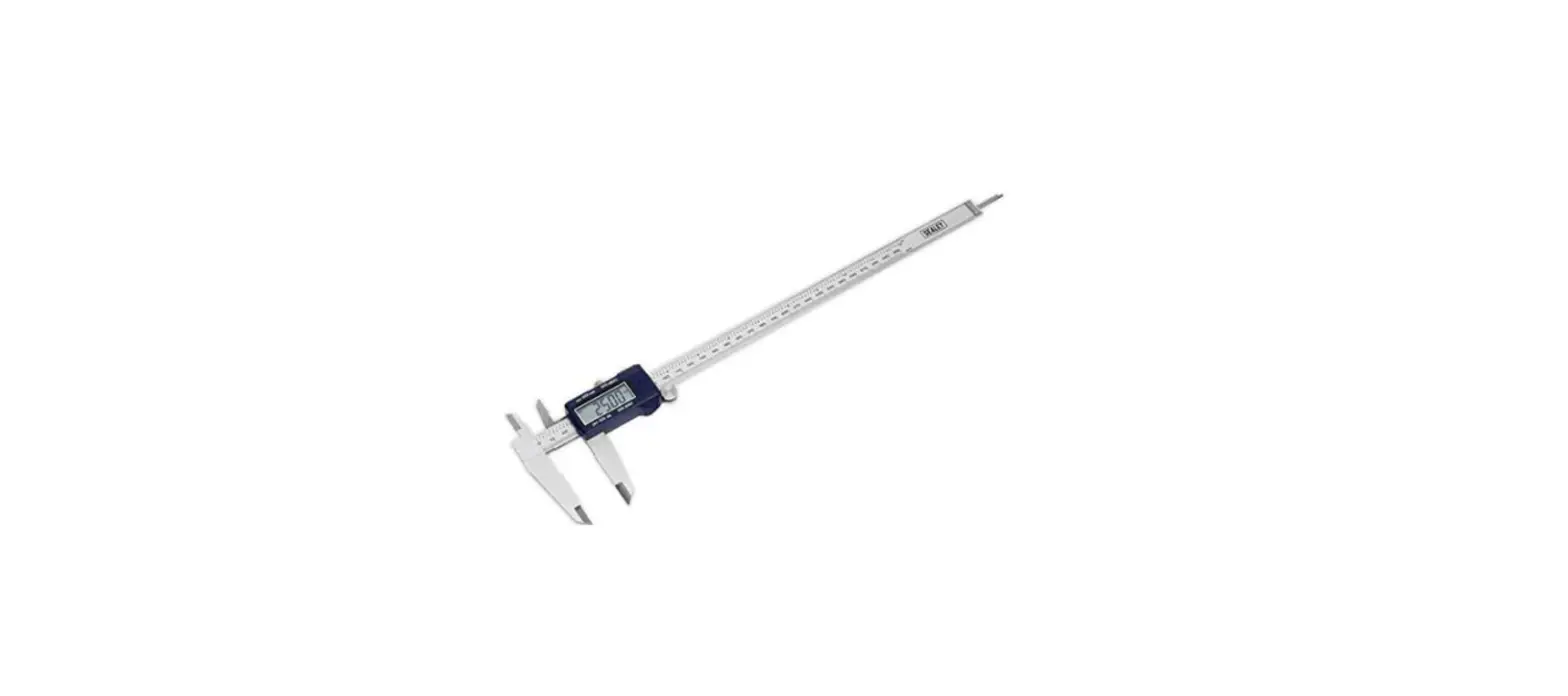
- Hardened stainless steel frame and measuring jaws
- Thumbroll adjustment
- Knurled locking screw
- Depth rod
- Clear LCD Display
- Large 11mm digits
RS Professionally Approved Products bring to you professional quality parts across all product categories. Our product range has been tested by engineers and provides a comparable quality to the leading brands without paying a premium price.
Product Description
Hardened stainless steel frame and measuring jaws Thumbroll adjustment Knurled locking screw Depth rod Clear LCD Display Large 11mm digits Origin setting
Resolution: 0.01mm
Repeatability: 0.01mm
4 Way measurement: Individual serial numbers
Power: 1 x Silver oxide battery SR44 – 1.55v
Operating temperature: 5 – 40°C
Relative humidity: Maximum 80%
Warranty: 1 year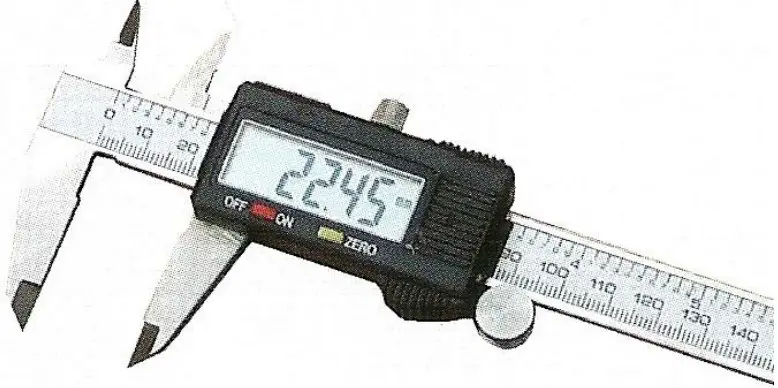
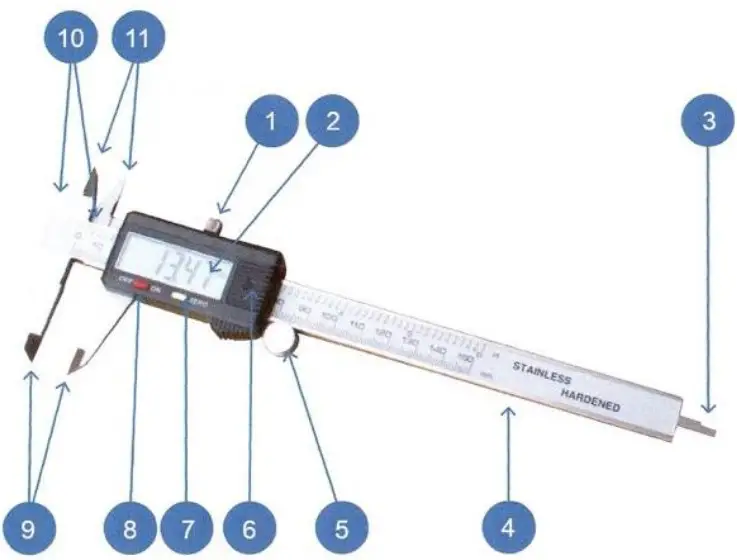
- Knurled Locking Screw
- LCD Display
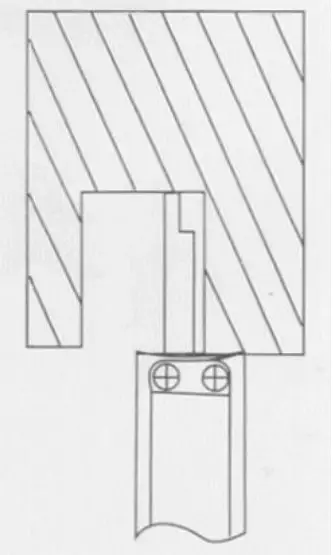
- Depth Measuring Blade
- Caliper Beam
- Thumbroll Fine Adjustment
- Battery Cover Zero Set Button
- Power Button ON/OFF
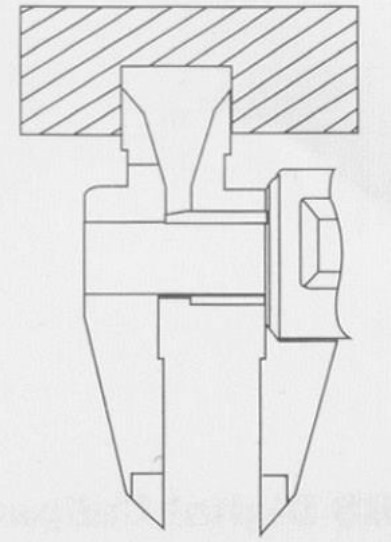
- External Measuring Jaws
- Step Measuring Faces
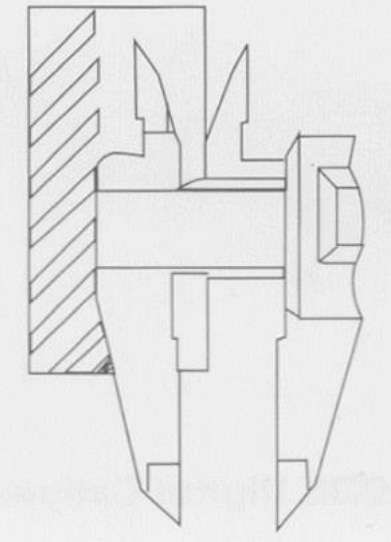
- Internal Measuring Jaws

| Manufacturers code | 2436621 |
| Description | Electronic Caliper 0-300mm |
General Specifications
| Range | 300mm |
| Resolution | 0.01mm |
| Repeatability | 0.01mm |
| Accuracy | ±0.02mm (≤ 100mm) ±0.03mm (≥ 100mm – 200mm) ±0.04mm (≥ 200mm – 300mm) |
| External Jaw Length | 60mm |
| Internal Jaw Length | 20mm |
Electronic Caliper
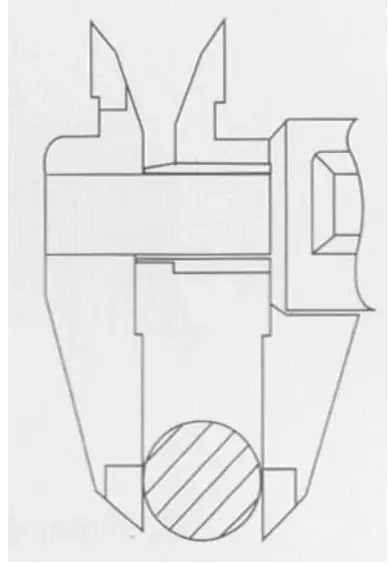
4 Way Measurement Feature
- Outside Measurement

- Inside Measurement

- Step Measurement
- Depth Measurement

OPERATING INSTRUCTIONS
When using the Caliper for the first time or after a period of non-use, wipe the beam scale with a dry clean cloth to remove any condensation or oil deposits Prior to setting the caliper for measuring, first clean the measuring faces with a soft clean cloth or paper. Switch Caliper ON Move Caliper jaws together. Select required measuring mode Inch / Metric. Zero display, caliper is now ready for direct measurement. Caliper can be zeroed at any position within its range, to provide relative measurements. Caliper provides 4 way measurements, External, Internal, Step and Depth.
OPERATING CARE
Clean measuring faces with dry soft cloth
Keep away from strong magnetic fields
Prevent ingress of oil / liquids into electronics
Remove battery if instrument is not used for a long period of time
Do not disassemble or drop the instrument
Do not mark instrument by engraving, etching or any other permanent marking method, as this will invalidate the warranty
FAULT FINDING
| Fault | Cause | Action |
| Display flashes | Battery voltage below 1.45volts | Replace battery |
| Display frozen | Circuit overload | Remove battery and replace after 4 minutes |
| Accuracy below specification but within +/- 0.1mm | Dirt in sensor | Remove slider cover assembly, clean face of sensor with dry clean compressed air (5kg/cm2 ) |
| No display | Poor battery contact Dead battery | Remove battery and carefully adjust battery contacts, replace battery. |
RS Components – Buy this product from https://uk.rs-online.com/

 Industrial Solutions & Electrical Components | RS