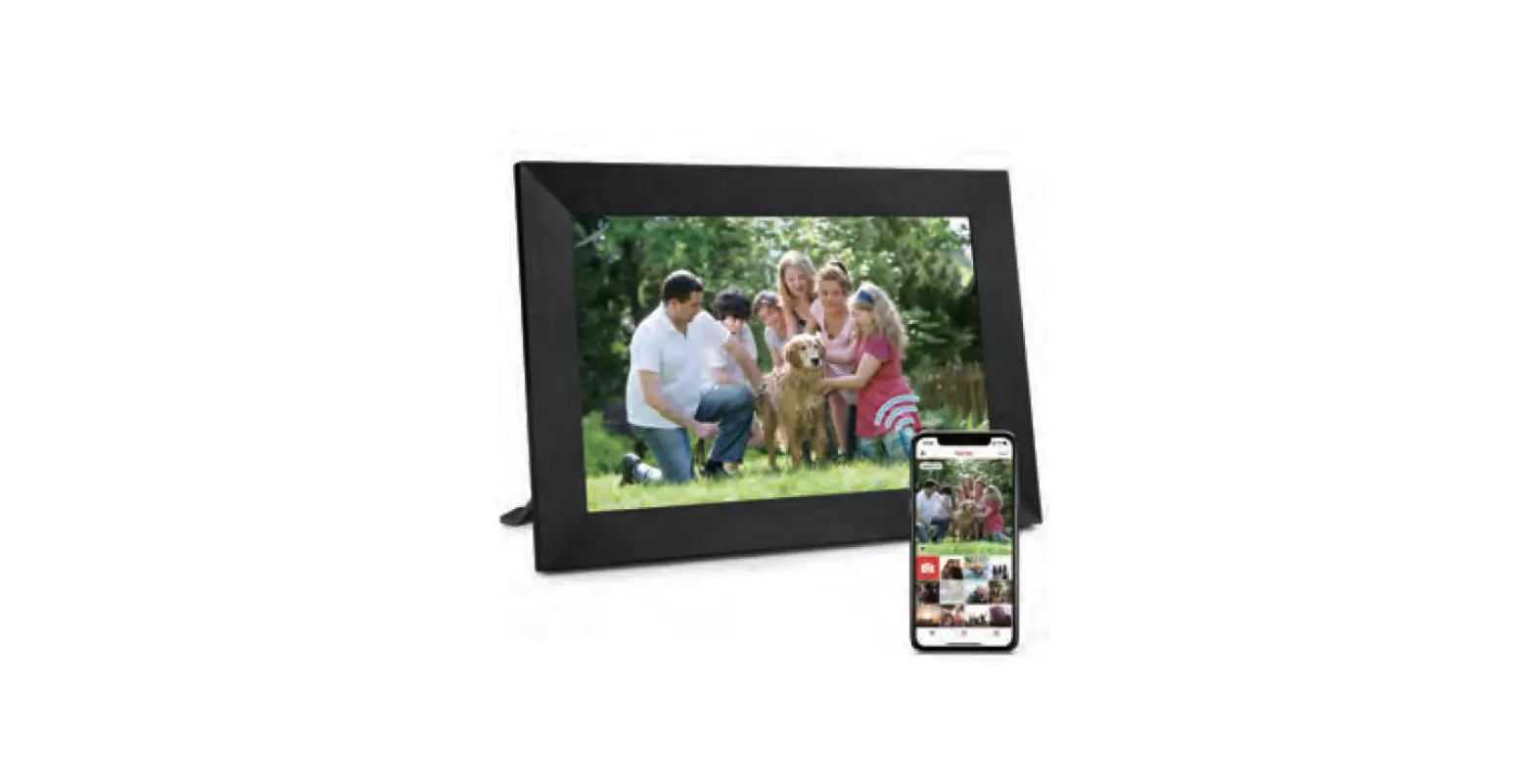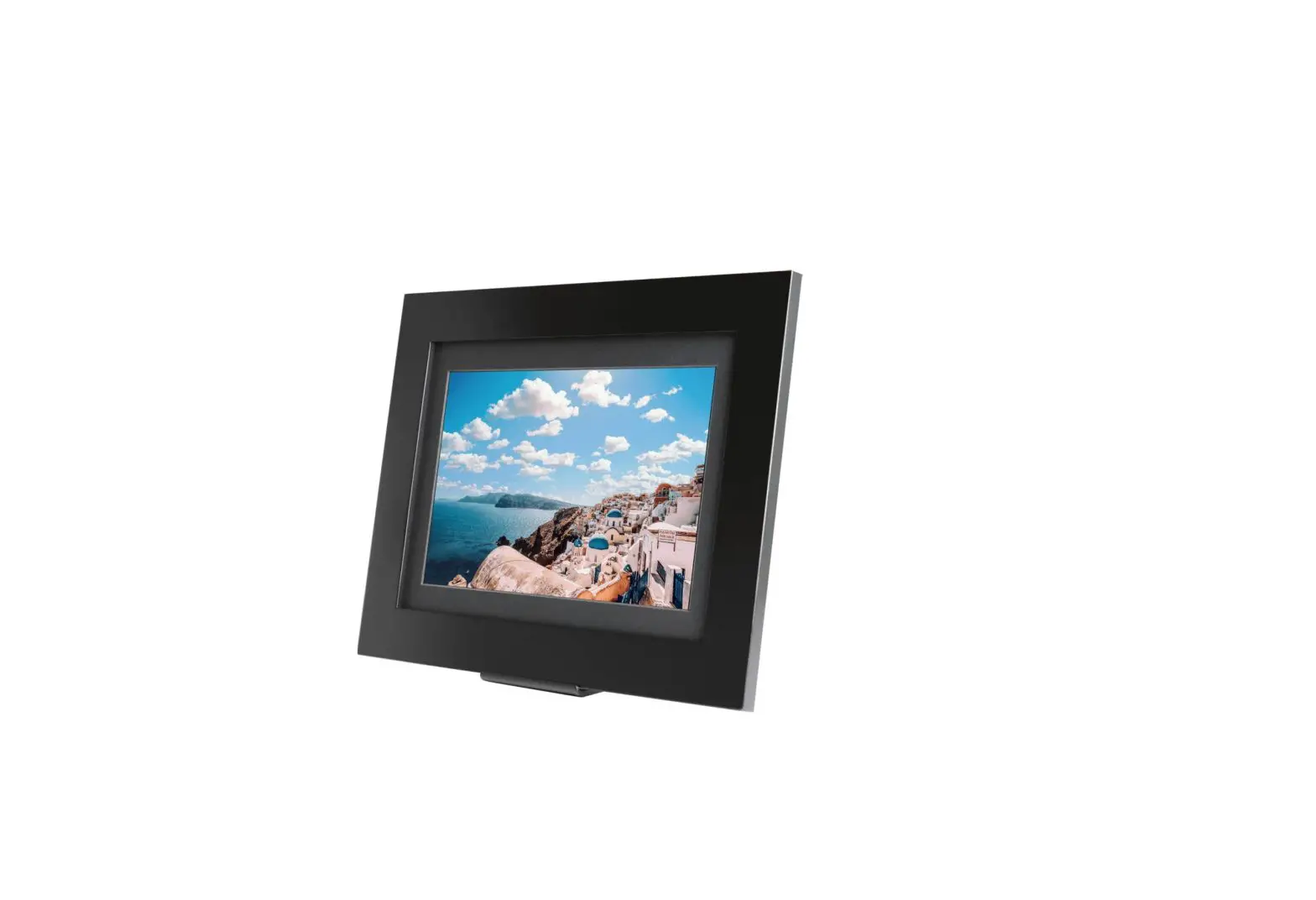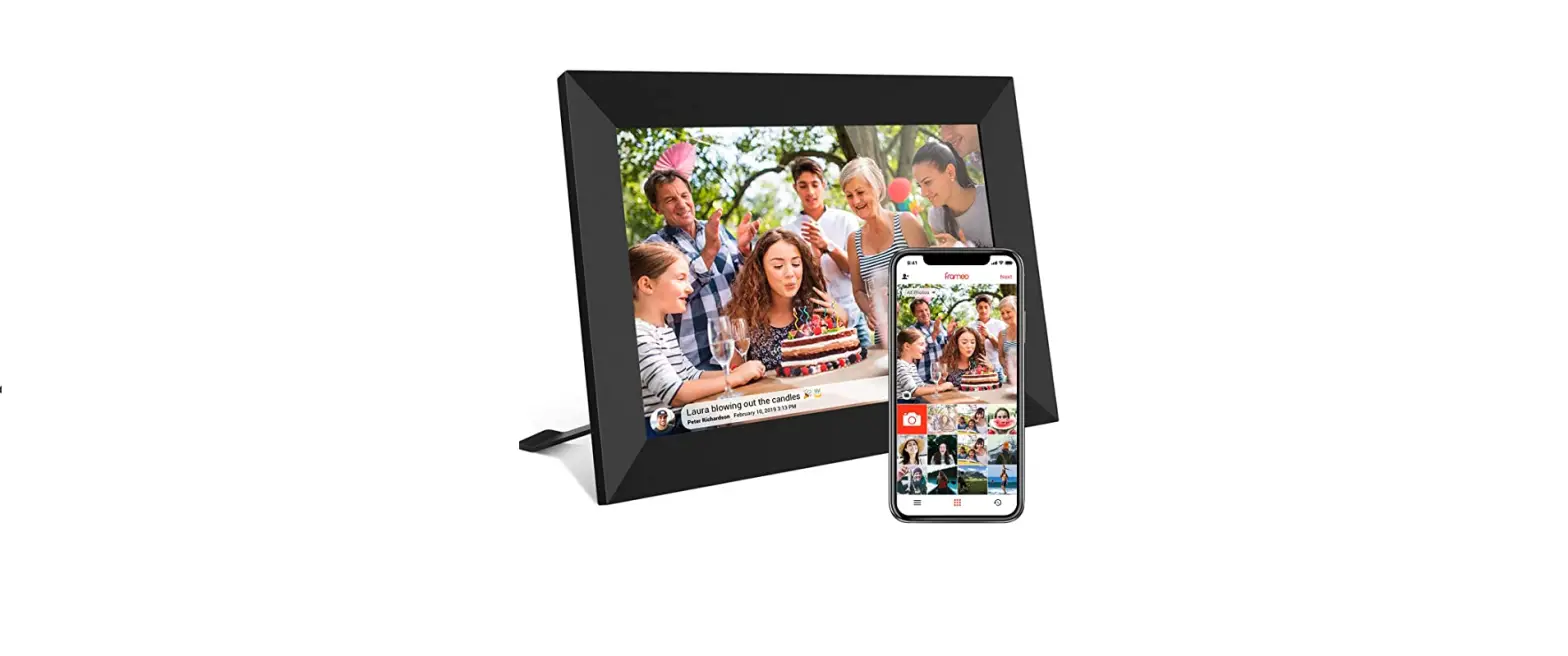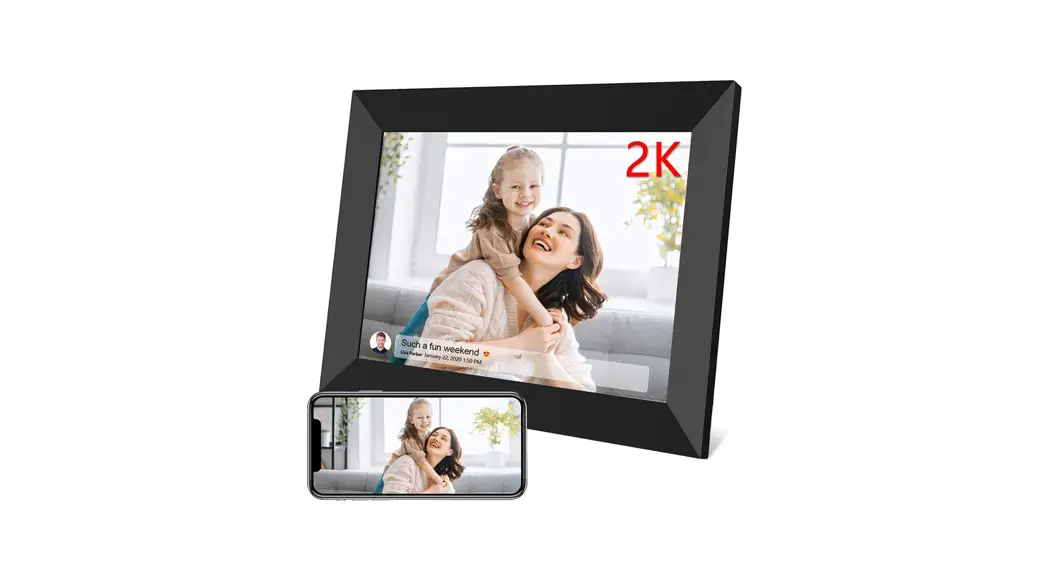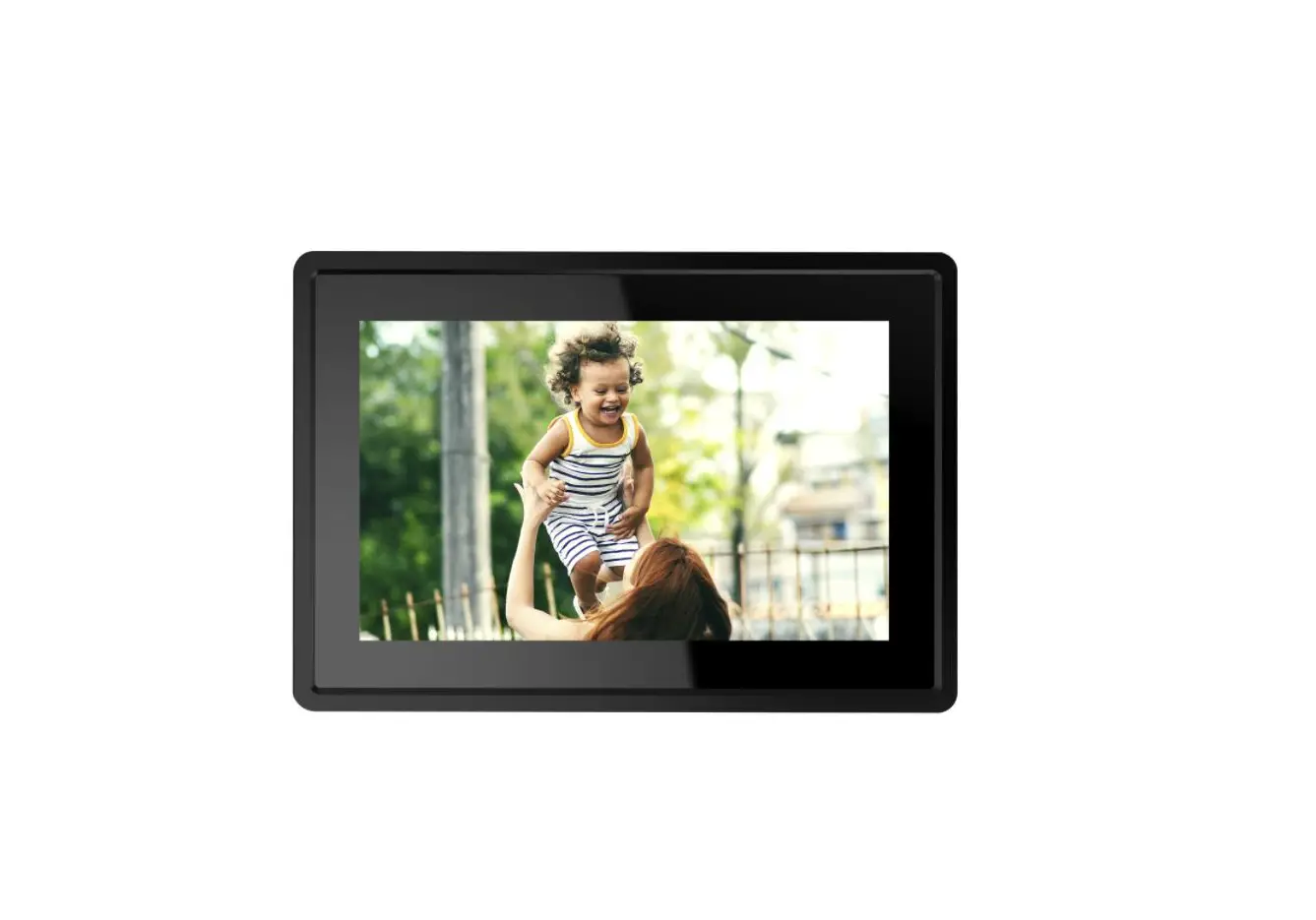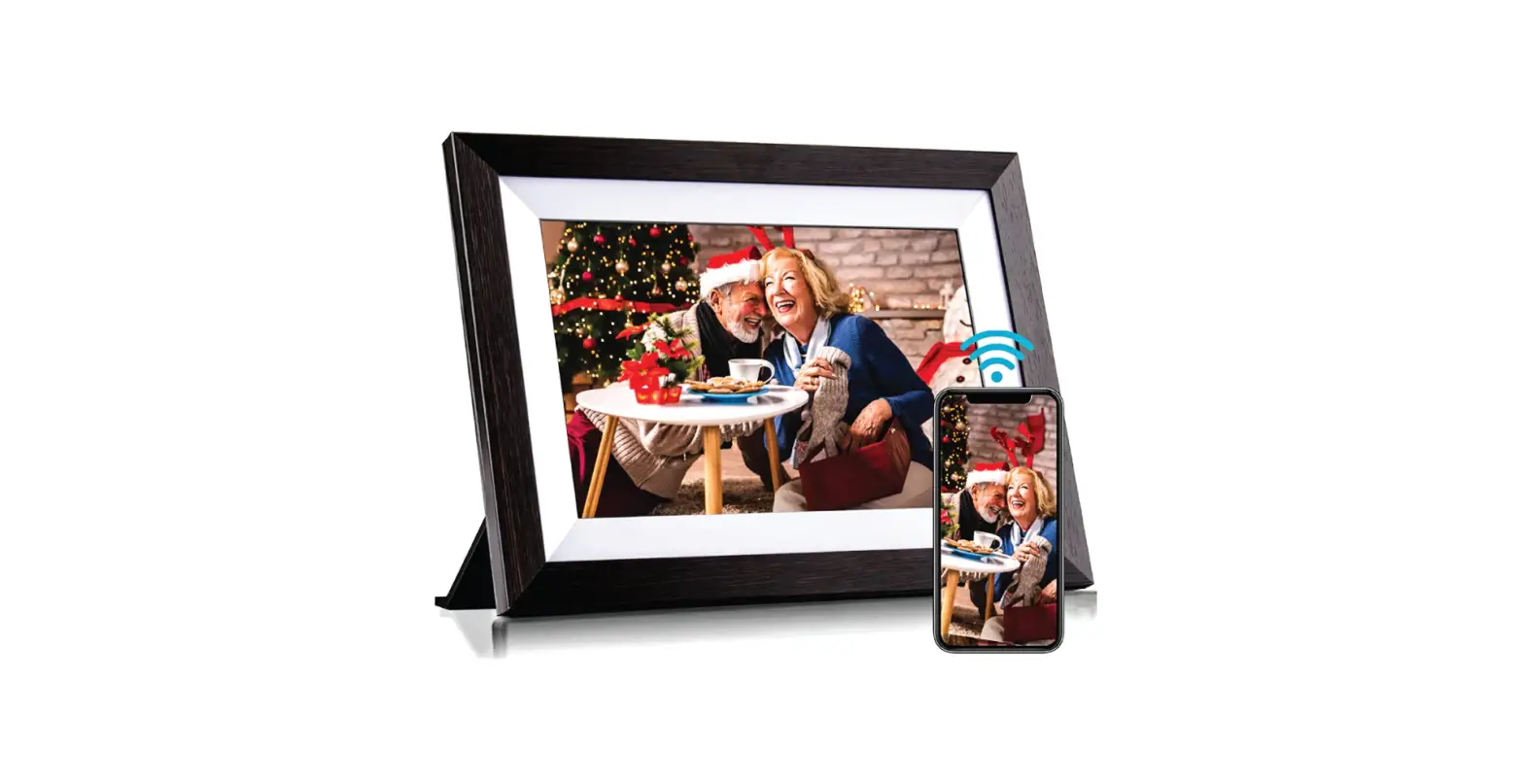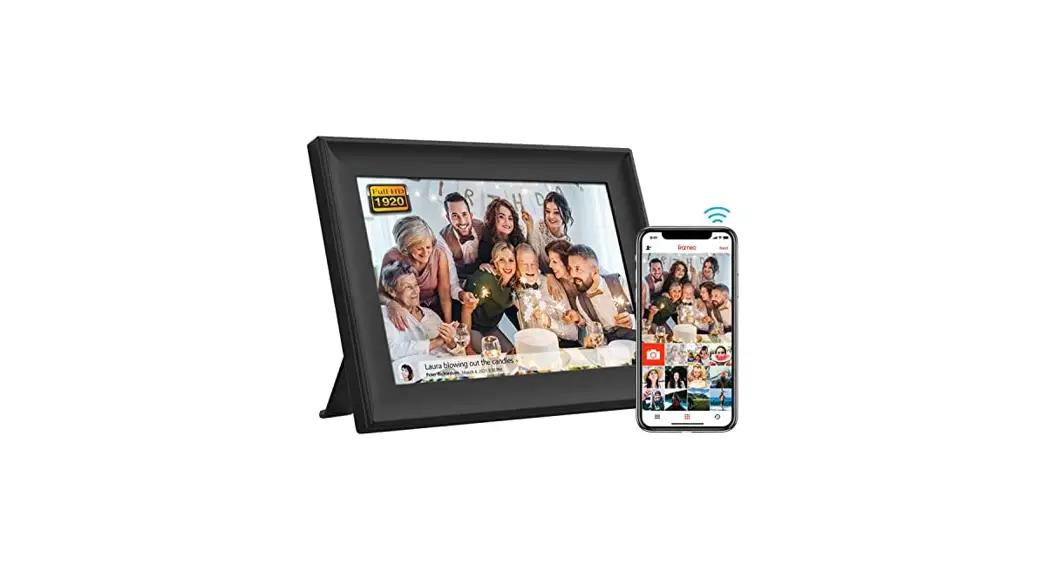

FAMILINK10 Digital Photo Frame

Turn the frame
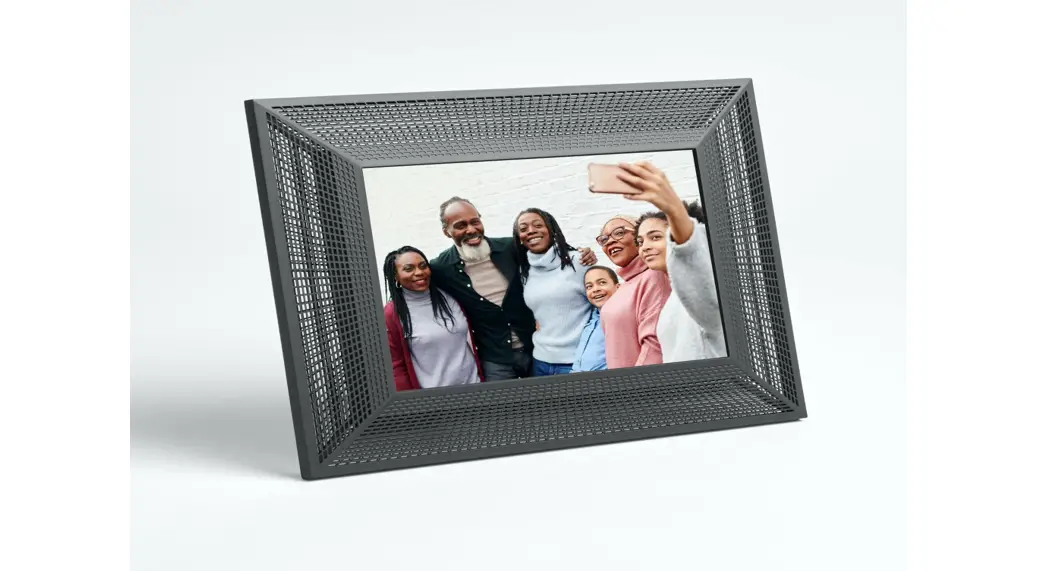
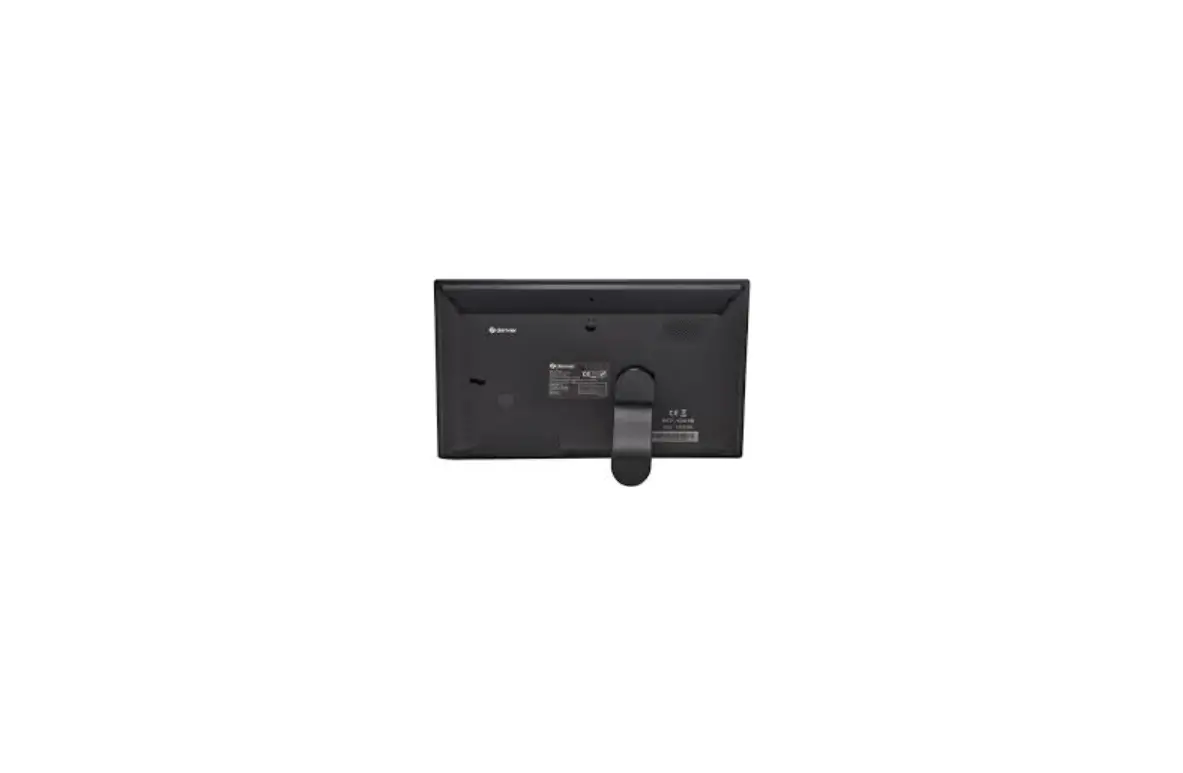
Open the 2 flaps on the back of the frame to make it stand upright. To turn the photo frame on, simply plug it into the power outlet using the cord provided.
It will start automatically as soon as the battery is sufficiently charged. You can leave it on, it has been designed to stay plugged in 24 hours a day and turns itself off at night.
Turn off the frame
Just unplug the frame.
View another photo
To view a different photo other than the last one received, place your finger on the screen and then move your finger to the right to go back.
To thank a sender
Press your finger on the screen. A heart will appear on the left. Click on it. A thank you message is then sent to the sender.
Advanced
Enable/Set up Wi-Fi
Click 8 times in a row on the screen
Parameters and settings
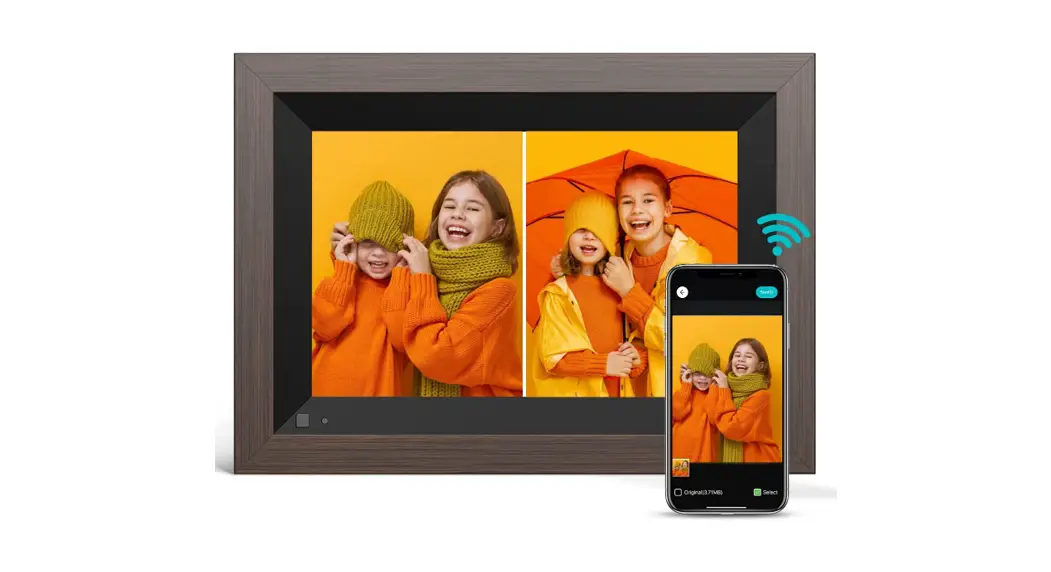
All settings are on the site in the “my frames” section or via mobile on the application, available on Apple Store and Google Play.
This allows you to change the time the frame is turned on and off, set the slideshow frequency, and change the email address.
Need help?
Go to the “help” tab on the website.
FCC Warning
Any Changes or modifications not expressly approved by the party responsible for compliance could void the user’s authority to operate the equipment.
This device complies with part 15 of the FCC Rules. Operation is subject to the following two conditions: (1) This device may not cause harmful interference, and (2) this device must accept any interference received, including interference that may cause undesired operation.
This equipment has been tested and found to comply with the limits for a Class B digital device, pursuant to part 15 of the FCC Rules. These limits are designed to provide reasonable protection against harmful interference in a residential installation. This equipment generates, uses and can radiate radio frequency energy and, if not installed and used in accordance with the instructions, may cause harmful interference to radio communications. However, there is no guarantee that interference will not occur in a particular installation. If this equipment does cause harmful interference to radio or television reception, which can be determined by turning the equipment off and on, the user is encouraged to try to correct the interference by one or more of the following measures:
- Reorient or relocate the receiving antenna.
- Increase the separation between the equipment and receiver.
- Connect the equipment into an outlet on a circuit different from that to which the receiver is connected.
- Consult the dealer or an experienced radio/TV technician for help.
This equipment complies with FCC radiation exposure limits set forth for an uncontrolled environment. This equipment should be installed and operated with minimum distance 20cm between the radiator& your body.