

Quick Start Guide
Controlling DMG DASH with the myMIX® app:
- Download the myMIX® app to control DASH.


https://play.google.com/store/apps/details?id=com.rosco.mymix
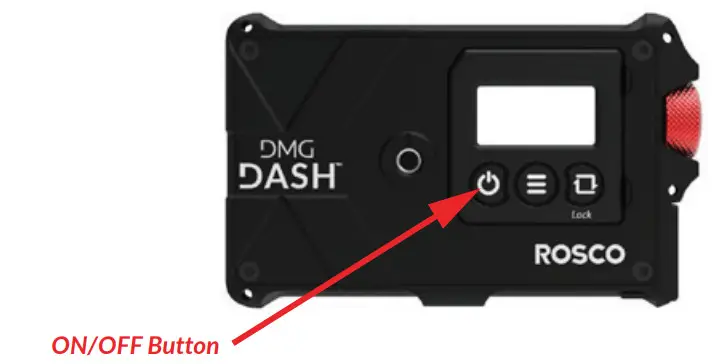
- Turn on DASH.

- Sign in to your app and press “No Light Connected” to get started.

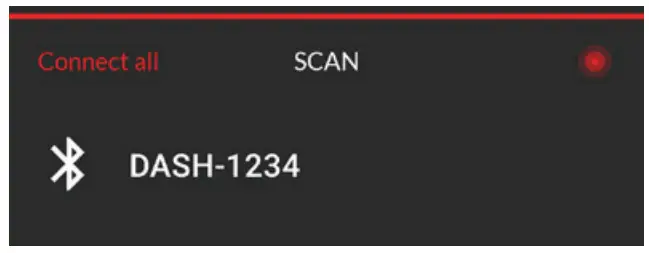
- Press SCAN.

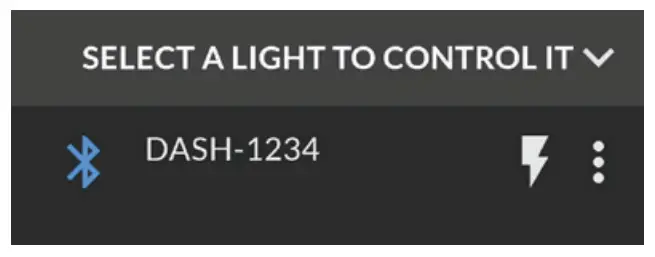
- Click on DASH to connect to it.
DASH will not be visible if another device is connected to it. The current user can disconnect by pressing the 3 dots and choosing “Disconnect”, or by
pressing and holding the DASH name.
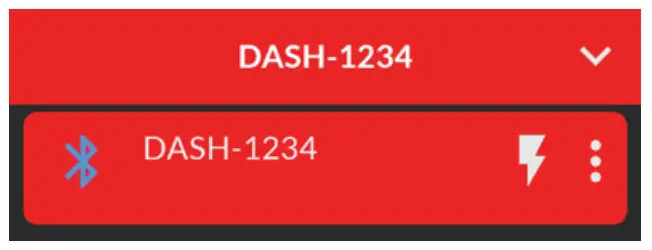
- Click it again to enter live mode.


Product Overview
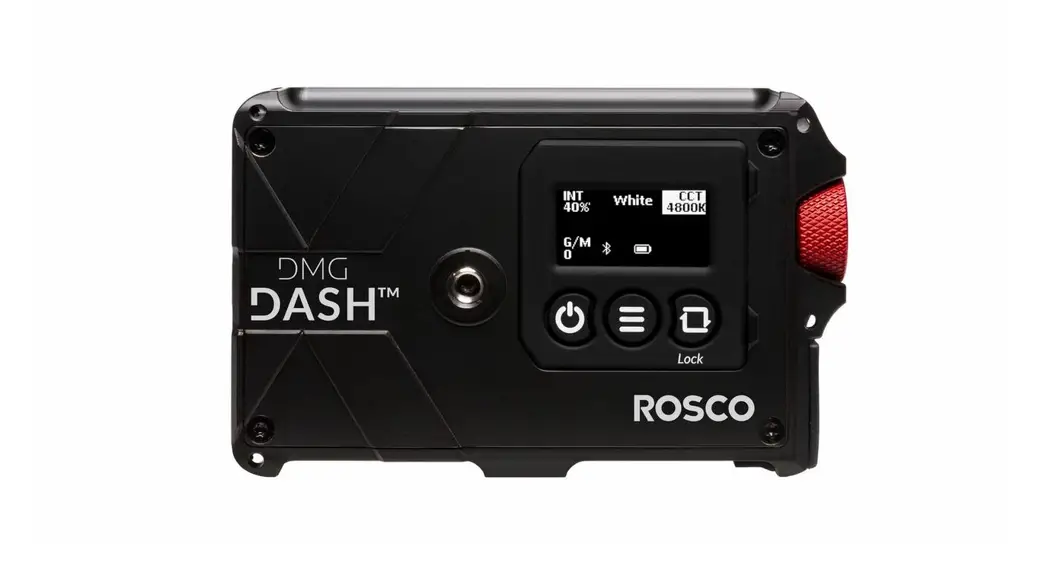
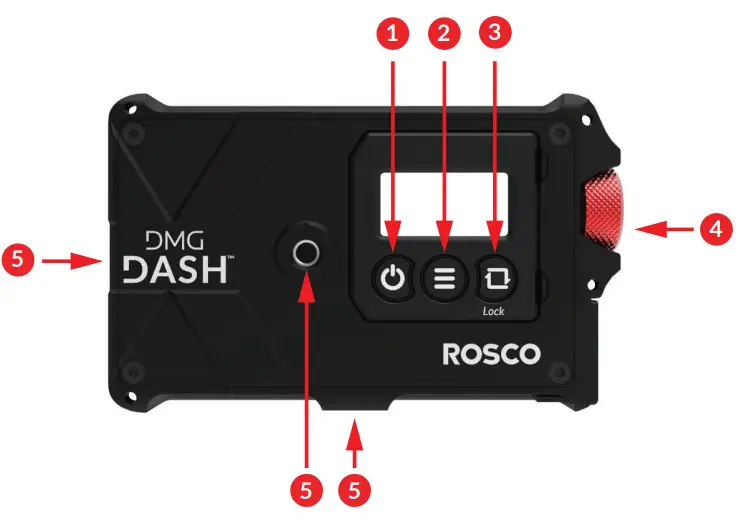
 POWER
POWER
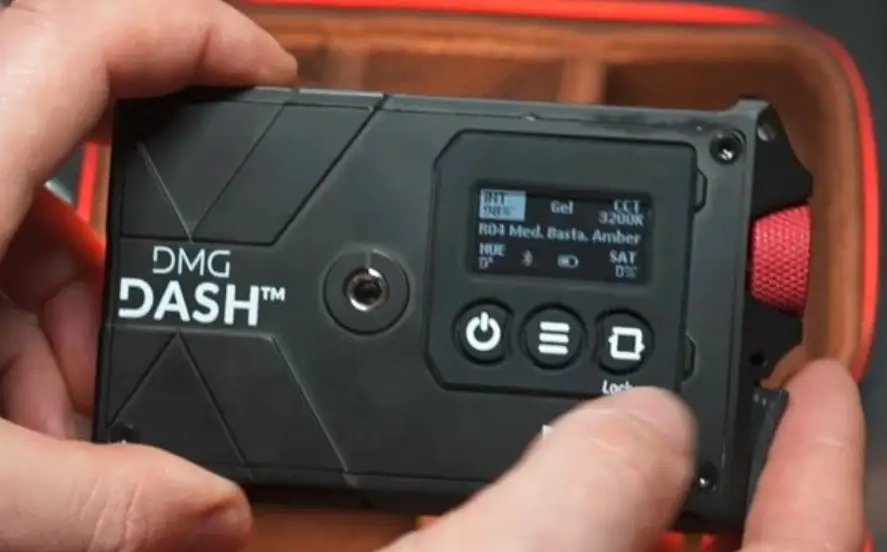
Turns the fixture ON/OFF. Short press: turns ON the controls. When ON, a short press will do a quick blackout. Long press: turns OFF the- MENU
Goes to the main menu. - NAVIGATION
Short press to navigate between functions. Long press to lock the user interface. - DIMMER
Turn the dimmer to change a value. Short press to validate when in the main menu. When in color mode, a short press will scroll through the presets. - MOUNTING
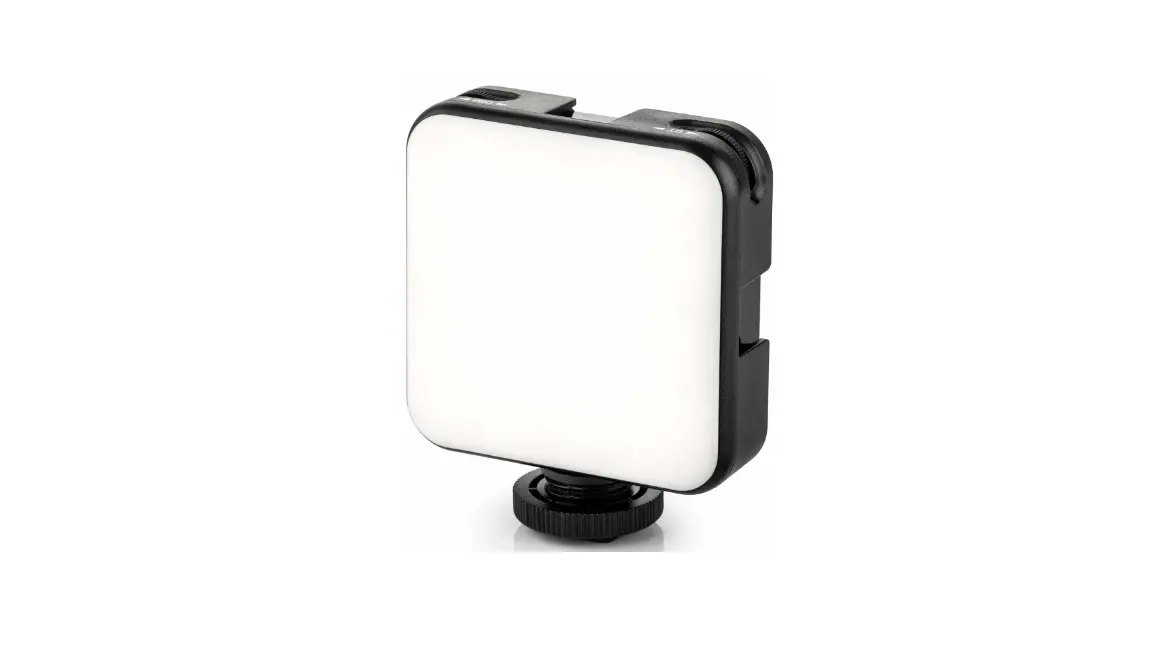
1⁄4” female mounting points
 POWER
POWERDownload the DMG DASH User Manual:
https://www.rosco.com/dmg-dash-user-manual