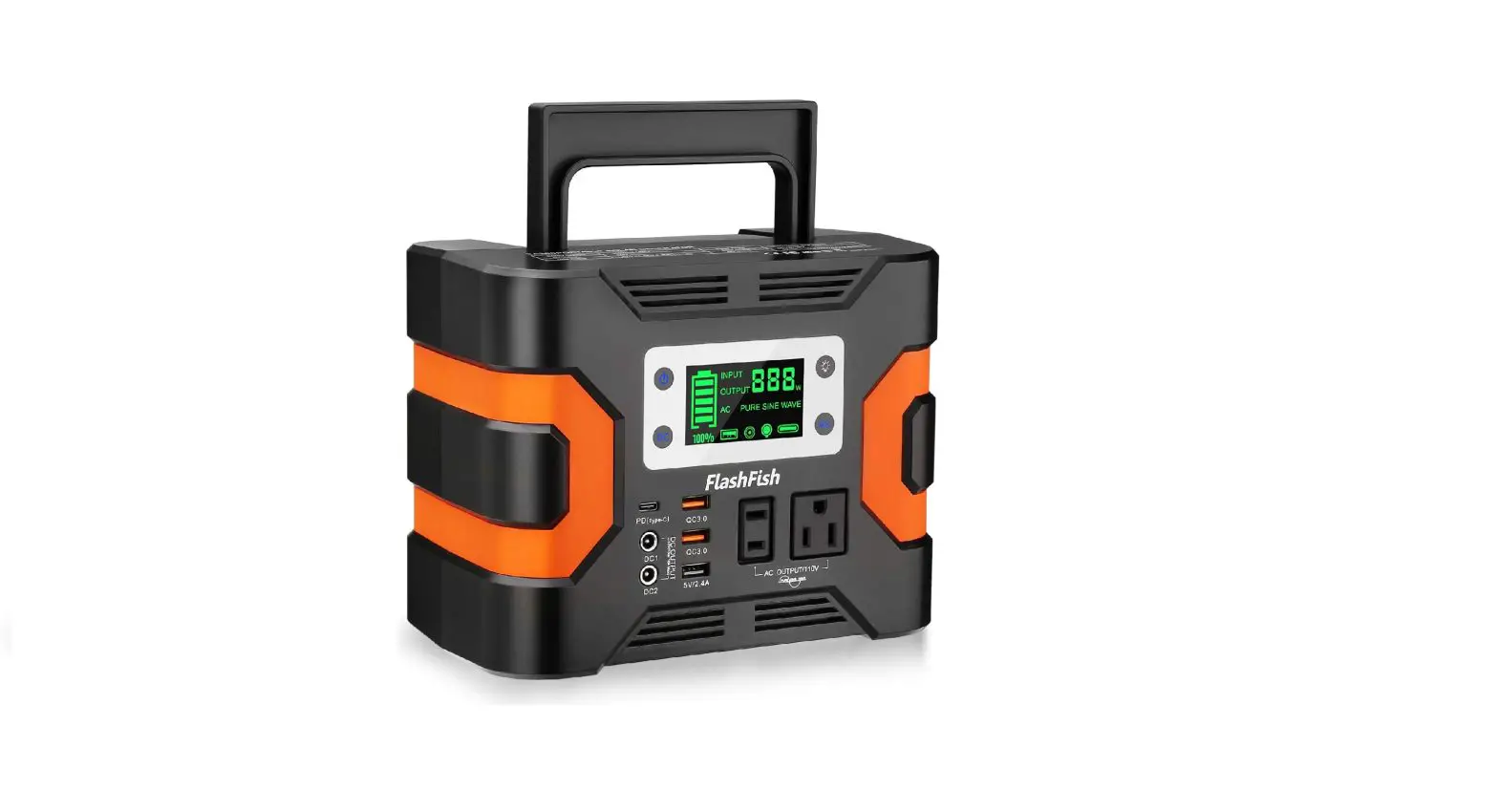
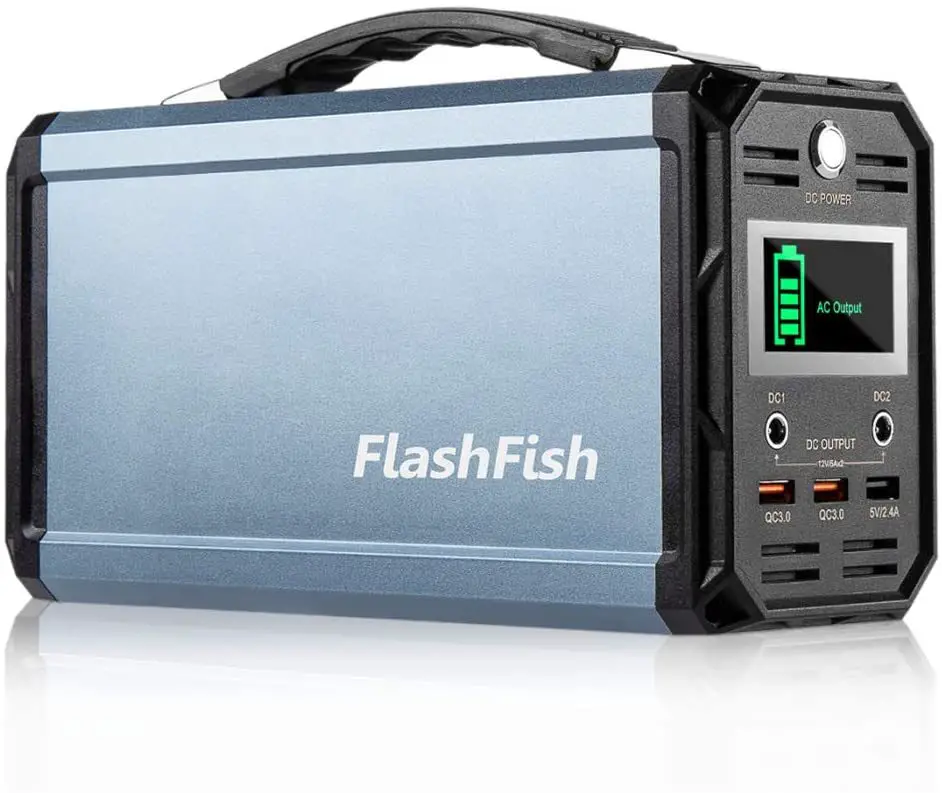
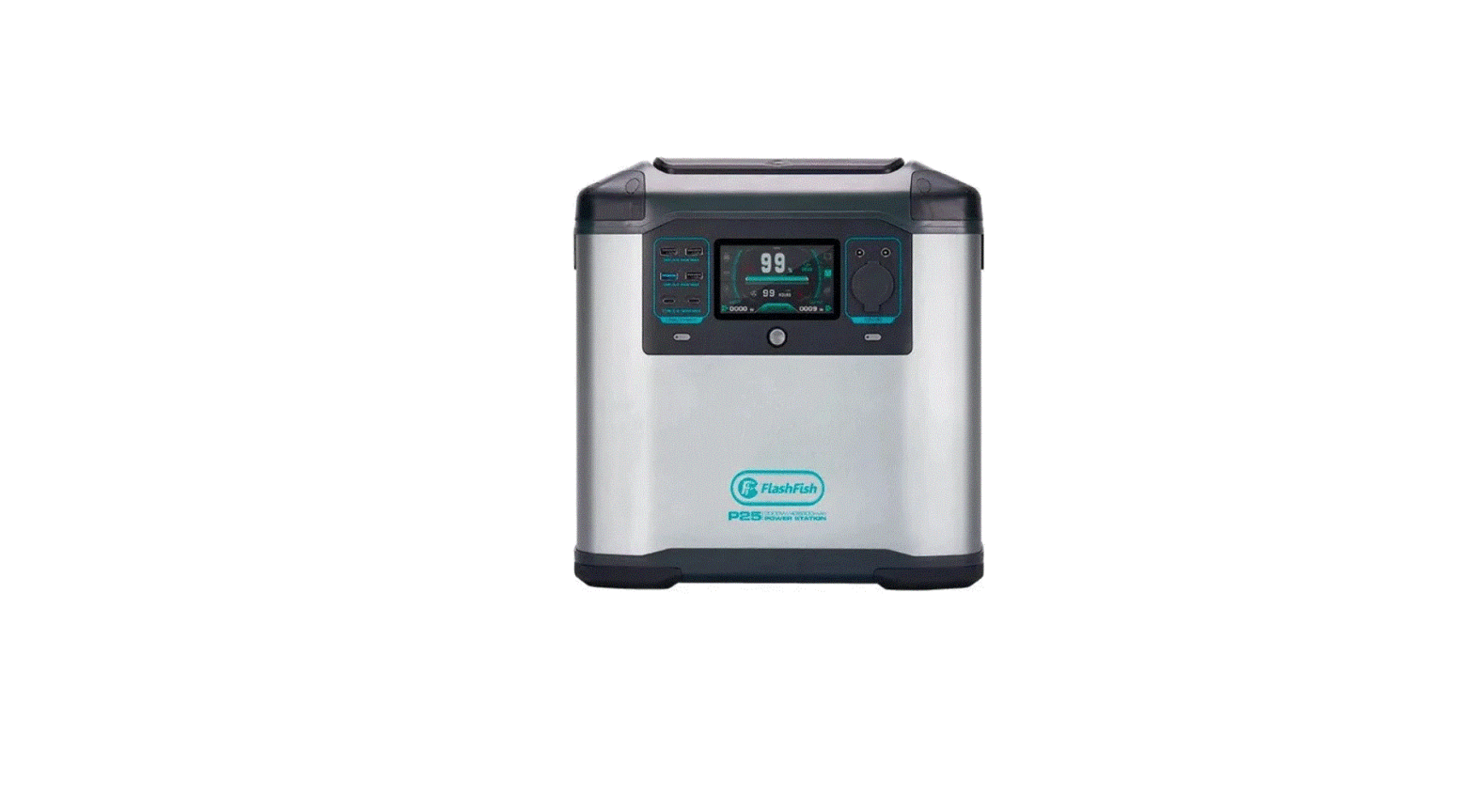
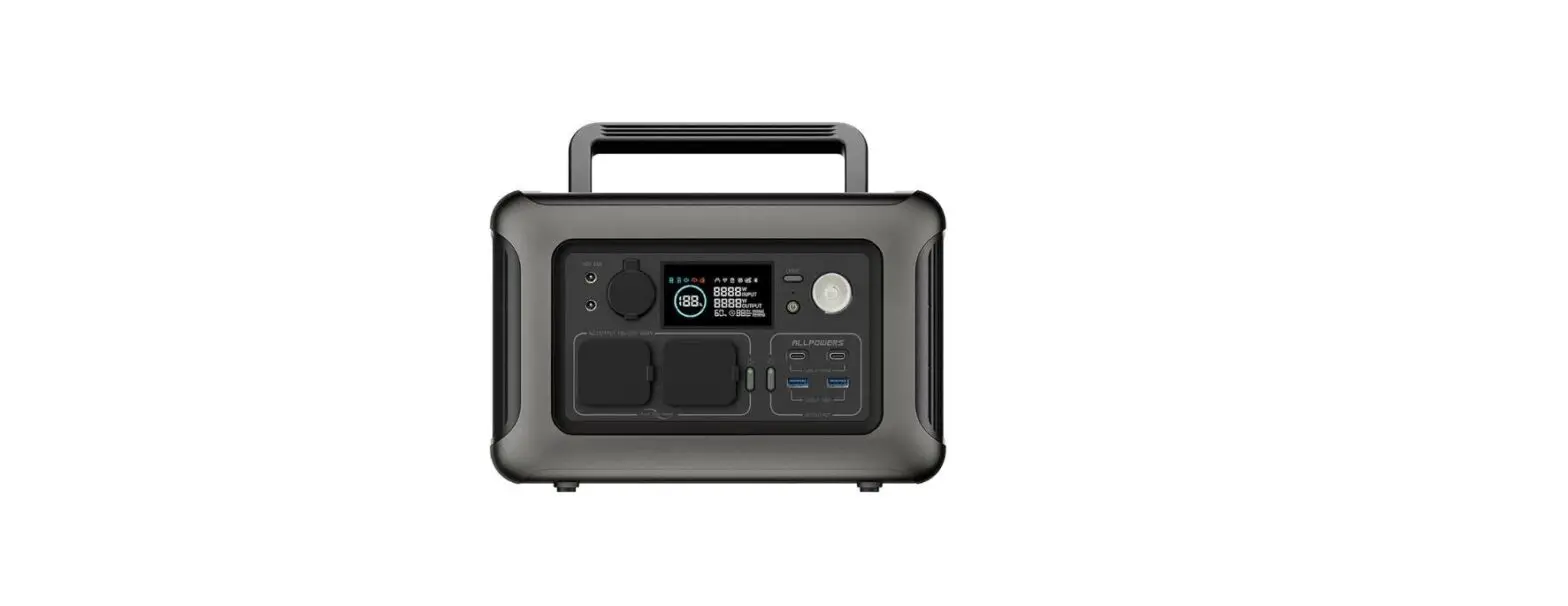
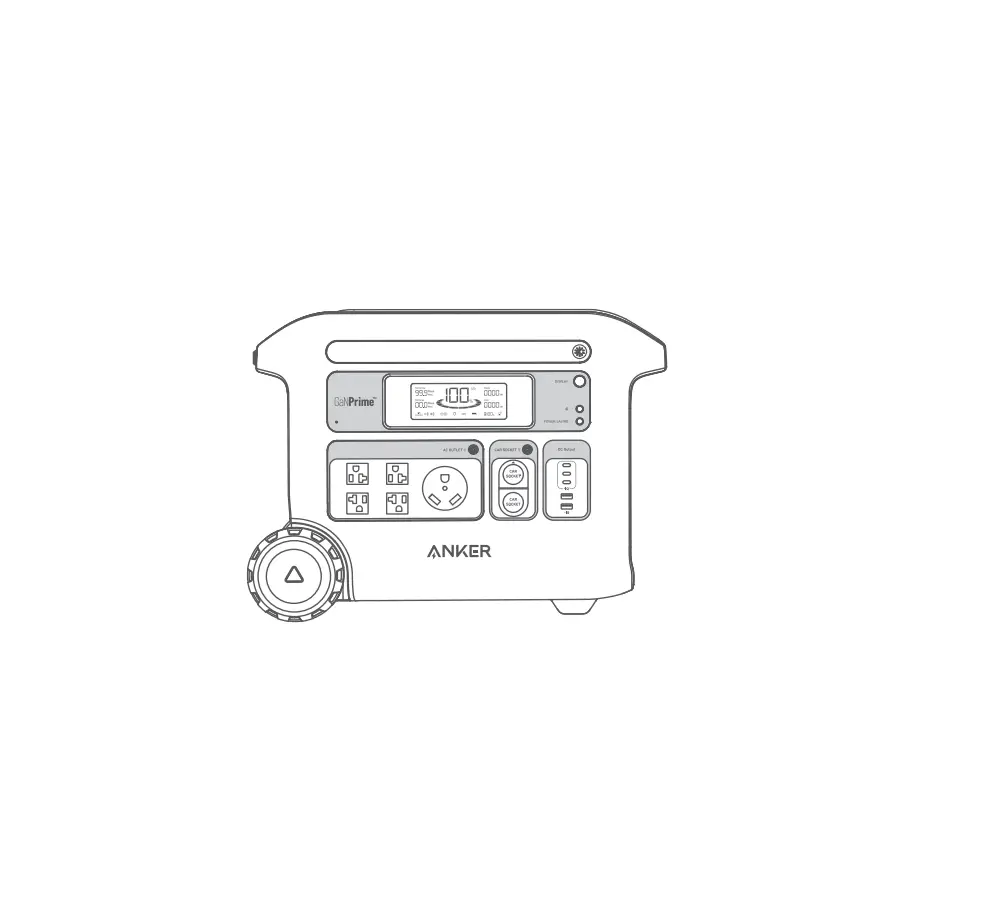
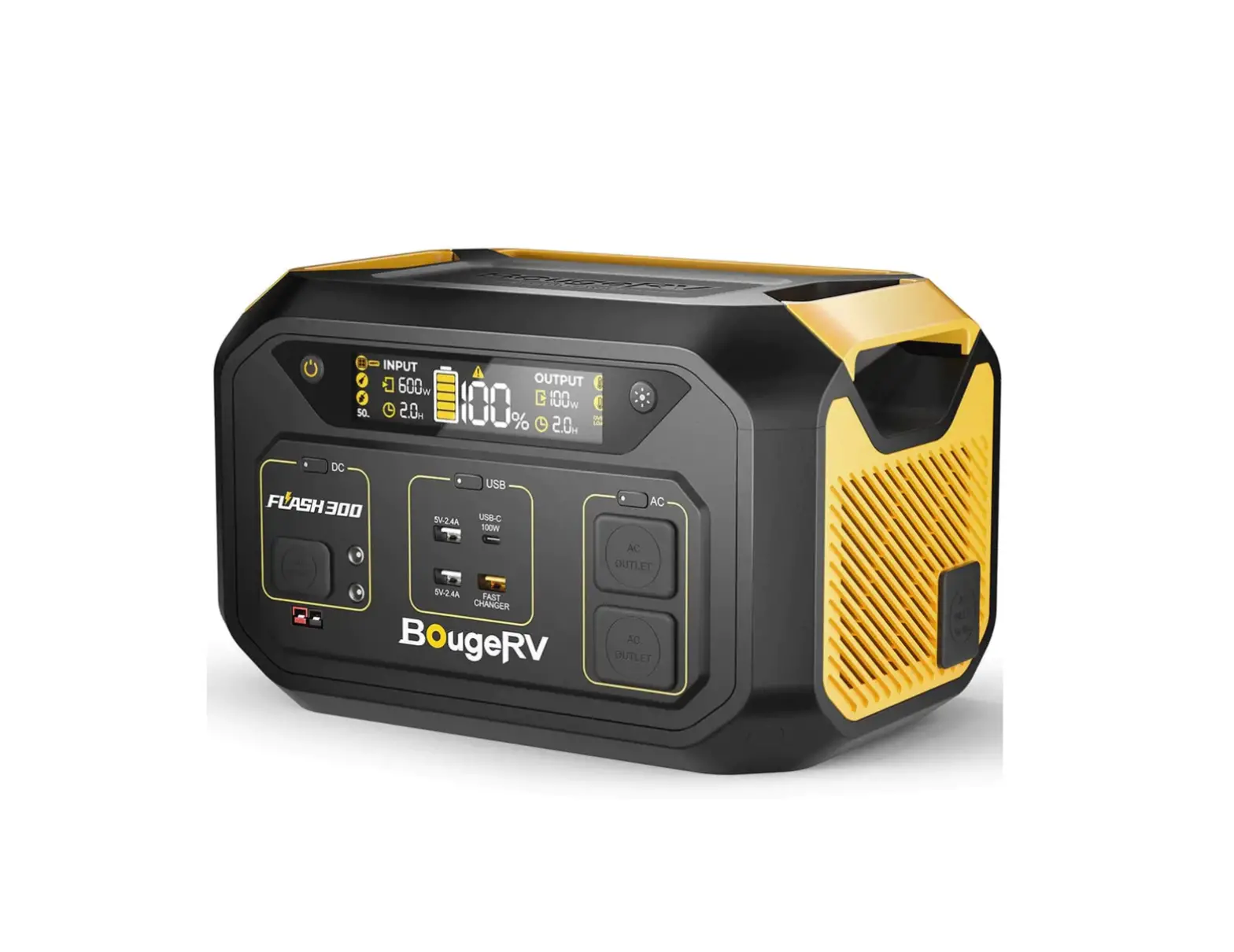
A601 Portable Power Station
Portable Power Station
A601
12V,10A
AC 230V 600W
A601
power station
1.USB-C1 supports input and output, and it is plug and play, it can automatically recognize and charge the corresponding devices without a button to start.
2. As for USB-C2, USB-A1,USB-A2 and USB-A3 output, you need to short press the power on/off button to turn them on. If the A601 is not in use exceeds 300 seconds, the power station will shut off automatically. 3. For DC output, you need to short press DC button, and short press again to turn it off.
4. For AC output, you need to short press AC button, and short press again to turn it off. This product will automatically shut down if it exceeds the maximum power (230v, rate power 600w, peak 1200w)
Note: (1) The AC power won’t turn off automatically even it’s not in used, please press the AC power button to turn it off to save power.
(2) Please check whether outputs are closed or dormant before storing;
(3) It should be recharged every 3 months. Or keeping the battery percentage for about 80% Which is convenient for the next use.
(4) Store the product in a cool and dry place. Exposure to the sun is prohibited.
AC 110V 600W
A601 Portable Power Station
Car Charger
AC Adapter
A601 Portable Power Station
12V,10A
AC 110V 600W
User Manual
1. How to judge the storage power of the product? Please refer to the instructions on the display to check the battery level of the product: The battery status is indicated by the percentage of the battery level on the display. The product can be used without being fully charged.
2. Can the product be taken on the plane? According to airline transportation standards, the capacity of lithium battery products carried cannot exceed 100Wh. And the capacity of this product has reached 540Wh.
3. How to judge whether the product is running? This product will show output/input through the display screen, please refer to the display screen description.
Power ON/OFF Button:
1. Press the Power Button to start the A601, the LCD screen would display OUTPUT indicator, wireless charger indicator, USB A indicator, battery level bar, battery power percentage and real output wattage. 2. If the A601 is not in use exceeds 300 seconds, the power station will shut off automatically to save power. Short press to turn screen on, short press again to turn it off.
AC ON/OFF Button:
1. Turn on the A601 by pressing the Power ON/OFF Button, then short press the AC power button to turn AC on. 2. The LCD screen would display OUTPUT indicator, AC Indicator, 60HZ indicator, battery level bar indicator, battery power percentage, real AC output voltage indicator and total output wattage indicator. 3. Short press again to turn the AC and screen off.
DC ON/OFF Button: DC
1. Turn on the A601 first by pressing the Power Button, then short press the DC power button to turn DC on. 2. The LCD screen would display OUTPUT indicator, DC Indicator, battery level bar indicator, battery power percentage and real total output wattage indicator. 3. Short press again to turn the DC and screen off.
AC ON/OFF Button:
1. Short press the LED button the 1st time to turn the LED on, the screen would display LED light indicator, battery level bar indicator, battery power percentage and total output wattage. 2. Short press the LED button the 2nd time – LED read light medium mode 3. Short press the LED button the 3rd time – LED read light high mode 4. Short press the LED button the 4th time – SOS light mode 5. Short press the LED button the 5th time to turn the LED light off Note: No matter the LED light is in any mode, long press the LED button can turn the light off.
DC ON/OFF Button AC ON/OFF Button
Power ON/OFF Button
DC Output
USB-C1 USB-C2
12V,10A
AC 110V 600W
AC Output
LED Light On/Off Button
USB-A1 USB-A3
USB-A2
LED/SOS Light
DC IN
DC Input
Wireless Charger
Model Capacity AC Output DC Output Car Port Output USB-C1 Input / Output USB-C2 Output USB-A1 Output USB-A2 Output USB-A3 Output Wireless Charger USB C1 Input+DC Input AC Adapter Solar Charging Charging Time Cycles Operation Temperature Weight Size Warranty
Technical Parameters
A601 540Wh/150000mAh 230V 50Hz Rated 600W, Peak 1200W 12V/10A 12V/10A 5V/2.4A, 9V/3A, 12V/3A, 15V/3A, 20V/5A 5V/2.4A, 9V/3.0A, 12V/2.25A 5V/2.4A, 9V/2.0A, 12V/1.5A 5V/2.4A 5V/2.4A 2*15W 180W (Max), 3.5 Hours Fully Charge 20V/4A, 80W 18V-30V, 200W Recommended 7Hours With Original AC Adapter
6.4kg/14.1lb L308.9*W217.5*H219mm/L12.16*W8.56*H8.62in 12 Months From The Date Of Purchase
Troubleshooting
If your device is not successfully charged with this product, please follow the steps below: 1. Make sure that the output is turned on, the LED display is on, and the product is in standby state. 2. Check the battery power percentage, if it is 20% or less, please charge the product. 3. The power of the device you are using exceeds the maximum power supply for the port of the product. 4. The device cable you are using is not plugged in well or has poor contact.
(Recommend DC 18V-24V/200W)