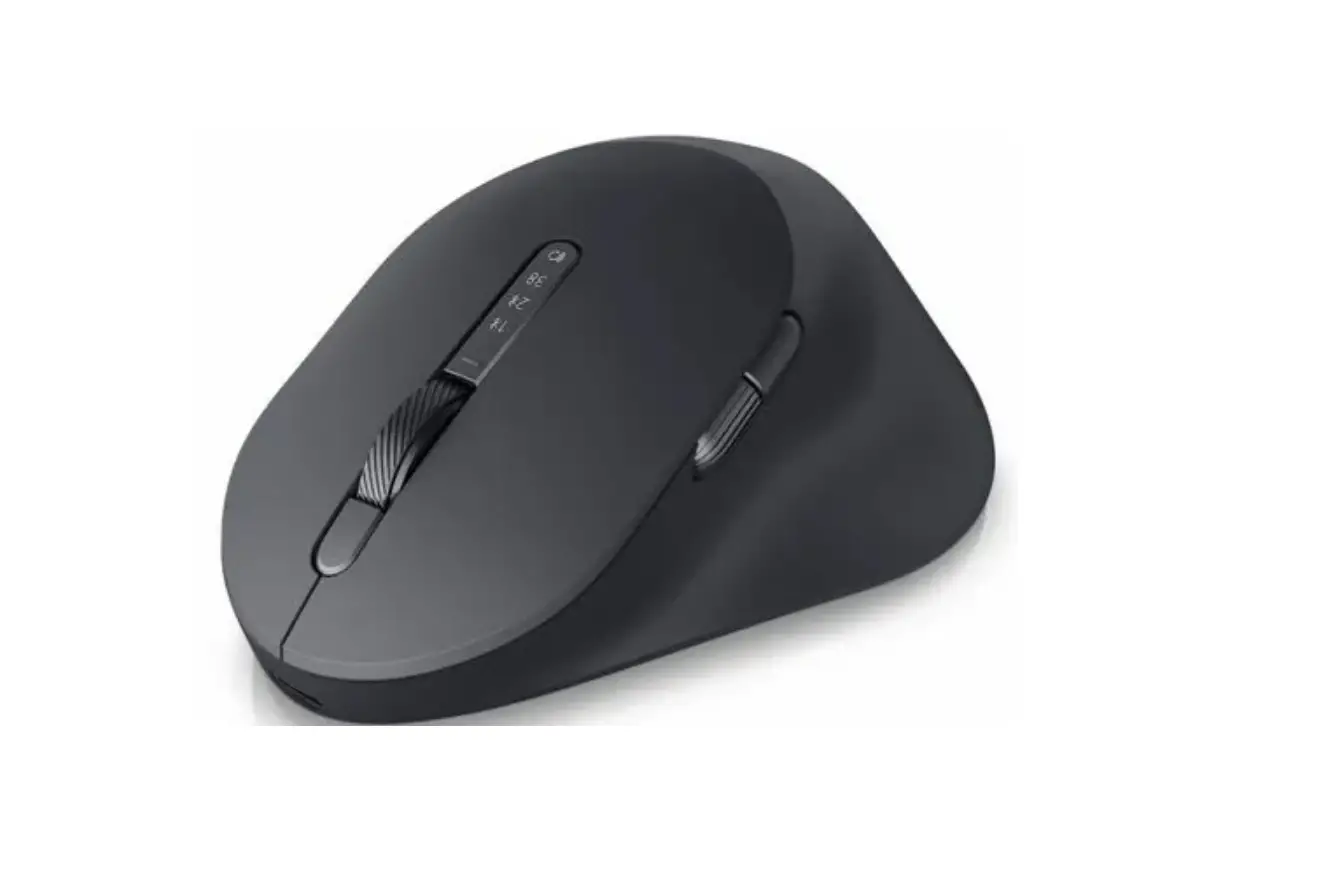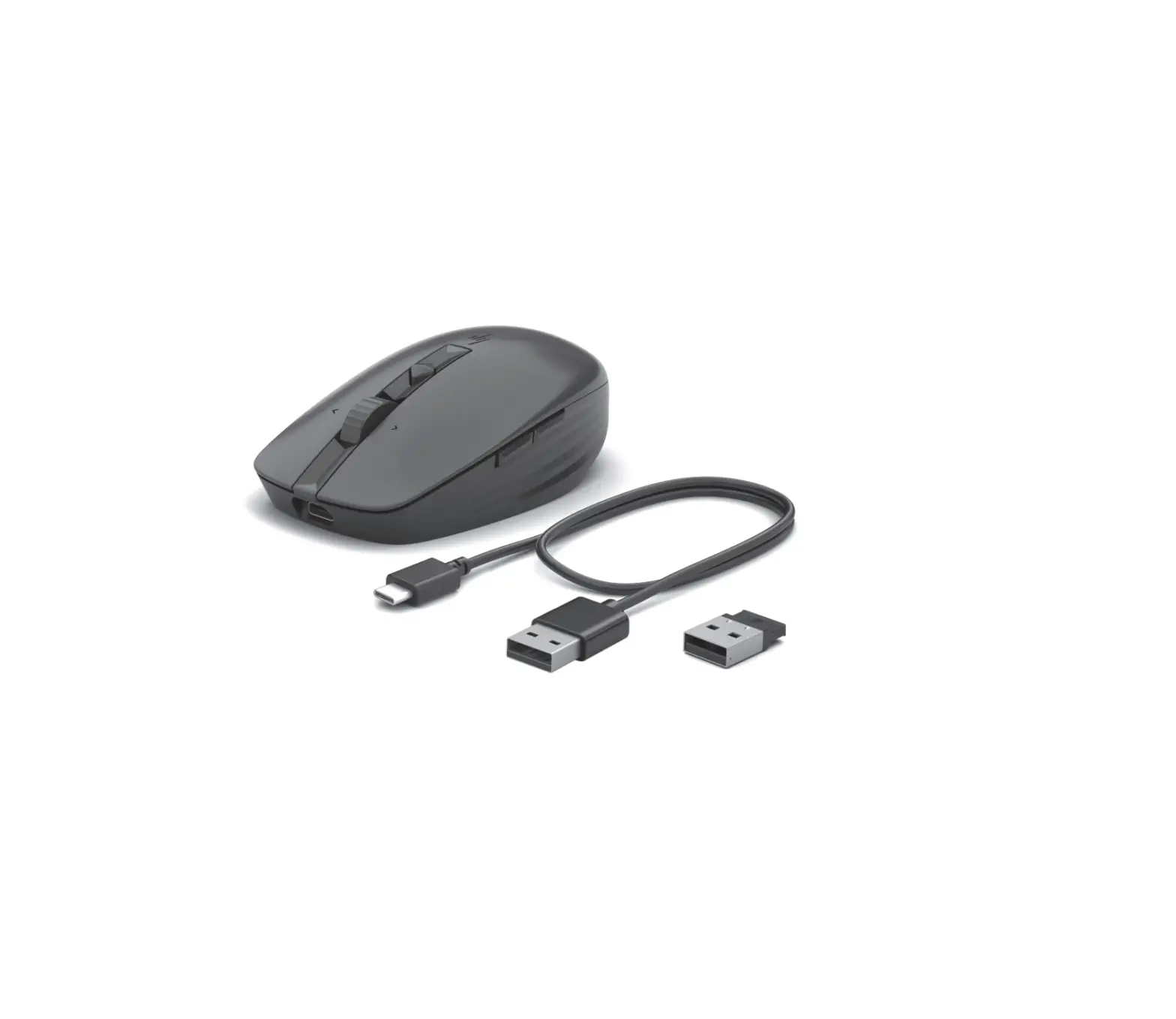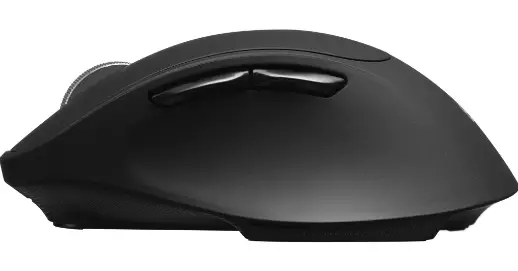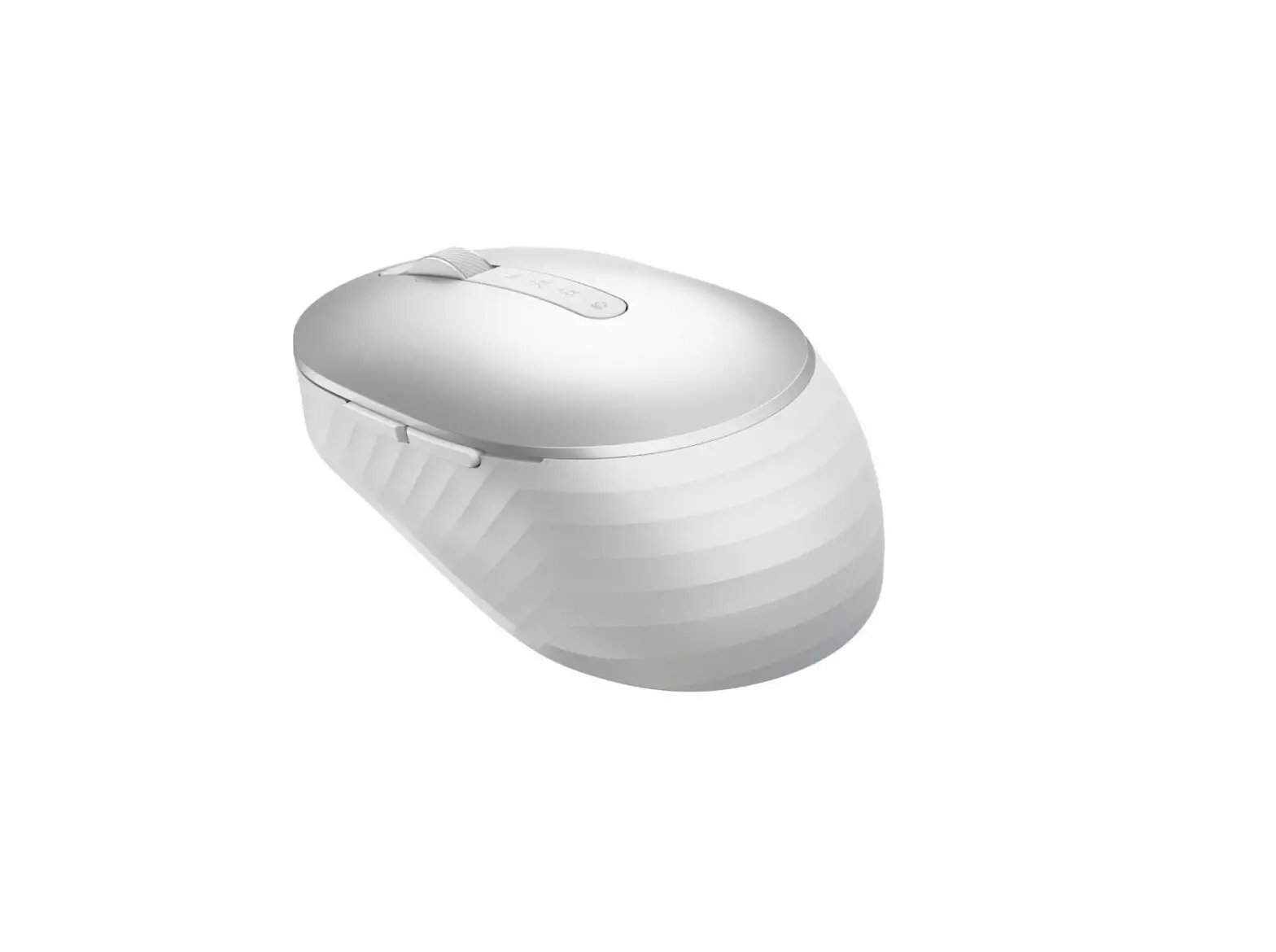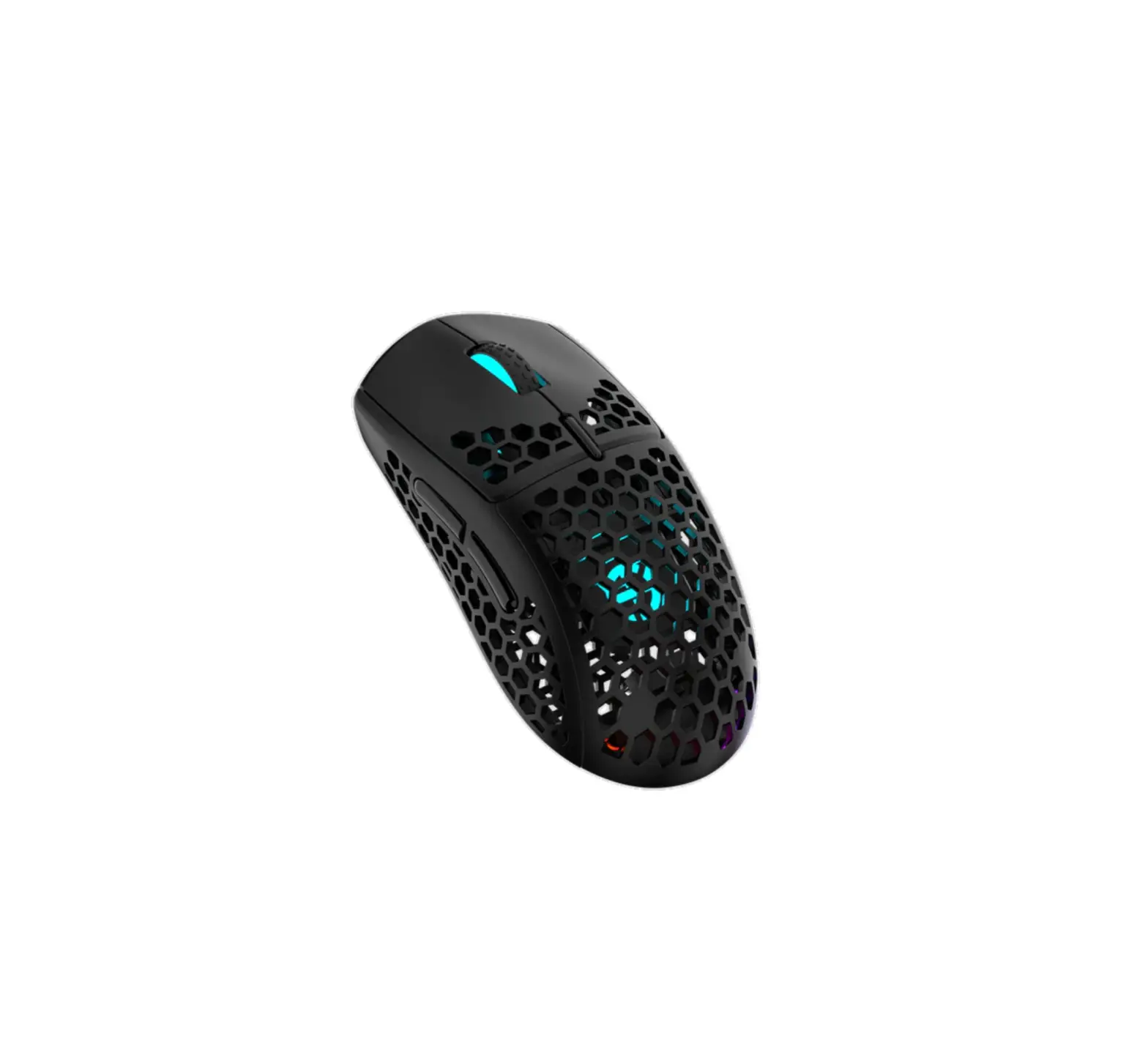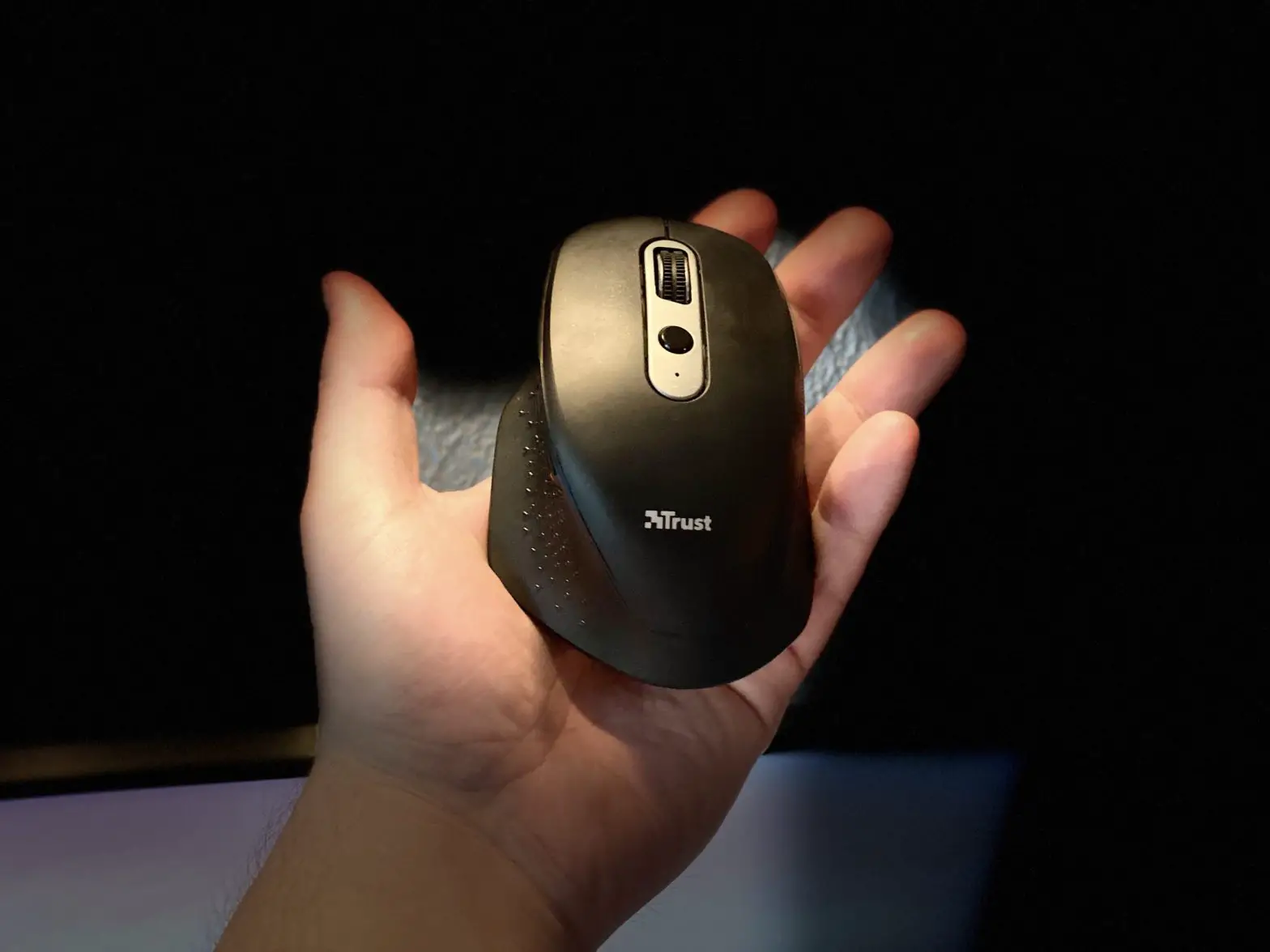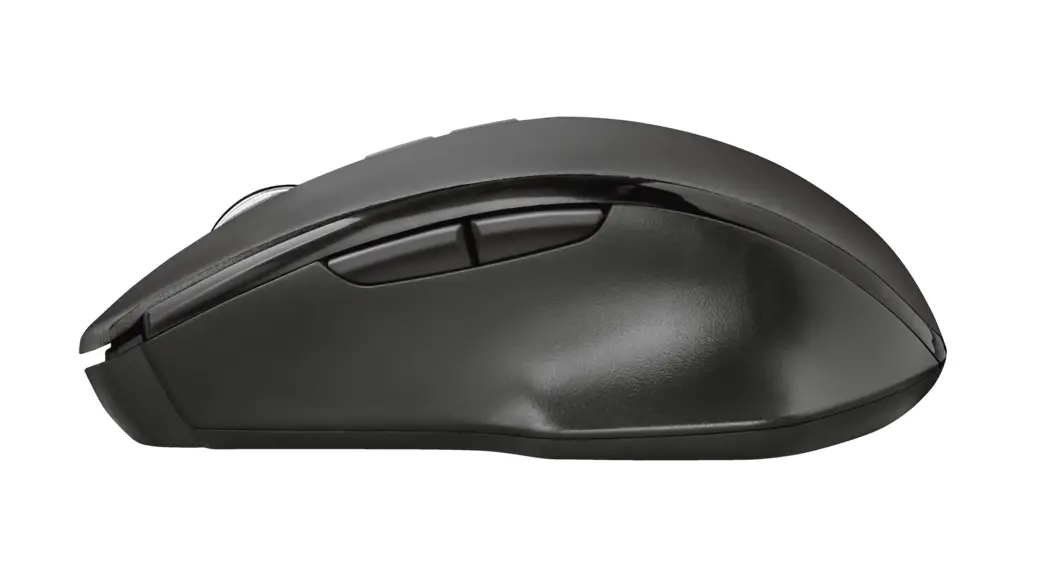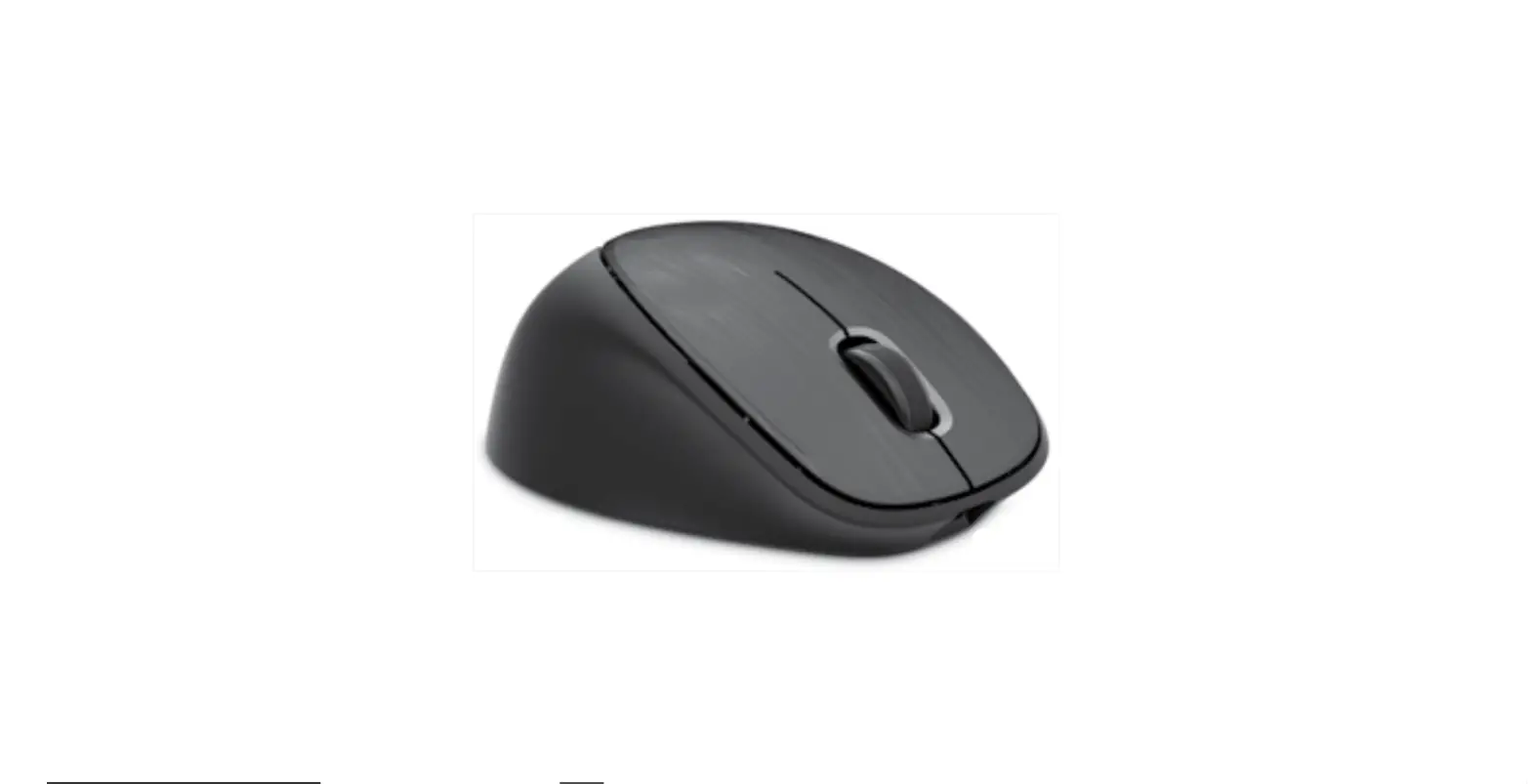

hp 2LX92AA 500 Rechargeable Mouse
CHARGING INSTRUCTION
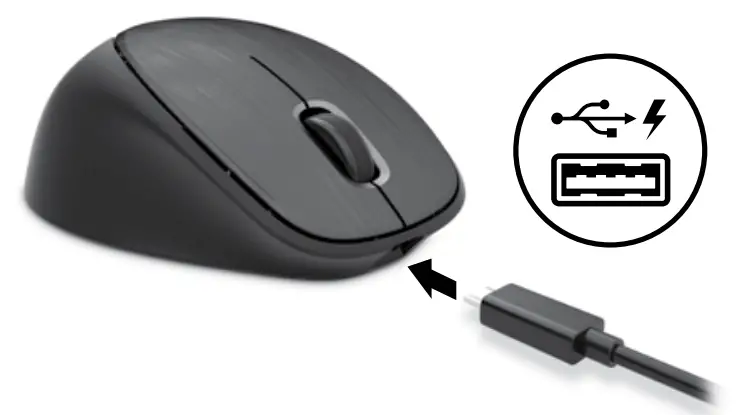
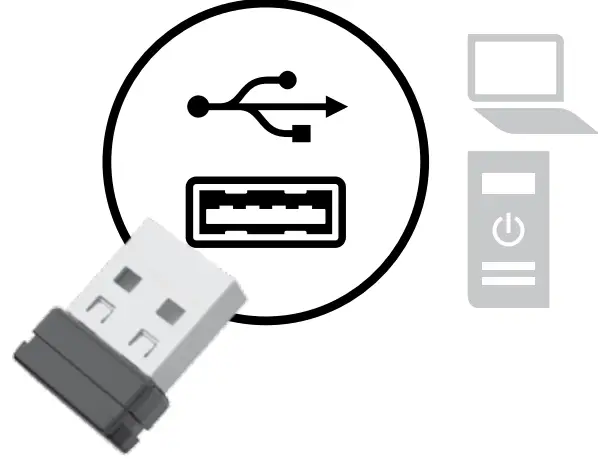
CONNECTING INSTRUCTION
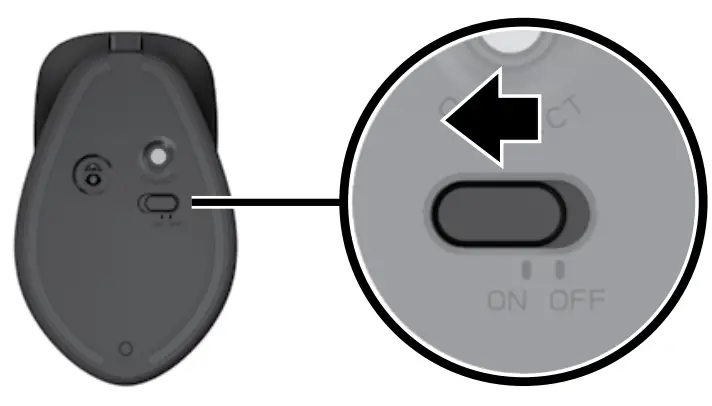
ON / OFF
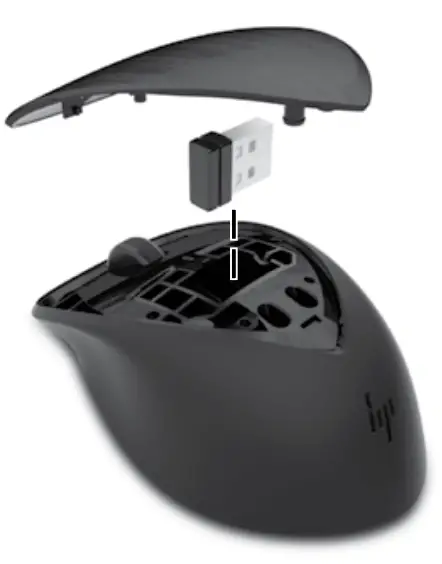
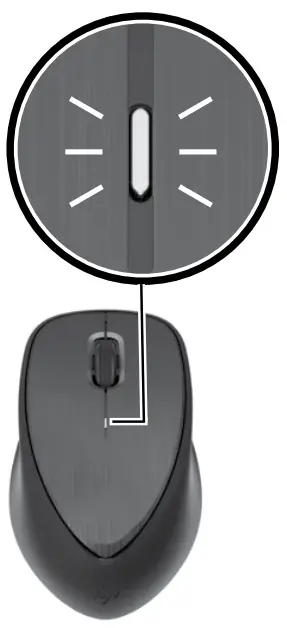
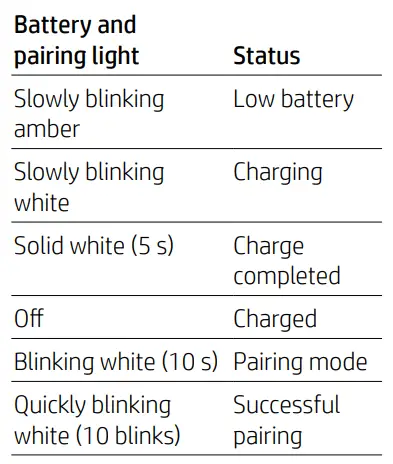
LED INDICATION
What is Link-5
HP Link-5 technology makes it easy to link up to five compatible HP wireless mice or keyboards to the same USB transceiver.
Using Link-5
To pair a device to the Link-5 transceiver, move it to within one foot (30 cm) of the Link-5 transceiver, press the  button or the Connect button on the device, and then press a key or click a button on the device.
Troubleshooting Link-5
For answers to Link-5 questions, go to http://www.hp.com/support.
 Laptop Computers, Desktops, Printers, Ink & Toner | HP® Official Site