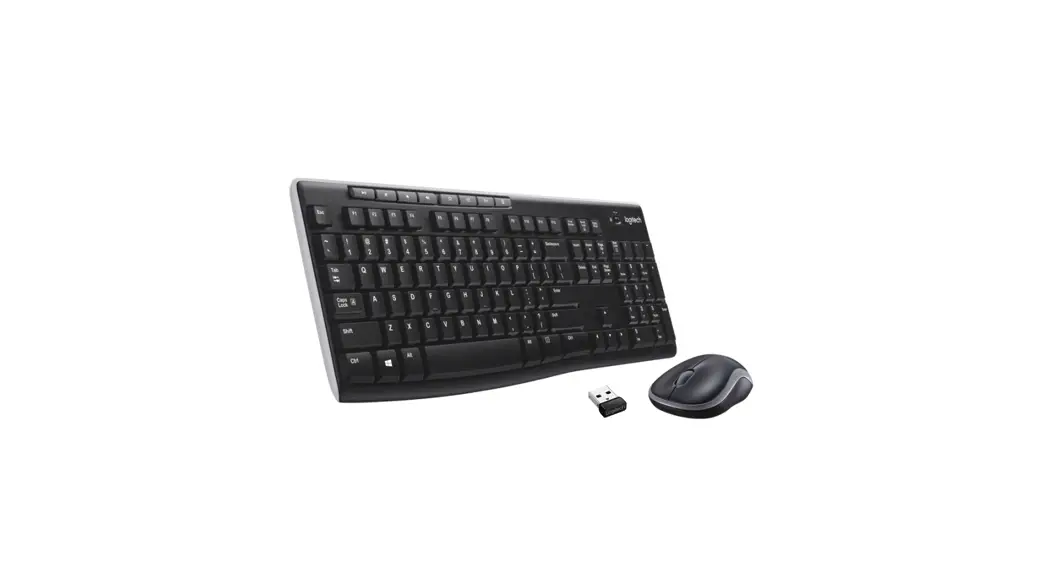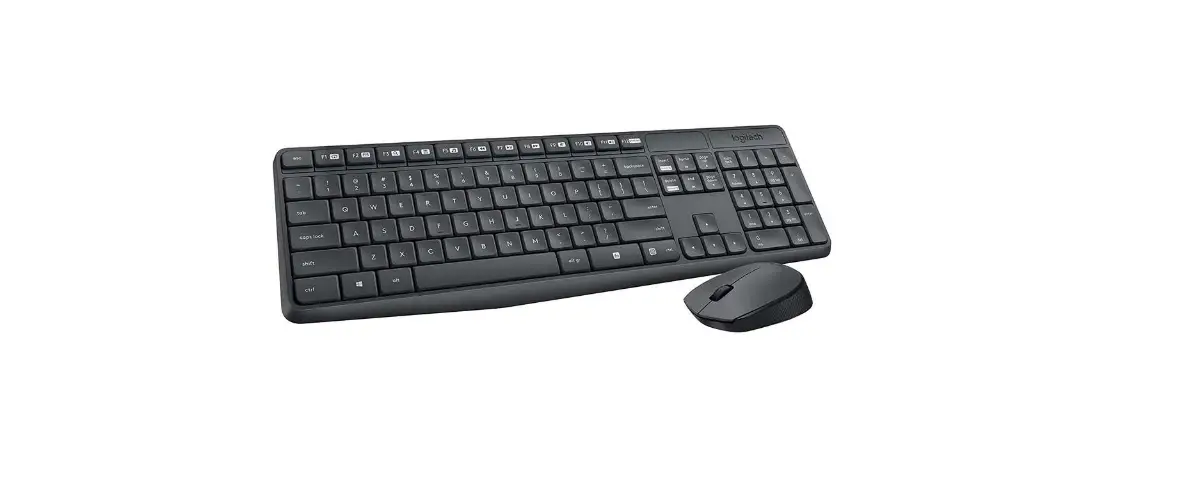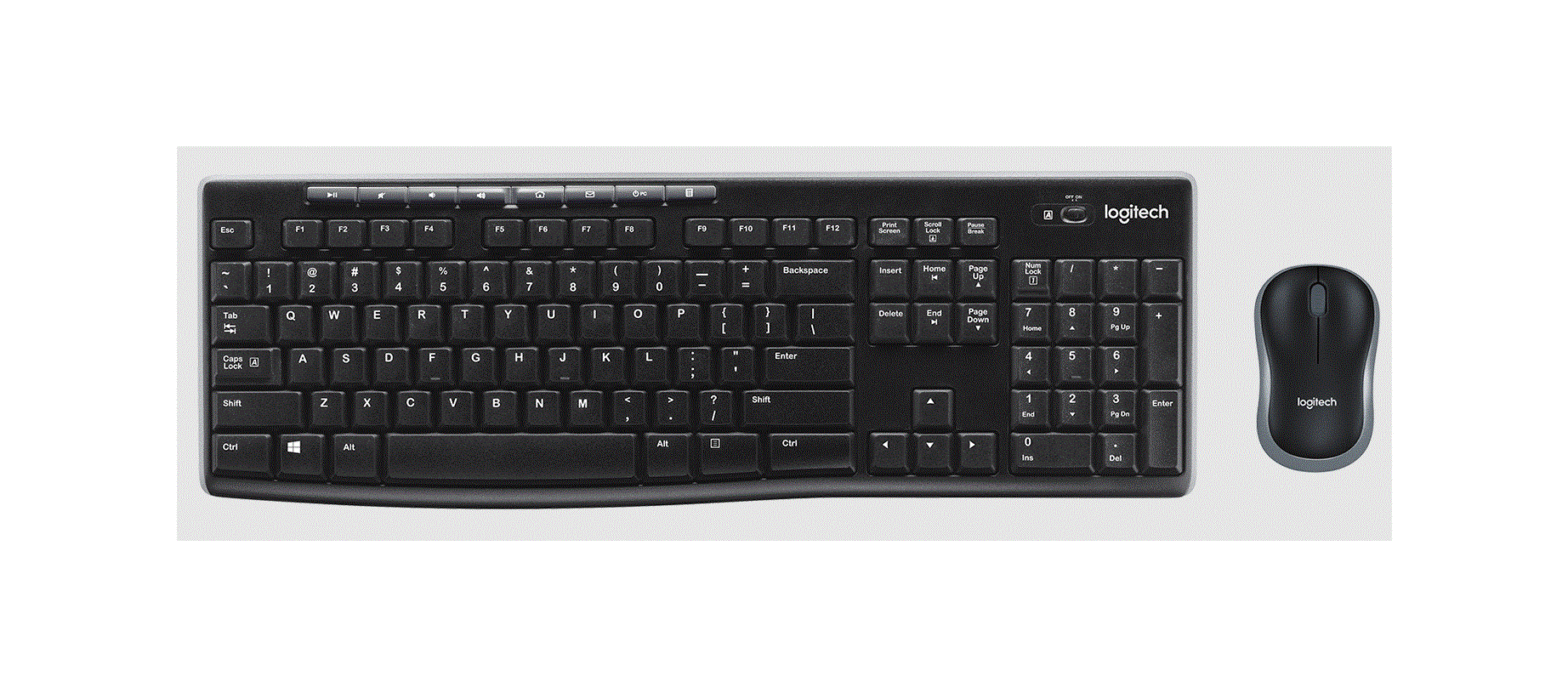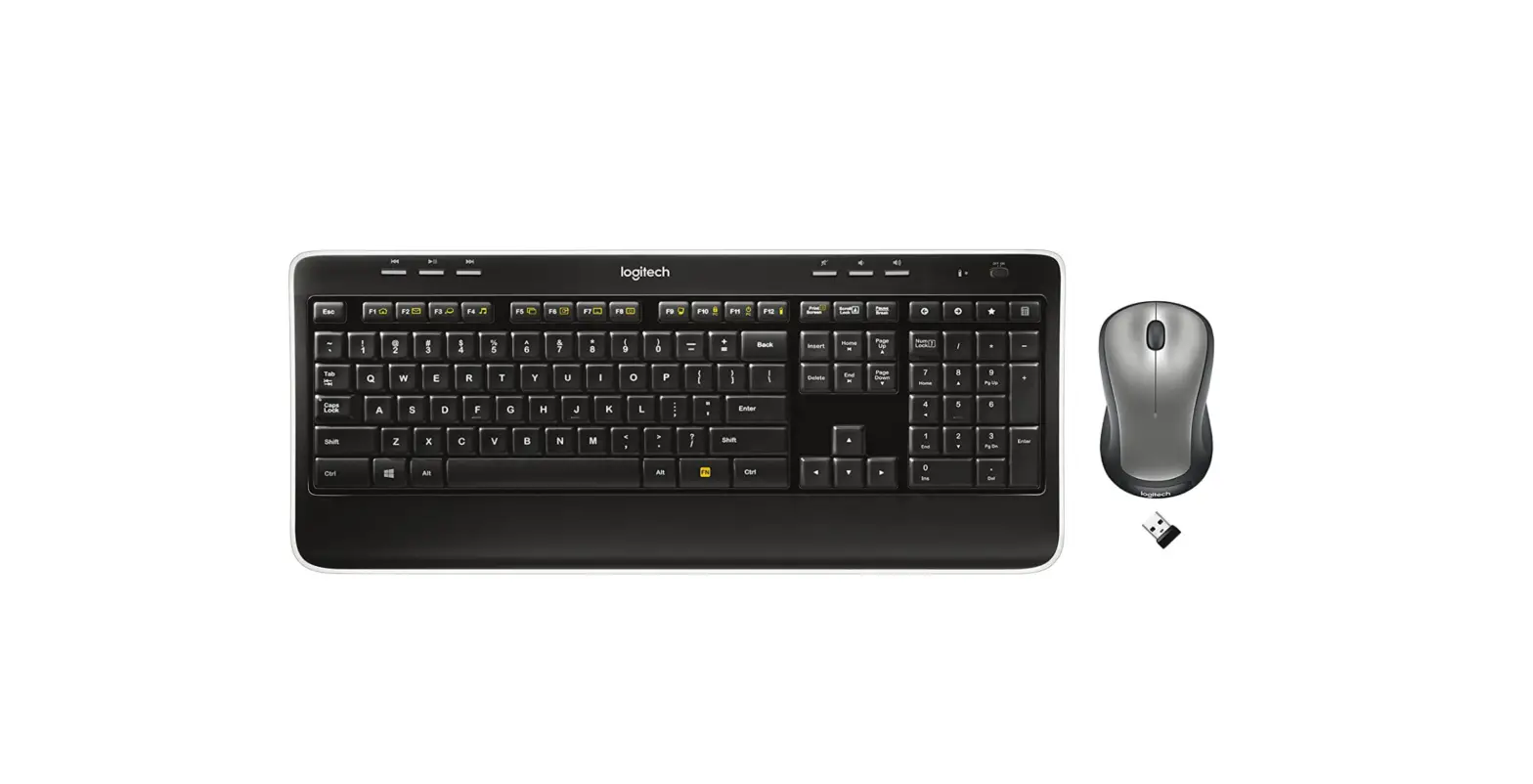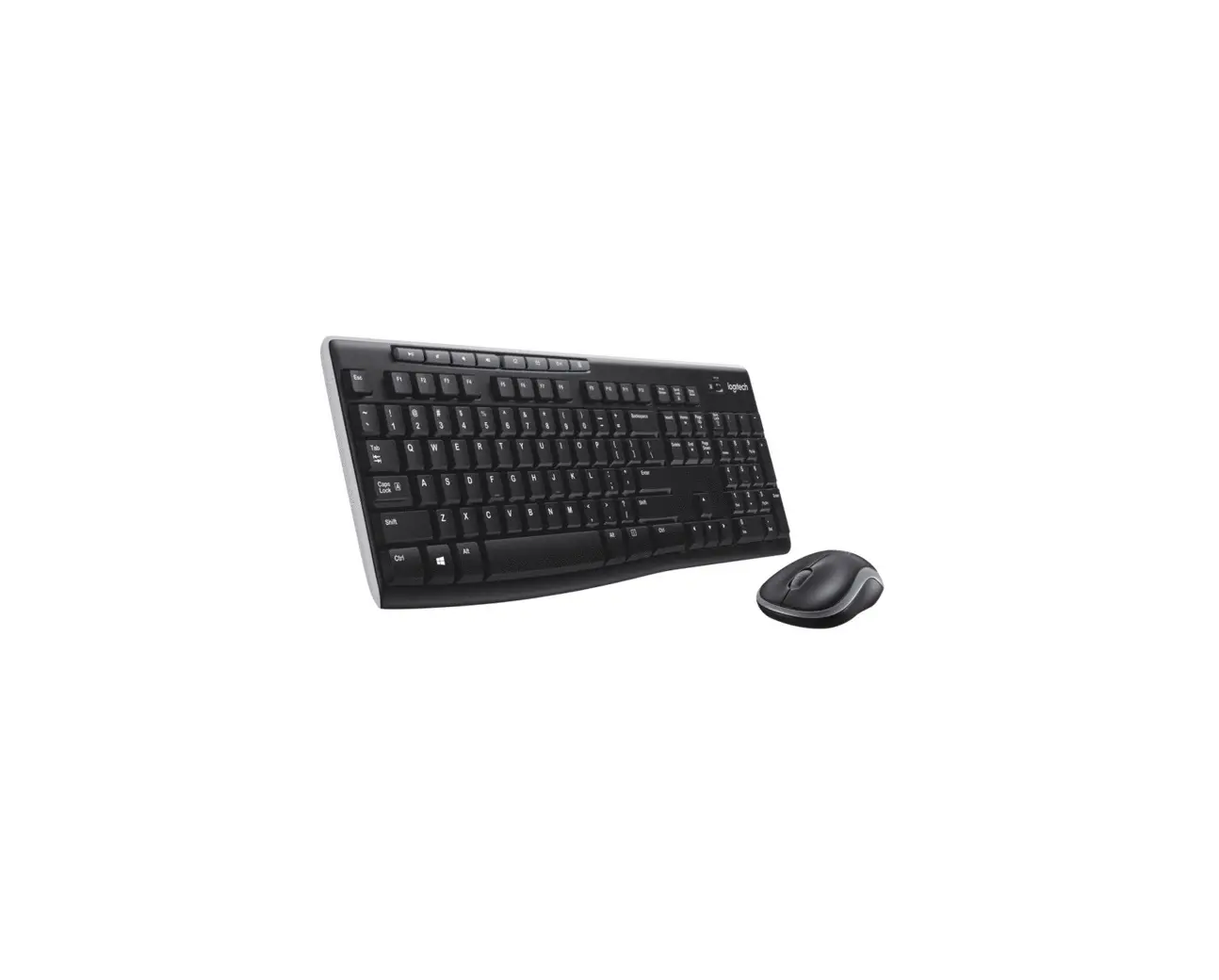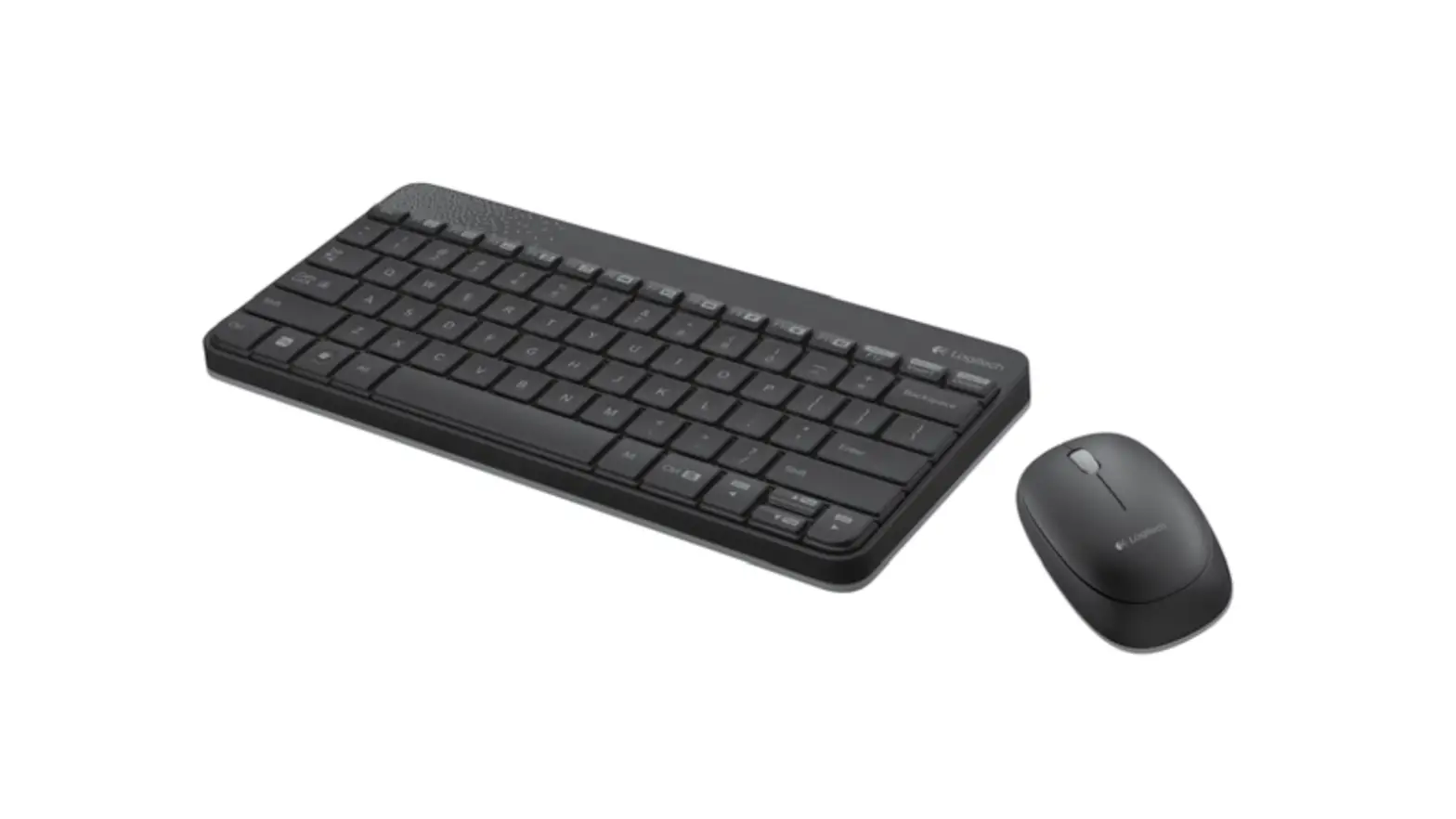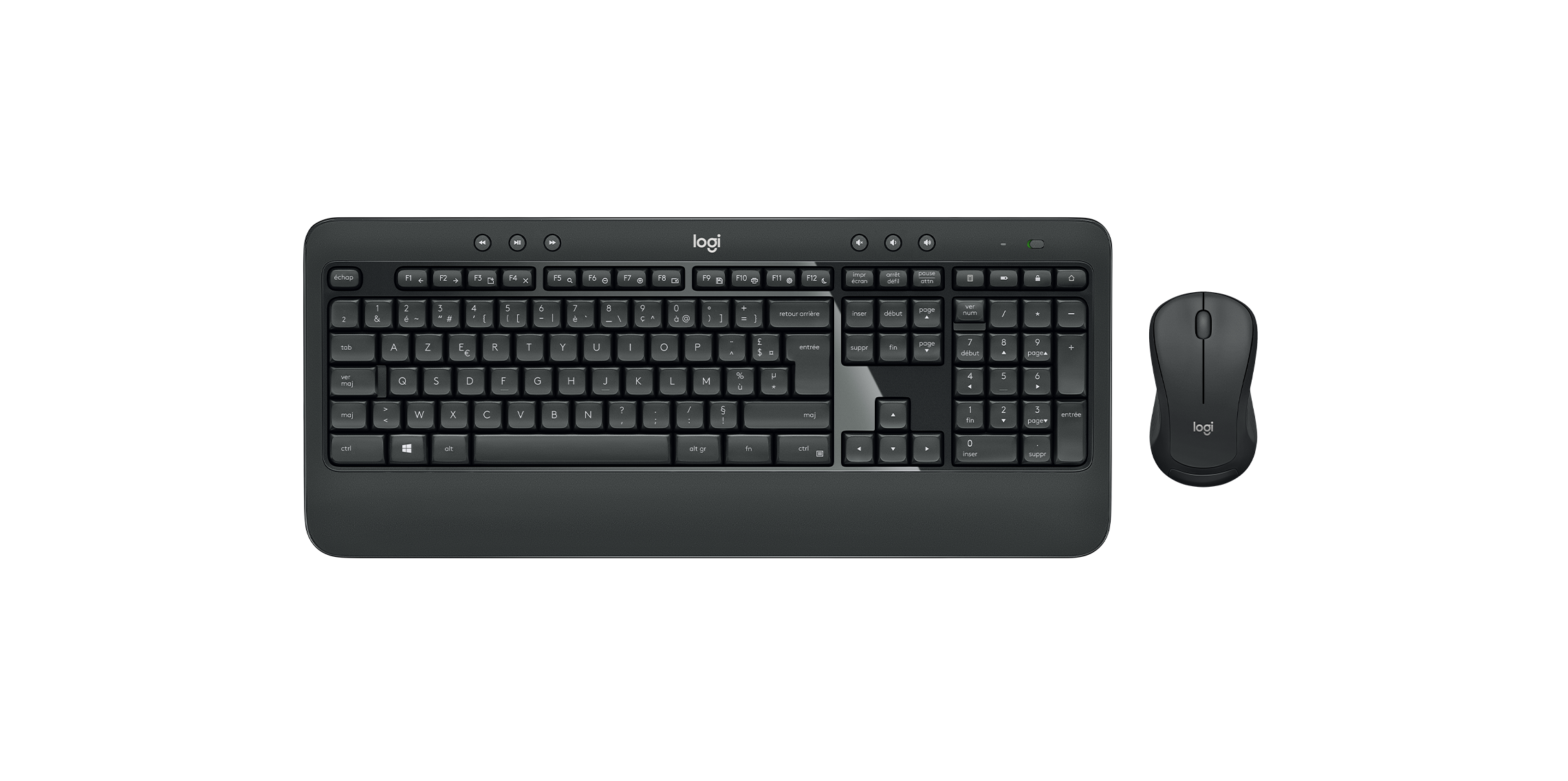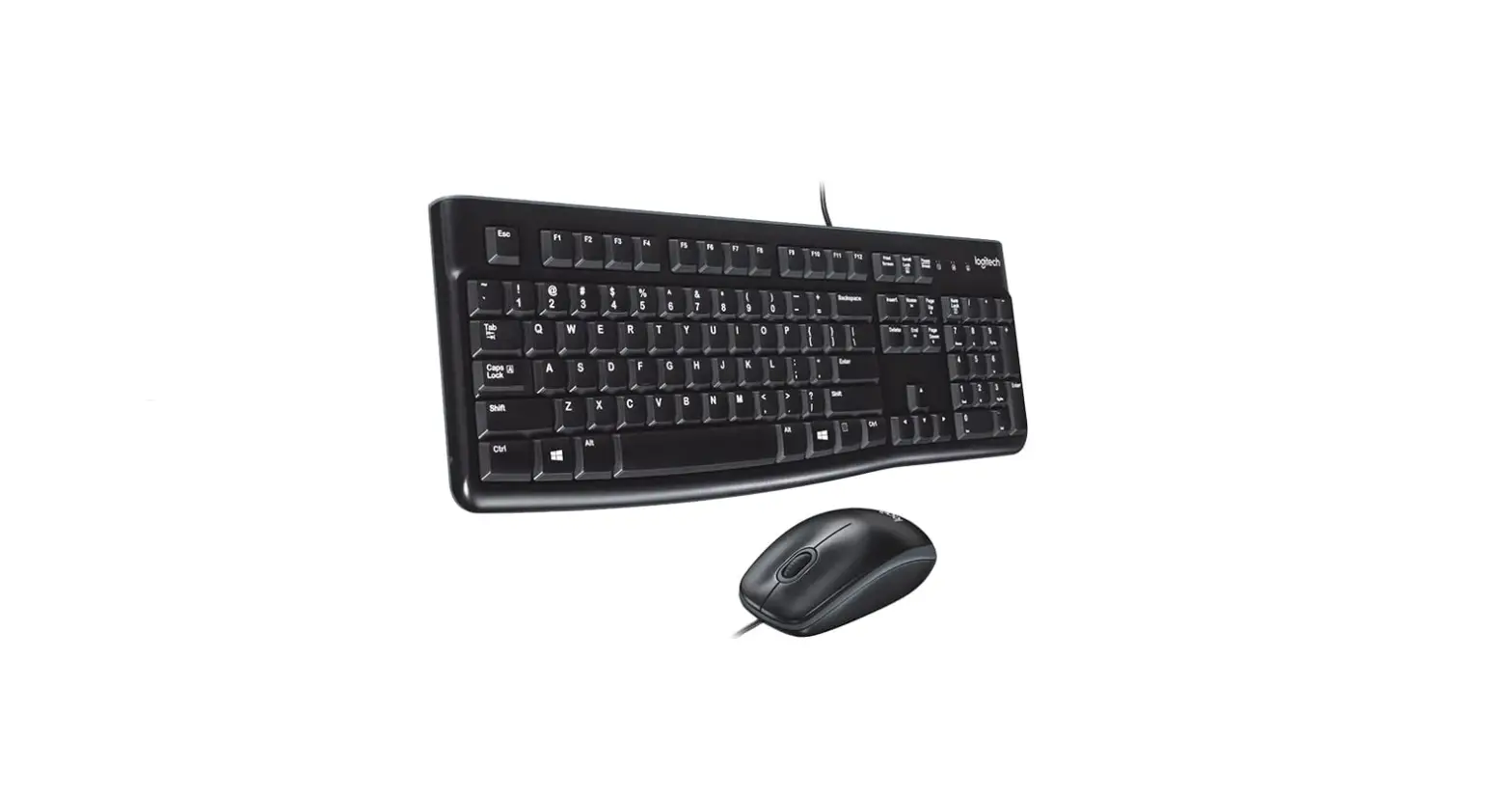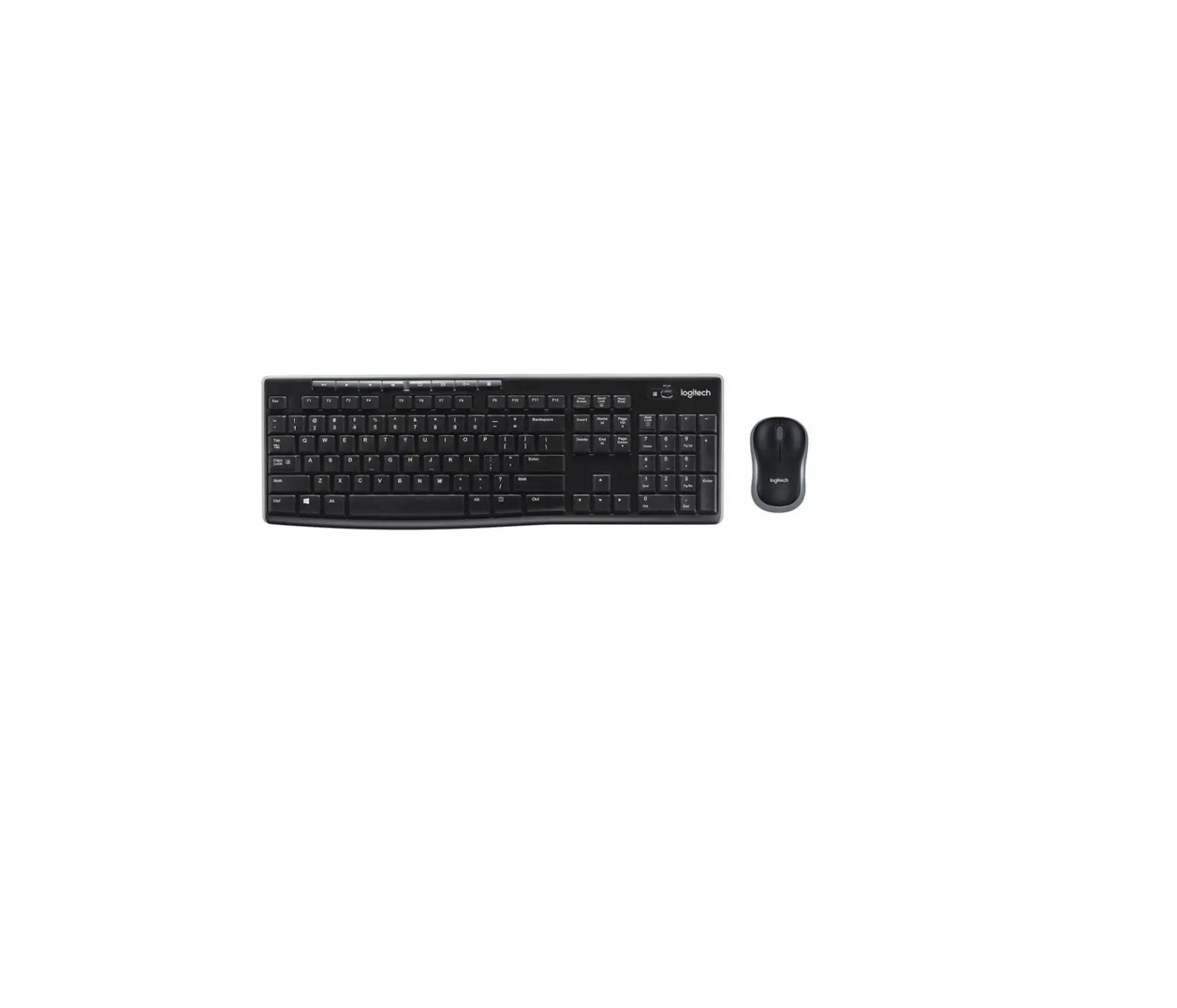
logitech MK270 Wireless Keyboard and Mouse Combo
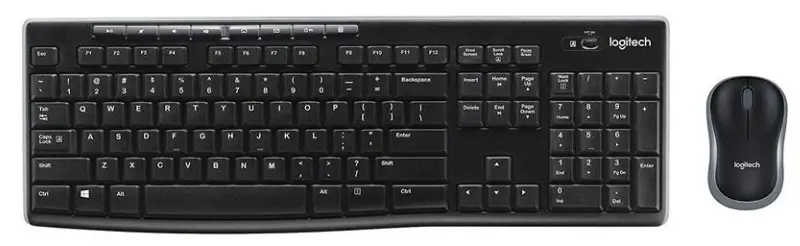
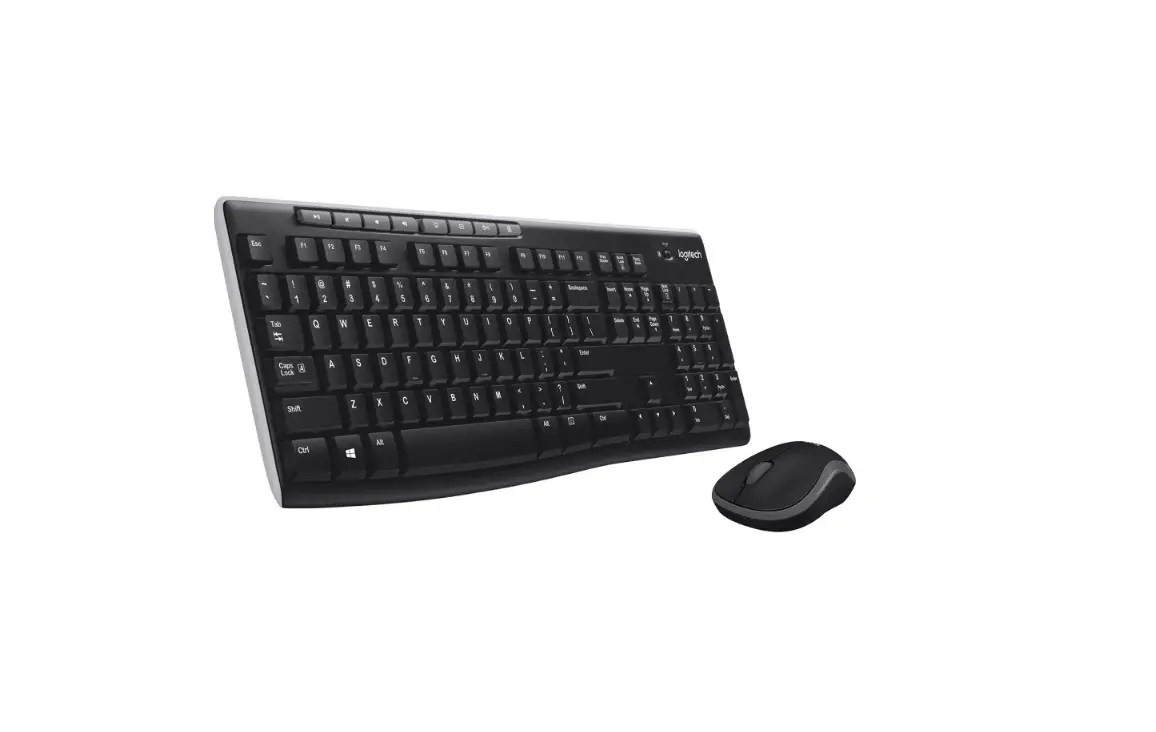
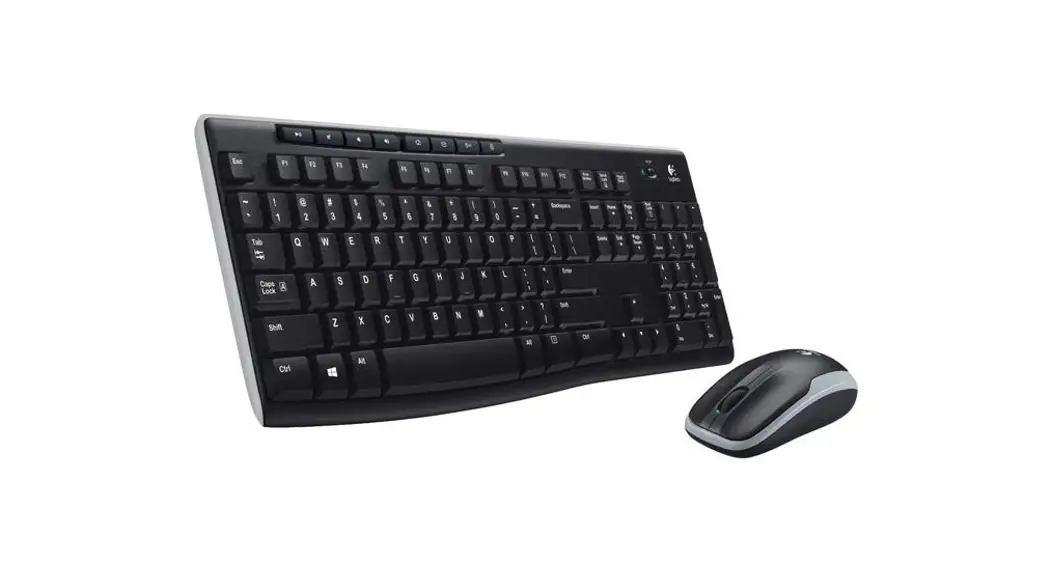
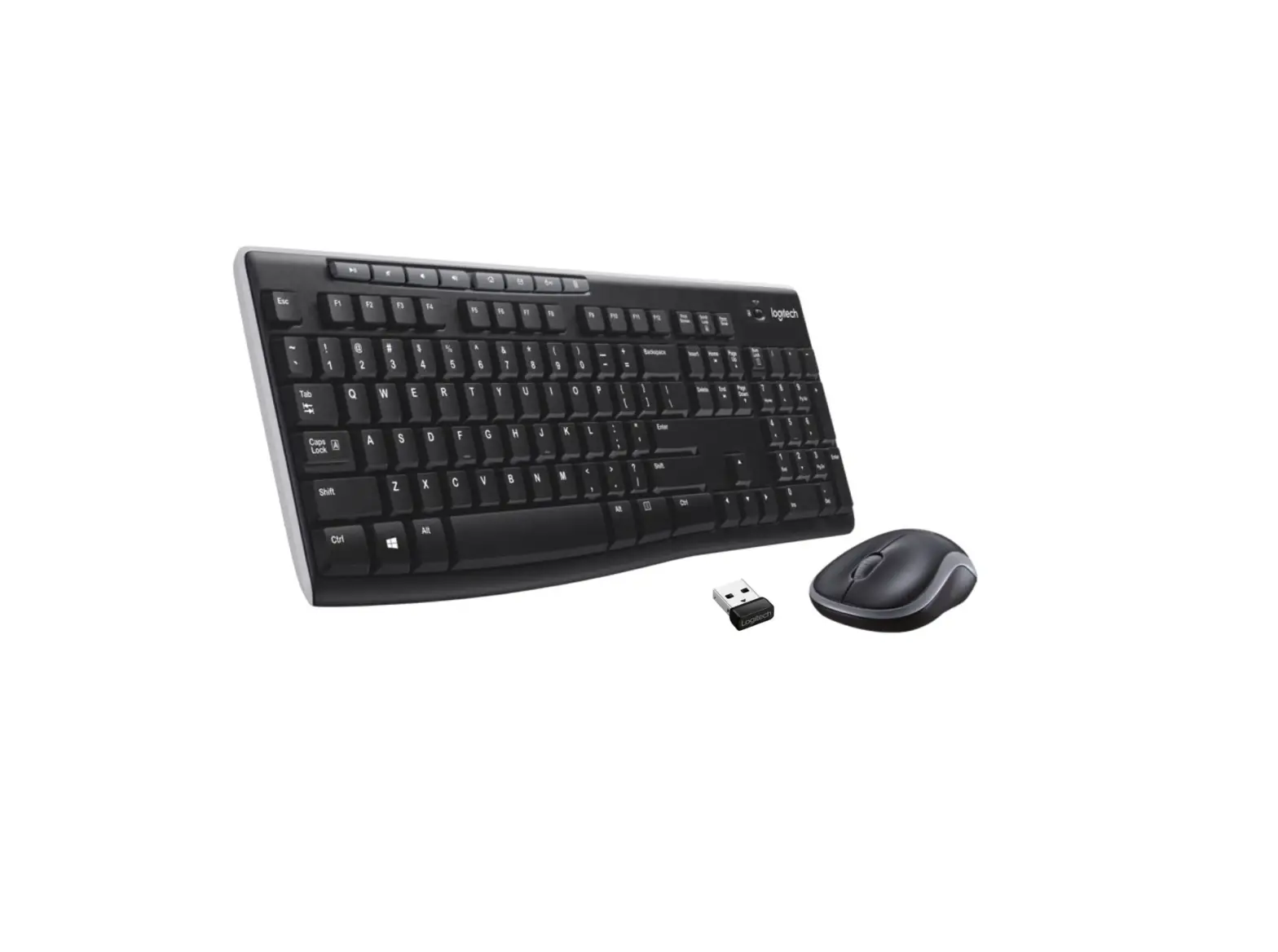
KNOW YOUR PRODUCT
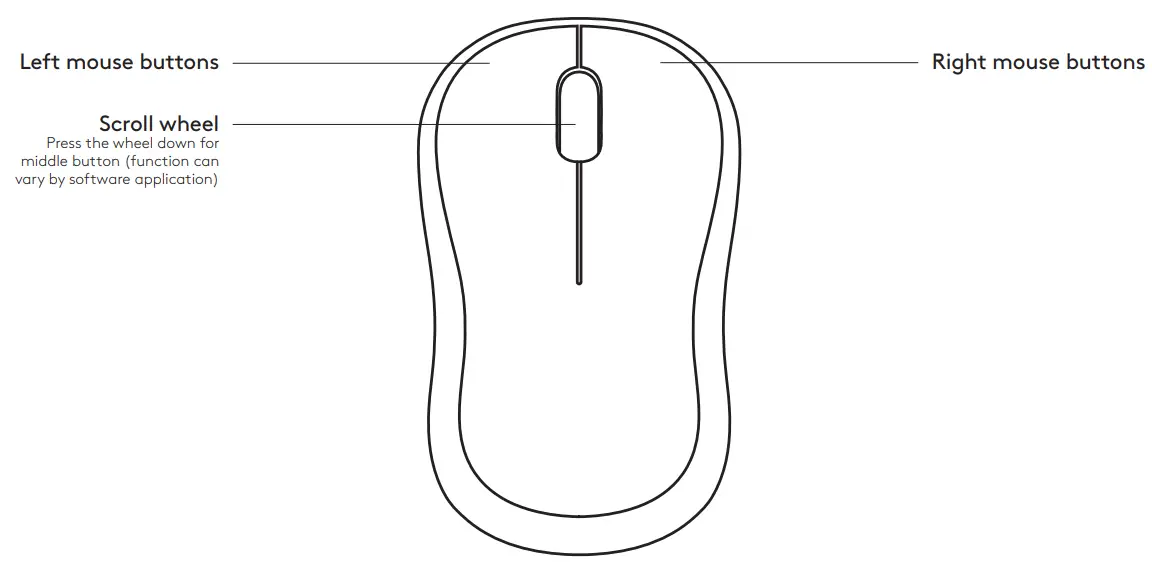
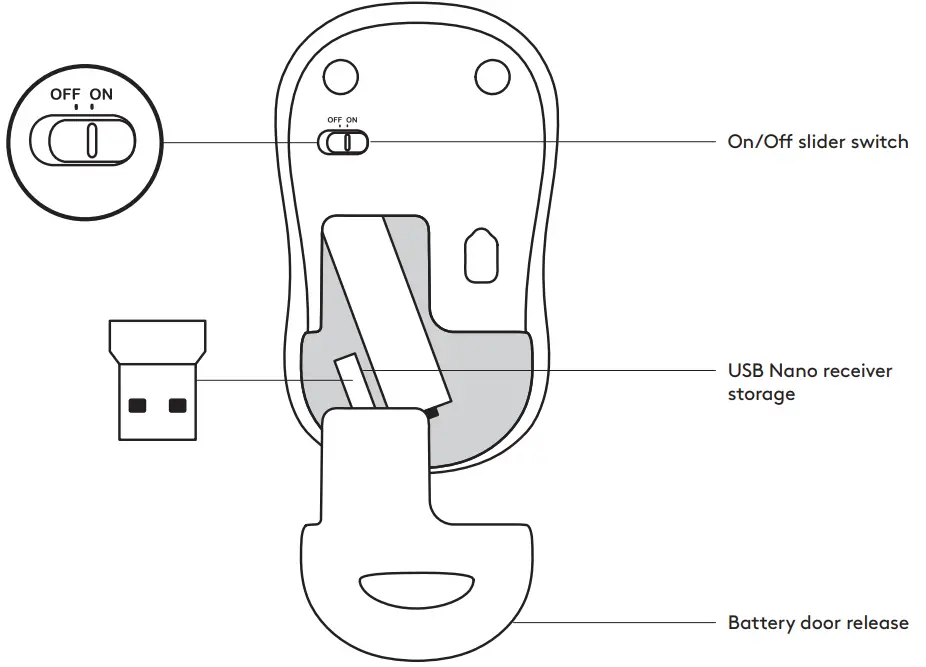
MOUSE FEATURES
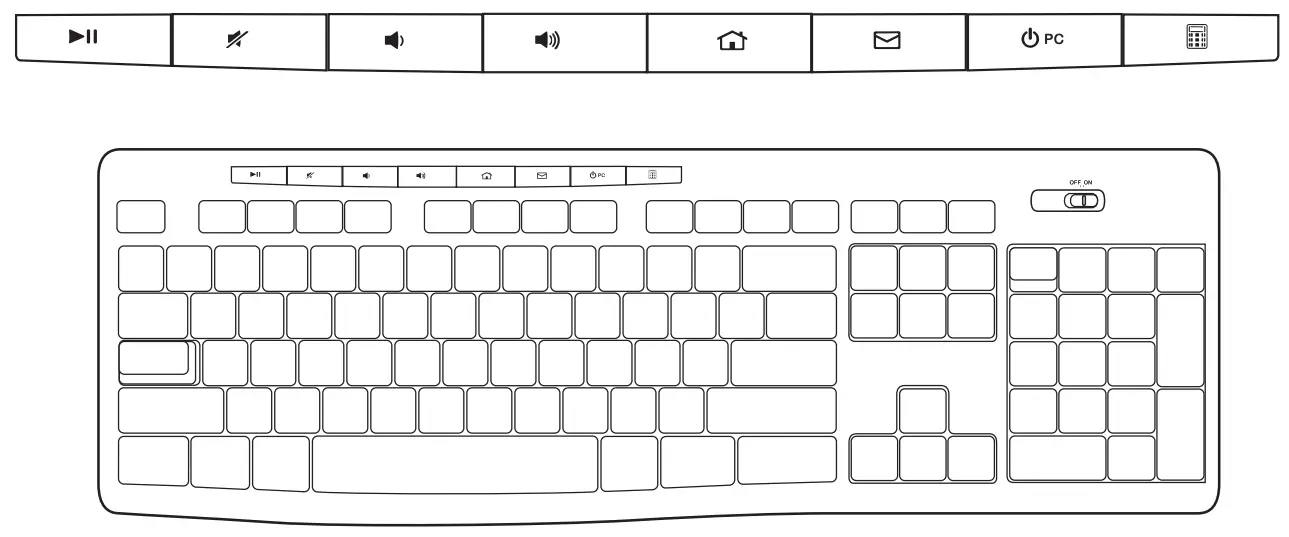
KEYBOARD FEATURES
| Hot keys | |||
 | Play / Pause |  | Mute volume |
 | Decrease volume |  | Increase volume |
 | Navigate to Internet home |  | Launch email application |
 | Place PC in standby mode |  | Launch calculator |
WHAT’S IN THE BOX
- Logitech K270 Keyboard

- Logitech M185 Mouse

- AAA Battery x 2

- AA Battery x 1
- USB Nano receiver

- User documentation







CONNECTING THE KEYBOARD AND MOUSE
www.logitech.com/support/mk270
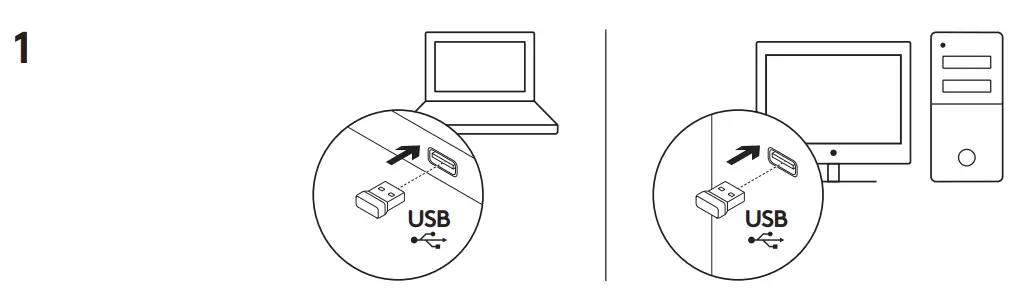
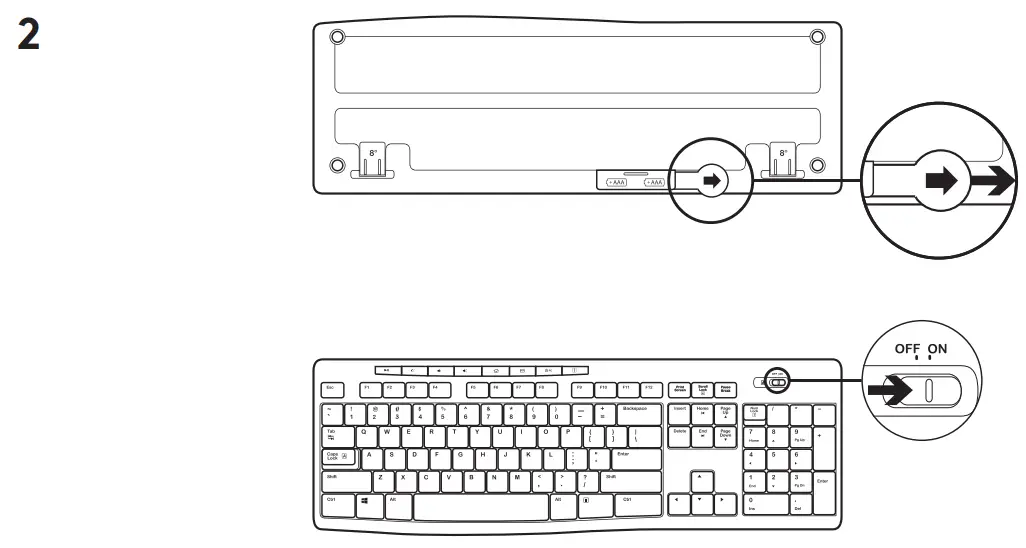
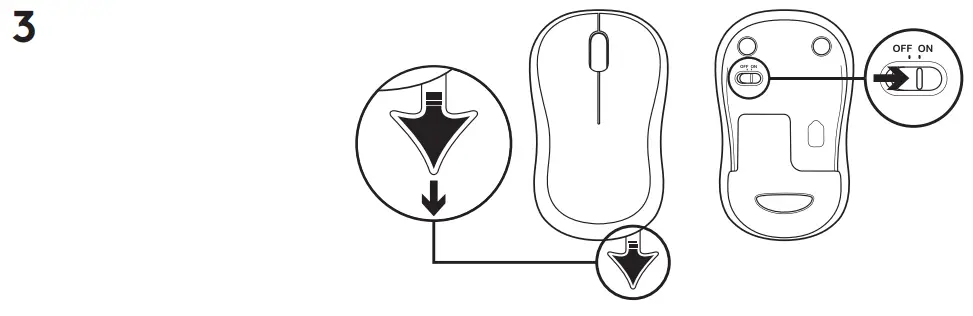
DIMENSION
Keyboard:
Height x Width x Depth: 22.75mm x 441.53mm x 149mm
Keyboard Weight(With Battery): 495g
Keyboard Weight(Without Battery): 480g
Mouse:
Height x Width x Depth: 38.6mm x 59.8mm x 99.5mm
Mouse Weight(With Battery): 73.4g
Mouse Weight(Without Battery): 50.4g
Dongle:
Height x Width x Depth: 6mm x 14mm x 19mm
Weight: 2g
SYSTEM REQUIREMENTS
- Windows® 10 or later, Windows® 8, Windows® 7, Windows Vista®, Windows® XP
- Chrome OS™
- USB port
- Internet connection (for optional software download)