App Smart Cat Ball Toys
Product Information:
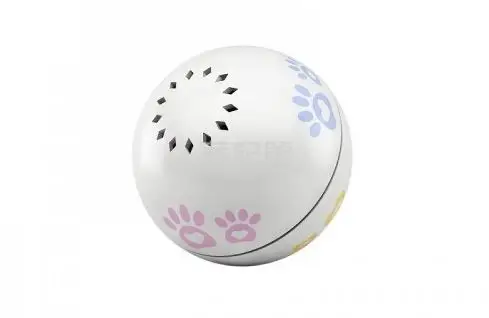
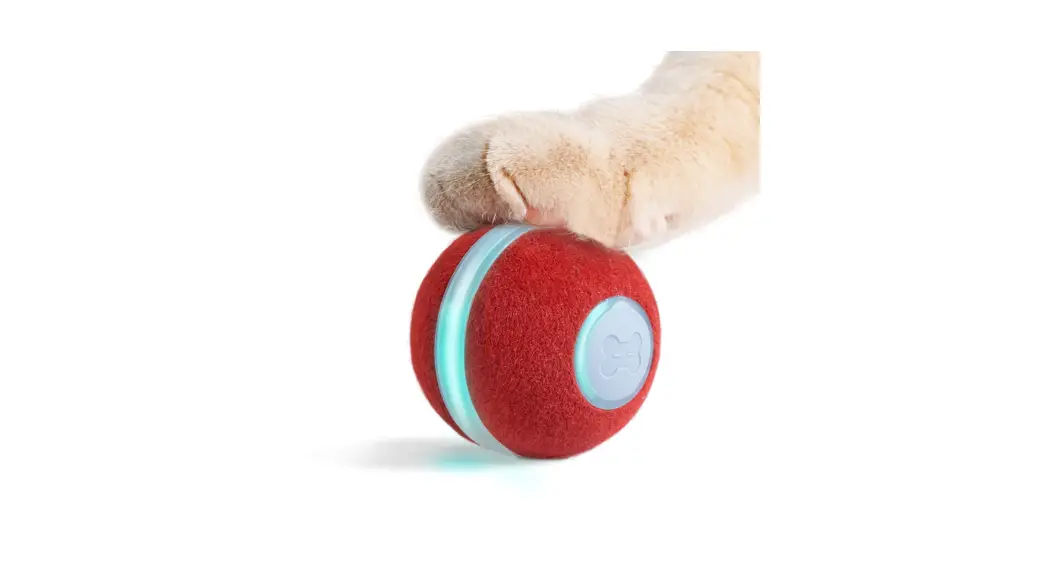
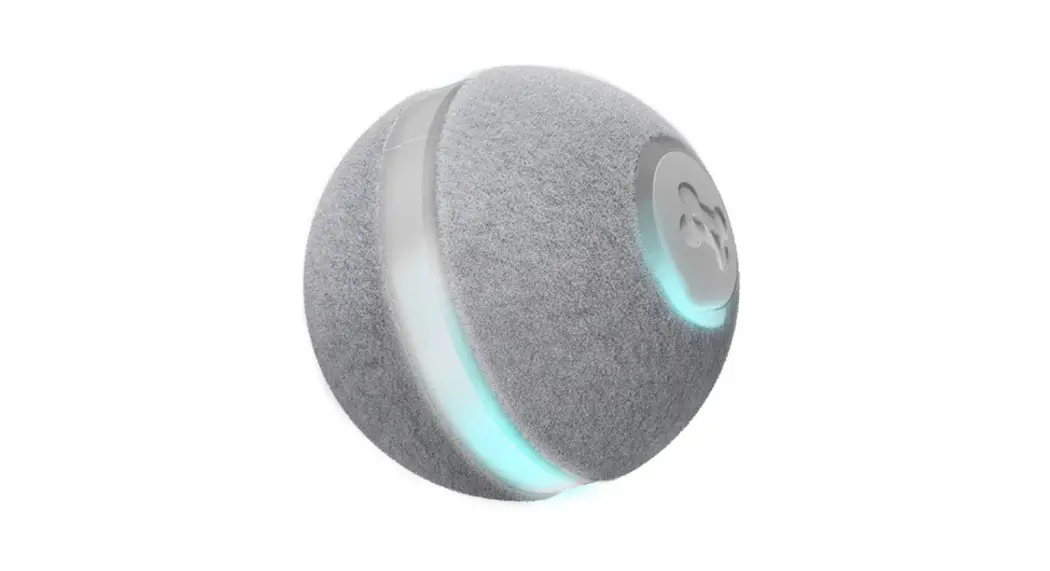
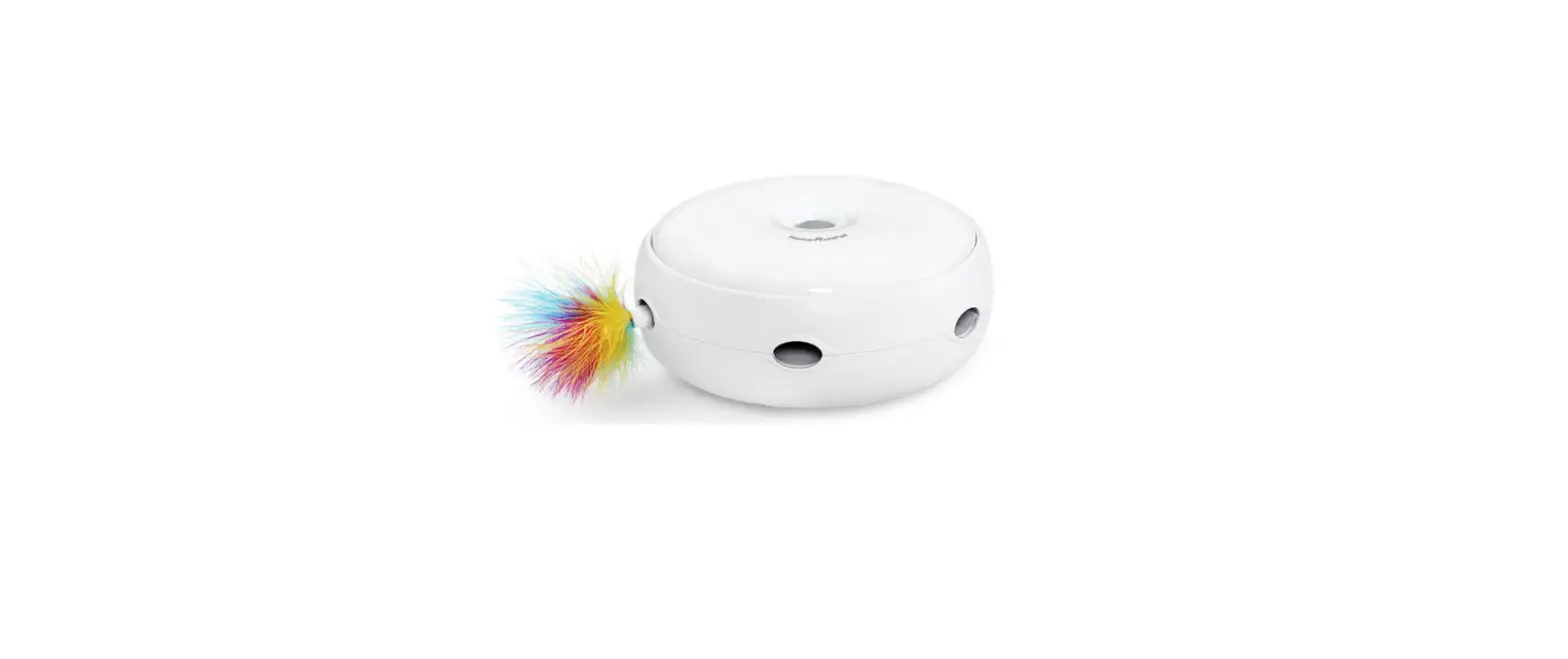
The product is a smart cat ball toy that provides interactive
play for cats. It has various features and components, including a
replaceable feather, flash light, USB charging port, charging
indicator, fitting rod switch button, and a roller wheel. The toy
has an appearance size of 20.5cm and is designed to engage and
entertain cats.
Product Usage Instructions:
Automatic Mode:
If you select automatic mode, the toy can run by itself. The
default automatic teasing duration is 1 minute, but you can change
the duration in the settings (only in automatic mode). Note that
when running automatic mode, if you operate the direction control
interface, it will automatically switch to manual mode.
Manual Mode:
To use the toy in manual mode, select Manual Mode on the
direction control interface. You can then operate the toy using the
direction control interface. The available actions in manual mode
include spinning, flashing the light, and seeking.
In-situ Rotation Mode:
To rotate the toy in one direction while it remains in place,
press the rotation button. You can manually close or cancel this
rotation mode by operating the direction control interface.
Light Control:
The toy has a default setting of having the light turned on.
However, you can manually turn off the light if desired.
Additionally, you can choose the light mode in the settings,
including steady flashing, normal flashing, and random
flashing.
Switching On and Off:
To switch on the toy, press the switch button for 3 seconds.
Pressing the switch button again for 3 seconds will turn off the
toy. Please note that when the toy is in the on state, it can be
turned off but cannot be turned on through the switch on the app
page.
Finding the Device:
If the device cannot be found, press the “Looking for device”
button. This will help you locate the position of the device as it
will emit a beep sound for 3-4 seconds. This function is only
available when the device is powered on and connected to the
app.
Additional Information:
– The toy is equipped with a laser port and a roller wheel for
added interactive play.
– The device complies with Part 15 of the FCC Rules and operates
within specified interference limits.
– Any changes or modifications not approved by the responsible
party may void the user’s authority to operate the equipment.
App Installation:
To control and configure the toy, you need to download and
install the Tuya app. For iOS phones, search for “Tuya” in the App
Store. For Android phones, also search for “Tuya” in the App Store.
Once installed, you can add the device and enjoy its features.
Important Note: If the connection times out
during setup, please go back to the previous step and reconnect. If
unable to connect to the app, you can still use the toy as a common
cat toy for your cat to play with.
“QQ$BU5PZ*OTUSBDUJPO H NN
Manual
Appearance Description
Replaceable Feather
Appearance Description
Appearance Size
Fitting Rod Switch Button
Flash Light
USB Charging Port
Charging Indicator
20.5cm
App Cat Toy
Instruction For Use
1) Automatic mode: If you select automatic mode, the product can run by itself. The default automatic teasing duration is 1min, and the automatic teasing duration can be changed in the setting (only in automatic mode). Note: When running automatic mode, if operate the direction control interface, it will automatically switch to manual mode.
Smart Cat Ball
Auto
Spin
Light
Seek
Manual
Spin
Light
Seek
Auto Manual
Manual
Spin
Light
Seek
9:41 Smart Cat Ball
Auto
Spin
Light
Seek
9:41 Settings
Sound And Light Setting Light Mode
Others Auto Tease Time
Factory Reset
Always 1min
7
Auto Tease Time
1 0
Cancel
60 Confirm
Reset Button
2
Instruction For Use 2) Manual mode: Select Manual Mode, which can be operated on the direction control interface .
Smart Cat Ball
Manual
Spin
Light
Seek
Manual
Spin
Light
Seek
Forward
Turn left
Turn right
Backward
Switch on and off: Press the switch button for 3 seconds to turn on the device. Press the switch button again for 3 seconds to turn off the device (when the device be on state, the device can be turned off but cannot be turned on through the switch of the APP page) .
8
Laser Port
Roller Wheel
3
Instruction For Use
3) In-situ rotation mode: Press the rotation button to rotate the toy in one direction, which can be manually closed or cancelled by operating the direction control interface.
9:41 Smart Cat Ball
Manual
Spin
Light
Seek
10cm
4
Instruction For Use 4) Light control: The default setting is on, and the light can be turned off manually. can choose the light mode in the setting, including steady flashing, normal flashing and random flashing.
9:41 Smart Cat Ball
Manual
Spin
Light
Seek
9:41 Settings
Sound And Light Setting Light Mode Others Auto Tease Time
Factory Reset
Always 1min
Light Mode
Always Monochrome Flashing
Random Flashing
Cancel
Confirm
9
10
Download and Install APP iOS phone: Search for “Tuya” in the “App Store” Tuya
Android phone: Search for “Tuya” in the “App Store” Tuya
Register users and log in · Open the App, if you do not have an account, click “Create a New account”, the privacy policy page of the smart platform will be displayed, click “agree”, and use your mobile phone number or email to register an account. · After registration, log in to the system. You can choose password log in or verification code log in.
Add Device
· Click “Add Device” or “+” on the top right of the App home page.
· In the process of searching for a pair, please make sure that the Bluetooth of your phone is turned on. When connecting for the first time, click “Turn on Bluetooth”, and then there will be a suggestion to Turn on Bluetooth. Click “Go to Set” and a prompt selection will appear. Click OK to enter the state of discovering devices..
· After the device is discovered, click “Add”to enter the device to be installed mode. Click “+” until the device is added successfully. Then click “Done” to enter the operation page.
Friendly Tips:
1. If the connection times out, please go back to the previous step and reconnect.
2. In the case of not connecting APP, directly turn on the toy which can be used as a common cat toy for the cat to play with.
5
Instruction For Use 5) Looking for device: When the device can’t be found, press this button to find the position of the device and it will beep for 3-4 seconds. (This function is only used when the device is powered on and connected to APP).
9:41 Smart Cat Ball
Manual
Spin
Light
Seek
6
Important Notes:
· Do not install the device in damp, dusty places where children can easily reach it.
· Not children’s toys, only for pets, preferably under the supervision of adults.
· Do not disassemble the device at will. It is recommended to use smooth ground or common carpet. but it is not suitable for all carpets, such as use on a plush carpets may affect function.
· Multiple products can be added to one APP account.
· A device can only be controlled by one mobile phone. If want to use another mobile phone to operate, please remove the device from the connected mobile phone or hold down the reset button on the device before reconnecting the device and a sound will be emitted at the same time.
· This device needs to be connected through Bluetooth, not WIFI version, this App needs to be connected to the Internet to work.
· Please refer to the device in kind. the manual is for reference only.
· The manual may contain technical inaccuracies, inconsistencies with device functions or typographical errors. Please refer to our final interpretation.
11
12
This device complies with Part 15 of the FCC Rules. Operation is subject to the following two conditions: (1) this device may not cause harmful interference, and (2) this device must accept any interference received, including interference that may cause undesired operation
NOTE: This equipment has been tested and found to comply with the limits for a Class B digital device, pursuant to Part 15 of the FCC Rules. These limits are designed to provide reasonable protection against harmful interference in a residential installation. This equipment generates, uses and can radiate radio frequency energy and, if not installed and used in accordance with the instructions, may cause harmful interference to radio communications. However, there is no guarantee that interference will not occur in a particular installation. If this equipment does cause harmful interference to radio or television reception, which can be determined by turning the equipment off and on, the user is encouraged to try to correct the interference by one or more of the following measures: — Reorient or relocate the receiving antenna. — Increase the separation between the equipment and receiver. — Connect the equipment into an outlet on a circuit different from that to which the receiver is connected. — Consult the dealer or an experienced radio/TV technician for help.
Warning: changes or modifications not expressly approved by the party responsible for compliance could void the user’s authority to operate the equipment
The devices has been evaluated to meet general RF exposure requirement the device can be used in portable exposure condition without restriction