Meural Canvas Swivel Mount
Quick Start
Meural Canvas Swivel Mount
meural.com/setup
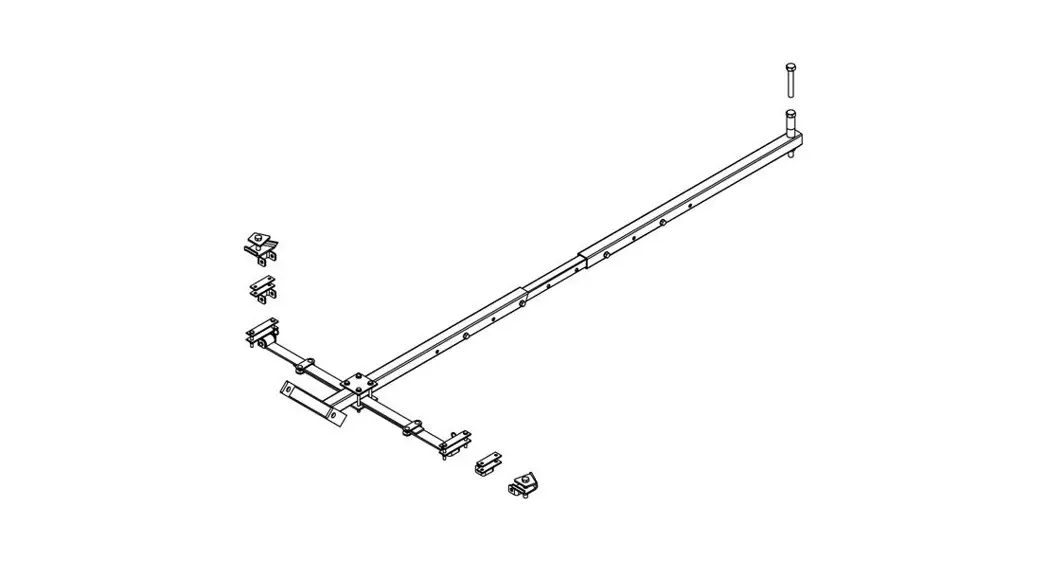
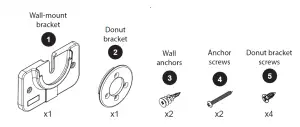
Package contents
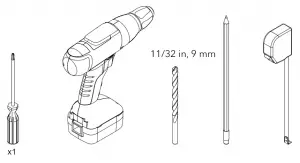
Tools
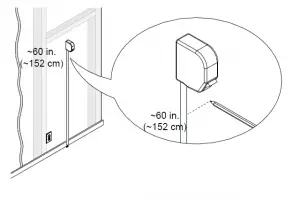
1. Choose a location
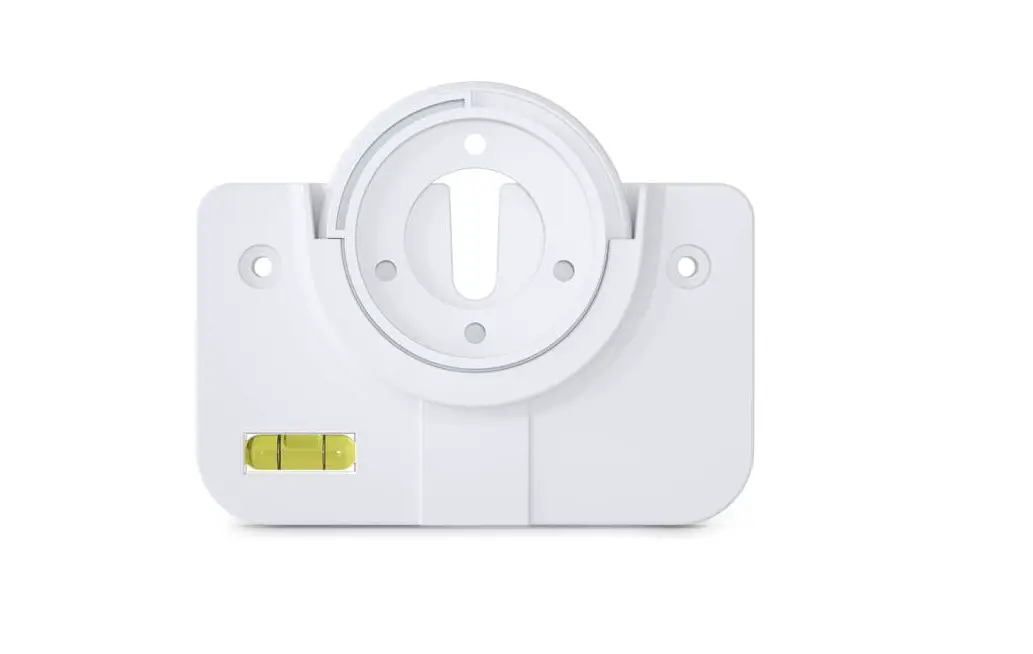
2. Level the wall-mount bracket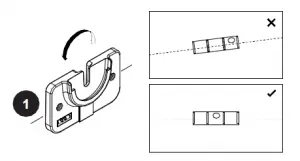
3. Mark the location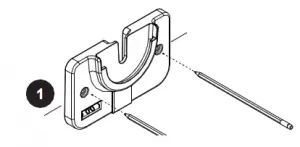
4. Drill the holes
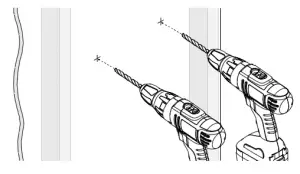
5. Screw in the anchors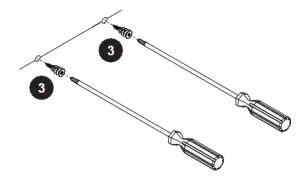
CAUTION: Drywall only.
6. Attach the wall-mount bracket to the wall
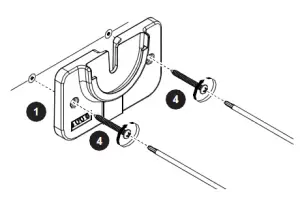
7. Route the cables
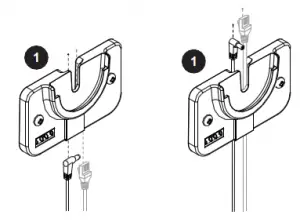
Ethernet cable optional
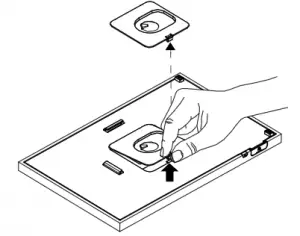
8. Put the canvas face down near the bracket and remove the back panel
Support
Thank you for purchasing this NETGEAR product. You can visit https://www.netgear.com/support/ to register your product, get help, access the latest downloads and user manuals, and join our community. We recommend that you use only official NETGEAR support resources.
Si ce produit est vendu au Canada, vous pouvez accéder à ce document en français canadien à https://www.netgear.com/support/download/.
(If this product is sold in Canada, you can access this document in Canadian French at https://www.netgear.com/support/download/.)
For regulatory compliance information including the EU Declaration of Conformity, visit https://www.netgear.com/about/regulatory/.
See the regulatory compliance document before connecting the power supply.
9. Route the cables through the donut bracket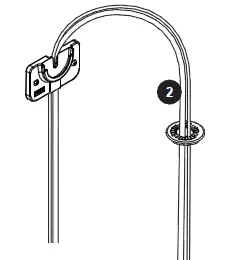
10. Connect the cables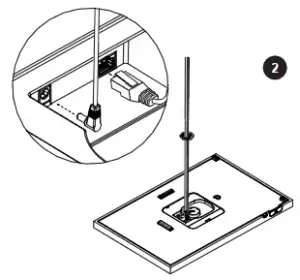
11. Route the cables through the center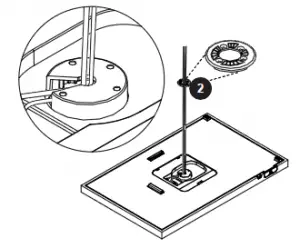
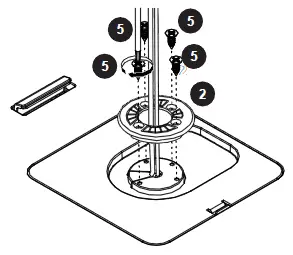
12. Align the donut bracket and screw to the canvas
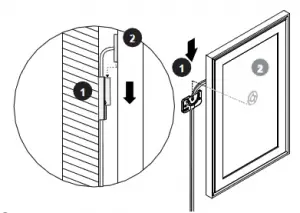
13. Hang your canvas vertically
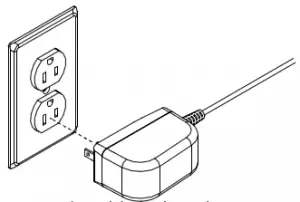
14. Connect to power
You may discard the back panel.
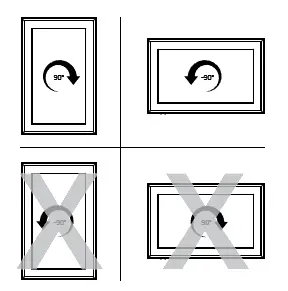
To rotate your canvas:
 Full Speed Toothpick FPV Drone Quick Setup Manual - manualsee.com
 Regulatory | NETGEAR