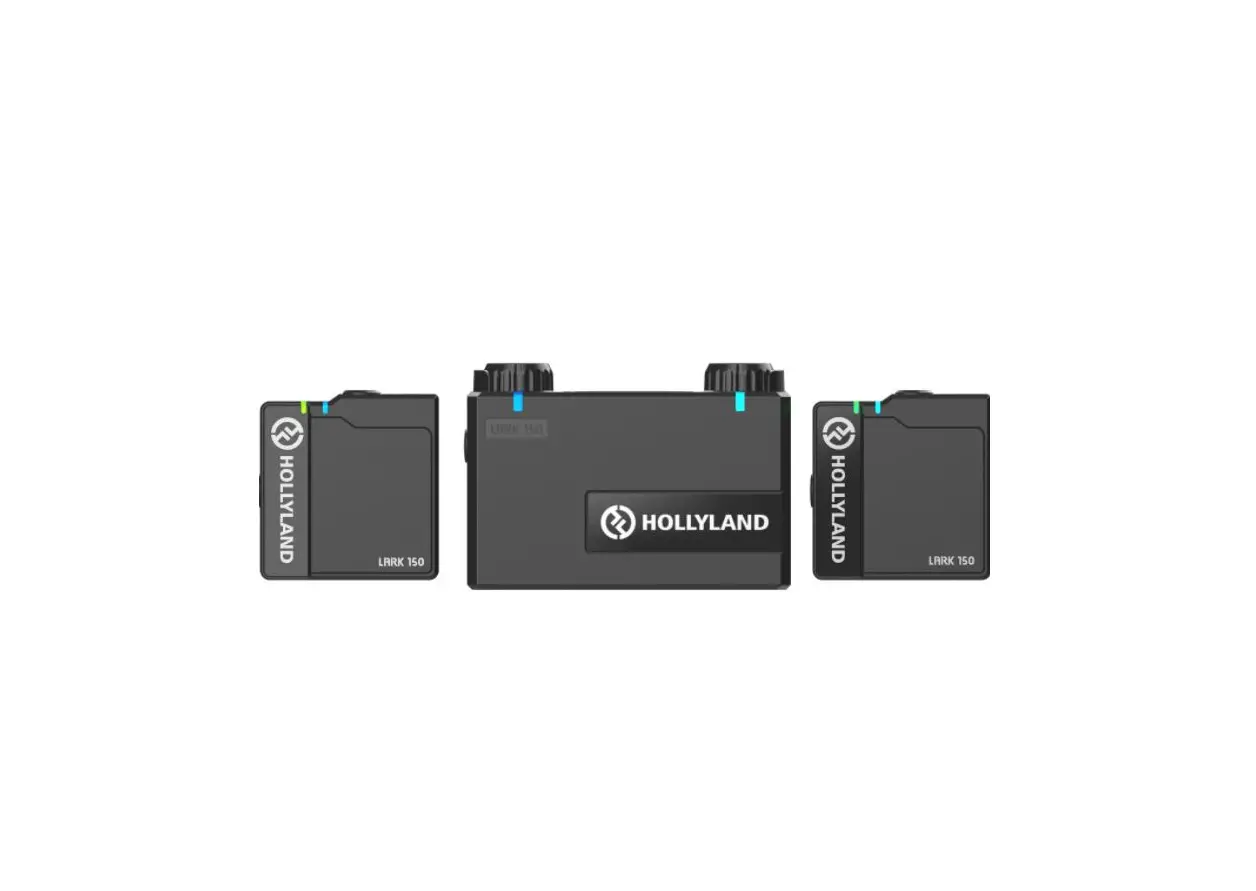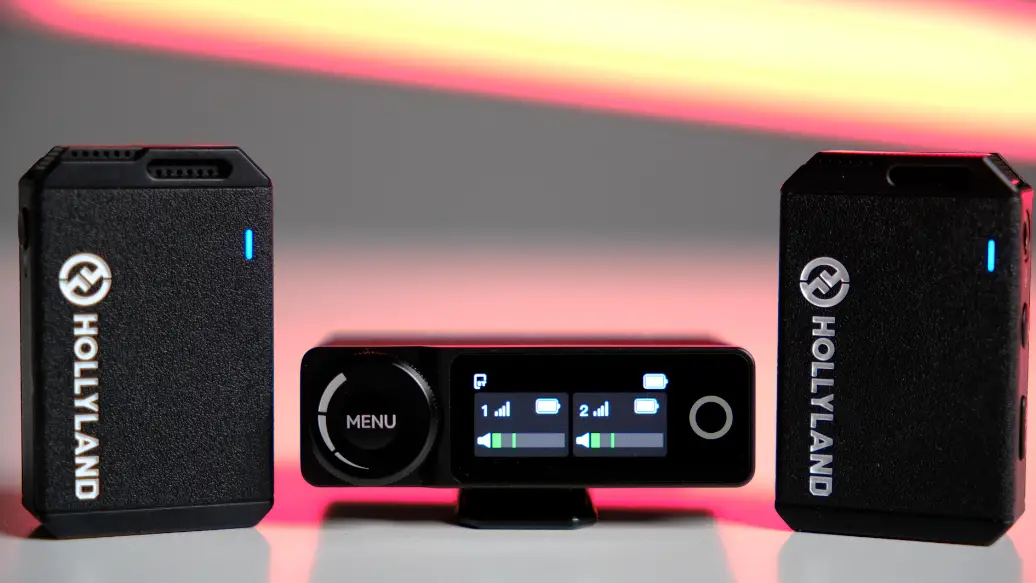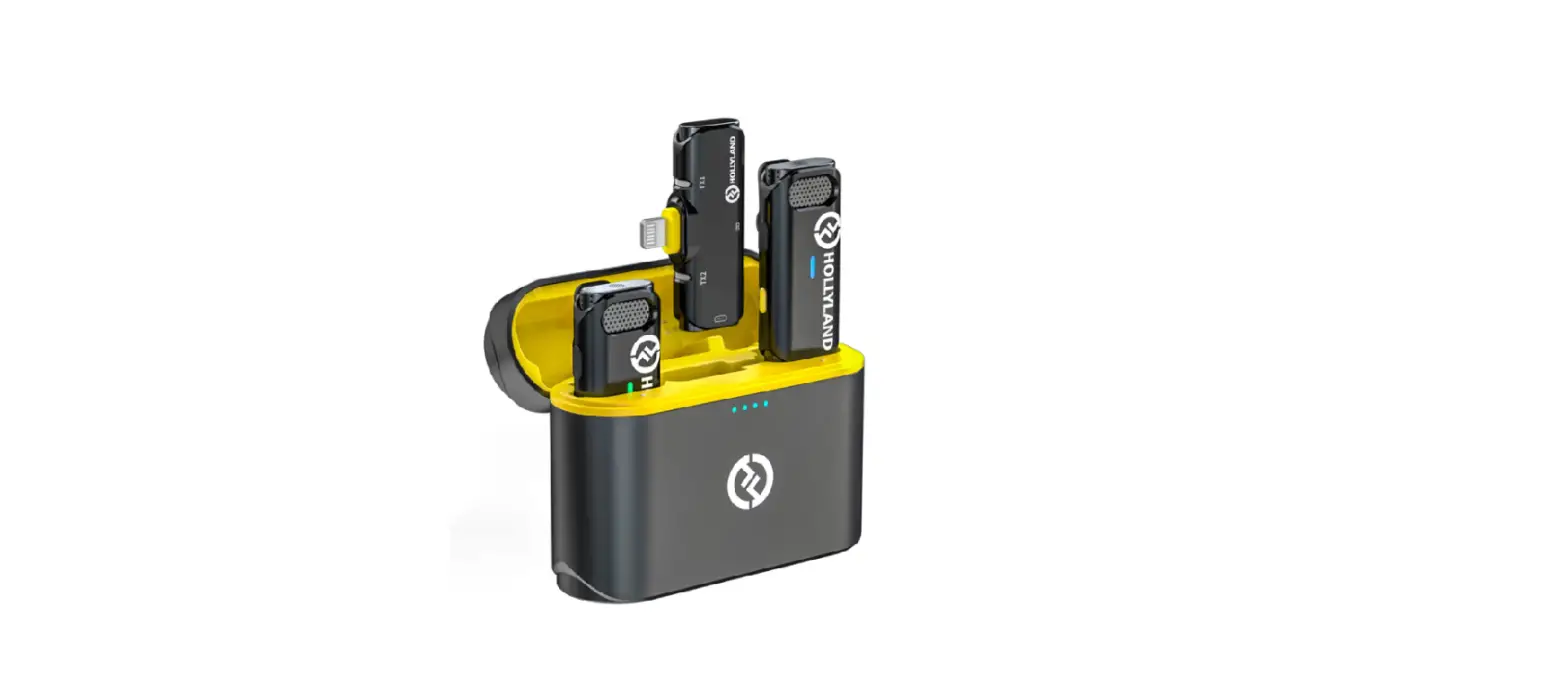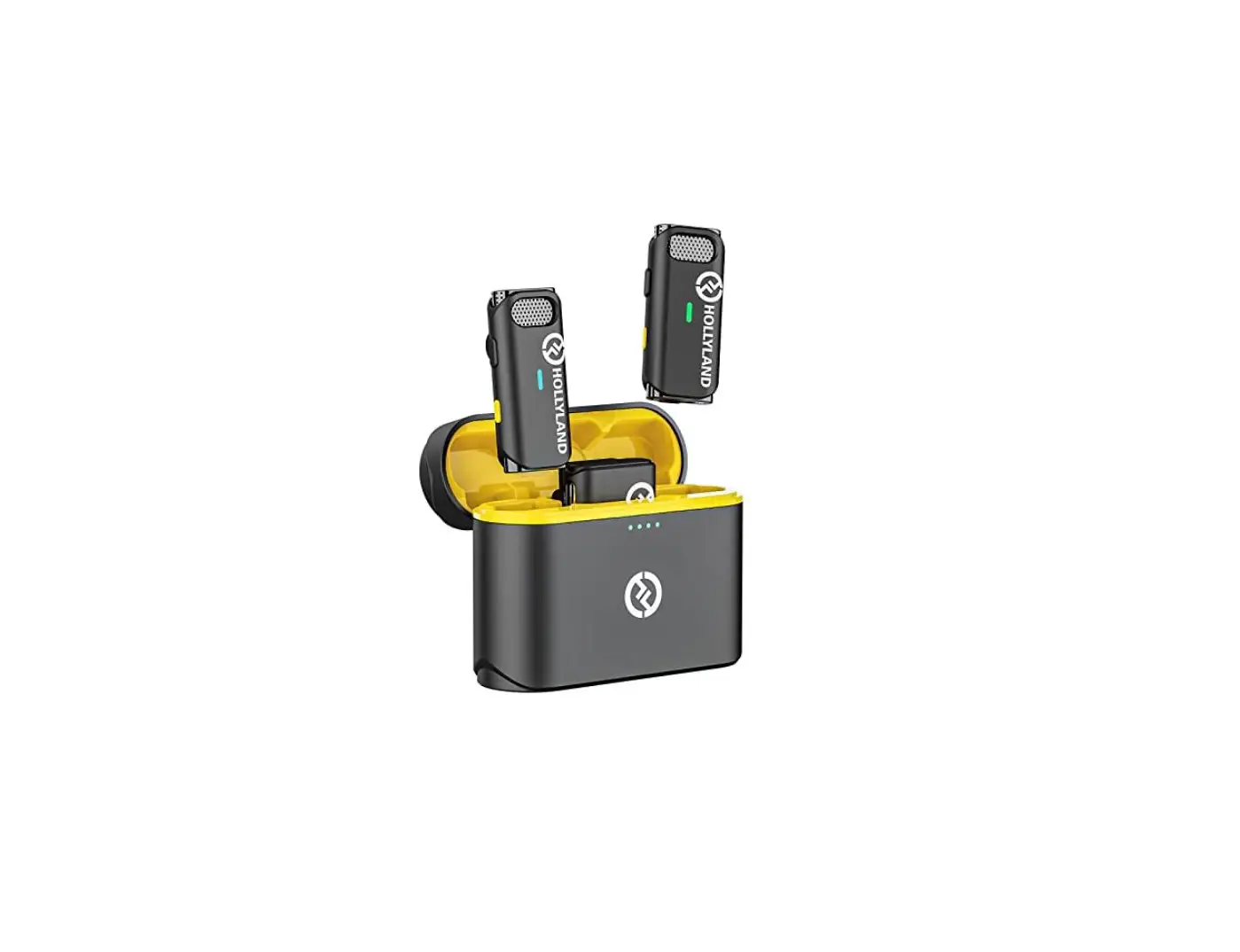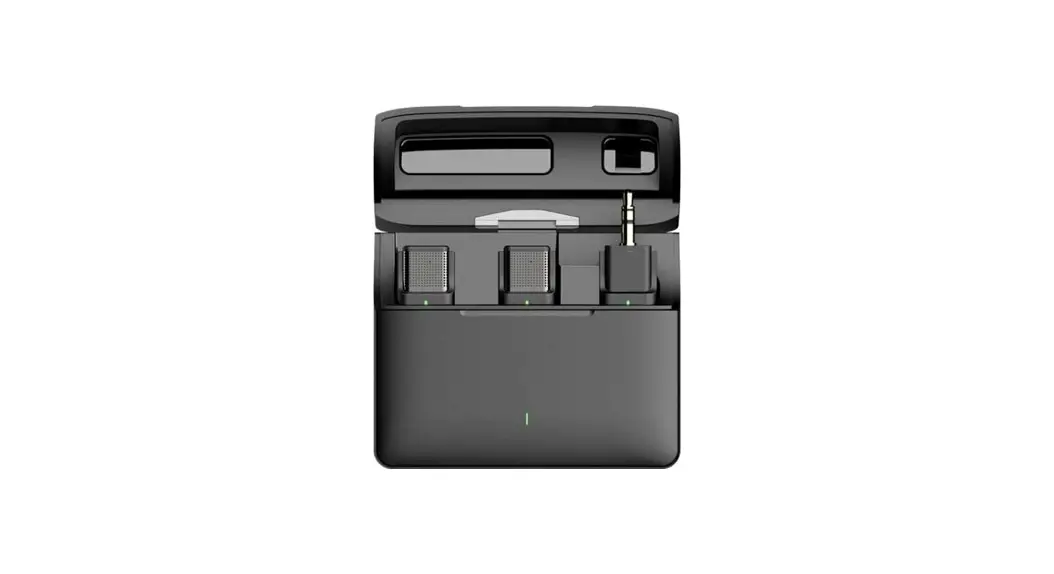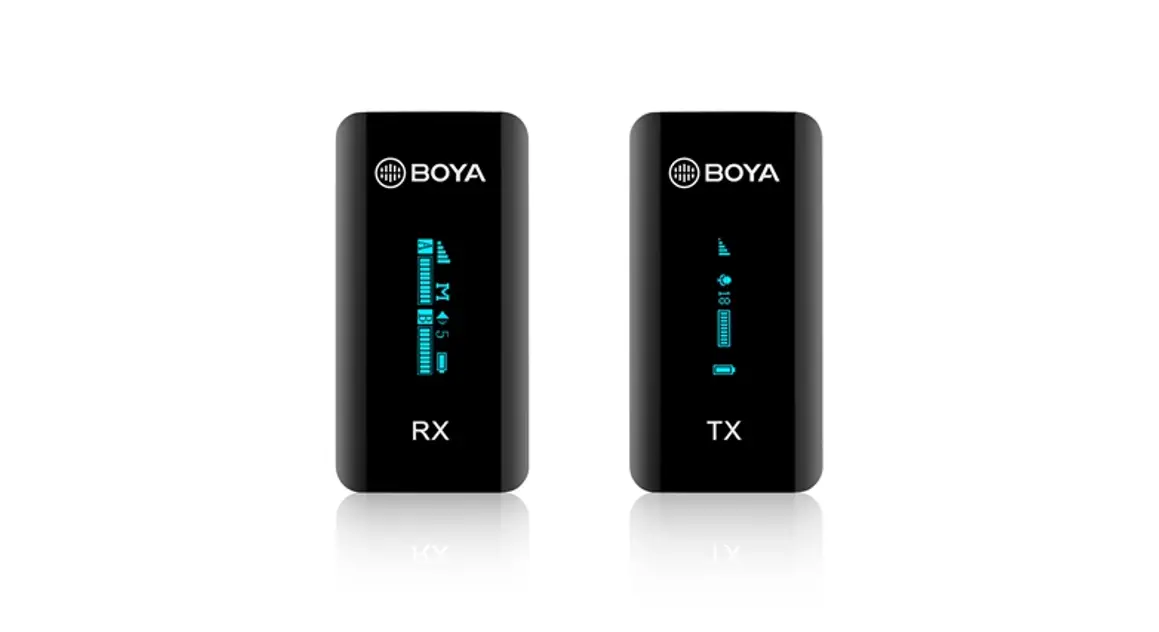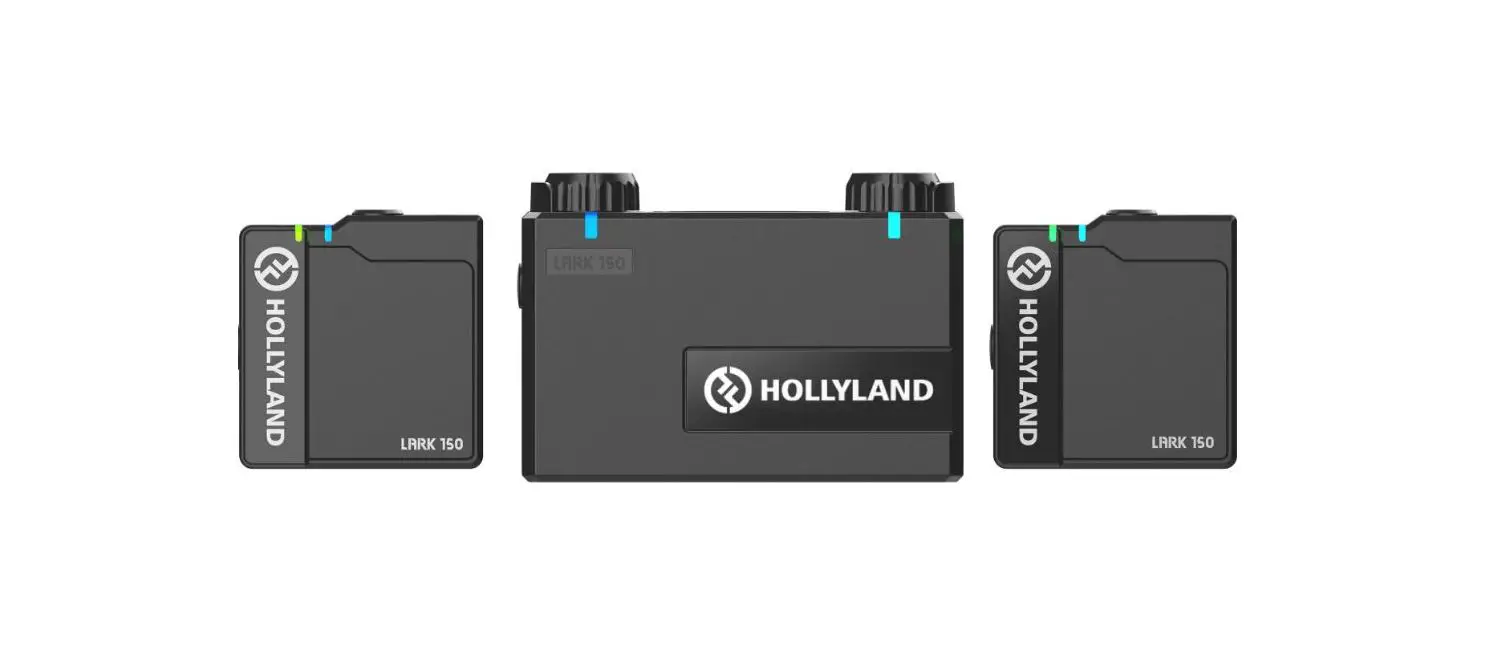

HOLLYLAND LARK M1 2-Person Wireless Microphones System
Packing List
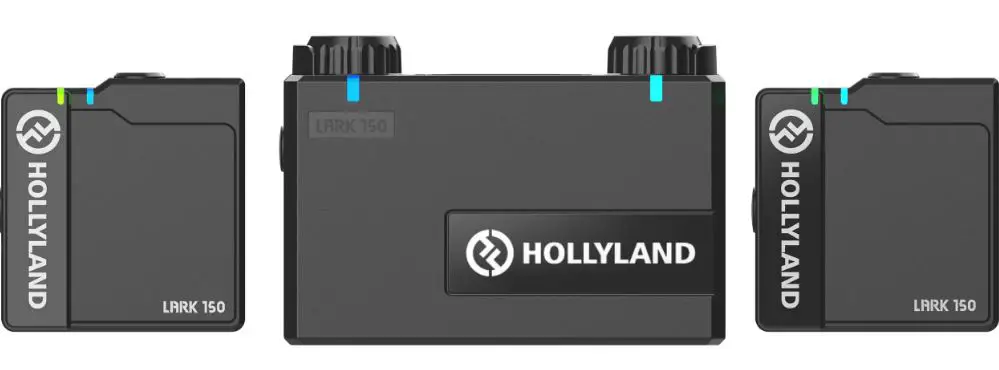
2-person Wireless Microphone System
| Charging Case | 1 |
| Transmitter | 2 |
| Receiver | 1 |
| Furry Windshield | 2 |
| 3.5mm TRS Patch Cable (for cameras) | 1 |
| 3.5mmTRStoTRR SPatchCable (TRRS compatible) | 1 |
| 3.5mm TRS to USB Type-C Cable (for Android phones) | 1 |
| 3.5mm TRS to Lightning Cable (for iPhones) | 1 |
| User Guide | 1 |
| Warranty Card | 1 |
Note: The amount of the items listed above are subject to the package edition.
Product Introduction 
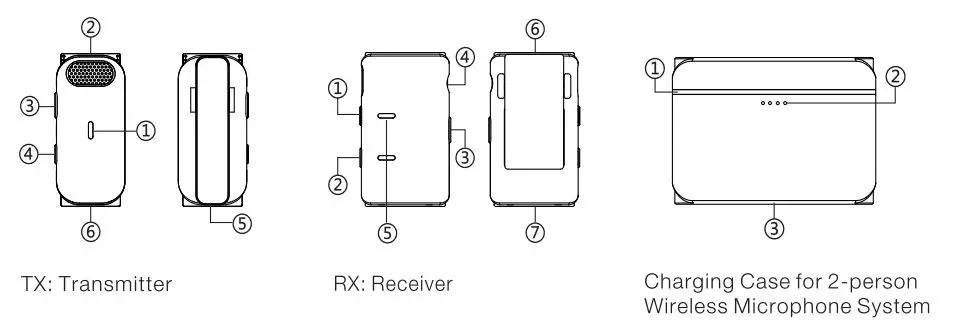
TX: Transmitter
- CD Status Indicator
- Built-in Microphone
- Power Button
- Pair/HearClear Noise
- Cancelling Button
- Mounting Clip
- Charging/Communication Contact
RX: Receiver
- CD Pair/Volume Up Button @ Pair/Volume Down Button @ Power Button
- 3.5mm Phone/Camera
- Interface Port
- Power Indicator
- Mounting Clip
- Charging/Communication Contact
Charging Case for 2-person Wireless Microphone System
- CD Indicator Inside the Case
- Indicator Outside the Case
- USB Type-C Port
Product Installation
- TX and RX automatically turn on and pair with each other out of the box.
- Clip the TX to a shirt collar.
Camera connection - Install the RX on the camera.
- Connect the RX and the camera with the 3.5mm TRS Patch Cable.
Note: Set camera recording volume to the lowest level and RX output volume the middle level to ensure the best recording effect.
Android phone connection - Connect the RX to the phone with the 3.5mm TRS to USB Type-C Cable.
I phone connection - Connect the RX to iPhone with the 3.5mm TRS to Lightning Cable.
Connection with TRRS Compatible Devices - Connect the RX to a TRRS compatible device with the 3.5mmTRS to TRRS Patch Cable.
Camera settings:
To ensure optimal use with the camera. please follow the settings as recommended below.
- [ SONYcamera: Camera recording volume set to1]
- [Canon camera: Recording level set to1 block]
- [ Fujifilm camera: External microphone volume set to-26dB]
Indicator Lights Guide – RX & TX
| Indicator Light Status | Device Status |
| Blue indicator light stays on | Device connected |
| Blue indicator light flashing | Device disconnected |
| Red indicator lights on TX & RX stay on | Low-battery TX |
| 2 red indicator lights flashing on RX | Low -battery RX |
| Green indicator light flashing | Device in charging (Displayed when charging in power-off} |
| The green indicator light stays on | The device fully charged (Displayed when charging in power-off) |
| Orange indicator light stays on | Noise-canceling function ON |
Indicator Lights Guide – Charging Case
| Indicat or Light Status | Device Status |
| One indicator light outside the case flashing when connected via USS | Charging case in charging {refer to the number of shining indicator lights for charging progress) |
| Four indicator lights outside the case stay on | Charging case fully cha rged |
| Indicator lights inside the case breat hing | TX/R X in charging |
| Indicator lights inside the case stay on | TX/RX fu ll y charged |
Indicator Lights Outside the Case Guide
| Number of Shining Indicator Lights | Charging Case Battery Level |
| One flashing indicator light | Low battery, output charging discontinued |
| One shining indicator light | 25% |
| Two shining indicator lights | 50% |
| Three shining indicator lights | 75% |
| Four shining indicator lights | 100% |
Operating Guide
Auto Power On/Off
Remove TX/RX from the charging case, it will automatically turn on.
Put TX/RX back in the charging case, it will automatically turn off.
Manually Power On/Off
Hold Power Button of TX/RX for 3s seconds to power on/off the device manually.
Auto Pairing
Remove TX/RX from the charging case, they will automatically pair with each other.
Put TX/RX back in the charging case, they will automatically disconnect with each other.
Manually Pairing
Hold Pair/HearClear Noise-Cancelling Button of TX for 3s seconds and then hold Pair Button of RX for 3s seconds to pair.
Charging
Auto Charging
Put the devices back to the charging case, the auto-charging starts.
Manually Charging
Charge the TX, RX, and Charging Case separately via the Type-C port of each unit. Turn On/Off HearClear Noise-Cancelling Function on TX Press the Pair/HearClear Noise-Cancelling, Button on TX to turn on/off the
noise-canceling function.
Volume Gain Adjustment
There are three volume-level settings on the RX: Low, Middle, and High. The volume level of the device is set to Middle by default. Press the PairNolume Up Button on the RX to increase volume and PairNolume Down Button to decrease volume.
Parameters
| Wireless Transmission | 2.4GHz Adaptive Frequency Hopping (AFH) |
| Transmission Range | 30M (free movement) , 15 0M (LOS) |
| In-Built Microphone | Polar Pattern: Omnidirectional Frequency Range: 20Hz- 20KHz |
| Maximum SPL | 110dB SPL |
| Input Dynamic Range | 86dB |
| Audio Output Range | -40dBV- -28dBV |
| Batte ry Type | TX, 140mAh (0.518Wh) RX, 200mAh (0. 76Wh) Charging Case: 1400mAh (5.18Wh) |
| Runtime | TX, 8H RX, 8H Charging Case: Maximum 2 times charging for 2 TX and 1 RX. |
| Charg ing Time | TX, 1.5H RX, 1.5H Charging Case: 1.5H |
| Dimensions | TX, 48×21.5×1 0 mm RX, 48.3X27.6X11mm Charging Case: 83×60 x30 mm |
| Weight | TX, 11.8g RX, 17.5g Charging Case: 80g |
Note: The frequency range and wireless transmit power of the device vary based on the regulations of different countries and regions.
Safety Precautions
Do not place the product near or inside heating devices (including but not limited to microwave ovens, induction cookers, electric ovens, electric heaters, pressure cookers, water heaters, gas stoves) to prevent the battery from overheating and exploding.
Never use non-original charging cases, cables, and batteries with the product. The use of non-original spare parts may cause electric shock, fire, explosion, or other dangers.
FCC Requirement
Any changes or modifications not expressly approved by the party responsible for compliance could void the user’s authority to operate the equipment. This device complies with Part 15 of the FCC Rules. Operation is subject to the following two conditions:
- this device may not cause harmful interference.
- this device must accept any interference received, including interference that may cause undesired operation.
Note: This equipment has been tested and found to comply with the limits for a Class B digital device, pursuant to Part 15 of the FCC Rules. These limits are designed to provide reasonable protection against harmful interference in a residential installation. This equipment generates, uses, and can radiate radio frequency energy, and if not installed and used in accordance with the instructions, may cause harmful interference to radio communications. However, there is no guarantee that interference will not occur in a particular installation. If this equipment does cause harmful interference to radio or television reception, which can be determined by turning the equipment off and on, the user is encouraged to try to correct the interference by one or more of the following measures:
- Reorient or relocate the receiving antenna.
- Increase the separation between the equipment and receiver.
- Connect the equipment into an outlet on a circuit different from that to which the receiver is connected.
- Consult the dealer or an experienced radio/TV technician for help.