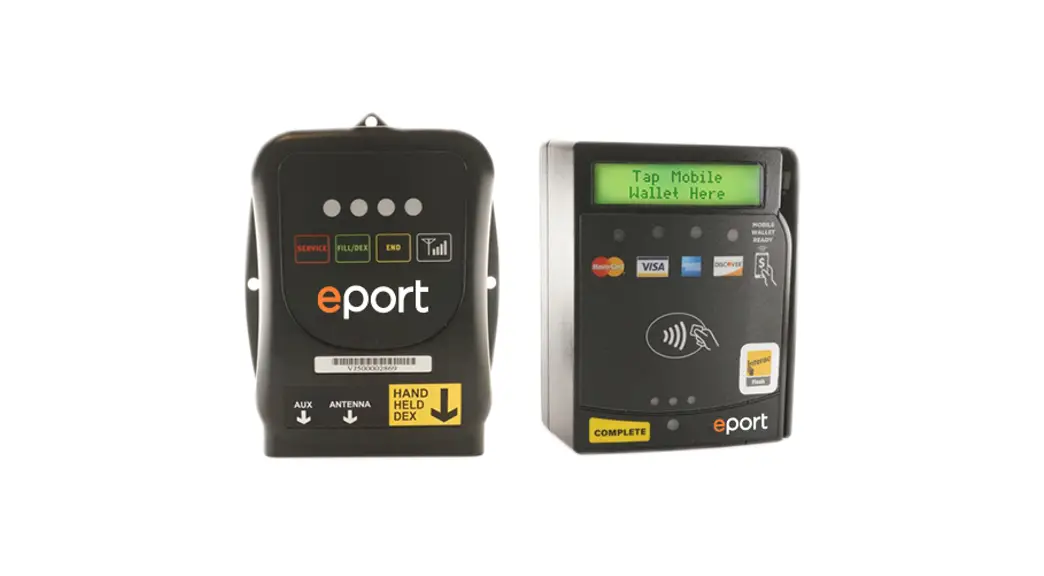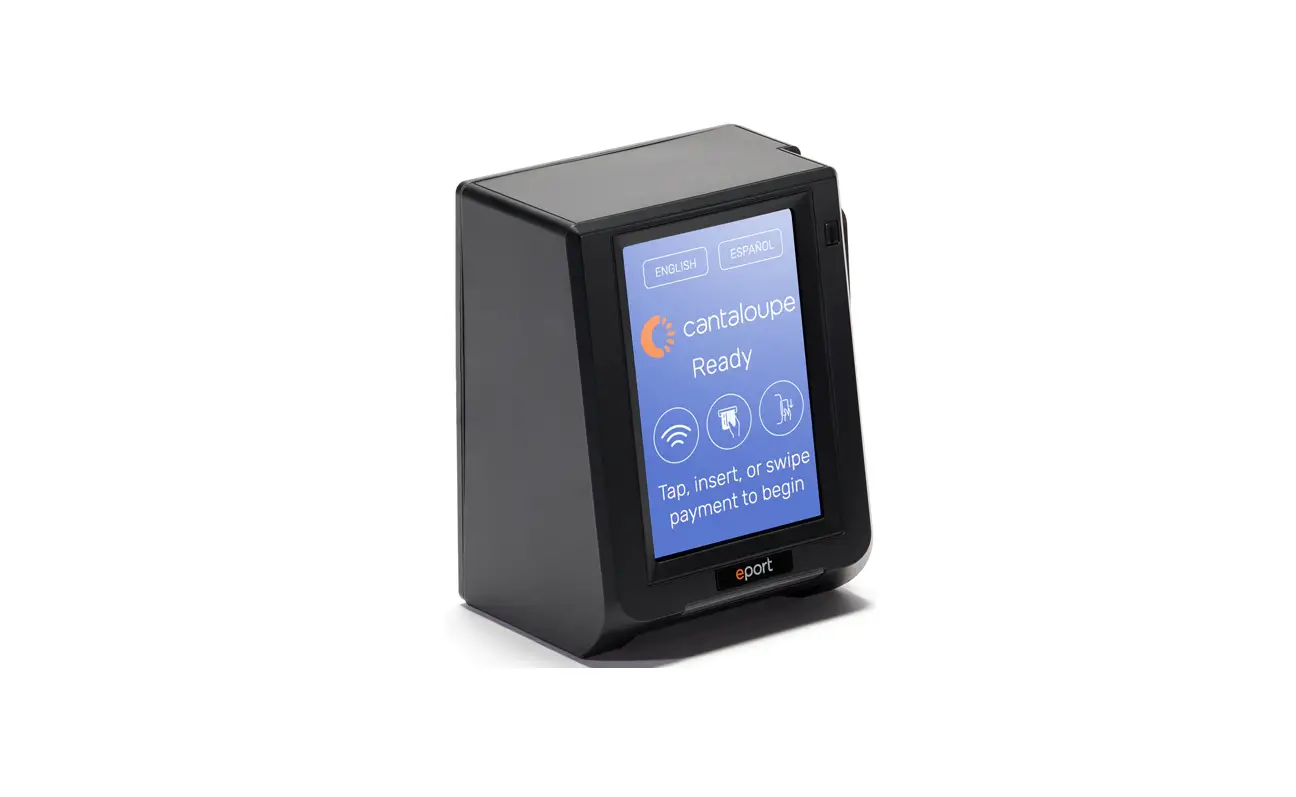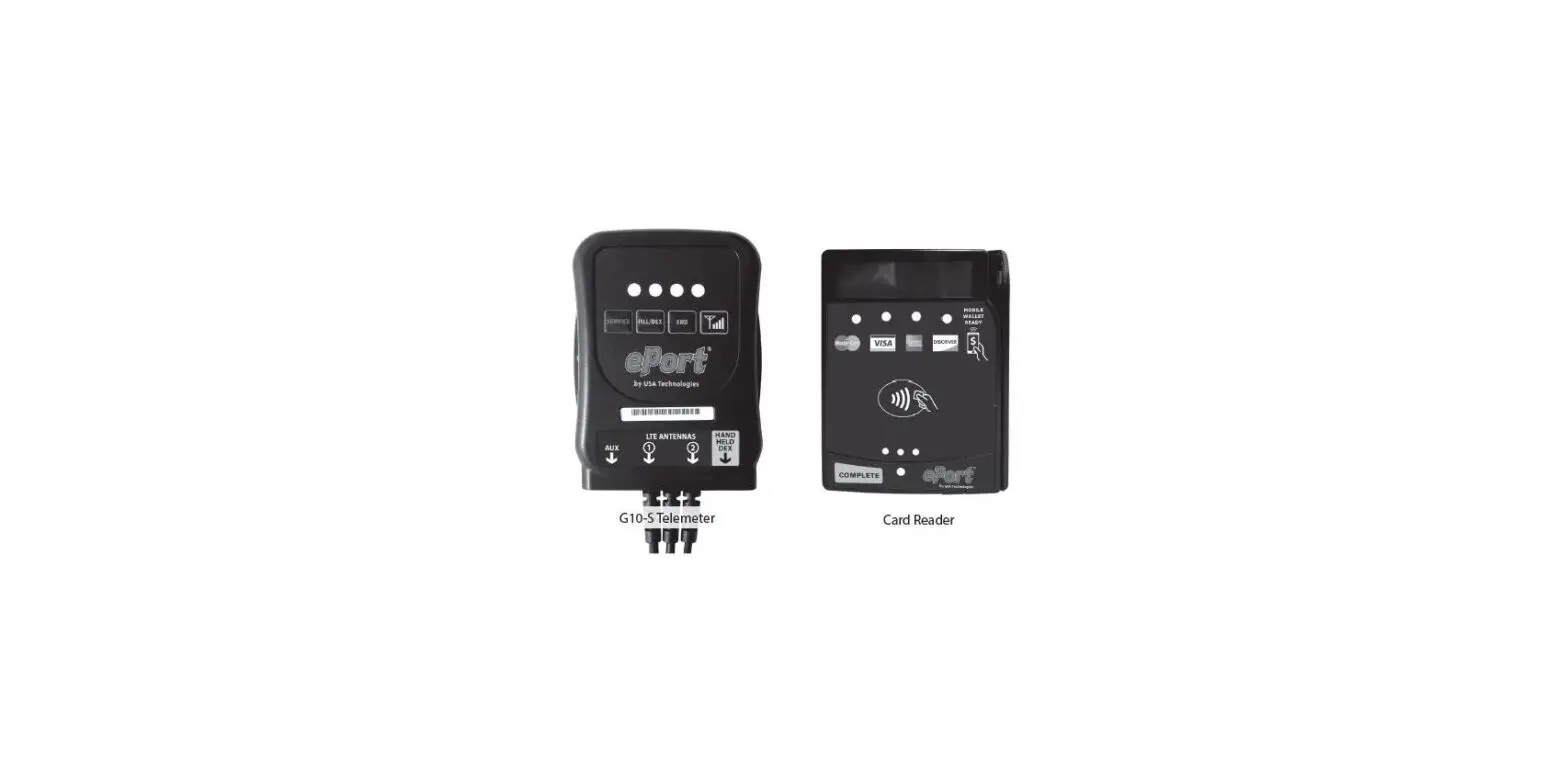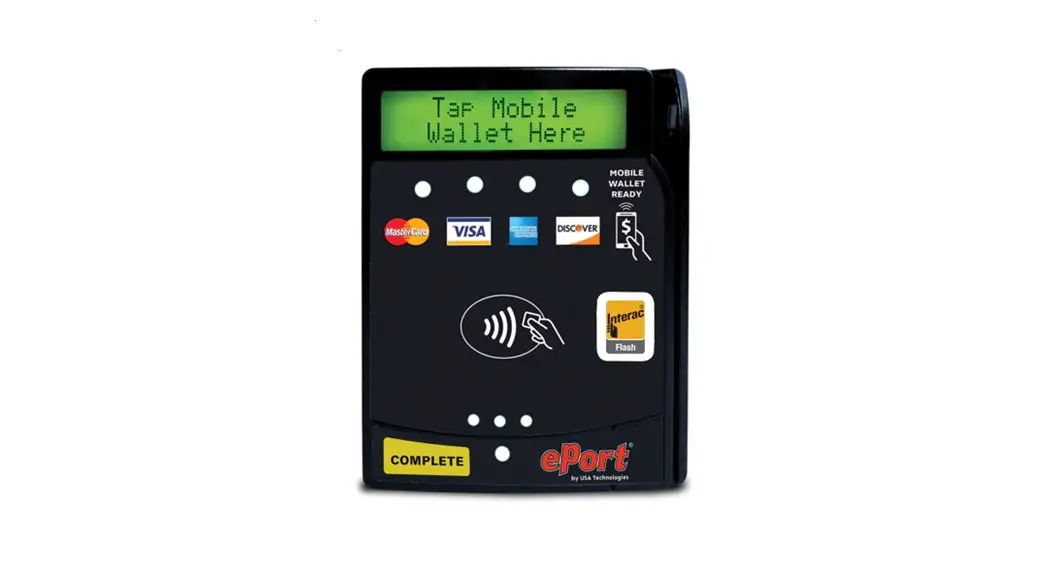

Serial Interface Installation for ePort
G9 with Customer Supplied Power
NOTES
- The ePort G9 Serial Protocol Specifications document (part #: V9VUD0101210) is available upon request.
- Please note, the G9 device you’re trying to install may not be config- ured for the Serial Interface. This can be changed by calling our Customer Support Team at 1-888-561-4748 and pressing option “1” when prompted to reach technical assistance. Please have the serial number of the G9 device available. The serial number begins with ‘N/J” followed by nine digits. When talking with Customer Support have them check that “Interface Type” is set for “Serial Interface.”
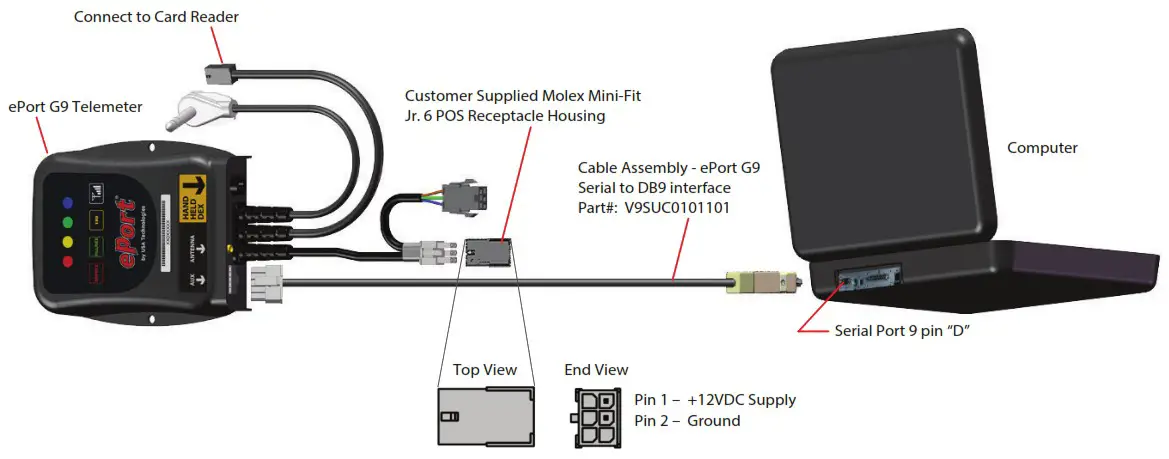
Required Parts Supplied by Customer
| 1 Molex Mini-Fit Jr. 6 POS Receptacle Housing | Part #: 39-01-2060 |
| 2 Molex Mini-Fit® Female Crimp Terminals | Part #: 39-00-0047 |
This guide was created during the Company’s tenure as USA Technologies, Inc.
The Company rebranded to Cantaloupe, Inc. April 19th, 2021. For contact information please visit www.cantaloupe.com.
100 Deerfield Lane
Suite 140
Malvern, PA 19355
www.usatech.com
800.633.0340
PART #: V9VUD0201240, REV A
 The unattended retail platform you need to optimize your entire business. : Cantaloupe
 The unattended retail platform you need to optimize your entire business. : Cantaloupe