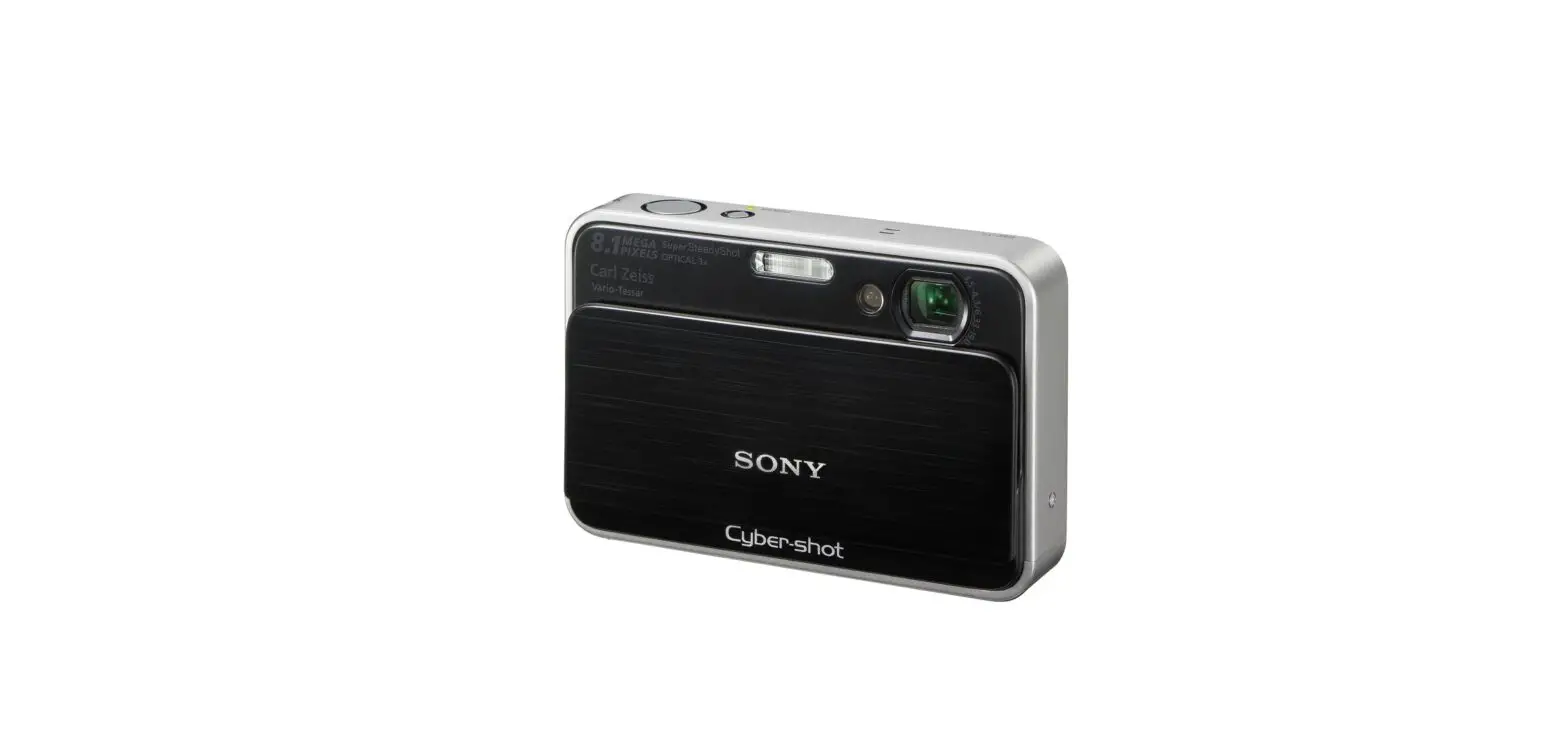

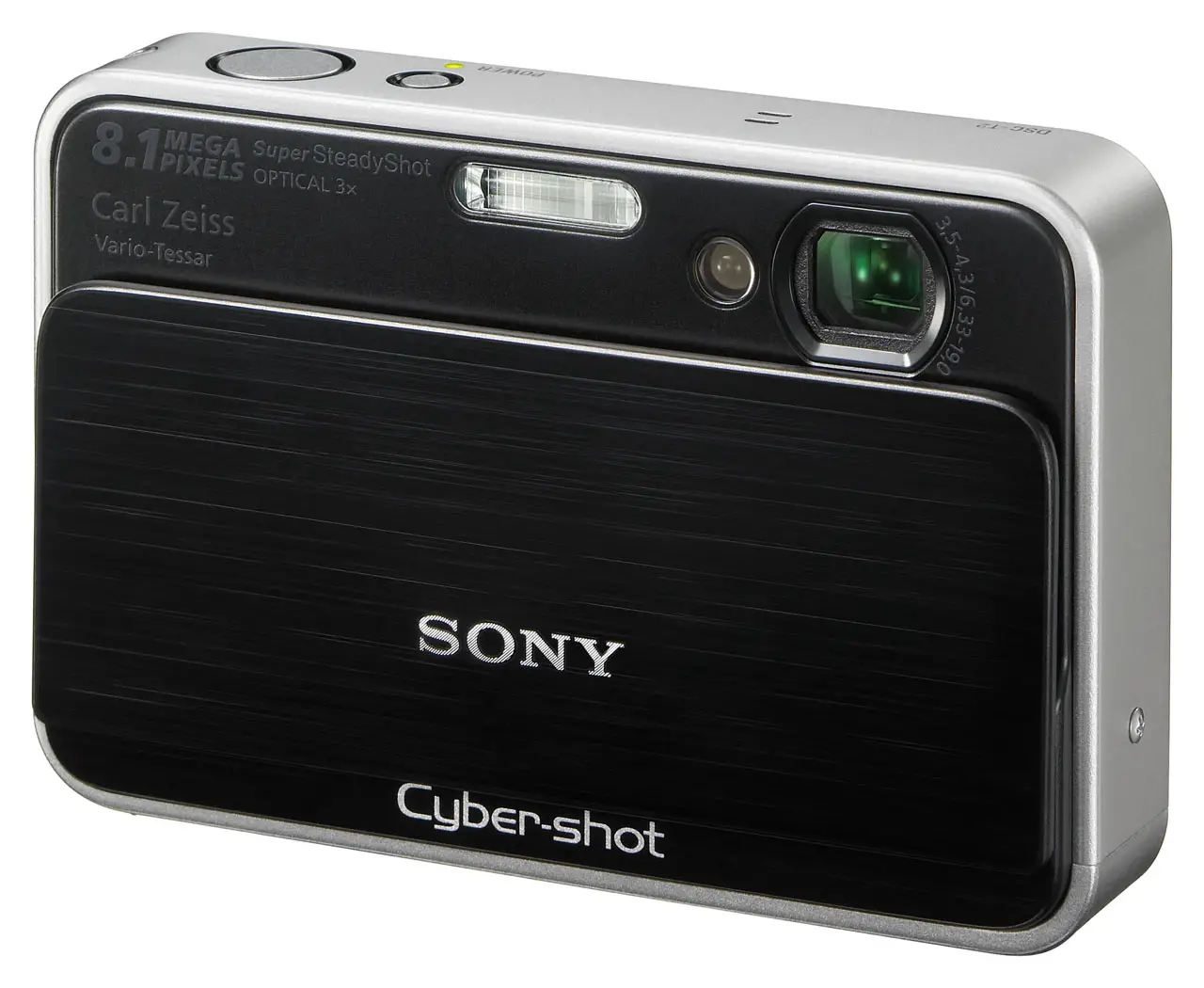
SONY DSC-T2 Digital Still Camera
The components identified by mark or dotted line with mark are critical for safety. Replace only with part number specified.
ACCESSORIES
Note:
- Items marked “*” are not stocked since they are seldom required for routine service.
Some delay should be anticipated when ordering these items. - The parts numbers of such as a cabinet are also appeared in this section.
Refer to the parts number mentioned below the name of parts to order.
Abbreviation
- AR : Argentine model
- AUS: Australian model
- CH : Chinese model
- CND: Canadian model
- HK : Hong Kong model
- J : Japanese model
- JE : Tourist model
- KR : Korea model
- TH : Thai model
Checking supplied accessories
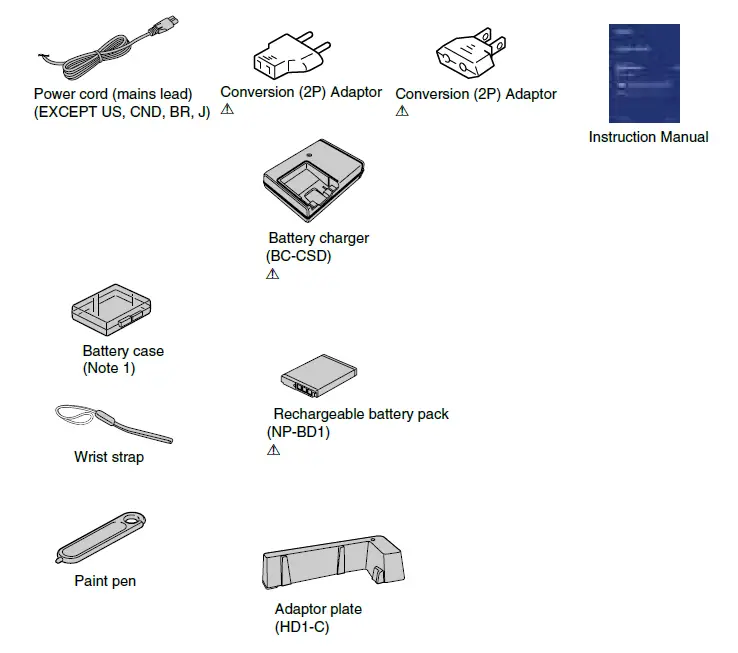
Note 1: This item is supplied with the unit as an accessory, but is not prepared as a service part.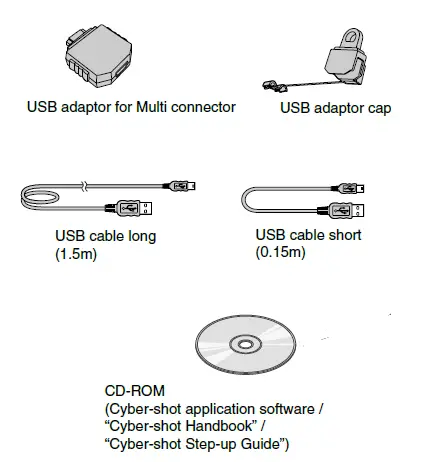
The CD-ROM supplied contains all of language version of the Instruction Manual in pdf (Cyber-shot Handbook.pdf) for printing.
The printed matter is not supplied. If required, please order it with the part number below.
Checking the accessories supplied
- Battery charger BC-CSD (1)

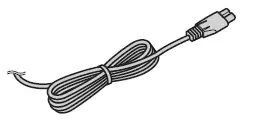
- Power cord (mains lead) (1) (not supplied in the USA and Canada)

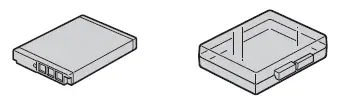
- Rechargeable battery pack NP-BD1 (1)/Battery case (1)

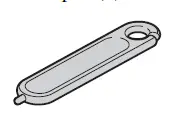
- Paint pen (1)

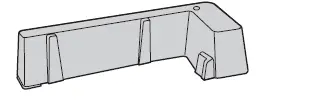
- Adaptor plate (1)
You can place the camera on the Cyber-shot Station (not supplied) using the adaptor plate
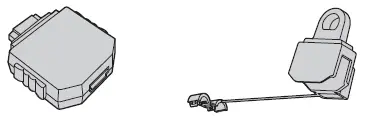
- USB adaptor for Multi connector (1)/ USB adaptor cap (1)

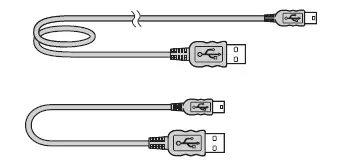
- USB cable (long) (1)/USB cable (short) (1)

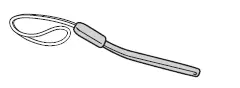
- Wrist strap (1)

- CD-ROM (1)
- Cyber-shot application software
- “Cyber-shot Handbook”
- “Cyber-shot Step-up Guide”
- Instruction Manual (this manual) (1)
About the paint pen
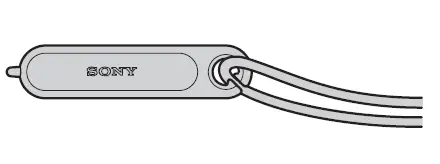
- You can paint or put stamps on still images with the paint pen.
- Attach the paint pen to the wrist strap (shown right).
- Do not carry the camera by holding the paint pen. The camera may fall off.
2008E0800-1 © 2008.05 Published by Kohda TEC