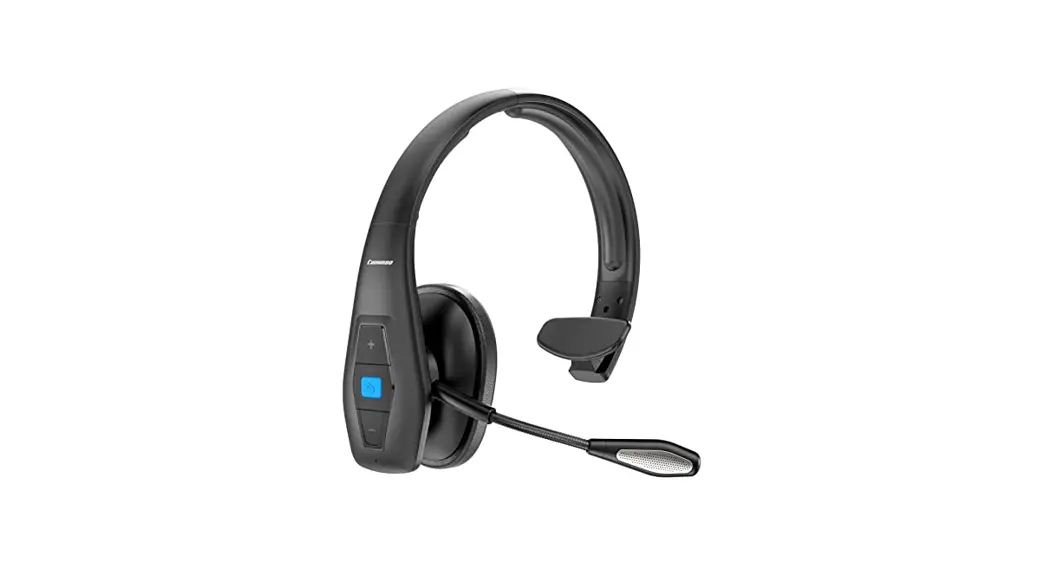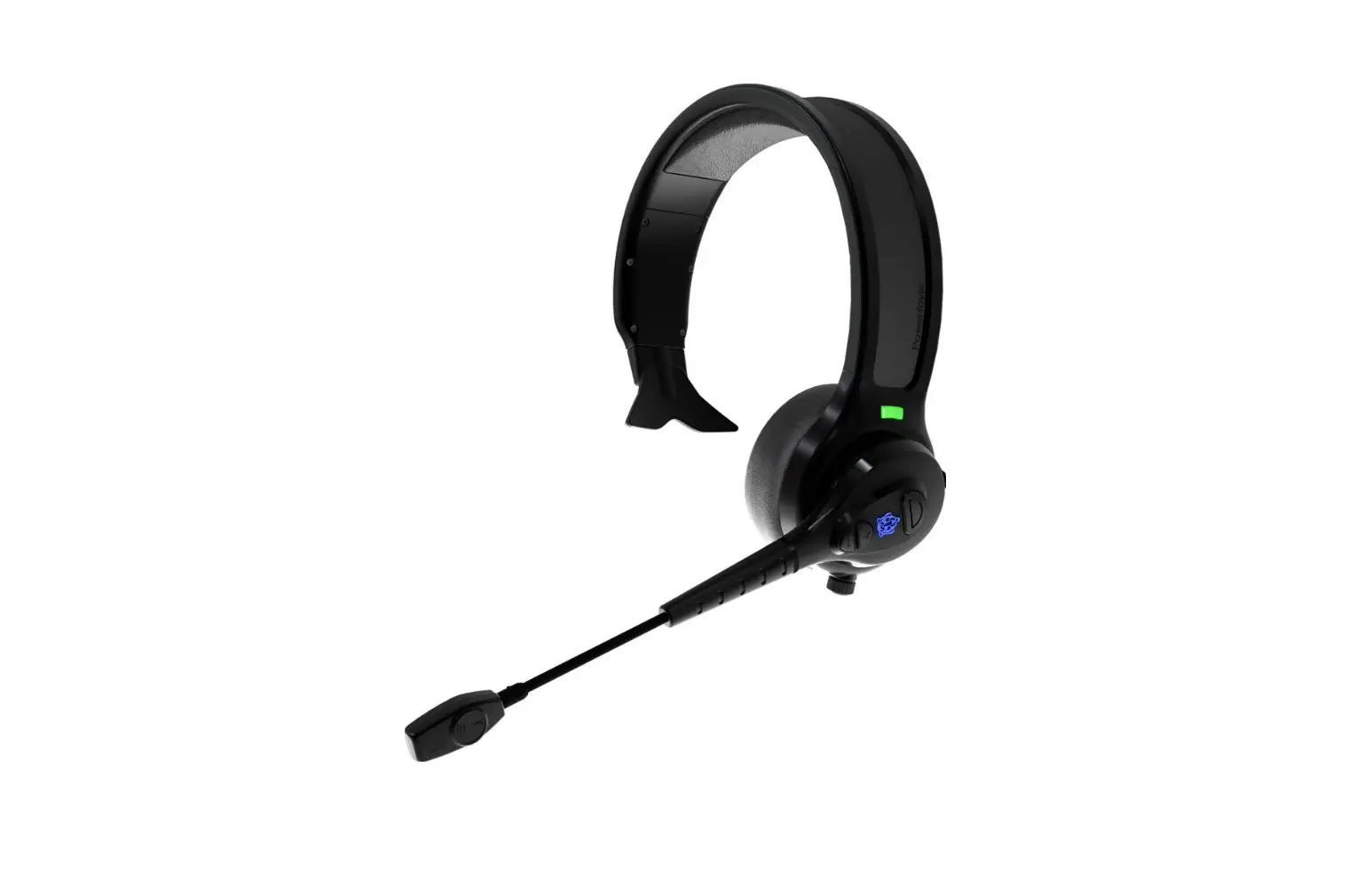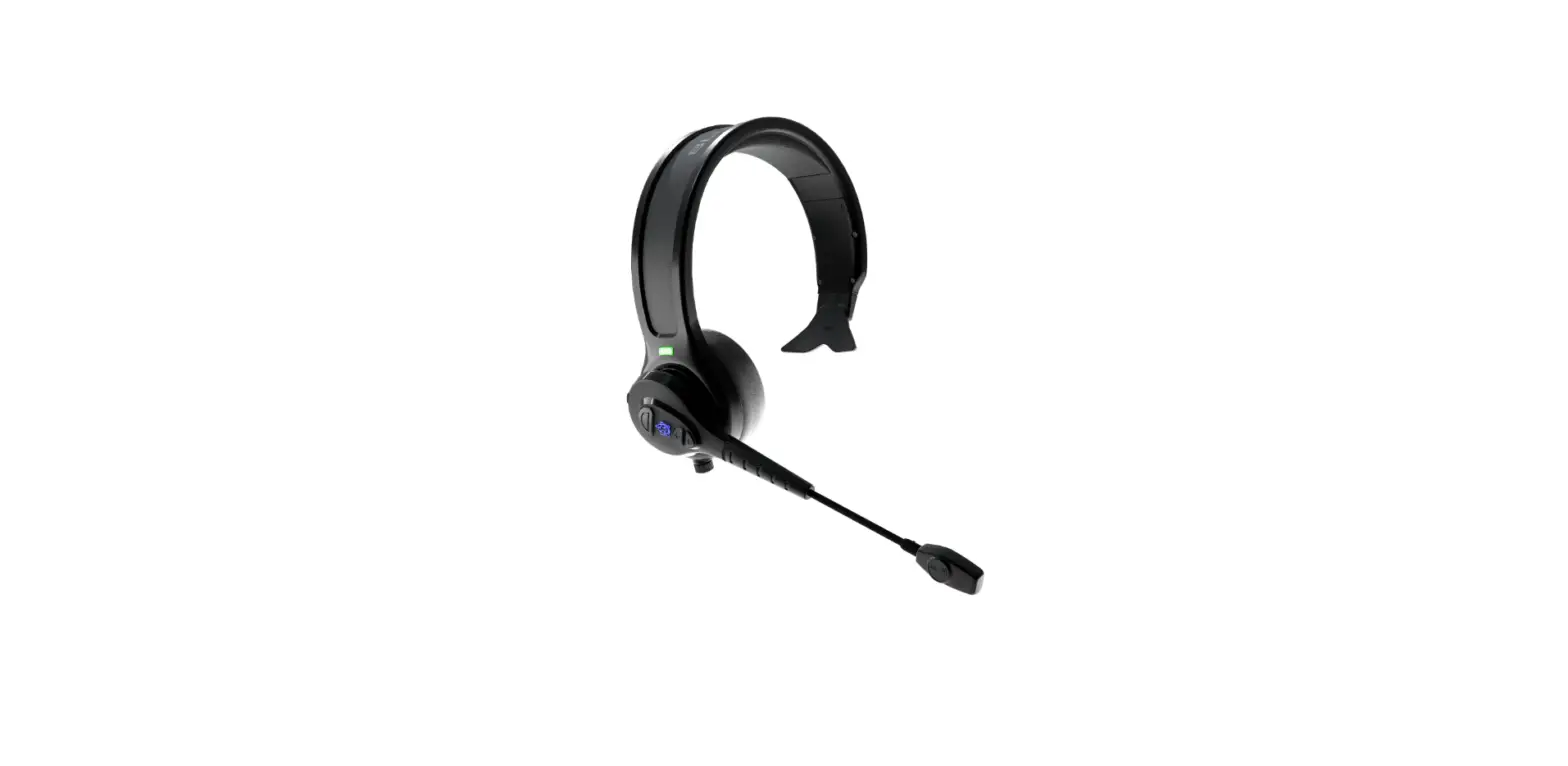
BLUE TIGER Advantage Plus Wireless Bluetooth Headset Instructions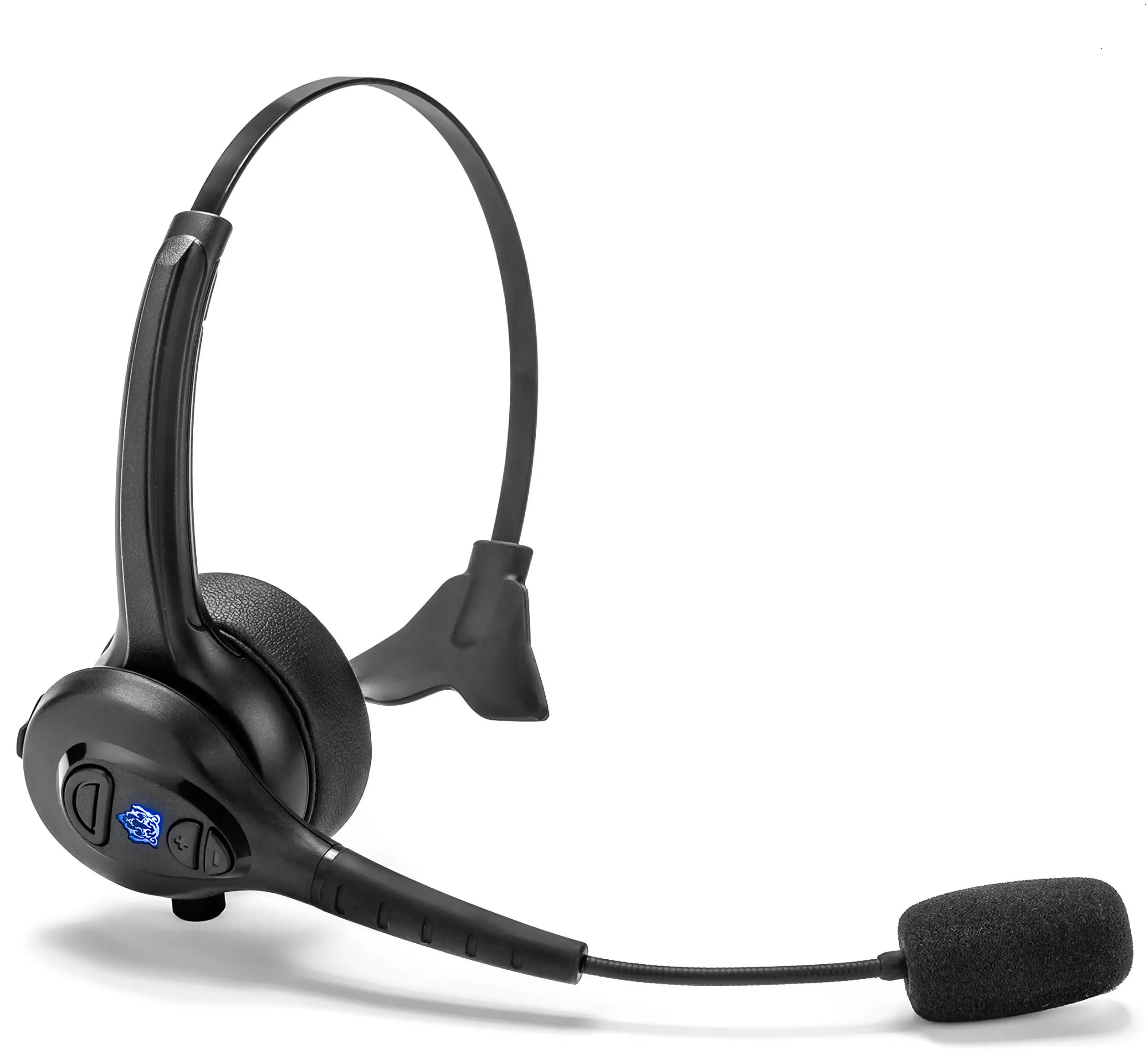
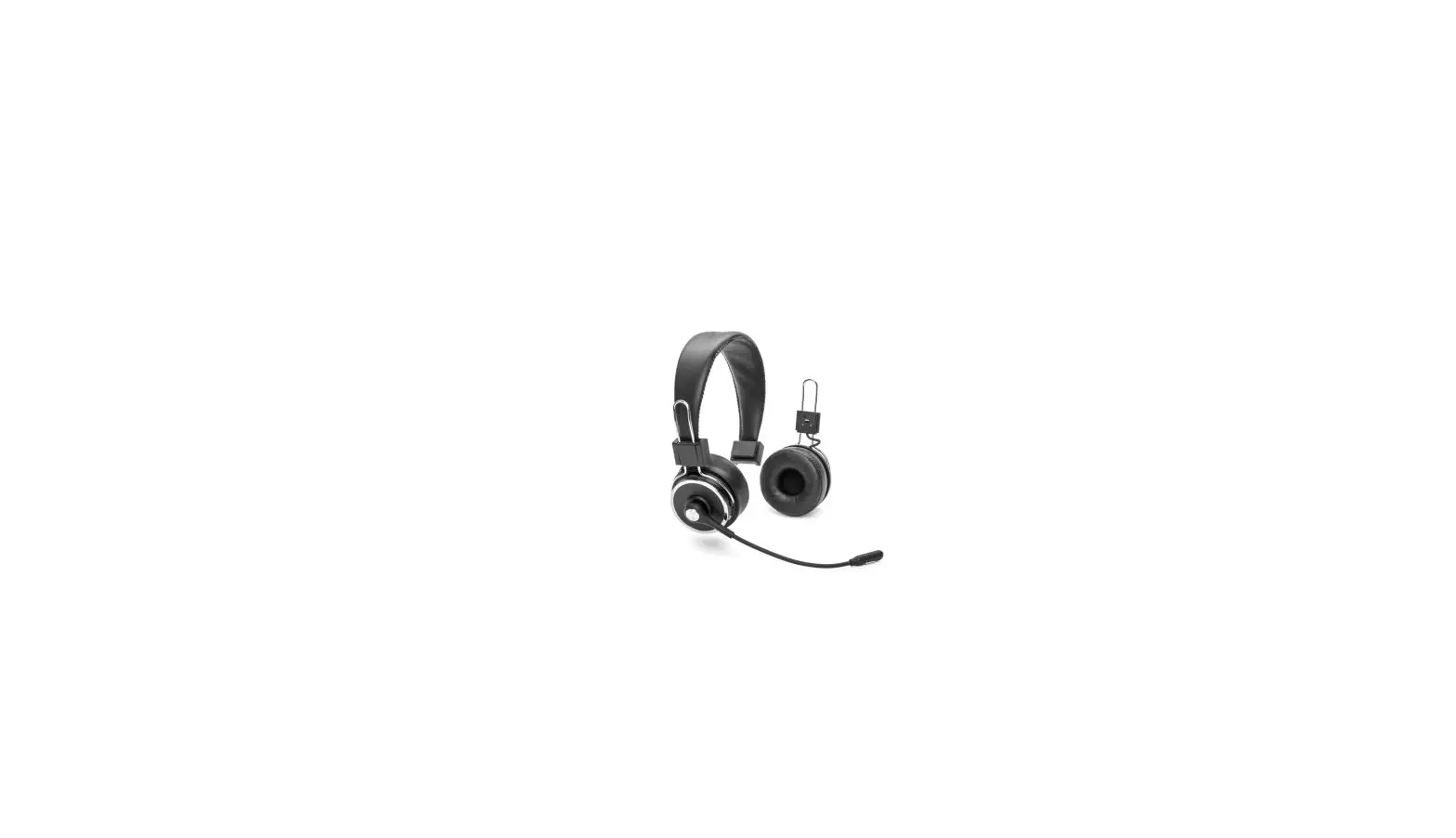
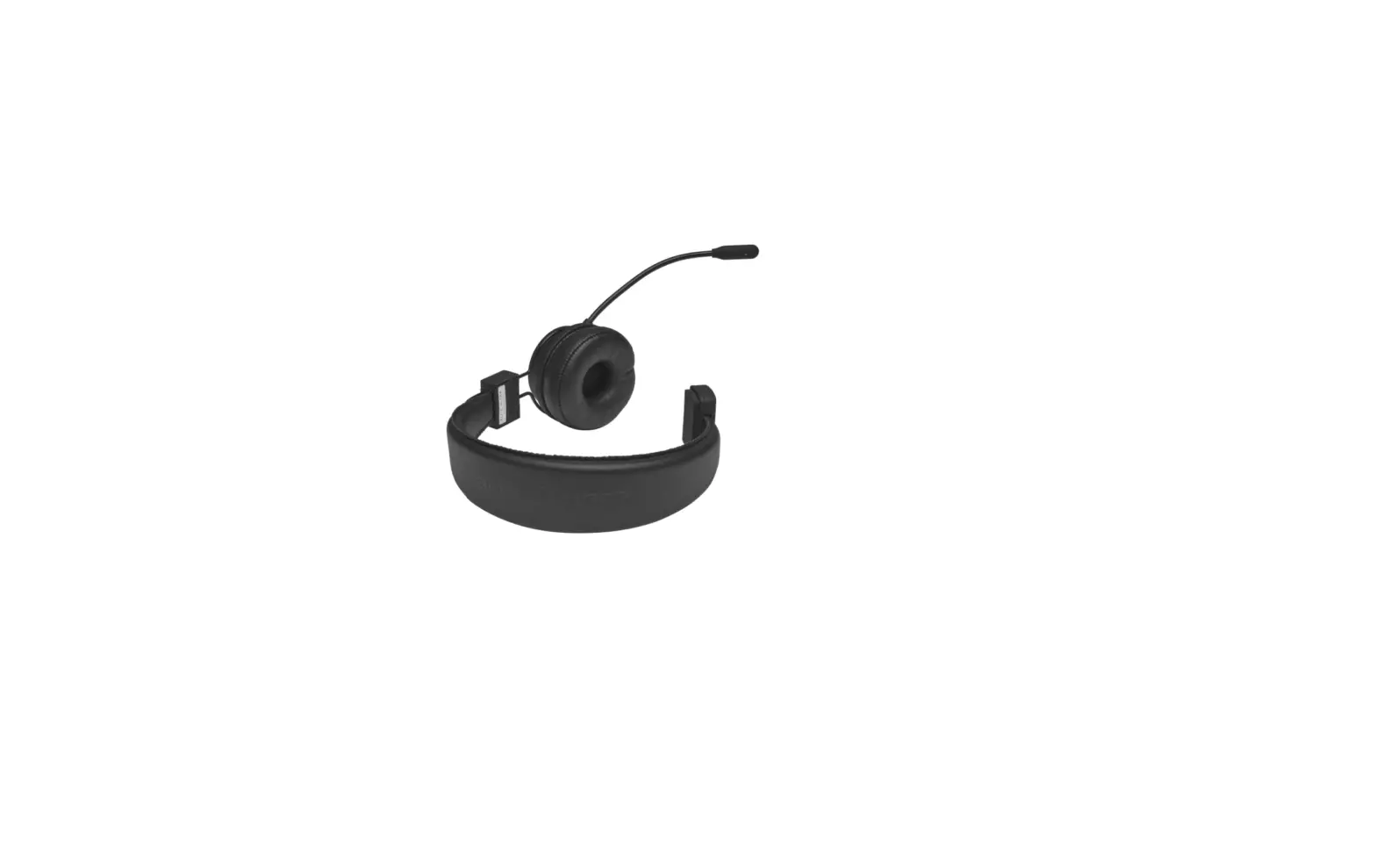
Adjust the Flexband for your perfect fit Flex to widen fit

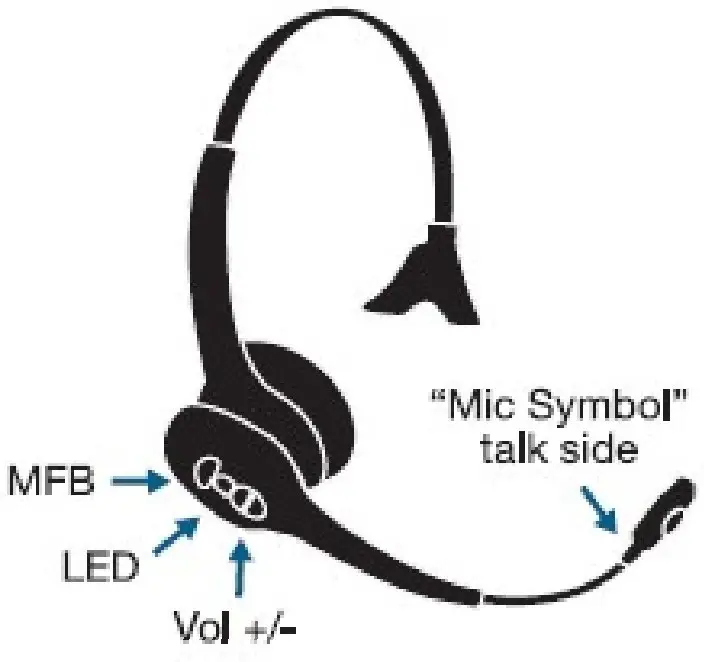
INSTRUCTIONS
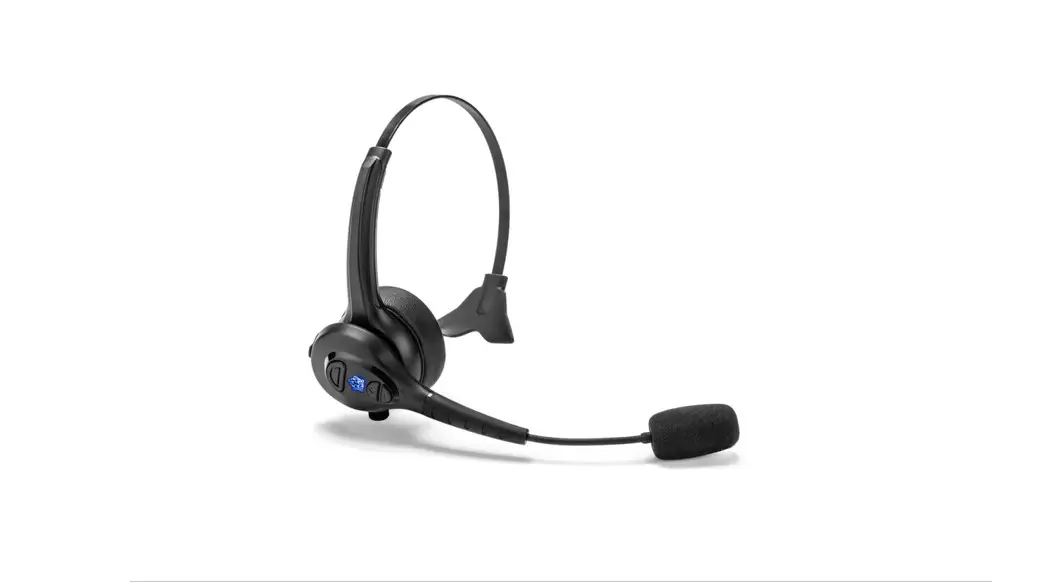
- With the Headset OFF, press and HOLD the Multi-Function Button (MFB) for at least 5 seconds, until the LED is lashing Blue and Red, or until you hear
“Blue Tiger activated. Pairing. Please wait” - On your phone. access tne Bluetooth menu and select
Add New Device, or Search for New Device. - Select Advantage PLUS from the device list on your phone. (may show as Advanta on some phone models).
- If a passkey is required. enter “0000′
To safely recharge the battery. please refer to the Advantage PLUS User Manual located online.
Your Blue Tiger Advantage PLUS User Manual can be found on our website at: httos://bluetigerusa.com/page/user-manuals-1#
Contact us at 1-800-935-1165 to register your headset and learn more about the benefits that come with owning a Blue Tiger.
You can also visit: www.bluetigerusa.com but we’d prefer you to call so we can chat.