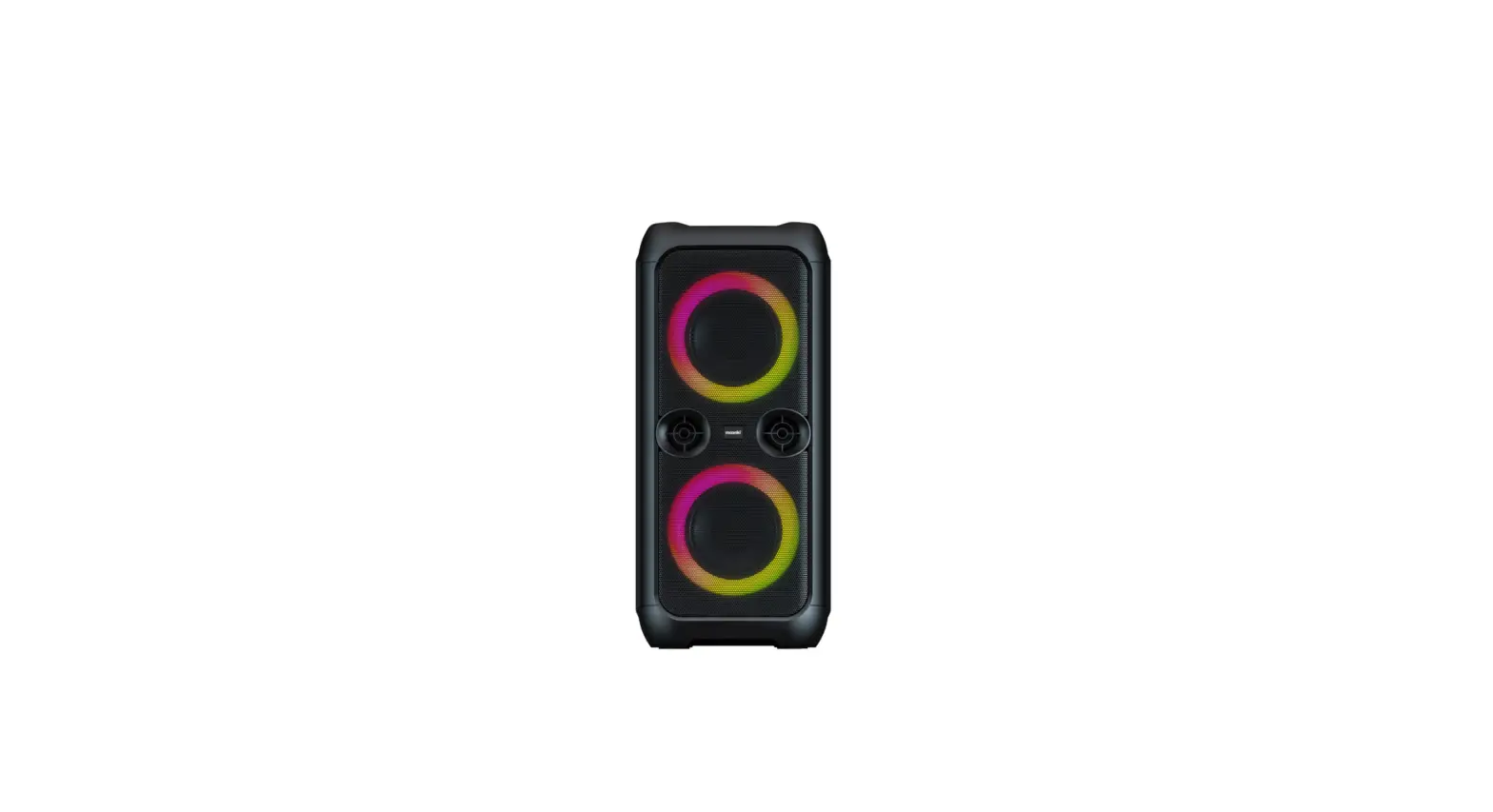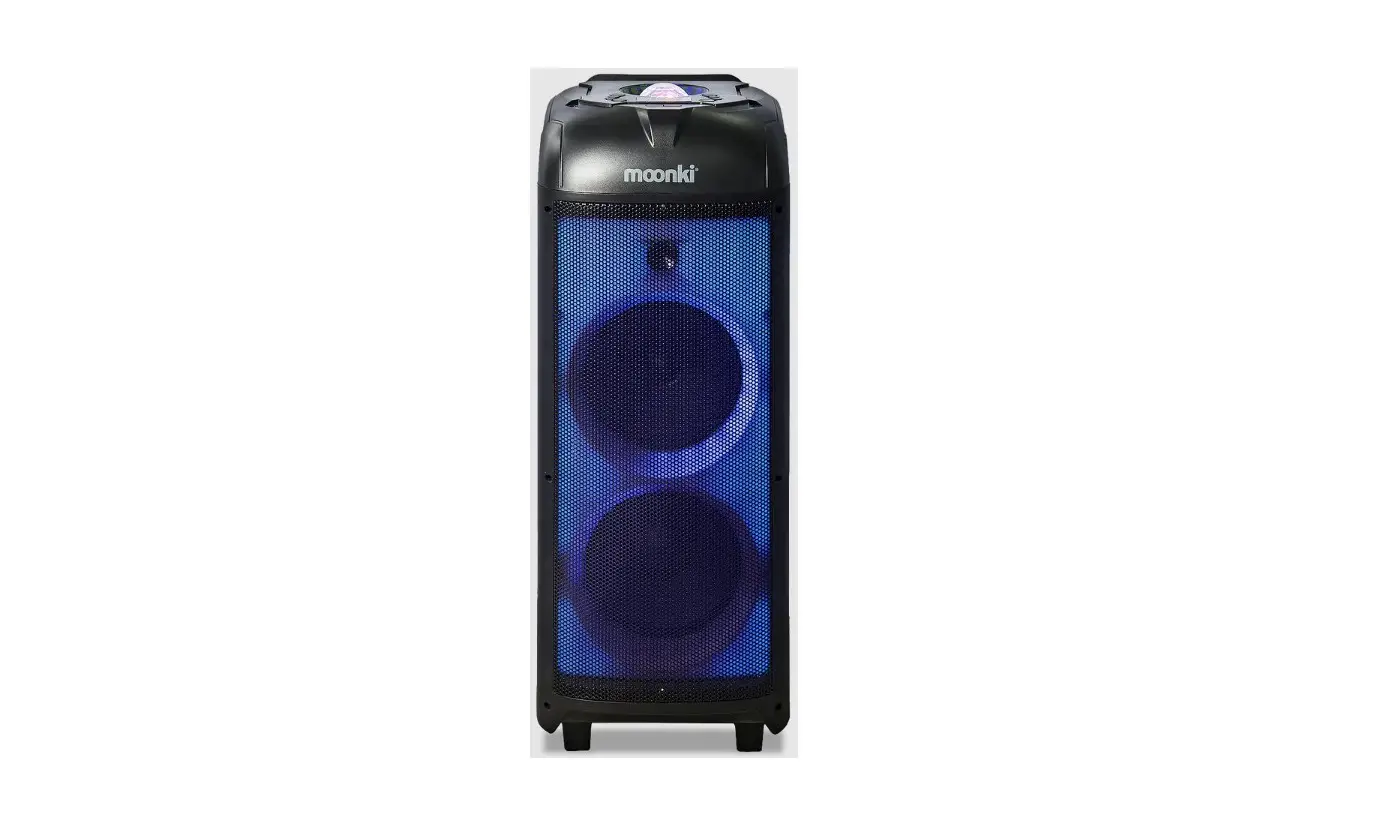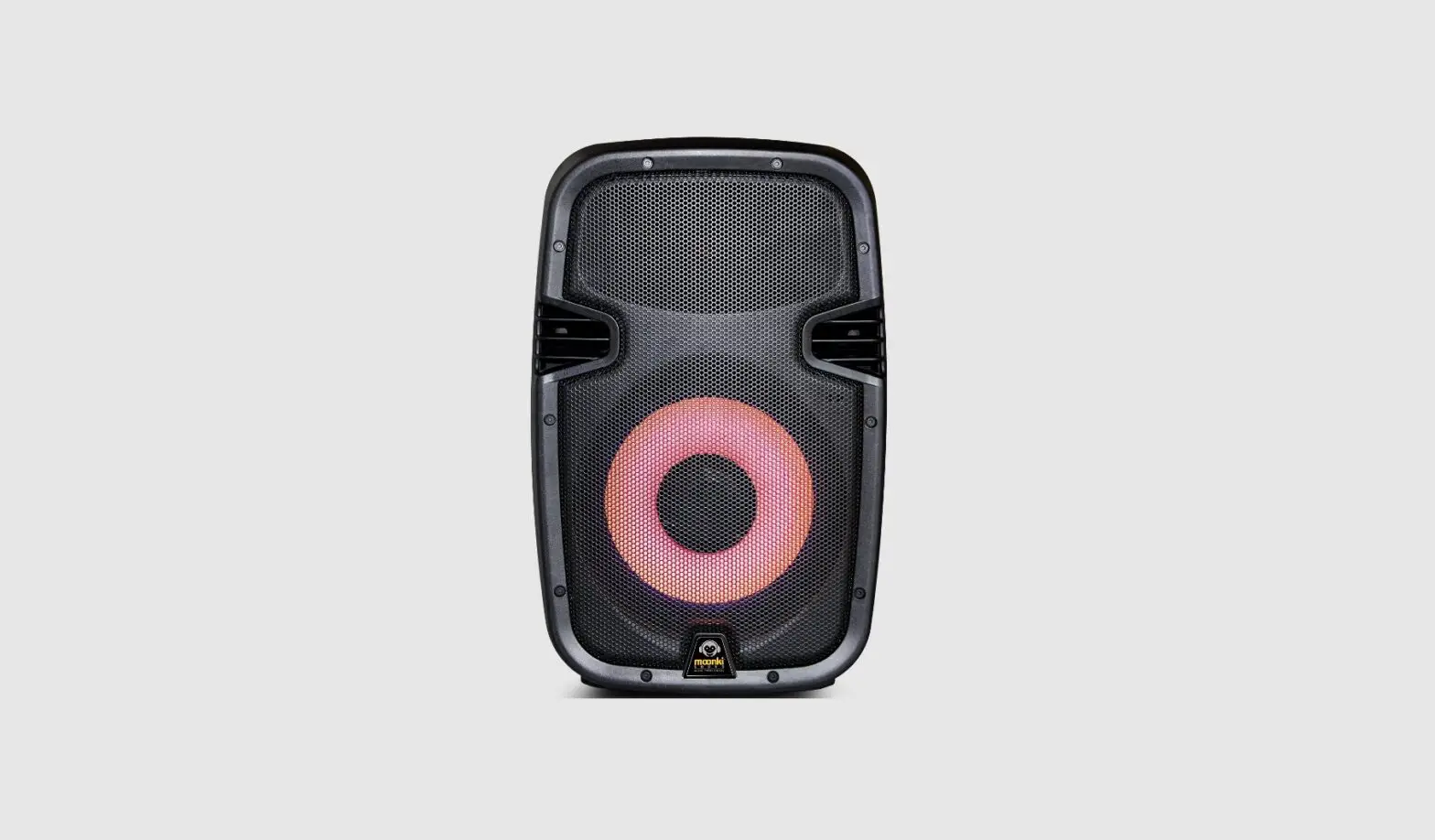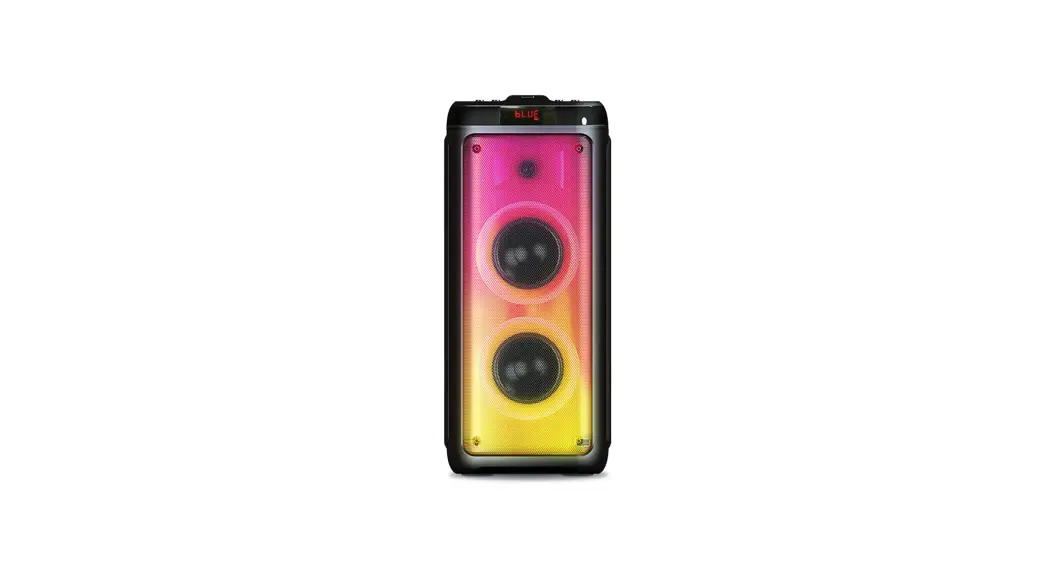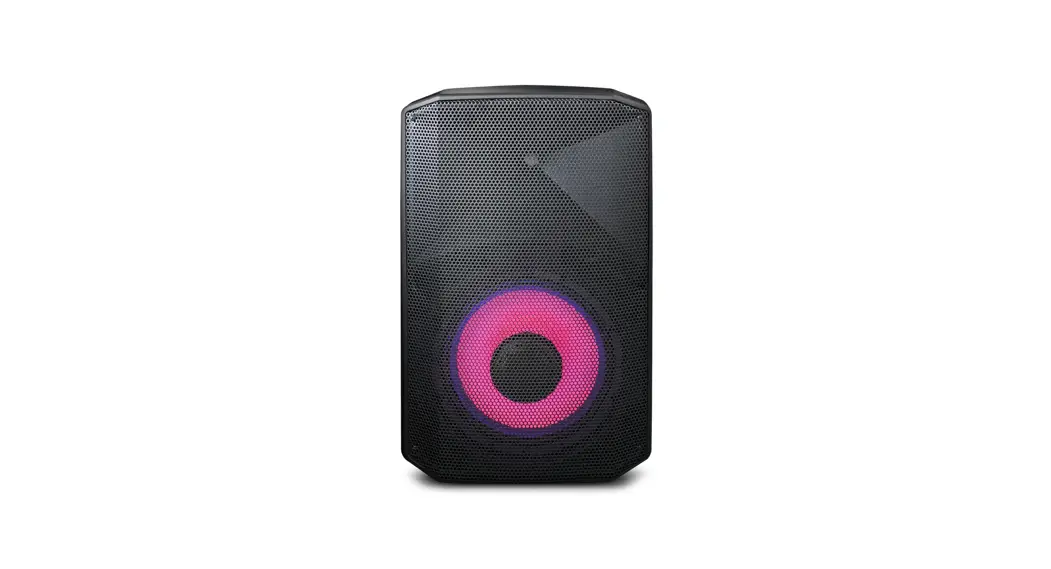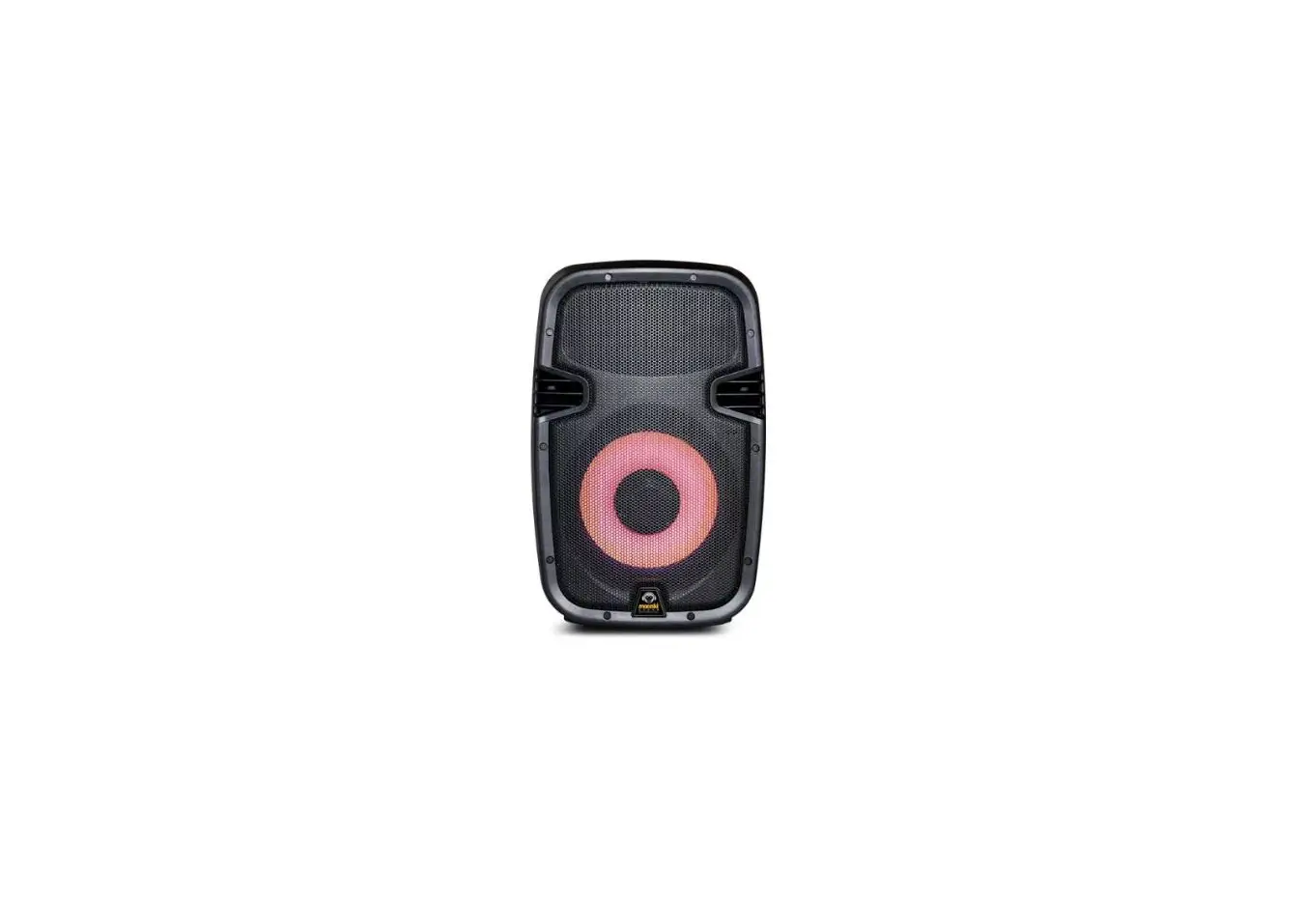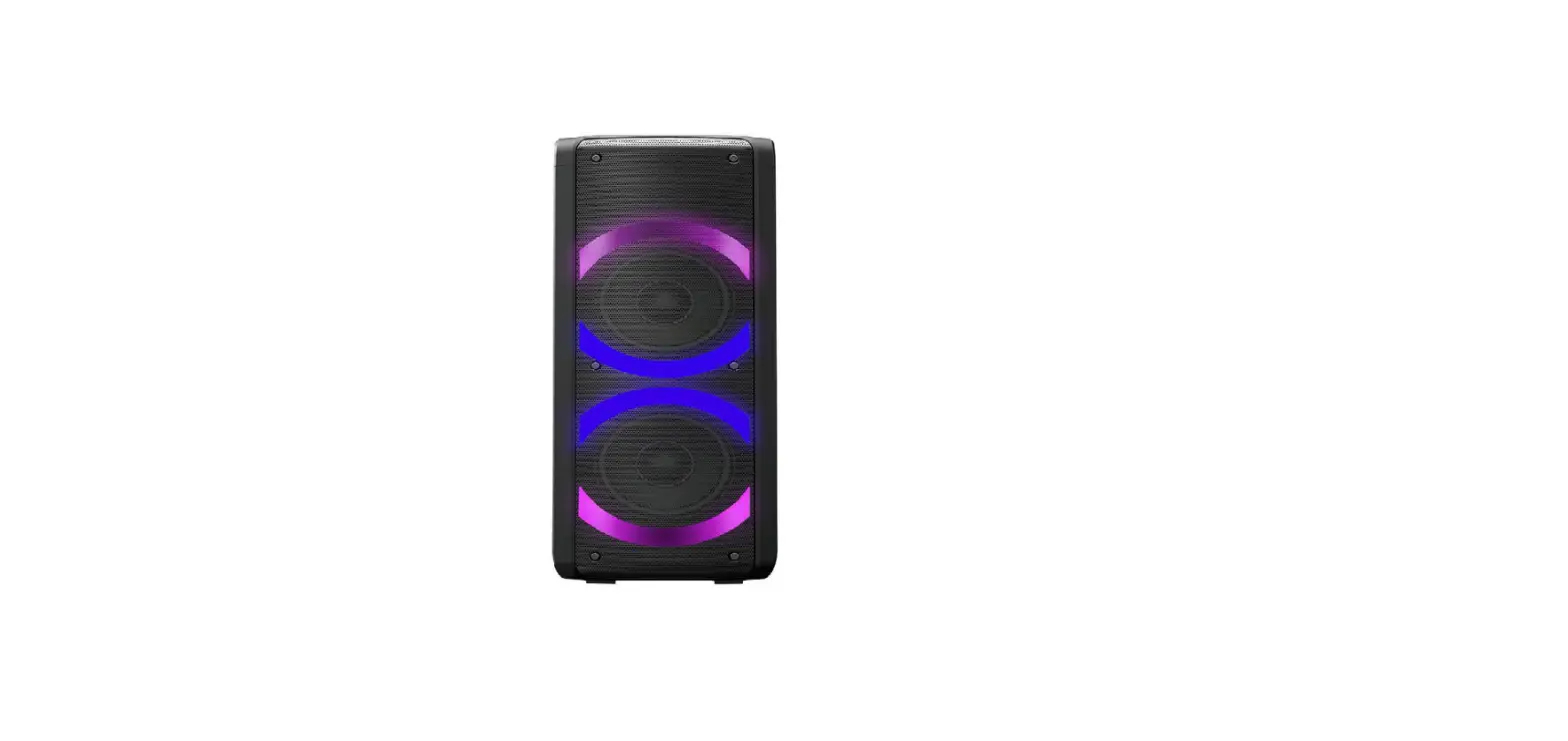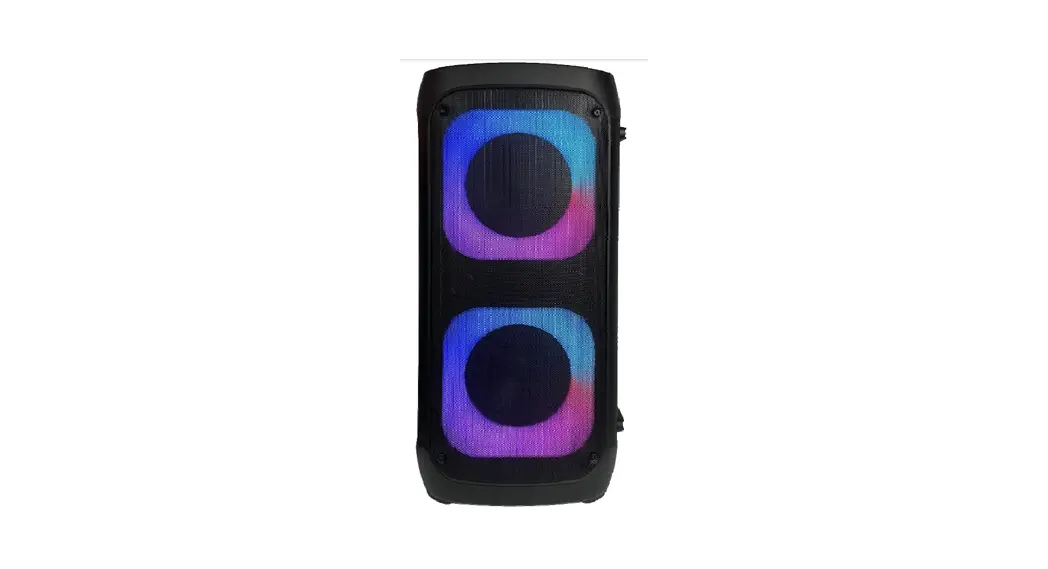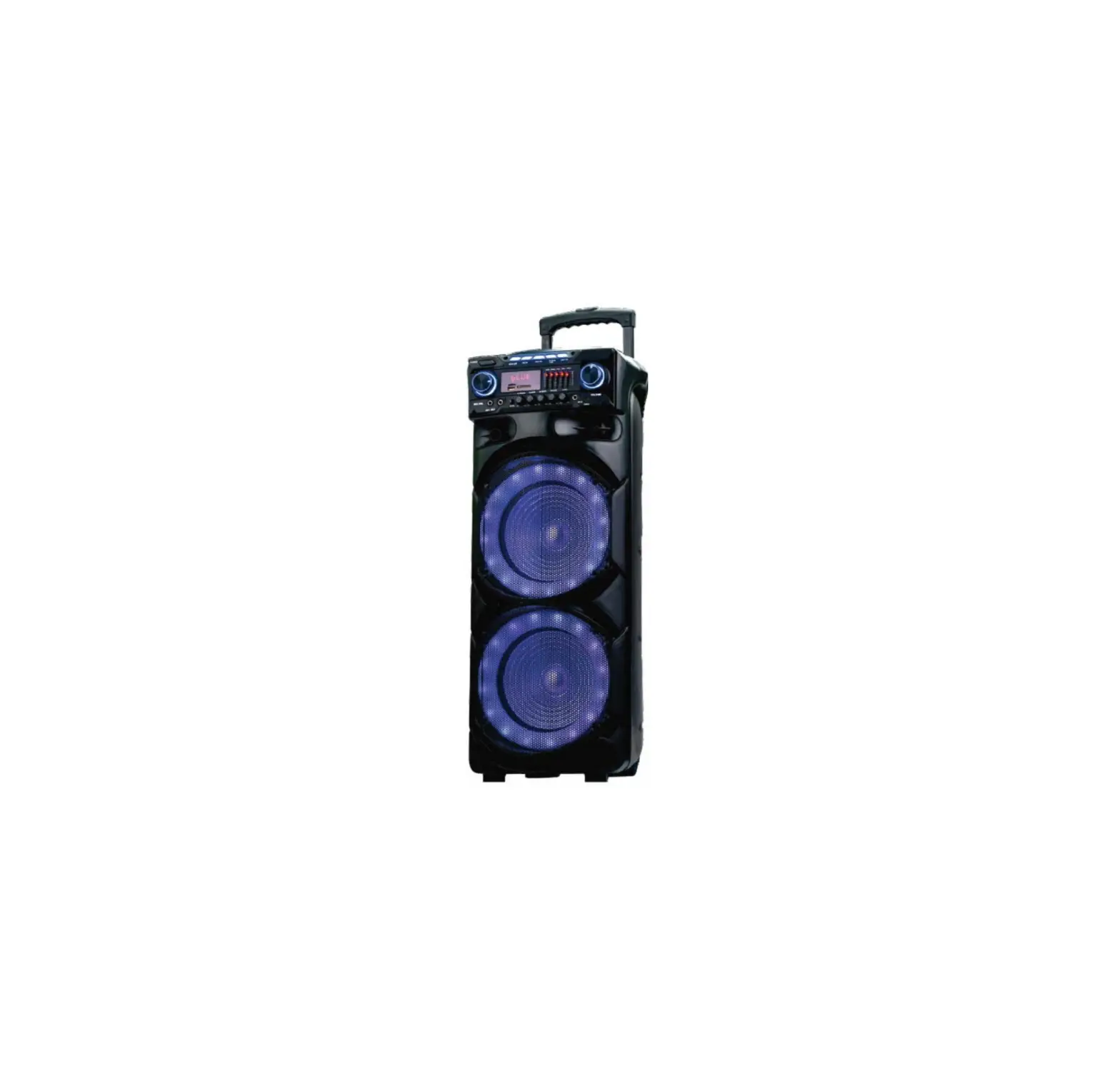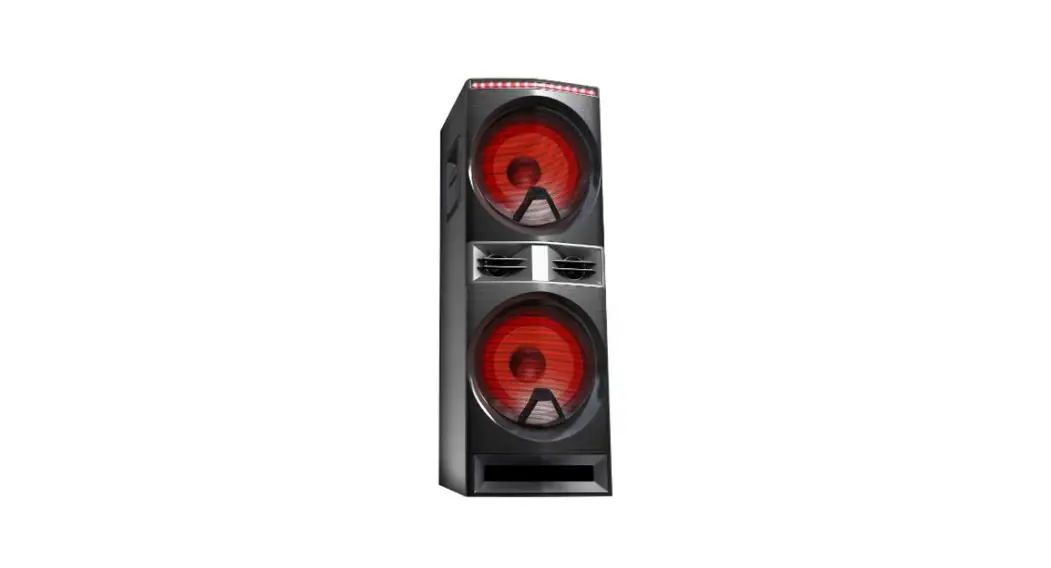
 PARTY SPEAKER
MW-212LT220
INSTRUCTIONS MANUAL
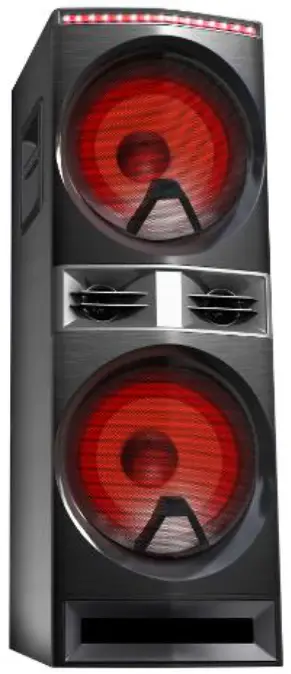
MW-212LT220 Party Speaker
DEAR CUSTOMER
In order to achieve the best performance of your product, please read this instruction manual carefully before using, and keep it for future reference. CAUTION
RISK OF ELECTRIC SHOCK, DO NOT OPEN Caution: To reduce the risk of electric shock do not open this device, there are no serviceable parts for customers. Please refer any maintenance or repair to qualified personnel.This sign means the existence of dangerous voltage inside the unit, which states a risk of electric shock.
This sign means that there are important instructions of operation and handling in the manual that comes with this device.
NOTE
This unit may be submitted for changes in specifications, characteristics and/or operation without prior notice to user, in order to continue improving and developing its technology.
Important Notice
Before Use this Speaker
- Read these instructions.
- Keep these instructions.
- Heed all warnings.
- Follow all warnings.
- Do not use this apparatus near water.
- Clean only with dry cloth.
- Do not block any ventilation openings. Install in accordance with the manufacturer’s instructions.
- Do not install near any heat sources such as radiators, heat registers, stoves, or other apparatus (including amplifiers) that produce heat.
- Only use attachments/accessories specified by the manufacturer.
- Only use attachments/accessories specified by the manufacturer.
- Use only with the cart, stand, tripod, bracket, or table specified by the manufacturer or sold with the apparatus. When a cart is used, use caution when moving the cart/apparatus combination to avoid injury from tip-over.
 Unplug this apparatus during lightning Storms or when unused for long periods of time.
- Refer all servicing to qualified service personnel. Servicing is required when the apparatus has been damaged in any way. Suc h as power-supply cord or plug is damaged, liquid has been spilled or objects have fallen into the apparatus, the apparatus has been exposed to rain or moisture, does not operate normally, or has been dropped.
- Battery usage CAUTION-TO prevent battery leakage which may result in bodily injury, property damage, or damage to the remote control.
• Install all batteries correctly,+ and – as marked on the remote control.
• Do not mix batteries(old and new or carbon and alkaline, etc.)
• Remove batteries when the remote control is not used for a long time.
• Batteries (battery pack or batteries excessive heat such as sunshine, f ire, or the like). - Apparatus shall not be exposed to dripping or splashing.
- Do not place any sources of danger on the apparatus(e.g. liquid filled objects, lighted candles ).
- Where the MAINS plug or an appliance coupler is used as the disconnect device, the disconnect device shall remain readily operable.
 Unplug this apparatus during lightning Storms or when unused for long periods of time.
 Warning
- Never remove the casing of this apparatus.
- Never lubricate any part of this apparatus.
- Never place this apparatus on other electrical equipment.
- Never look into the laser beam inside this apparatus.
- Make sure that you always have easy access to the power cord, or adaptor to disconnect the apparatus from the power.
 Caution
- Use of controls or adjustment or performance of procedures other than herein may result in hazardous radiation exposure or other unsafe operation.
 Hearing safety
- Listen at a moderate volume.
- Using headphones at a high volume can impair your Hearing.
- Sound can be deceiving. Over time your hearing ‘comfort level’ adapts to higher volumes of sound. so after prolonged listening. What sounds ‘normal’ can actually be loud and harmful to your hearing. To guard against this, set your volume to a safe level before your hearing adapts and leave it there.
To establish a safe volume level:
- Set your volume control at a low setting.
- Slowly increase the sound until you can hear it comfortably and clearly. Without distortion.
Listen for reasonable periods of time:
- Prolonged exposure to sound, even at normally ‘safe’ levels, can also cause hearing loss.
- Be sure to us your equipment reasonably and take appropriate breaks.
Be sure to observe the following guidelines when using your headphones.
- Listen at reasonable volumes for reasonable periods of time.
- Be careful not to adjust the volume as your hearing adapts.
- Do not turn up the volume so high that you can’t hear what’s around you.
- You should use caution or temporarily discontinue use in potentially hazardous situations. Do not use headphones while operating a motorized vehicle, cycling, skateboarding, etc., it may create a traffic hazard and is illegal i n many areas.
Notice
- Any changes or modifications made to this device that are not expressly approved by Consumer Lifestyle may void the user ’s authority to operate the equipment.
Your Party Speaker
Introduction
With this unit, you can:
- Enjoy audio from USB storage Devices, and other external device;
- Listen to radio stations.
What’s in the box
Check and identify the contents of your package:
- Speaker
- Remote control
- User manual
- Warranty Card
- Aux In Cable
- FM Antenna Cable
- AC Power Cable
Overview of the To p control panel
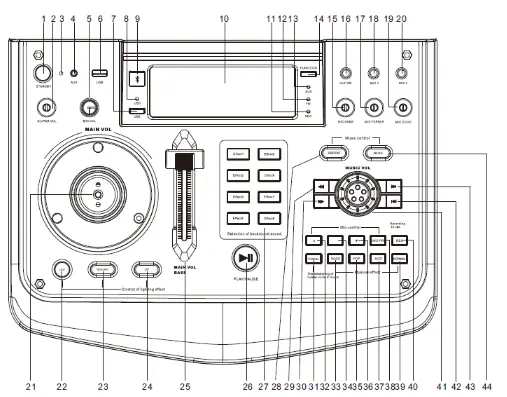
| 1. Standby Button | 23. Speaker LED Control Button |
| 2. Guitar Volume Adjustment | 24. LED On/Off Control Button |
| 3. Standby Function Indicator Light | 25. Bass Strong Push Button |
| 4. AUX Insert Jack | 26. Play/Pause Button |
| 5. Microphone Volume Adjustment | 27. 8 modes Selection of Backgroundgound |
| 6. USB Insert Jack-1 | 28. Repeat Button |
| 7. USB Function Button | 29. Backward Button |
| 8. USB Function Indicator Light | 30. Forward Button |
| 9. Bluetooth Function Button | 31. Vocal EQ Button |
| 10. Display Window | 32. # (Rising tone button) |
| 11. REC Function Indicator Light | 33. Rock EQ Button |
| 12. FM Function Indicator Light | 34. Recovery Button |
| 13. AUX Function Indicator Light | 35. POP EQ Button |
| 14. Function Switching Button | 36. b (Falling tone button) |
| 15. Microphone Bass Volume Adjustment | 37. JAZZ EQ Button |
| 16. Guitar Insert Jack | 38. Microphone priority Button |
| 17. Microphone Treble Volume Adjustment | 39. NORMAL EQ Button |
| 28. Microphone Insert Jack-1 | 40. REC Button |
| 19. Microphone Echo Volume Adjustment | 41. Music volume control |
| 20. Microphone Insert Jack-2 | 42. Previous Track Button |
| 21. Main Volume Control | 43. Next Track Button |
| 22. LED Control Button | 44. Mute Button |
Overview of the remote control
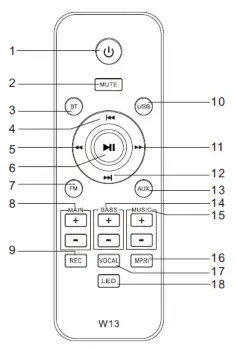
| 1. Standby button | 10. USB function button |
| 2. Mute button | 11. Forward button |
| 3. BT function button | 12. Next button |
| 4. Previous button | 13. AUX function button |
| 5. Backward button | 14. Bass Volume +/15. |
| 6. Play /Pause button | Music Volume +/16. |
| 7. FM function button | Microphone priority |
| 8. Main Volume +/9. | 17. Vocal button |
| REC button | 18. LED On/Off control button |
Get started
Connect power Caution
- Use of controls or adjustments or performance of procedures other than herein may result in hazardous radiation exposure or other unsafe operation.
Always follow the instructions in this chapter in sequence. Caution
- Risk of product damage! Ensure that the power supply voltage corresponds to the voltage printed on back or the underside of the unit.
- Risk of electric shock! When you unplug the AC power cord, always pull the plug from the socket. Never pull the cord.
- Before you connect the AC power cord, make sure that you have completed all other connections.
Connect the power cable to the wall socket:
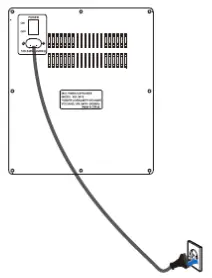
Prepare the remote control
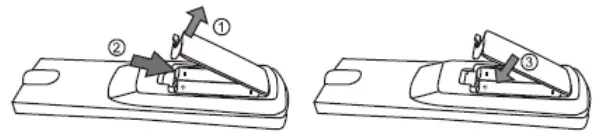
To insert the remote control batteries:
- Open the battery compartment.
- Insert 2 x AAA batteries with correct polarity (+/-) as indicated. The 2xAAA battery not include in our products, please purchase from Authorized Seller.
- Close the battery compartment.
Please Note:
- If you are not going to use the remote for a long time, remove the batteries.
- Do not use old and new or different type of batteries in combination.
- Batteries contain chemical substances, so they should be disposed of properly.
Turn ON/OFF
- Connect the AC power cable and plug to the wall socket;
- Press the “POWER” key on the rear panel and switch “POWER” button to “ON” position’;
- Press” STANDBY” key on the Top control panel to power on /off the speaker.
Caution:
If you do not use this unit for a while, please Press the “POWER” button on the rear panel and switch “POWER” button to “OFF” status, and disconnect the AC power of this unit.
Play
Basic key play operations
You can control play through following operations.
| Key | Function |
 | Press STANDBY button to power on or off the speaker |
 | Insert the Aux in cable to AUX jack to connect to the external device |
 | Insert the USB device to USB jack to play music |
 | Turn GUITAR VOL knob to adjust the sound level of guitar |
 | Turn MIC VOL knob to adjust the sound level of microphone |
 | Bluetooth function switching Button |
 | USB function switching Button |
 | Function switching Button ( switch between |
 | Insert the 6.3 Guitar to the GUITAR jack |
 | Insert the 6.3 wired microphone to the MIC1 / MIC2 jack |
 | Turn MIC BASS knob to adjust the bass sound level of microphone |
 | Turn MIC TREBLE knob to adjust the treble sound level of microphone |
 | Turn MIC ECHO knob to adjust the echo sound level of microphone |
 | Turn MAIN VOL knob to adjust the sound level (This knob controls the sound of all source, means when the speaker is playing the music and insert the microphone, then you can turn this knob to control the sound level of music and microphone.) |
 | Top & Front Panel Disco Light control button Press this “ LED ” button to switch the different running effect. |
 | Bass Speaker Light control Button Press this “ Speaker ” button to switch the different light effect of bass speaker. Note: The speaker light color default as random switching when power on the speaker; and can press this button for the speaker light color select. |
 | Light ON/OFF control Button Press this “ Off ” button to turn on or off the Top & Front Panel Disco Light and Bass Speaker Light. |
 | MAIN BASS VOL control Push the MAIN VOL BASS knob to adjust the sound level of bass |
 | Selection of background sound Button There are eight effect to select |
 | Play/Pause Button |
 | Repeat Button There are two repeat model can be selected : one or all. |
 | MUTE Button 1. Press this button for mute function. 2. Press mute button for about 3 seconds can turn on the voice prompt function, the display will show “ V-ON ”. 3.When the speaker on V-ON mode, press mute button for about 3 seconds can turn off the voice prompt function, the display will show “ V-OFF ”. |
 | Backward Button |
 | Forward Button |
 | Music Volume Control (This rotary music control only control the volume of the music currently playing, and also you can turn MAIN VOL to increase the volume.) |
| Press this button to next track |
| Press this button to previous track |
 | b Button Press this button to switch to the rising tone when playing music |
 | VOCAL Button Press this button for the weakening of human voice in music |
 | Recovery Button Press this button to switch to recovery when music playing in b or # tone |
 | EQ button-ROCK Press this button to switch to ROCK style when playing music |
 | # Button Press this button to switch to the falling tone when playing music |
 | EQ button-POP Press this button to switch to POP style when playing music |
 | MIC PRI Button Press this button to open the microphone priority when using the microphone |
 | EQ button-JAZZ Press this button to switch to JAZZ style when playing music |
 | REC Button Press this button to record the music of Bluetooth/FM/Microphone/AUX to USB when playing music. Press one time to open the recording and the music of Bluetooth/FM/Microphone/AUX will automatically store in to USB. Press again to stop the recording and you can play the recorded music from the USB. Note: USB music can not record to USB. |
 | EQ button-NORMAL Press this button to switch to NORMAL style when playing music |
Play from USB
Make sure that the USB storage device containers playable audio contents for supported formats.
Insert the USB storage device into the “USB ’’ jack on the speaker.
- Press
 to switch to USB play, the USB indicator light will light on.
 - Press
 or
or key to select.
 - Press
 key to play or pause.
 to switch to USB play, the USB indicator light will light on.
 or
or key to select.
 key to play or pause.
Important:
USB socket is only for music playing, not support charging.
The MAX memory size of USB:16G
Listen to radio
Turn on FM radio stations
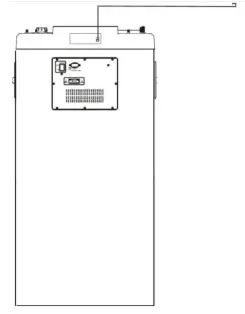
- Make sure that you have connected and fully extended the supplied FM antenna.
- Insert the FM Antenna Cable to the FM ANT jack on the rear panel.
- Press FUNCTION button on the Top Control panel or press FM key on the remote control to switch to FM mode.
- Once switch successfully, the FM indicator light will light on.
- Press key on the Top Control panel or on the remote control to search and program radio stations automatically.
- Press / to select programmed radio stations.
Connect with Bluetooth
- Press
 button on the Top Control panel or press BT button on the remote control or press FUNCTION button to switch to the BLUETOOTH connect mode, (BLUE) will be displayed on the screen.
 - Open the Bluetooth on the external device (must have Bluetooth function), and the name “MW-DJ212LT220” will show on the external device, please try to connect it.
- Once connected, you can hear a small sound from the speaker.
- You can use the or key on the Top Control panel to control the tracks of the external device.
Note: This speaker do not need the password.
 button on the Top Control panel or press BT button on the remote control or press FUNCTION button to switch to the BLUETOOTH connect mode, (BLUE) will be displayed on the screen.
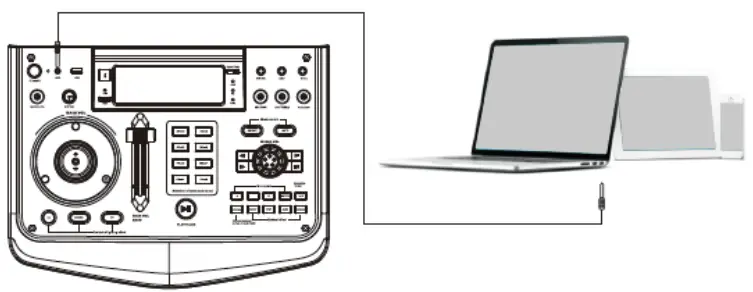
Connect with AUX Line in
- Press FUNCTION key on the Top Control panel or press AUX key on the remote control to switch to the AUX mode,
- (AUH) will be displayed on the screen and the AUX indicator light will light on if switch successfully.
- Connect this speaker to AUX inserting jack and the external device Earphone jack by provided AUX cable;
- Once connected, turn on your external device music
- You can use or button on the Top control panel to control the tracks of the external device.
Caution: Please turn off the unit before connect AUX cable in order to avoiding unexpected noise.
Connect with Wired Microphone

Insert 6.35mm wired microphone to use the microphone function.

When playing with the wired microphone, please use these knob to adjust the bass / treble / echo volume of microphone.
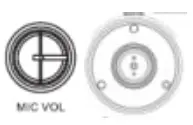
When playing with the wired microphone, please turn these two rotary knob to adjust the volume of microphone.

When playing with the wired microphone, please press this MIC PRI to open the microphone priority.
Important Notes
While using the microphone, avoid being put the microphone opposite the bass of Speaker, as they may have Whistler Noisy.
To get the best singing performance, keep the micro phone within 5-15cm of the mouth and at a 45 degree angle.
When using the microphone, always pay attention to the battery.
If the battery is low, the indicator light will come on and the performance will progressively become poor.
Caution: Please do not put the microphone directly face to the speaker, it may damage the speaker.
Product information
Specifications
| Amplifier | |
| Output power | 220W |
| Input Sensitivity | 770mV ±20% |
| FM | |
| FM range | 87-108MHZ |
| Step | 0.1MHZ |
| Speaker | |
| Treble Speaker | 3 Inch |
| Bass Speaker | 12 Inch |
| General information | |
| AC Power | 110-230V~ 50/60HZ |
| Dimension | (WxHxD) 400*302*1150MM |
| Weight | |
USB play ability information
Compatible USB storage devices:
- USB flash memory (USB 2.0 or USB
- USB flash players(USB 2.0 or USB 1.1)
- Memory cards (requires an additional card reader to work with this apparatus)
Supported for formats:
- USB or memory file format FAT12,FAT16,FAT32(sector size:512 bytes)
- MP3 bitrate (data rate):32-320Kbps and variable bitrate
- Directory nesting up to a maximum of 8 levels
- Number of albums/folders: maximum 99
- Number of tracks/titles: maximum 999
- File name in Unicode UTF8 (maximum length:32 bytes)
Unsupported formats:
- Empty albums: an empty album is an album that does not contain MP3.
- Unsupported the file formats are skipped. For example, Word documents (.doc) or MP3 files with extension .dlf are ignored and not. played.
Troubleshooting
Warning
- Never remove the casing of this speaker.
If you encounter problems when using this speaker, check the following points before requesting service.
No power
- Ensure that the AC power plug of the speaker is connected properly.
- Ensure that there is power at the AC outlet.
No sound or poor sound
- Adjust the volume.
- Disconnect the headphones.
- Check that the speakers are connected correctly.
- Check if the stripped speaker wires are clamped.
No response from the speaker
- Disconnect and reconnect the AC power plug, then turn on the speaker again.
Remote control does not work
- Before you press any function button, first select the correct source with the remote control instead of the main unit.
- Reduce the distance between the remote control and the unit.
- Insert the battery with its polarities(+/- signs) aligned as indicated.
- Replace the battery.
- Aim the remote control directly at the sensor on the front of the speaker.
Connote display dome files in USB device
- The umber of folders or files in the USB device has exceeded a certain limit. This phenomenon is not a malfunction.
- The formats of these files are not supported.
USB device not supported
- The USB device is incompatible with the unit. Try another one.
Poor radio reception
- Increase the distance between the speaker and your TV.
- Full extend the FM antenna.
- Put the speaker at a open area to search radio.