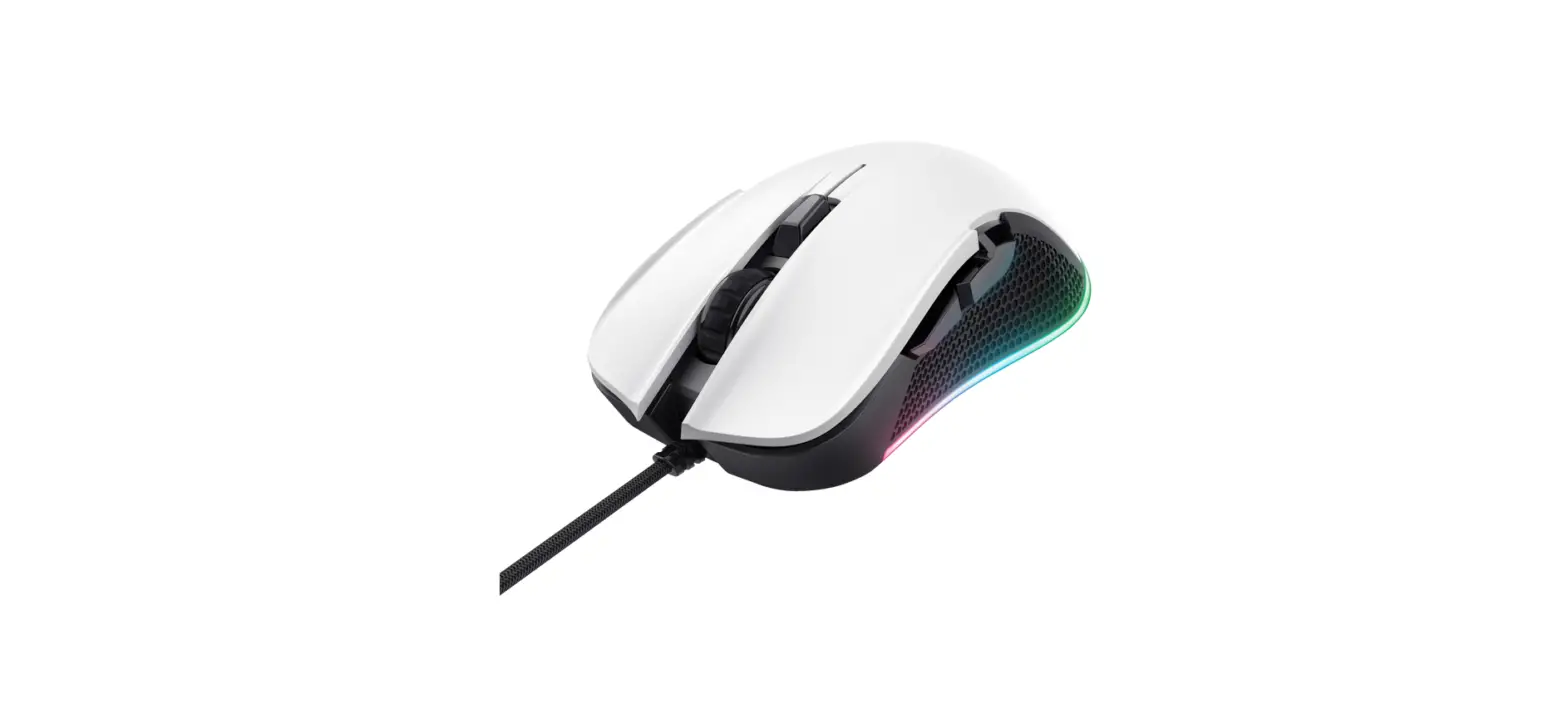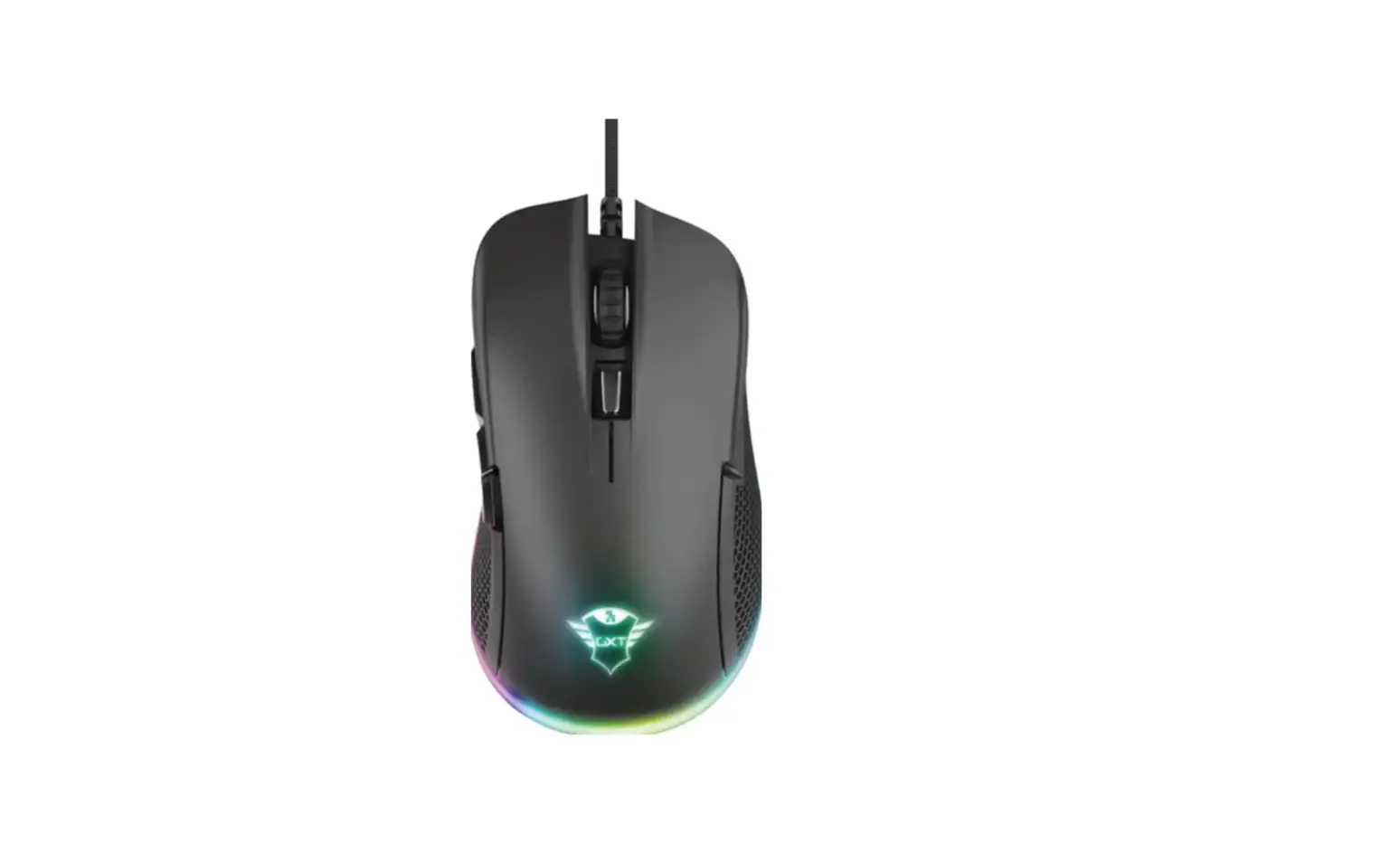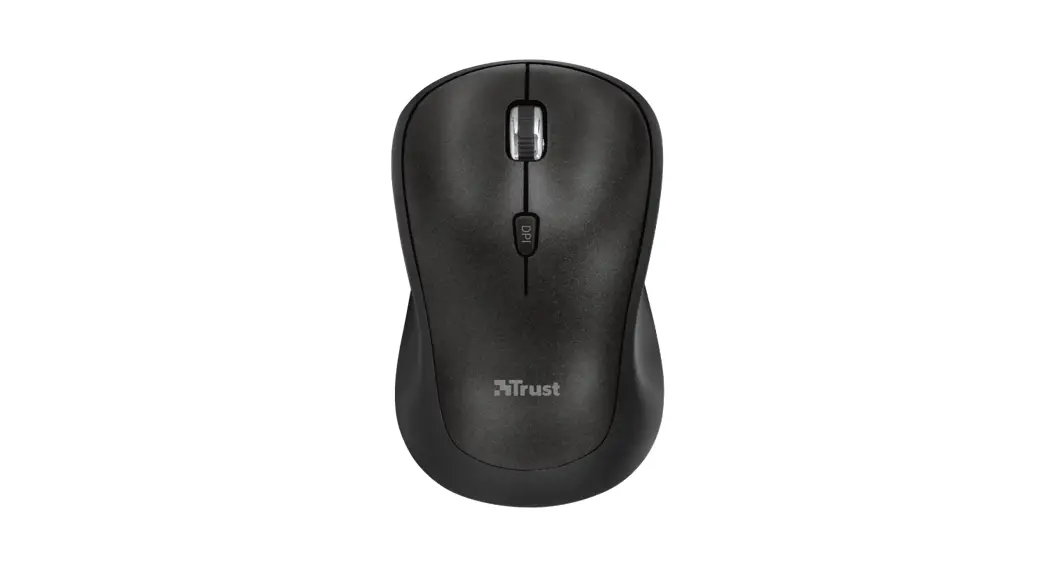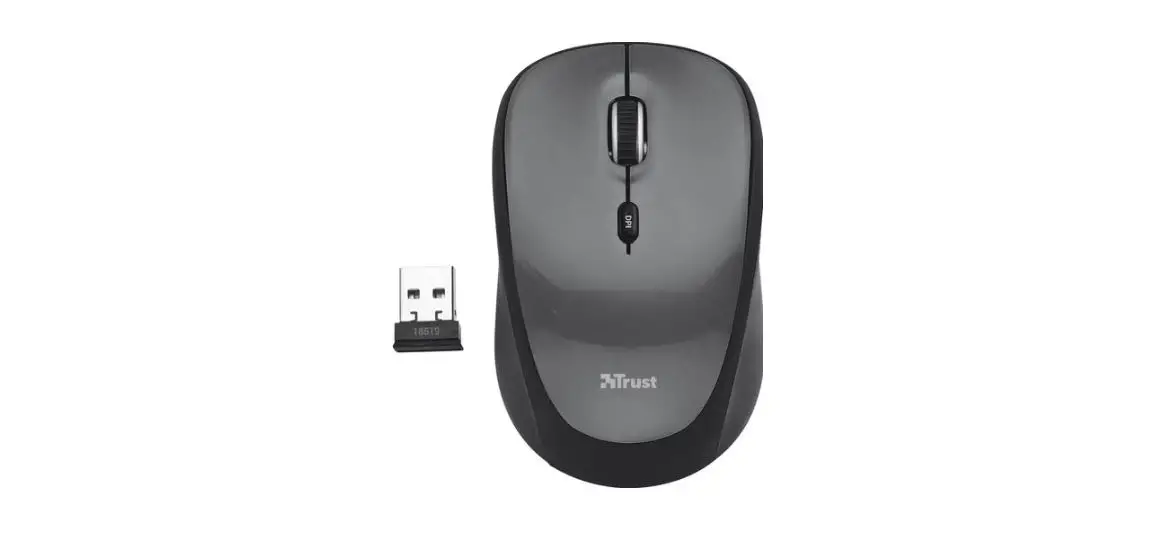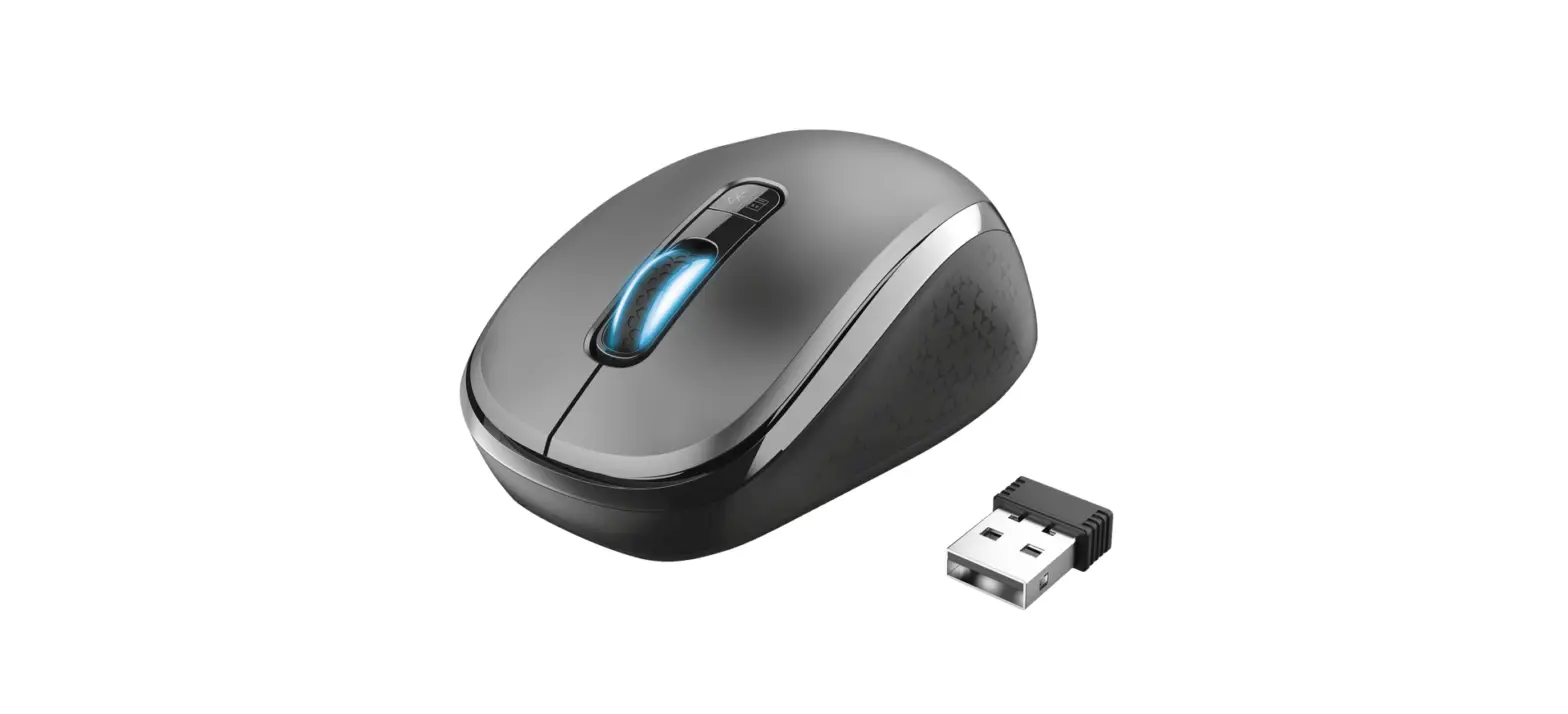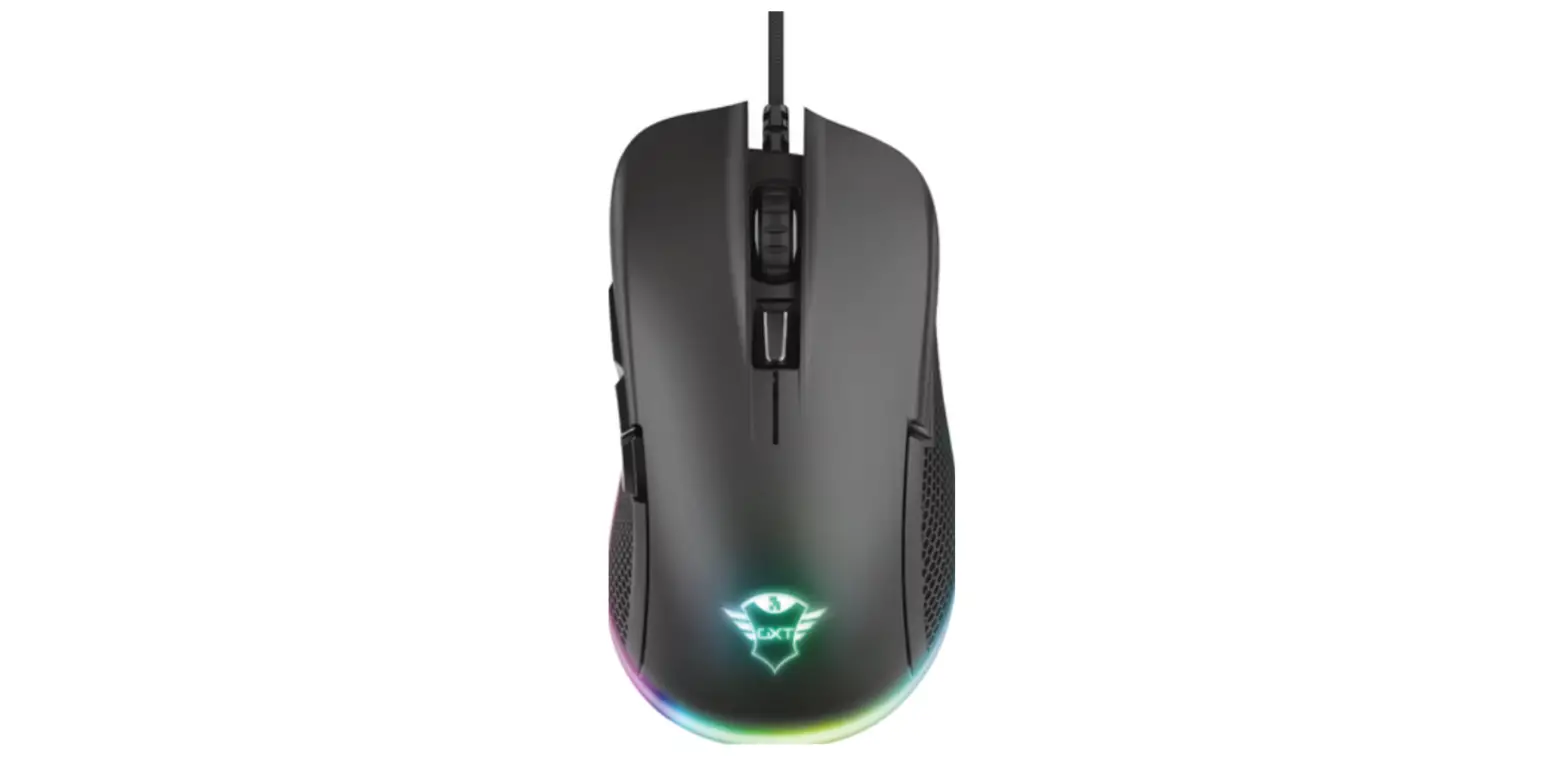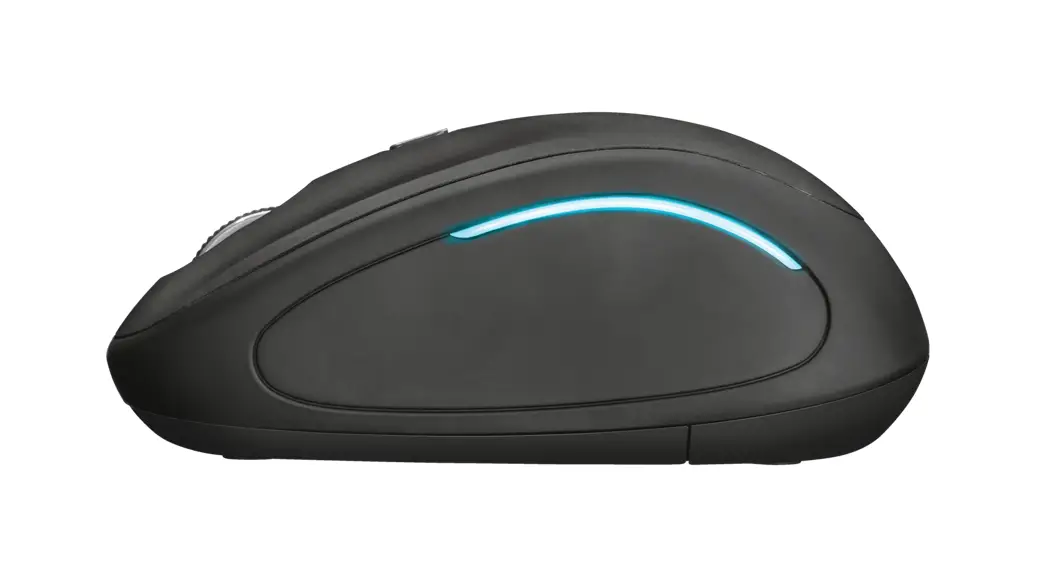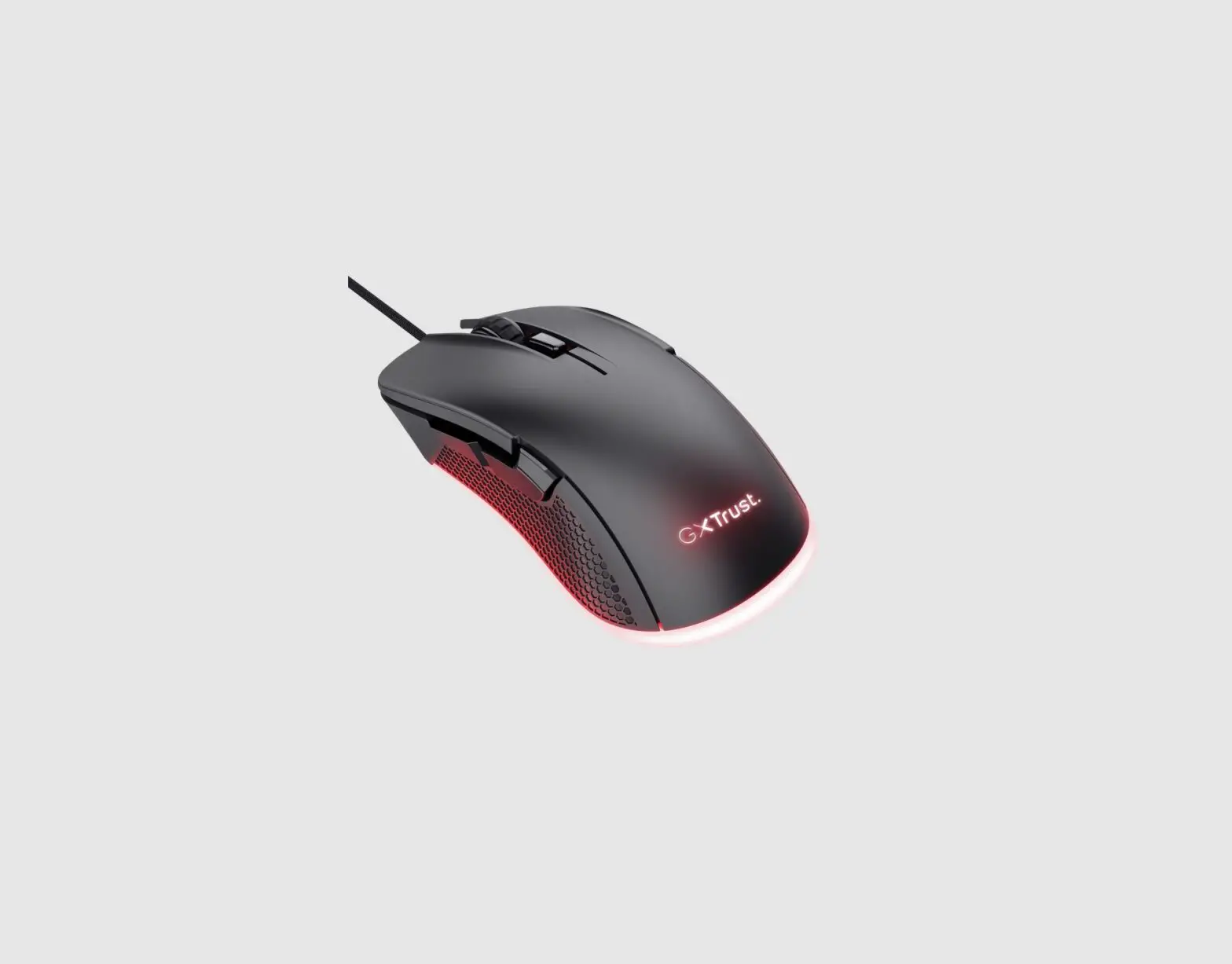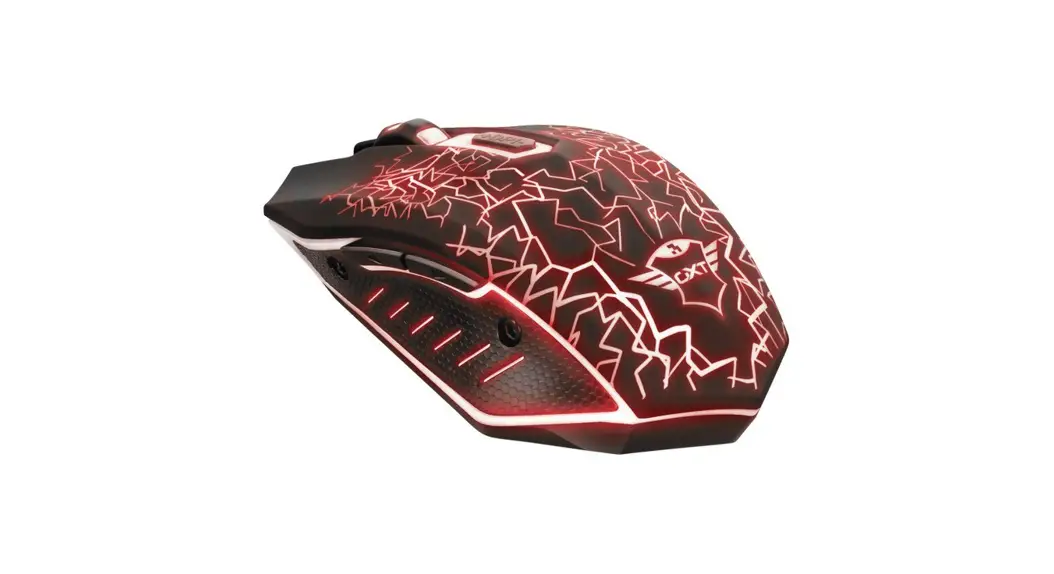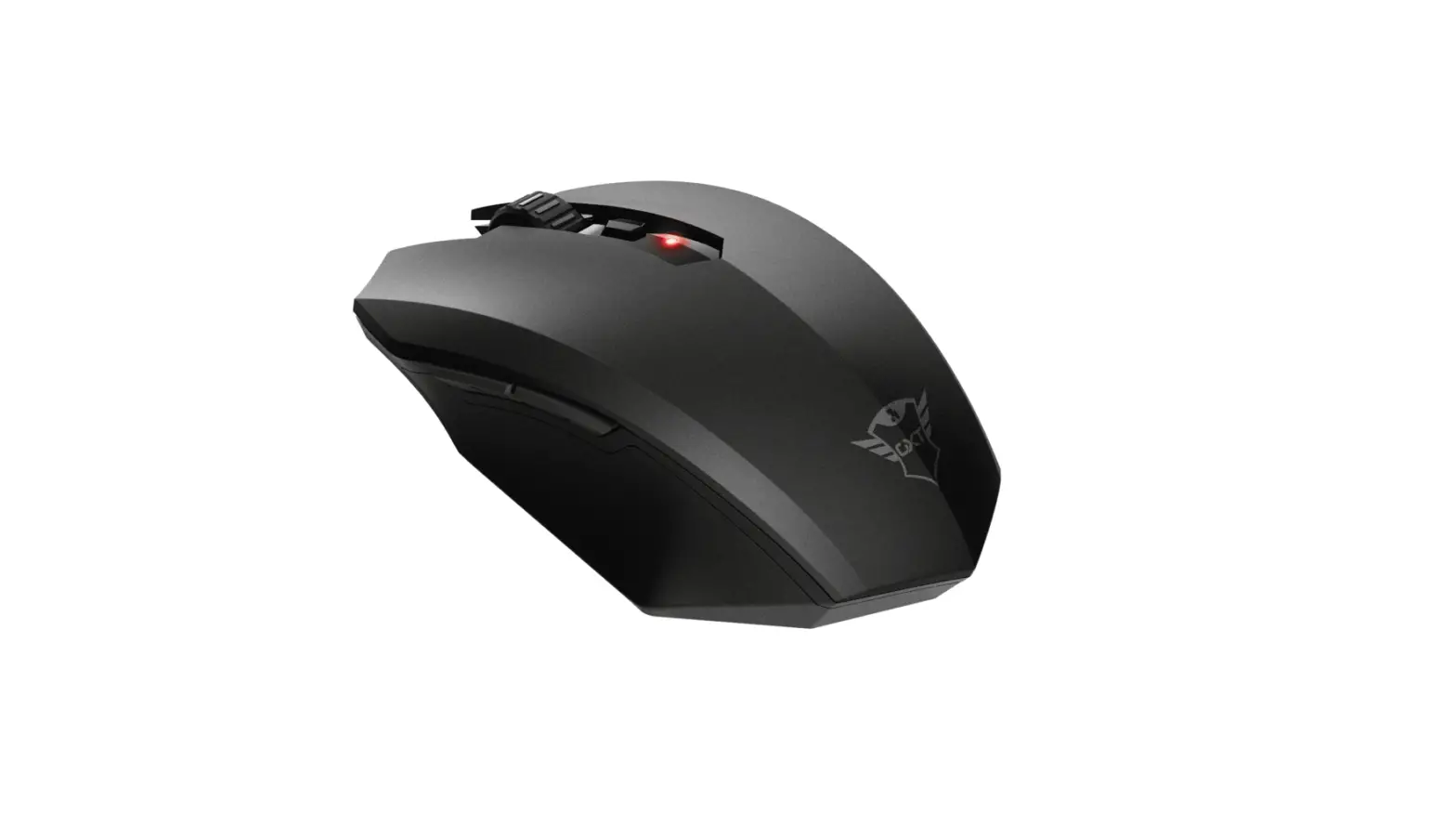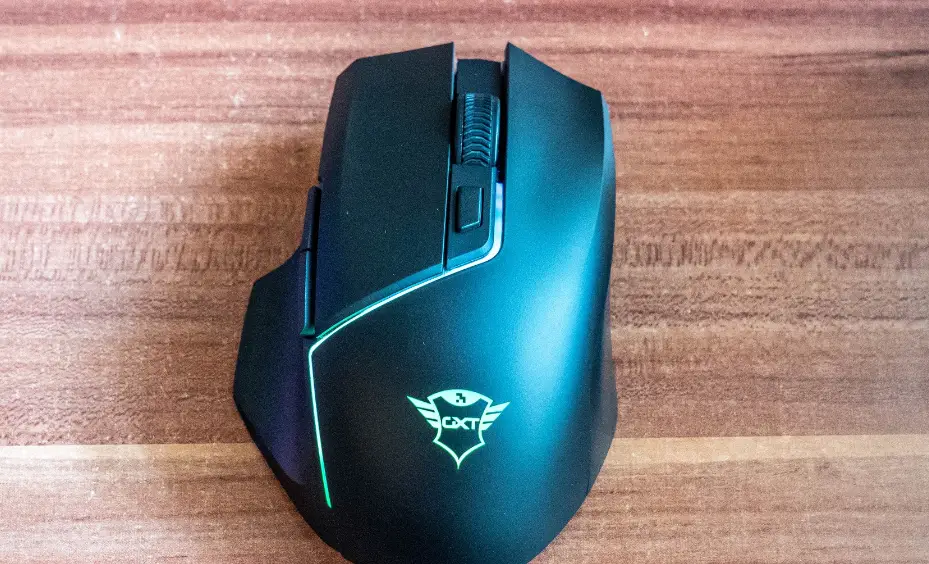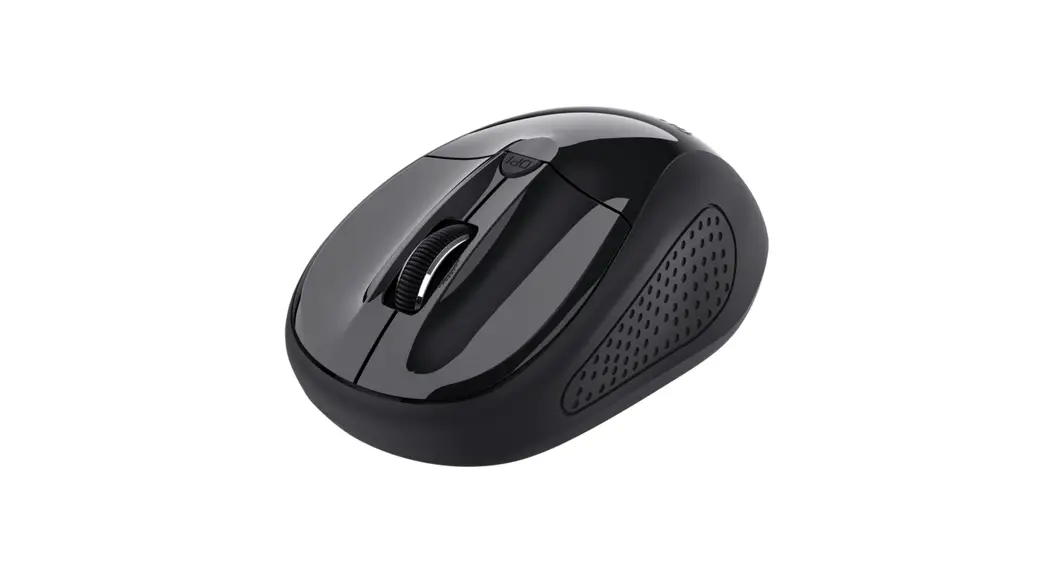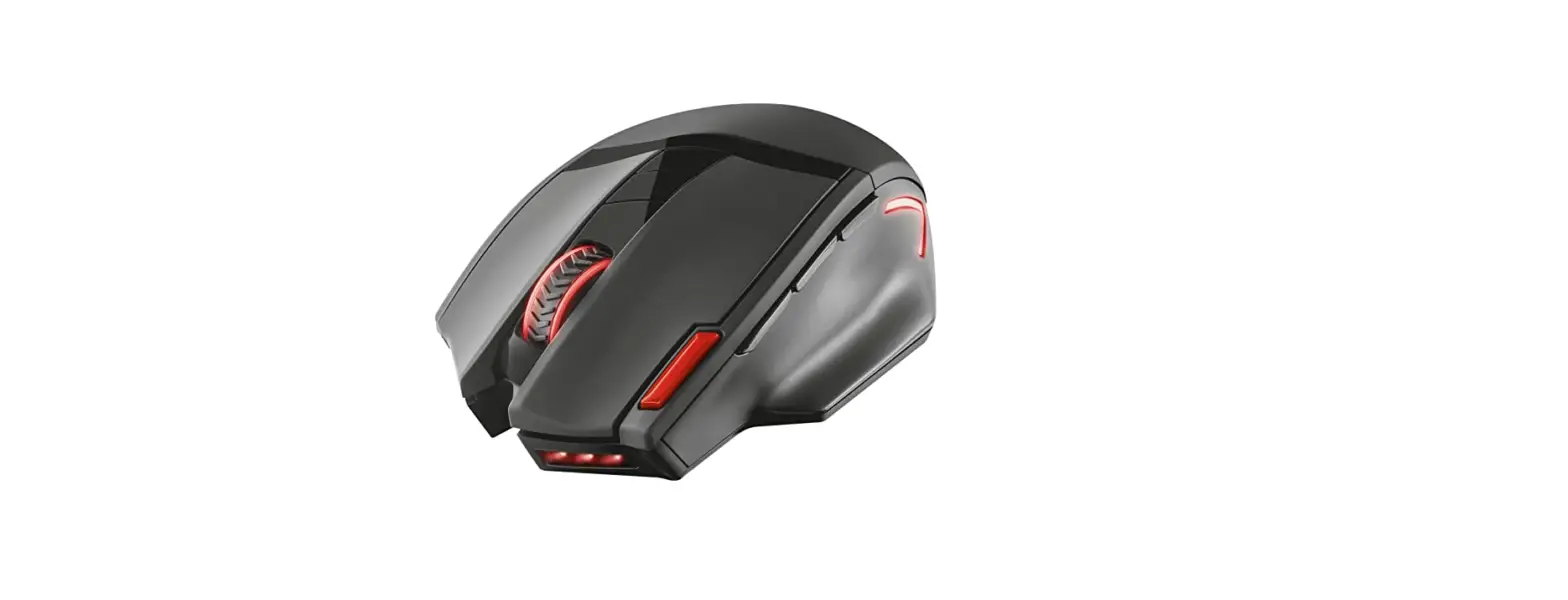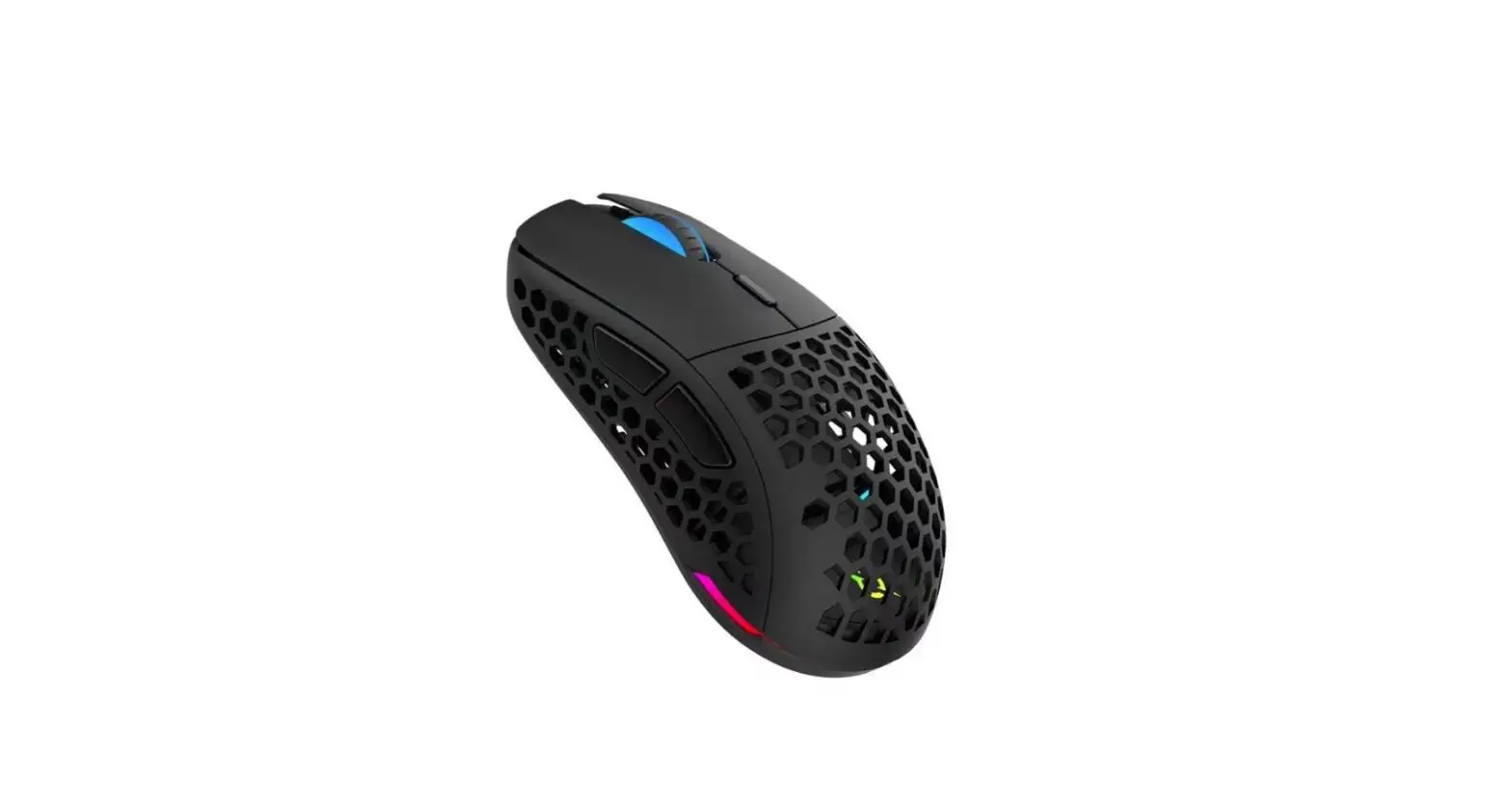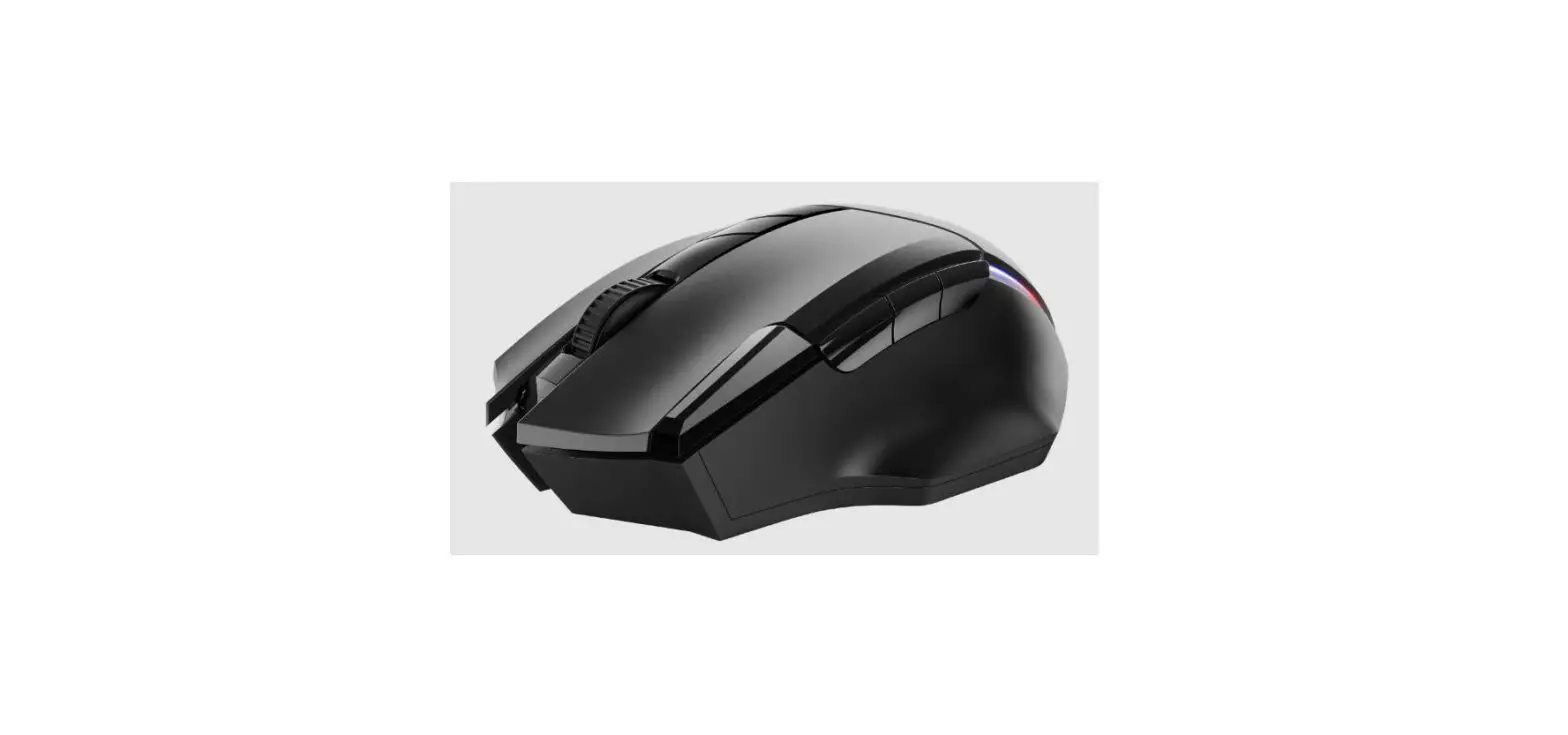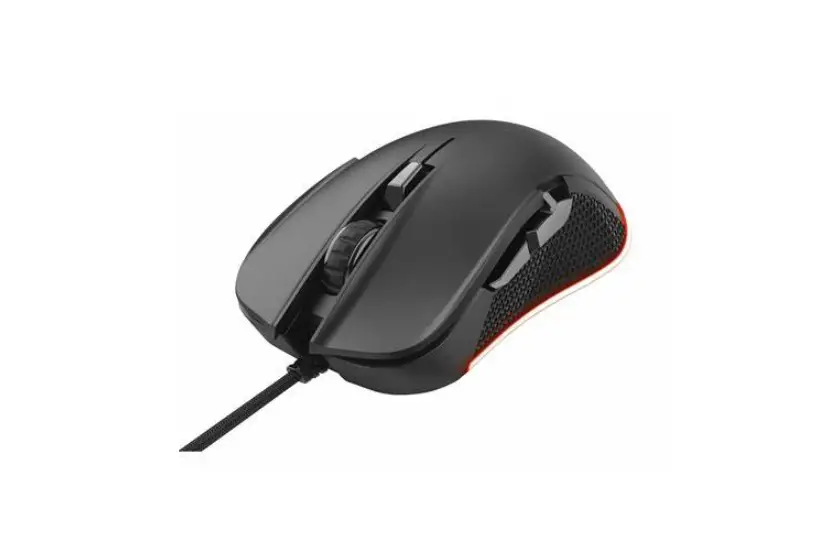

Ybar Wireless Gaming Mouse
Product Information
The Trust Ybar Wireless Gaming Mouse is a high-performance gaming mouse designed for gamers who demand precision and speed. This wireless mouse comes with a USB-A receiver and has a battery life of up to 3 hours. The mouse is compatible with Windows and Mac operating systems and has a sleek design that fits comfortably in your hand.
Product Usage Instructions:
- Download the software manual from www.trust.com/24888/download to get started.
- Visit www.trust.com/24888/FAQ for any frequently asked questions or troubleshooting tips.
- Insert the USB-A receiver into your computer.
- Turn on the mouse by pressing the power button located on the underside of the mouse.
- Follow the on-screen instructions to pair the mouse with the USB-A receiver.
- Use the mouse to navigate your computer or play games.
- When not in use, turn off the mouse to conserve battery life.
How To Connect
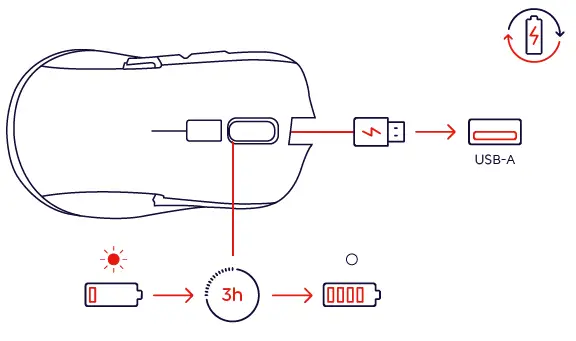
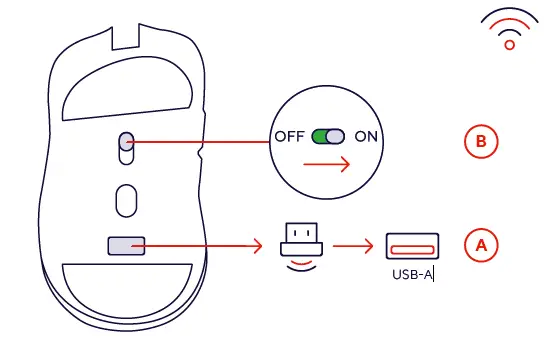
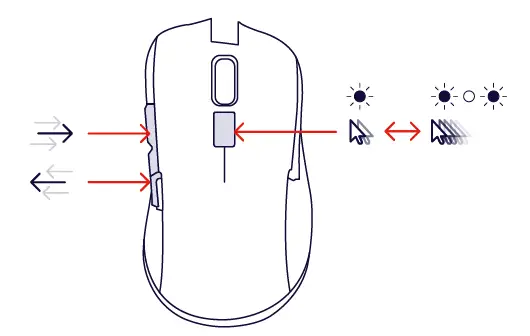
DOWNLOAD SOFTWARE (MANUAL) AT: www.trust.com/24888/download
FAQ: WWW.TRUST.COM/24888/FAQ
Trust International BV – Laan van Barcelona 600 – 3317DD, Dordrecht, The Netherlands ©2023 Trust All rights reserved.
 Trust.com - GXT 923 Ybar Wireless Gaming Mouse - black