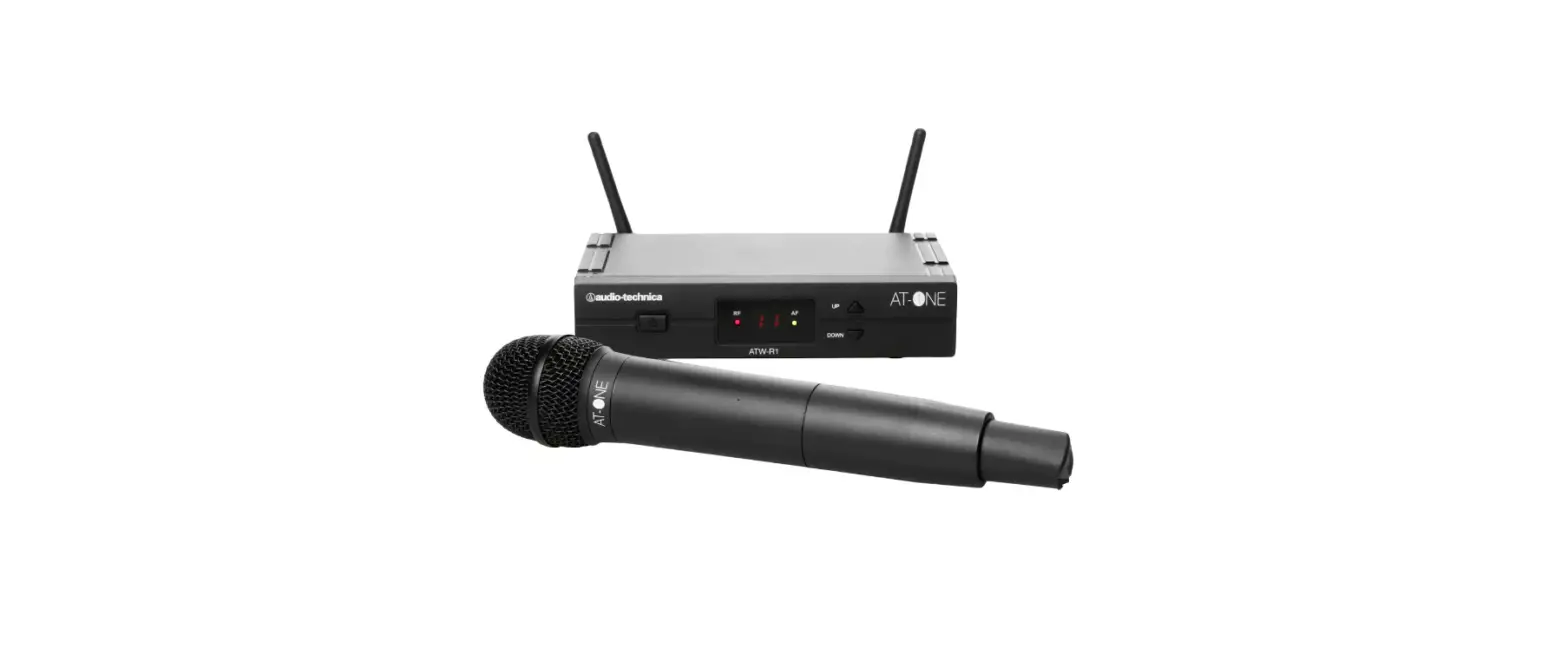

audio-technica AT-ONE UHF Wireless Microphone System User
Basic Specifications
- RF Power 10mW
- Operating Temperature +5 to +45 C
- Modulation Mode FM
Product Weight & Dimensions
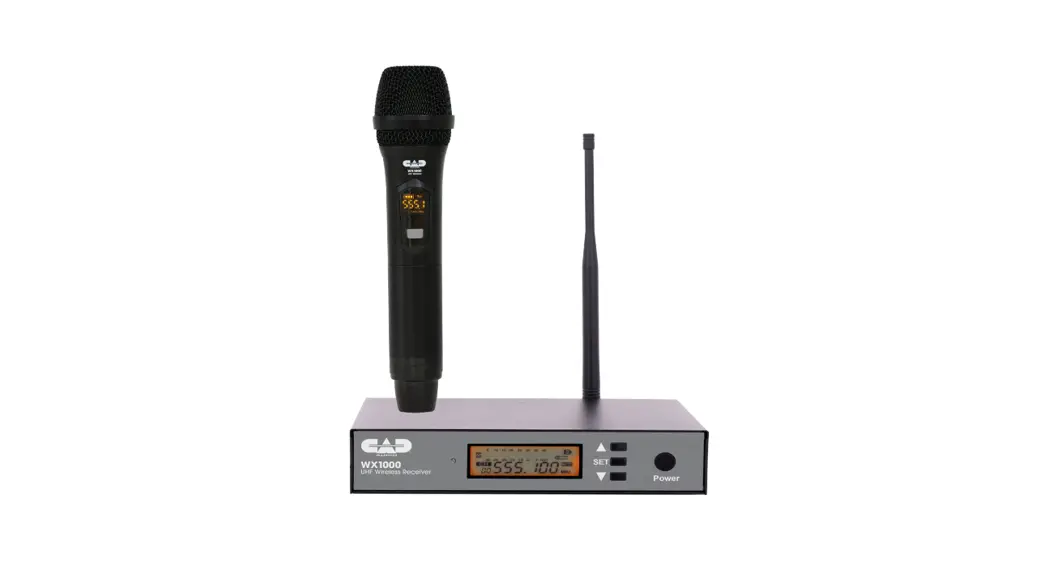
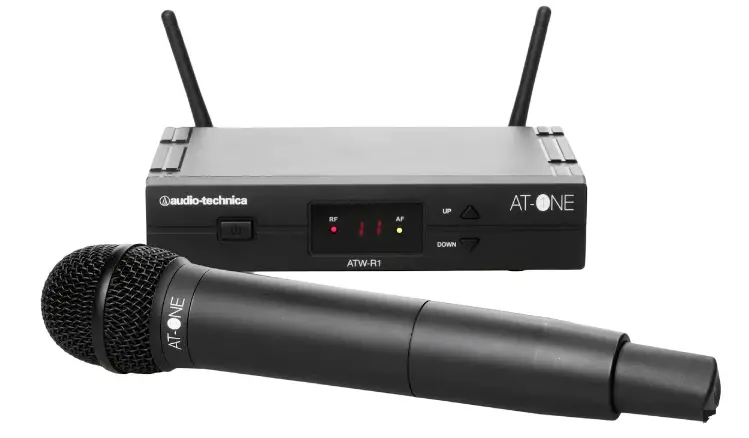
- ATW-R1: 200mm W x 122mm D x 42mm H, 418g without accessories
- ATW-T1: 66mm W x 22mm D x 98mm H, 71g without batteries
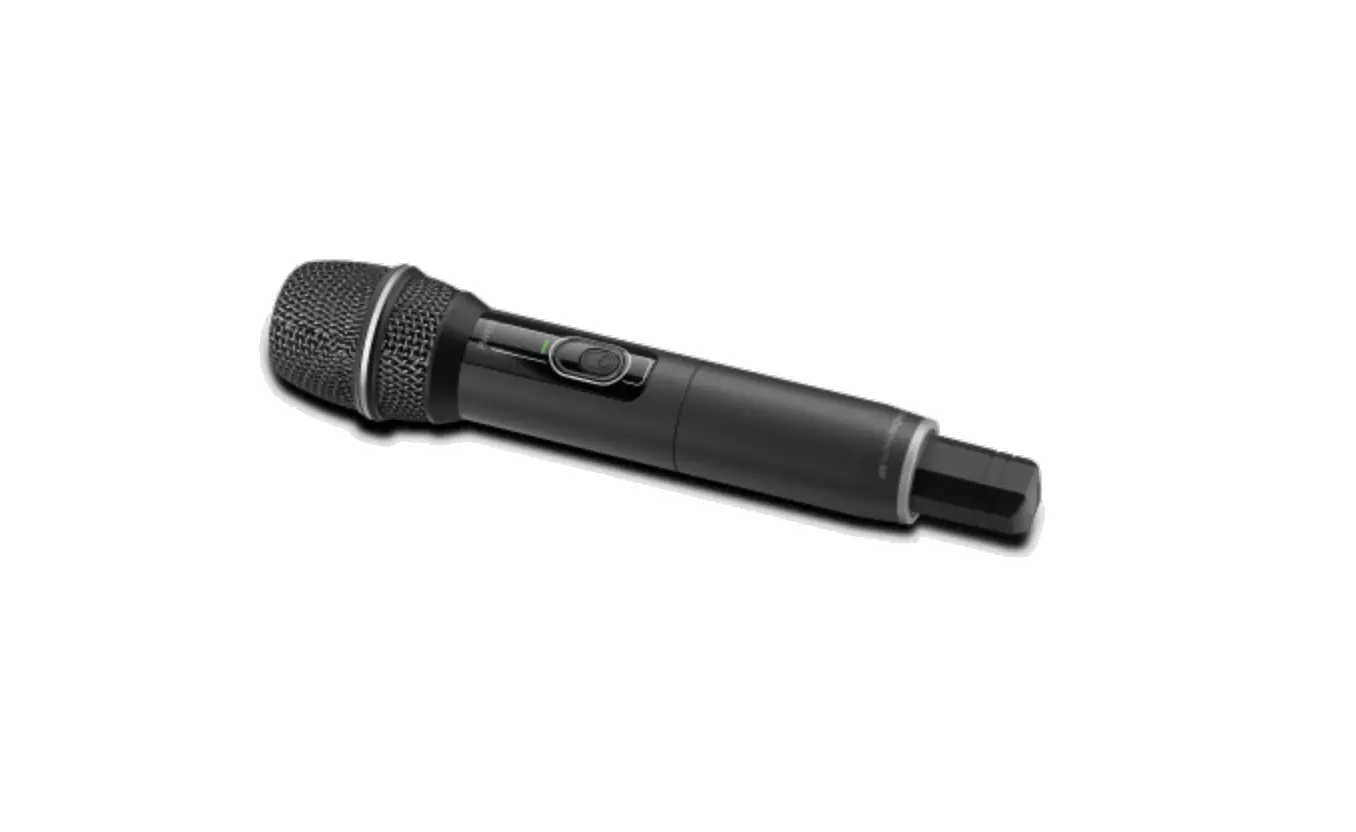
- ATW-T3: 268mm H x 52mm diameter, 227g without batteries
FCC Notice
Warning (DE3 Frequency Band Only): This device complies with Part 15 of the FCC Rules. Operation is subject to the following two conditions: (1) This device may not cause harmful interference, and (2) this device must accept any interference received, including interference that may cause undesired operation. Caution: You are cautioned that any changes or modifications not expressly approved in this manual could void your authority to operate this equipment. Note: This equipment has been tested and found to comply with the limits for a Class B digital device, pursuant to part 15 of the FCC Rules. These limits are designed to provide reasonable protection against harmful interference in a residential installation. This equipment generates, uses and can radiate radio frequency energy and, if not installed and used in accordance with the instructions, may cause harmful interference to radio communications. However, there is no guarantee that interference will not occur in a particular installation. If this equipment does cause harmful interference to radio or television reception, which can be determined by turning the equipment off and on, the user is encouraged to try to correct the interference by one or more of the following measures: − Reorient or relocate the receiving antenna. − Increase the separation between the equipment and receiver. − Connect the equipment into an outlet on a circuit different from that to which the receiver is connected. − Consult the dealer or an experienced radio/TV technician for help.
System Setup
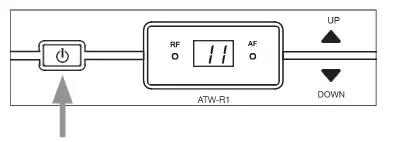
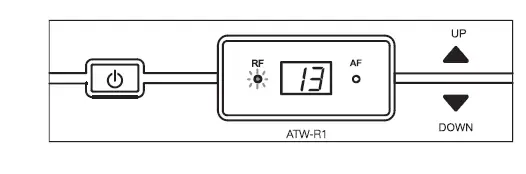
- Press and hold the power button to turn on the receiver

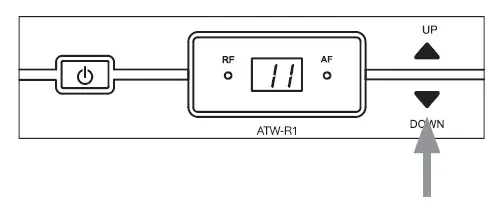
- Press and hold or for 1 second. The channel display begins flashing. Press (forward) or (backward) again to select an interference-free channel. See next page for interference-free channel selections

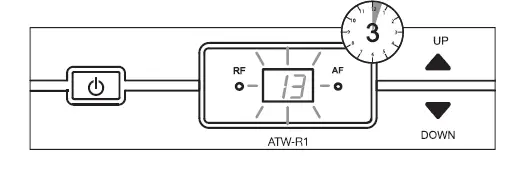
- Once the channel is selected, wait (3 seconds) for the flashing to stop. The channel is now set.

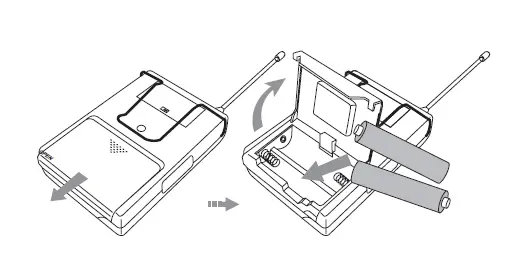
- Open body-pack transmitter battery cover and insert batteries, ensuring polarities are correctly matched (+)(-).

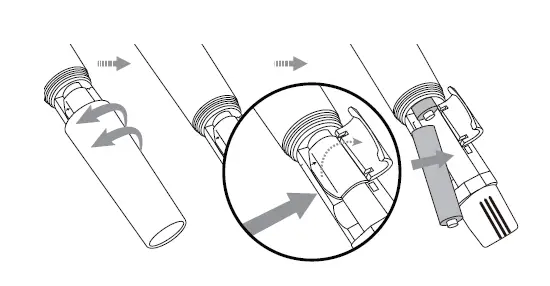
- Unscrew handheld transmitter battery compartment and insert batteries, ensuring polarities are correctly matched (+)(-).

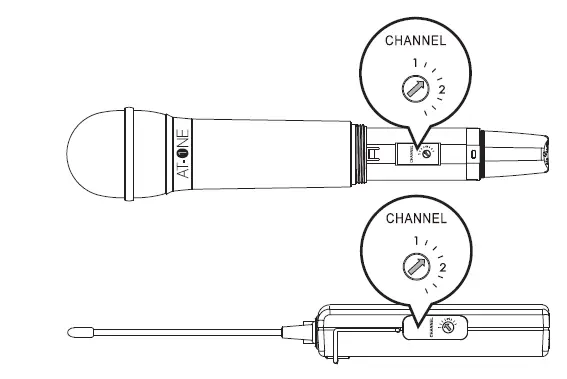
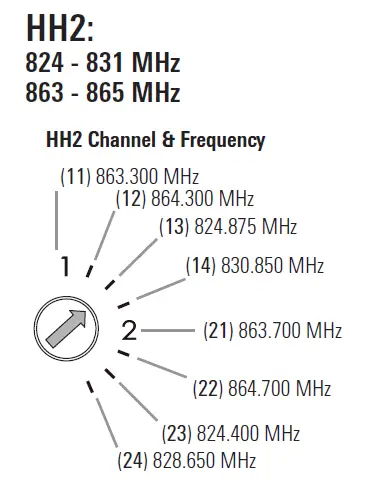
- Adjust the transmitters to the same channel as the receiver. ‘1’ is equal to the first frequency in Group 1. ‘2’ is equal to the first frequency in Group 2.

- Turn off the transmitter when switching frequency to avoid pops.

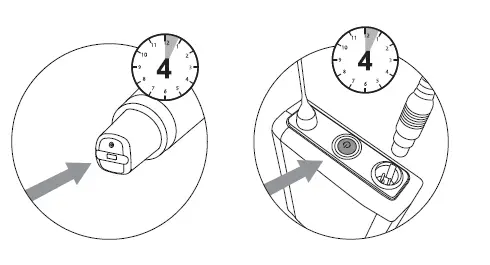
- Press power button for 4 seconds to turn on bodypack/ handheld transmitter. Hold power button for 4 seconds to turn off. Click power button to mute

- When the setup is completed, the receiver will receive RF signal and the RF indicator will light red.
Frequency
When operating multiple channels in parallel, all systems must stay within one of the groups below to avoid interference (max of four simultaneous channels per band).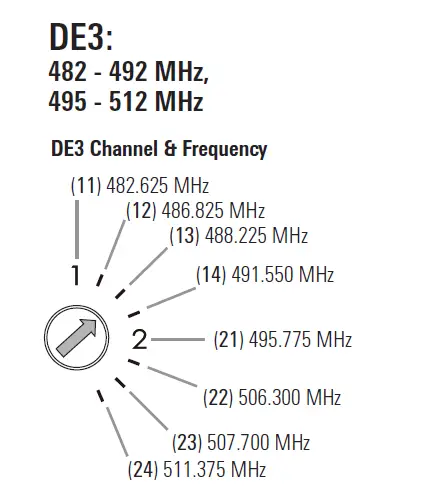
| Group 1 | |
| Channel | MHz |
| 11 | 482.625 |
| 12 | 486.825 |
| 13 | 488.225 |
| 14 | 491.550 |
| Group 2 | |
| Channel | MHz |
| 21 | 495.775 |
| 22 | 506.300 |
| 23 | 507.700 |
| 24 | 511.375 |
| Group 1 | |
| Channel | MHz |
| 11 | 863.300 |
| 12 | 864.300 |
| 13 | 824.875 |
| 14 | 830.850 |
| Group 2 | |
| Channel | MHz |
| 21 | 863.700 |
| 22 | 864.700 |
| 23 | 824.400 |
| 24 | 828.650 |
www.audio-technica.com © 2021 Audio-Technica Corporation P52676-01