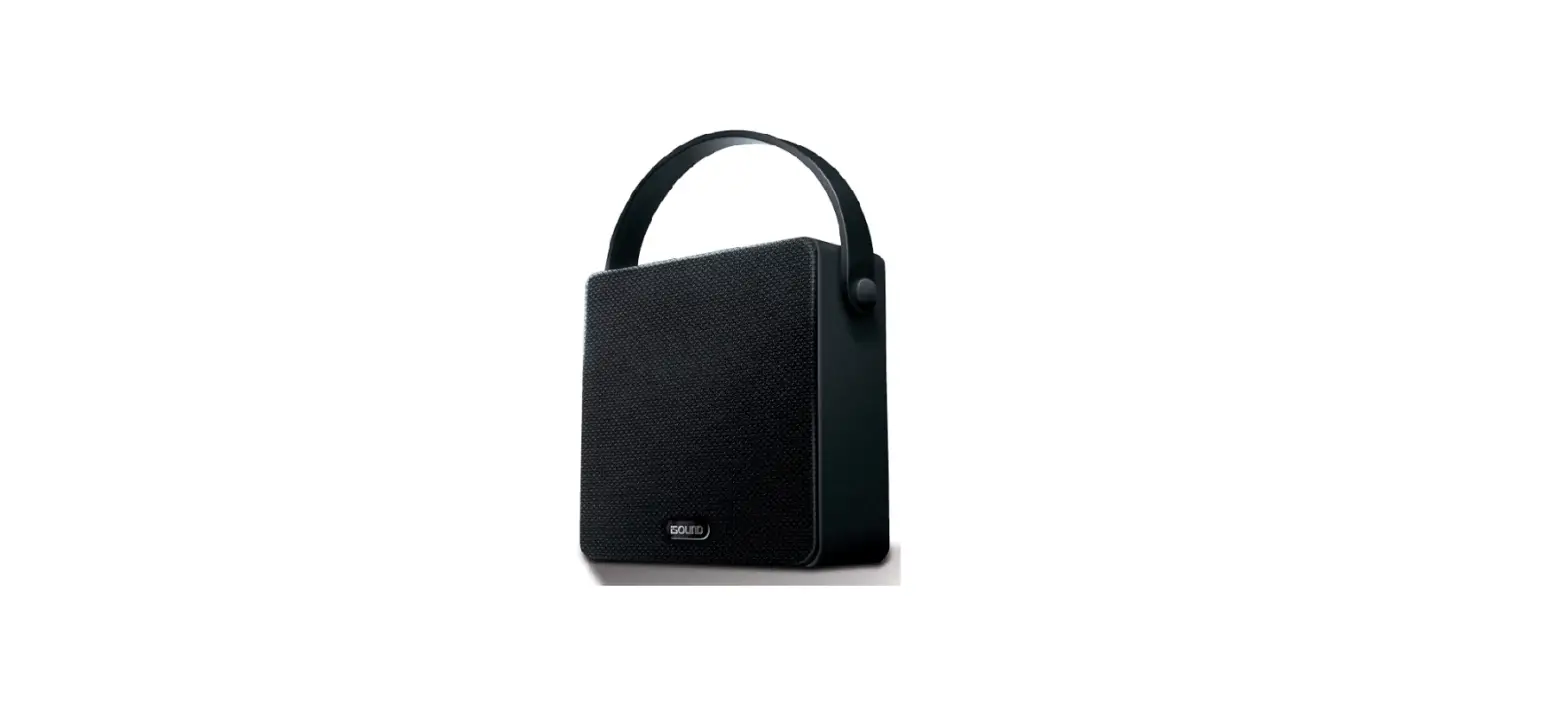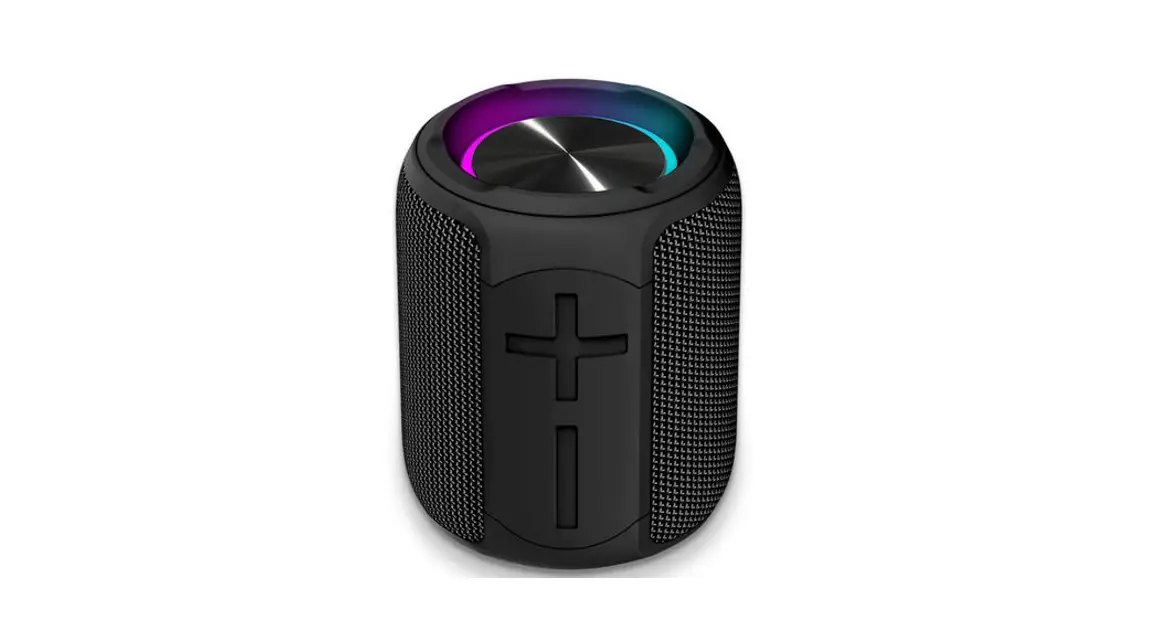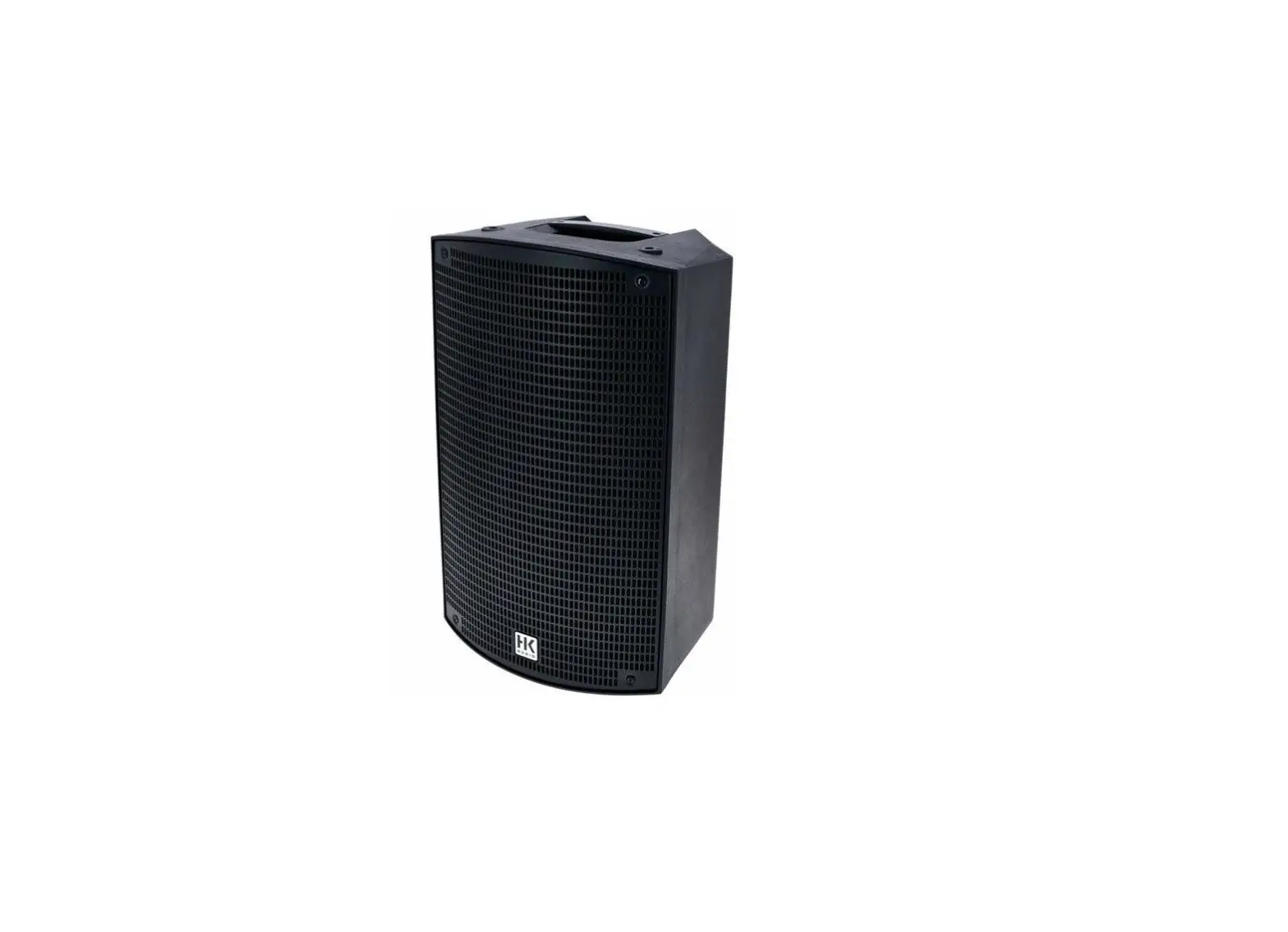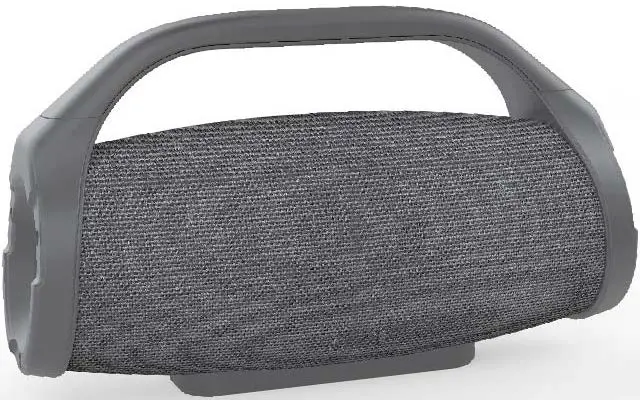
 PORTABLE WIRELESS
SPEAKER
MODEL: EV010 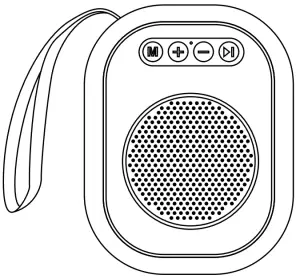 INSTRUCTION MANUAL
PRODUCT OVERVIEW
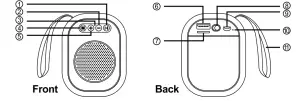
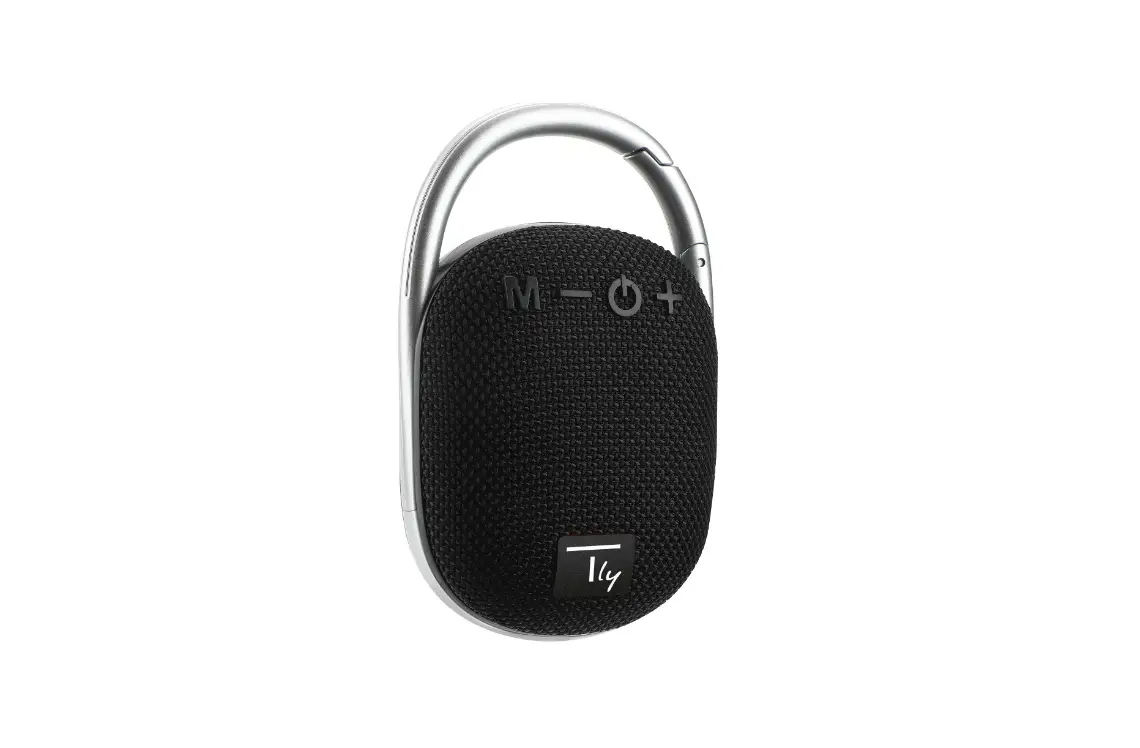
| 1 Play/pause/call button | 7 Micro SD card port |
| 2 Previous track/volume down | 8 On/off button |
| 3 Microphone | 9 Micro USB charging port |
| 4 Change mode | 10 Status light |
| 5 Next track/volume up | 11 Carrying strap |
| 6 USB Flash drive port | |
SPECIFICATIONS
- Model: EV010
- Officeworks product code: OTEV010B/OTEV010C/OTEV010NB
- Bluetooth version: 5.0
- USB charging voltage: DC 5V 1A
- Built-in 300mAh rechargeable lithium battery
- Operating distance: up to 10 meters
- Output: 4, 3W
- Playtime: Up to 3 hours
- Stand by time: Up to 10 hours
- Charging time: 1.5 hours
INSTRUCTIONS
Bluetooth pairing
- Turn on the Bluetooth speaker by sliding the power switch to the left. The speaker plays “Power On”. Enable the Bluetooth feature on the device and initialize the search function. Select Bluetooth ID “EV010” and confirm to pair with. (To disconnect the Bluetooth connection, disable the Bluetooth feature on the connected device.)
Power on/off
- Slide the power switch to the left to power on the speaker.
A greeting tone “Power On” will play. - Slide the power switch to the right to power off the speaker.
Playing music
- After pairing, launch the music app on a mobile device, press the key to start playing music, and press again to pause.
Skipping music track
- Press the once-on
 button to skip to the next track.
 - Press the once-on
 button to skip to the previous track.
 button to skip to the next track.
 button to skip to the previous track.
Volume up / down
- Press and hold either or the button to adjust the volume to the desired level.
Hands-free conversation
- Speaker plays “Incoming Call” when the connected device receives an incoming call. A ring tone will continue to play.
- Press and hold
 D button to reject the incoming call.
 - Press the button again to hang up the conversation.
- Press button twice to redial the last outgoing phone number from the mobile phone.
Note: Hands-free conversation feature allows users to remotely accept voice calls from direct number dial-in and certain instant messaging Apps by pressing the Play/Pause button on the speaker. Some instant messaging Apps do require users to confirm the acceptance of voice calls within the App only.
 D button to reject the incoming call.
Media files playback
- Insert either USB flash driver/MicroSD card into the port on the back of the speaker. Press
 button to switch the audio mode to media files playback. A beep tone will ring when the mode is changed.
 button to switch the audio mode to media files playback. A beep tone will ring when the mode is changed.
FM radio
- Press the button to switch the audio mode to FM radio. A beep tone will ring when the mode is changed.
- Long press to initiate auto scanning cycle for an available FM station. Scanning stops once the first scanned station plays again and available FM stations will be saved.
- Short press , to skip to the next saved station.
- Short press to skip to the previously saved station.
- Short press to mute radio and press again to unmute radio.
Charging
- Connect the USB cable to a working USB power source.
The charging status light will turn on red and then turn off once the charging cycle is completed.
TROUBLESHOOTING
Issue | Possible Cause | Solution |
| Speaker cannot be turned on | Battery level low | Recharge the speaker |
| Unable to accept the incoming calls by pressing the call button | Bluetooth connection is interrupted/App does not support remote acceptance of an incoming call | Check the Bluetooth connection in between the speaker and the mobile phone/manually accept voice calls within the app control panel |
| Speaker is unable to pair with a mobile device | Bluetooth function is not yet turned on from the mobile device/ Speaker already connected to another mobile device | Turn on the Bluetooth function on a mobile device /ensure the previously connected device is disconnected from the speaker |
| Music playback is disrupted | Connection in between the speaker and mobile device is out of range/ Interference from other electronic appliances | Keep speaker and mobile device within 10m range without obstacle in between/ Move the speaker and mobile device to another location/Redo the pairing process |
| Audio in hands-free conversation cannot be heard clearly by another party | inconsistent mobile network signal on mobile device/ interference from surrounding electronic device/Noisy surrounding background
| Move to another location for better signal reception/interference-free/quiet operation. |
| Speaker is not charging | Connection of USB charging cable is loose /USB power source is not working | Check the connection in between speaker and cable. Check on the USB power source |
SAFETY INSTRUCTIONS
- Please read this instruction manual carefully before using this device and keep it for future reference.
- Keep the device away from heat, direct sunlight, and sharp edges.
- Do not insert any metallic object into these devices it is a short circuit risk.
- Do not repair the unit by yourself, contact an authorized specialist.
PACKAGE CONTENTS
- Portable wireless speaker x 1
- Micro USB charging cable x 1
- Instruction manual x 1
- Quick start guide x 1
PRODUCT WARRANTY — VALID FOR AUSTRALIAN CUSTOMERS ONLY
Officeworks Ltd warrants that this product will be free from defects and work as intended for 3 years from the date of purchase by the original customer.
If the product has any defects or does not work as specified during the Warranty Period, Officeworks will, at its election and at its expense, repair or replace the product.
This warranty does not apply:
- to cosmetic damage;
- to damage caused by consumables used in connection with the product (such as batteries);
- where the product has not been used in accordance with all provided instructions;
- to damage arising from fair wear and tear;
- where the product has not been subject to reasonable use;
- where the product has been intentionally or negligently damaged; and/or
- if the customer has attempted to repair the product.
To make a claim under this warranty, please return your product with your receipt or proof of purchase to your nearest Officeworks store or contact 1300 633 423.
This warranty is provided in addition to any rights you may be entitled to under the Competition & Consumer Act 2010. Our goods come with guarantees that cannot be excluded under the Australian Consumer Law. You are entitled to a replacement or refund for a major failure and compensation for any other reasonably foreseeable loss or damage. You are also entitled to have the goods repaired or replaced if the goods fail to be of acceptable quality and the failure does not amount to a major failure.
 |  |
| The Bluetooth® word mark and lo_qos are registered trademarks owned by Bluetooth SIG, Inc. and any use of such marks by Officeworks Ltd. is under license. | OFFICEWORKS LTD 236-262 EAST BOUNDARY ROAD EAST BENTLEIGH VIC 3165 AUSTRALIA |
MADE IN CHINA