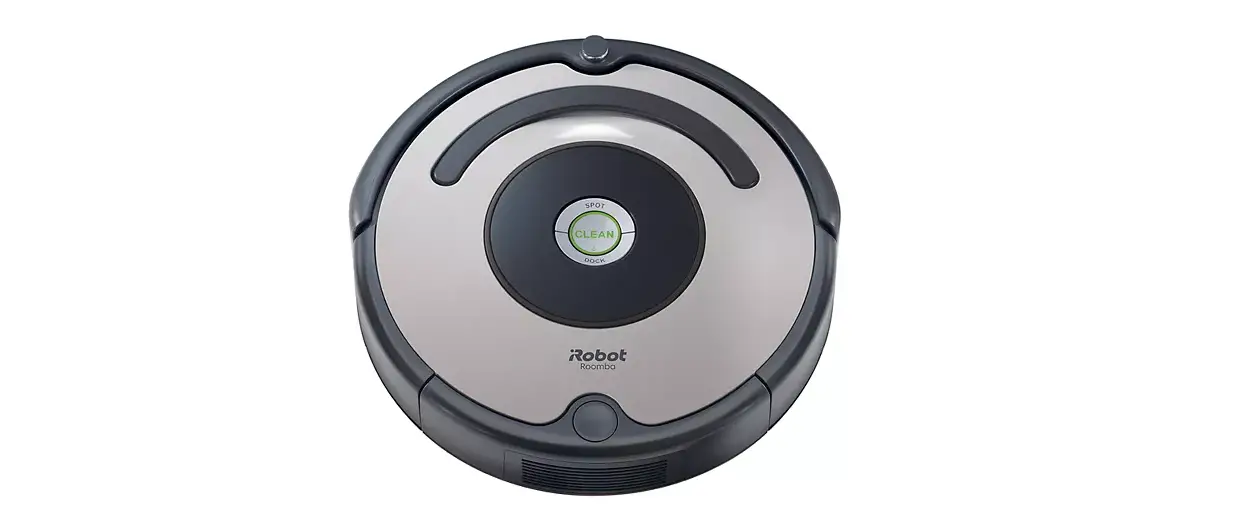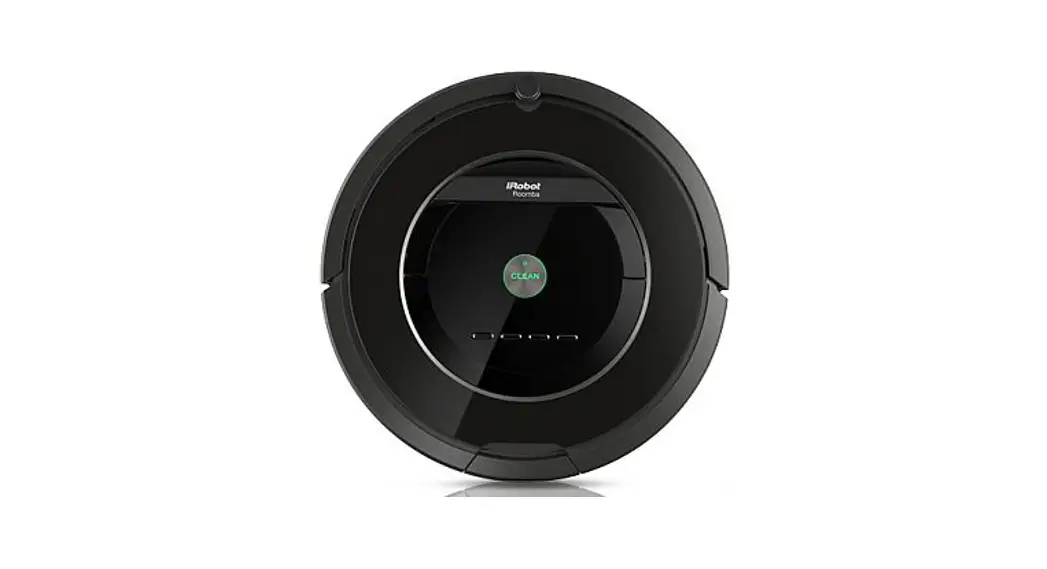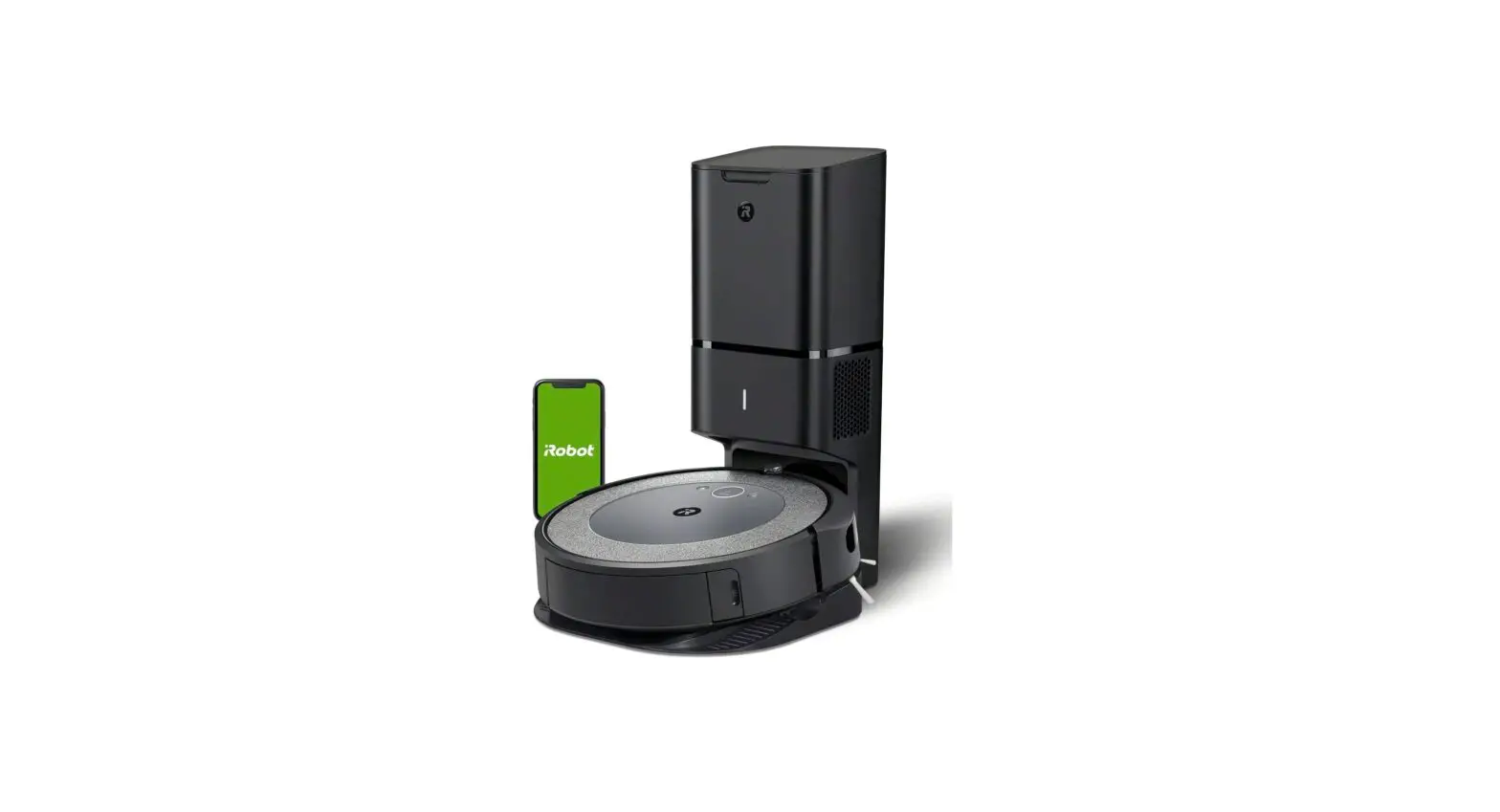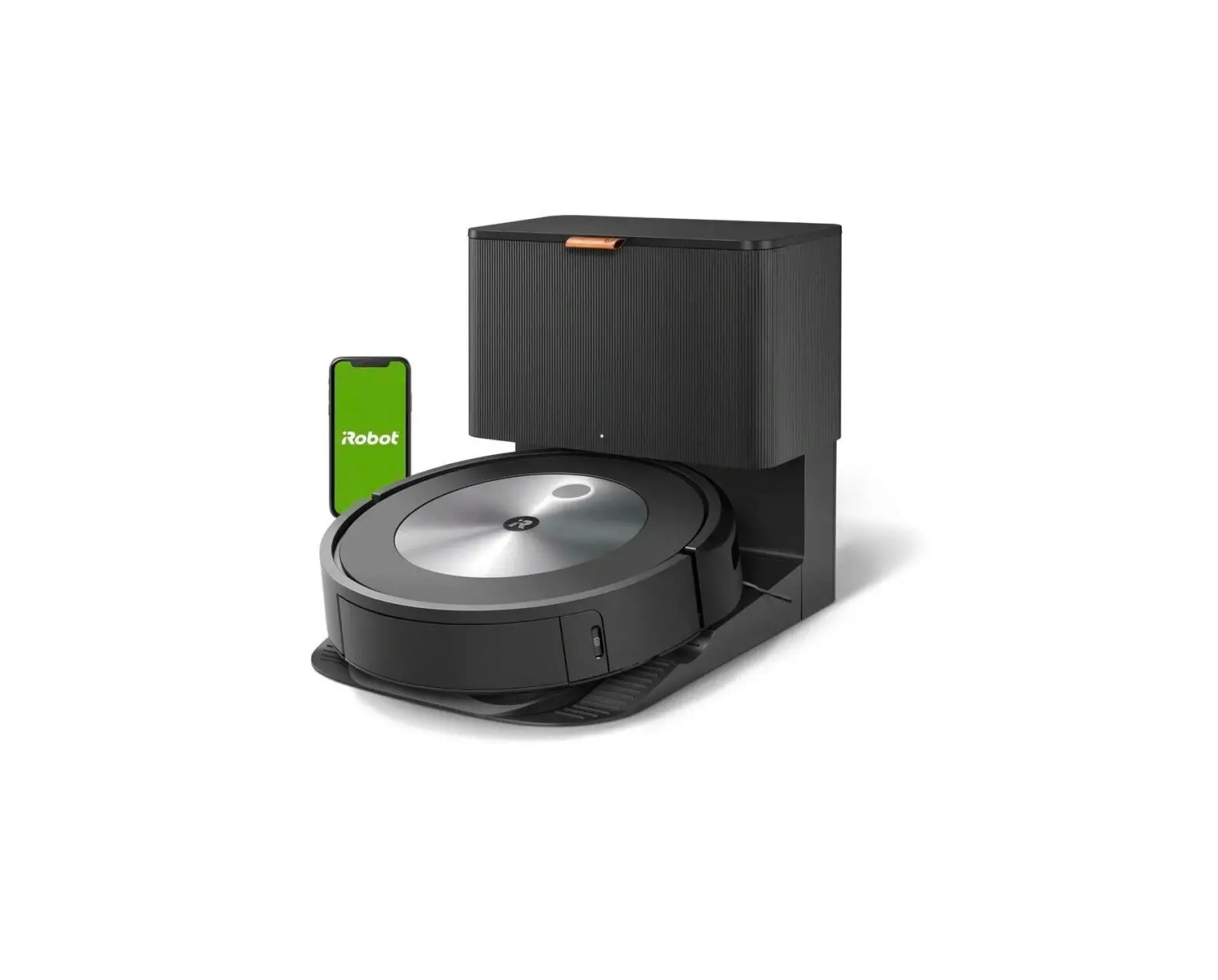

Roomba
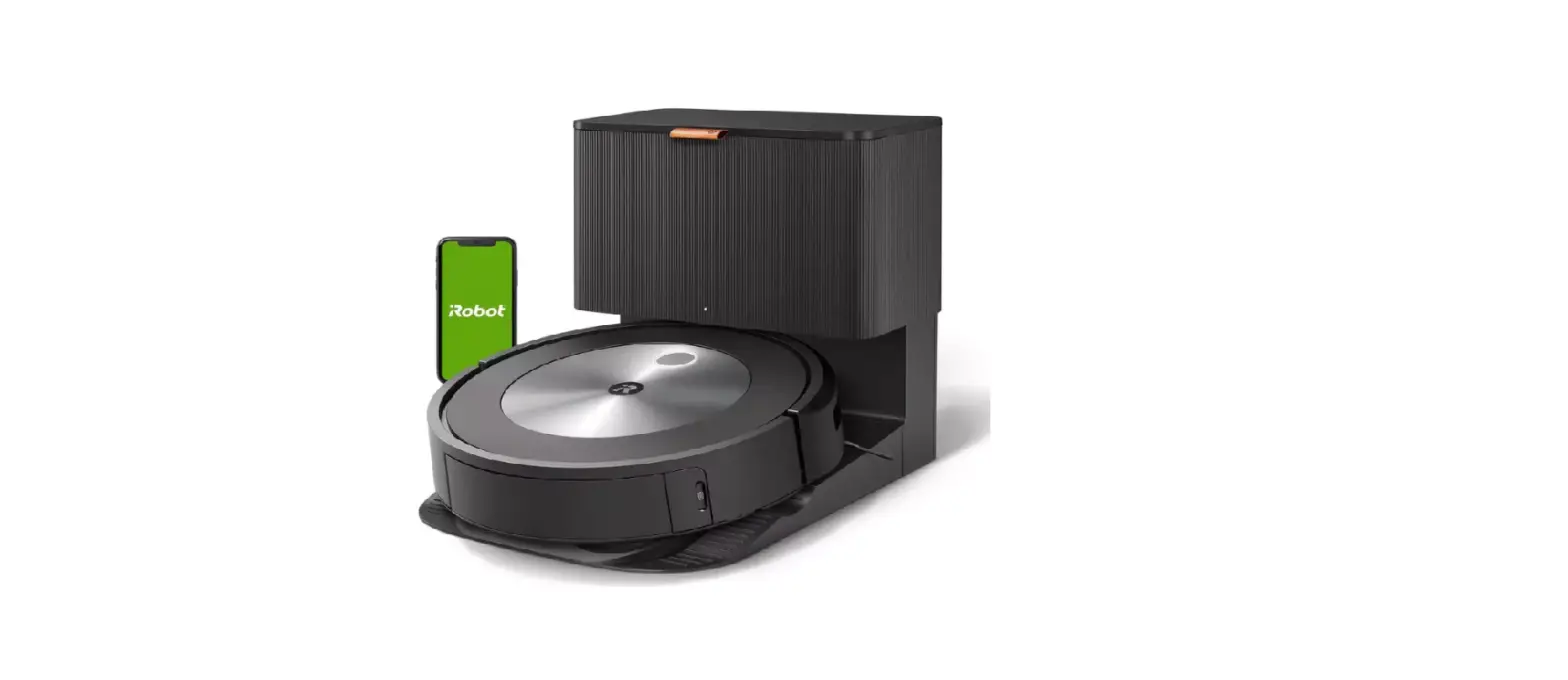
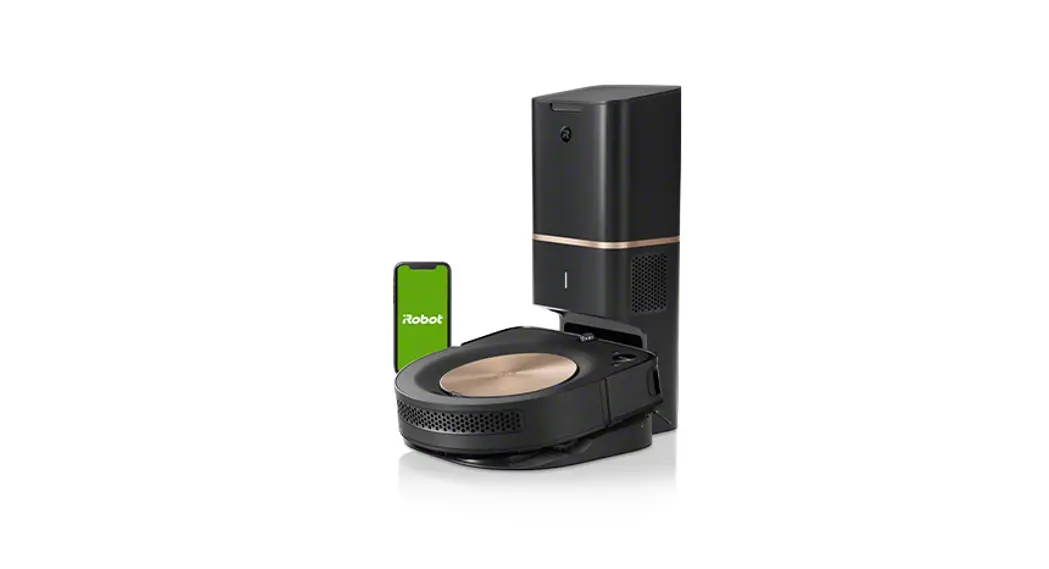
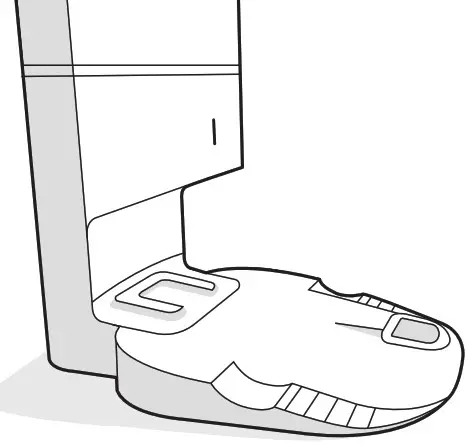
Clean Base™ Automatic Dirt Disposal
Owner’s Guide
For Roomba ®i Series Robot Vacuums
Care and Maintenance
Care and Maintenance Instructions
To keep your dirt disposal running at peak performance, follow these are procedures:
| Dock Part | Care Frequency | Replacement frequency |
| Bags | – | Bags should be replaced when prompted by the LED indicator/app |
| Charging Contacts IR Window | Once every month | – |
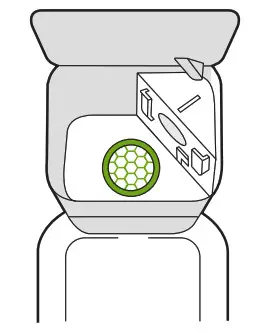
| Blower Cover inside canister | Once every month (remove debris from blower cover) | – |
 Note: iRobot manufactures various replacement parts and assemblies. If you think you need a replacement part, please contact iRobot Customer Care for more information.
Replacing the Bag
- Lift up on the canister lid to open.

- Pull up on the plastic card to remove the bag from the canister.
 Note: This will seal the bag so dust and debris cannot escape.
- Discard the used bag.
- Install a new bag, sliding the plastic card into the guide rails.

- Press down on the lid making sure it is completely closed.
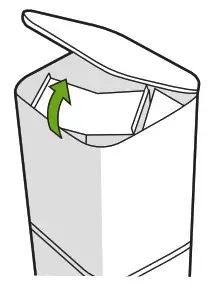
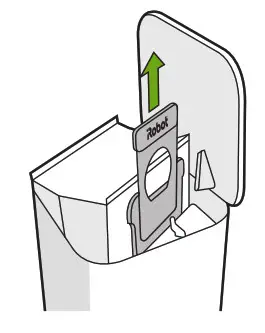
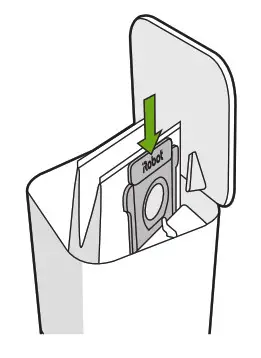
Note: To achieve optimal performance with your robot and automatic dirt disposal, clean and/or replace your robot’s filter as needed.
Cleaning the IR Window and Charging Contacts
Inspect the sensors and charging contacts to make sure they are clear of debris. Wipe with a clean, dry cloth. Note: Do not spray cleaning solution directly onto sensors or into sensor openings.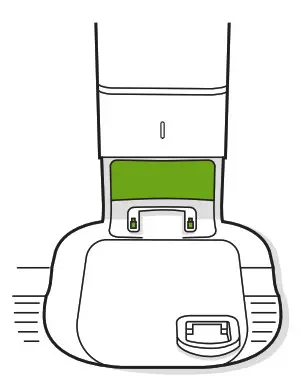
Removing Debris from Blower Cover
Inspect blower cover for any lint or debris built-up, and wipe with a clean dry cloth to remove.