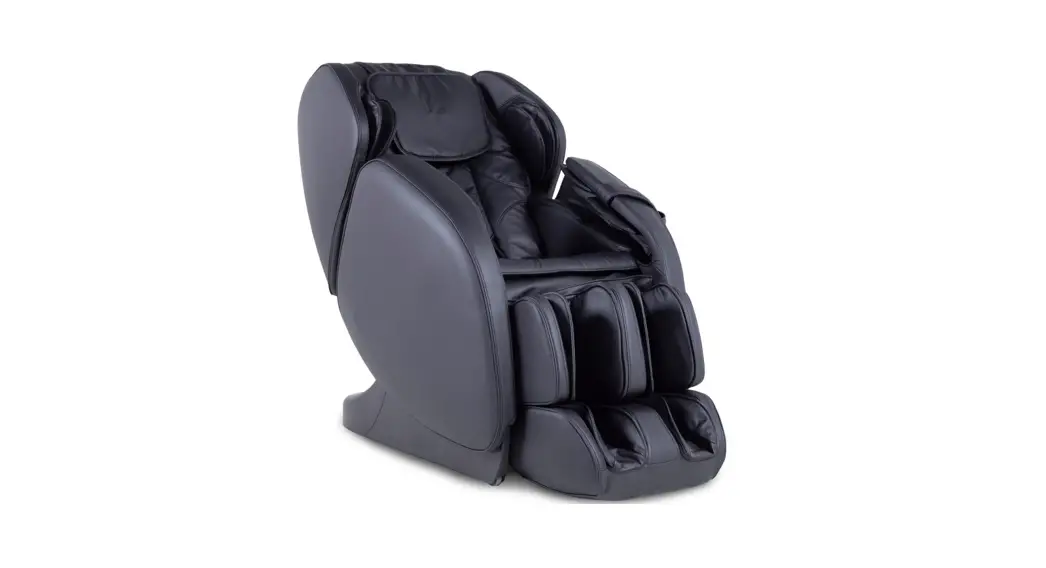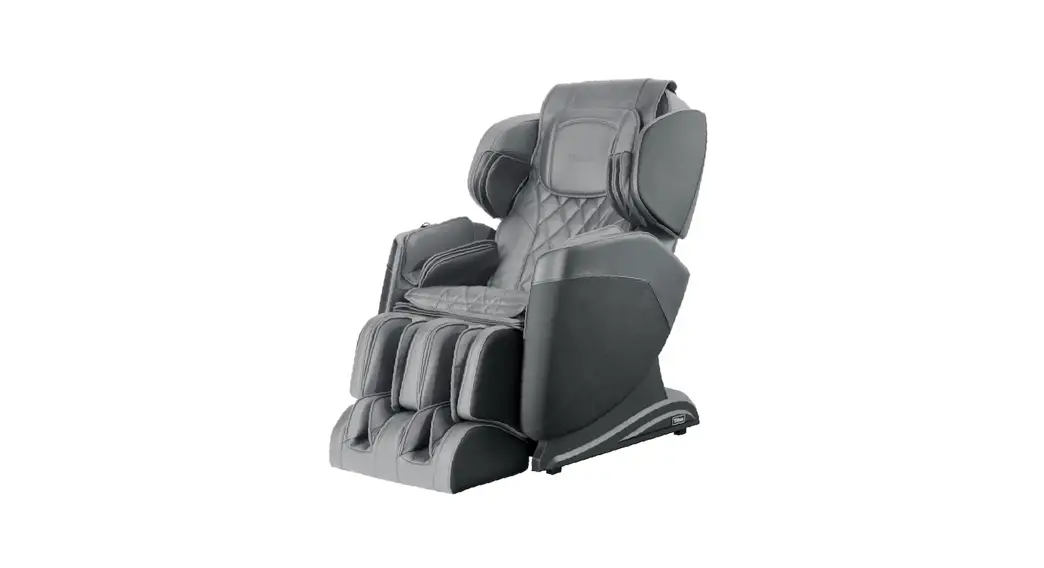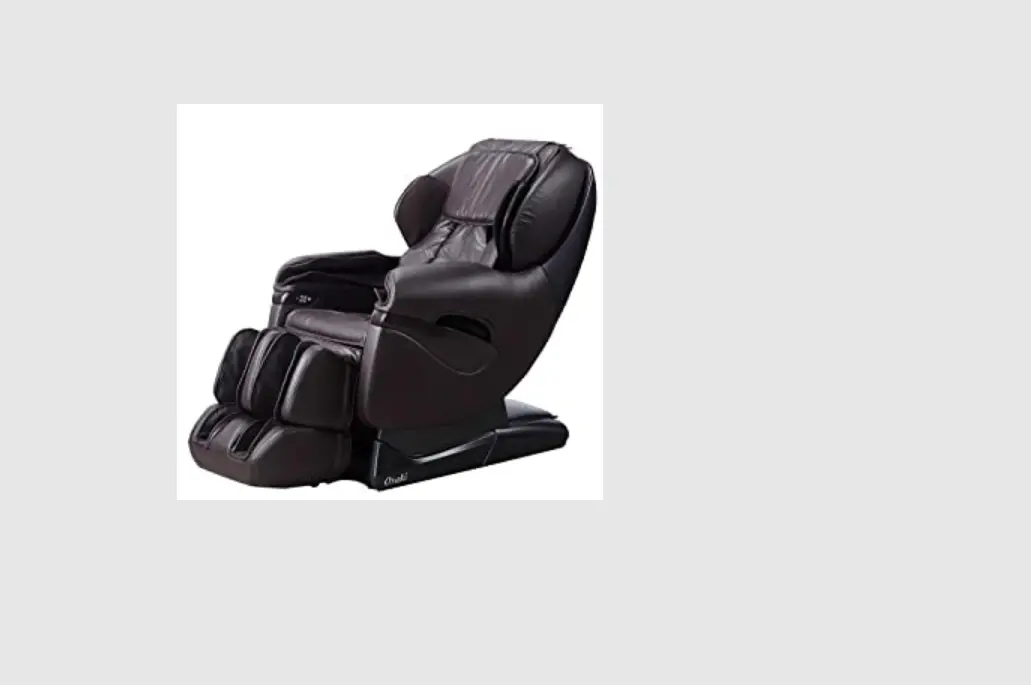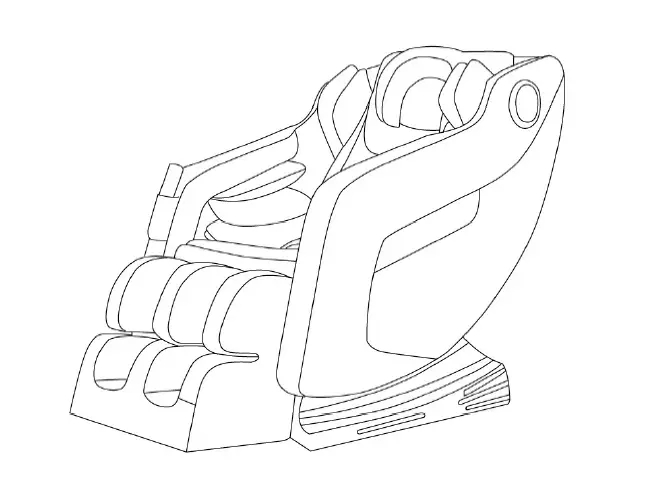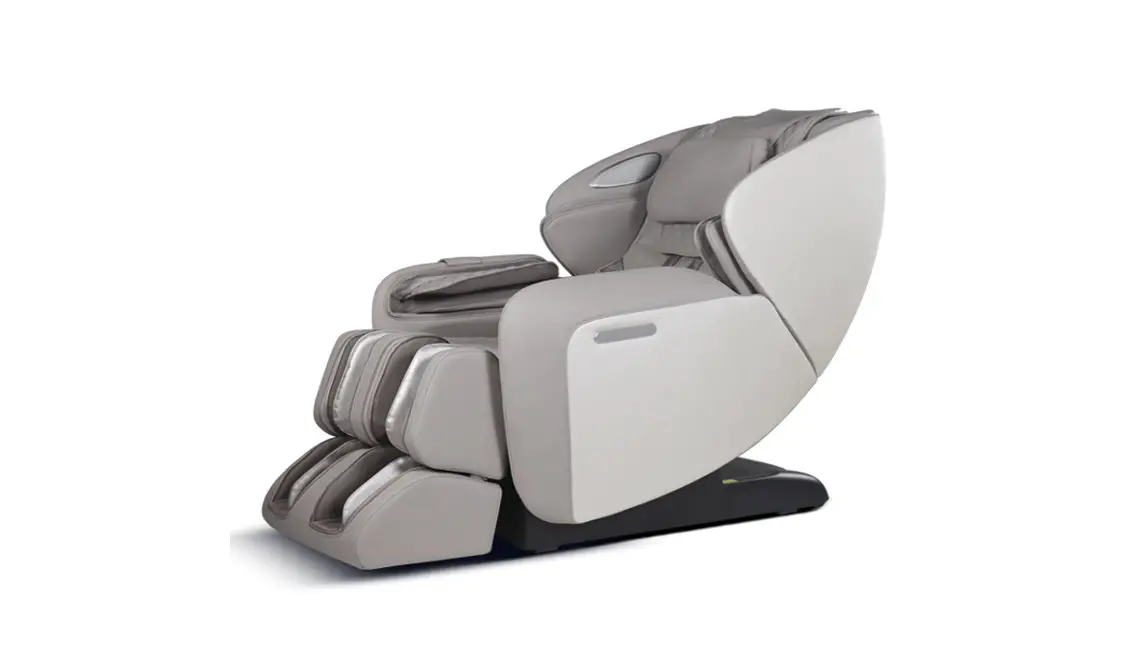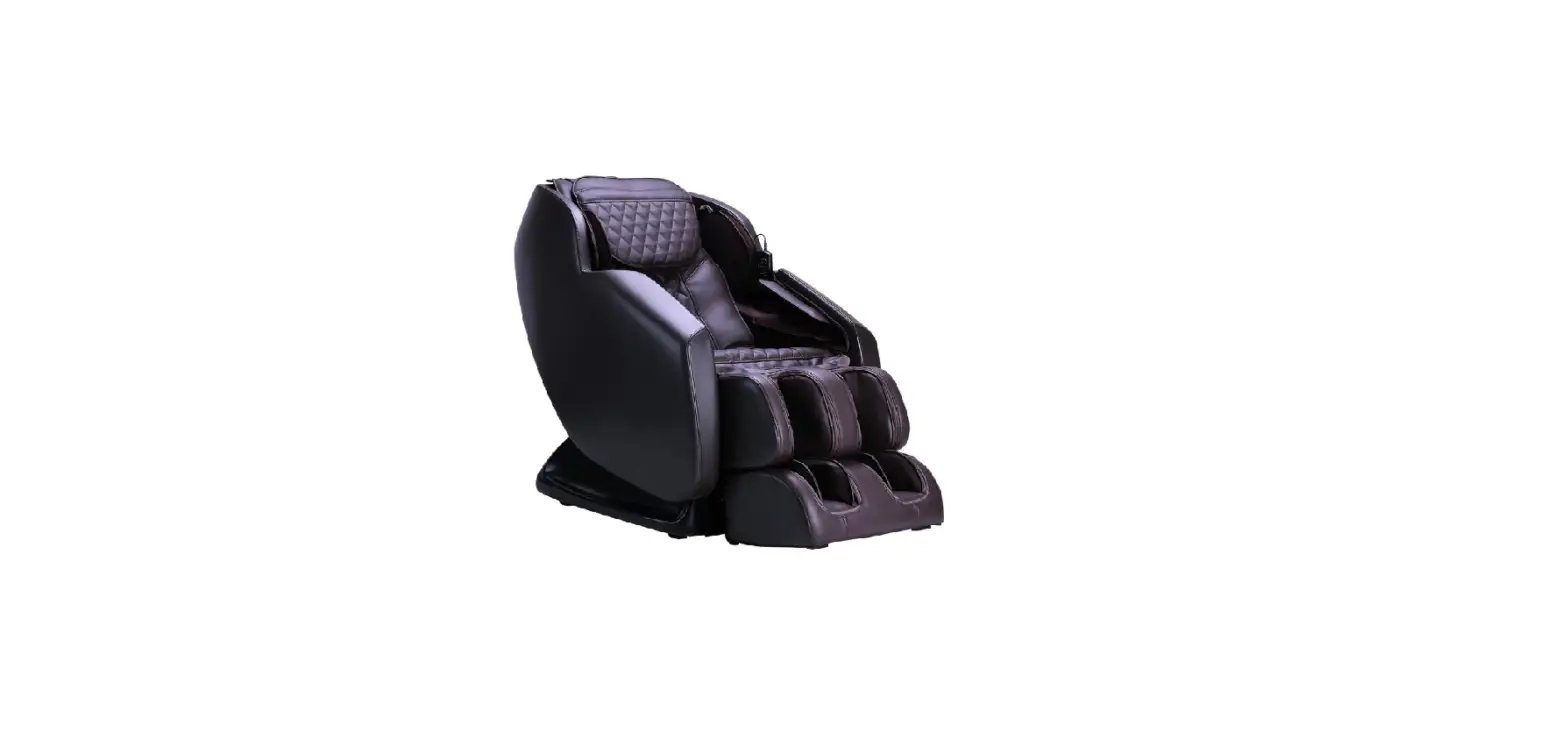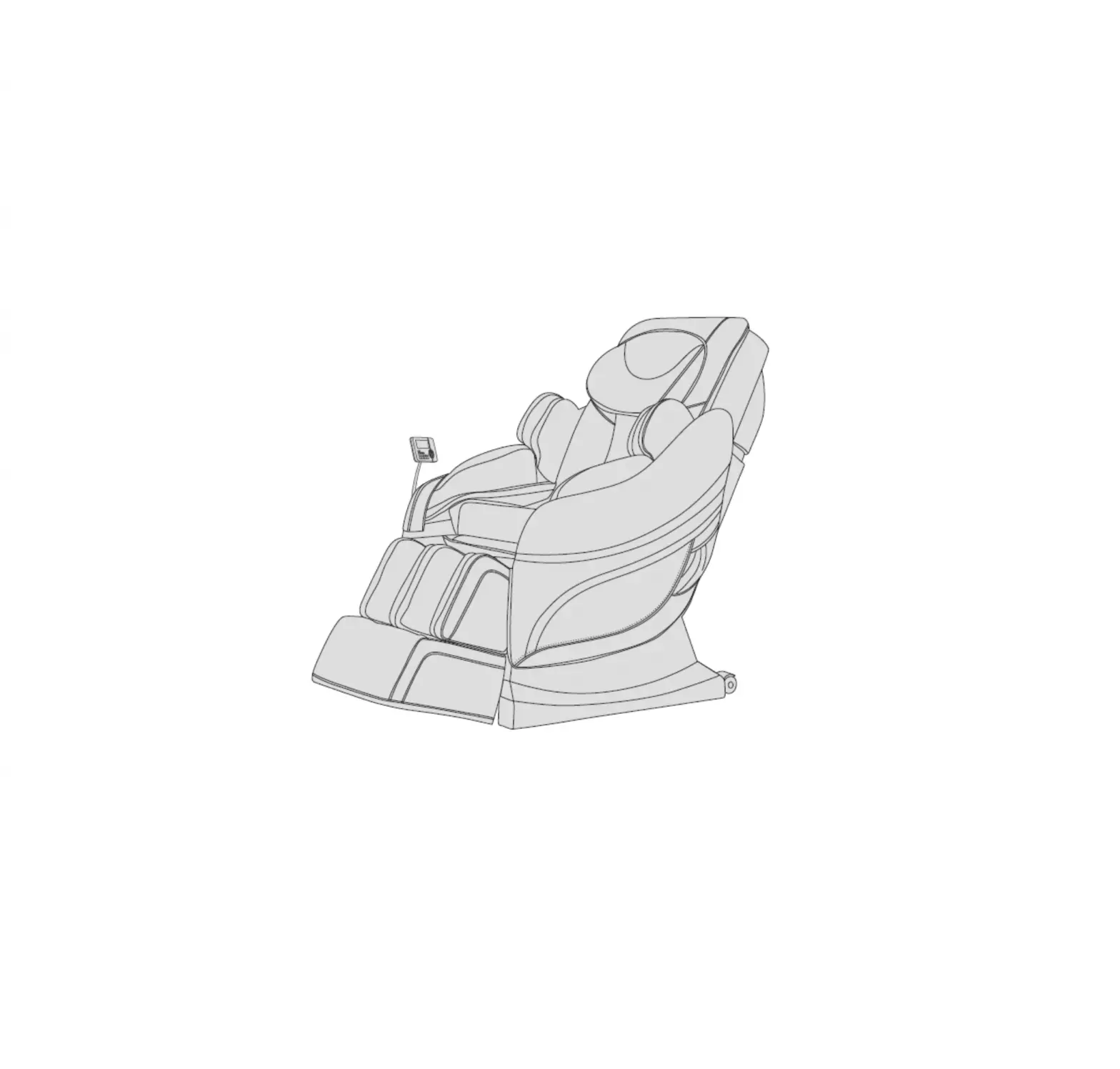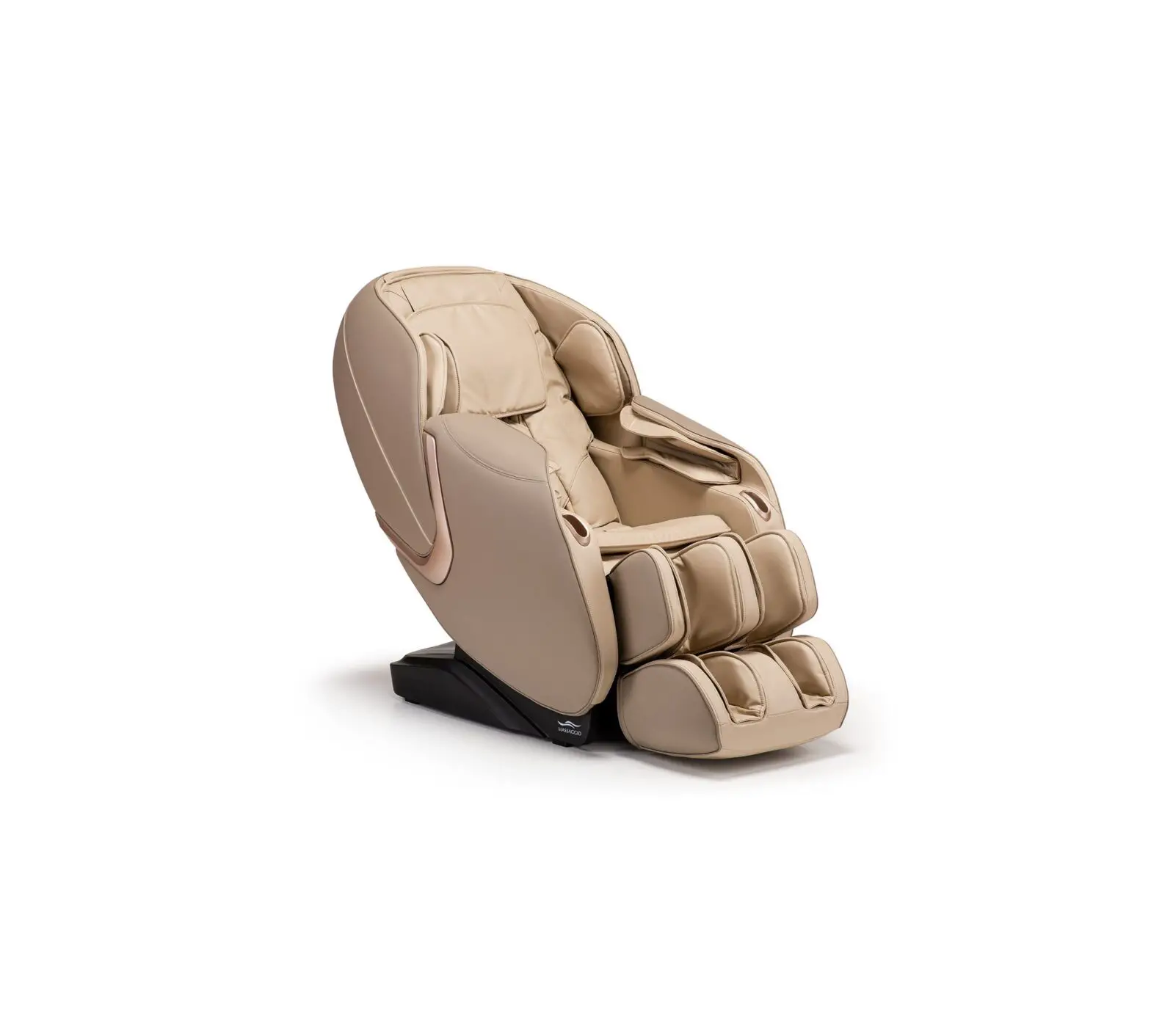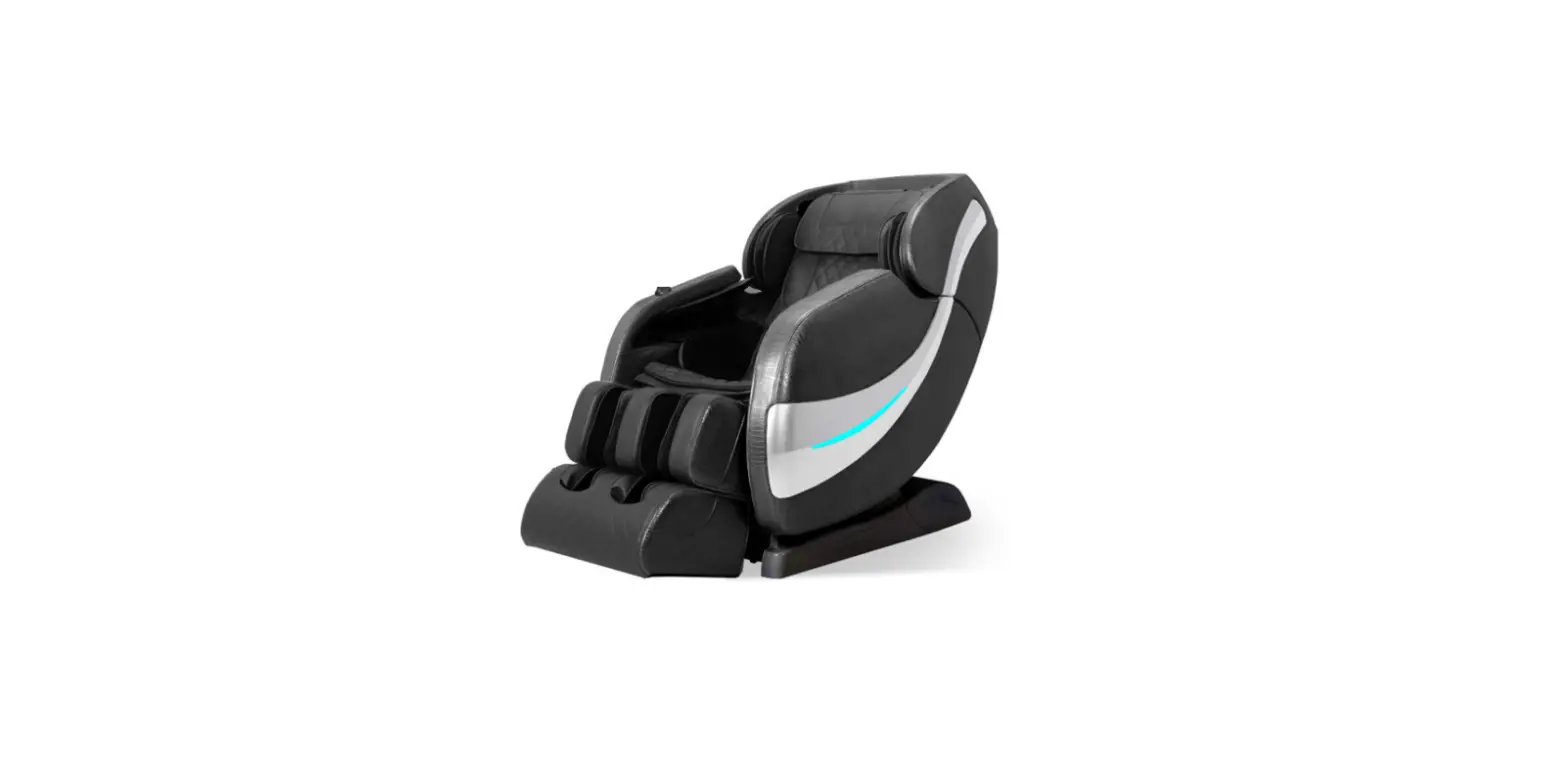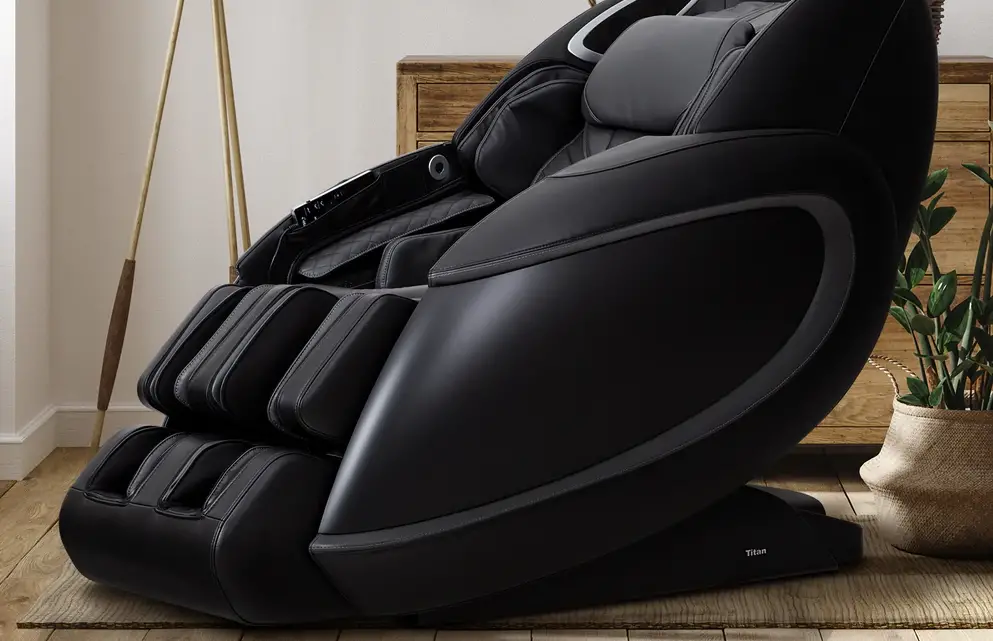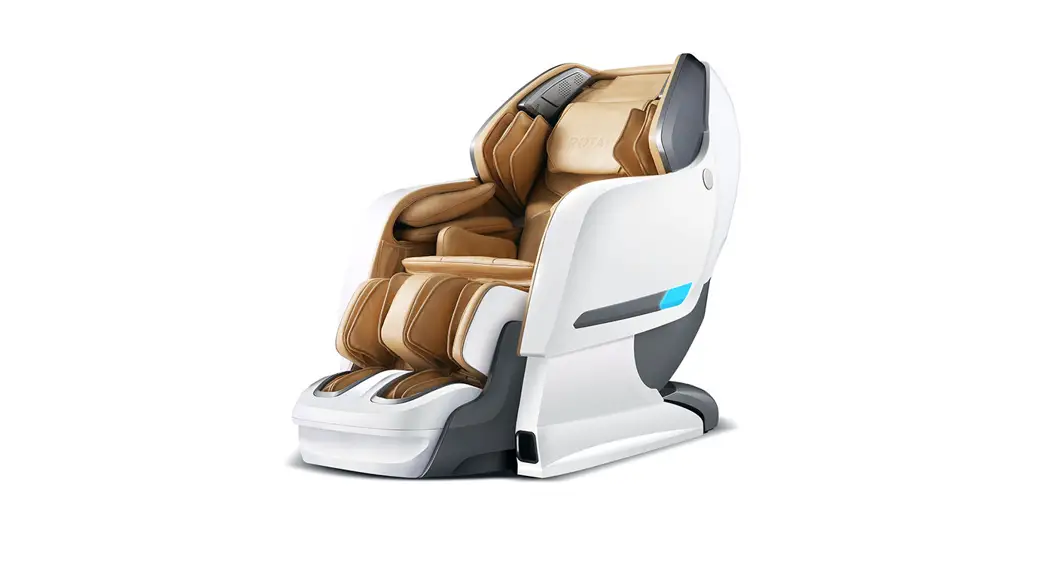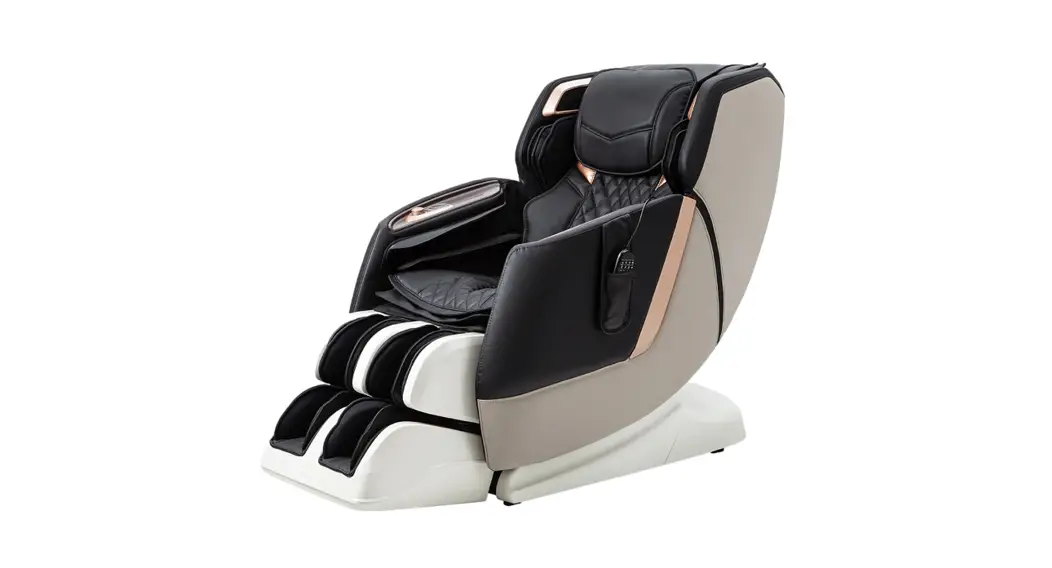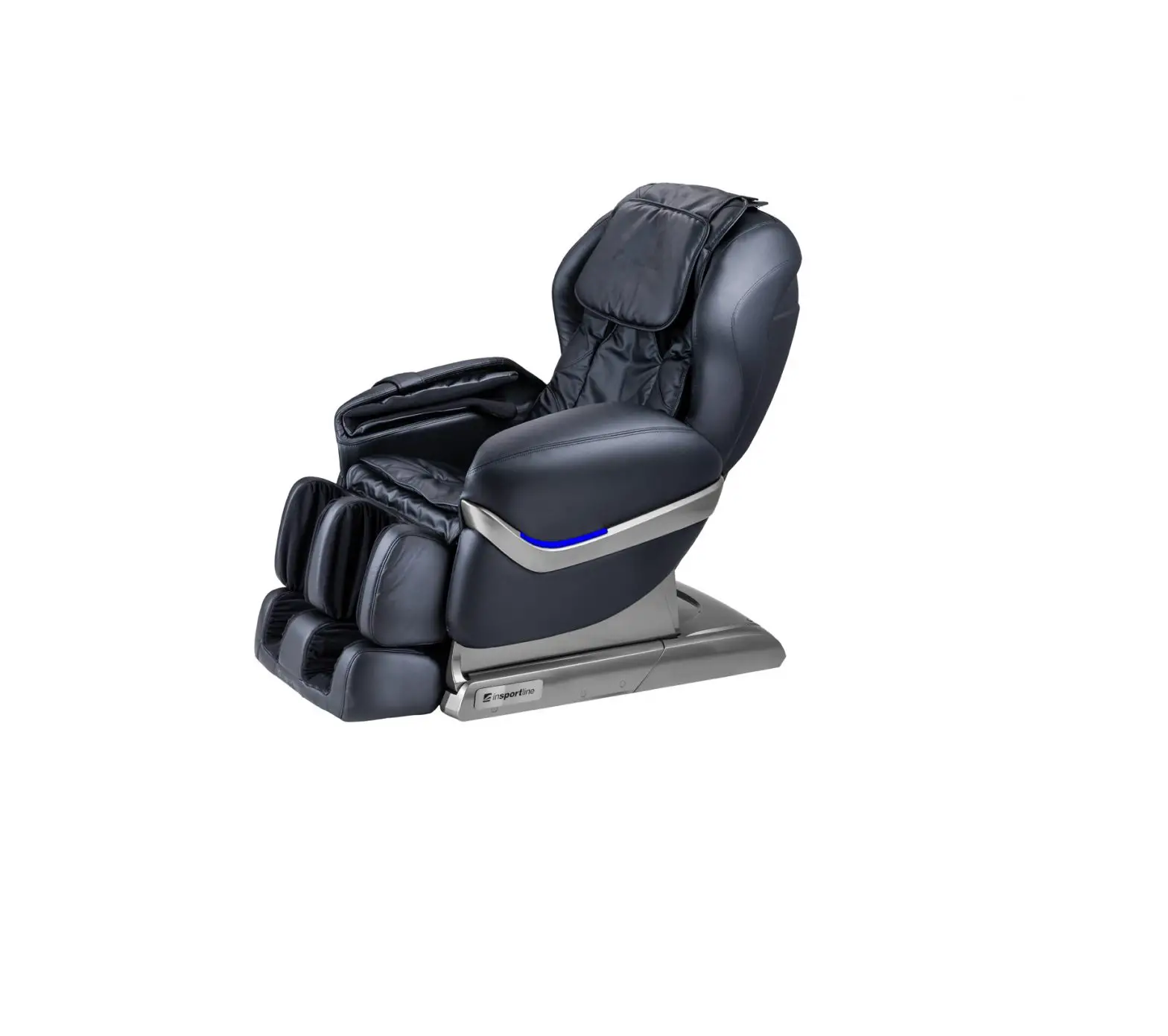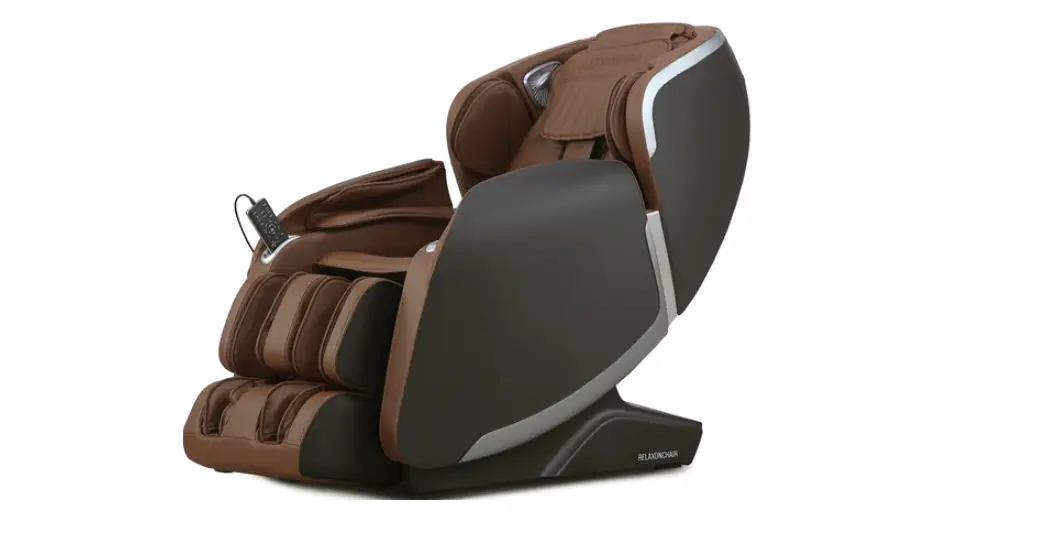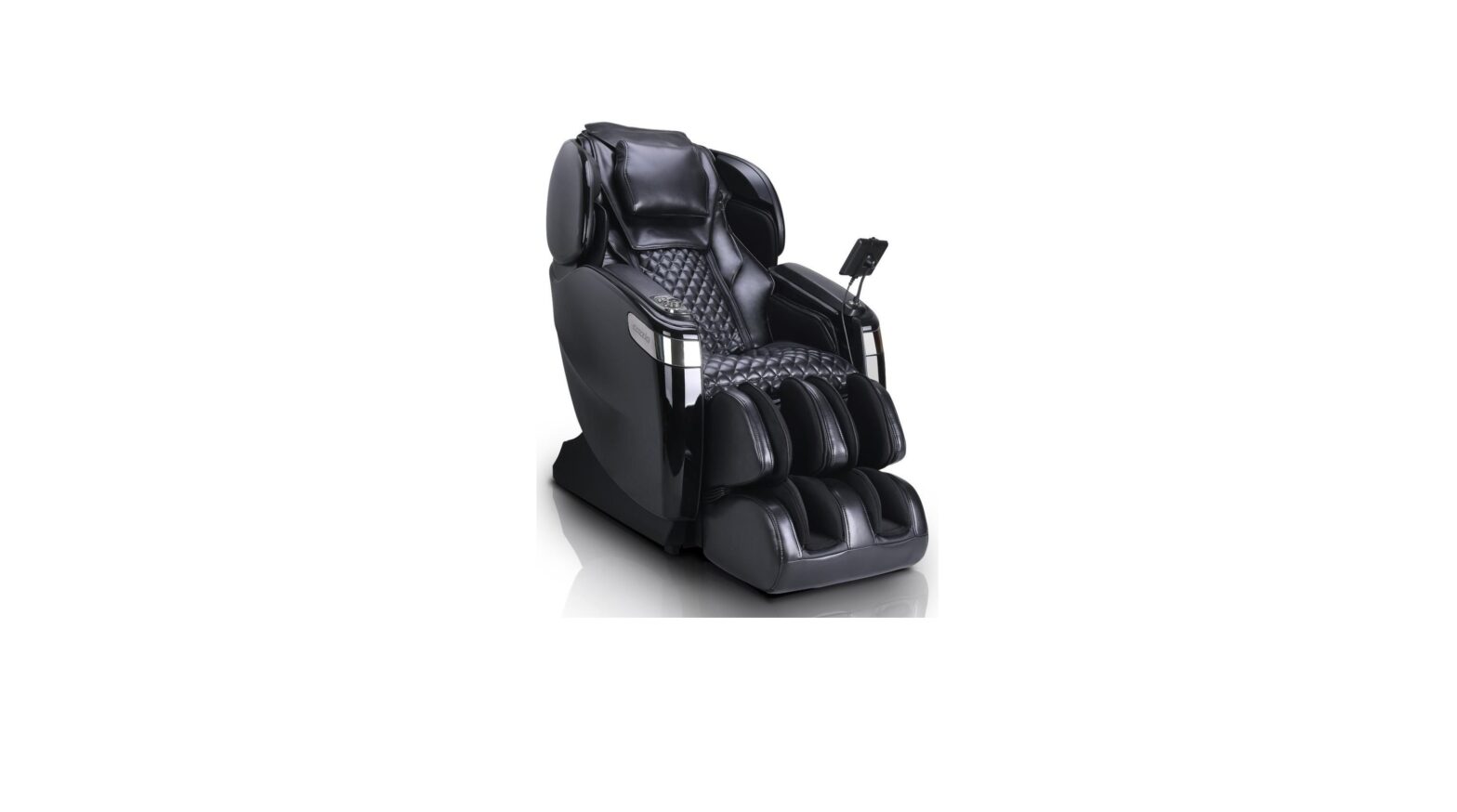

Comfort Science Technology Group EC806R Massage Chair
Instruction Manual
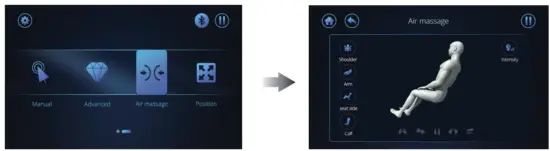
Air massage
- Touch the〔Air Massage〕icon and the screen will turn to the according page.
- There are 4 programs to select from.
- Select the program you prefer to start the massage.
- There are 5 different levels of air intensity available for adjustment.
Position
- Users can adjust the reclination of the backrest and the footrest by touching the icon

When you think that is the position you want, then touch the icon again to stop the adjustment. - The button of the legrest allows you to extend or retract the length of the legrest.
- Touch the 〔Zero Gravity〕icon to adjust the chair’s zero-gravity position. Press the button again to return to the original position.
- Touch the the〔LED〕icon to control the light under the side panels.
Touch the 〔Home〕icon to return the chair to its original position.

NOTE:
The 〔Zero Gravity〕icon is NOT controllable in the massage programs with angle adjustment.
And when you touch the the〔Home〕icon and during the process when the chair starts to return to the original position, you can still experience all the auto massage programs except the the〔Swing〕and the 〔 Stretch 〕 massage modes. Once you are at the original position, you can use these two modes again.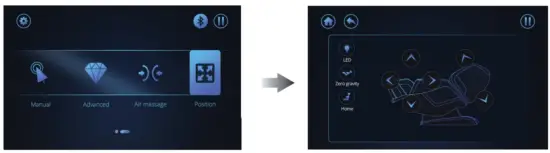
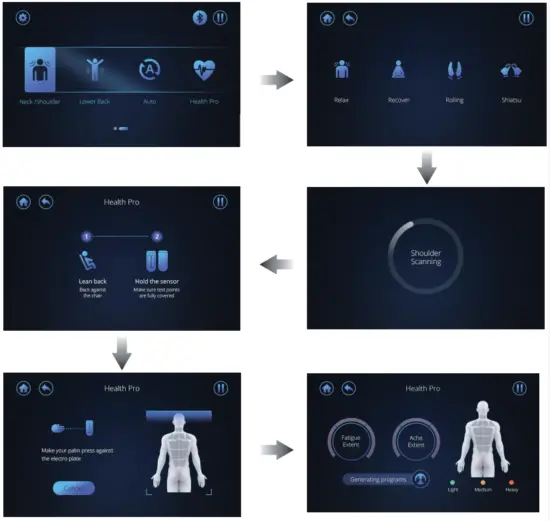
Neck/ Shoulder
- Touch this icon, the screen will turn to the page of 〔Neck/ Shoulder〕.
- There are 4 auto massage programs. Press any one of these 4 programs, the chair will automatically perform a shoulder height scanning. And the screen will turn to the 〔Shoulder Scanning 〕mode.
- When the 〔 Shoulder Scanning 〕 starts, it will turn to another page showing that you need to lean back against the chair, hold the body pain sensor make sure all the testing points are recovered, and last press the button to start detection.
- Make your palm press against the electroplate and do not move away from the plate until it finally shows your health pro over your back area.
- There are two extents of your health pro, fatigue extent and ache extent. And it will also show to what extent your health is pro, light, medium, or heavy. The chair will generate massage programs automatically according to your health pro scanning status.
NOTE:
- In order to scan your health pro and know how your back area feels, you should keep pressing against the electroplate of the body pain detector or it will stop scanning.

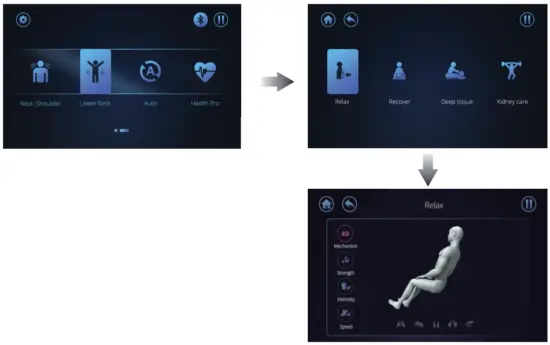
Lower Back
- Touch the icon, the screen will turn to the corresponding 〔Lower Back〕page.
- There are 4 auto massage programs. Select anyone to start the massage.

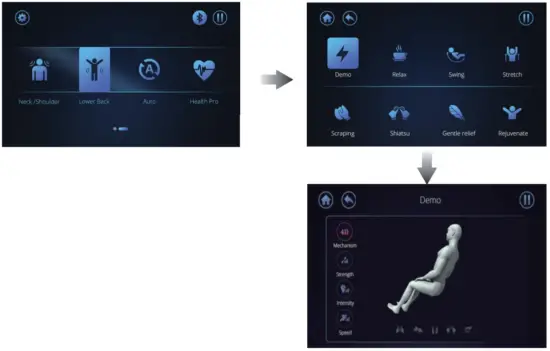
Auto
- Touch this icon, the screen will turn to the 〔Auto〕page.
- There are 8 auto massage programs. Select one of them to start the massage.

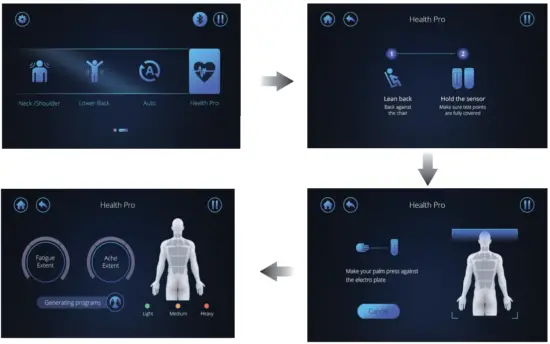
Health Pro
- Touch the 〔Health Pro〕icon and the screen will turn to the next page showing you how to detect your health pro.
- You need to lean back and hold the body against the pain sensors to make sure all the testing points are covered. Press the button to start detection.
- It tells that you should make your palm press against the electroplate and do not move away from the plate until it finally shows your health pro over your back area.
- There are two extents of your health pro, fatigue extent and ache extent. And it will also show what extent to of your health pro, light, medium or heavy. The chair will generate massage programs automatically according to your health pro scanning status.
NOTE:
- In order to use health pro properly to scan your body, you must lean against and make good contact with the electroplates of the body pain detector or it will stop and scanning will fail.
Settings
- Touch the
 icon on the top left corner, and the screen will change to the 〔Setting〕menu.
 - Users can select language, touch volume, screen sleep, and screen brightness on this page.
 icon on the top left corner, and the screen will change to the 〔Setting〕menu.
For language, users can select English or Chinese on their own.
For touch volume, users can slide it from the left to the right to adjust the screen touch volume.
For screen sleep, users can select a time for the screen sleep with their preparation.
For screen brightness, users can adjust it by sliding the button from the left to the right as they like.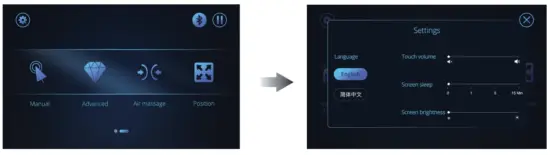
Bluetooth
• Touch the icon  to control the Bluetooth. When you press it and find the icon lighting up, that means the Bluetooth of the chair has been turned on and you can connect the Bluetooth with your phone. Also, you can touch the icon again to turn the Bluetooth off.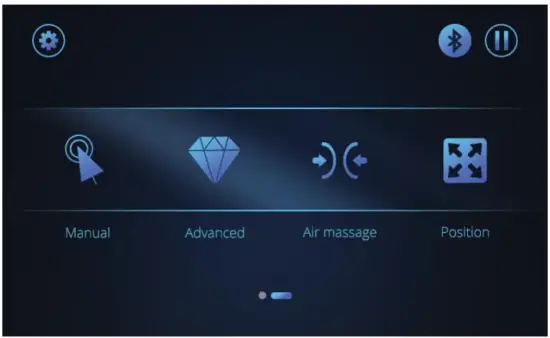
NOTE:
Sometimes, you will find a warning sign shown like below. That means a foreign subject is preventing the footrest from functioning properly. And users should remove the obstruction and then press “OK” to continue to massage.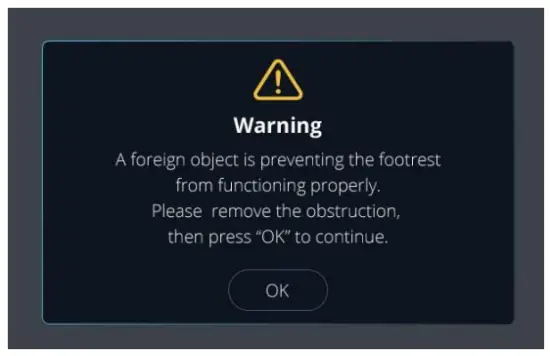
Voice control
Make sure the plug is fully inserted and turn on the chair, then you can use the chair by voice control. When you make the commands as what it shows in the form(See in the next page), the chair will react accordingly.
| Command “Hi Osaki Pro” | The reaction I am here |
| Power off | Sure, I hope you enjoyed your massage |
| End Massage | |
| Pause Massage | Your session is on hold |
| Higher | As you wish |
| Raise Up | |
| Lower | I have reached the maximum angle |
| Put Down | |
| Increase Strength | Sure, increasing intensity |
| Stronger | I have reached my maximum strength |
| Decrease Strength | Alright, adjusting for you |
| Too strong | Sorry, I am unable to go any lighter |
| Give me a massage | Sure, I recommend the xxx for you. (1. Demo 2. Relax 3. Swing 4. Stretch 5. Scraping 6. Shiatsu 7. Gentle relief 8. Rejuvenate 9. Neck and Shoulder 10. Upper back 11. Lower Back 12. Full Back) |
| I need a Massage | |
| Massage | |
| Start Massage | |
| Change program | Sure, I recommend the xxx for you. (1. Demo 2. Relax a Swing 4. Stretch 5. Scraping 6. Shiatsu 7. Gentle relief 8. Rejuvenate 9. Neck and Shoulder 10. Upper back 11. Lower Back 12. Full Back ) |
| Change Massage | |
| Neck Massage, please | Alright, right away |
| My Neck hurts | |
| Massage my neck | |
| Neck Massage | |
| I need a neck massage | |
| Shoulder Massage, please | Okay, let me help you out |
| My shoulder hurts | |
| Massage my shoulders | |
| I need a shoulder massage | |
| Shoulder Massage |
| Command Back massage, please | Reaction Alright, right away |
| My back hurts | |
| Massage my back | |
| I need a Back Massage | |
| Back massage | |
| Waist massage, please | Sure, at once |
| My waist hurts | |
| Massage my waist | |
| I need a waist Massage | |
| Hip massage, please | |
| Massage my buttock | |
| My Hip hurts | |
| Massage my buttocks | |
| Hip massage | |
| Buttock massage | |
| Knee massage, please | Okay, let me help you out |
| My Knee hurts | |
| Massage my knees | |
| I need a knee Massage | |
| Knee massage | |
| I need a stretch | Okay, let me give you a good stretch |
| Help me stretch | |
| Foot massage, please | Let me give you a foot massage |
| My feet hurt | |
| Massage my feet | |
| I need a foot massage | |
| Foot massage | |
| Leg massage, please | Sure, right away |
| My leg hurts | |
| Massage my legs | |
| I need a leg Massage | |
| Leg massage | |
| Hand massage, please | Okay, let me help you out |
| My hand hurts | |
| Massage my hands | |
| I need a hand Massage | |
| Hand massage | |
| Switch off Back Heater | Okay, turning off Back Heater |
| Turn off Back Heater |
| Command | Reaction |
| Switch on Back Heater | Turning on Back Heater |
| Turn on Back Heater | |
| Increase the volume: Louder | Okay, increasing the volume; Sorry, I can’t go any louder |
| Too loud; Decrease the volume | Okay, decreasing the volume: I am at my lowest volume |
App control
Install the app through below QR code. It is available for both IOS and Google shops.
Make sure the plug is fully inserted and turn on the chair.
Enjoy and explore your massage chair with the application.
http://manual.cozzia.com.cn/appdl/806R.html
Control Buttons on the side panel 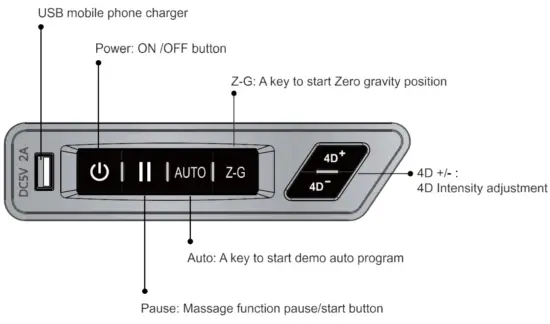
After massage
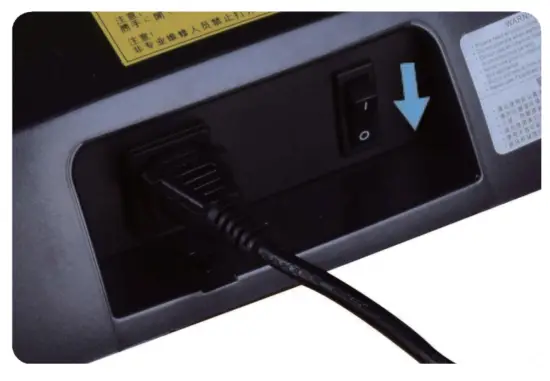
- Turn off the power switch on the controller
- Pull the power switch to the “0” position.
- Pull out the power plug.
 Warning
- After using, it is recommended to put the power switch to the OFF position and pull out the power plug;
Otherwise, accidents and injuries by playing with them by children may happen.
Cleaning and maintenance
Cleanin of the synthetic leather
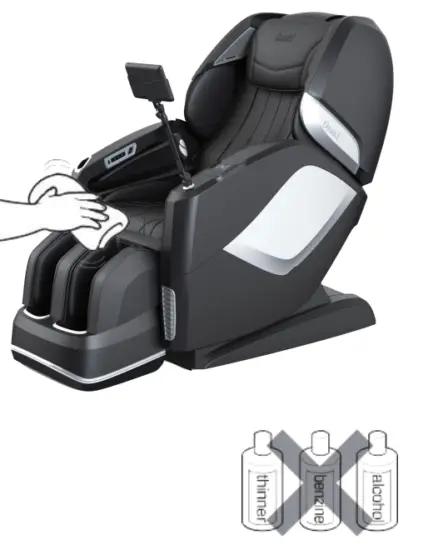
Wipe the synthetic leather with a soft dry cloth. 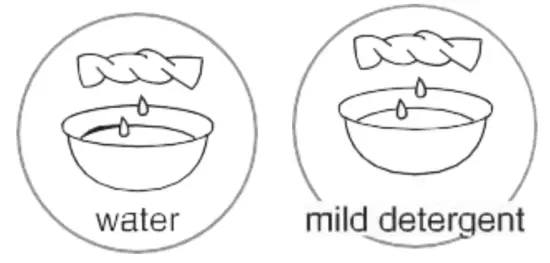
- Do not clean the product with solutions containing chemicals such as thinners. gasoline and alcohol.
- Be sure that leather cleaner will not harm the synthetic leather by reading the label.
- If the synthetic leather is very dirty, wipe it with the method below.
 (1). Wet a soft cloth into water or 3% to 5% neutral detergent containing hot water and wring it out.
(2). Be sure the soft cloth is well wrung out till there is NO water dripping from the cloth.
(3). Wipe the surface of the synthetic leather with a soft cloth.
(4) Be sure to rinse out the cloth multiple times when wiping it down.
(5). Have the synthetic leather dry naturally. Do not use a dryer. - if it is difficult to remove the stains on the synthetic leather, try soaking a piece of melamine foam into a neutral detergent to wipe it down several times.
- Do not dry the surface with a hairdryer.
- The surface of the synthetic leather may fade or discolor if an inappropriate detergent is used. Test the cleaning solution in small sections prior to fully applying.
- Do not clean the hard plastic parts with any alcohol, thinner, or benzine-based agents. This may cause discoloring or removal of the color altogether.
 (1). Wet a soft cloth into water or 3% to 5% neutral detergent containing hot water and wring it out.
Cleanin of the plastic arts
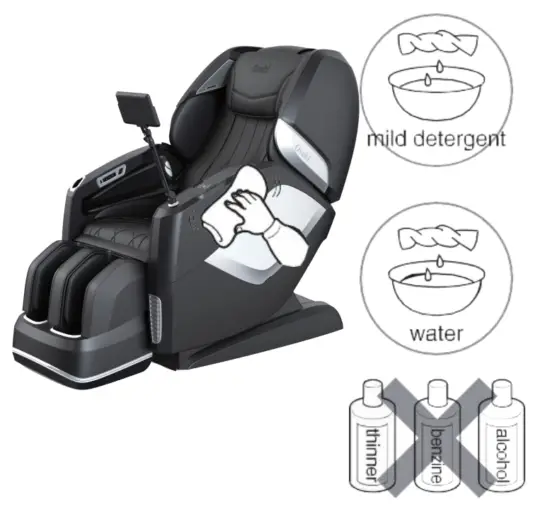
- Put a piece of soft cloth into water mixed with a-a neutral detergent containing hot water, wring it out, and wipe the plastic parts.
• Do not clean the product with chemicals such as thinners, gasoline, and alcohol. - Wipe down with a microfiber or soft cloth wrung out in clean water.
• Be sure the cloth is well wrung out with no water dripping, leaving the cloth damp. - Have the plastic parts dry naturally.
Questions and answers (Q&A)
Q. Can someone with a medical condition or disease use this product?
A. They must consult with their physicians before using the product.
Massage can aggravate or worsen muscle injuries, bone disease, spinal abnormalities, and skin disease and kill ones with medical devices implanted in their body.
Q. Is there a restriction on body height and weight to use this chair?
A. The recommended min. height is 4’9″ with a max. height of 6’4″. The max. weight capacity is 260 lbs.
If the user is shorter or taller than the height range, They will not fit comfortably in the chair and may even cause injury. The maximum weight limit must be followed to avoid damaging the chair and also possibly seriously injuring yourself while using the device. The limits are in place for the user’s safety.
For a taller person with knee bending when using the product:
Tilt the backrest and lower the Lower Leg/Foot massager to the down position, elongating the length from top to bottom.
For a short person difficult to touch the foot massage section:
Raise the backrest and raise the leg rest to shorten the distance from the top to the bottom.
Q. Where is the serial number of the product?
A. It is located behind the backrest at the back of the chair by the power cord. 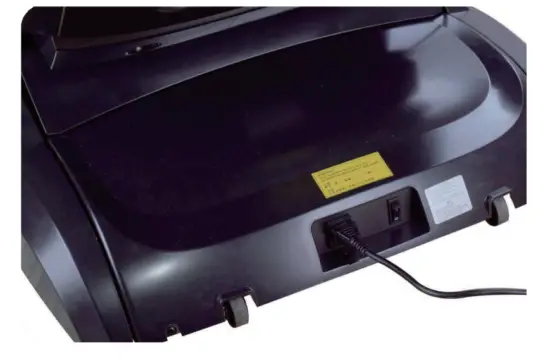 Q. When I use the chair it makes noise.
A. It is part of the normal function of the chair.
The chair is equipped with an air pump and multiple motors. The sounds are part of the chair when being operated.
Q. How long should I use the massage chair each day?
A. 20 minutes per day with no medical conditions.
For the 1st week of using the chair, use only for 20 minutes at most assuming the user is in good medical condition. If there is any discomfort stop using it and consult with your doctor. During the first few days of use, you may experience mild soreness. Be sure to monitor the pain levels and if the soreness does not diminish after the following day consults with your doctor before using again.
BE SURE TO DRINK PLENTY OF WATER AFTER EACH MASSAGE.
Troubleshooting
If an issue occurs, inspect and troubleshoot according to the corresponding method below.
If the problem is not solved, contact the manufacturer for further instructions or service.
| Fault | Cause and elimination method |
| The massage wheels stop during use (The product beeps and all icons and buttons on the remote controller flicker and then go out.) | As a safety protocol, the massage heads will stop if the pressure/weight load has exceeded its limit. To avoid potentially overheating or damaging the massage mechanism the chair is designed to automatically shut off if overstrained or overheated. The remote will flash a few times and then shut off as a safety measure. If this has occurred turn off the power switch from the back, and allow for 30 sec. And power back on. If the weight capacity of 260 lbs is not exceeded, unplug from the outlet and notify the manufacturer. |
| The product cannot tilt, or the footrest cannot be raised or lowered (The product beeps, the running light on the remote controller goes out and the product stops) | This product will stop upon any obstruction or a too large of a force preventing it from operating. If all screen and buttons are flickering and the backrest or the footrest has stopped, turn off the power supply and turn it back on for 10 seconds. Be sure there are no obstructions in the way of the footrest or the backrest rolling mechanism. |
| The massage wheels cannot reach the shoulders or the neck | If your head is not properly placed against the backrest during the computer body scan, it may result in an incorrect reading. causing the rollers to start a lower position causing the massage to be inaccurate. If this occurs turn off the power from the remote and start over again to get a proper reading. |
| The left and right massage wheels have different heights (intensities) | This is a normal function of the massage mechanism as it is programmed to massage alternating locations from the right side during certain intervals of the program. |
| The chair is not functioning (massaging). • Upper body (the neck to the waist) massage • Lower leg/foot massage | • The power line is disconnected. • The power switch is not turned on. • If no program is selected after turning, the chair will pause and shut down. Tum off and restart. |
| The roller heads are still warm after turning off the heat. Or the product is damaged. | • Because the roller heads heat up it will take some time for the residual heat to dissipate. • If the massage heads are mildly warm, the rollers may be admitting heat created by the friction from the massage. |
| The power line or the power plug is abnormally warm to hot. | To avoid accidents, contact an authorized service center. |
If the above solutions are not applicable, kindly refer to the “Product Warranty Card” and contact the service center.
Expected sounds and feelings when using the massage chair.
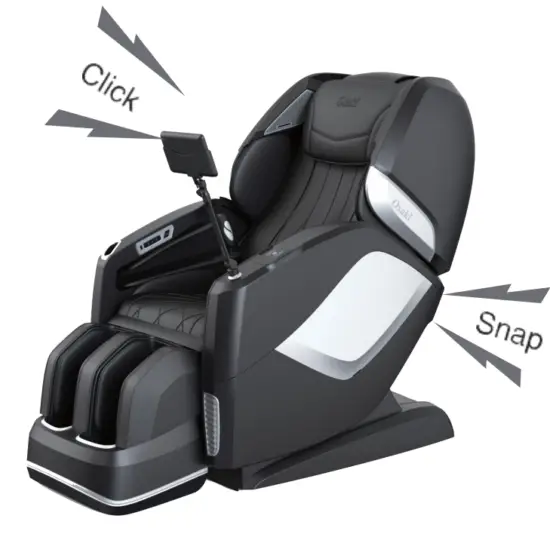 You will hear or have the following feelings when using the product. These are not defective indicators but a normal function of the chair.
- When the chair extends or retracts you will hear gears moving and clicking.
- A rubbing sound will be mildly heard when the massage heads are activated.
- When the massage heads are tapping you may hear a mild clicking sound.
- Friction sounds will be experienced as the rollers are activated.
- As the rollers move up and down the motor produces a sound.
- As the rollers are activated you will hear the spinning of belts rotating.
- Motor sounds will be experienced.
- As the massage heads are squeezing, a mild squeaking sound will be heard.
- When sitting in the chair as the roller heads are tapping and rolling a mild squeaking sound may be produced from the joints.
- Common joints that may squeak would be from the side panels
- Friction sound between the massage wheels and the fabric.
- Motors will be heard from the pump when the airbags deflate.
- While the airbags are activated you will hear air valves alternating. When the leg rest is moving, you will hear a mild squeak and a motor operating.
If the sound is loud, it is also possible that the product has failed.
- In this case, have the product inspected and repaired by an authorized service center.
Warning
- Do not refit, disassemble or repair the product without permission.
Otherwise, tires, abnormal movements, or personal injuries may happen.
Warning
- In the case of any abnormality or fault, stop the product immediately and pull out the power plug to avoid fuming fires and electric shocks.
<Abnormality and fault example> - The product fails to work after the power switch is turned to the ON position;
- When the power cable is moved the chair will turn off and on.
- In use, the product gives off a burning smell or an abnormal sound;
The product upholstery is deformed or abnormally hot.
If any of these symptoms occur, have the product inspected and repaired by an authorized service center immediately.
Specifications
| Product name” | Osaki Maestro LE 2.0 | |
| Rated Voltage | 110 -120V 60Hz | |
| Current | 1.5A | |
| Working time | 15min | |
| Guide | L Shape 52.8″ | |
| 4D Massage Roller | Forward arc _ distance | 7 Levels Approx 4.96″ |
| 5 levels | ||
| Speed | 5 levels | |
| Airbag | 5 levels | |
| Angle | Approx 128°- 155° (Ground Angle) | |
| Adjustment | Footrest | Approx 9°- 75° ( Wall Angle) |
| Size | Upright | 61.1″ x 31.9″ x 48.1″ |
| 79.5″ x 31.9″ x 46.9″ | ||
| Extension of Footrest | Approx 7.1- | |
| Lmensions of Packing Dimensions L*W*H ) | BOX 1: 58.5″ x 30.7″ x 41.7″ BOX 2: 43.5″ x 14.2″ x 30.7″ BOX 3: 23.2″ x 20.1″ x 21.7″ | |
| N.W./ G.W. | BOX 1: 163.1Ibs/204.11bs BOX 2: 37.5Ibs/46.31bs BOX 3: 46.3Ibs/52.91bs | |
| Weight of Chair | Approx 246.96Ibs | |
| Usage Condition | Environment tem ierature :”32°F-95°F” | |
| Contrasting humidity :”20-80RH” | ||
| Storage Condition | Storaie tem serature :”23°F-95°F” | |
| Storage humidity :”20-80RH” | ||
| 1F-Maximum body weight of user | 260 lbs | |
FCC Radiation Exposure Statement
FCC Radiation Exposure Statement: (mobile device)
This equipment complies with FCC radiation exposure limits set forth for an uncontrolled environment. In order to avoid the possibility of exceeding the FCC radio frequency exposure limits, human proximity to the antenna shall not be less than 20cm (8 inches) during normal operation.
FCC STATEMENT
- This device complies with Part 15 of the FCC Rules. Operation is subject to the following two conditions:
(1). This device may not cause harmful interference, and
(2). This device must accept any interference received, including interference that may cause undesired operation. - Changes or modifications not expressly approved by the party responsible for compliance could void the user’s authority to operate the equipment.
This equipment has been tested and found to comply with the limits for a Class B digital device, pursuant to part 15 of the FCC Rules. These limits are designed to provide reasonable protection against harmful interference in a residential installation. This equipment generates, uses, and can radiate radio frequency energy and, if not installed and used in accordance with the instructions, may cause harmful interference to radio communications. However, there is no guarantee that interference will not occur in a particular installation. If this equipment does cause harmful interference to radio or television reception, which can be determined by turning the equipment off and on, the user is encouraged to try to correct the interference by one or more of the following measures:
—Reorient or relocate the receiving antenna.
—Increase the separation between the equipment and receiver.
—Connect the equipment into an outlet on a circuit different from that to which the receiver is connected.
— Consult the dealer or an experienced radio/ TV technician for help.
This equipment should be installed and operated with a minimum distance of 20cm between the radiator & your body.
ISED Statement
This device contains license-exempt transmitter(s)/receiver(s) that comply with Innovation, Science, and Economic Development Canada’s license-exempt RSS(s).
Operation is subject to the following two conditions:
- This device may not cause interference.
- This device must accept any interference, including interference that may cause undesired operation of the device.
The digital apparatus complies with Canadian CAN ICES-3 (B)/NMB-3(B).
This device meets the exemption from the routine evaluation limits in section 2.5 of RSS 102 and compliance with RSS 102 RF exposure, users can obtain Canadian information on RF exposure and compliance.
This equipment complies with Canadian radiation exposure limits set forth for an uncontrolled environment.
RF Exposure Statement
The device has been evaluated to meet general
RF exposure requirement.
The device can be used in portable exposure conditions without restriction.
This equipment should be installed and operated with a minimum distance of 10cm between the radiator & your body.
This device contains license-exempt transmitter(s)/receiver(s) that comply with Innovation, Science, and Economic Development Canada’s license-exempt RSS(s). Operation is subject to the following two conditions:
- This device may not cause interference.
- This device must accept any interference, including interference that may cause undesired operation of the device.