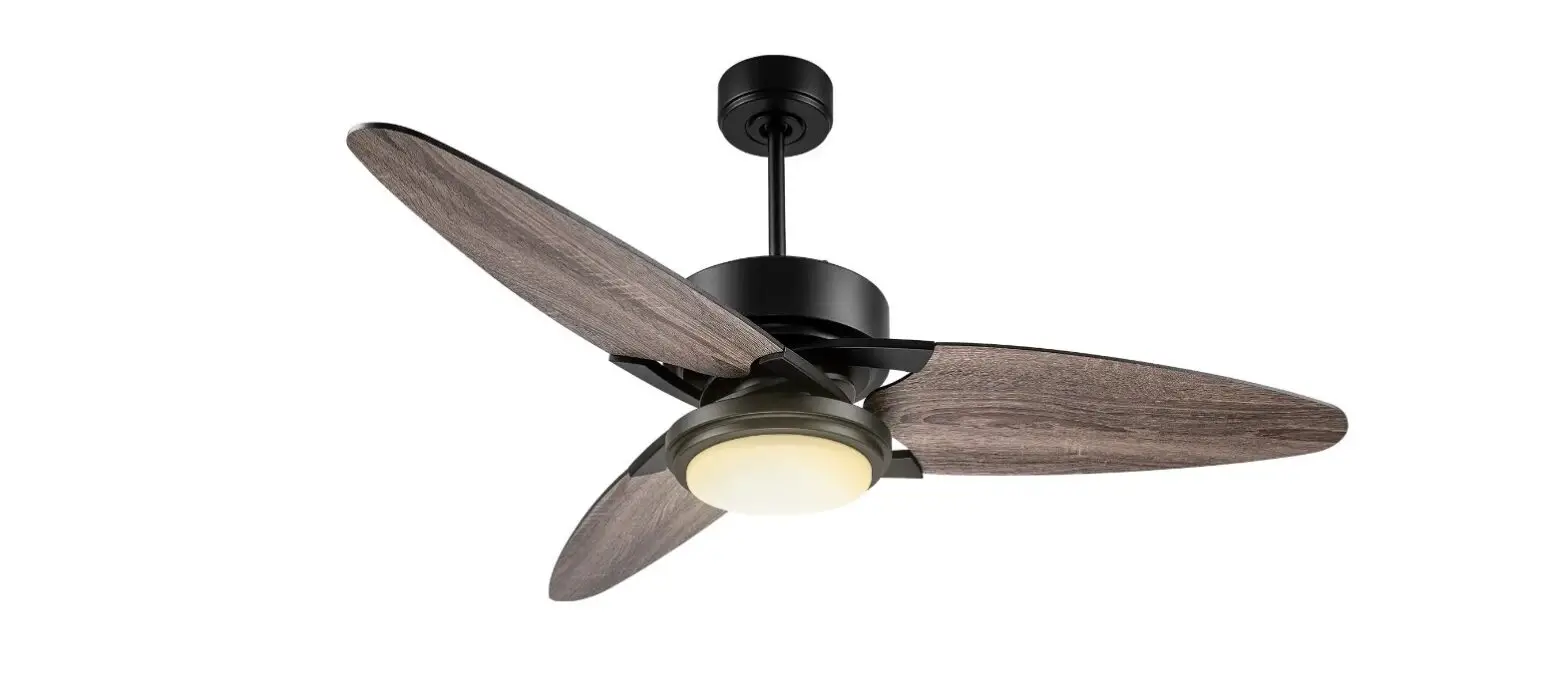
Product Information
The product is a remote-control unit that operates on AAA
batteries (not included). It has 35-bit code combinations to
prevent interference from or to other remote units such as garage
door openers, car alarms or security systems. The unit has
different operation buttons on the panel of the transmitter,
including buttons for fan and light ON/OFF control, light dimming,
color temp, fan learning, and keys for closing the fan after 2, 4,
or 8 hours.
Product Usage Instructions
- Insert two AAA batteries into the remote control unit.
- Store the controller away from excess heat or humidity.
- To prevent possible damage if the battery should leak, be sure
to remove the battery when the unit is not in use. - Use the different operation buttons on the panel of the
transmitter to control the fan and light. The keys for closing the
fan after 2, 4, or 8 hours are also available. - For light dimming, use the buttons for brightening and
dimming. - For color temperature control, use the button for color
temp. - Do not make any changes or modifications to the device or
antenna as this could exceed RF exposure requirements and void
user’s authority to operate the device. - The device complies with Part 15 of the FCC Rules and Canada
license-exempt RSS standard(s).
INSTRUCTIONS FOR OPERATION
SETING THE OPERATING CONTROLS 1.This unit operates on AAA*2PCS.; 3 volts battery (not included).
To prevent possible damage if the battery should leak, be sure to remove the battery when the unit is not use. 2. Store the controller away from excess heat or humidity. 3. This remote-control unit is required with 35bit code combinations. To prevent possible interference from or to other remote units such as garage door openers, car alarm or security system. 4.Operation buttons on the panel of transmitter.
key For FAN ON/OFF control .
key For Fan speed up control . key For Fan slow down control .
key For fan natural wind speed control .
Key – Close Fan after 2 hours
Key – Close Fan after 4 hours
Key – Close Fan after 8 hours
Key – Fan learning
Key – Fan and Light ON/OFF control
Key – For Light ON/OFF control
Key – For Light Dimming – brightening
Key – For Light Dimming – dimming
Key – For COLOR TEMP
1/4
GENERAL INFORMATION : This remote controller is designed to separately control your ceiling fan speed and light brightness. INSTRUCTIONS FOR INSTALLATION AND OPERATION OF FAN SPEED CONTROLLER Setup for ceiling fan controller 1. Turn off the power. (In order to make sure the electricity is entirely released, please press any button on the controller till no LED display showing) 2. Turn on the power 3. Press the FAN OFF button for more than 3 sec. The ceiling fan controller will have 2 blinks. It means the setup is successful. You could start to control the ceiling fan light and fan speed. NOTICE:
The changes or modifications not expressly approved by the party responsible for compliance could void user’s authority to operate the equipment.
2/4
IMPORTANT NOTE: To comply with the FCC RF exposure compliance requirements, no change to the antenna or the device is permitted. Any change to the antenna or the device could result in the device exceeding the RF exposure requirements and void user’s authority to operate the device.
FEDERAL COMMUNICATIONS COMMISSION INTERFERENCE STATEMENT This equipment has been tested and found to comply with the limits for a Class B digital device, pursuant to part 15 of the FCC Rules. These limits are designed to provide reasonable protection against harmful interference in a residential installation. This equipment generates, uses, and can radiate radio frequency energy and, if not installed and used in accordance with the instructions, may cause harmful interference to radio communications. However, there is no guarantee that interference will not occur in a particular installation. If this equipment does cause harmful interference to radio or television reception, which can be determined by turning the equipment off and on, the user is encouraged to try to correct the interference by one or more of the following measures: -Reorient or relocate the receiving antenna. -Increase the separation between the equipment and receiver. -Connect the equipment into an outlet on a circuit different from that to which the receiver is connected. -Consult the dealer or an experienced radio/ TV technician for help. CAUTION:
Any changes or modifications not expressly approved by the grantee of this device could void the user’s authority to operate the equipment.
This device complies with Part 15 of the FCC Rules. Operation is subject to the following two conditions: (1) this device may not cause harmful interference, and (2) this device must accept any interference received, including interference that may cause
3/4
Canada, Industry Canada (IC) Notices This device complies with Canada license-exempt RSS standard(s). Operation is subject to the following two conditions: (1) this device may not cause interference, and (2) this device must accept any interference, including interference that may cause undesired operation of the device. Canada, Avis’s industry Canada (IC) Cet appareil est conforme avec Industrie Canada exemptes de licence RSS standard(s).
Son fonctionnement est soumis aux deux conditions suivantes : (1) cet appareil ne doit pas causer d’interférence et (2) cet appareil doit accepter toute interférence, notamment les interférences qui peuvent affecter son fonctionnement.
Radio Frequency (RF) Exposure Information The radiated output power of the Wireless Device is below the Industry Canada (IC) radio frequency exposure limits. The Wireless Device should be used in such a manner such that the potential for human contact during normal operation is minimized. This device has also been evaluated and shown compliant with the IC RF Exposure limits under portable exposure conditions. Information concernant l’exposition aux fréquences radio (RF) La puissance de sortie émise par l’appareil de sans fil est inférieure à la limite d’exposition aux fréquences radio d’Industry Canada (IC). Utilisez l’appareil de sans fil de façon à minimiser les contacts humains lors du fonctionnement normal.
Ce périphérique a également été évalué et démontré conforme aux limites d’exposition aux RF d’IC dans des conditions d’exposition à des appareils portables.
4/4