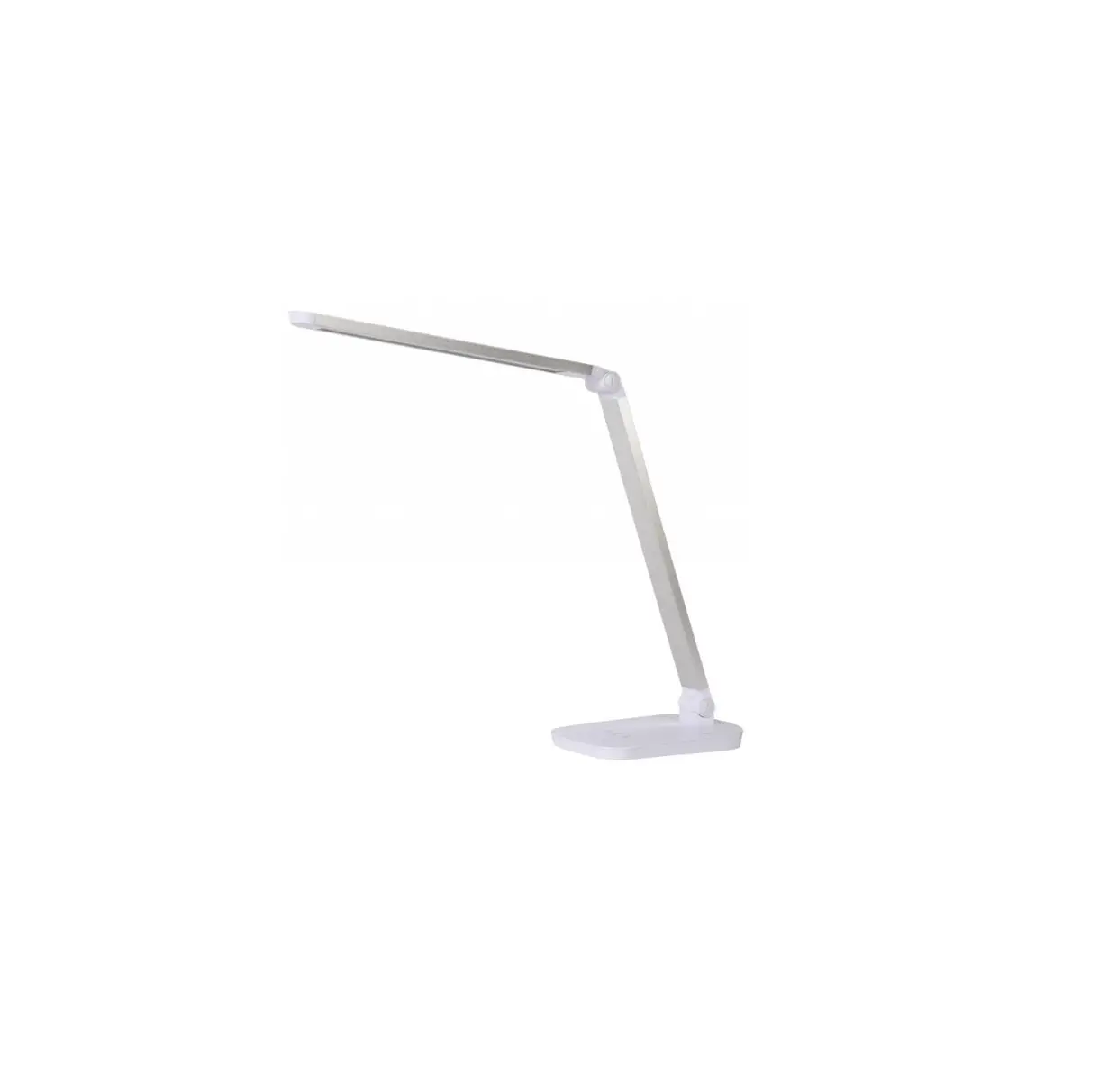
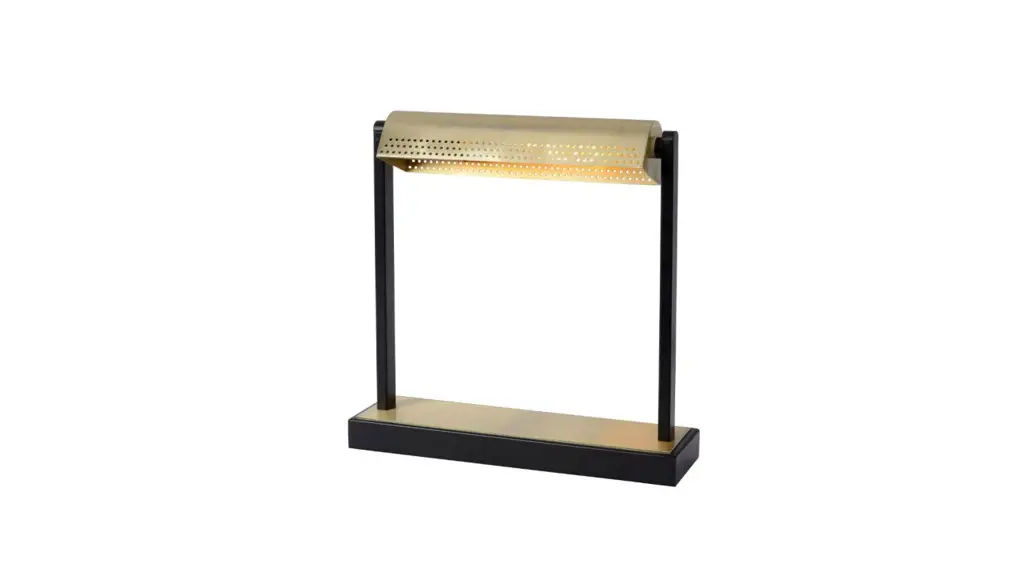
VF-TL802B LED Desk Lamp
Product Information
Product Name: VF-TL802B LED Lamp
Manufacturer: CF GROUP SZKMS Co., LTD.
Address: Room 101, Building 12, Renmin Road 221st, Fumin
Comminity, Fucheng street, Longhua District, Shenzhen, Guangdong
Province, China
Made in: China
Product Specifications:
- Model: VF-TL802B
- Rated Voltage Input: 100-240V~ 50/60Hz
- Rated Power: 24W
- Rated Power Factor: 0.5
- Rated Current: 0.8A Max
- USB Output: 5V 1A
- Wireless Charging Power: 5.5W
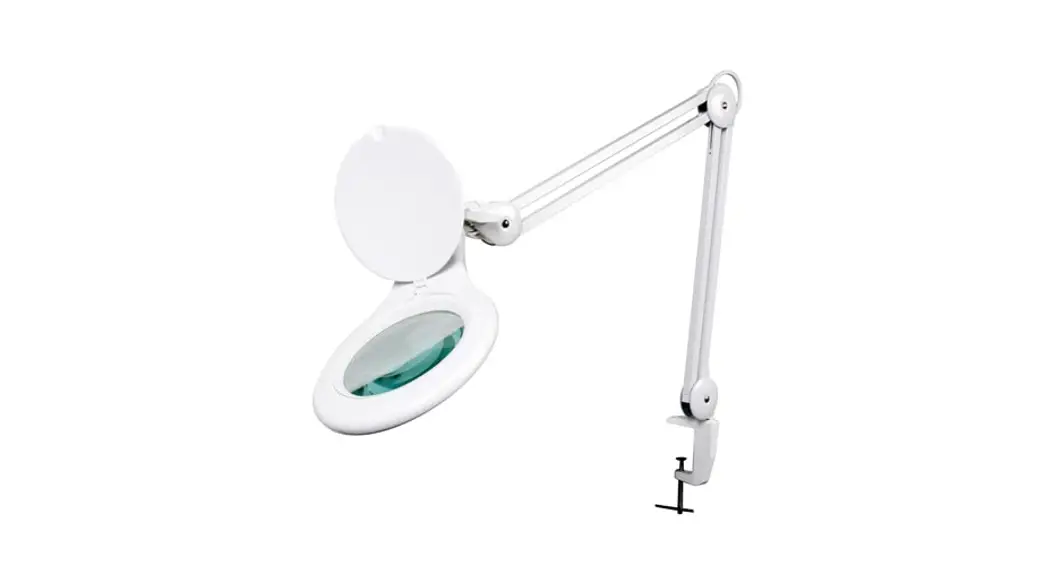
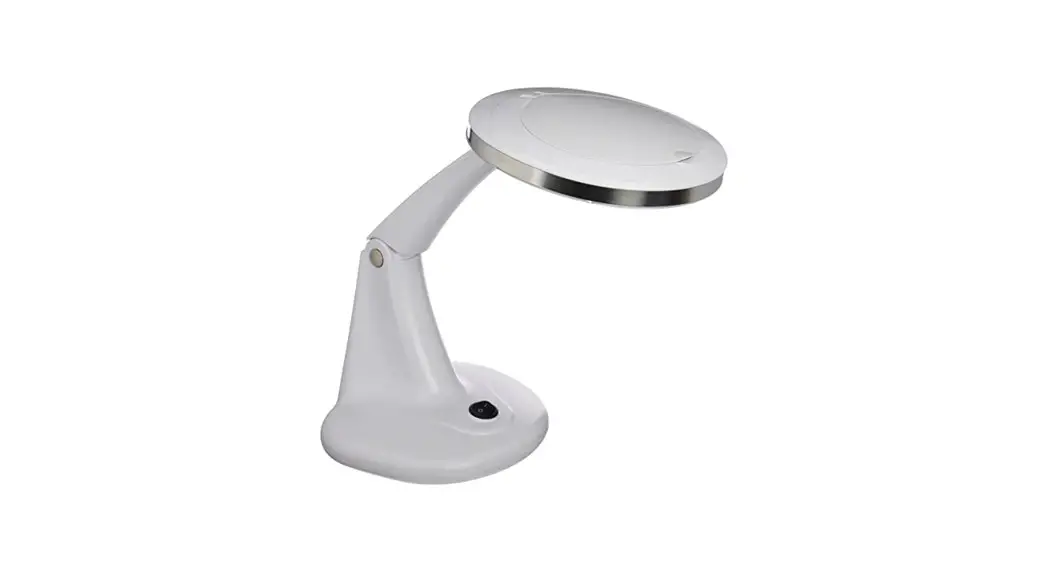
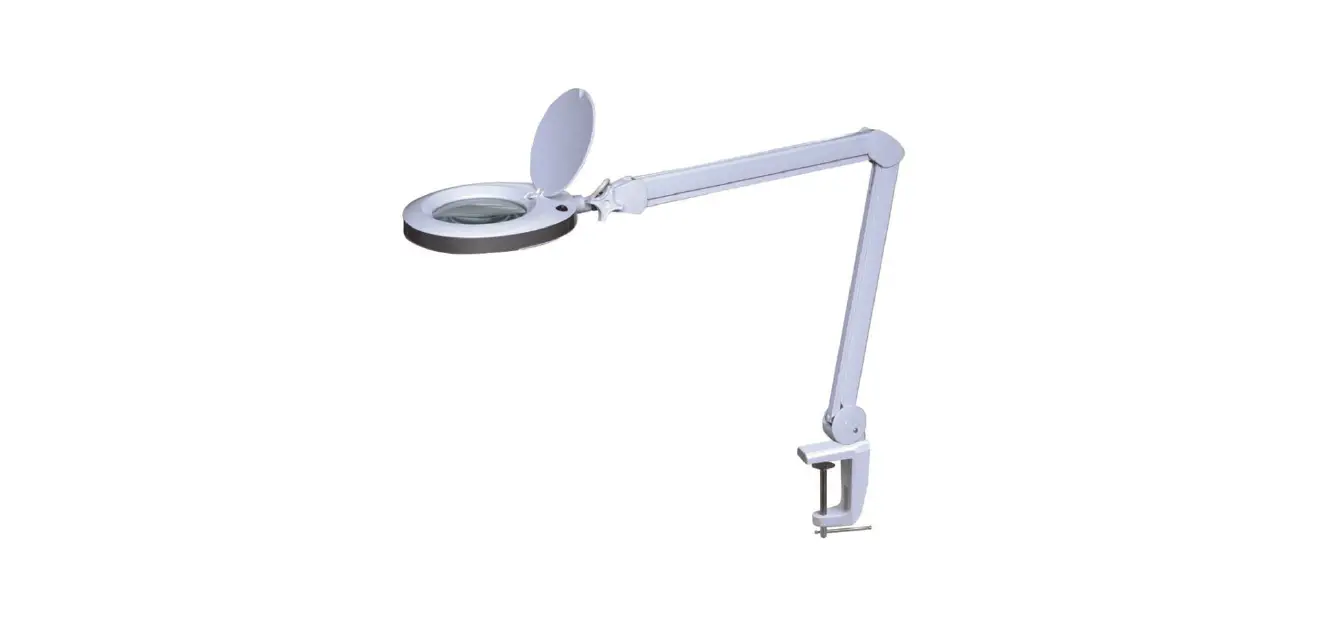
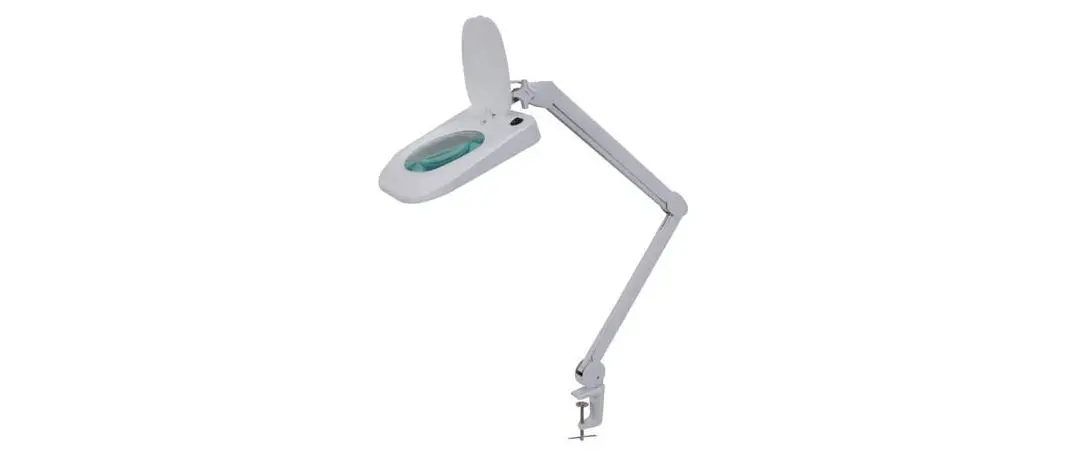
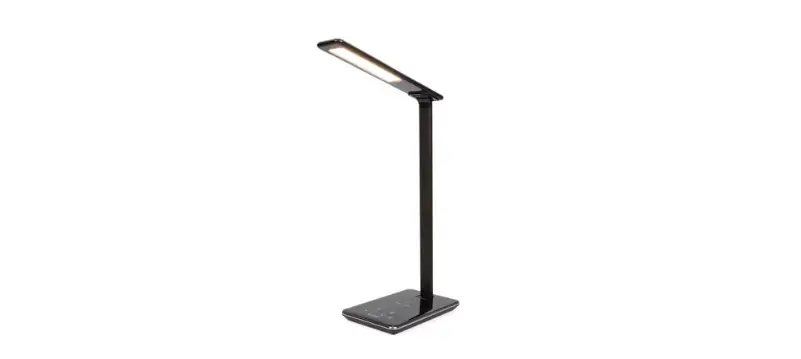
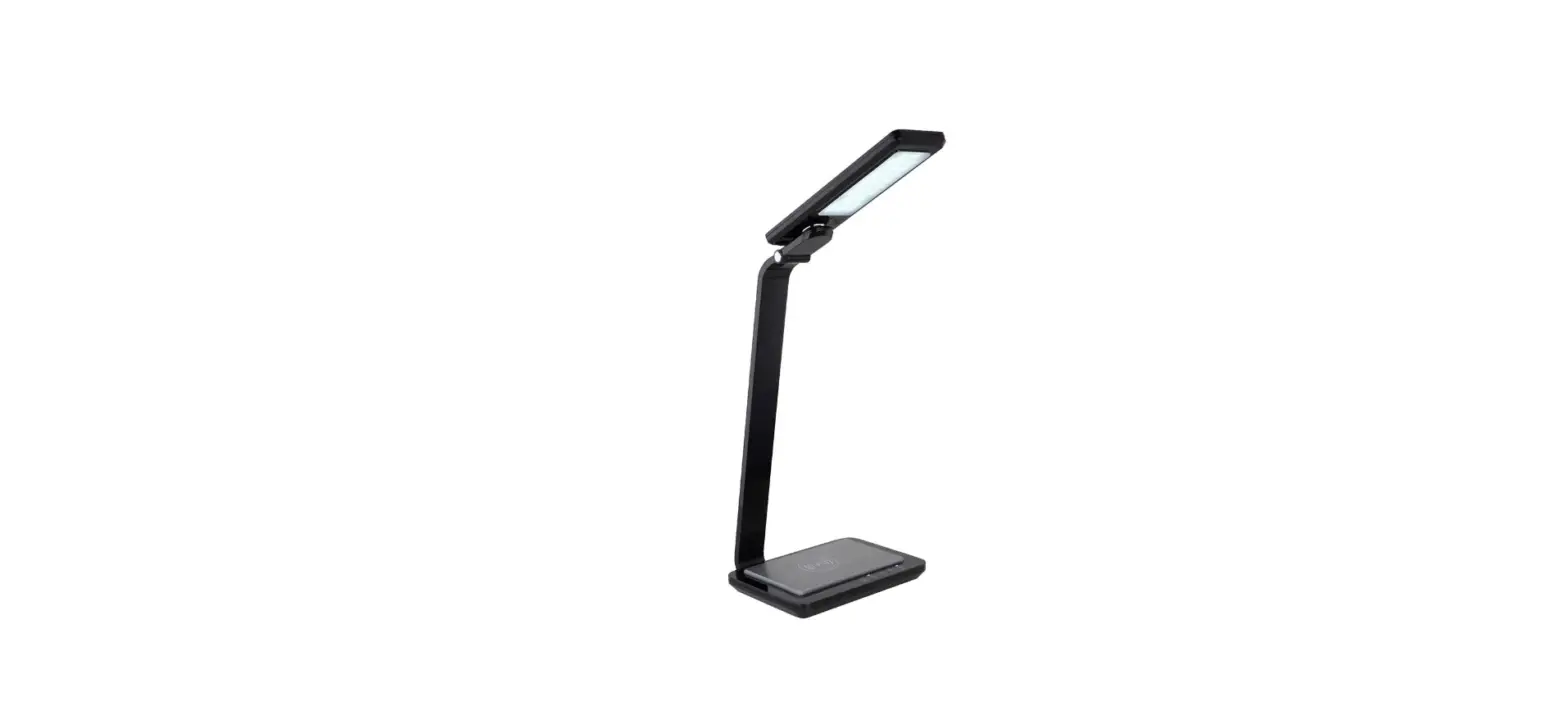
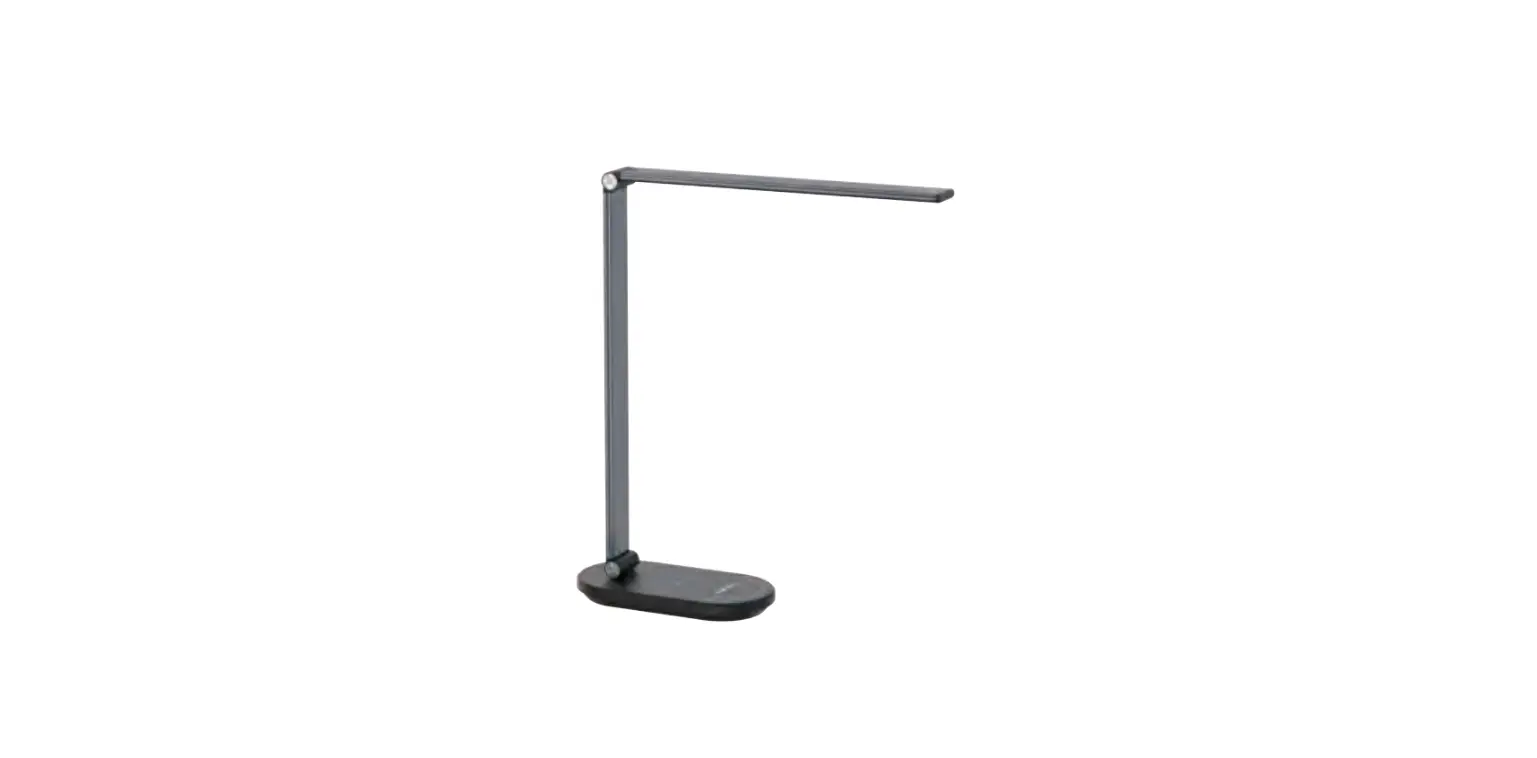
Note: The product images are for reference only and may vary
from the actual product.
Product Usage Instructions
Thank you for choosing our LED Lamp. Please read the following
instructions carefully before use:
Product Structure:
- Light angle Plastic lamp holder
- LED control device
- Power switch
- CCT adjustment
- Brightness adjustment+
- Brightness adjustment-
- Time switch
- Wireless charging area
- DC plug USB DC Recharge seat
Usage Instructions:
- Ensure that the LED control device is well connected with the
mains power. - Ensure that the table lamp and LED control device are connected
correctly. - Power on the lamp.
- Use the CCT adjustment to adjust the color temperature of the
light. - Use the brightness adjustment buttons to increase or decrease
the brightness of the light. - Set the desired time using the time switch if applicable.
- Place compatible devices on the wireless charging area for
wireless charging. - Use the DC plug USB DC Recharge seat for charging other devices
via USB.
This equipment generates, uses and can radiate radio frequency energy and, if not installed and used in accordance with the instructions, may cause harmful interference to radio communications. However, there is no guarantee that interference will not occur in a particular installation. If this equipment does cause harmful interference to radio or television reception, which can be determined by turning the equipment off and on, the user is encouraged to try to correct the interference by one or more of the following measures:- Reorient or relocate the receiving antenna.- Increase the separation between the equipment and receiver.- Connect the equipment into an outlet on a circuit different from that to which the receiver is connected.- Consult the dealer or an experienced radio/TV technician for help. Manufacturers of RF lighting devices must provide an advisory statement, either on the product packaging or with other user documentation, similar to the following: This product may cause interference to radio equipment and should not be installed near maritime safety communications equipment or other critical navigation or communication equipment operating between 0.45-30 MHz. Variations of this language are permitted provided all the points of the statement are addressed and may be presented in any legible font or text style.
[email protected] CF GROUP SZKMS Co., LTD.
Room 101,Building 12,Renmin Road 221st,Fumin Comminity,Fucheng street,Long hua
District,Shenzhen,Guangdong Provience,China Made in China
VF-TL802B
VF-TL802B PRODUCT SPECIFICATION
DearCustomer: Thankyouforyourchoosingour LEDLamp.Inordertousethis
product,pleasereadcarefullyforthefollowinginstructionsbeforeuse:
PRODUCT STRUCTURE
Note: when the lamp does not light up after power on,please confirm that: 1. Whether the LED control device is well connected with the mains power 2. Whether the table lamp and LED control device are connected correctly
Light angle Plastic lamp holder
LED control device
Power switch CCT adjustment Brightness adjustment+ Brightness adjustment-
Time switch
Wireless charging area
DC plug USB DC Recharge seat
PRODUCT PARAMETERS
Model
Rated Rated Voltage Input
Power Rated Factor Power
Current
VF-TL802B
100-240V~ 50/60Hz
0.8A
Max
0.5
24W
USB Wireless Light output Charging Power
Output 5V 1A 5V 1A 5.5W
Pitures for reference only,subject to our available products
PRODUCT INSTRUCTIONS