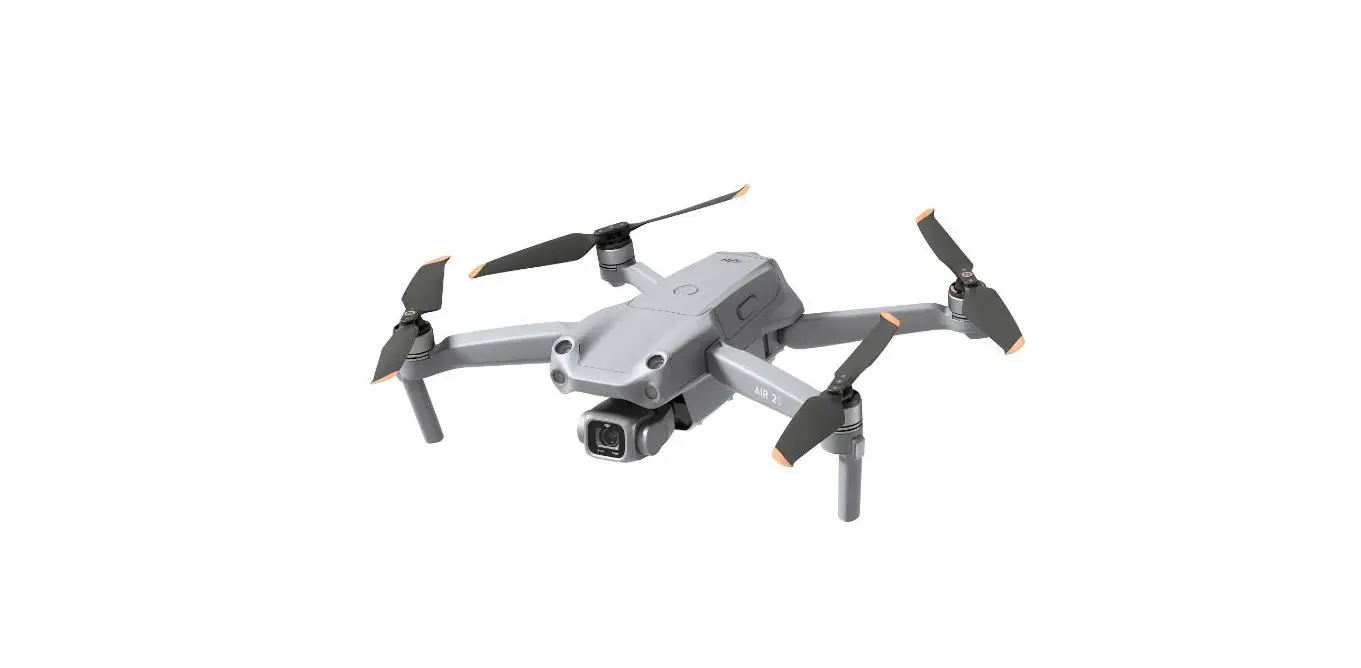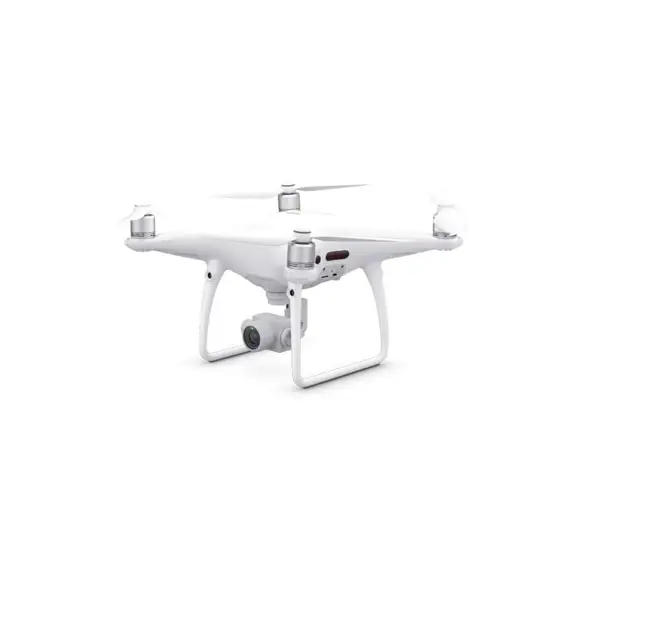
 PHANTOM 3 SE
Quick Start Guide
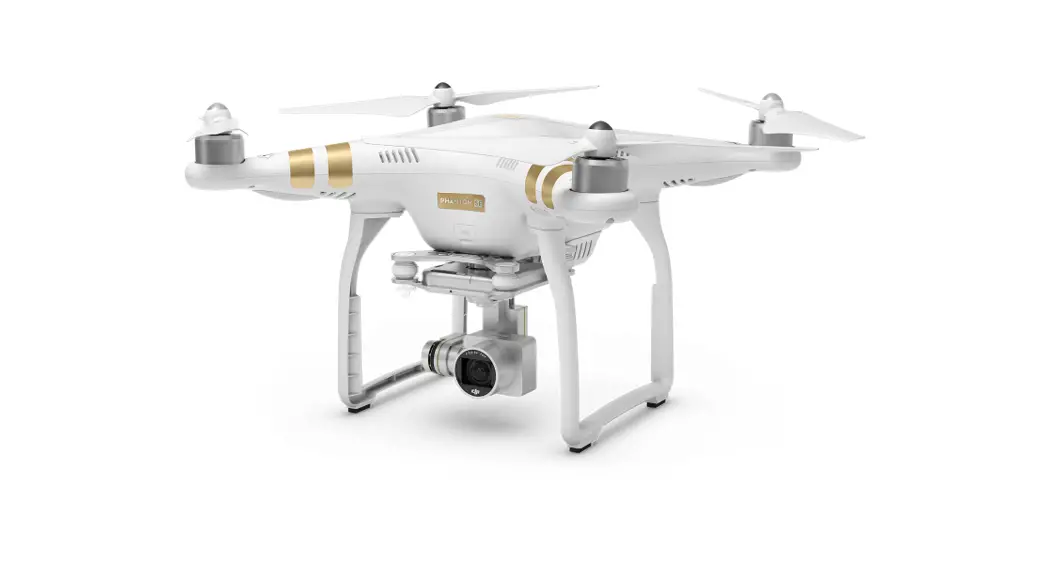
Phantom 3 SE 4K Quadcopter
Phantom 3 SE
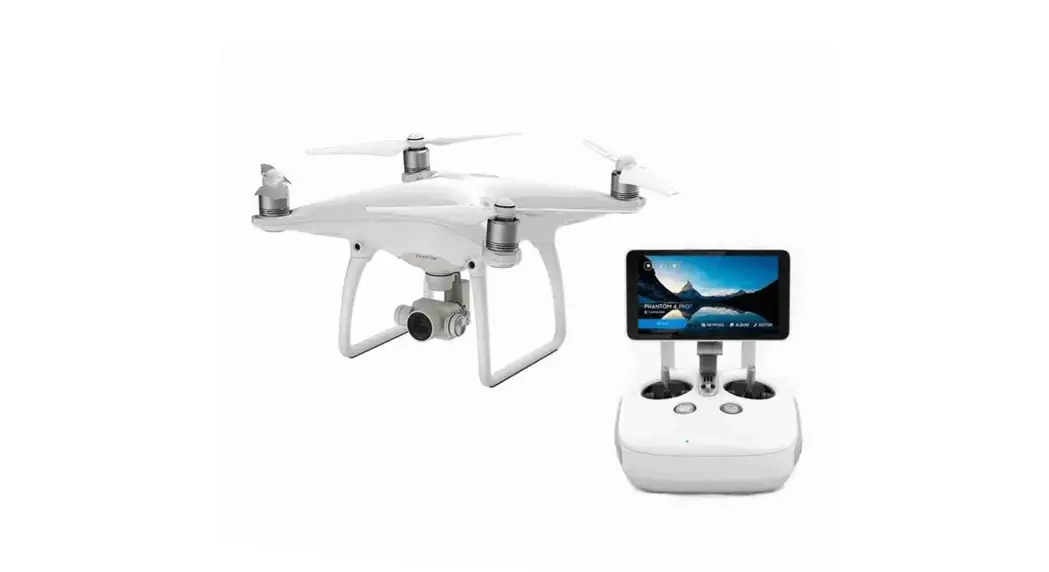
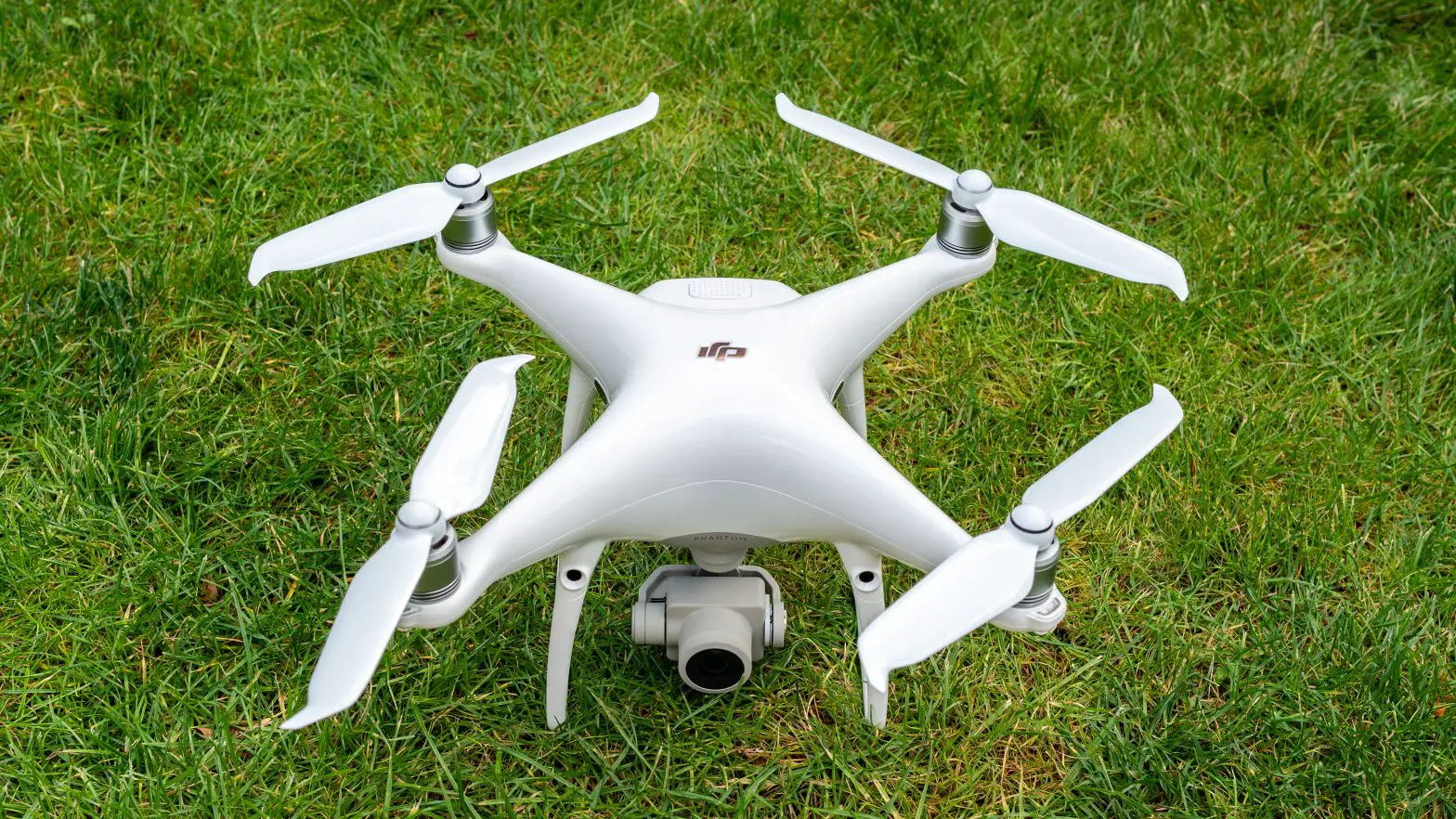
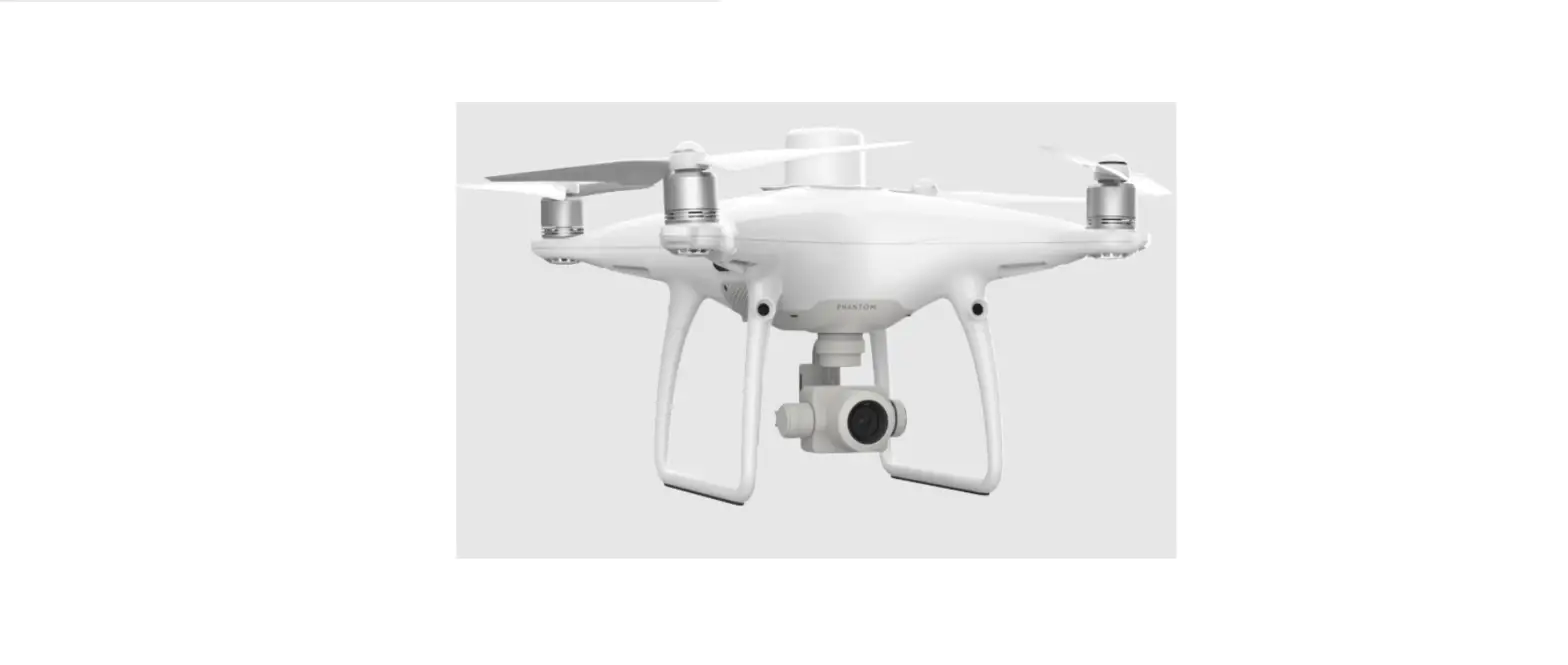
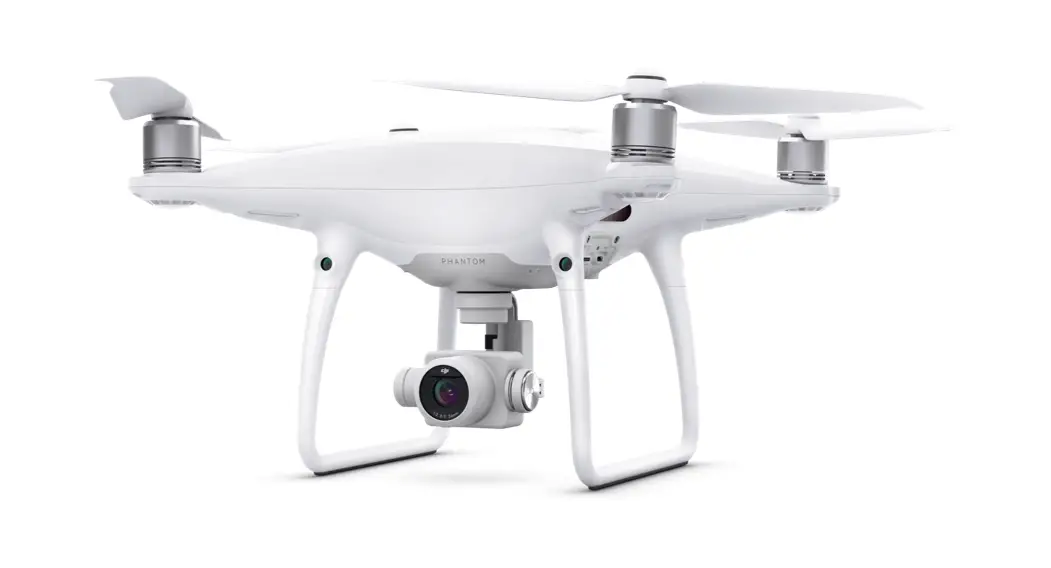
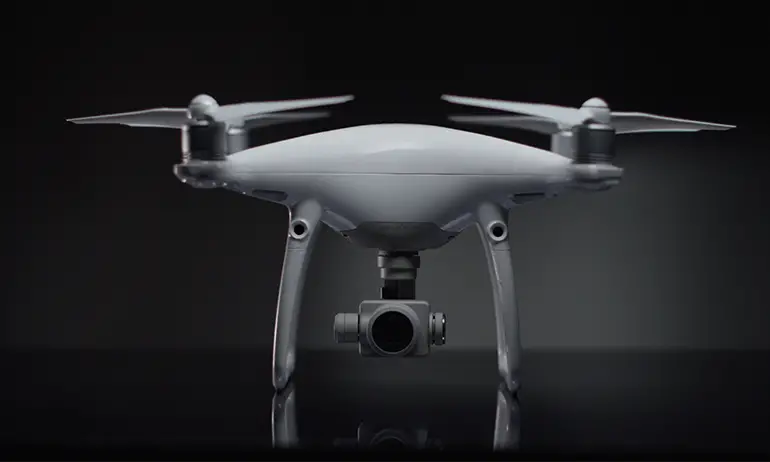
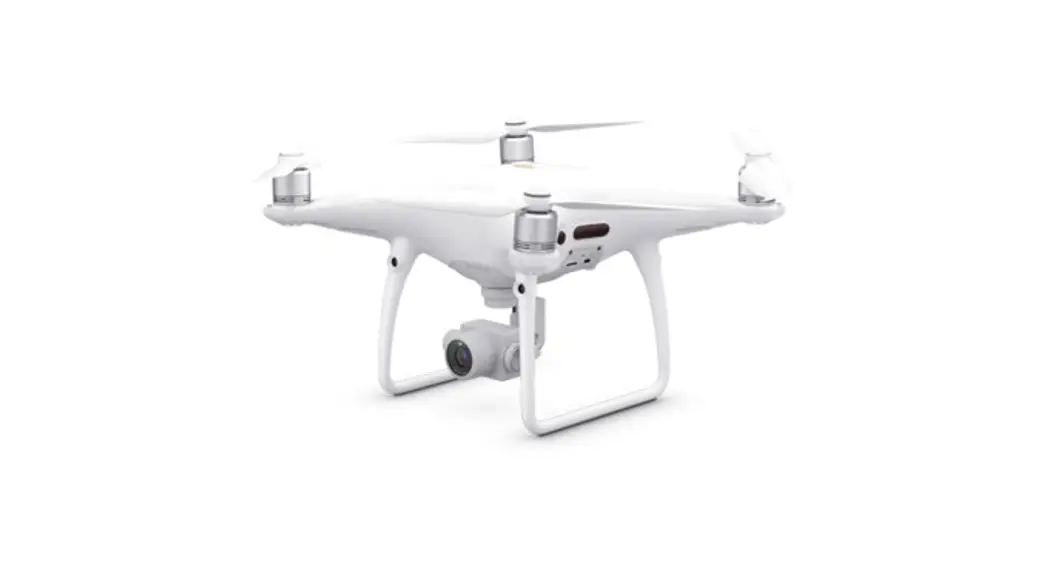
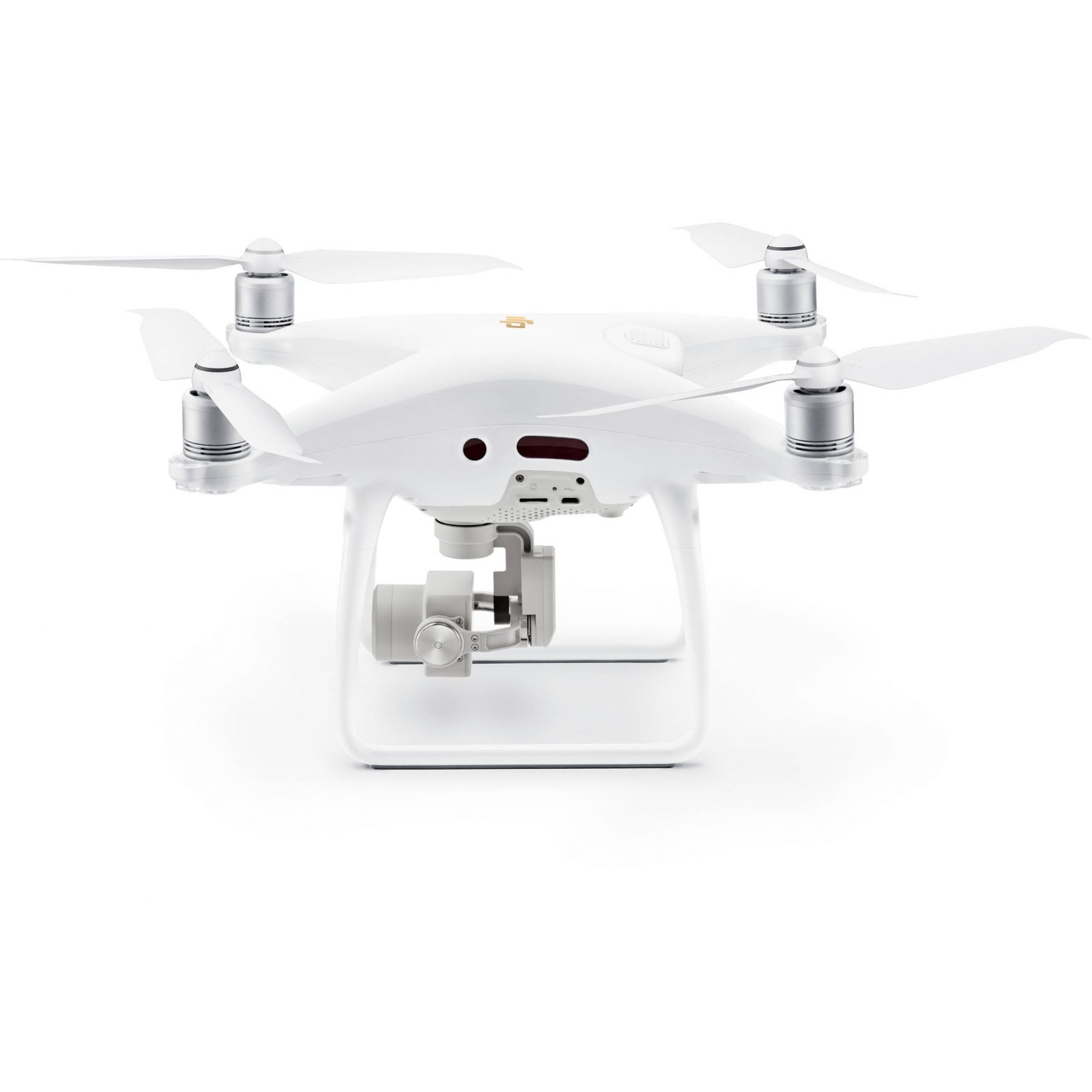
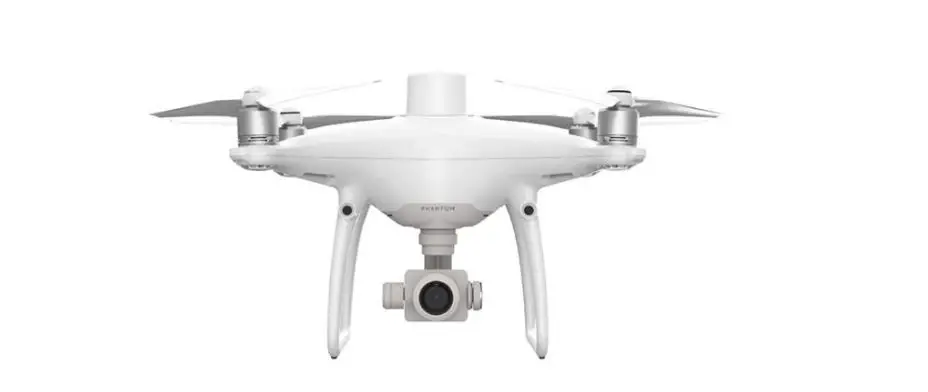
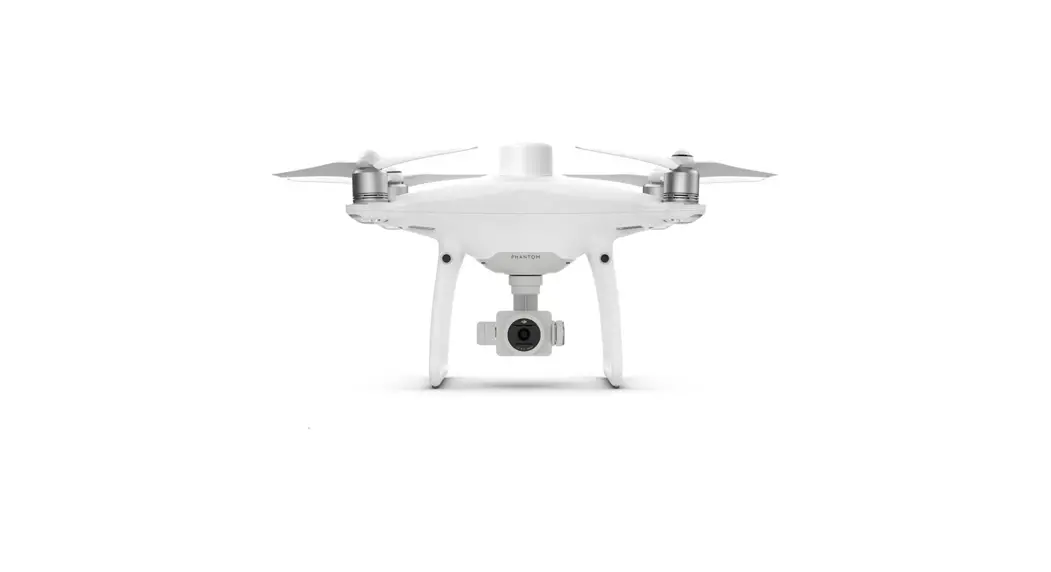
The PHANTOM ™ 3 SE’s camera records video at up to 4K and captures 12 megapixel photos.
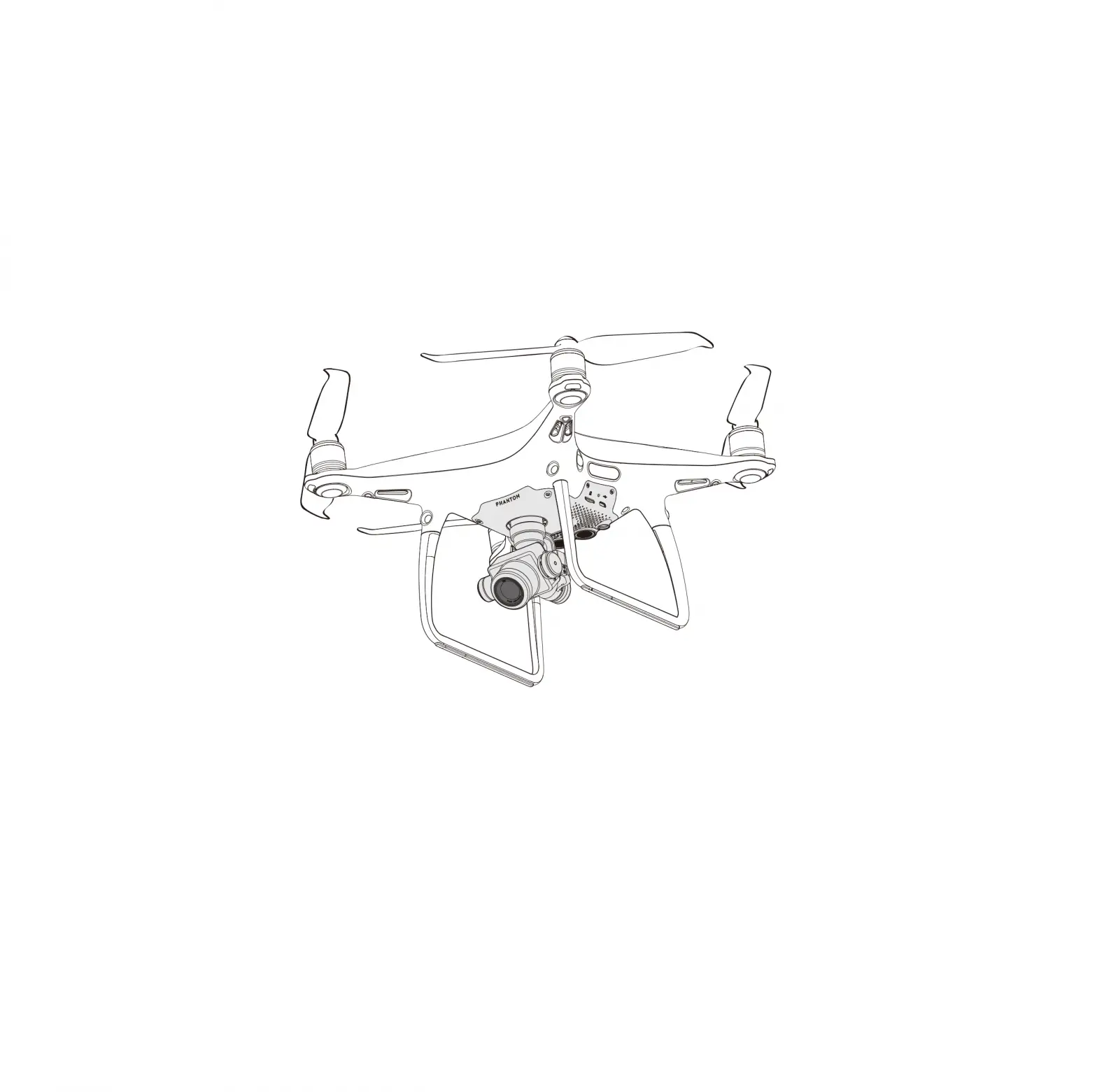
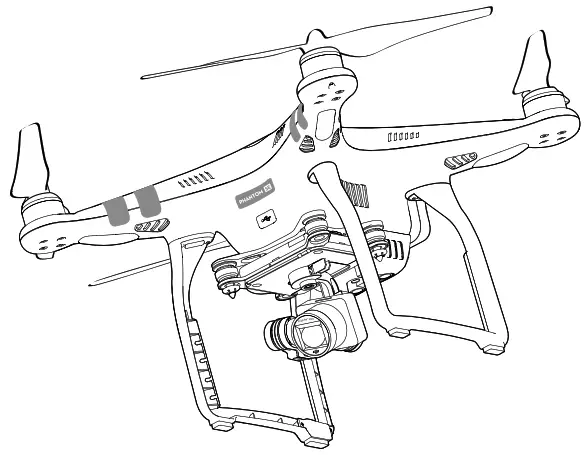
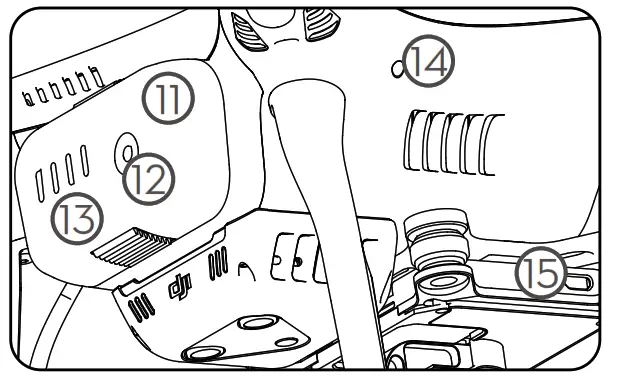
Review the diagram to learn the names and locations of various Phantom 3 SE components:
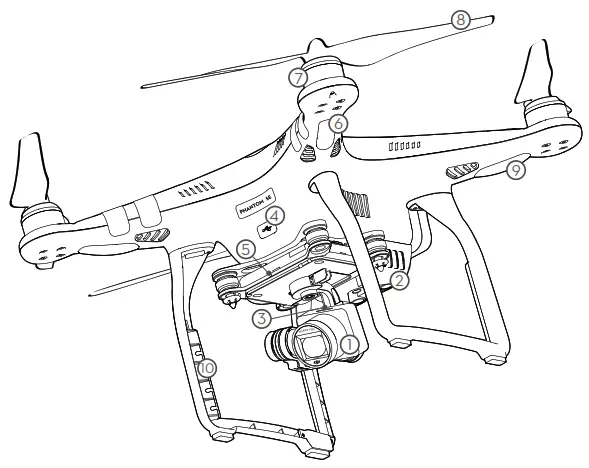
| 1. Gimbal and Camera | 9. Aircraft Status Indicators |
| 2. Vision Positioning System | 10. Antennas |
| 3. Camera Micro SD Card Slot | 11. Intelligent Flight Battery |
| 4. Aircraft Micro USB Port | 12. Power Button |
| 5. Camera Status Indicator | 13. Battery Level Indicators |
| 6. Front LEDs | 14. Link Button |
| 7. Motors | 15. Camera Micro USB Port |
| 8. Propellers |
Remote Controller
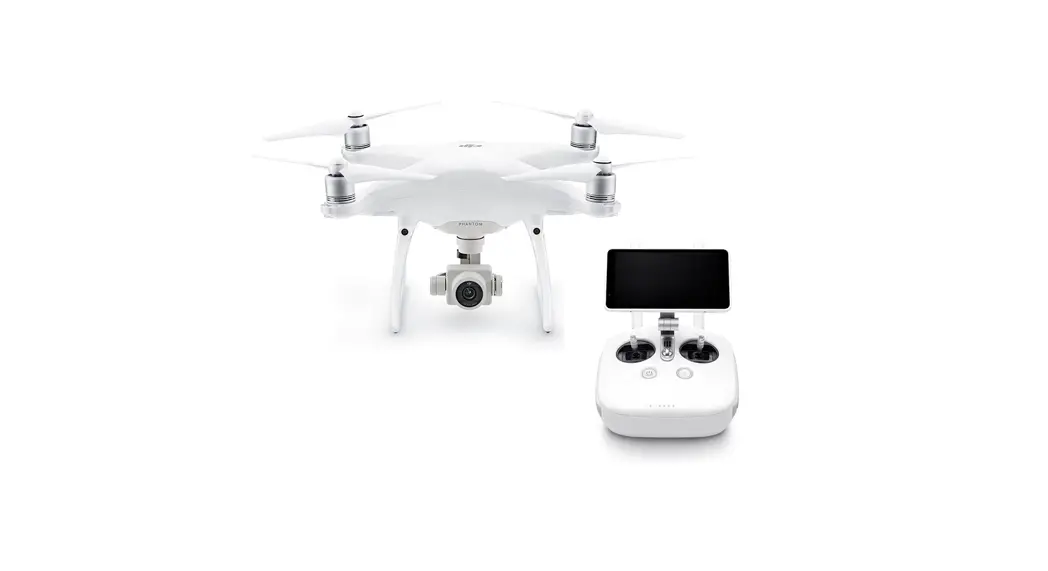
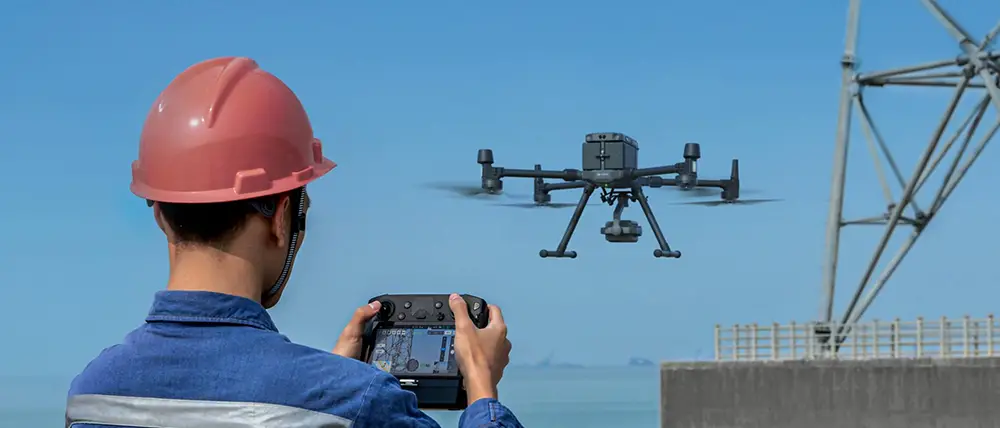
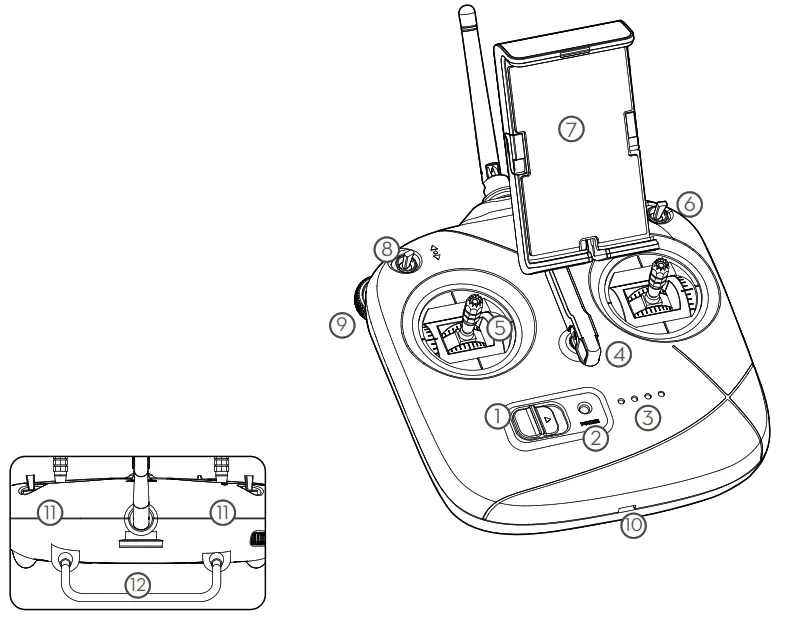
The remote controller allows you to control your Phantom 3 SE at distances up to 2.5 mi (4 km)*. Built into the remote controller is a rechargeable LiPo battery and Wi-Fi video downlink, which when paired with a compatible mobile device gives you a live HD view from the Phantom’s camera.
| 1. Power Switch | 7. Mobile Device Holder |
| 2. Status LED | 8. Switch S2 |
| 3. Battery Level LEDs | 9. Gimbal Dial |
| 4. Lanyard Loop | 10. Micro USB Port |
| 5. Control Sticks | 11. Built-in Antennas |
| 6. Switch S1 | 12. Handle Bar |
Here are the default flight controls (Mode 2). The left stick controls the aircraft’s altitude and heading, while the right stick controls its forward, backward, left and right movements. The gimbal dial controls the camera’s tilt.
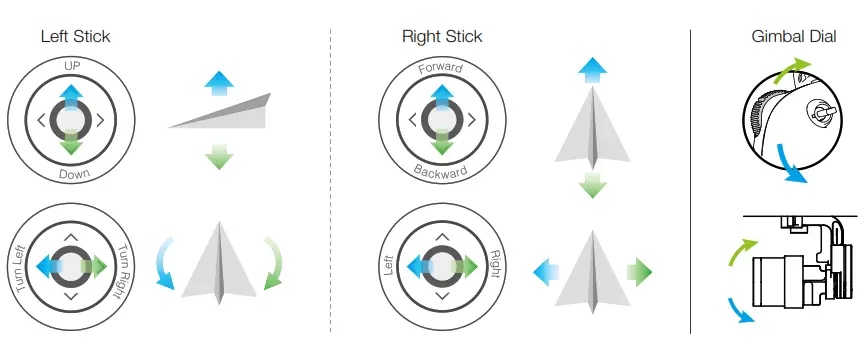
* The remote controller can reach its maximum transmission distance of 2.5 mi (4 km) in wide open areas with minimal magnetic interference and at an altitude of about 400 feet (120 meters) while FCC compliant.
Using Phantom 3 SE
- Download the DJI GO App
Search ‘DJI GO’ on the App Store or Google Play and download the app to your mobile device.
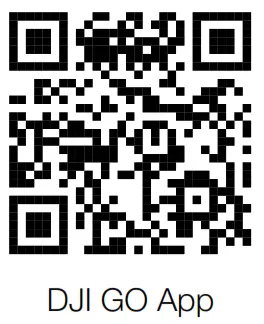
 The DJI GO™ app supports iOS 8.0 and Android 4.1.2, or later versions.
 The DJI GO™ app supports iOS 8.0 and Android 4.1.2, or later versions.
Check the Battery Levels
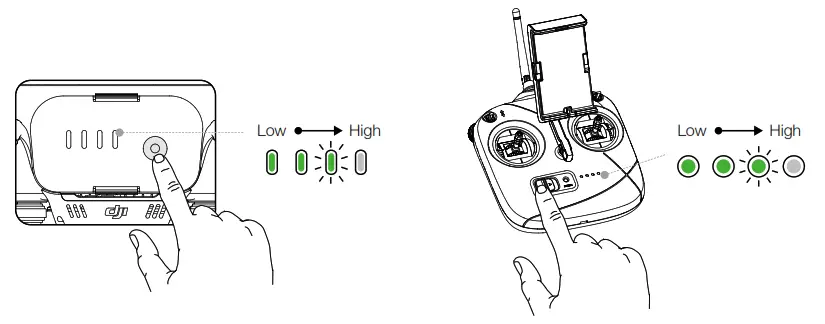
Press once to check the battery level.
Press once, then again and hold to turn on/off.
Charge the Batteries
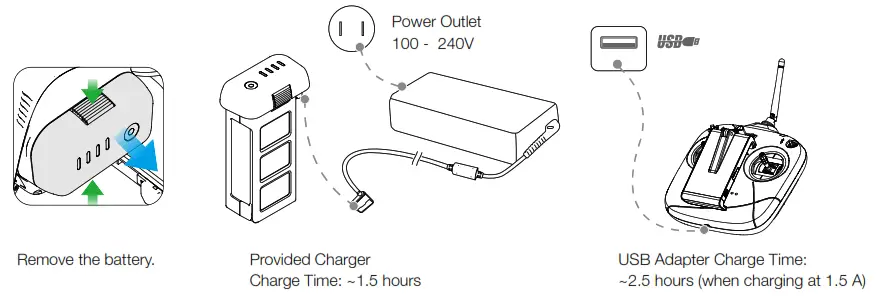
- When charging is complete, the battery will automatically power off and the Status LED will change from red to green.
Prepare the Remote Controller
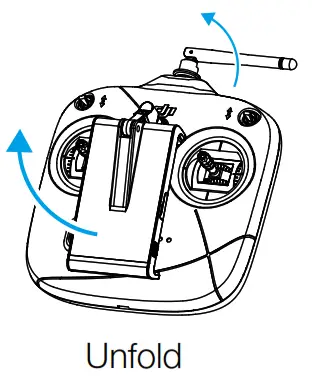 Press the button on the side of the Mobile Device Holder to release the clamp.
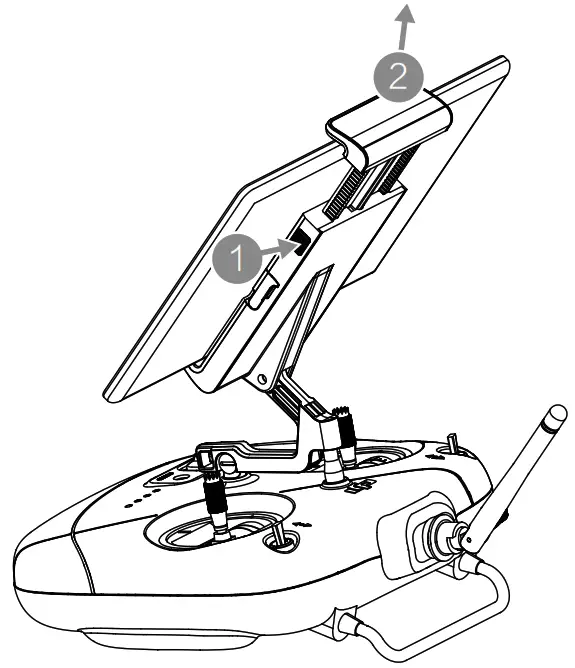
Place your mobile device into the clamp and adjust it so that the mobile device is held securely in place.
Prepare for Takeoff
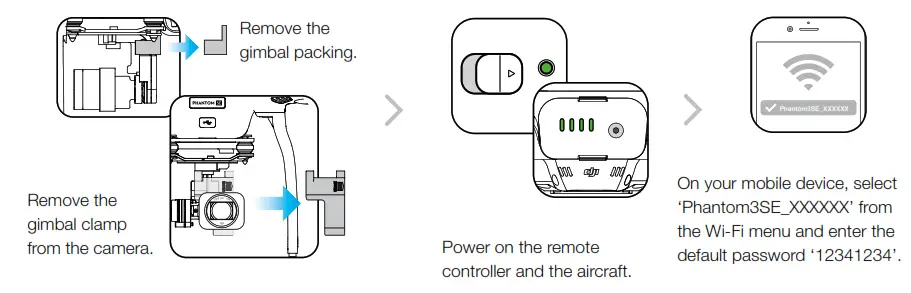
 Activate your Phantom if you are using it for the first time. This requires an internet connection.
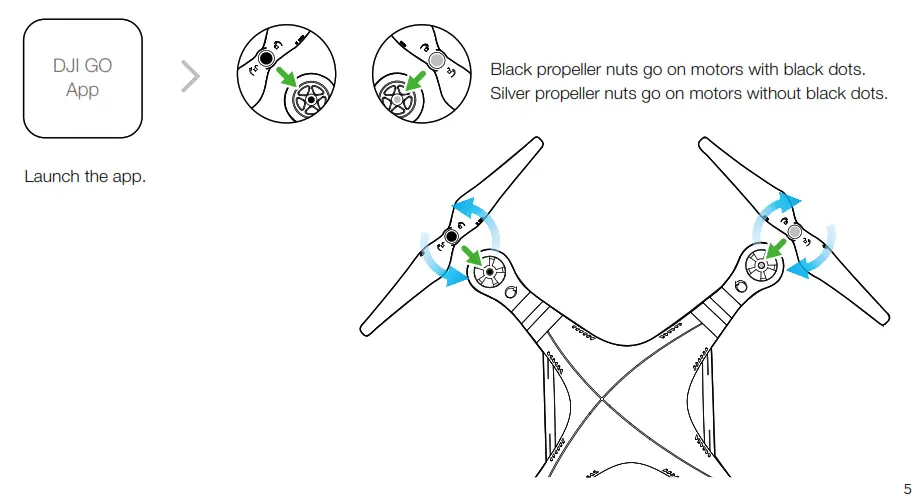
- Tighten the propellers with both hands before each flight.
Flight
Ready to Go (GPS)
Before taking off, ensure the Aircraft Status Bar in the DJI GO app indicates ‘Ready to Go (GPS)’.
 | Auto Takeoff The aircraft will take off and hover at an altitude of 4 feet (1.2 meters). |
 | Return-to-Home (RTH) Brings the aircraft back to the Home Point. Tap again to stop the procedure. |
| Auto Landing The aircraft will land vertically and stop its motors. |
- The aircraft will not avoid obstacles while it is returning to the Home Point, and an appropriate RTH altitude MUST be set before flight. You should also use the control sticks to guide the aircraft. Refer to the Safety Guidelines and Disclaimer for more details.
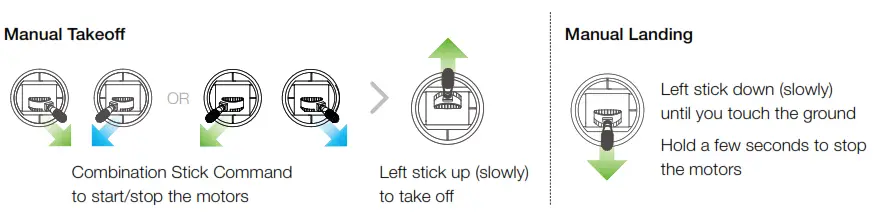
- Never stop the motors mid-flight, otherwise the aircraft will crash. Only stop the motors when the aircraft is on the ground or in emergencies to reduce the risk of damage or injury.
Fly Safe
Fly Safe
DJI encourages you to enjoy flying in a safe, responsible and smart way.
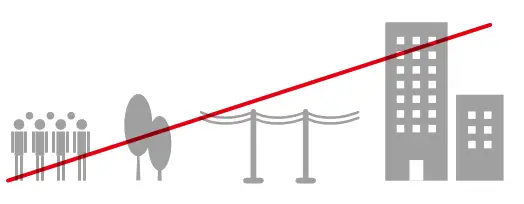
DO NOT FLY near or above people, near trees, power lines or buildings.
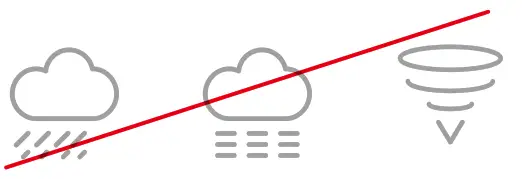
DO NOT FLY in rain, snow, fog, and wind speeds exceeding 22 mph or 10 m/s.
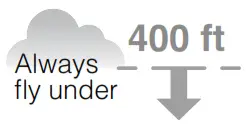
DO MONITOR YOUR ALTITUDE and fly under 400 feet (120 meters). DO MAINTAIN LINE OF SIGHT and avoid flying behind buildings or obstacles that block your view.

It is important to understand basic flight guidelines for the safety of both you and those around you. Refer to the Disclaimer and Safety Guidelines for more information. No Fly Zones
Learn more:
http://www.dji.com/flysafe
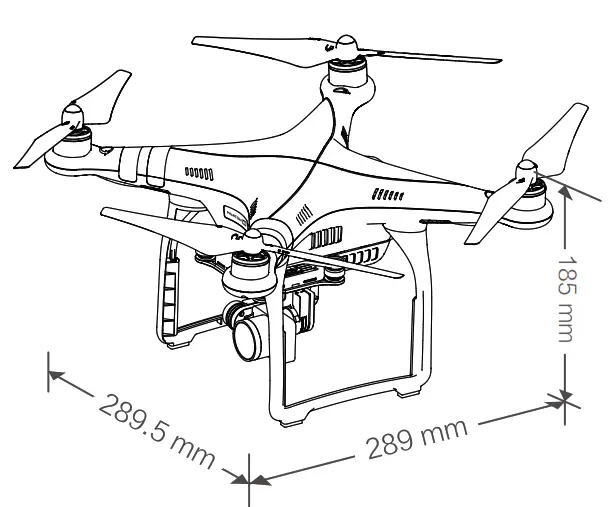
Specifications
| Aircraft | |
| Weight (Including Battery) | 1236 g |
| Max Ascent Speed | 5 m/s |
| Max Descent Speed | 3 m/s |
| Max Speed | 16 m/s (Atti mode, no wind) |
| Max Service Ceiling Above Sea Level | 19685 feet (6000 m) (Software altitude limit: 400 feet above takeoff point) |
| Max Flight Time | Approximately 25 minutes |
| Operating Temperature Range | 32° to 104° F (0° to 40° C) |
| GNSS | GPS+GLONASS |
| Operating Frequency | 2.400-2.4835 GHz; 5.725-5.850 GHz |
| Transmitter Power (EIRP) | 2.4 GHz: ≤27 dBm (FCC); ≤20 dBm (SRRC); ≤20 dBm (CE) 5.8 GHz: ≤30 dBm (FCC); ≤26 dBm (SRRC); ≤14 dBm (CE) |
| Gimbal | |
| Controllable Range | Pitch: -90° to +30° |
| Vision System | |
| Velocity Range | <8 m/s (Altitude 2 m) |
| Altitude Range | 30 to 300 cm |
| Operating Range | 50 to 300 cm |
| Operating Environment | Surface with clear pattern and adequate lighting (Lux > 15) |
| Camera | |
| Sensor | 1/2.3” CMOS Effective pixels:12 M |
| Lens | FOV (Field Of View) 94° 20 mm (35 mm format equivalent) f/2.8 Focus at – ∞ |
| ISO Range | 100-3200 (video) 100-1600 (photo) |
| Electronic Shutter Speed | 8 to 1/8000 s |
| Image Max Size | 4000×3000 |
| Still Photography Modes | Single shot Burst shooting: 3/5/7 frames Auto Exposure Bracketing (AEB): 3/5 bracketed frames at 0.7EV Bias Interval shot |
| Video Recording Modes | C4K: 4096×2160 24/25p 4K: 3840×2160 24/25/30p 2.7K: 2704×1520 24/25/30p FHD: 1920×1080 24/25/30/48/50/60p HD: 1280×720 24/25/30/48/50/60p |
| Max Bitrate of Video Storage | 60 Mbps |
| Supported File Systems | FAT32 (≤ 32 GB); exFAT (> 32 GB) |
| Photo Formats | JPEG, DNG |
| Video Formats | MP4/MOV (MPEG-4 AVC/H.264) |
| Supported SD Card Types | Micro SD, Max capacity: 64GB. Class 10 or UHS-1 rating required |
| Operating Temperature Range | 32° to 104° F (0° to 40° C) |
| Remote Controller | |
| Operating Frequency | 2.400 GHz – 2.4835 GHz, 5.725 GHz – 5.850 GHz |
| Transmitter Power (EIRP) | 2.4 GHz: ≤27 dBm (FCC); ≤20 dBm (SRRC); ≤20 dBm (CE) 5.8 GHz: ≤30 dBm (FCC); ≤26 dBm (SRRC); ≤14 dBm (CE) |
| Max Transmission Distance | 2.4 GHz: 0.6 mi (1000 m, FCC); 0.3 mi (500 m, SRRC); 0.3 mi (500 m, CE) 5.8 GHz: 2.5 mi (4000 m, FCC); 1.9 mi (3000 m, SRRC); 0.2 mi (400 m, CE) Unobstructed and free of interference |
| Operating Temperature Range | 32° to 104° F (0° to 40° C) |
| Battery | 2,600 mAh LiPo 18650 |
| Mobile Device Holder | Tablets and smartphones |
| Charger | |
| Voltage | 17.4 V |
| Rated Power | 57 W |
| Intelligent Flight Battery (PH3-4480 mAh-15.2 V) | |
| Capacity | 4480 mAh |
| Voltage | 15.2 V |
| Battery Type | LiPo 4S |
| Energy | 68 Wh |
| Net Weight | 365 g |
| Charging Temperature Range | 41° to 104° F (5° to 40° C) |
| Max Charging Power | 100 W |
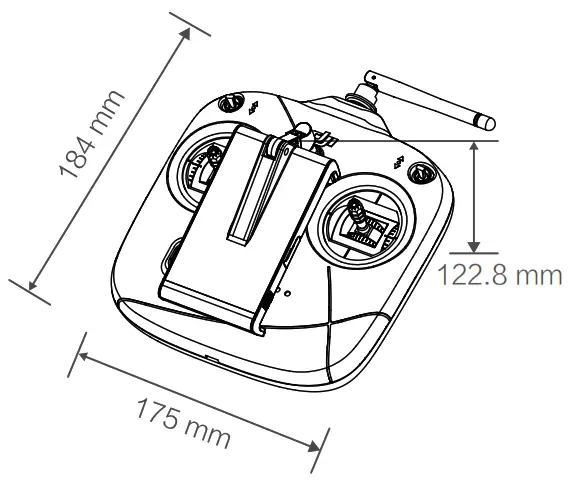
For more information, read the User Manual:
http://www.dji.com/phantom-3-se ※ This content is subject to change without prior notice.
PHANTOM and DJI are trademarks of DJI.
Copyright © 2017 DJI All Rights Reserved.
Designed by DJI. Printed in China.
www.dji.com
 DJI - Official Website