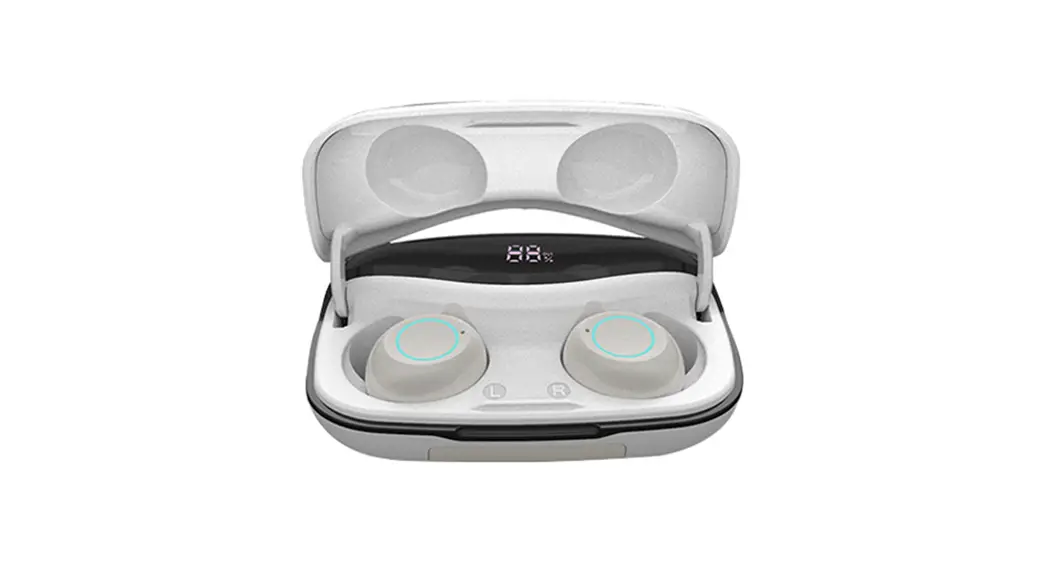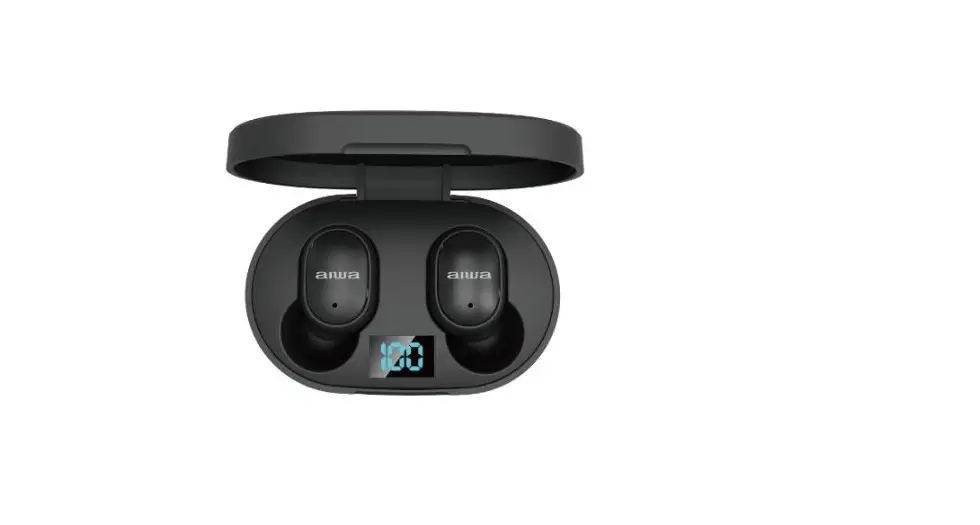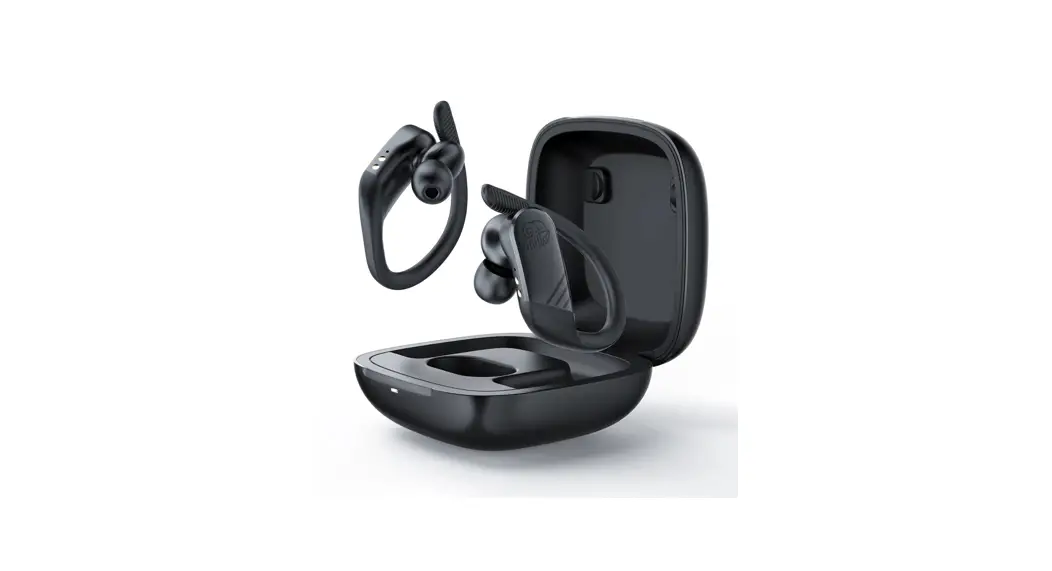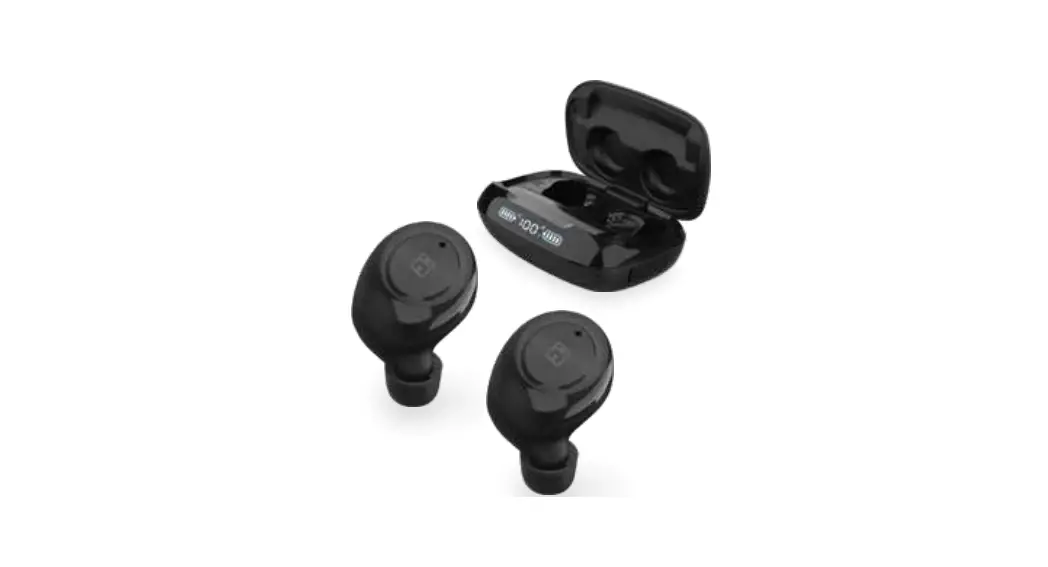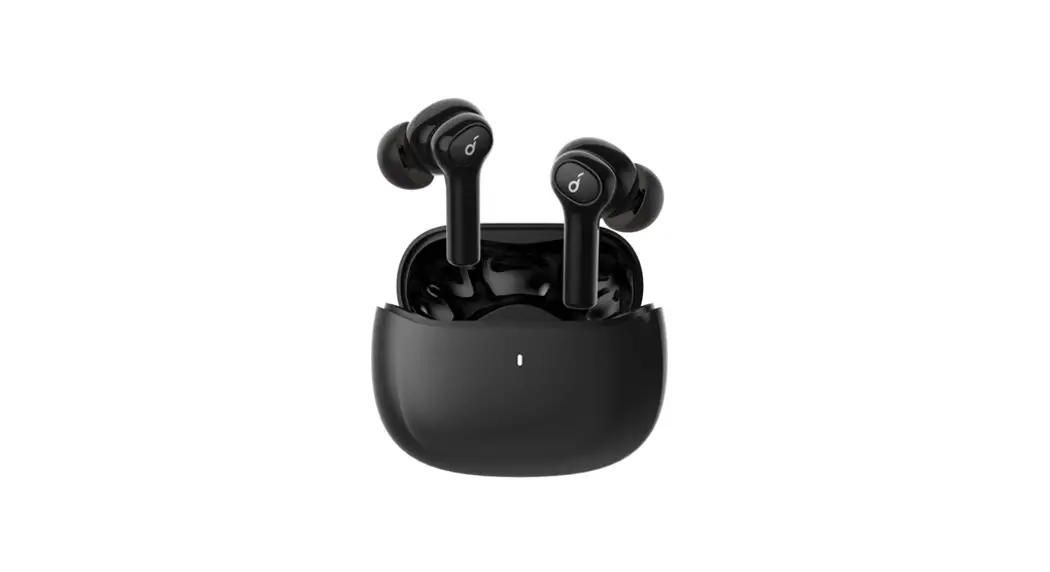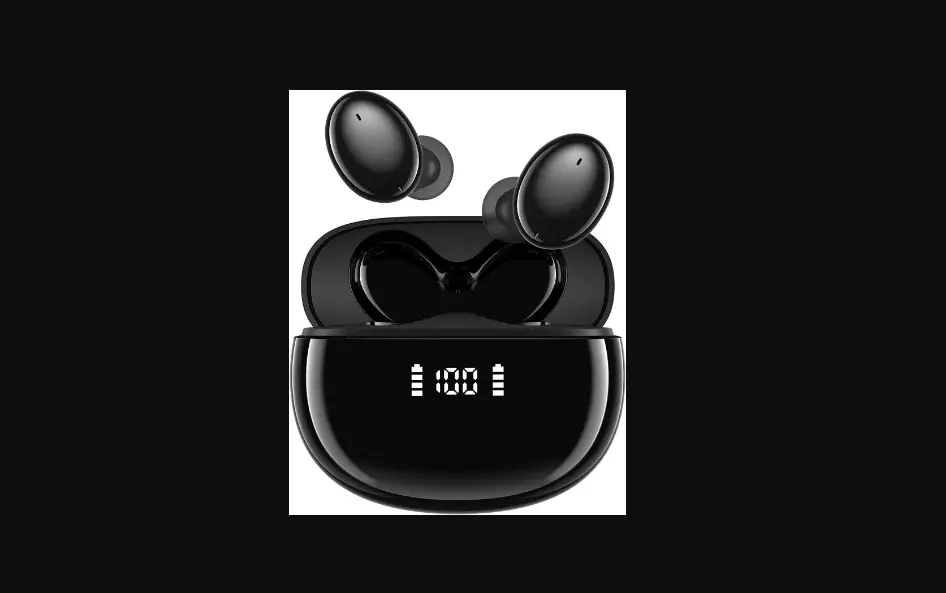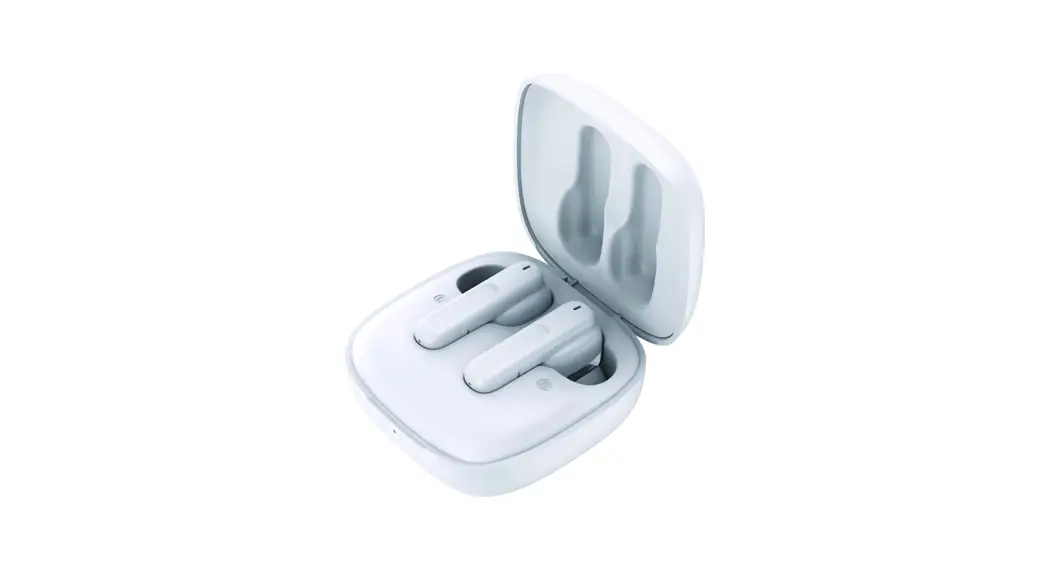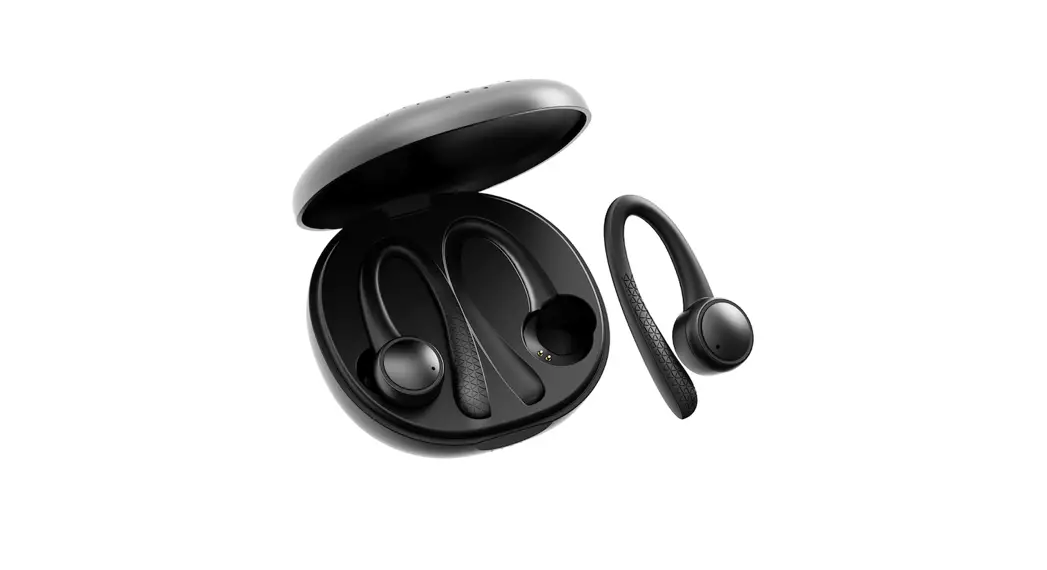
FB- T7 Pro
True Wireless Earbud Guide
Wireless Pairing Instructions
- Power On: Take out from Charging Case, Automatic power on Or Press the MFB for 3 seconds to hand power on You can sellect “FB-T7 pro”from Celll bluetooth list and connect
- Power Off: Put back to Charging Case, Automatic power off Or press the MFB for 3seconds to hand power off
- Play/Pause: Short Press the button
- Answer Call: Short press any earbud button
- Reject Call: Long Press any earbud button for 2seconds
- Redialing: Double Press Any Earbuds
Indicate light
7. Next Song: Press any Buttons for 3 times For earbuds:
Connecting: Red and blue light flashing
Connected: light turns off
Charging: Red light
Fully charged: light turn off
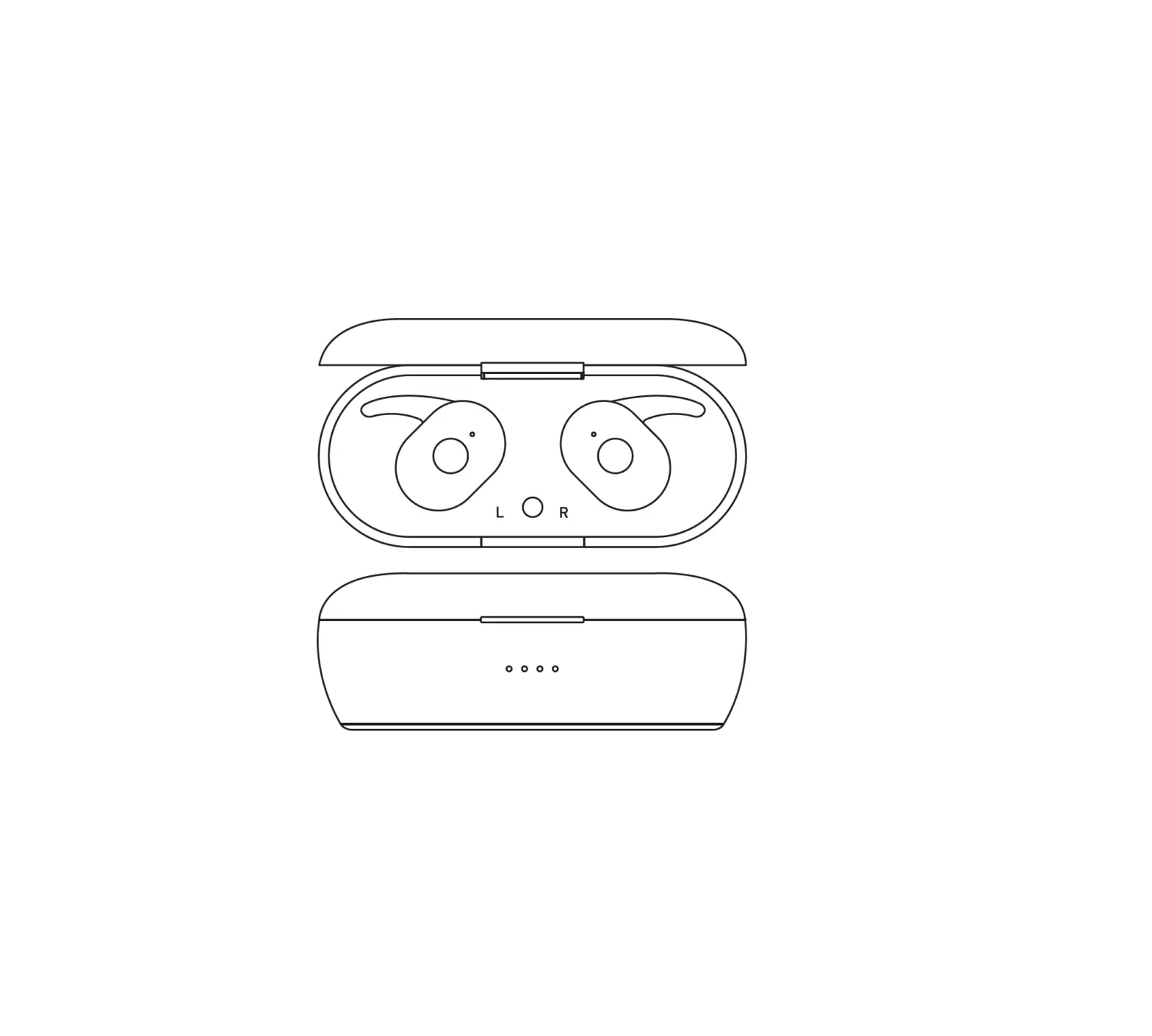
For Charging case:
Charging: blue light
Fully charged: Four blue indicator lighting
Model number: FB-T7 Pro
IPX 5 Waterproof Level
Wireless Support Protocol :A2DP AVRCP V1.5/ HFP V1.6/ HSP V1.2
Wireless version: Jelly Bluetooth 5.0
Frequency:2.4 GHz
Operating distance: up to 10 meters
Driver unit:8mm
Sensitivity:105 dB SPL at 1kHz
Impedance:16 Ω
Frequency response:20~20,000Hz
Battery: 3.7V 40 mAh
Charge Power:5V/120mA
Battery capacity: each earbud 40 mAh
Charging Box Capacity:400 mAh
Charging Time (h): Less than 1 hour
Taking Time :3 hours
Music Time :3 hours
Standby Time (h):120 hrs
Weight: 62.5 gram
When the Earbuds can not automatically connect to each other.
Double press any earbud, the twins will automatic paring each other
Attention: How to Reset TWS earbuds System
- Hand Manual turn off 2 earbuds by press the MFB for 3seconds
- Hand Manual press one earbuds’MFB for 10seconds, the earbuds will turn on and turn-off. The Reset have been done and put the earubd back to charging case.
- Same Operate on the other earbud