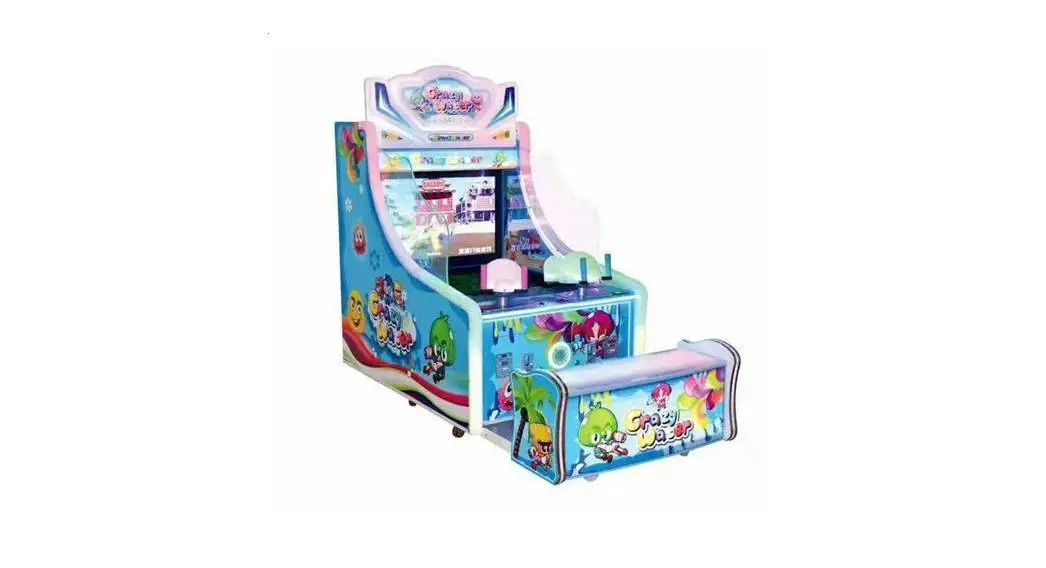

Get this game on magicplay.eu
the instructions
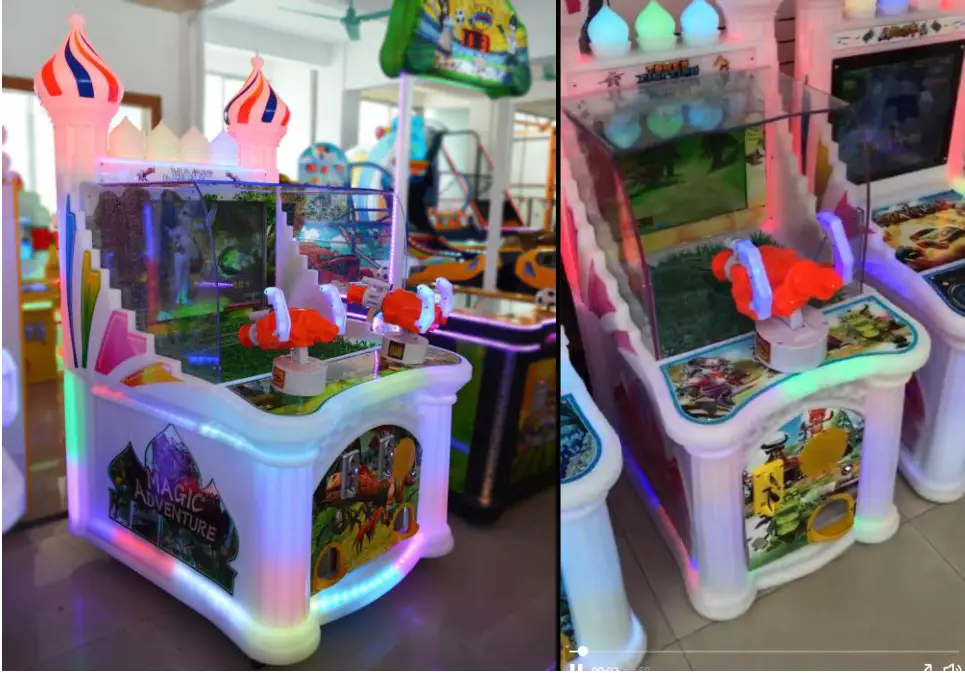
Enter the Settings page
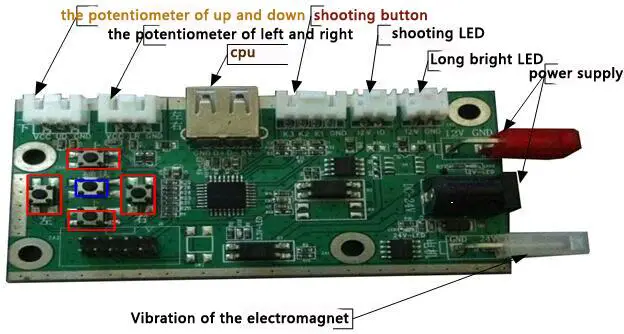
Under the standby screen and press the “up” and “down” to enter setting page at the same time(below red box).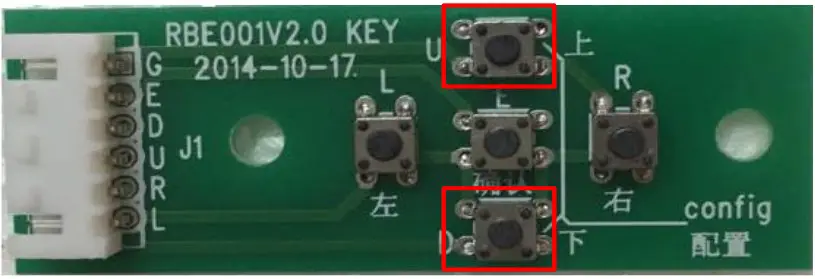 enter the setting page afterpress the keys of “up””down”,use the keys of “left”and”right”to Change options.
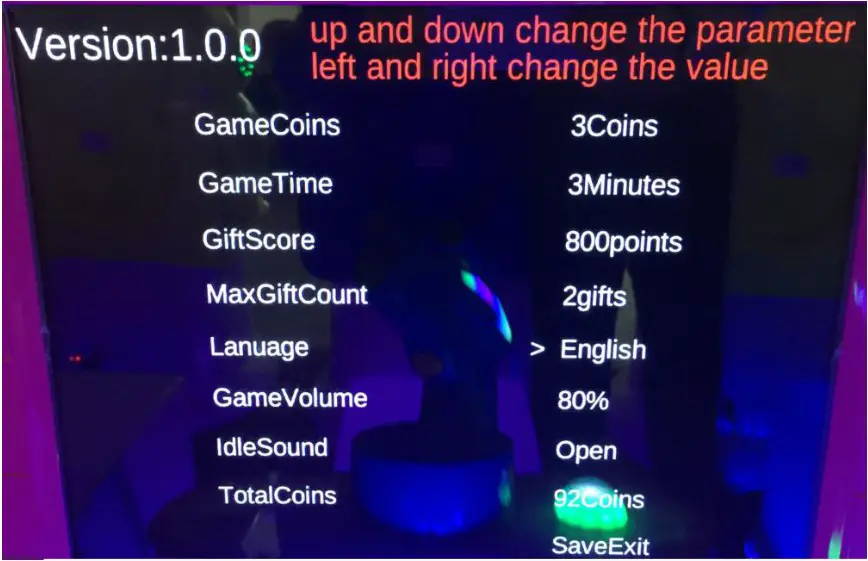 After the completion of the setting, move the cursor to the “save exit” button, press the key of “ok ” to exit the set.
The calibration of gun
- the first: With aim at the left edge of the screen, press the left key of potentiometer plate, then press the “ok”key,
- the second: To aim at the right edge of the screen, press right key of the potentiometer plate , then to press the “ok” key,
- use this method to calibrate up and down.
Troubleshooting
- Automatic restart: check the 12 v peripherals (article lamp, etc.) if there is a short circuit, can be pulled out a peripheral connection to troubleshoot problems
- Vibration electromagnet: after long time use will appear weak vibration situation, need to heat the butter is added in the electromagnet to lubrication.
- insert coin automatically: check the swich of coin machine if had move to the option of “NO”
- Other matters: After long-term use, need to butter on two potentiometer gear.
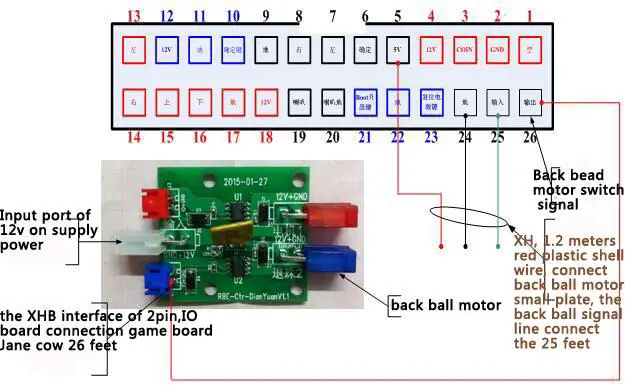
the connection of singel gun
The foot bitmap of back ball machine
SHEET LIST FOR SETTING
| SETTING | |
| GAME COINS | 3 COINS |
| GAME TIME | 3 MINUTES |
| GIFT SCORE | 800 POINTS |
| MAX GIFT COUNT | 2 GIFTS |
| LANGUAGE | ENGLISH |
| GAME VOLUME | 80% |
| IDLE SOUND | OPEN |
| TOTAL COINS | 92COINS |
| SAVE EXIT | |
 Amusement machines - buy, sell, service, ticket redemption | Magic Play