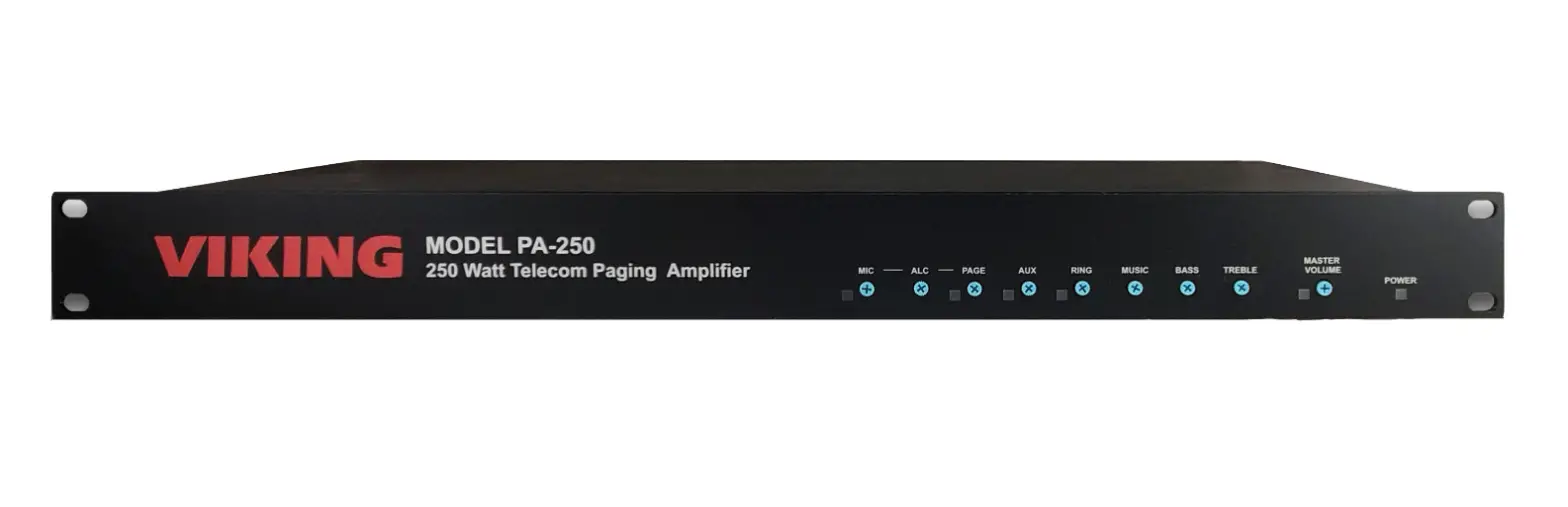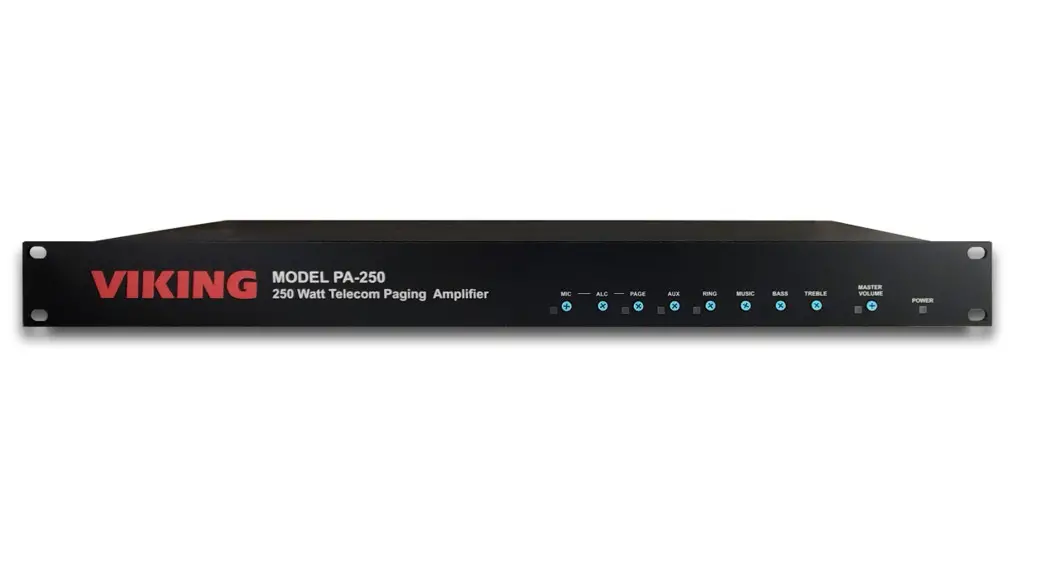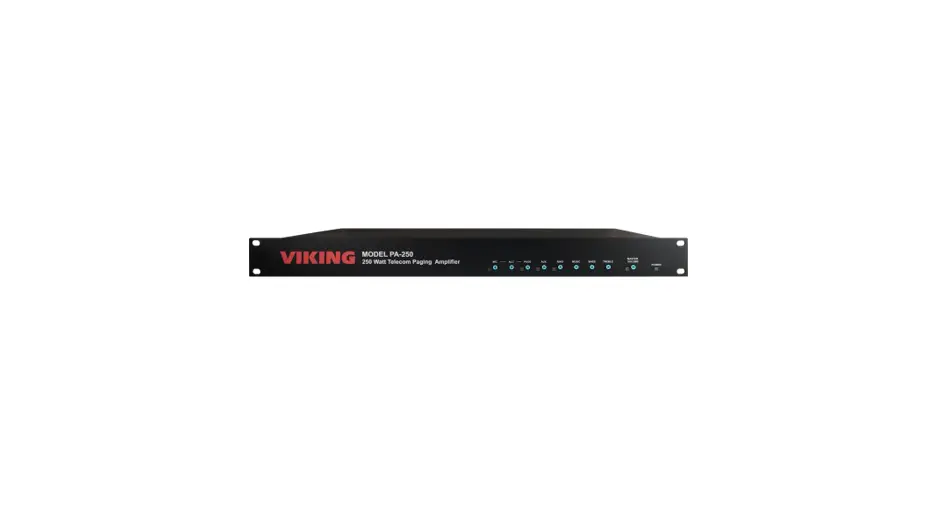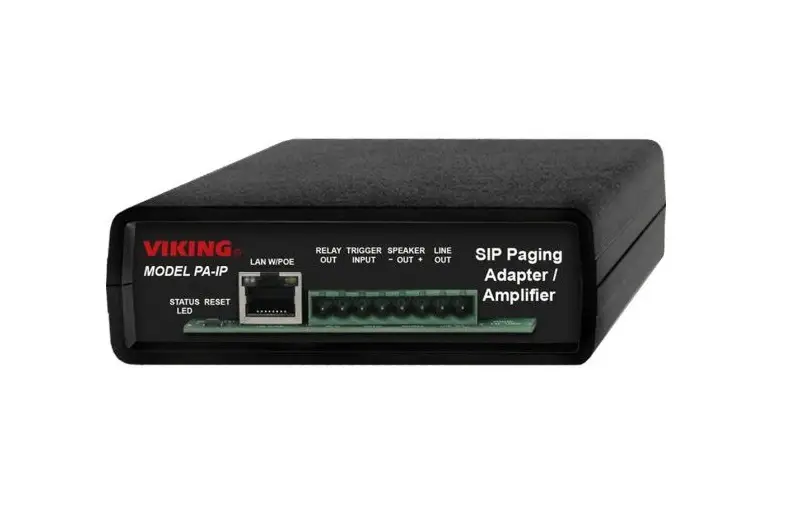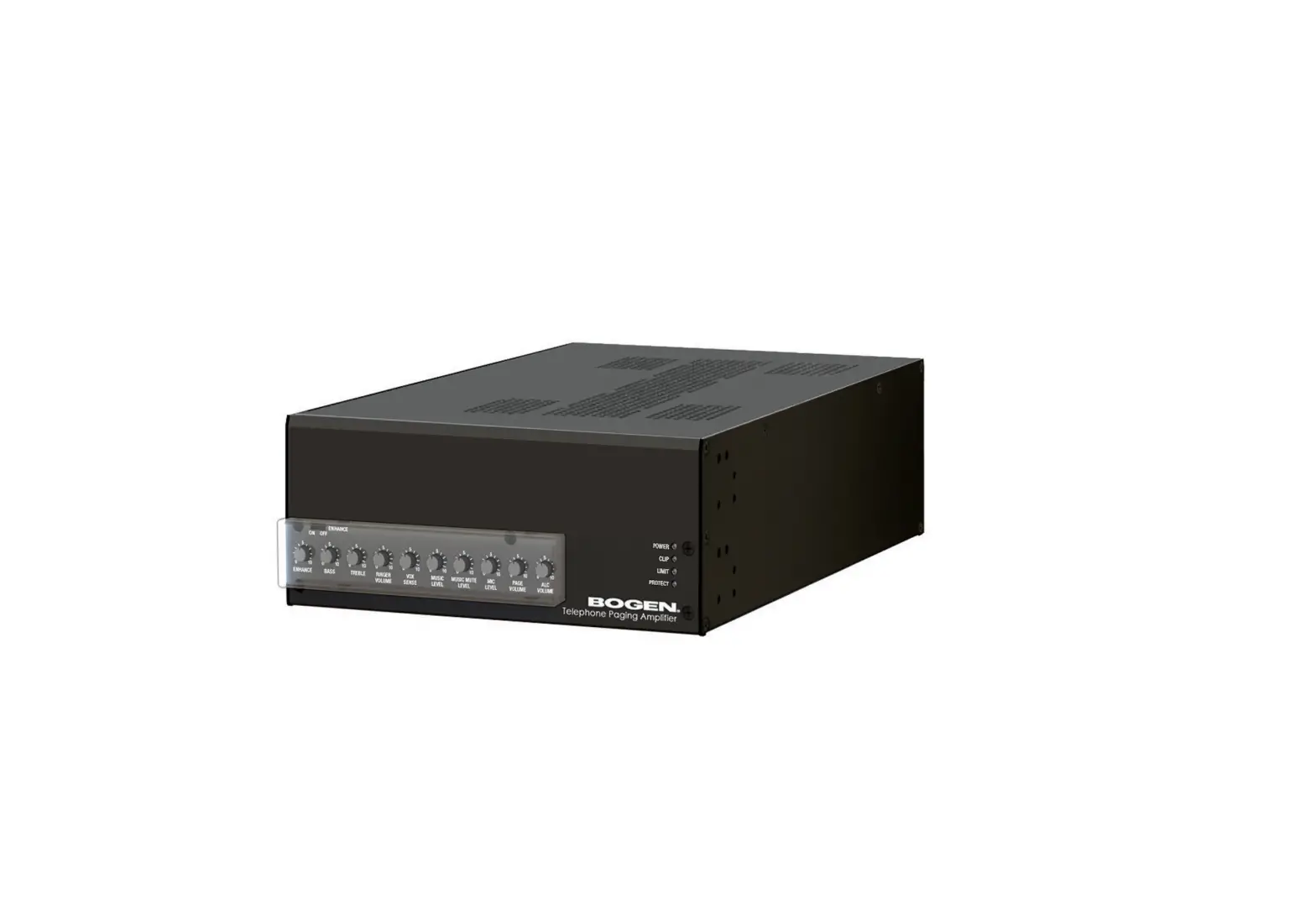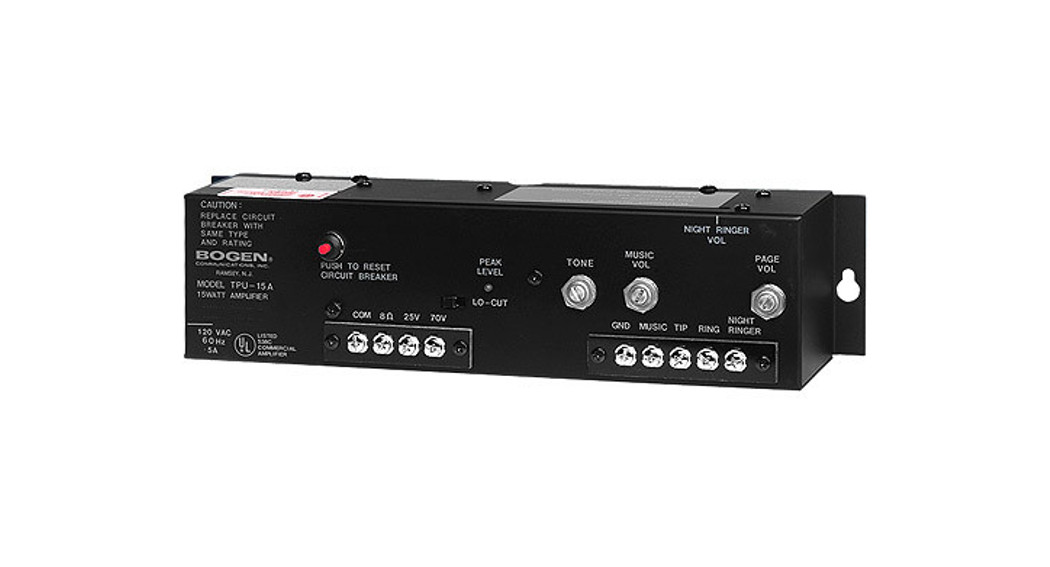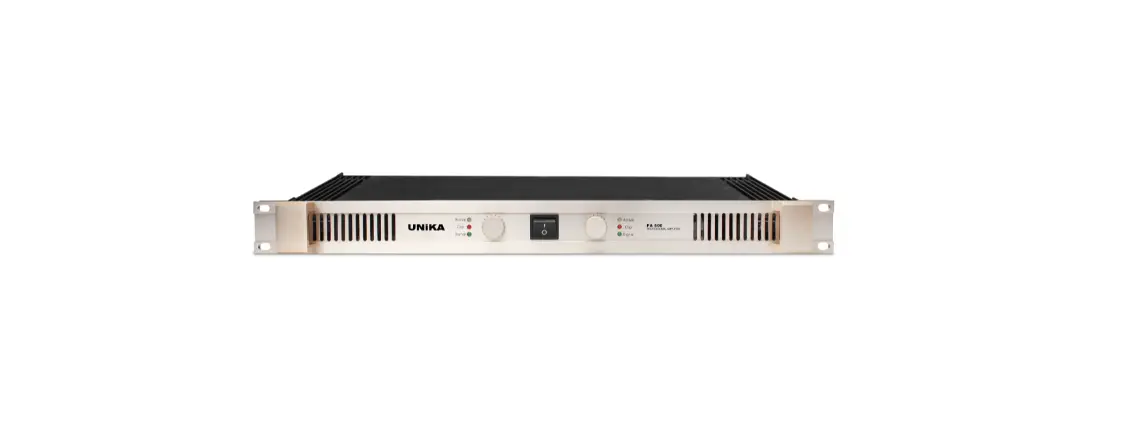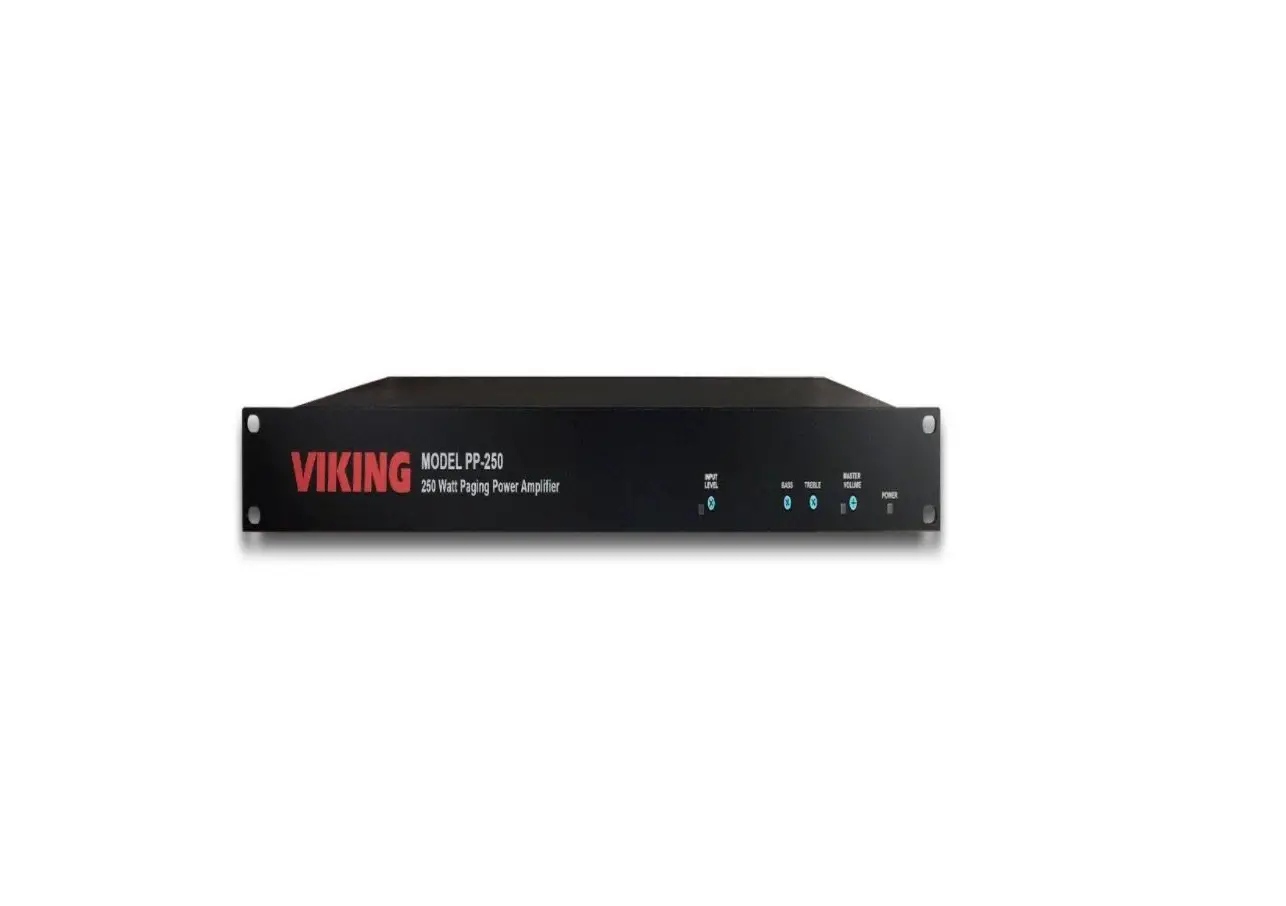
VIKING PA-250 250 Watt 70V Telecom
Paging Amplifier User Guide
1.0 Out-of-Box
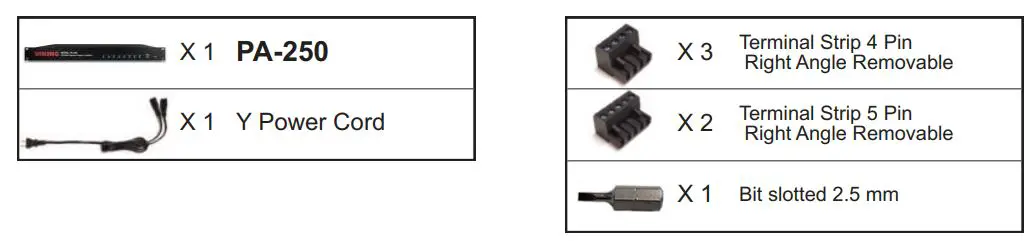
1.1 Verify that you have received all of the parts listed
1.2 Download the product manual
Scan the QR code to open and download the product manual

– OR –
- Go to www.vikingelectronics.com and enter PA-250 in the search box
- Under Documents click Product Manual to open and download the PDF
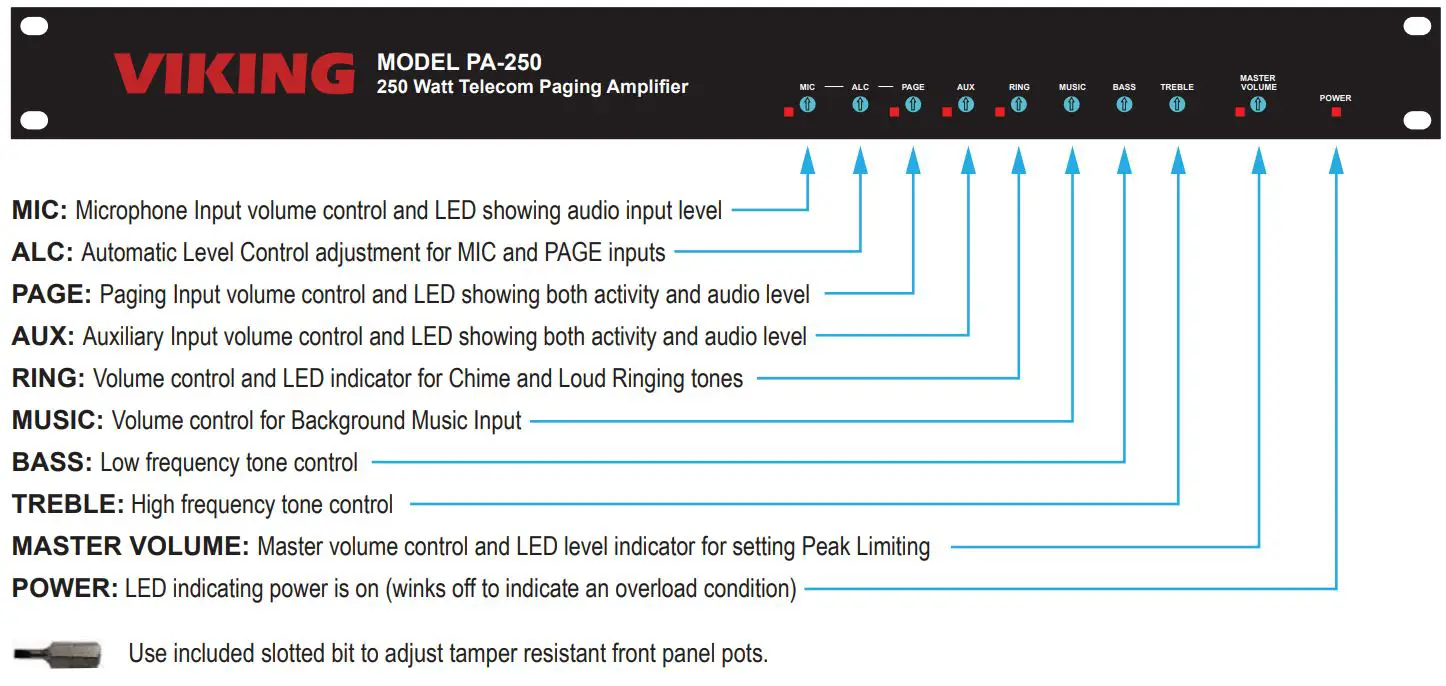
2.0 Features Overview
3.0 Connections
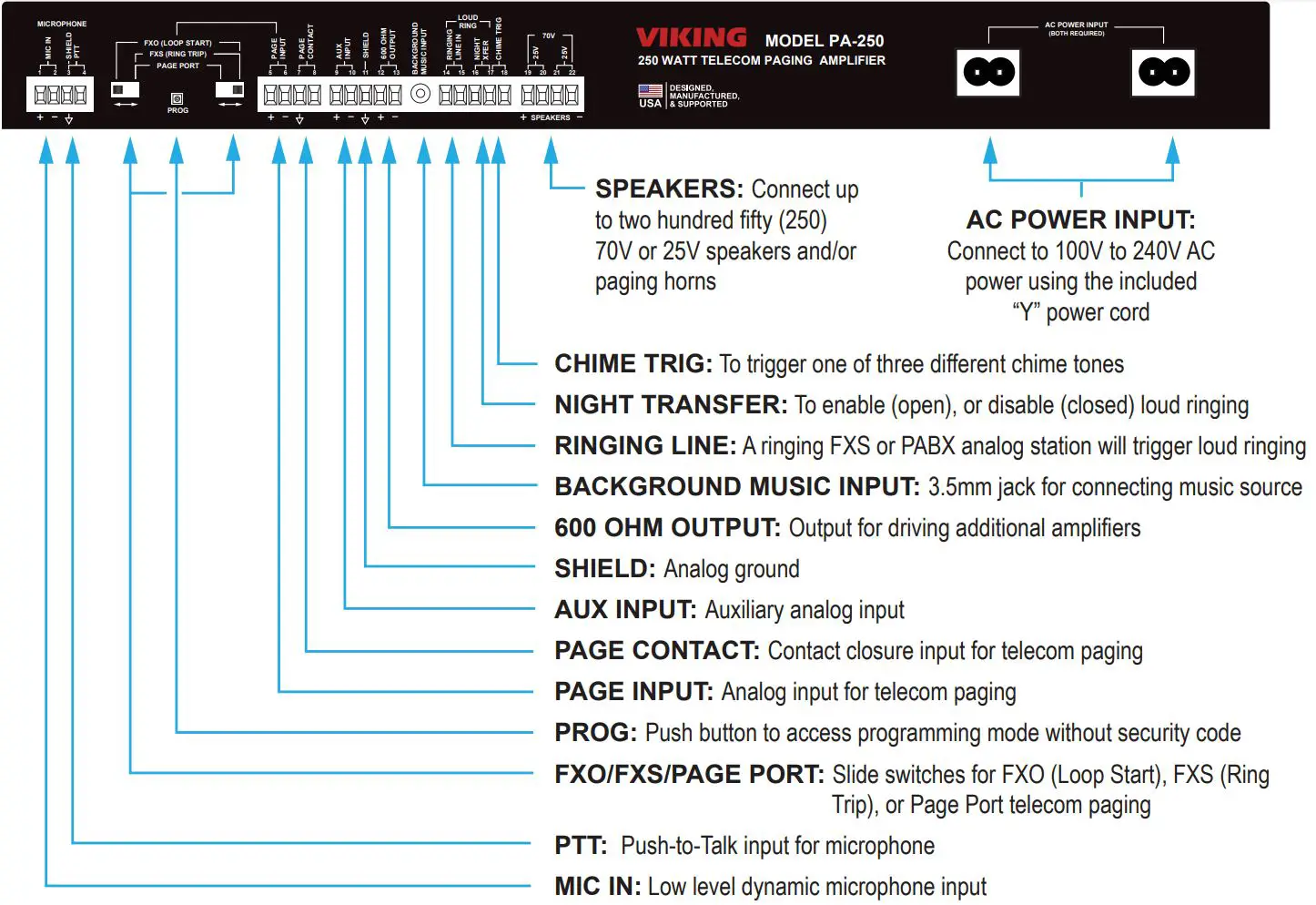
See the Product Manual for complete installation and programming instructions. Questions? Call Viking Product Support: 715-386-8666
Due to the dynamic nature of the product design, the information contained in this document is subject to change without notice. Viking Electronics, and its affiliates and/or subsidiaries assume no responsibility for errors and omissions contained in this information. Revisions of this document or new editions of it may be issued to incorporate such changes.
PA-250 Quick Start Guide
ZF304261 REV A
 Security & Communication Systems - Access Control | Viking Electronics, Inc