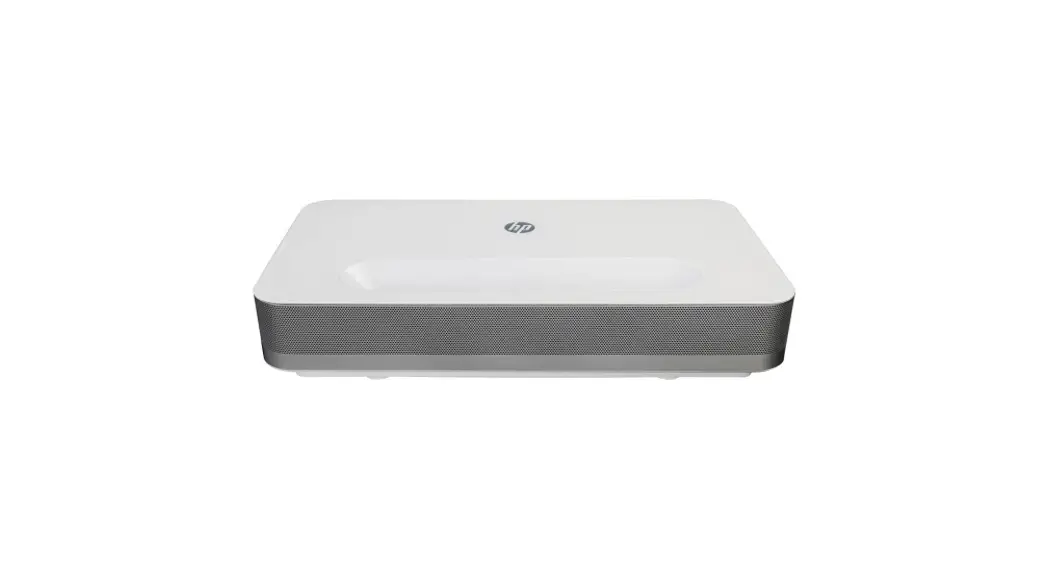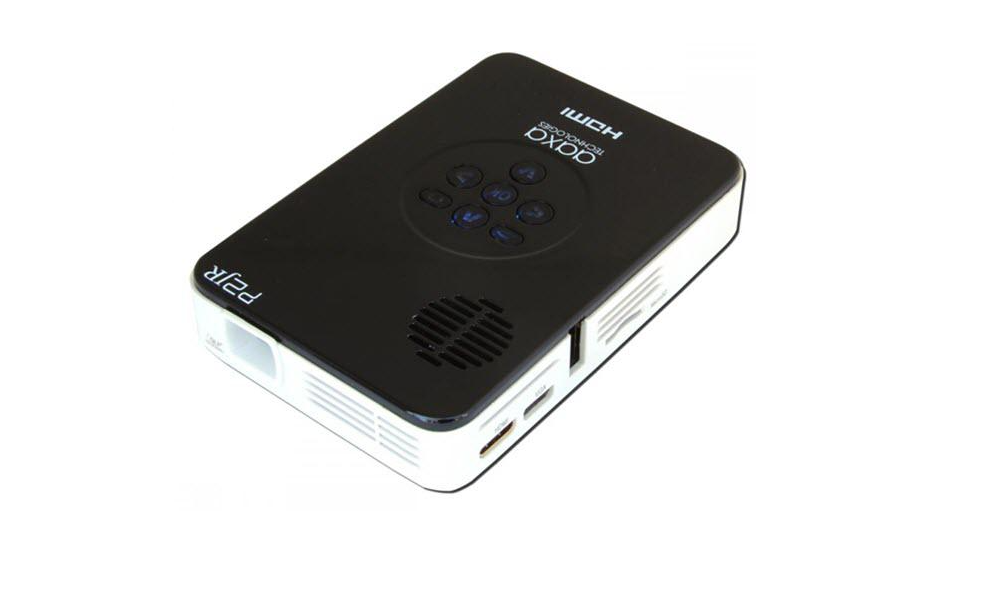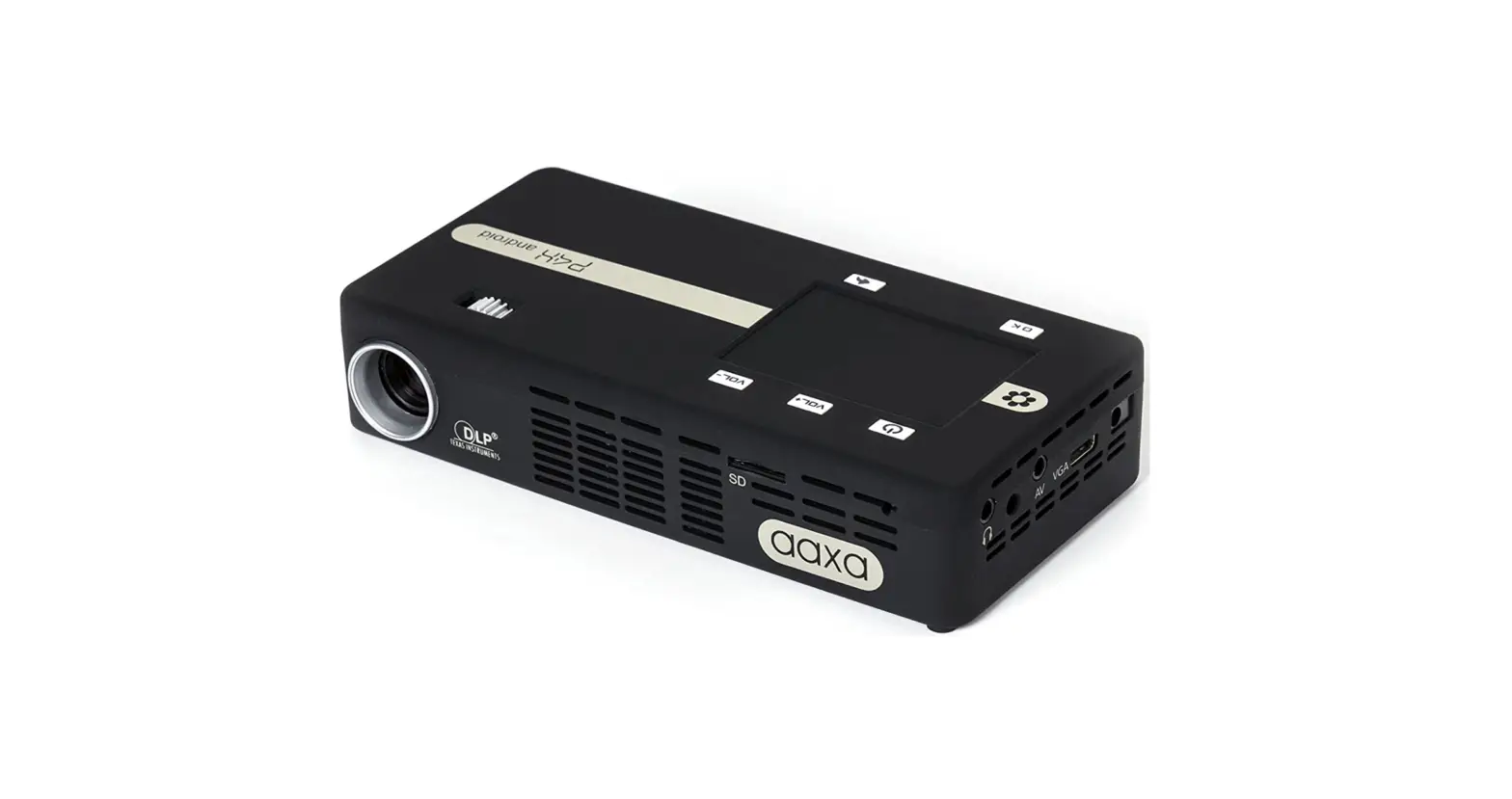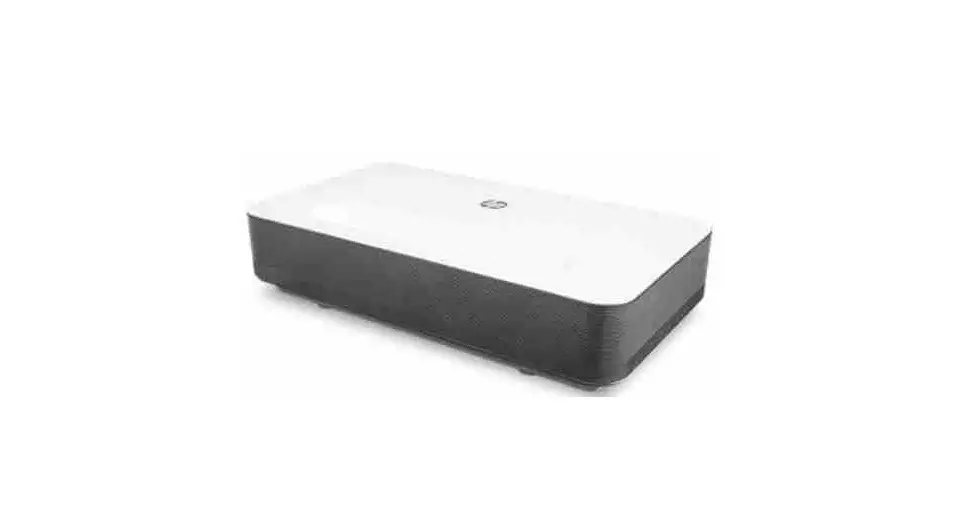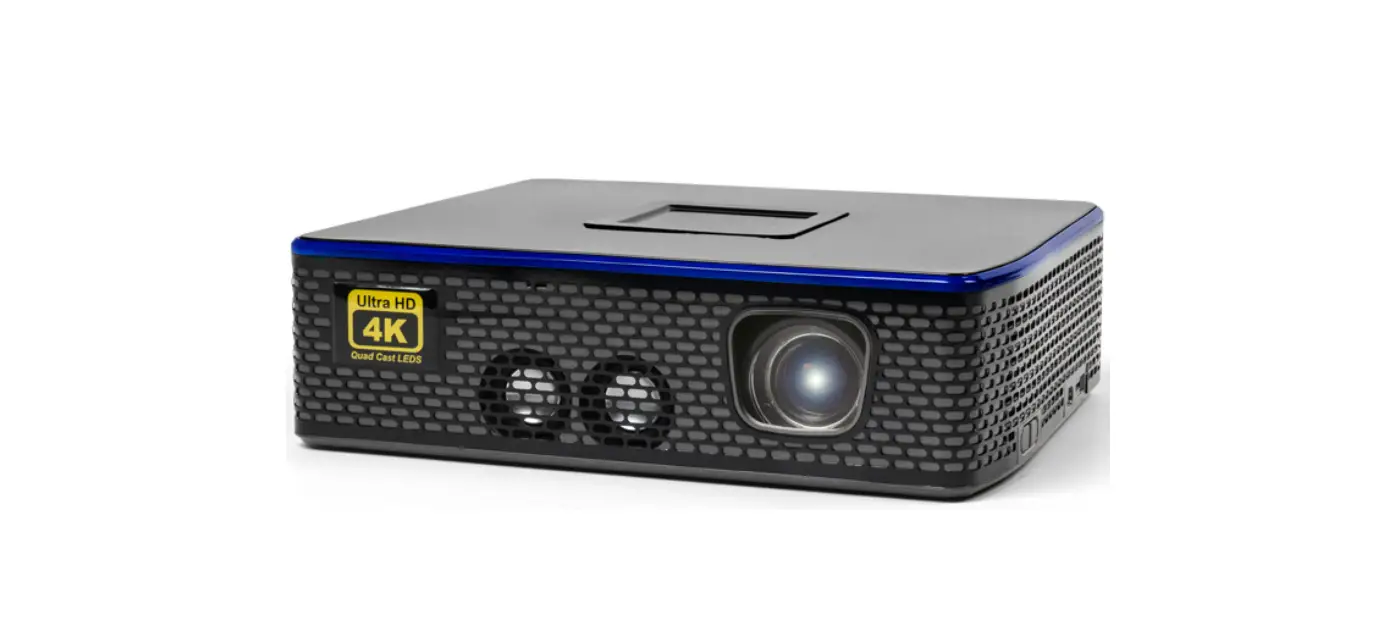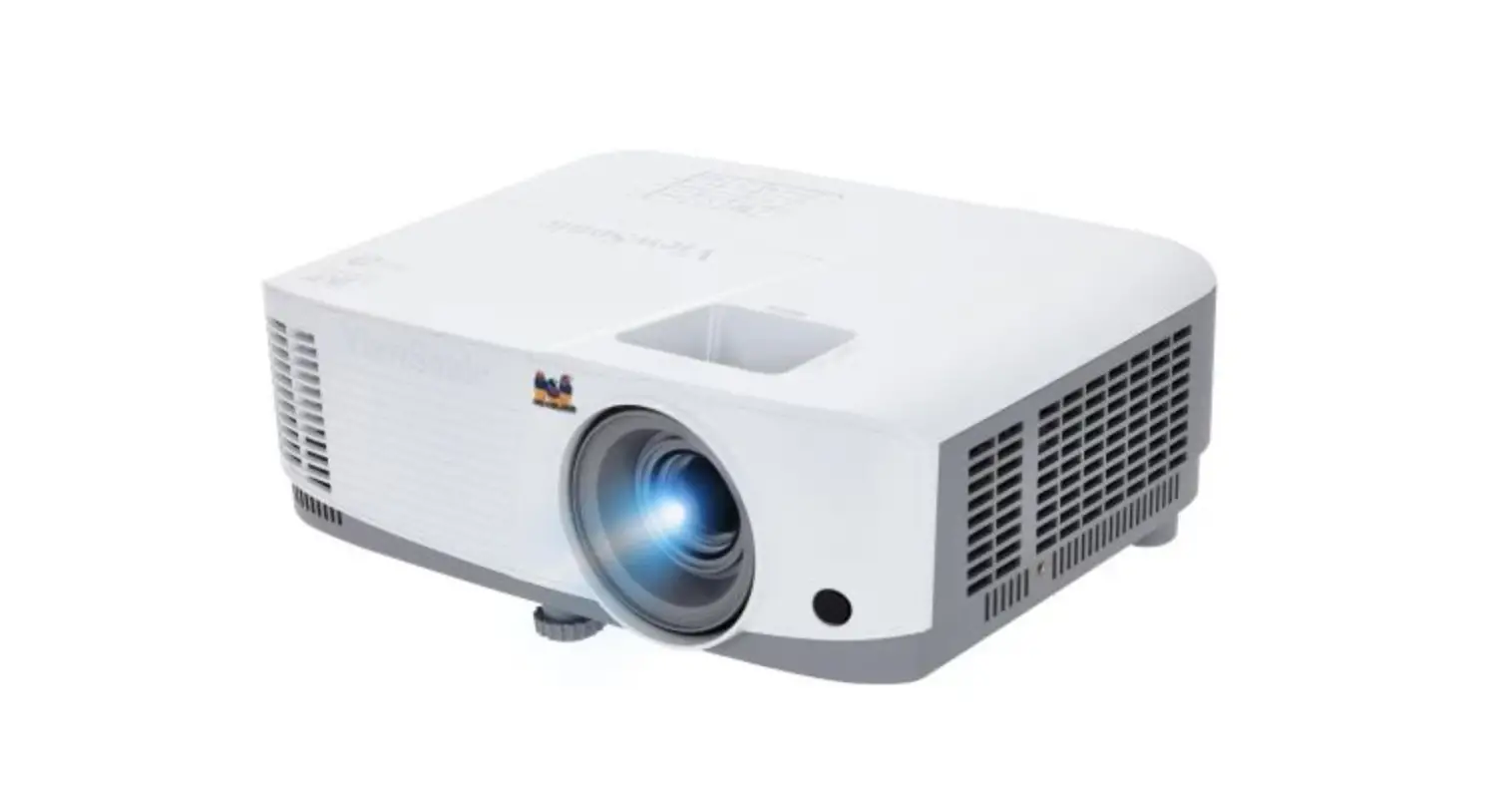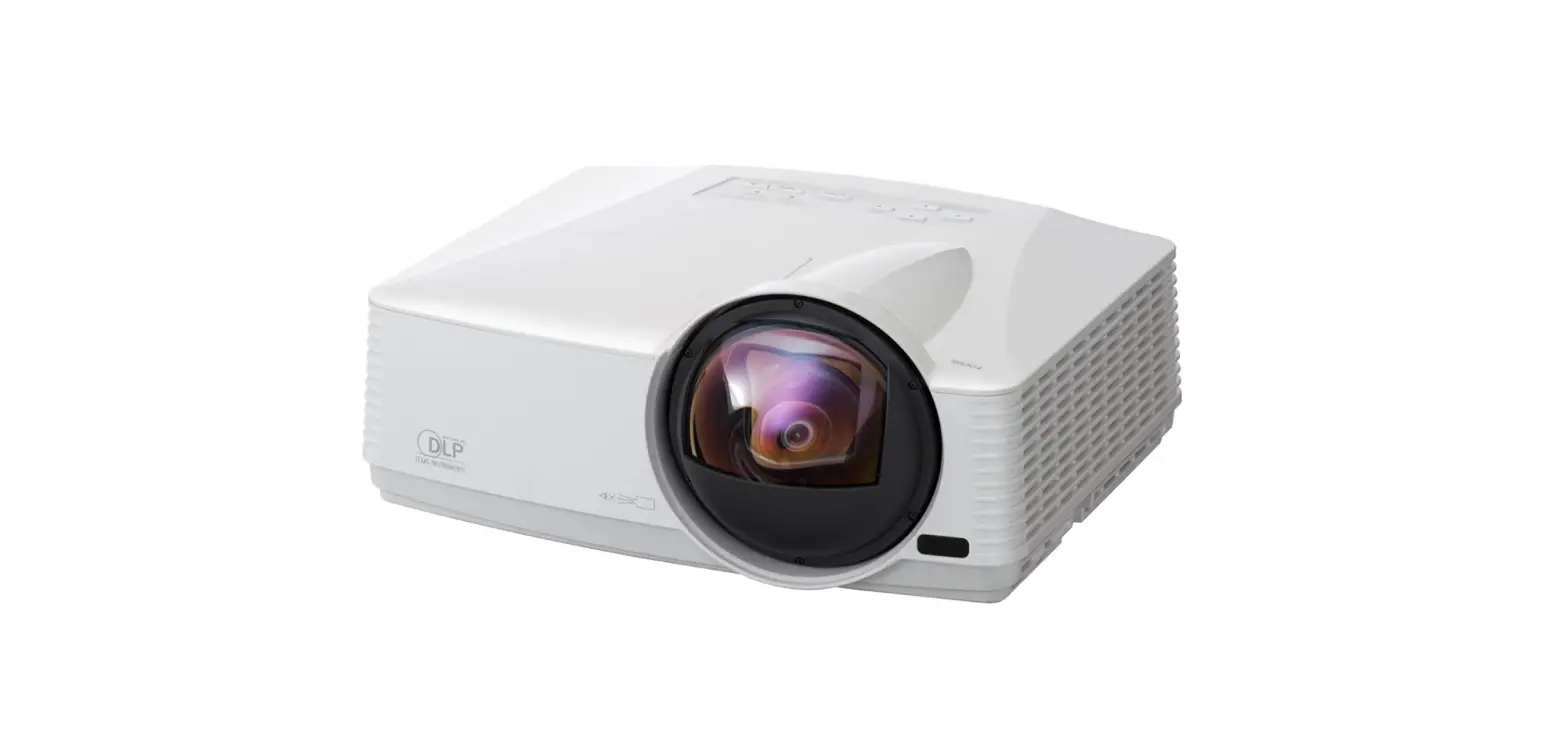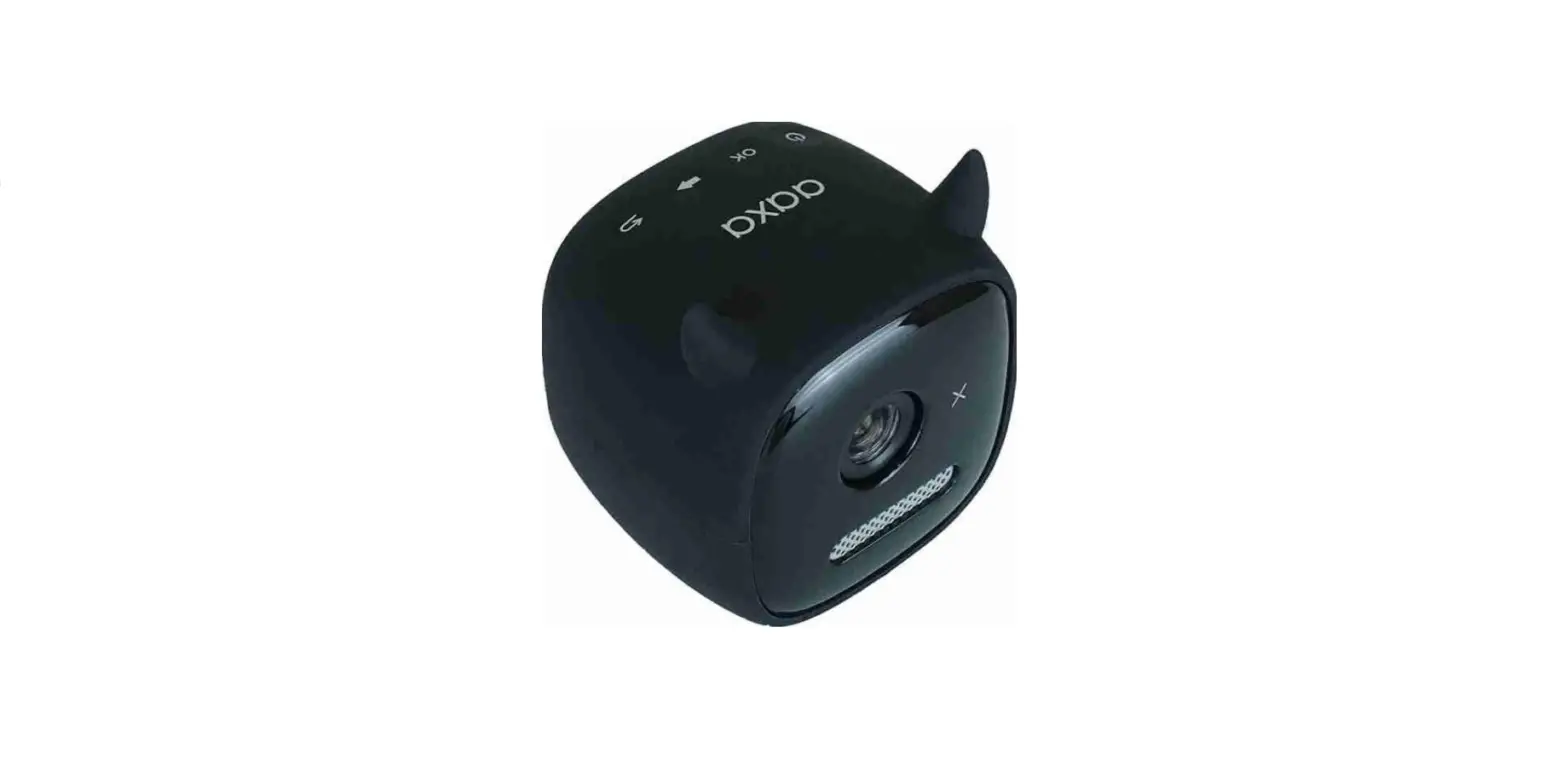

aaxa TECHNOLOGIES HP2 DLP Projector
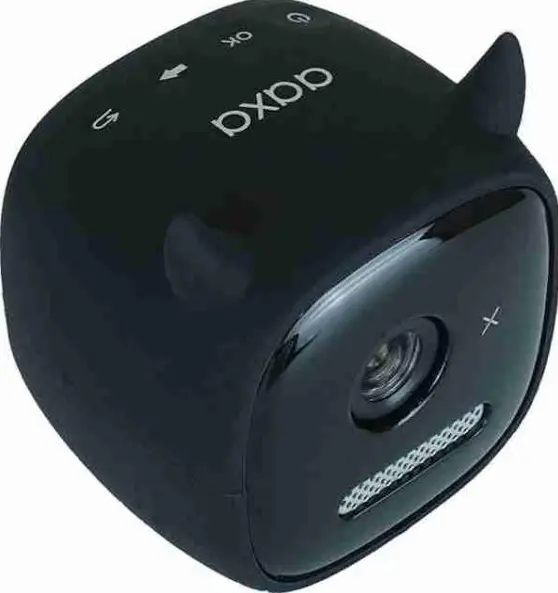
TO TURN ON PROJECTOR
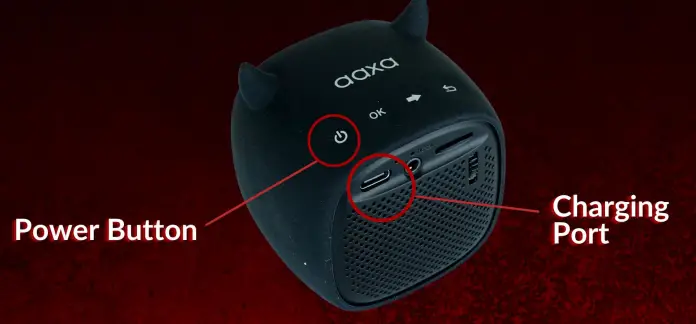
- Connect the projector to a power source using the Charging Cable and the Charging Port
- Press and hold the Power Button or 3 seconds

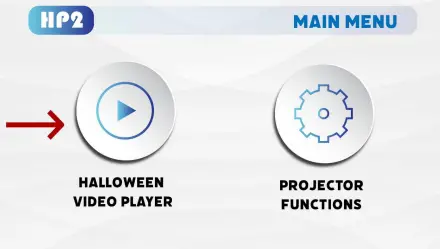
TO PLAY HALLOWEEN MOVIES
- In the Main Menu, select “Halloween Video Player”
- Choose the video you would like to play

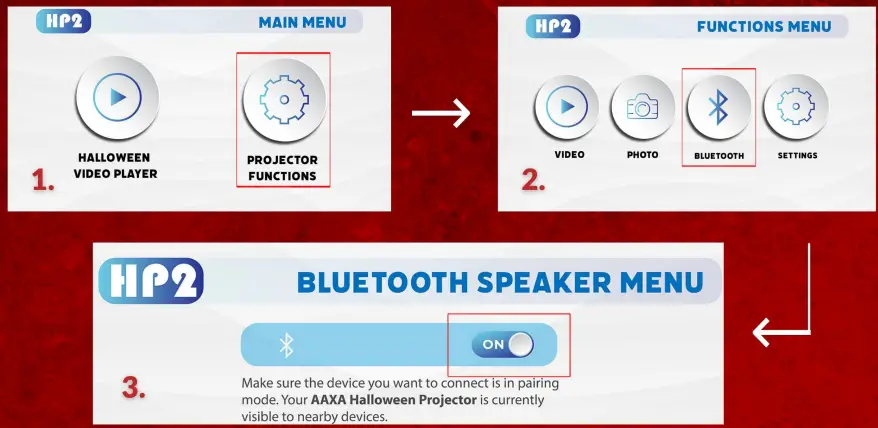
TO CONNECT TO EXTERNAL BLUETOOTH SPEAKER
- Ensure there are no interfering Bluetooth sources nearby
- From the main Menu select Projector Functions
- Select Bluetooth Function
- Turn “ON” Bluetooth
- Turn on your bluetooth speaker and put it into pairing mode the speaker and projector should pair automatically
- If your speaker does not pair, try restarting the projector and retry the steps above again

LOOKTNG FOR PERFECT SEMI-TRANSPARENT SCREEN FOR YOUR HAUNTED WINDOW & HALLWAY? VISIT WWW.AAXATECH.COM/HALLOWEEN TODAY