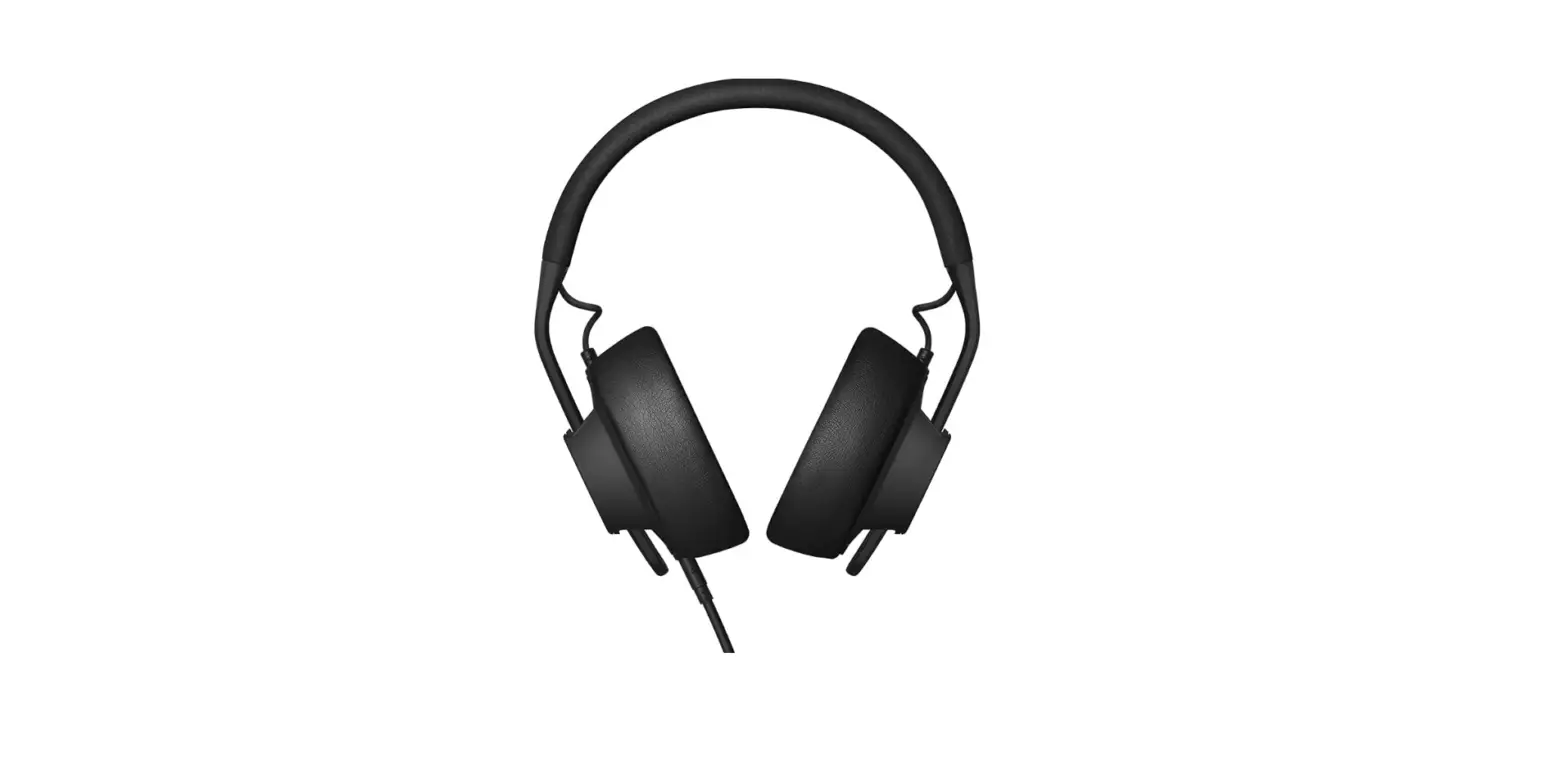
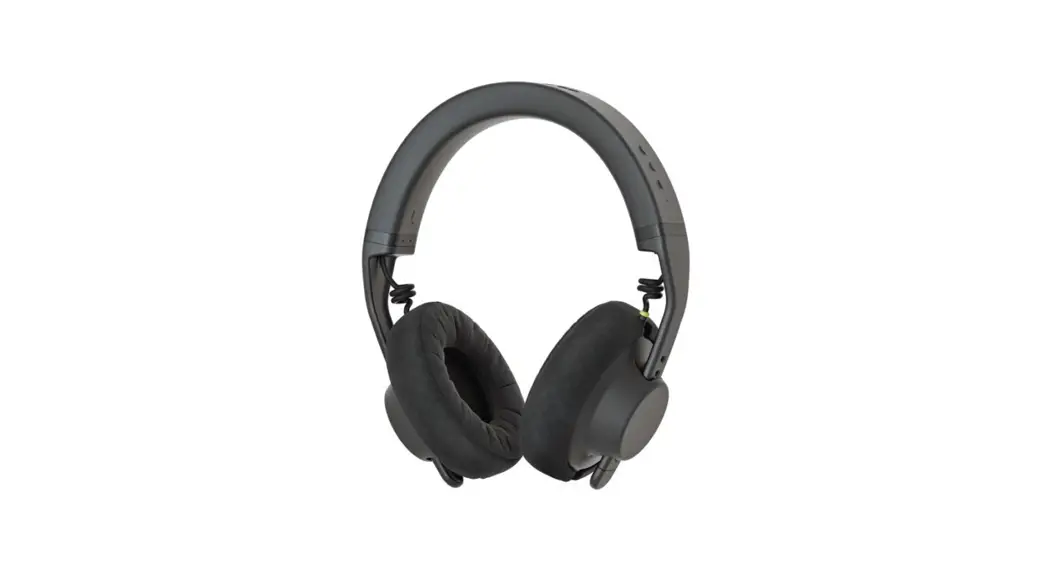
TMA-2 H10 X01 Studio Headphones
X01 Transmitter Product Manual
General
Power on: Push button (3 sec). Power off: Push button (3 sec).
Enter pairing mode: Double push button (power on). Hard reset
device: Push button (7 sec).
LED Indicators
When powering on: LEDs will light matching battery level. When
idle and not connected: Blinking white (1sec on, 1sec off). When
connected: LEDs will light static white matching battery level.
When in pairing mode: LEDs will blink fast (300ms on, 300 ms off).
When charging: Cycles through LEDs with the lowest number of LEDs
matching the battery level. When charging complete: All LEDs
static.
LED Battery Level Indicators
% Below 25 battery: LED one flashes. % 25-50 battery: LED
one-two static. % 50-75 : LED one-two-three static. % 75-100 : All
LEDs static.
Product Usage Instructions
- To power on the X01 transmitter, press and hold the button for
3 seconds. - To power off the X01 transmitter, press and hold the button for
3 seconds. - To enter pairing mode, double press the button while powering
on the transmitter. - To perform a hard reset of the device, press and hold the
button for 7 seconds. - The LED indicators provide information about the battery level
and device status:
- When powering on, the LEDs will light up to indicate the
battery level. - When idle and not connected, the LEDs will blink white (1
second on, 1 second off). - When connected, the LEDs will light up static white to indicate
the battery level. - When in pairing mode, the LEDs will blink fast (300ms on, 300ms
off). - When charging, the LEDs will cycle through with the lowest
number of LEDs matching the battery level. - When charging is complete, all LEDs will remain static.
- Below 25% battery: LED one flashes.
- 25-50% battery: LED one-two static.
- 50-75% battery: LED one-two-three static.
- 75-100% battery: All LEDs static.
Menu Log in Cart 0
+ Help · Wireless
X01 transmitter product manual
General
Power on: Push button (3 sec). Power off: Push button (3 sec). Enter pairing mode: Double push button (power on). Hard reset device: Push button (7 sec).
LED indicators
When powering on: LEDs will light matching battery level. When idle and not connected: Blinking white (1sec on, 1sec off). When connected: LEDs will light static white matching battery level. When in pairing mode: LEDs will blink fast (300ms on, 300 ms off). When charging: Cycles through LEDs with the lowest number of LEDs matching the battery level. When charging complete: All LEDs static.
LED battery level indicators
% Below 25 battery: LED one flashes. % 25-50 battery: LED one-two static. % 50-75 : LED one-two-three static. % 75-100 : All LEDs static.
Related questions
H10 and X01 quick start guide H10 headband product manual How do I firmware update the H10 headband? How can I return a product to trade-in? How do I firmware update the S10 speaker units?
Menu Log in Cart 0
Related products
+ TMA-2 H10 X01 Wireless upgrade kit
+ TMA-2 Studio Wireless
Menu Log in Cart 0
X01 – Transmitter
Can’t find what you’re looking for?
Contact us
Headphones TMA-2 TMA-2 Builder
+ TMA-2 Wireless
TMA-2 Parts TMA-2 Remixed TMA-2 Collabs Tracks Accessories
Merch Gift cards Get help Support Returns Contact us Company About Sustainability Featured retailers Careers
Stay up to date Your email Sign up
Join us online
Privacy policy Cookie policy Terms & conditions Warranty Change country
Menu Log in Cart 0
© 2023 AIAIAI. All Rights Reserved.
0 Menu Log in Cart
References
 AIAIAI Audio
-
About us | AIAIAI
-
Accessories | AIAIAI
-
X01 - Transmitter | AIAIAI
-
Careers | AIAIAI
-
Cart | AIAIAI
-
Choose region | AIAIAI
-
Featured Retailers | AIAIAI
-
AIAIAI Gift Cards
-
W+ Link bundle | AIAIAI
-
TMA-2 — Modular Headphones | AIAIAI
-
TMA-2 Builder | AIAIAI
-
TMA-2 Collaborations | AIAIAI
-
TMA-2 Studio Wireless+ | AIAIAI
-
TMA-2 — Modular Headphones | AIAIAI
-
Tracks Headphones | AIAIAI
-
Support | AIAIAI
-
Contact customer service and support | AIAIAI
-
Contact customer service and support | AIAIAI
-
How do I firmware update the S10 speaker units? | Help | AIAIAI
-
H10 headband product manual | Help | AIAIAI
-
H10 and X01 quick start guide | Help | AIAIAI
-
How can I return a product to trade-in? | Help | AIAIAI
-
Wireless+ | Help | AIAIAI
-
How do I firmware update the H10 headband? | Help | AIAIAI
-
Merch | AIAIAI
-
Cookie Policy | AIAIAI
-
Privacy Policy | AIAIAI
-
Terms and Conditions | AIAIAI
-
Remixed | Sustainability | AIAIAI
-
Sustainability | Designed to last | AIAIAI
-
AIAIAI Audio
-
Stream AIAIAI.Audio music | Listen to songs, albums, playlists for free on SoundCloud
-
AIAIAI (@aiaiai.audio) • Instagram photos and videos
 AIAIAI Audio
 Stream AIAIAI.Audio music | Listen to songs, albums, playlists for free on SoundCloud
 AIAIAI (@aiaiai.audio) • Instagram photos and videos