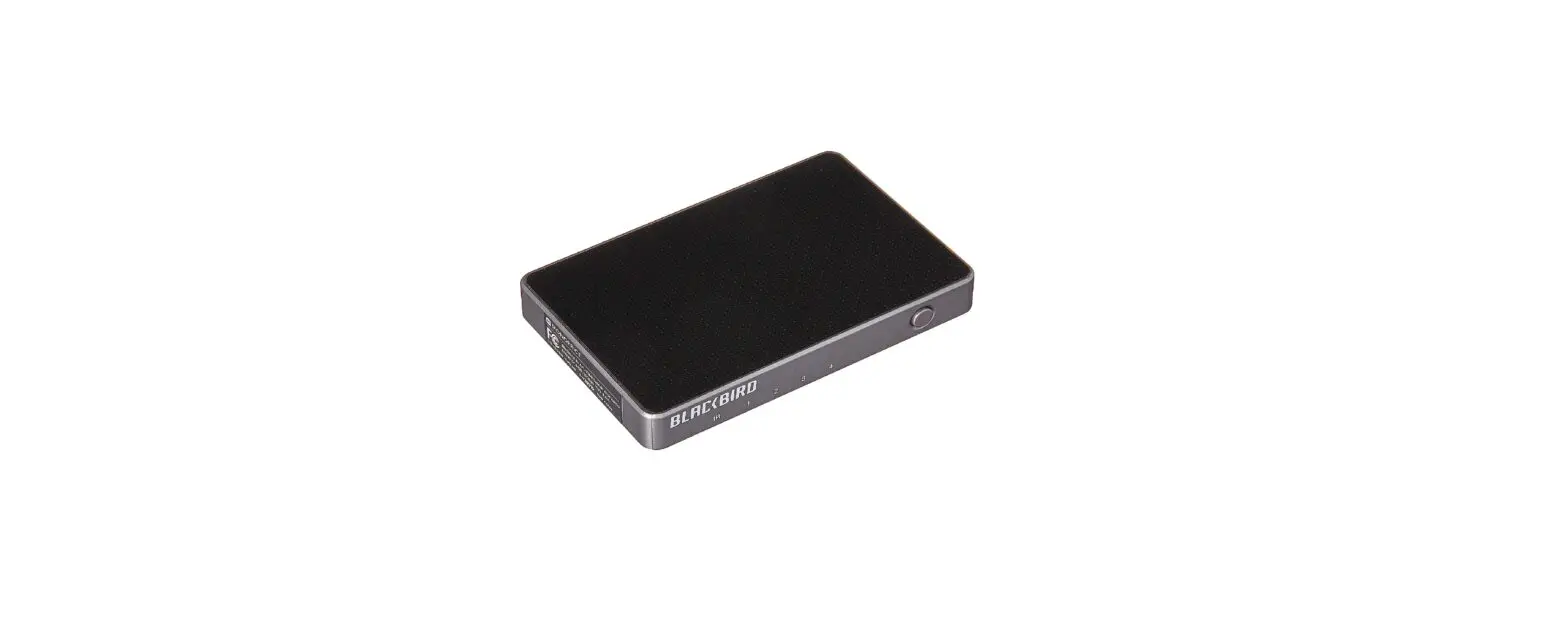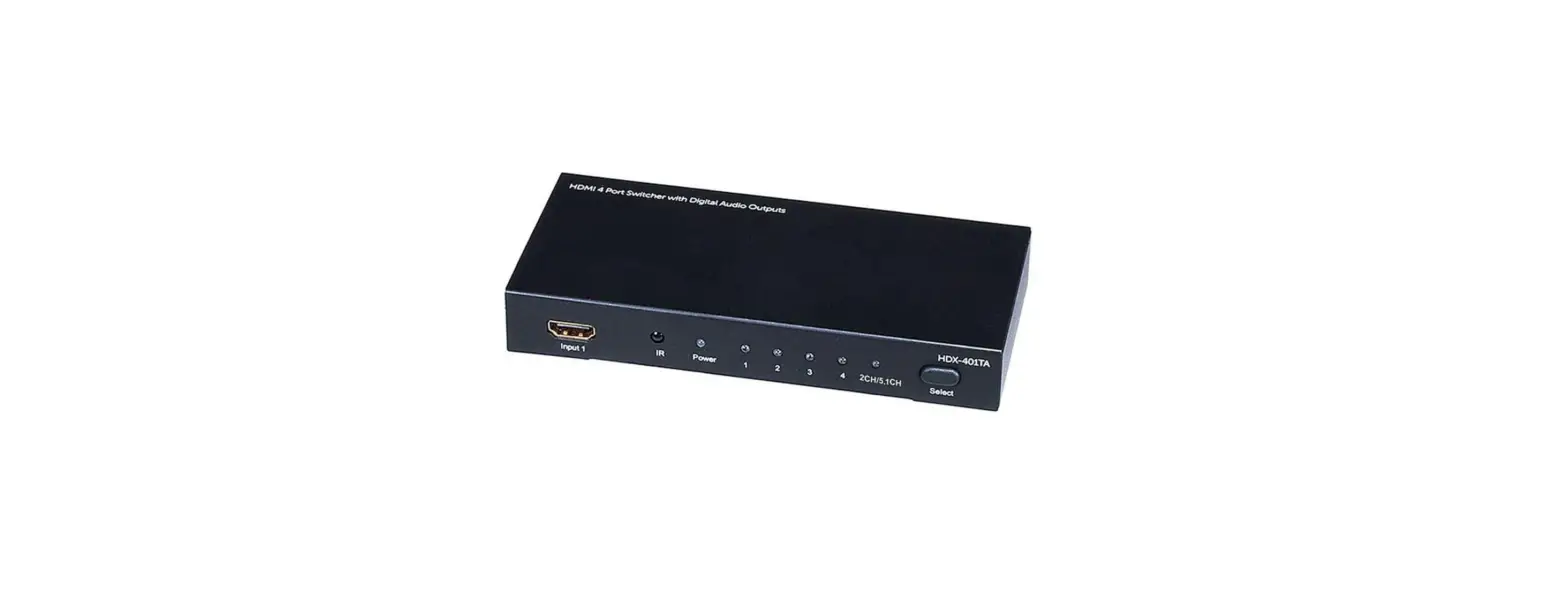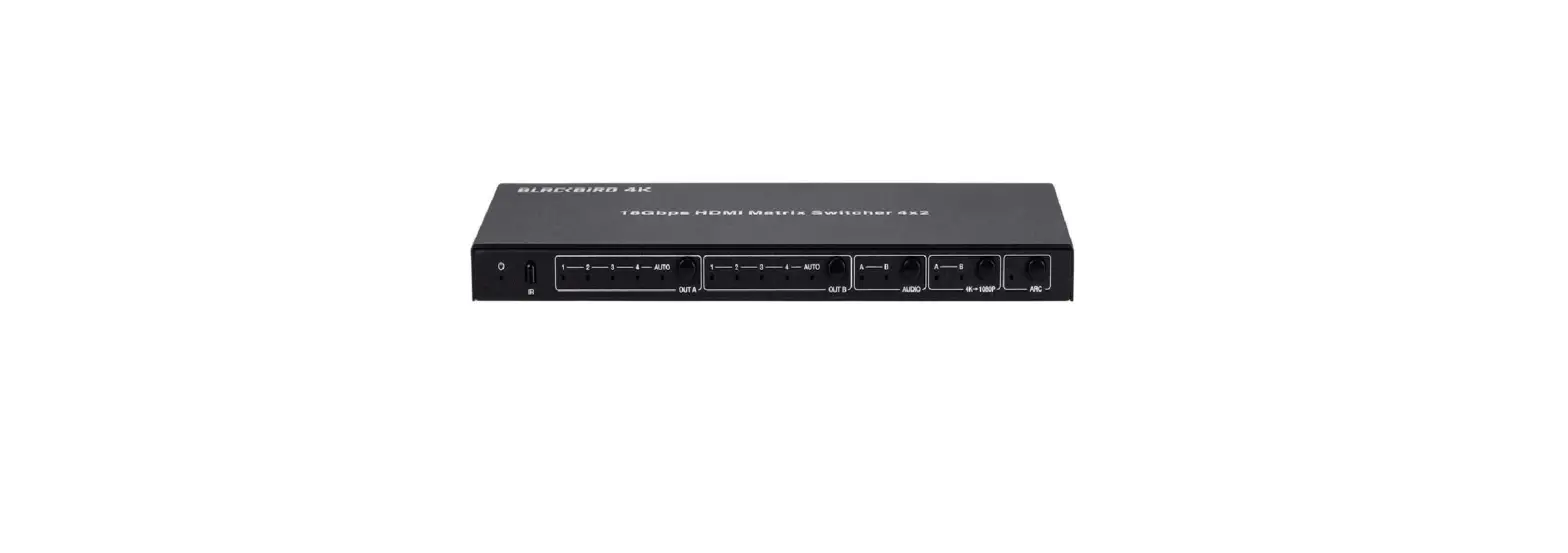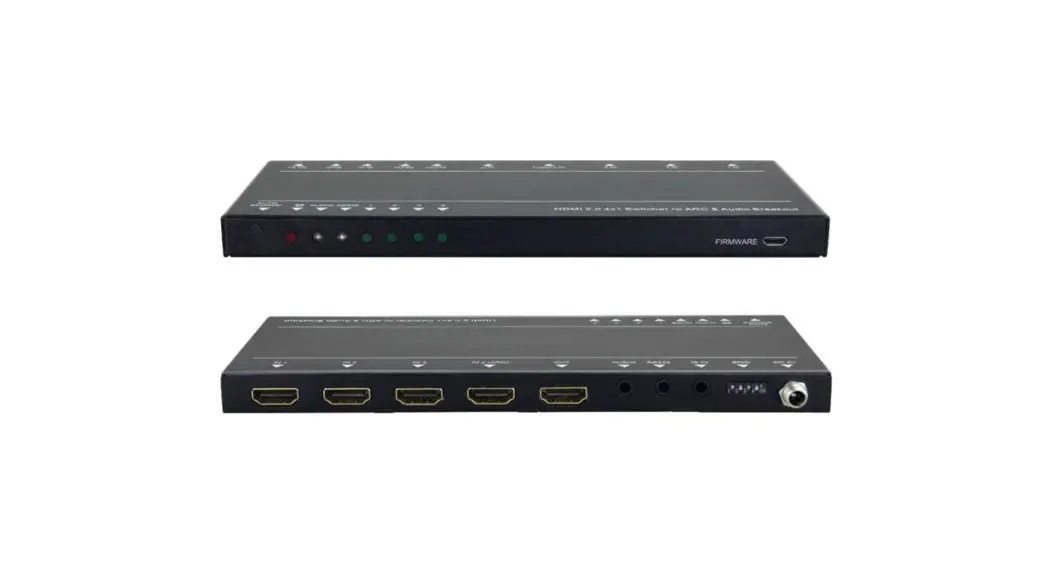

Monoprice 43963 Blackbird 4K 3×1 Switch

SAFETY WARNINGS AND GUIDELINES
Please read this entire manual before using this device, paying extra attention to these safety warnings and guidelines. Please keep this manual in a safe place for future reference.
- This device is intended for indoor use only.
- Do not expose this device to water or moisture of any kind. Do not place drinks or other containers with moisture on or near the device. If moisture does get in or on the device, immediately remove it from its power source and allow it to fully dry before reapplying power.
- Do not touch the device, the power cord, or any other connected cables with wet hands.
- Do not expose this device to excessive vibration or extreme force, shock, or fluctuations in temperature or humidity.
- Do not expose this device to excessively high temperatures. Do not place it in, on, or near a heat source, such as a fireplace, stove, radiator, etc. Do not leave it in direct sunlight.
- Do not place or install this device in an area where it can be exposed to excessive amounts of dust, humidity, oil, smoke, or combustible vapors.
- Prior to operation, check the unit and power cord for physical damage. Do not use if physical damage has occurred.
- Before plugging the unit into a power outlet, ensure that the outlet provides the same type and level of power required by the device.
- Unplug this device from the power source when not in use.
- Take care to prevent damage to the power cord. Do not allow it to become crimped, pinched, walked on, or become tangled with other cords. Ensure that the power cord does not present a tripping hazard.
- Never unplug the unit by pulling on the power cord. Always grasp the connector head or adapter body.
- Clean using a soft, dry cloth only. Do not use chemical cleaners, solvents, or detergents. For stubborn deposits, moisten the cloth with warm water.
- This device has no user-serviceable parts. Do not attempt to open, service, or modify this device.
INTRODUCTION
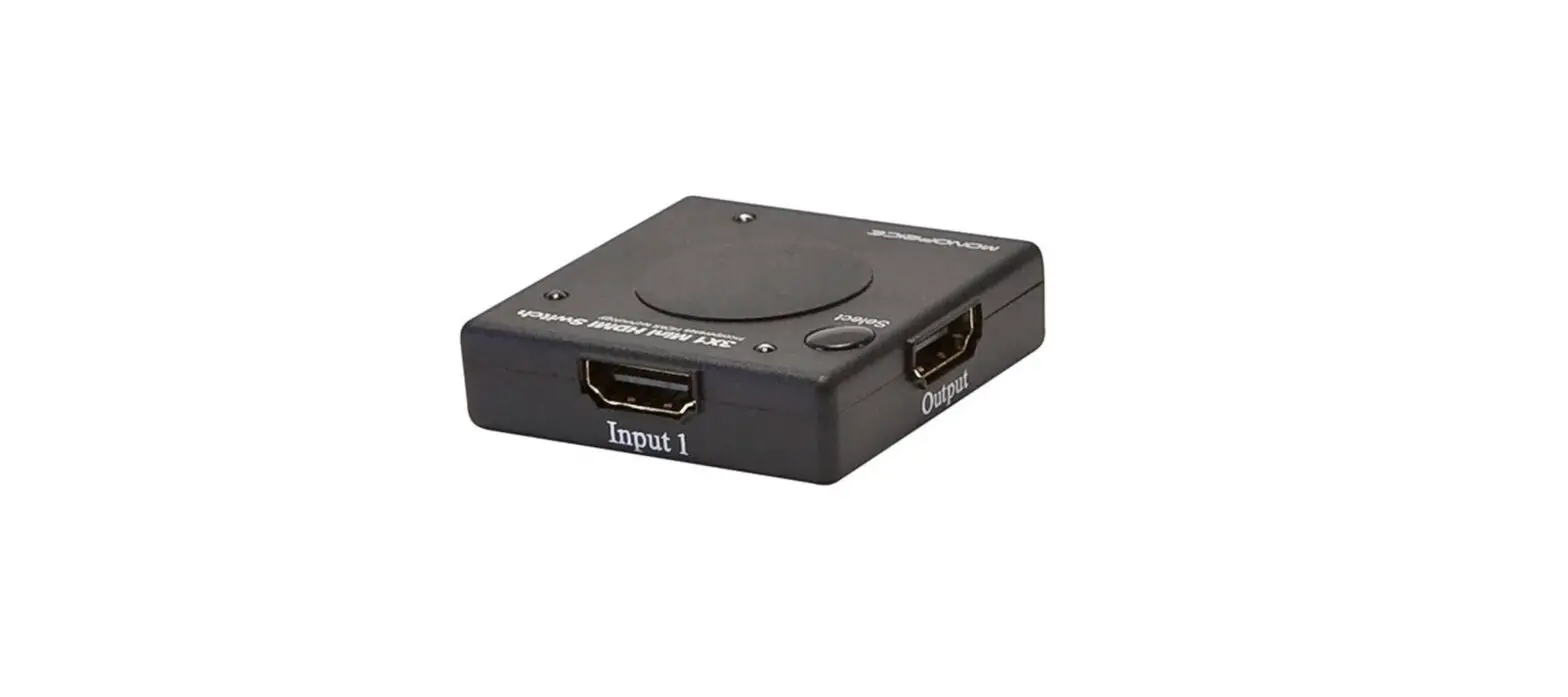
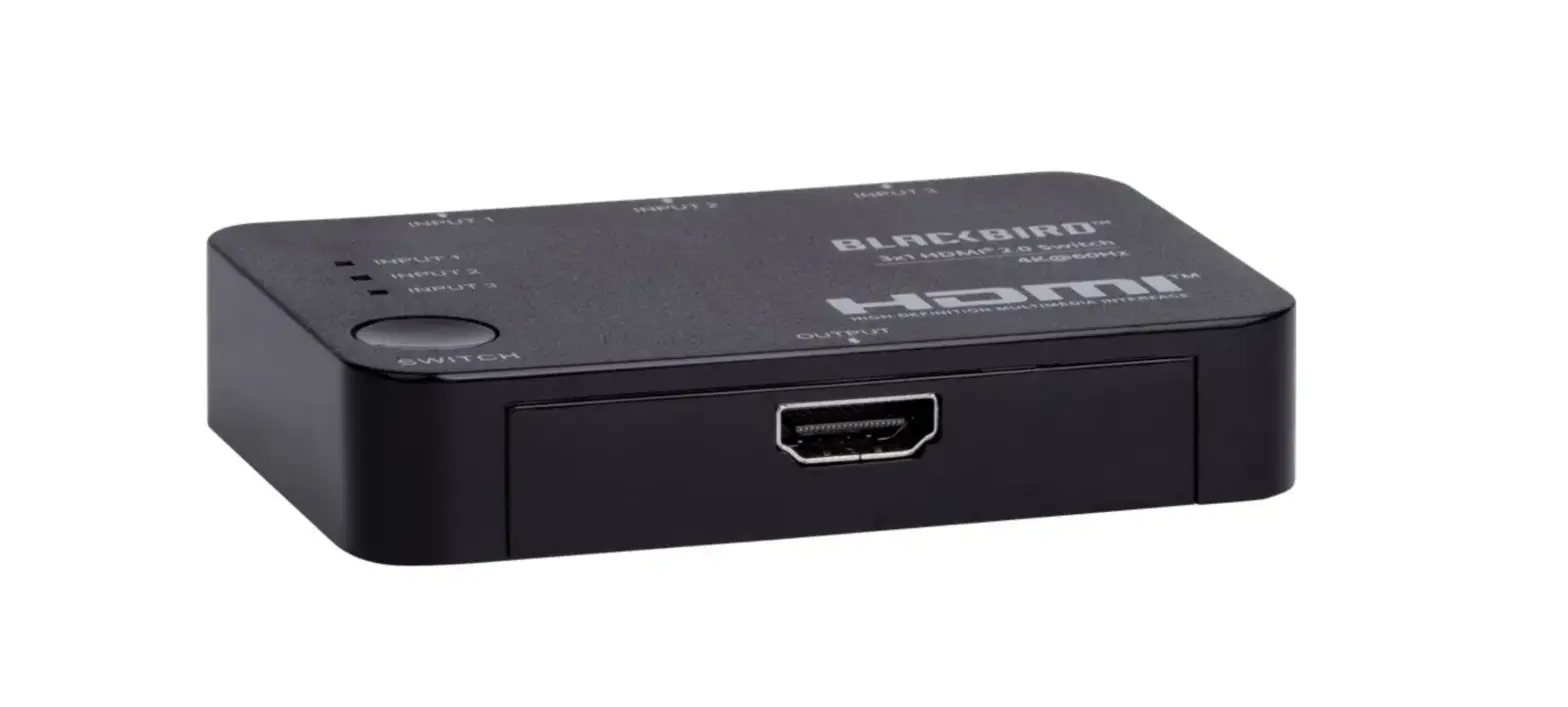
This 4K 3×1 HDMI® Switch allows you to distribute any one of three HDMI source devices to a single HDMI display. It supports video resolutions up to 4K@60Hz, with the YCbCr 4:4:4 color space, and delivers up to 18Gbps video bandwidth. It is fully compliant with the HDMI 2.0 and HDCP™ 2.2 specifications and supports Dolby Vision™ and HDR10. It is powered by the HDMI bus and requires no external power. It supports CEC and EDID® passthrough and includes an IR remote control.
FEATURES
- Distributes any one of three HDMI® inputs to a single HDMI display
- Supports video resolutions up to 4K@60Hz with YCbCr 4:4:4 color space
- Fully compliant with the HDMI 2.0 and HDCP™ 2.2 specifications
- Delivers up to 18Gbps bandwidth
- Supports Dolby Vision™ and HDR10
- HDMI bus powered, no external power required
- Supports CEC and EDID® passthrough
- Includes IR remote control
CUSTOMER SERVICE
The Monoprice™ Customer Service department is dedicated to ensuring that your ordering, purchasing, and delivery experience is second to none. If you have any problem with your order, please give us an opportunity to make it right. You can contact a Monoprice Customer Service representative through the Live Chat link on our website www.monoprice.com or via email at [email protected]. Check the website for support times and links.
PACKAGE CONTENTS
Please take an inventory of the package contents to ensure you have all the items listed below. If anything is missing or damaged, please contact Monoprice™ Customer Service for a replacement.
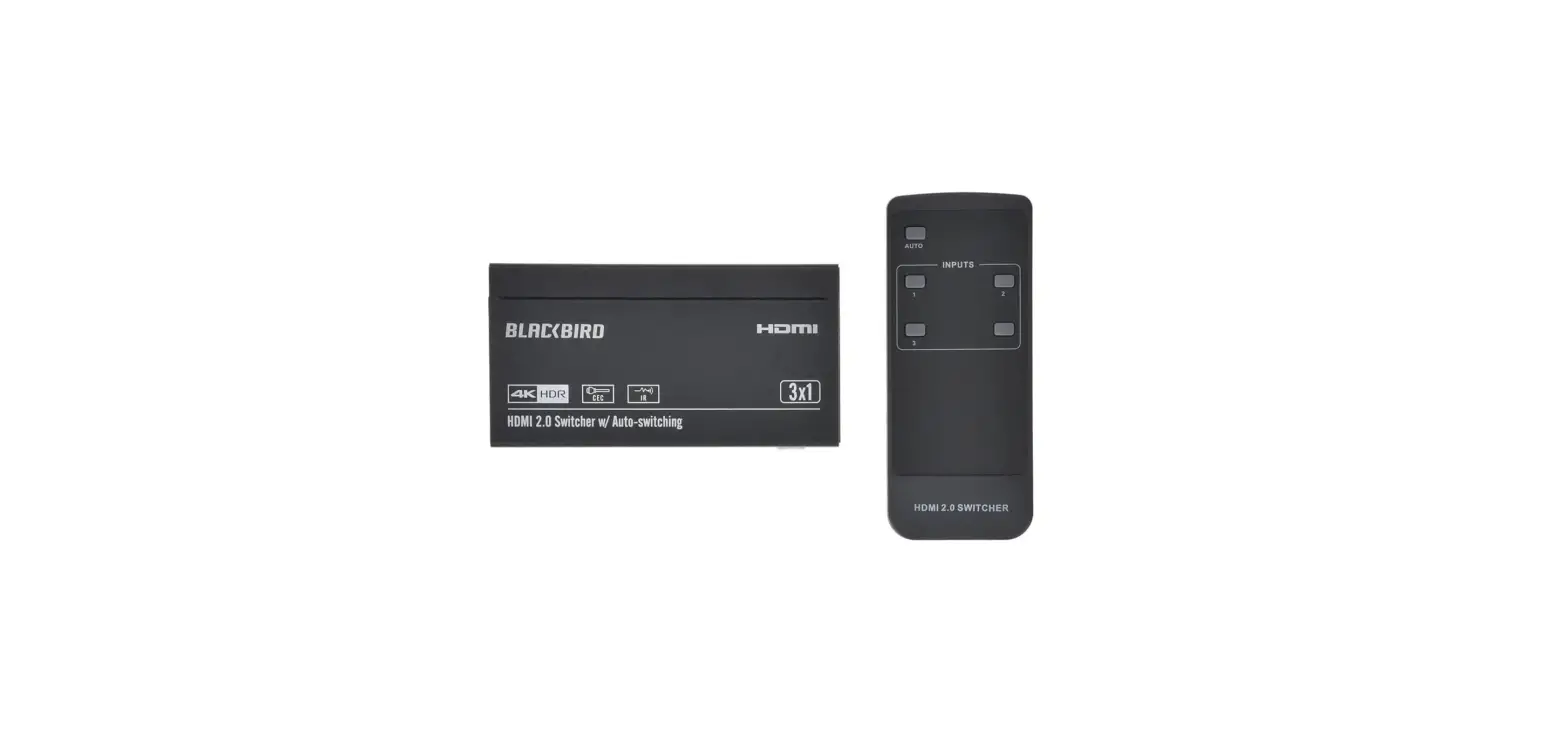
- 1x 4K 3×1 HDMI® Switch
- 1x IR Remote Control
- 1x User’s Manual
PRODUCT OVERVIEW
Front Panel
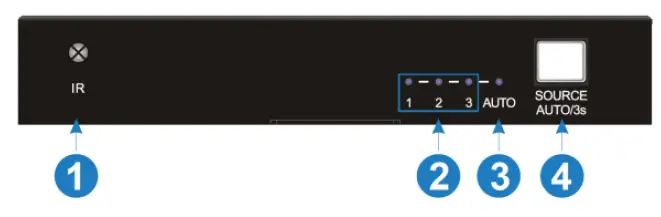
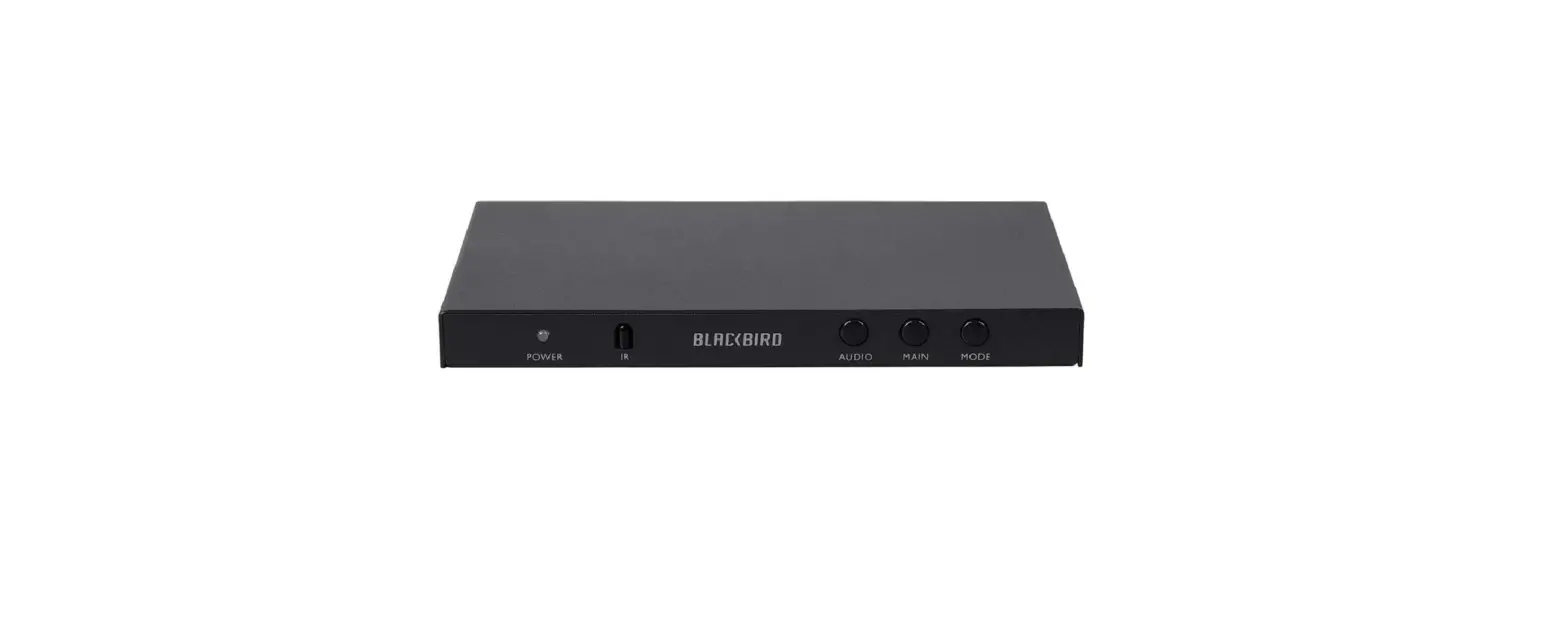
- IR: IR “eye” for receiving signals from the included IR remote control.
- 1-2-3: One of the three LEDs illuminates blue to indicate the selected input with an active HDMI® signal. If there is no active HDMI signal on the selected input, the corresponding LED blinks blue.
- AUTO: The LED illuminates blue when in Auto Switching Mode and is off when in Manual Switching Mode.
- SOURCE AUTO/3s: When in Manual Switching Mode (AUTO LED off), momentarily press the button to cycle through the available active inputs. Press and hold the button for 3 seconds to toggle between Auto Switching Mode and Manual Switching Mode.
Rear Panel
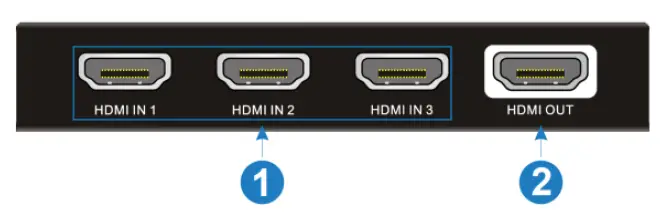
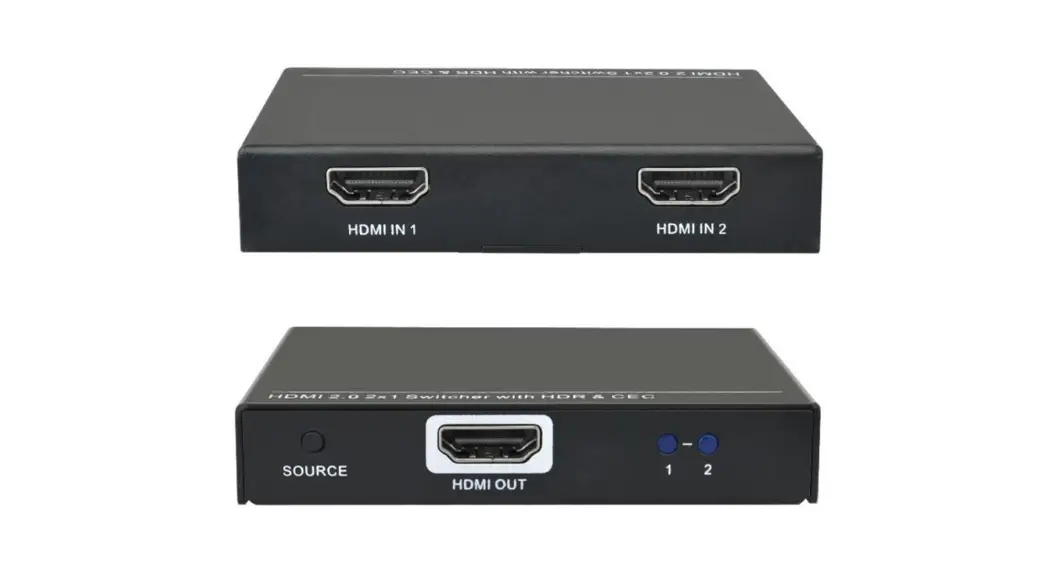
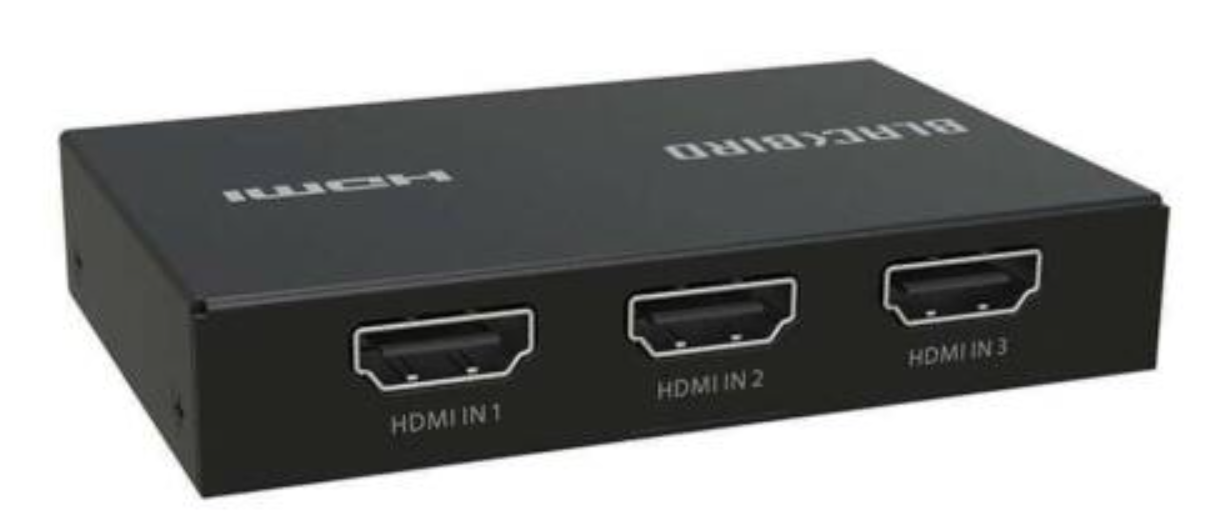
- HDMI IN 1~3: Three HDMI® ports for connecting HDMI video source devices.
- HDMI OUT: HDMI port for connecting an HDMI display.
Remote Control

- AUTO: Press the button to toggle between Auto Switching Mode and Manual Switching Mode.
- INPUTS: Press one of the numbered buttons to select the corresponding input when in Manual Switching Mode. The blank button has no effect.
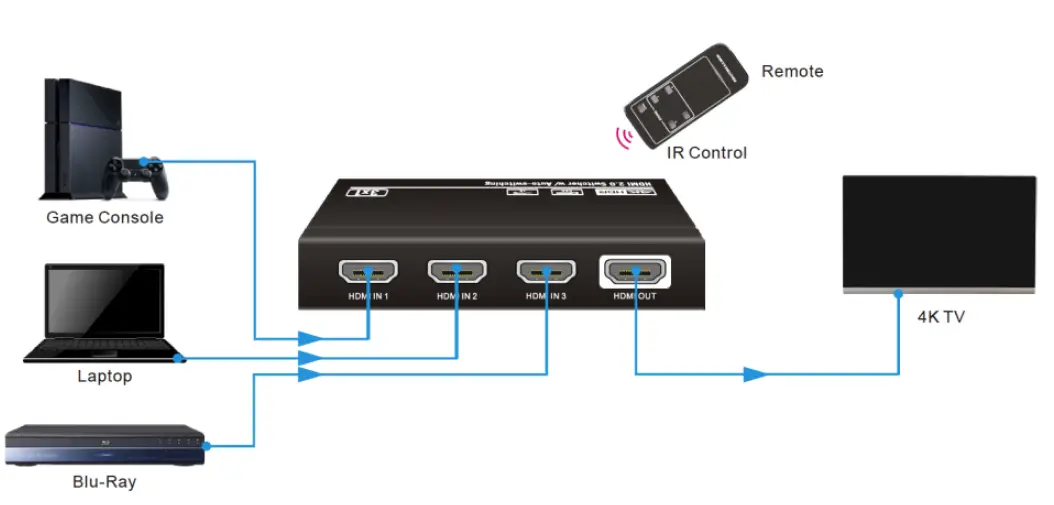
SAMPLE CONNECTION DIAGRAM
FREQUENTLY ASKED QUESTIONS
DOWNLOAD THE PDF LINK: Monoprice 43963 Blackbird 4K 3×1 Switch User’s Manual