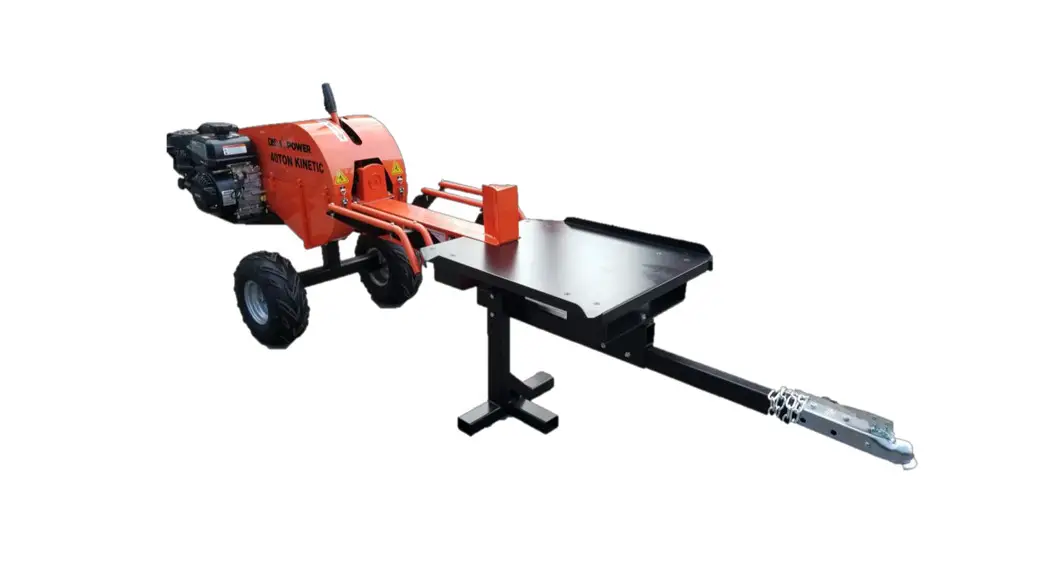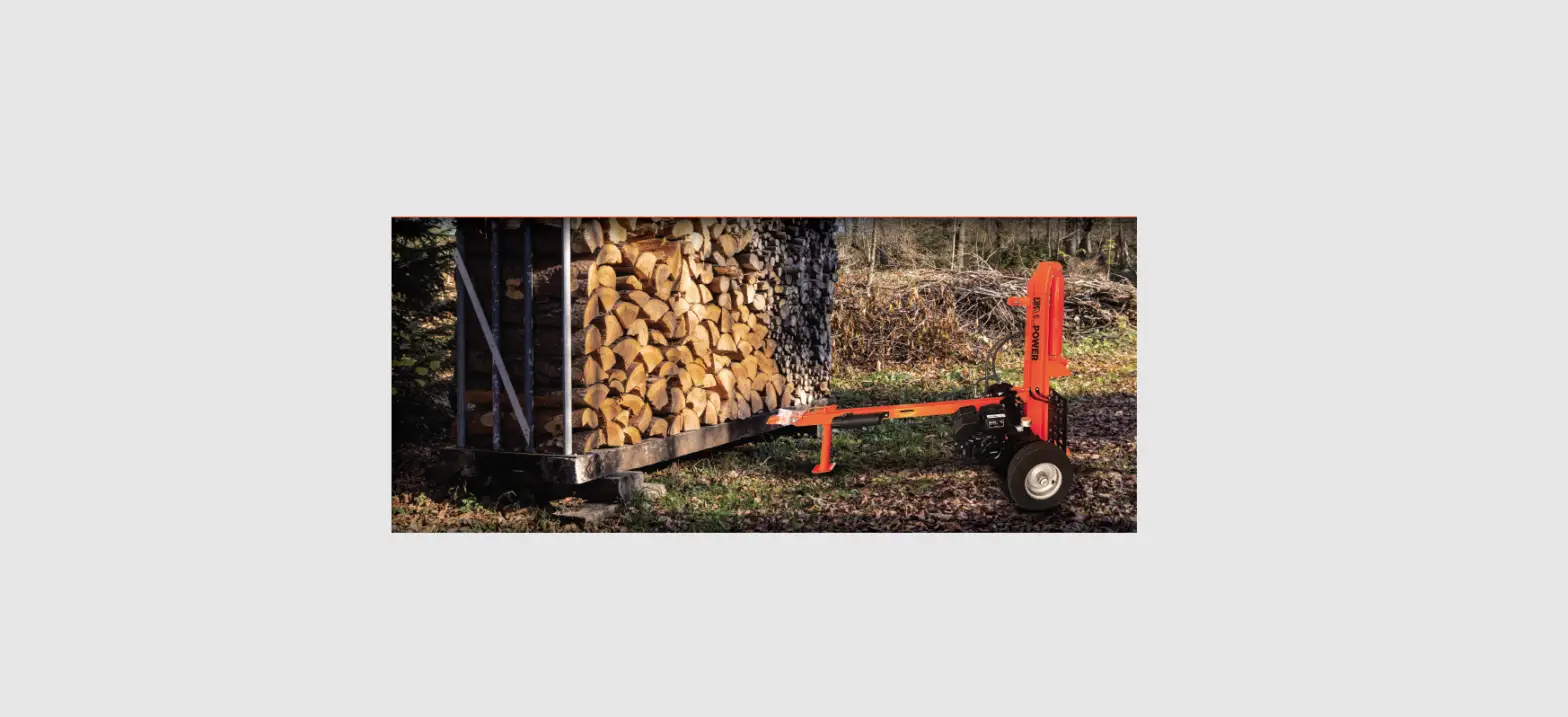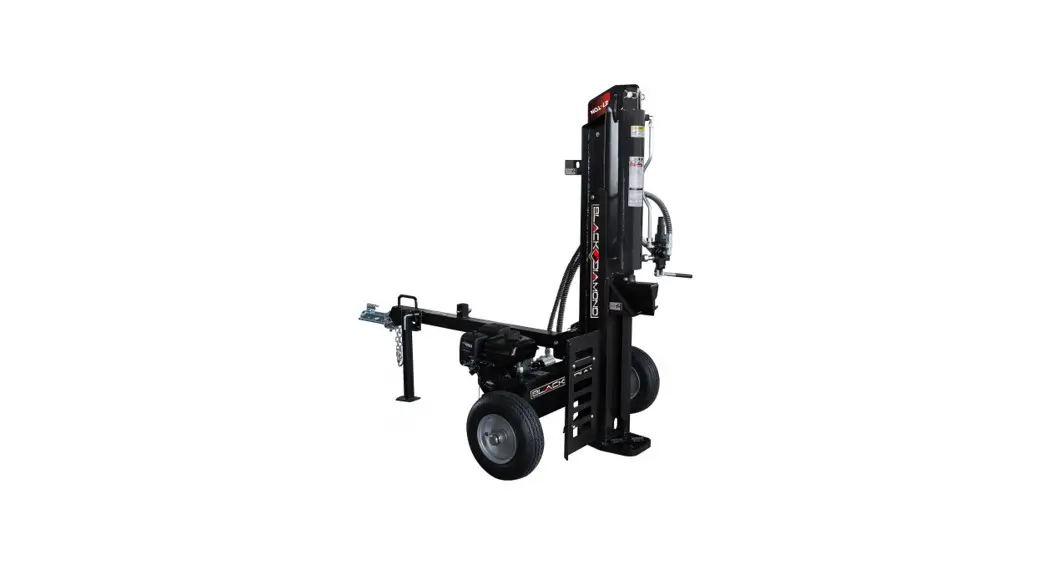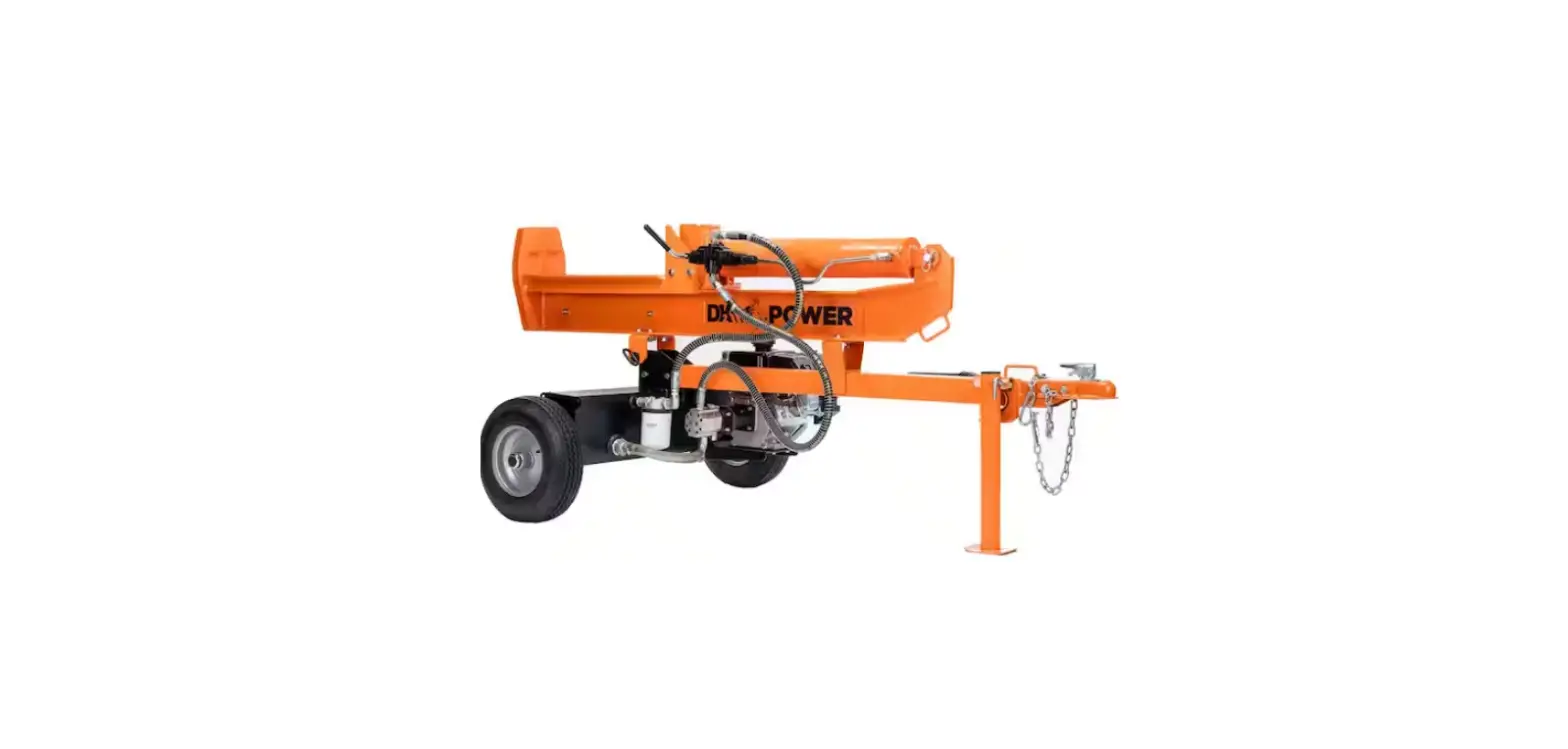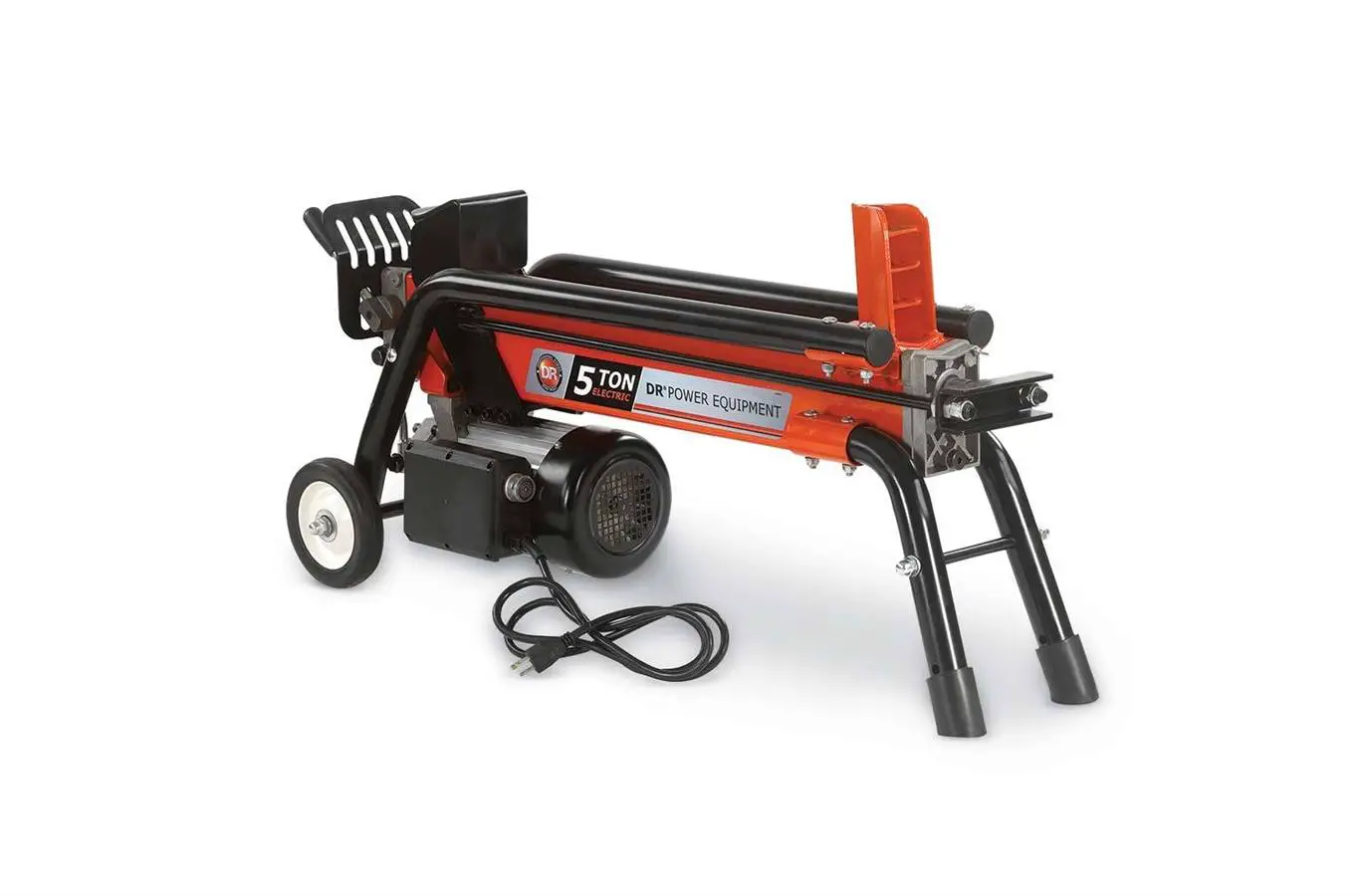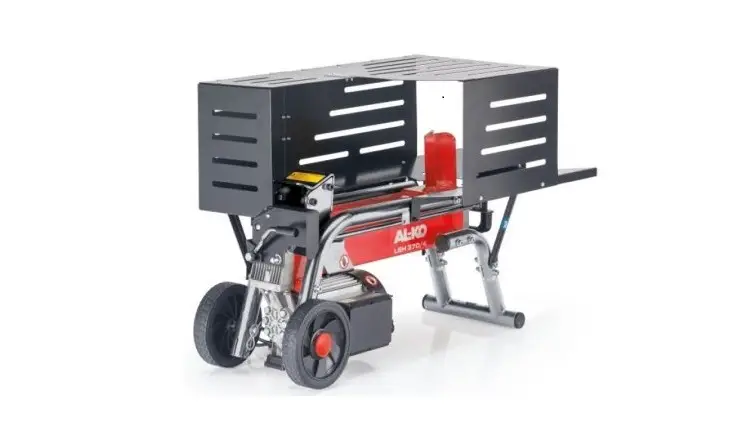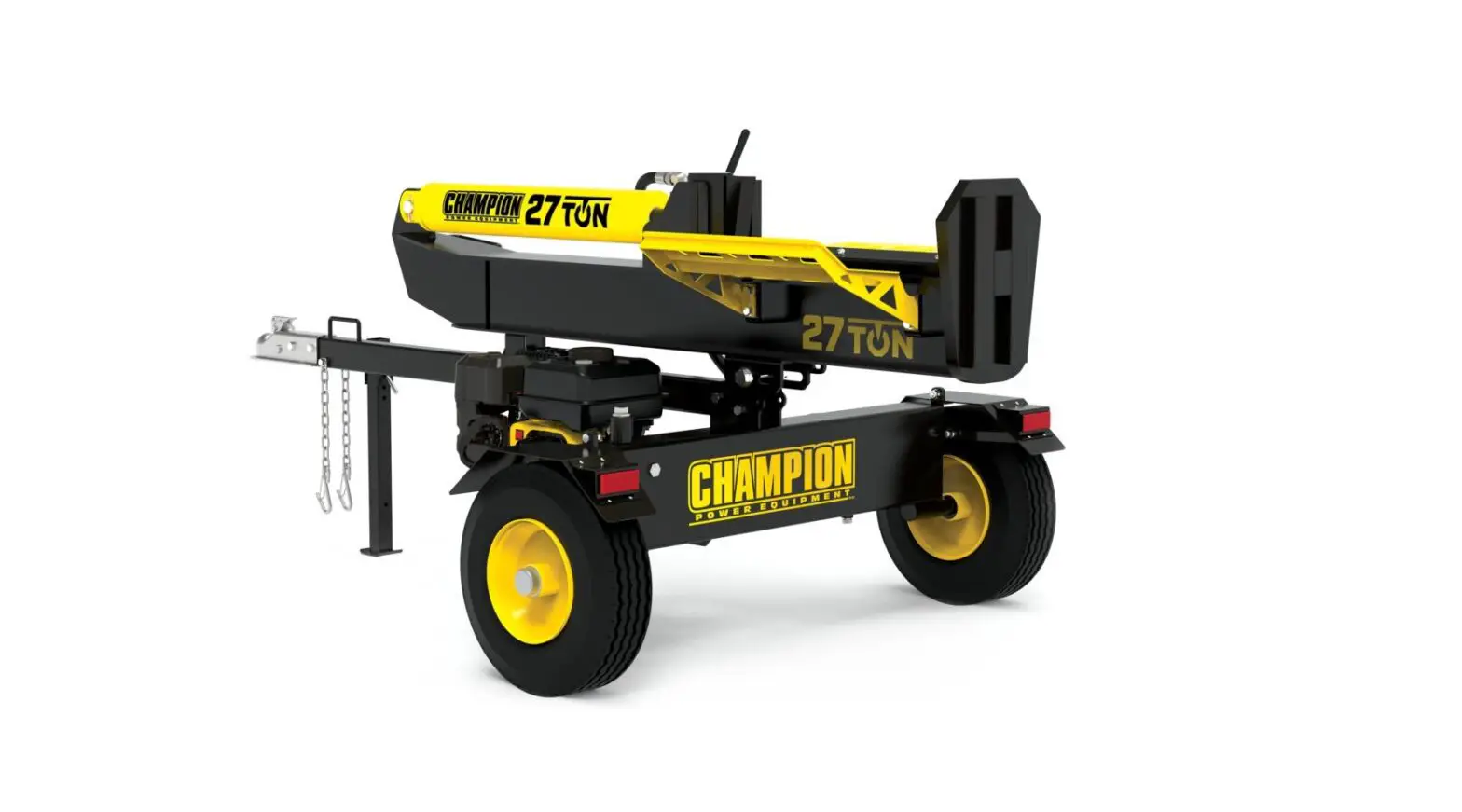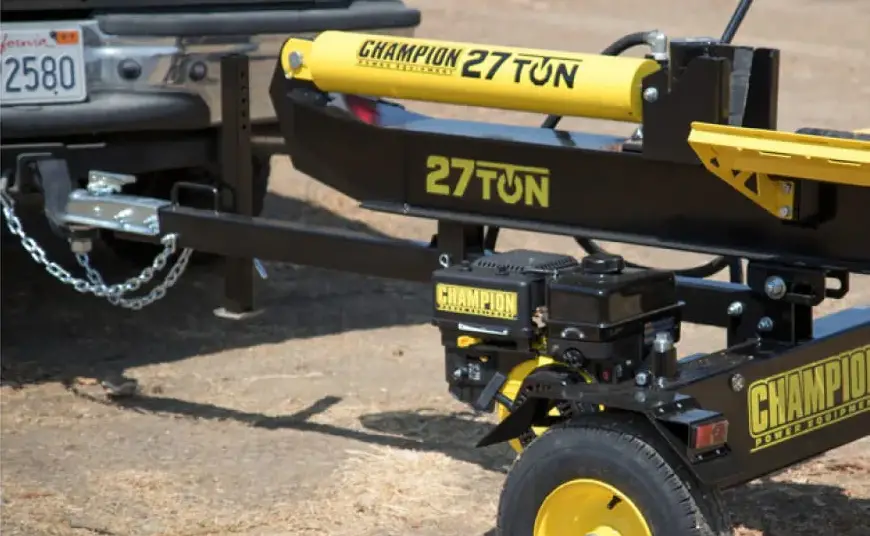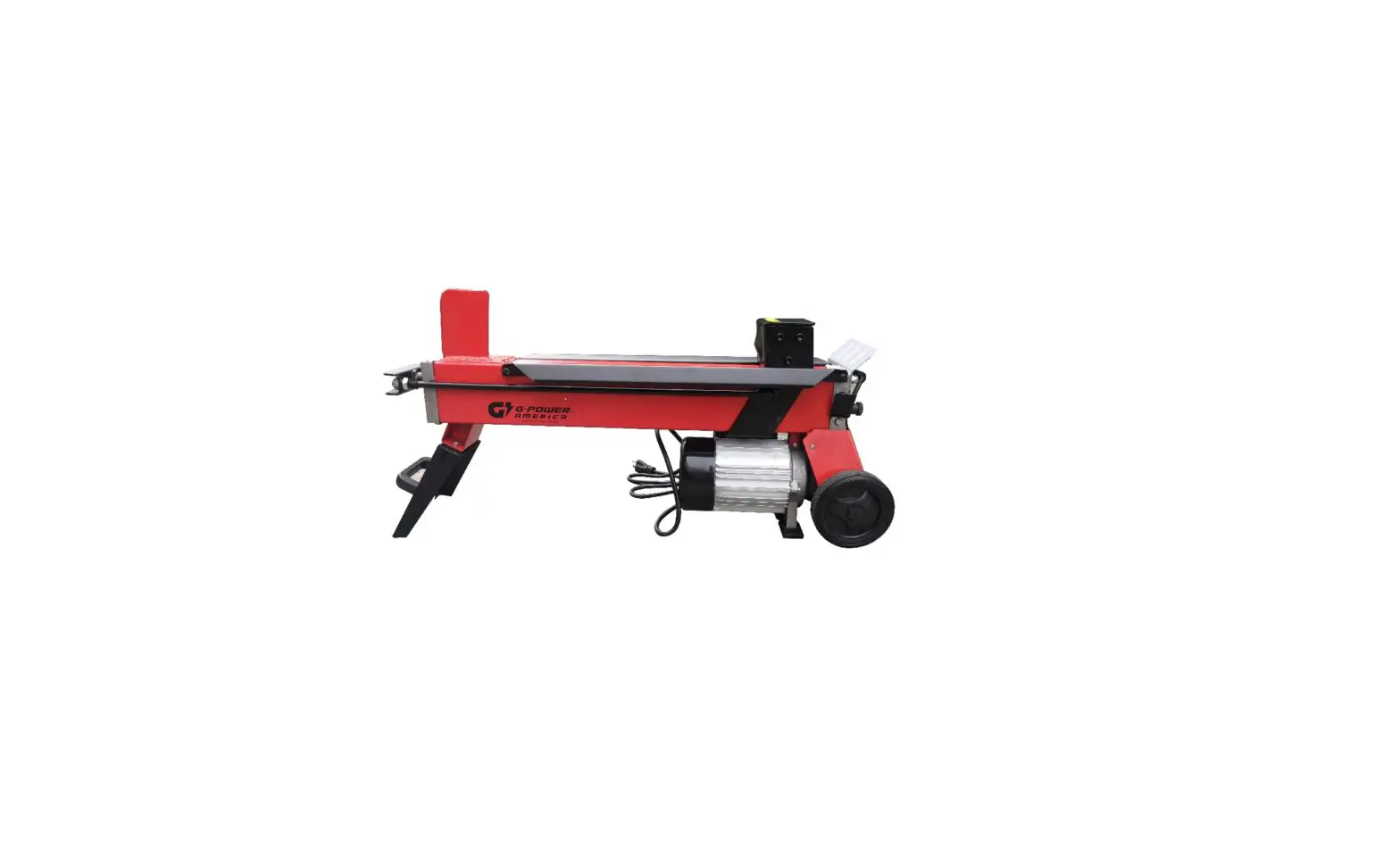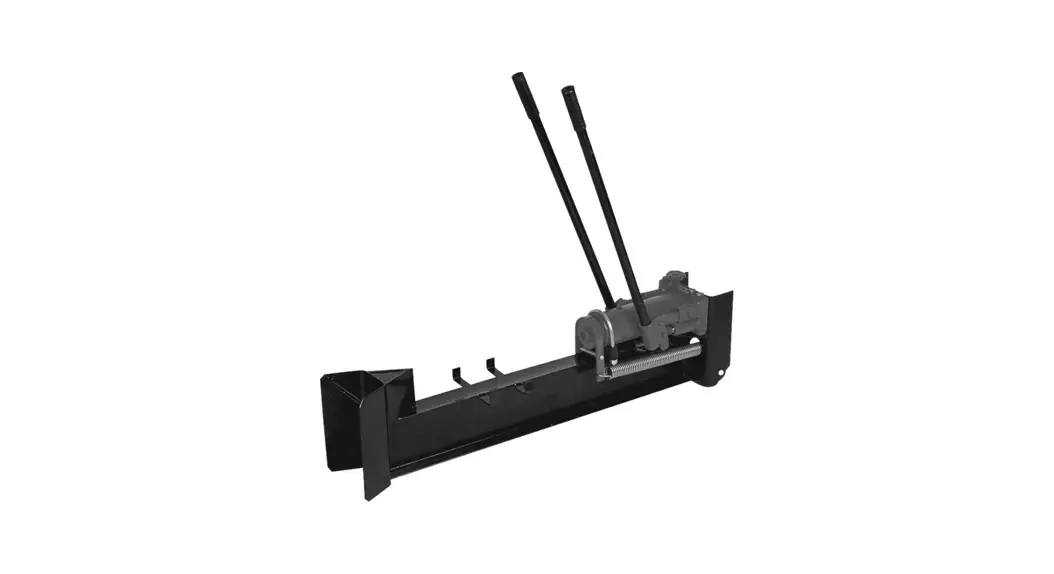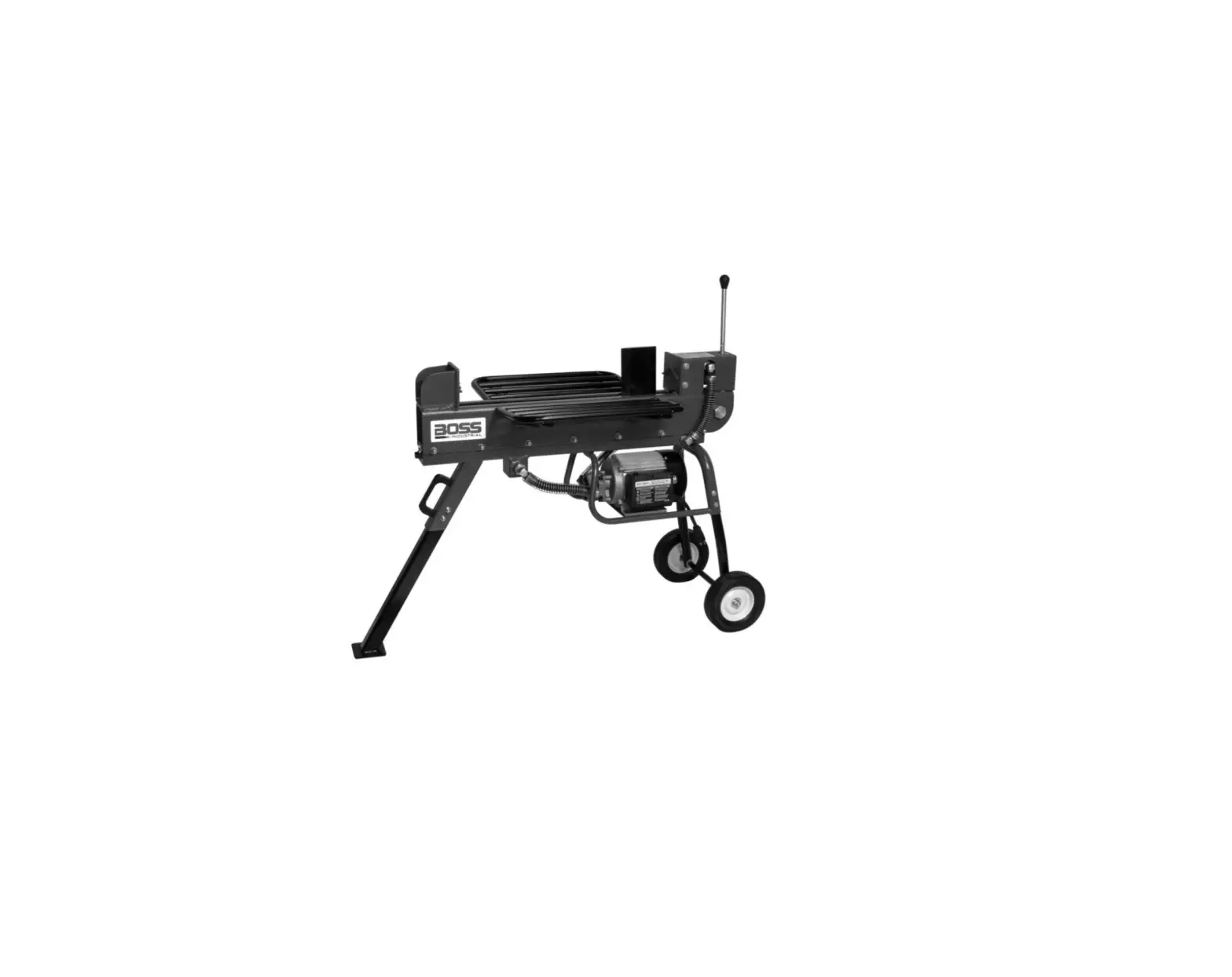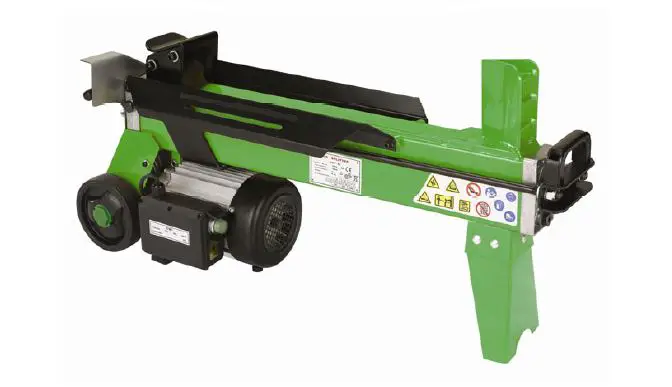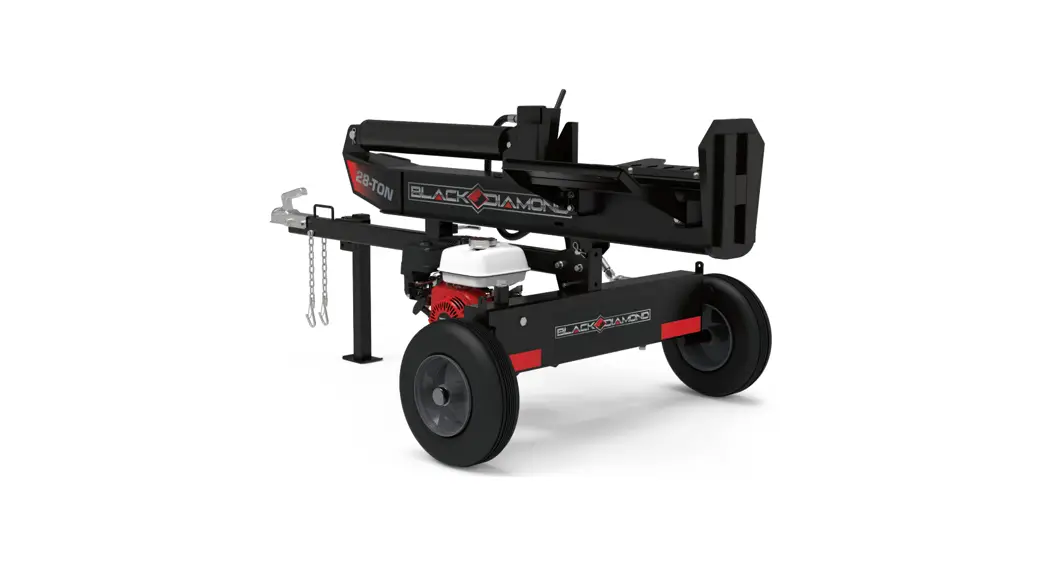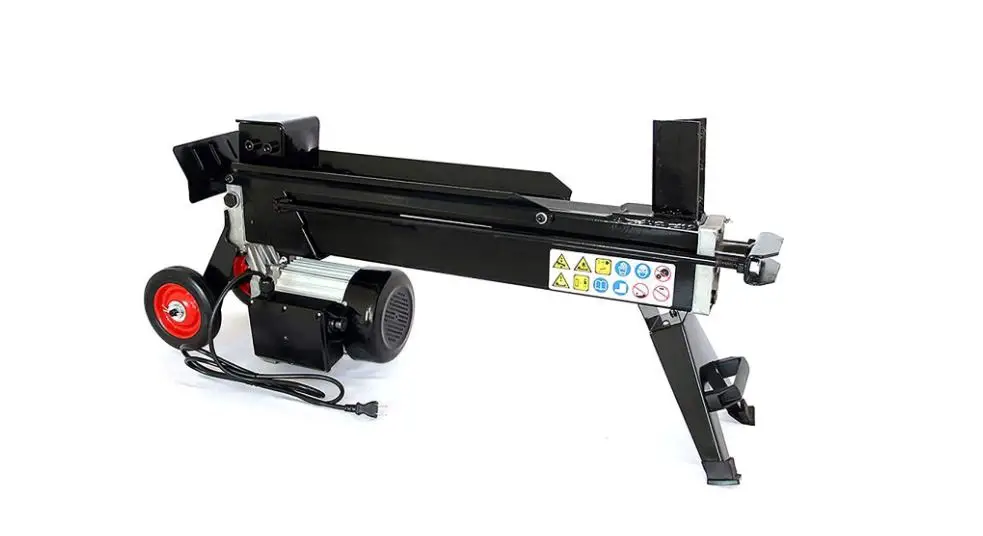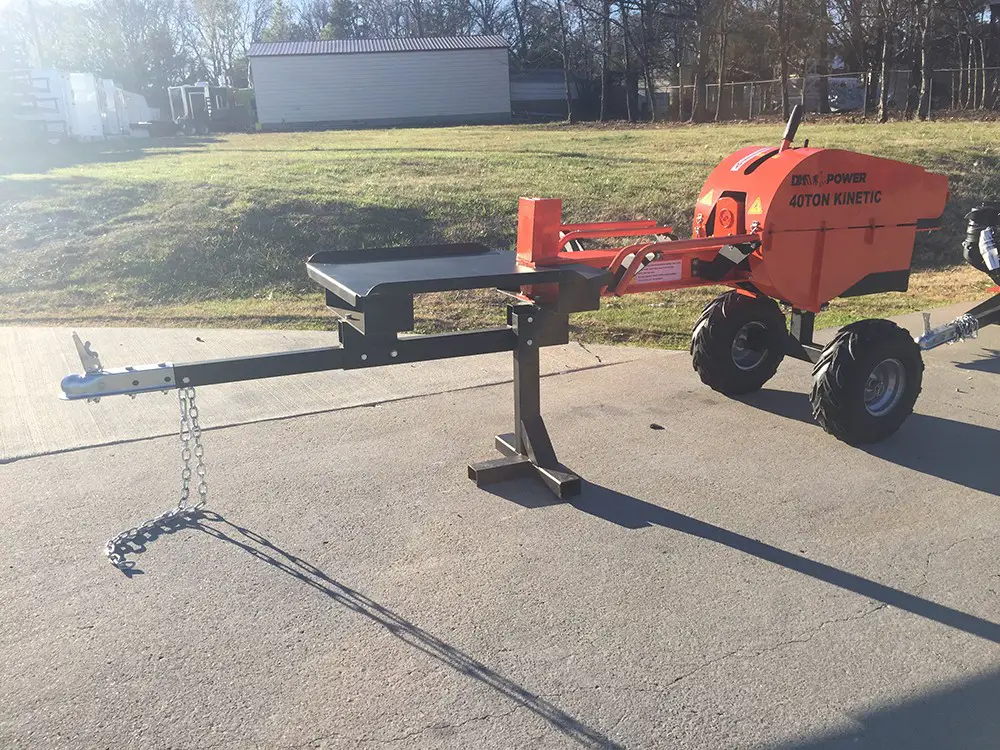

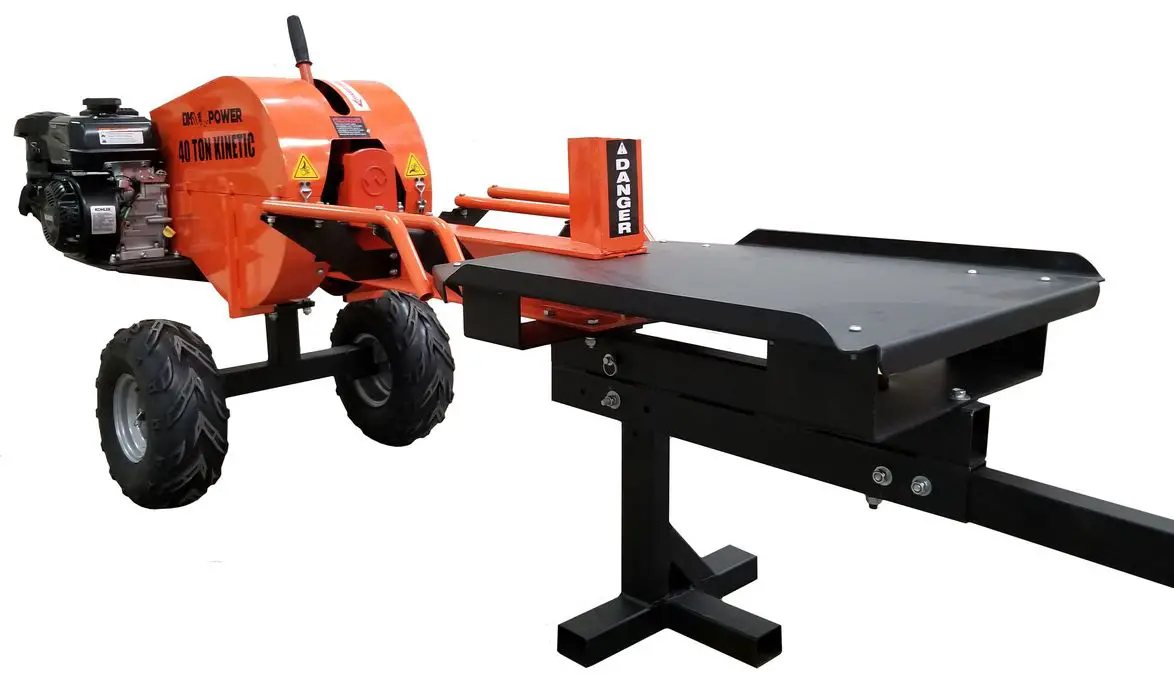
DK2 POWER 40 Ton Kinetic LOG Splitter OPS240
INSTALLATION INSTRUCTION
STEP 1:
Open and unpack all items. Leave lots of working space. Inspect all parts.
The SPLITTER is shipped in a crate. Remove all sides before you begin.
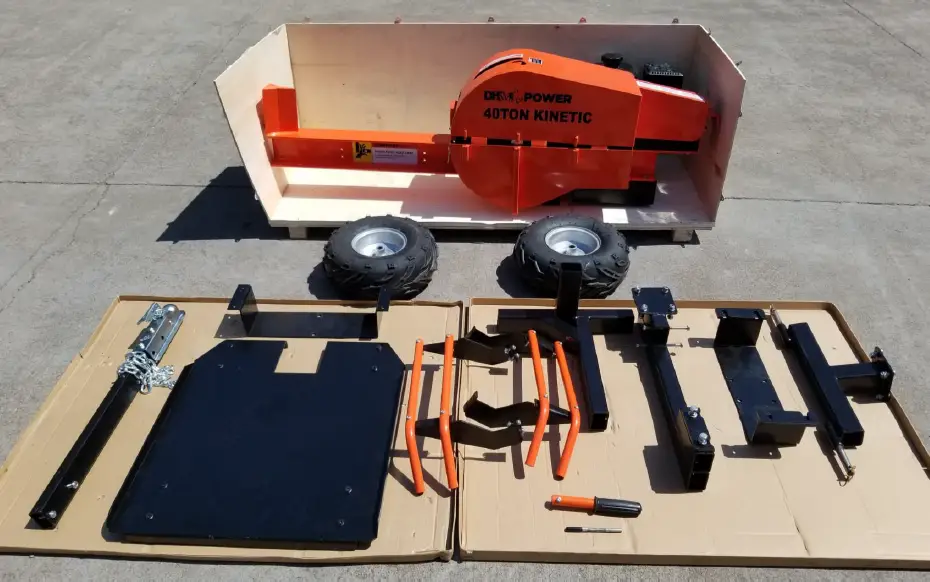
NOTE: UPON INSPECTION OF PARTS IF YOU FIND ANY DAMAGE OR MISSING PARTS PLEASE CALL DK2 POWER AT 702 331 5353 OR CONTACT US VIA
OUR WEBSITE WWW.DK2POWER.COM
WE WILL REPLACE ANY MISSING PARTS TO YOU FREE PLEASE DO NOT RETURN TO THE STORE
STEP 2:
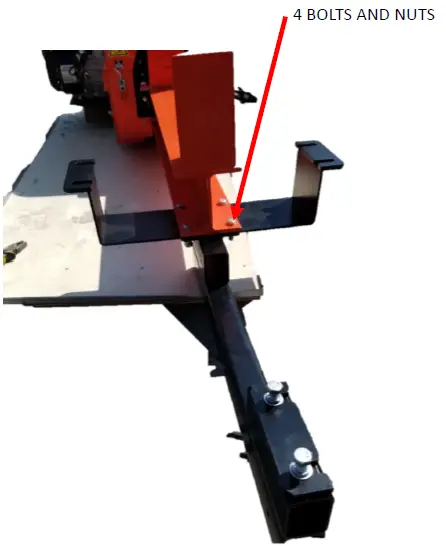
- Install cross frame and tow bar frame.
- Use 4 bolt hardware included.
STEP 3:
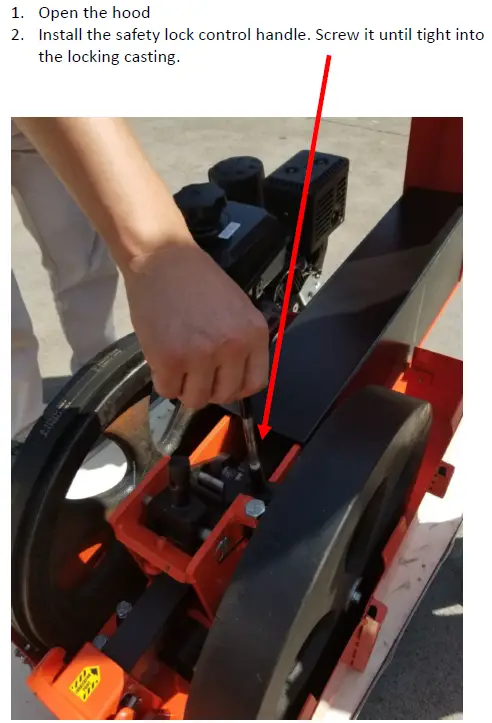
- Open the hood
- Install the safety lock control handle. Screw it until tight into the locking casting.
STEP 4:
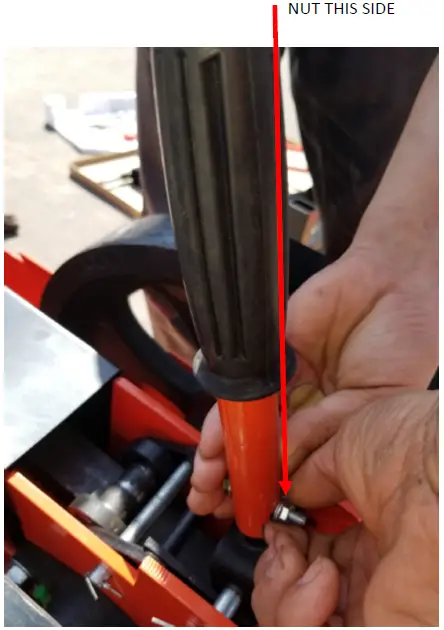
- Install the split handle with hardware provided
- Close and latch the hood
STEP 5:
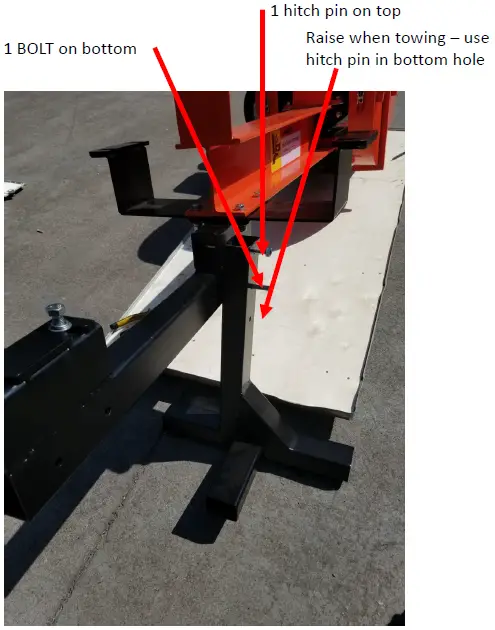
- INSTALL THE FOOT STAND
- BOLT BOTTOM HOLE
- HITCH PIN TOP HOLE
STEP 6:
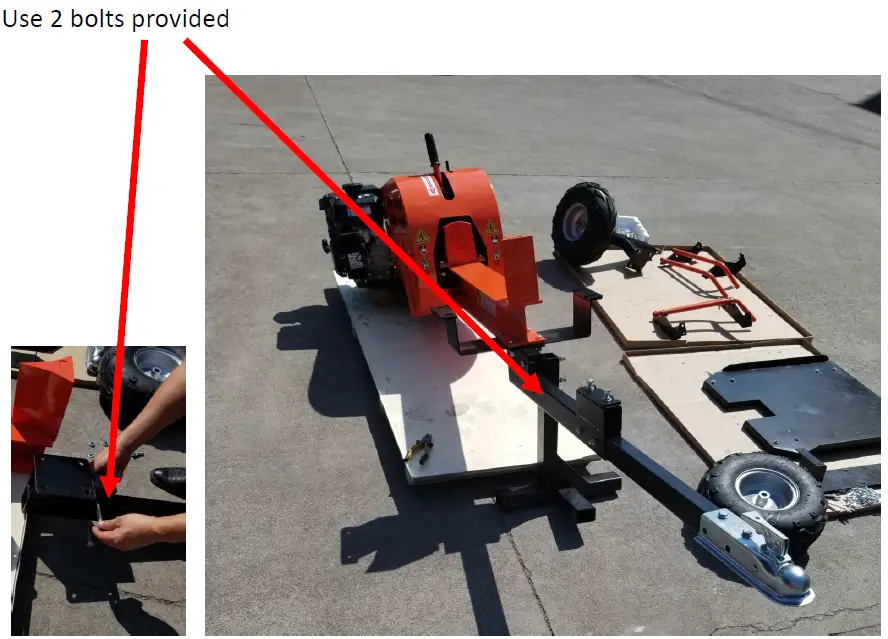
- INSTALL TOW BAR
- Secure tight using hardware provided.
STEP 7:
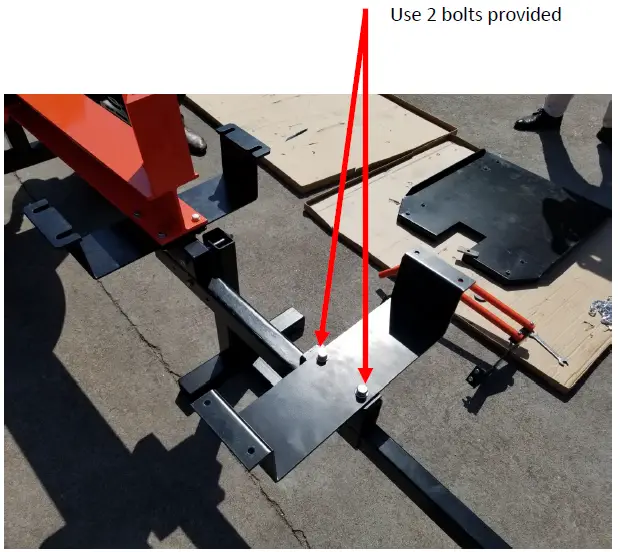
- Install the front table bracket as shown using the hardware provided.
- KEEP LOOSE until after table installation to help with hole alignment.
STEP 8:
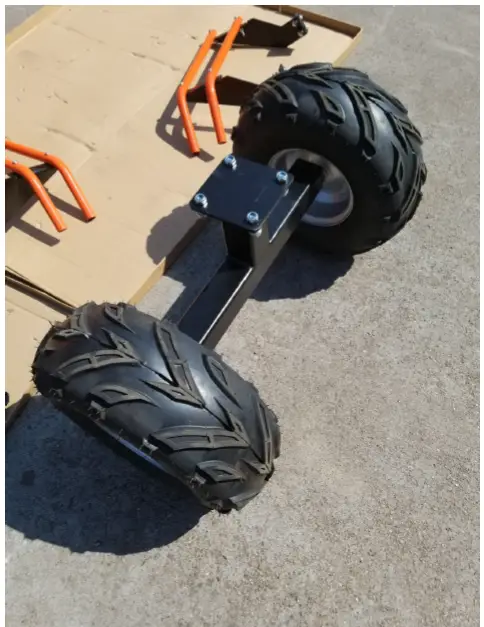
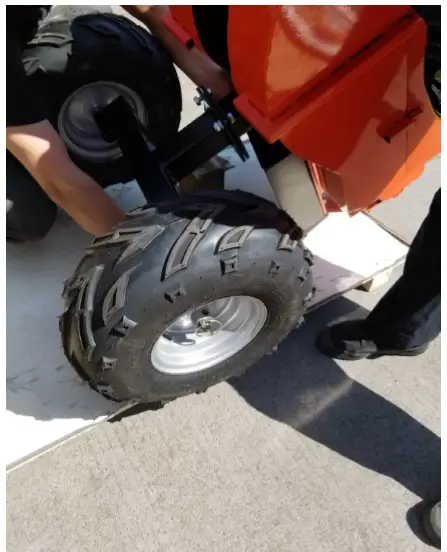
- Install the wheels on the axel and insert spring pin.
- Make sure wheel is free spinning. You can remove pin, slide wheel and re pin to lock wheel during splitting.
STEP 9:
- Get some help lifting the unit by the hitch and standing the unit upright resting on the back bottom plate.
- Another option is use safely a hydraulic jack or lift chain.
- BE CAREFUL THIS IS UNIT IS HEAVY AND SHOULD BE HANDLED BY MULTIPLE PERSONS OR A SAFE LIFTING DEVICE.
- Insert the 4 bolts provided and tighten
STEP 10:
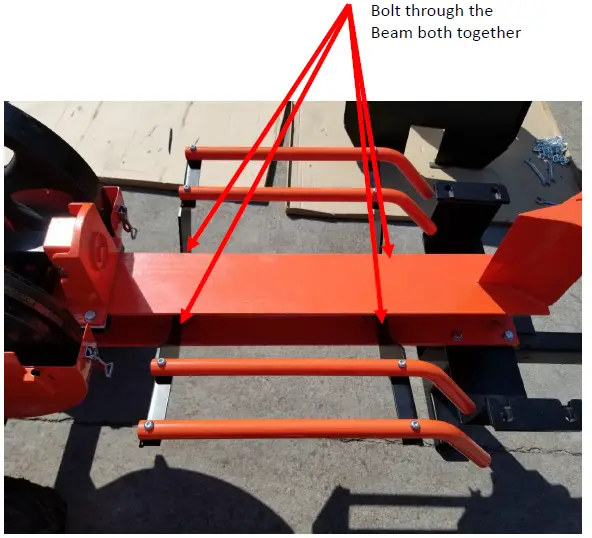
- Assembly LOG CRADEL SLIDES to side of beam as shown.
- Use hardware supplied and bolt both rail cradle assemblies together.
- Tighten all bolts securely.
STEP 11:
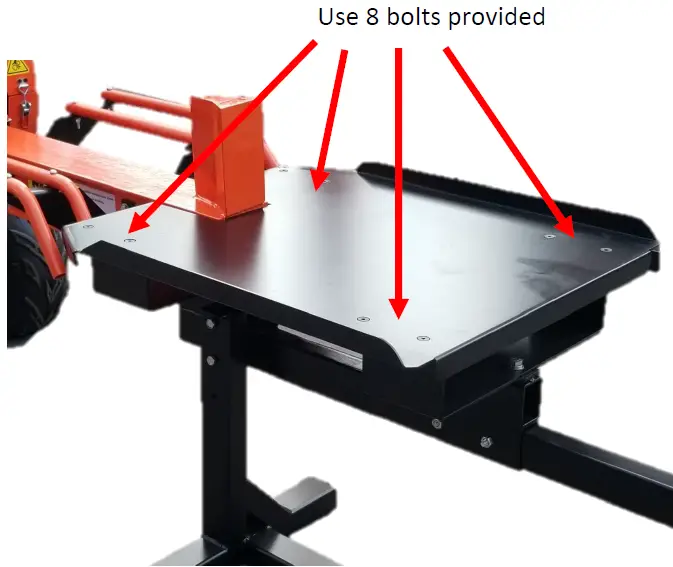
- Install the work table
- Use the 8 flat bolts and hardware provided
- Tighten the 2 bolts on the underside table supports that were left loose in previous assembly steps.
- Recheck all assembly bolts and equipment bolts and tighten if required.
CONGRATS YOUR ALMOST DONE
Grease the rack teeth and the spline with standard grease. Keep the log beam free of grease and keep clean when splitting. The ram slides on a teflon plate, so keep it clean from grease and wood particles.
DIAGRAM
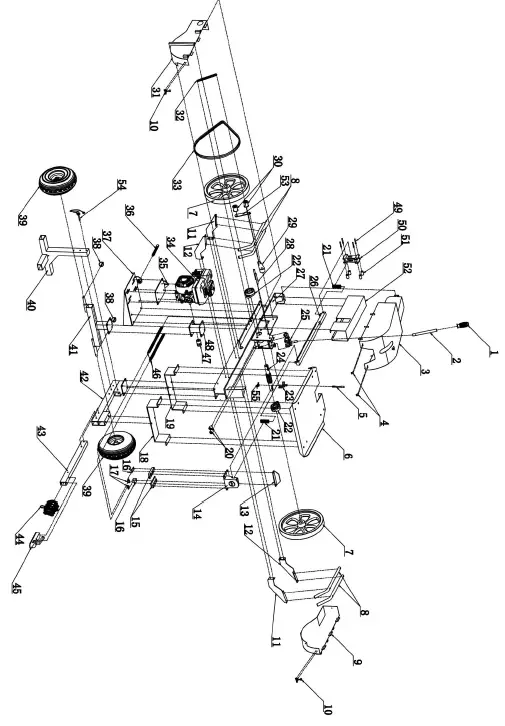
| Ref | Description | Ref | Description |
| 1 | Handle rubber sleeve | 29 | Roller rack |
| 2 | Handle | 30 | Pressure roller |
| 3 | Upper hood | 31 | Engine under hood |
| 4 | clasp | 32 | Roller holder spring |
| 5 | Small switch screw | 33 | Belt |
| 6 | Work table | 34 | Engine |
| 7 | Pully | 35 | Gasoline engine floor |
| 8 | Protect the frame tube | 36 | Screw rod |
| 9 | pulley under hood | 37 | Gasoline engine support |
| 10 | Pressing buckle | 38 | PIN (Wheel shaft) |
| 11 | Left arm guard | 39 | Tire |
| 12 | Right arm guard | 40 | Forefoot |
| 13 | Shock block | 41 | Tire rack |
| 14 | Ejector pad | 42 | Forefoot brace |
| 15 | Split head fitting | 43 | Tow bar |
| 16 | Ring fixed block | 44 | Iron chain |
| 17 | Rings | 45 | Tower hitch |
| 18 | Table front support plate | 46 | Sport spring gear rod |
| 19 | Table back support plate | 47 | Small pully |
| 20 | Rubber cushion | 48 | Tyre rack support tube |
| 21 | Compression spring(Ejector pad) | 49 | Outer hexagon bolt |
| 22 | Bearing pedestal | 50 | Gear rod fixaton |
| 23 | Small switch | 51 | Small nylon wheel |
| 24 | transmission shaft | 52 | Gear rod cover |
| 25 | Trigger | 53 | under pressing roller fixing piece |
| 26 | Gear rod | 54 | The front foot pin |
| 27 | Beam | 55 | Torsional spring |
| 28 | Trigger pin |
READ THE KOHLER ENGINE MANUAL SUPPLIED WITH YOUR UNIT FOR FULL ENGINE OPERATION, SAFETY, AND MAINTENANCE.
YOUR UNIT HAS A COMMERCIAL KOHLER ENGINE WITH A 3YR PARTS AND SERVICE WARRANTY. FOR WARRANTY IN YOUR AREA CONTACT THE NEAREST KOHLER DEALER.
VISIT WWW.KOHLERENGINES.COM FOR PARTS, SERVICE, MANUALS, AND DEALER LOCATIONS.
OPERATION
BEFORE STARTING ENGINE
CLEAR AREA OF ALL PEOPLE AND PROPERTY THAT COULD BE DAMAGED. THINK SAFETY. THIS SPLITTER IS FAST AND CAN CAUSE INJURY IF SAFETY IS NOT ENFORCED. ONLY ONE OPERATOR SHOULD WORK THIS UNIT. NEVER HAVE ANOTHER PERSON LOADING LOGS WHILE ANOTHER IS AT THE CONTROLS.
DO NOT REMOVE THE SECOND HAND SAFETY LEVER.
IF YOUR UNIT WILL NOT START
- CHECK THE OIL LEVEL. YOUR ENGINE HAS A LOW OIL SHUTOFF PROTECTION AND WILL NOT START IF LOW ON OIL.
- MAKE SURE SPARK PLUG WIRE IS SEATED.
- MOVE THE GAS LEVER ON TO THE RIGHT. LEFT POSITION IS OFF.
- USE THE CHOKE IF NEED TO START IN COLD WEATHER.
- CHECK YOUR GAS LEVEL
- DO NOT WEAR LOOSE FITTING CLOTHES THAT COULD GET STUCK IN THE RAM
- ONLY SPLIT WOOD, NO METAL OR PLASTIC.
- CHILDREN SHOULD NOT RUN THIS EQUIPMENT
- STAY ALERT OF YOUR SURROUNDING AND PERSONS THAT COULD APEAR IN THE AREA WHILE YOU ARE WORKING.
- LOAD LOG ON BEAM, SLIDE TO SPLITING WEDGE.
- WEAR SAFETY GLASSES, GLOVES AND PROTECTIVE SHOES.
- OPERATE OUTDOORS ONLY – GAS FUMES ARE DEADLY INDOORS.
RUN ENGINE AT FULL RPM.
ALLOW MACHINE TO REGAIN KINETIC ENERGY BETWEEN SPLITS
MACHINE RAM TRAVELS AT ½ SECOND FORWARD AND AUTO RETRACTS
WITH LOG LOADED – PULL SAFETY LEVER WITH LEFT HAND THEN QUICKLY WITH RIGHT HAND PUSH SPLIT LEVER FORWARD AND LET GO. DO NOT HOLD THE SPLIT LEVER IN SPLIT MODE. RAM AND LEVER WILL AUTO RETRACT AFTER MACHINE HAS SPLIT THE LOG.
PLEASE DO NOT RETURN TO THE STORE
YOU HAVE A 1 YEAR WARRANTY AND DK2 WILL REPLACE A DEFECTIVE PART FOR FREE
CALL US AT 702-331-5353 FOR FAST WARRANTY PARTS AND QUESTIONS
WHAT IS COVERED
DK2 Inc. warrants to the original purchaser of any DK2 product that it will be free and clear of manufacturing defects in workmanship and materials under normal use and service for a period of one (1) year from the date of the original purchase.
If within one (1) year from the original date of purchase this product fails due to defect in material or workmanship. DK2 POWER outdoor power equipment is 1-year parts only warranty no labor.
Upon expiry of one (1) year, Detail K2 will have no further liability related to the product. Detail K2 does not authorize any party, including its authorized distributors or dealers, to offer any other warranty on behalf of Detail K2 Inc.
KOHLER ENGINES – KOHLER CH SERIES ENGINES COMMERCIAL 3 YR PARTS AND LABOR WARRANTY see your Kohler manual for specific warranty.
DIESEL TRACTORS – Chassis component parts only, no labor, ENGINES – 1 YR KOHLER WARRANTY DK2 POWER OUTDOOR EQUIPMENT – 1-Year parts only, no labor.
THIS WARRANTY DOES NOT COVER OR APPLY TO:
Damage to the product due to misuse, mishandling and abuse
- Improper installation, maintenance and storage
- Expendable parts such as nuts and bolts, pins and springs, wiring and switch components, hydraulic hoses and fittings, cutting teeth, cutting chains, cutting blades, throttles, belts and tires.
- Normal wear and tear
- Consequential damage & incidental damages such as damage to persons or property
PROCEDURE FOR OBTAINING AN RETURN AUTHORIZATION
Within the one (1) year warranty period, the purchaser of the product must notify DK2 of the claimed defect and provide proof of original purchase. At this time the validity of the claim will be determined, and if approved replacement parts will be issued.
No returned product will be accepted under warranty unless accompanied by an RGA# issued by Detail K2 Inc.
RESOLUTION FOR A DEFECTIVE PRODUCT
DK2 POWER – Tractors, Chippers, Stump Grinders, Log Splitters, and Outdoor Power Equipment.
Call DK2 at 702-331-5353 in Las Vegas between 8am-4pm M-F Pacific Time.
 POWER EQUIPMENT — DK2
 Engines | KOHLER Power