
USER MANUAL
MAC GAMING RGB GPU SUPPORT BRACKET

PRODUCT FEATURES
PRODUCT SPECIFICATIONS
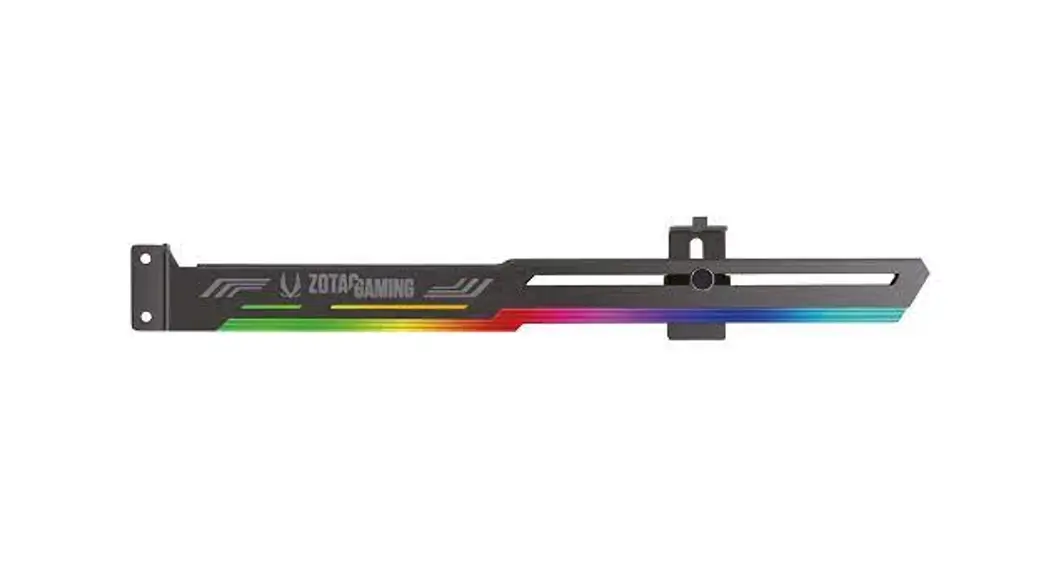
- Function: GPU support
- Brand: ZOTAC GAMING
- Name: RGB GPU Support Bracket
- Size: 276mm x 31mm / 10.87in x 1.22in (Cable 420mm / 16.54in)
- Color: Cool Grey
- Lighting: RGB
PRODUCT INTERFACES
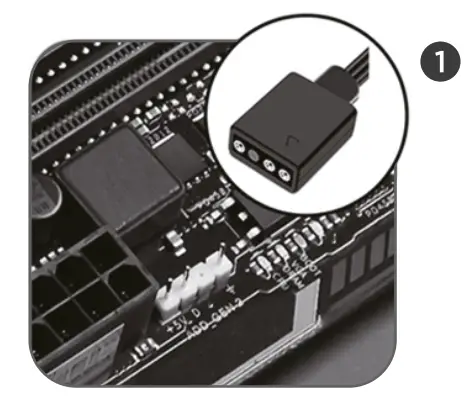 | Compatible with 5V 3-Pin header* for lighting synchronization with other RGB devices, such as ZOTAC GAMING AMP Extreme Holo graphics card and motherboard. *Not compatible to a 72V DC output |
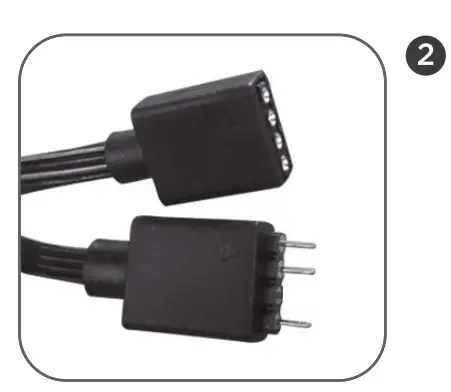 | Equipped with one 4-Pin conversion cable to allow quick connection with other RGB devices. |
QUICK SETUP
 Have all accessories ready before getting started.
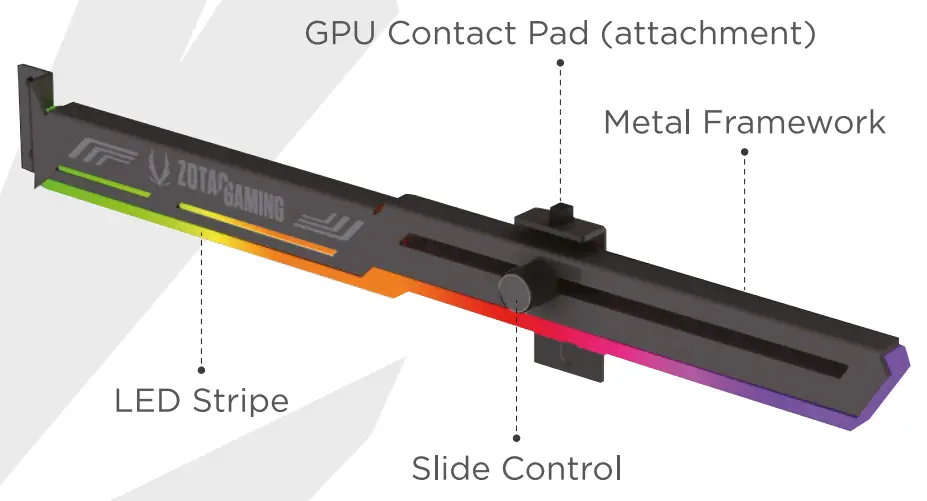
- Stick the GPU Contact Pad on top of the slider. Loosen and move the slider right or left to adjust the position for the length of your graphics cards.
- Locate and remove the screws from the PCI Support Bracket from your case. Insert the GPU Support Bracket into the available slots on the case.
- Install the screws to secure the GPU Support Bracket in place.
- Stick the GPU Contact Pad on top of the slider and attach the slider to the cutout of the metal GPU Support Bracket body.
- Tighten the screws to secure the bracket in place.
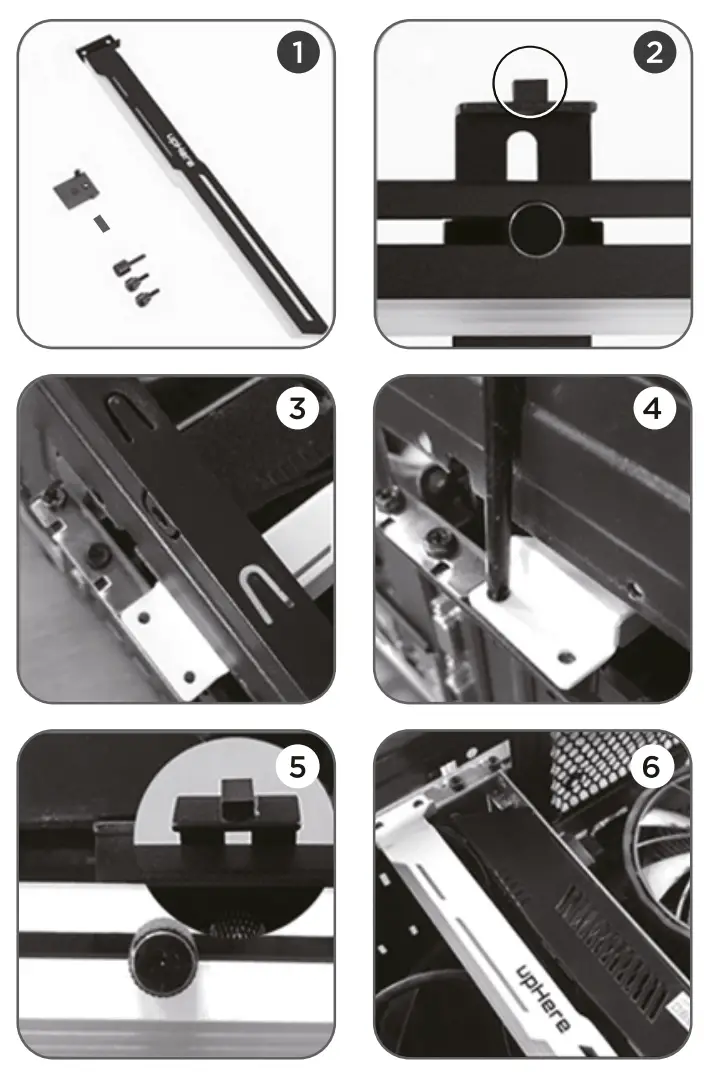 Have all accessories ready before getting started.
291-CN001-50ZTF
ZOTAC.COM