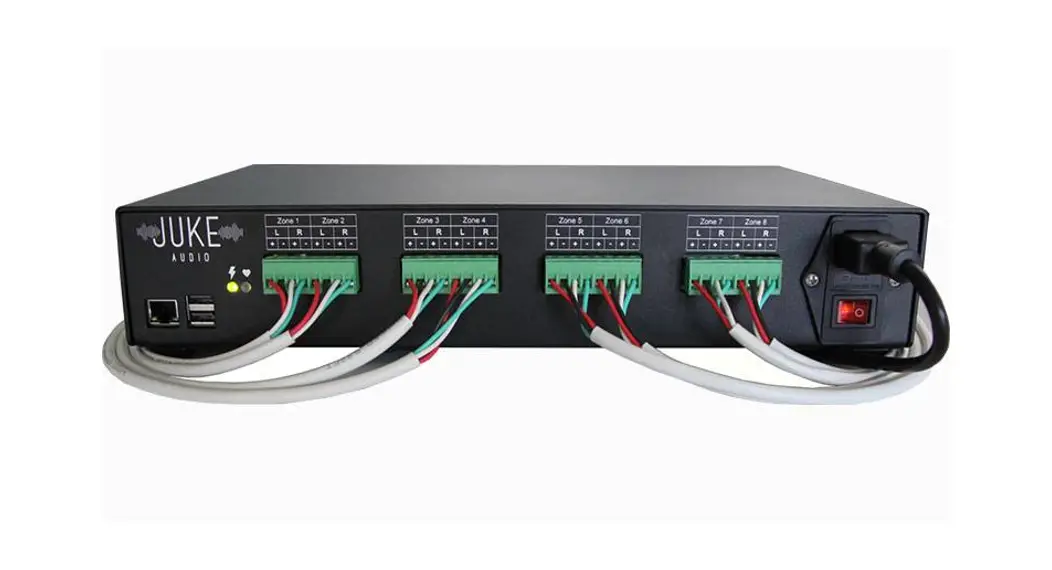

344JUKE6 6 Zone Multi-Room Audio Amplifier
Instruction Manual
Thank you for your business! We are excited to welcome you to the Juke Audio family and want to ensure your installation and listening experience are seamless. Please scan the QR code below with your smartphone for step-by-step instructions, tips, and videos. We’ve also included a brief summary below.
Installation Summary
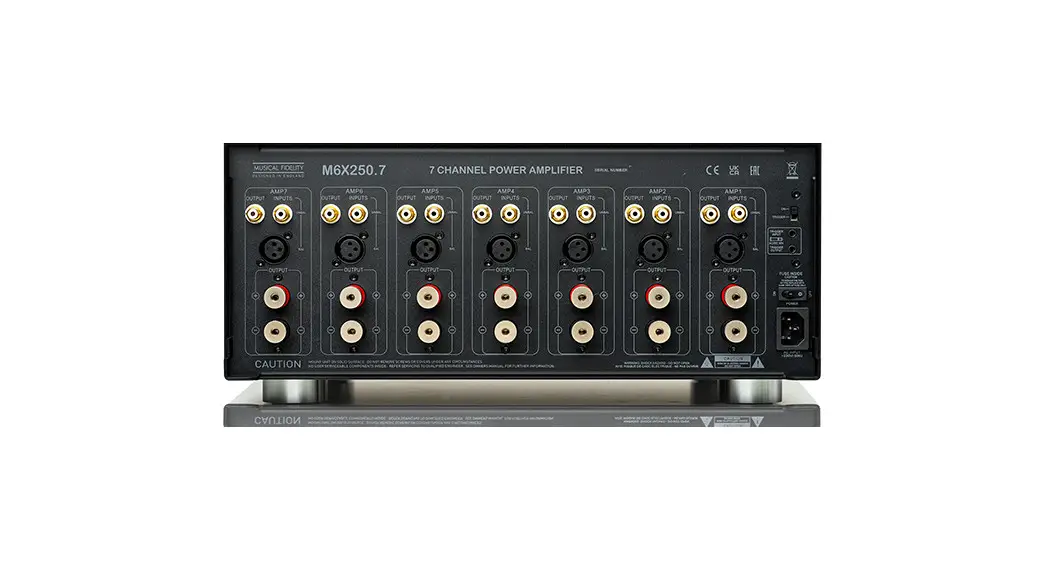
- Connect the speaker wires to Juke’s green connectors
 Connect Juke to your router via Ethernet (or Wi-Fi if Ethernet isn’t available)
 - Go to “ADMINISTRATOR SETTINGS” in Juke’s web interface (the password is Adm in) to name your zones and configure other features
- Spotify users (paid Spotify plan required) can select “Edit Sources,” and set one or more to Spotify Connect
- Android users with sources besides Spotify: download the AirMusic app to stream to Juke using Airplay just like you would from an Apple device
 Connect Juke to your router via Ethernet (or Wi-Fi if Ethernet isn’t available)
Streaming Summary (once Juke and your phone are on the same network)
On an Apple device:
- Select one of the 4 Airplay sources (Juke 1, Juke2, etc.) and play from any app
- Go to Juke. local in Safari (not other browsers) to access Juke’s interface
- Select “CHOOSE WHERE TO LISTEN” and tap each zone you want to turn on
On an Android device:
- Type Juke’s IP address into your browser. If you don’t know Juke’s IP address, download a free app called Fing and scan for devices to find Juke
Full instructions can be found at jukeaudio.com
We hope you find the installation process straightforward, but we’re more than happy to help if you have any issues or questions. Please call us at 1-877-390-JUKE or email us at [email protected]
 www juke audio cominstructions
 Juke Audio Instructions | Multi-Room Amplifier for Wireless Streaming | Whole Home Audio
 Juke Audio | Whole Home Audio System | Multi-Room Streaming Amplifier