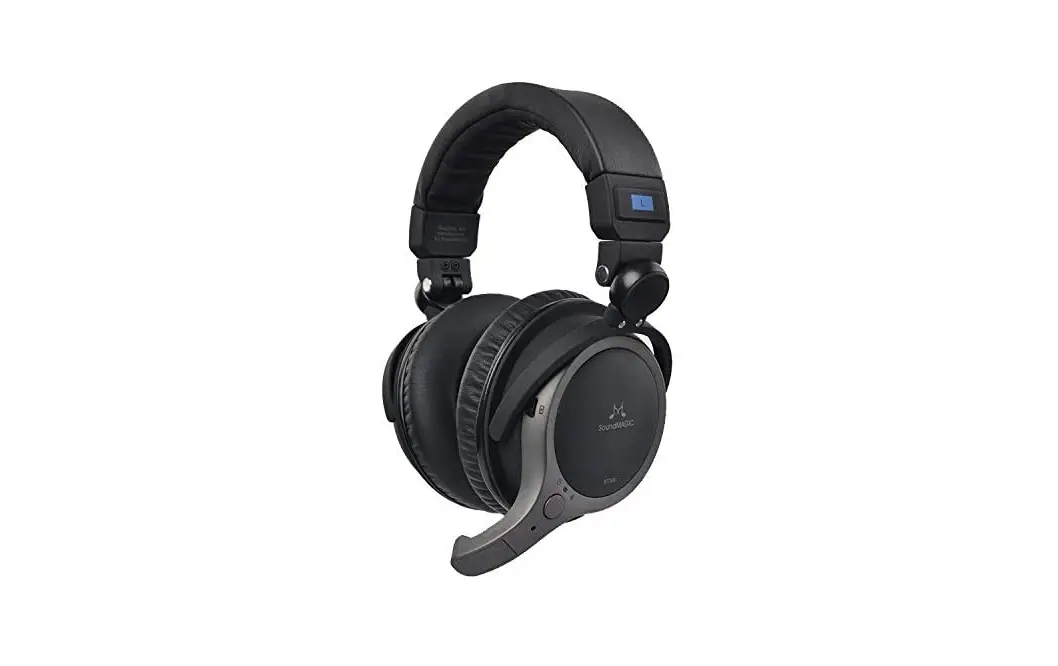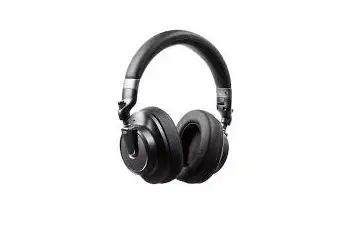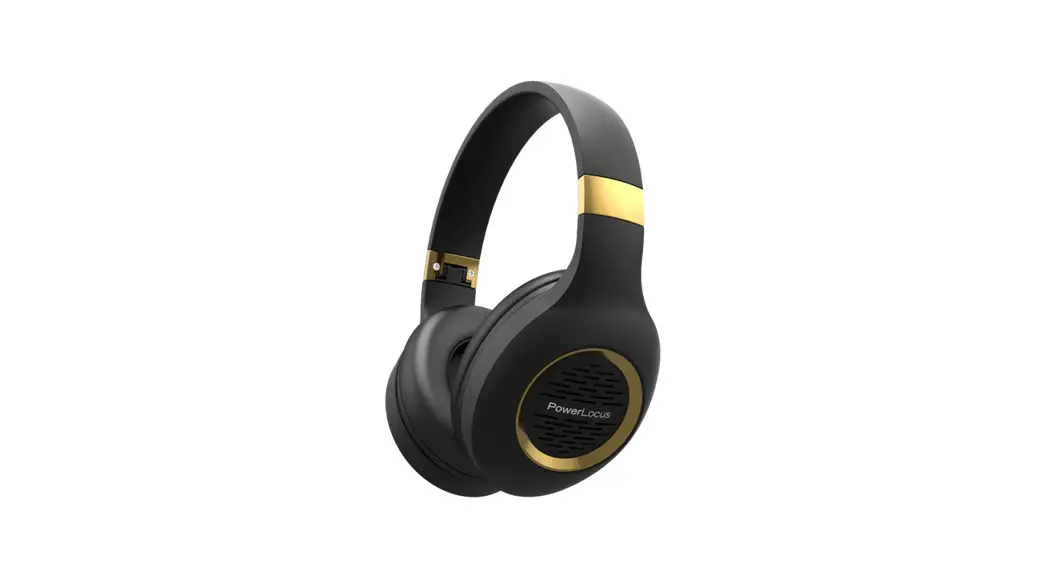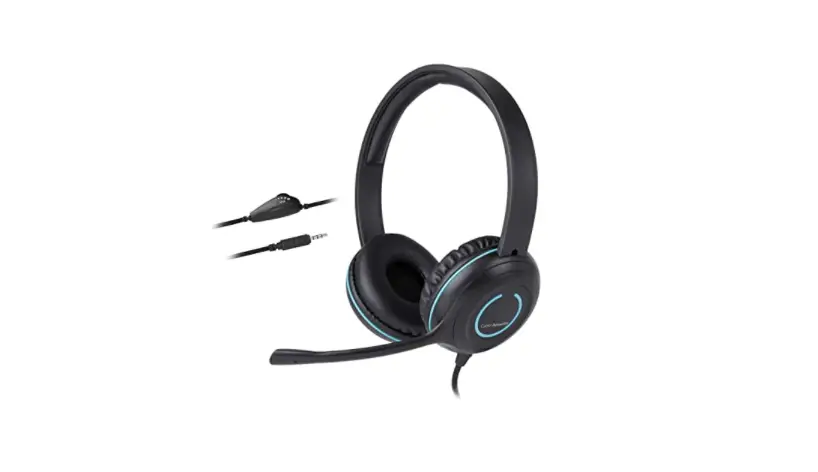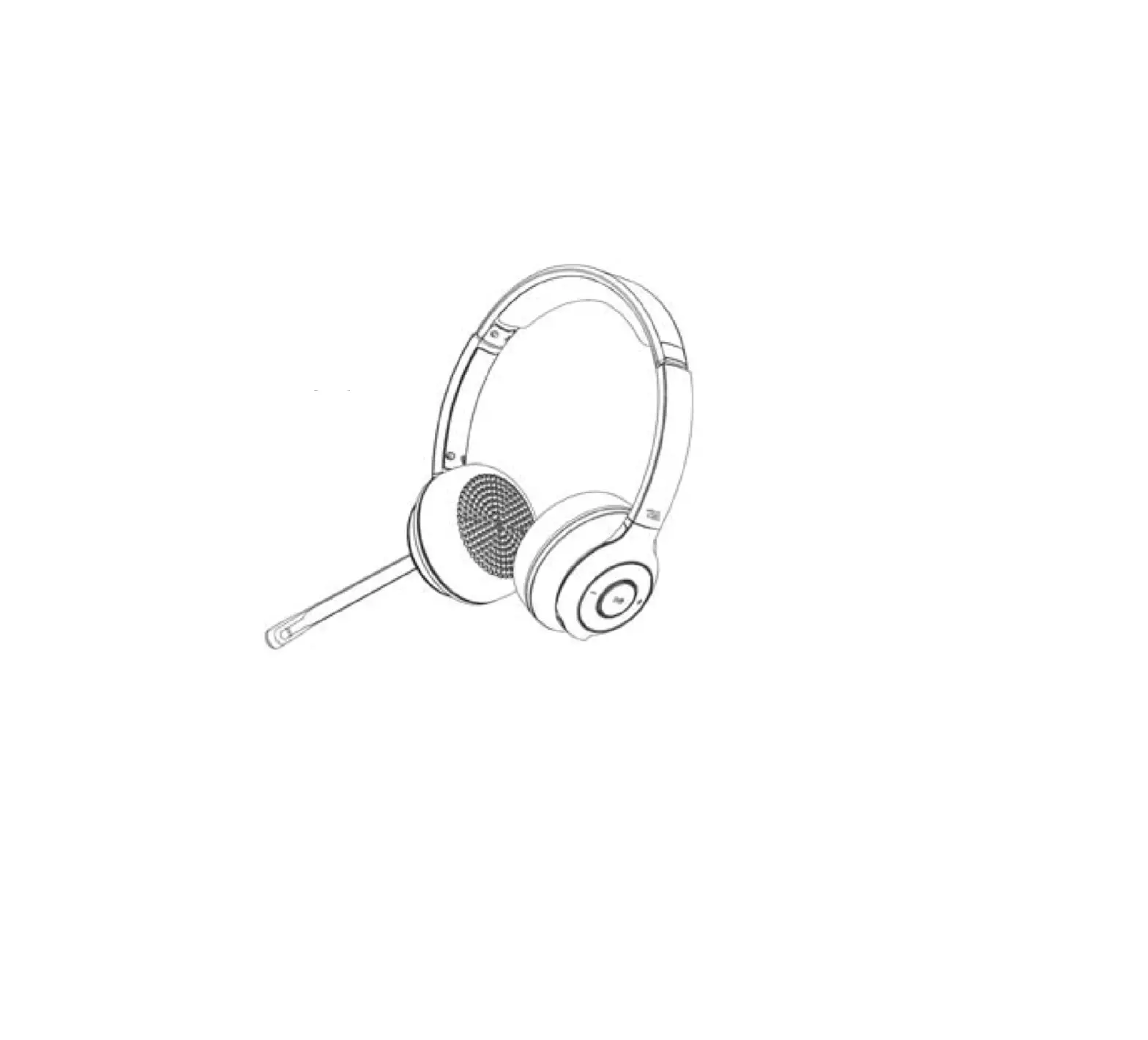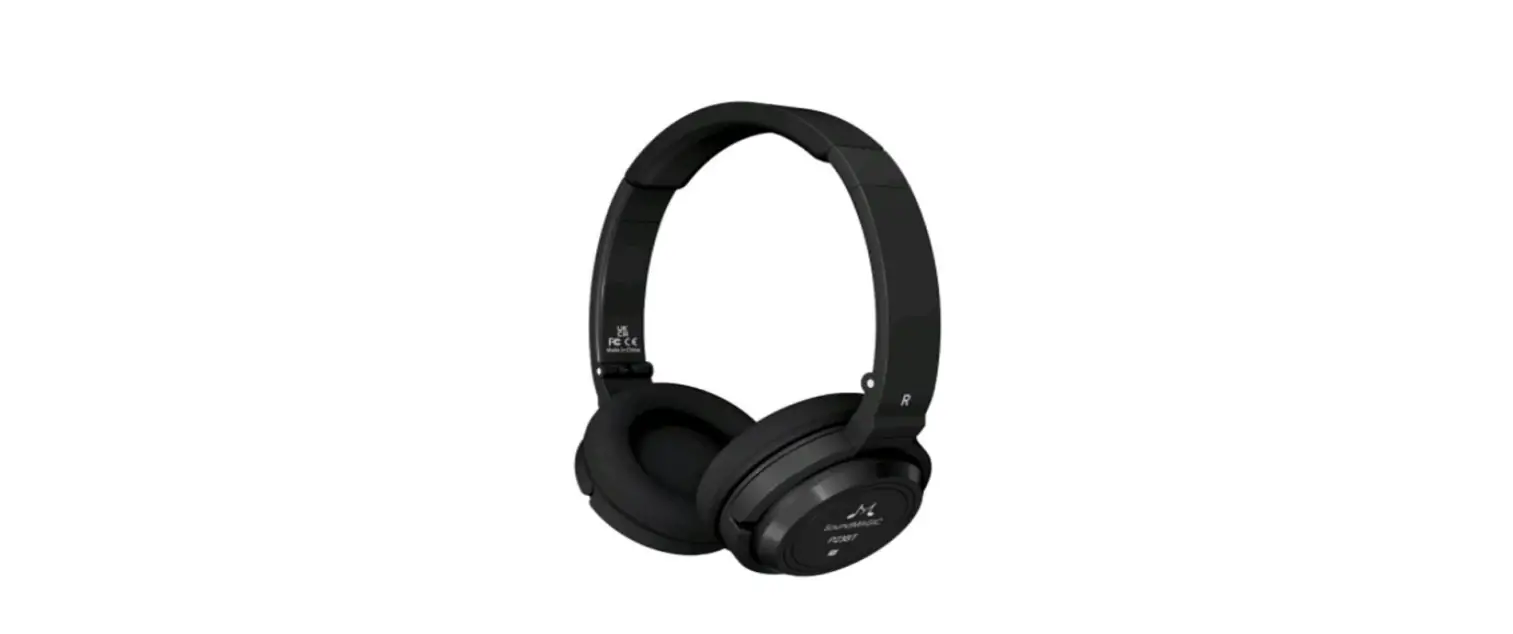

SoundMAGIC P23BT Bluetooth Headphone
Packing list
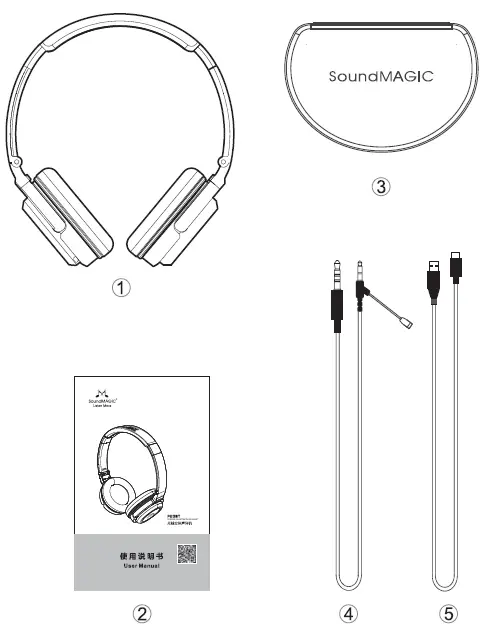
- Headphone
- User manual
- Carrying case
- Microphone cable
- USB cable
Technical specification
- Bluetooth V 5.0
- Driver Dynamic, 40mm, Neodymium
- Transmission Range up to 13m
- impedance 32±10% 0
- MIC Sensitivity -42±3dB
- Continuous Playback music 54-60h
- Continuous Talk Time 39-45h
- Standby time 50days
- Weight. 156g
- Ambient Temperature -20°C-60°C
Functional diagram:
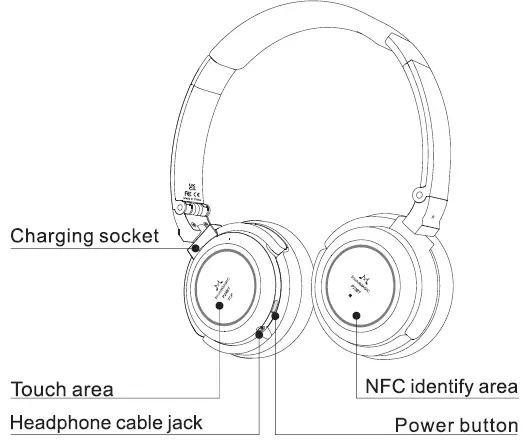
Operation/Function
Power on
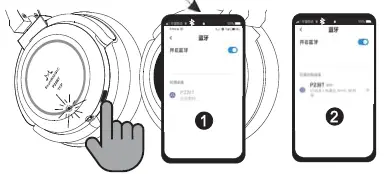
- Long press the button for 3 seconds, it will automatically enter the pairing state when there is no connection
- If connected, it will automatically enter the connection state
Power off
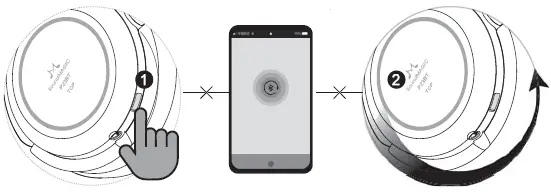
- Manual power off: long press 5 seconds to power off, the red light will light up 3 times. The power off function is shielded during incoming call or in a call
- Automatic power off: when there is no connected device, it will automatically power off after 5 minutes, and the red light will light up 3 times
Incoming call
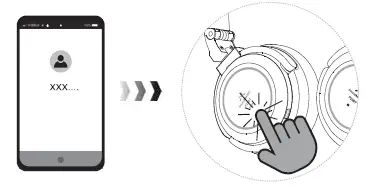
Double-click: answer/hang up
Play music
Double-click: play/pause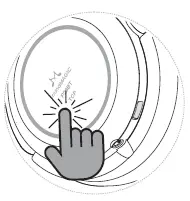
Forward slide: prev song
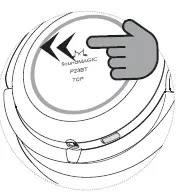
Back slide: next song
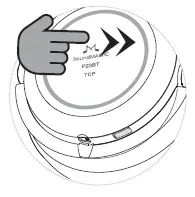
Volume control
Slide up once to turn the volume up a notch Slide up and pause to turn the volume up on maximum
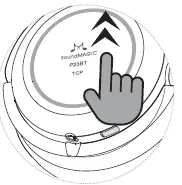
Slide down once to turn the volume down a notch Slide down and pause to turn the volume down on minimum
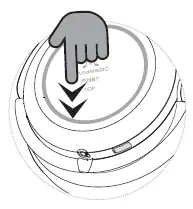
Swap calls
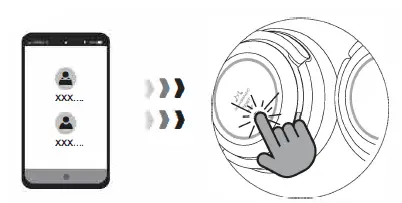
During a call, long press for 2 seconds to put the current call on hold and answer the incoming call
Phone connection NFC connection
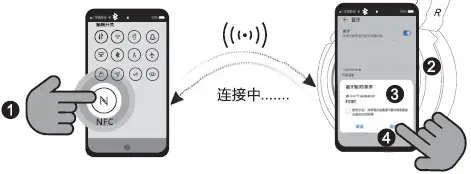
- Turn on NFC on your phone
- The headset enters the pairing state, and the phone is attached to the NFC sensing area
- The phone pops up with a matching request
- Click “Pair” to connect successfully
Pair connection
- The headset enters pairing mode
- Turn on your phone and
Headset reconnection Automatic reconnection
Phone and headset on state
Manual reconnection
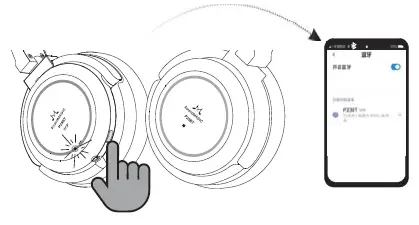
When unable to auto-reconnection, click the power button and the headset will automatically connect with the phone
Voice function
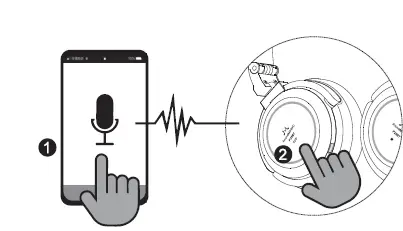
- Turn on voice assistant on the phone
- Three taps on the headphone touch panel to activate
Reset headset
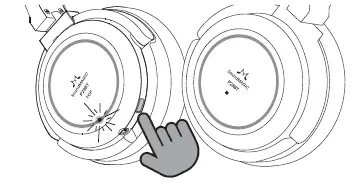
Turn off the headset, long press the button for 10 seconds, the red and blue lights 3 times, reset successful
Wired headset usage status
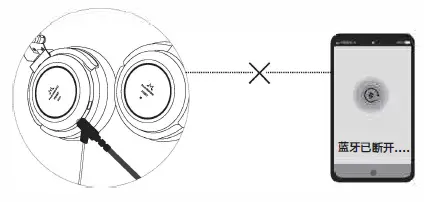
Once the headphone cable is plugged in, the power will be cut off, and the Bluetooth function will be disabled
Headset charging
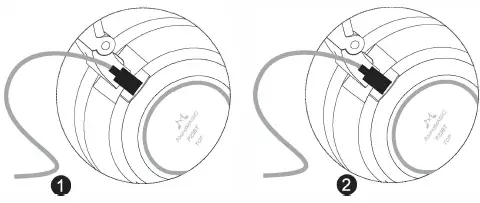
- , Being charged when the headset is on: the red and blue lights will flash, and the blue light will on long bright when fully charged
- Being charged when the headset is off: the red light will long bright, and light off when fully charged
Precautions
- Any improper use or unauthorized servicing that results in damage to your P23BT will void the warranty
- Do not use sharp objects near your P23BT
- Do not keep your P23BT in charging mode for long period
- Do not store your P23BT near toxic chemicals
- Do not store your P23BT near magnets
- Do not leave your P23BT with a fully drained battery for long period
- If your P23BT is out of use for a long time, please charge it
Common problems and solutions
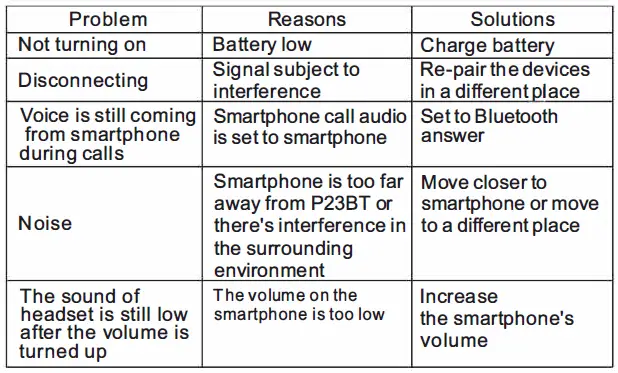
1613# Building A, Weidonglong Business Building,Meilong Road No 2125, Qinghua Community,Longhua District,Shenzhen,China TEL: 0755-88316487 FAX: 0755-88316487 FCC ID:A6B-P23BT