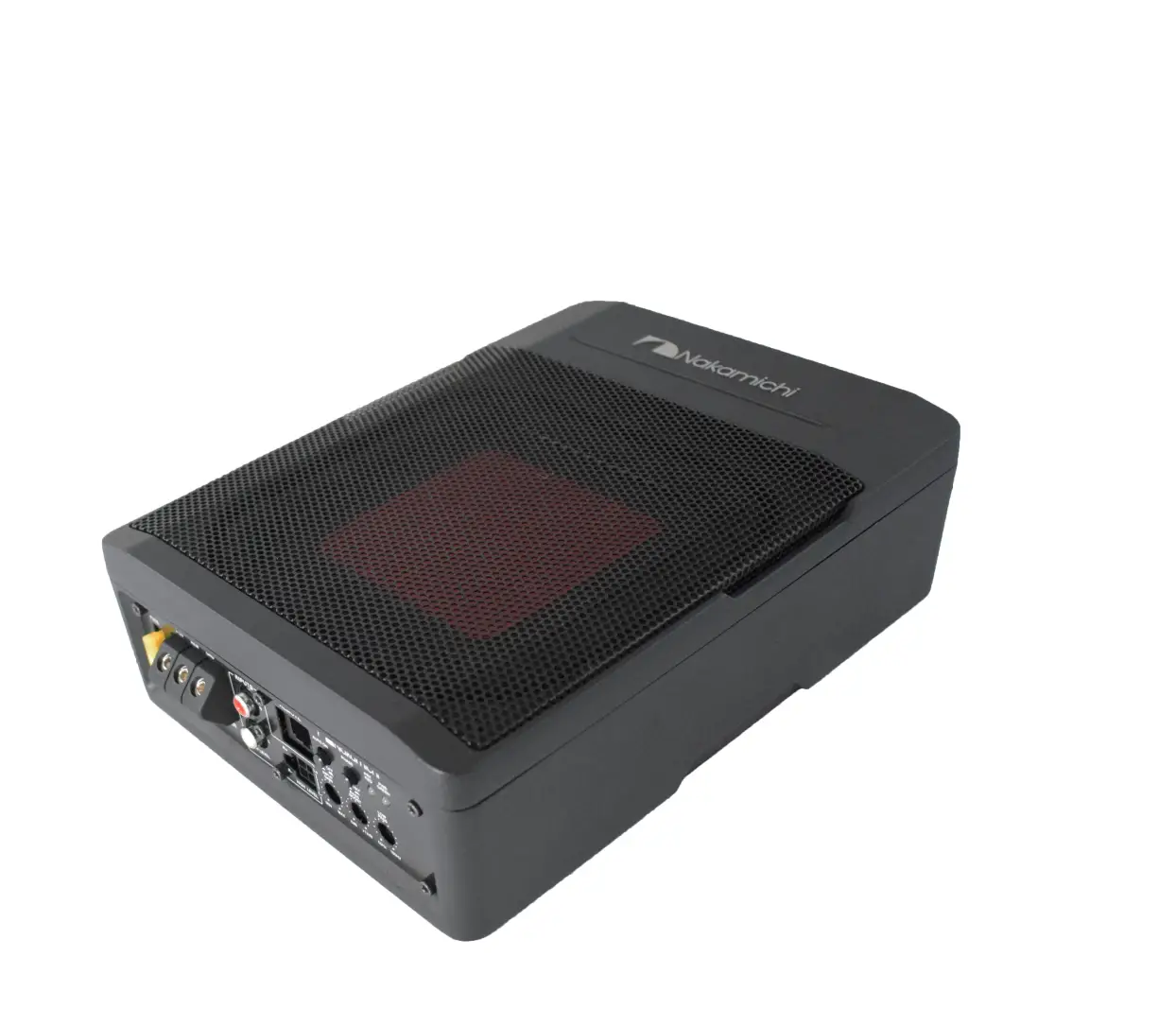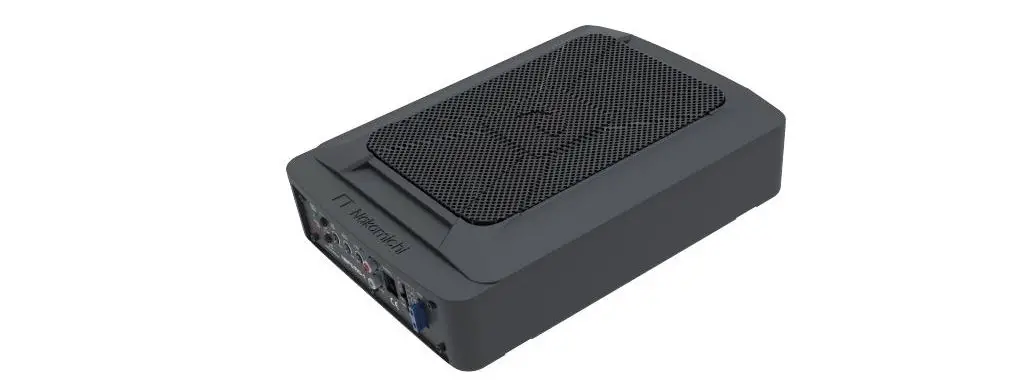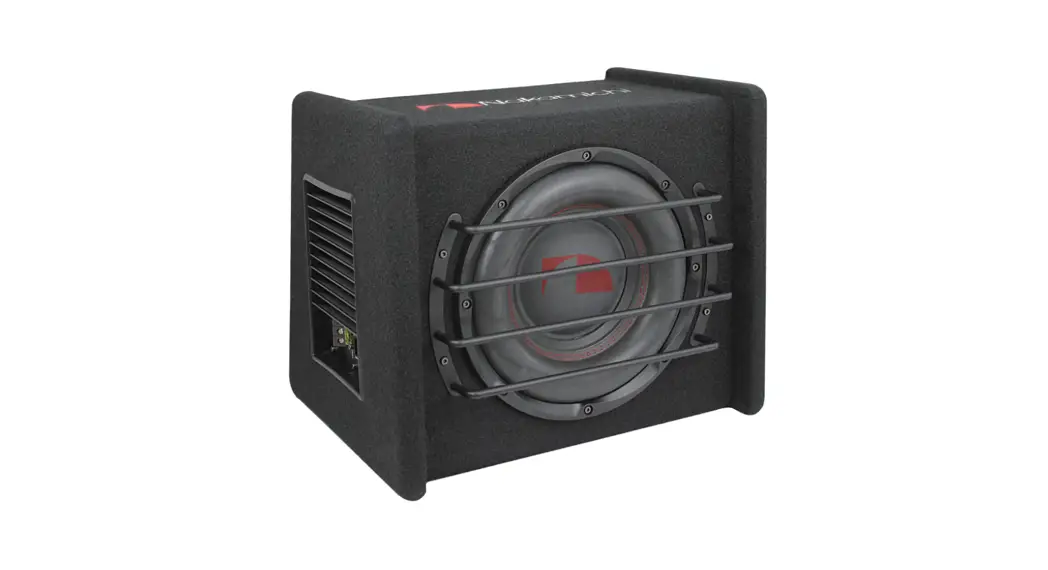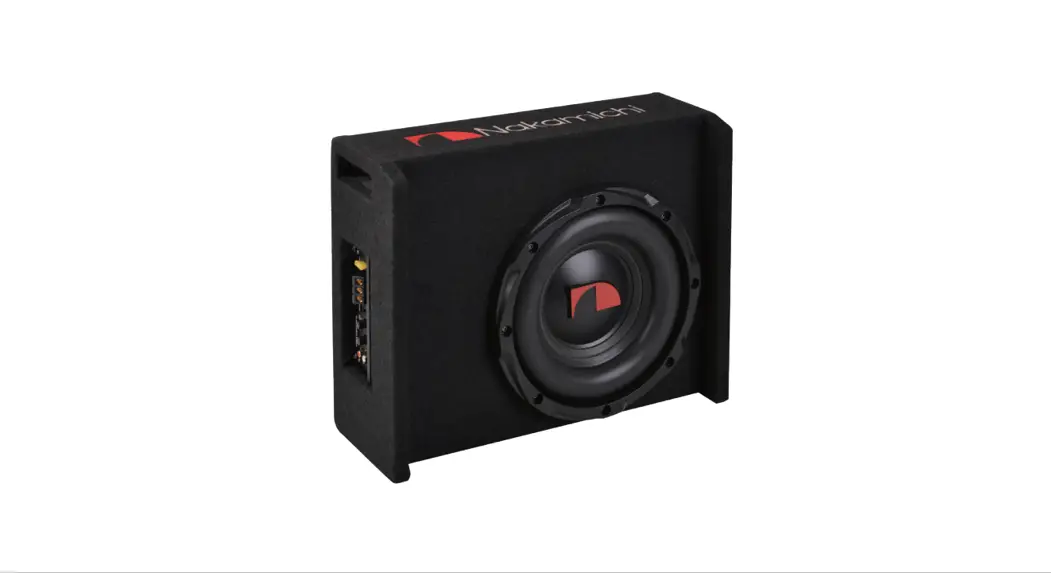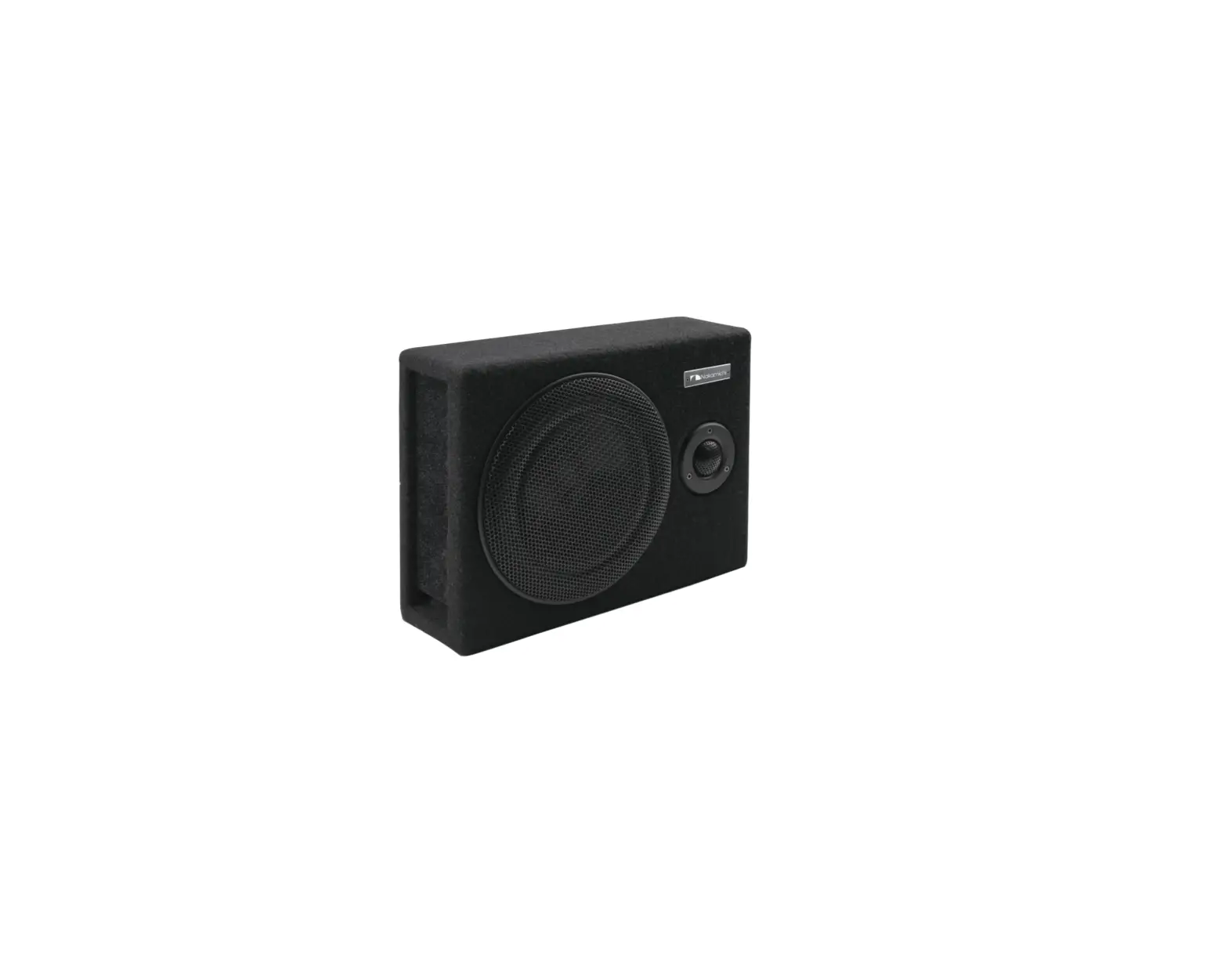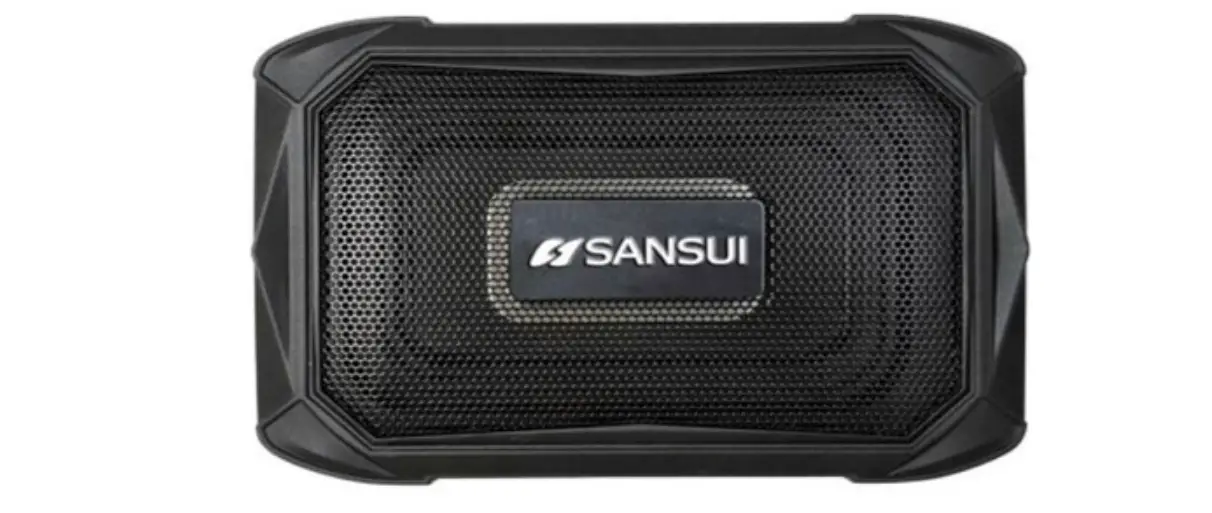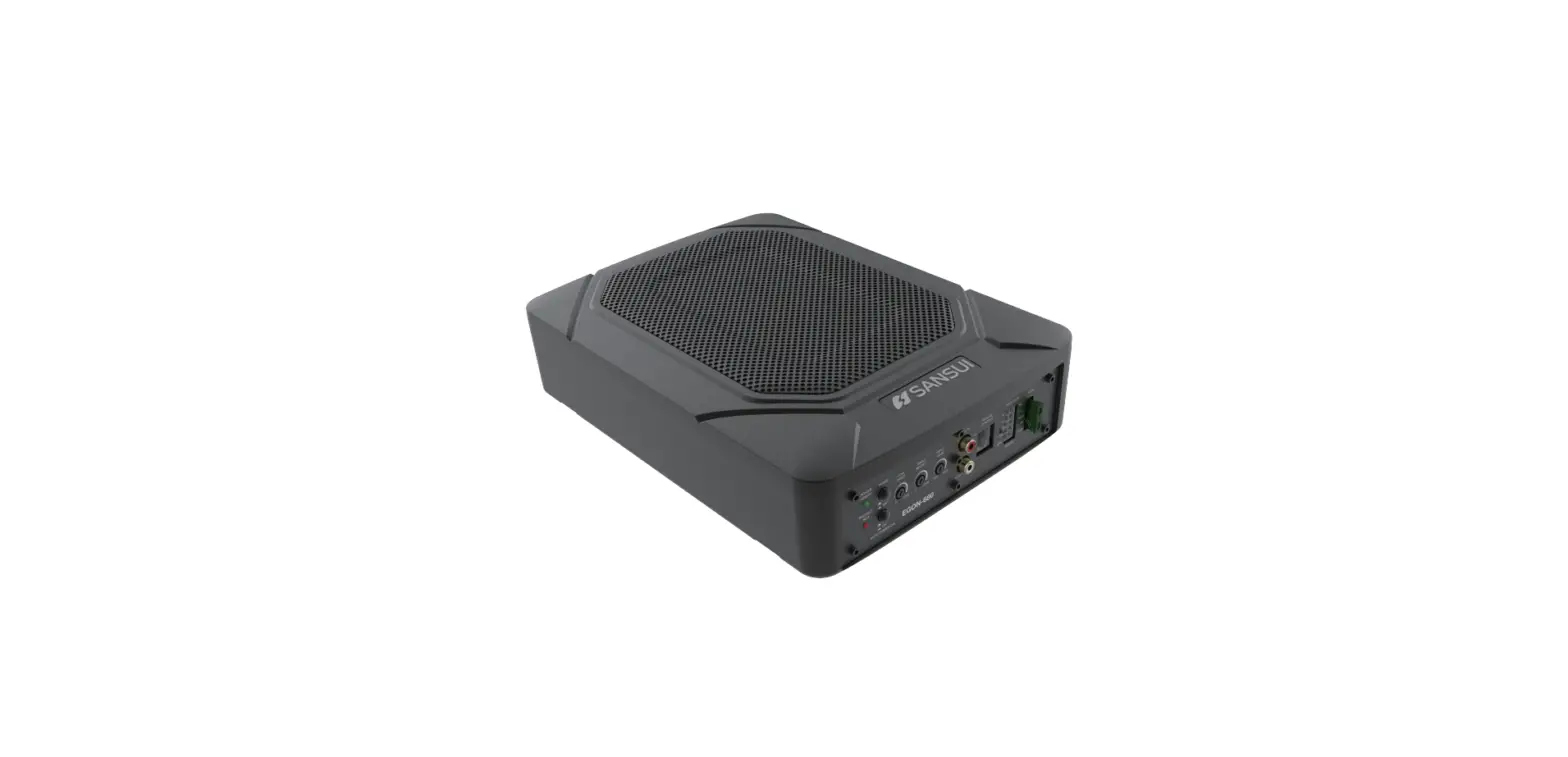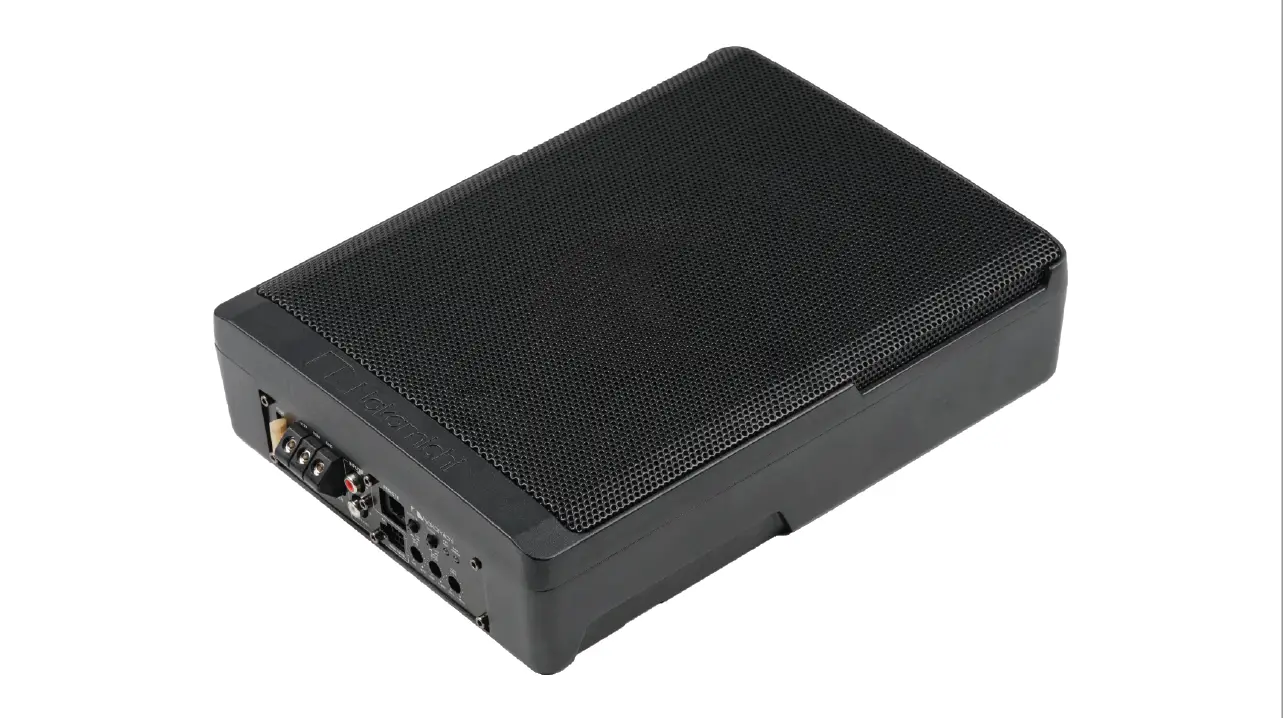

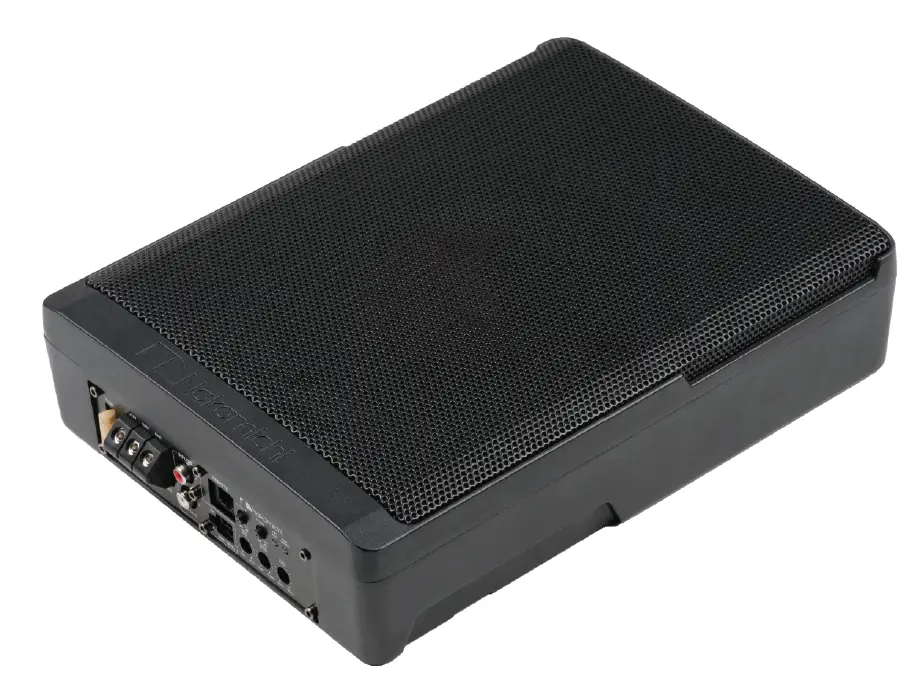
Nakamichi NBF25.0A 10 Inch Full Aluminum Active Subwoofer logo
PANEL CONTROLS AND FEATURES
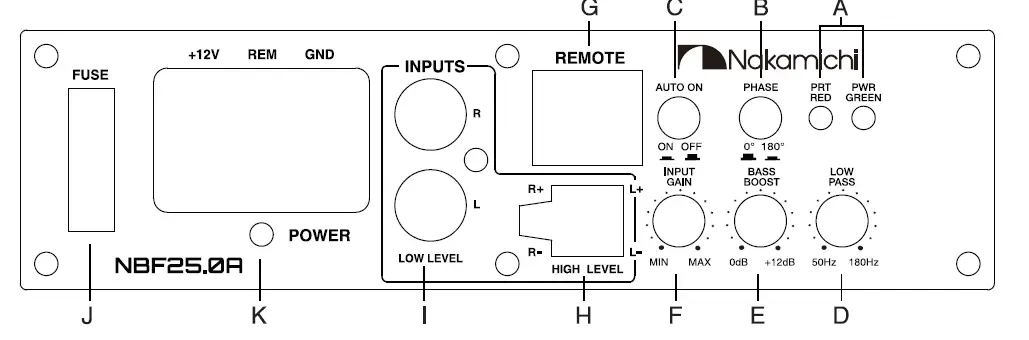
- POWER STATUS LED
This bi-color LED glows green when power is on and no problems are present. If one of the protection circuits comes on, it will change to red. - PHASE SHIFT
Use this switch to help compensate for time alignment problems in the system. Such problems usually result from having the subwoofer at a different distance from the listener than the other speakers in the system. - AUTO POWER ON
The AUTO POWER ON(ON/OFF) is for high level (speaker-level) connections. When the switch is in the “ON” position, the subwoofer will AUTO POWER ON when there is signal input.If the amplifier detected no signal input, the amplifier will auto turn off, If you prefer to use the remote turn on/off connection, the switch is in the OFF position.
Note: Please connect the remote terminal to the remote output of head unit as Fig.4 when you hear the unit turn ON/OFF POP noise from the subwoofer. - LOW PASS FILTER
This control permits you define the frequency range you want the subwoofer amplifier to receive. The subwoofer will reproduce all sound below the frequency you set.
Note: The low pass filter frequency can be higher or lower than the standard. There have +/-20% tolerance. - BASS BOOST
The BASS BOOST feature will increase the sound level in the bass frequencies. - INPUT GAIN CONTROL
After you have installed your system, turn this control to a minimum.
Turn the head unit on (and the subwoofer will turn on via the remote connection). Turn the head unit volume to about 2/3 full level. Slowly turn up the subwoofer input gain control until you hear a small amount of distortion. Then reduce the level until the distortion is completely gone. Level the control at this setting. - REMOTE LEVEL CONTROL PORT
Attach the included remote level control to control the volume level of the subwooer independently. - HIGH LEL (SPEAKER LEVEL) INPUTSEV
If your head unit does not have RCA outputs you can use the speaker outputs for the audio source for the subwoofer. Use the supplied cable and wire harness and connect the outputs properly as shown in the connection diagram in this manual. - LOW-LEVEL RCA INPUTS
Low-level inputs are the recommended way to introduce the audio signal to the subwoof-er if RCA outputs are present on your head unit or other signal source (such as a sound processor). - FUSE
Do not use a fuse with a different value and never replace the fuse with a wire or coin. - POWER INPUT TERMINAL
LOW-LEVEL INPUT WIRING
Low-level (RCA) input wiring is preferred for best audio performance. Most trunk and under-seat installations will require a 6-12 feet RCA cable. Always use a high quality cable.
NOTE: Do not connect BOTH the high-level and low-level inputs from your receiver to your amplifier at the same time!
Fig.1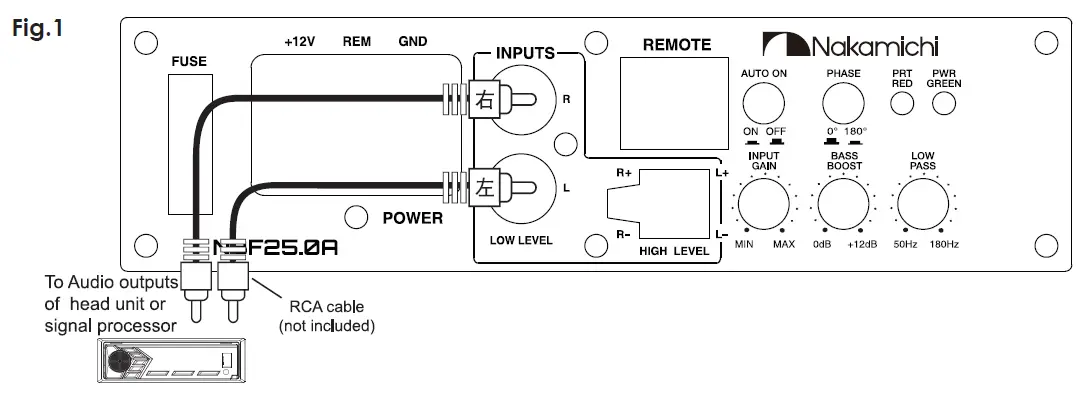
WIRING
HIGH-LEVEL INPUT WIRING
The high-level input(s) should only be used when your receiver lacks RCA outputs. If the RCA outputs are not present, connect the speaker outputs from the receiver to the high level input connector of the amplifier. Be sure to observe polarity to avoid audio phase problems.
NOTE: Do not connect BOTH the high-level and low-level inputs from your receiver to your amplifier at the same time!
Fig.2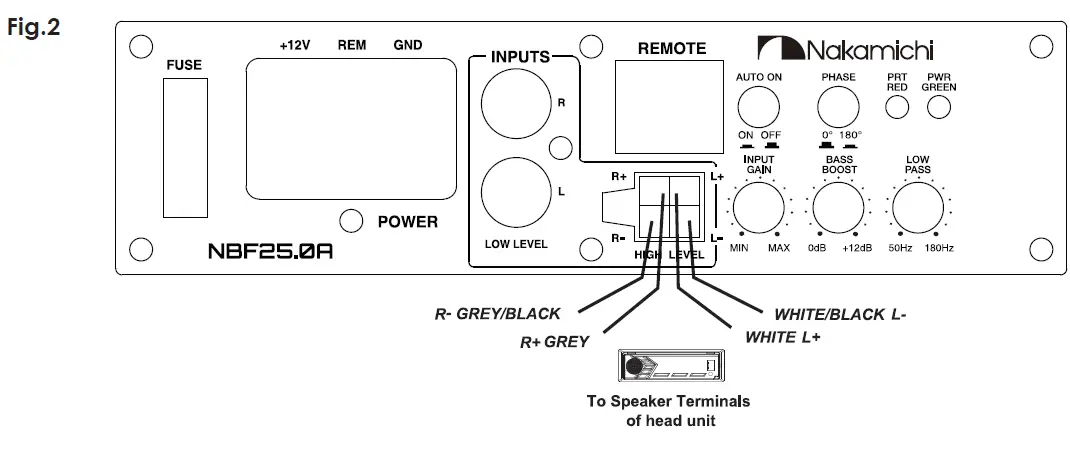
POWER CONNECTIONS
Connect the ground terminal to the closest point on the chassis of the vehicle. Use 8 gauge (or heavier) wire to connect the ground cable.
Connect the remote terminal to the remote output of head unit using 16 gauge ( or heavier ) wire.
Connect an empty fuse holder within 16″ (40 cm) of the car battery, and run 8 gauge (or heavier) cable from this fuse to the amplifier location. Then connect the fuse holder to the “BATT+” (+12V) connection on the subwoofer rear panel.
Fig.3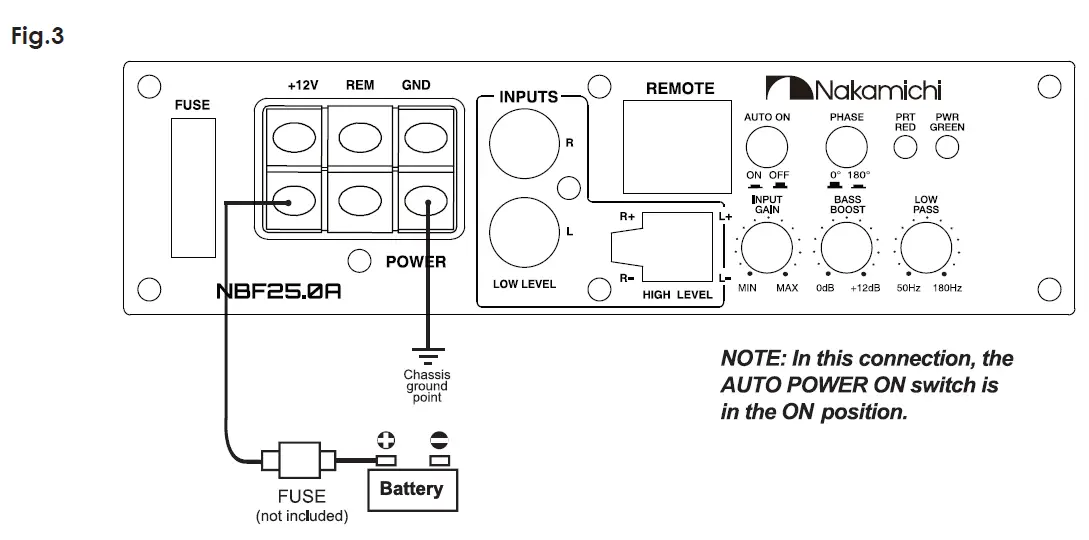
Fig.4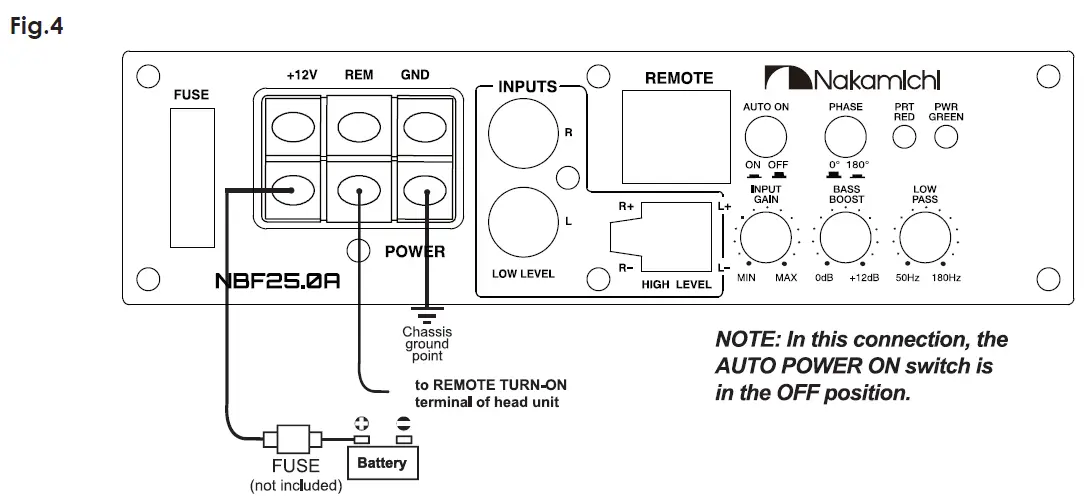
REMOTE LEVEL CONTROL CONNECTION Fig.5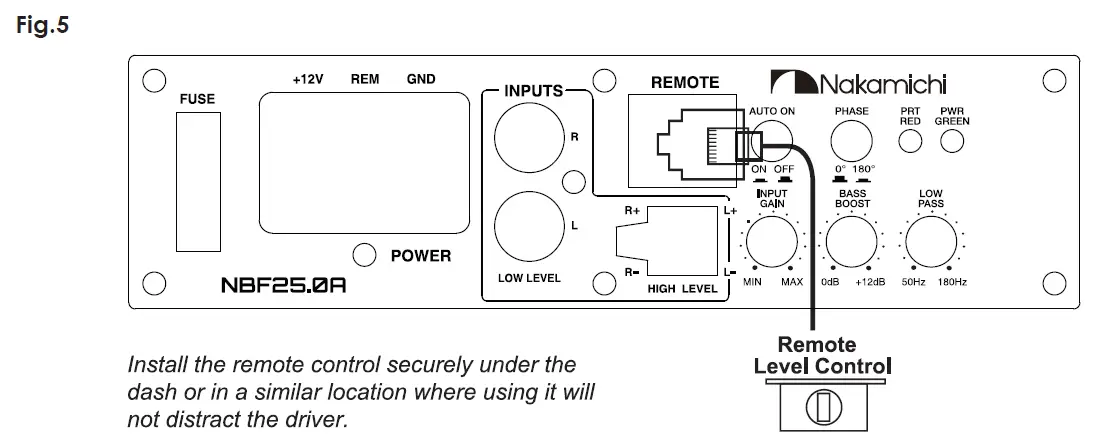
| ACCESSORY LIST | |||
| 1. User Manual | 1pc | ||
| 2. Mounting Screw Bag (Ø4x25mm x 4pcs, Ø3x14mm x 2pcs, Ø4x6mm x 8pcs) | 1pc | ||
| 3. Input Cable | 1pc | ||
| 4. Remote Control | 1pc | ||
| 5. Remote Cable | 1pc | ||
| 6. Mounting Bracket | 4pcs | ||
|
SPECIFICATIONS | |||
| N-power 150W | Low pass filter | 50Hz – 180Hz | |
| Max power 1000W | Bass Boost | 0 – 12dB | |
| THD <0.5% | Subsonic Fiter | 20Hz (Fixed) | |
| Signal-to-noise ratio >90dB | Fuse rating | 25A | |
| Frequency response 20Hz – 180Hz | Subwoofer | 10″ , 4 Ω | |
| Input sensitivity,high level 1.0V | Dimensions (L x W x H) mm | 300 x 225 x 72mm | |
| Input sensitivity,low level 300mV | |||
| TROUBLESHOOTING | |
| If you experience operation or performance problems with this product, compare your installation with the electrical wiring diagram on the previous pages. If problems persist,read the following troubleshooting tips which may help eliminate the problems. | |
| SYMPTOM | POSSIBLE REMEDY |
|
Products will not power up | Check to make sure you have a good ground connection. Check that the Remote Input (Turn-on) has at least 5V DC. Check that there is battery power on the (+) terminal. Check that there is at least 12V. Check all fuse, replace if necessary. Make sure that the Protection LED is not illuminated. If it is lit shut off the amplifier briefly, and then repower it. |
| Protection LED comes on when amplifier is powered up | Turn down the volume control on the head unit to prevent overdriving. Check that there is good air cirulation around the amp. |
| No output | Check that all fuses are OK. Check that unit is properly grounded, Check that the Remote Input (Turn-on) has at least 5V DC. Check that the RCA audio cables are plugged into the proper inputs. |
| Low output | Reset the Level Control. Check the Crossover Control settings. |
|
High hiss in the sound. | Disconnect all RCA inputs to the power sub’s control panel. If the hiss disappears, then plug in the component driving the amplifier and unplug its inputs. If the hiss disappears at this point, go on until the faulty/noisy component is found. lt is best to set the amplifie’s input level control as low as possible. The best subjective signal-to-noise ratio is achieved in this manner. Try to set the head unit as high as possible (without distortion). |
| Squealing noise is present. | Check for improperly grounded RCA interconnects. |
| Distorted sound. | Check that the lnput Level Control is set to match the signal level of the head unit. |
| Engine noise (static type) | This is usually caused by poor quality RCA cables, which can pick up radiated noise. Use only the best quality cables, and route them away from power cables. |
| Engine noise (alternator whine) | Check that the RCA grounds are not shorted to the vehicle chassis. Check that the head unit is properly grounded. |