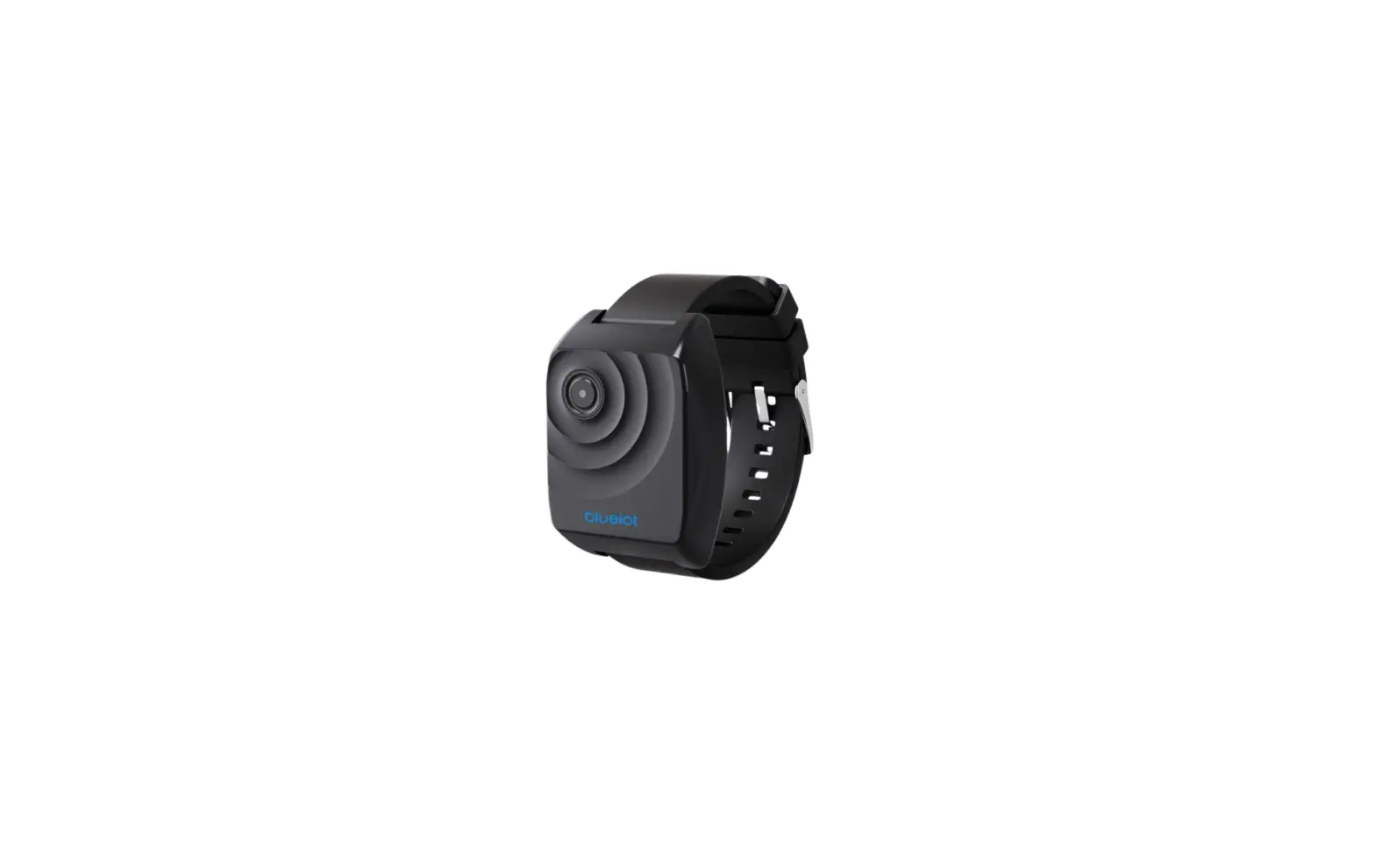


Product Introduction
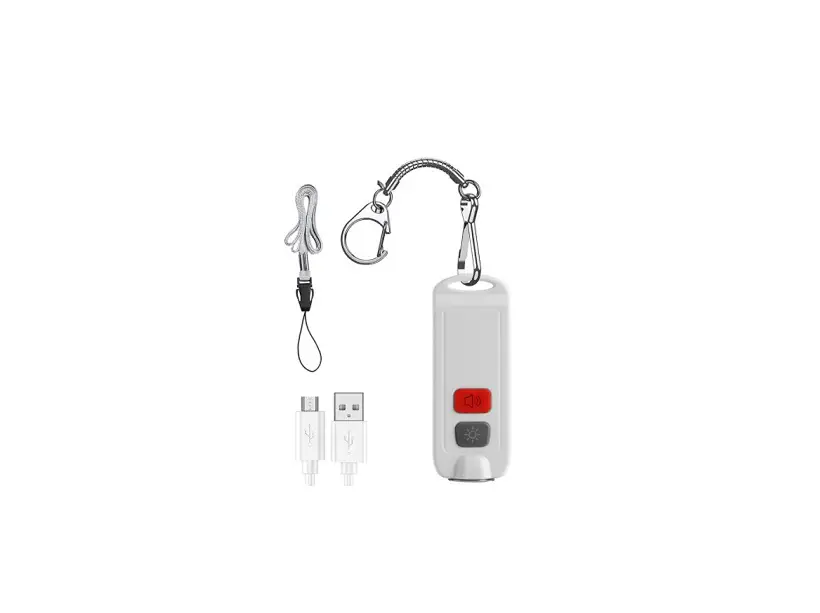
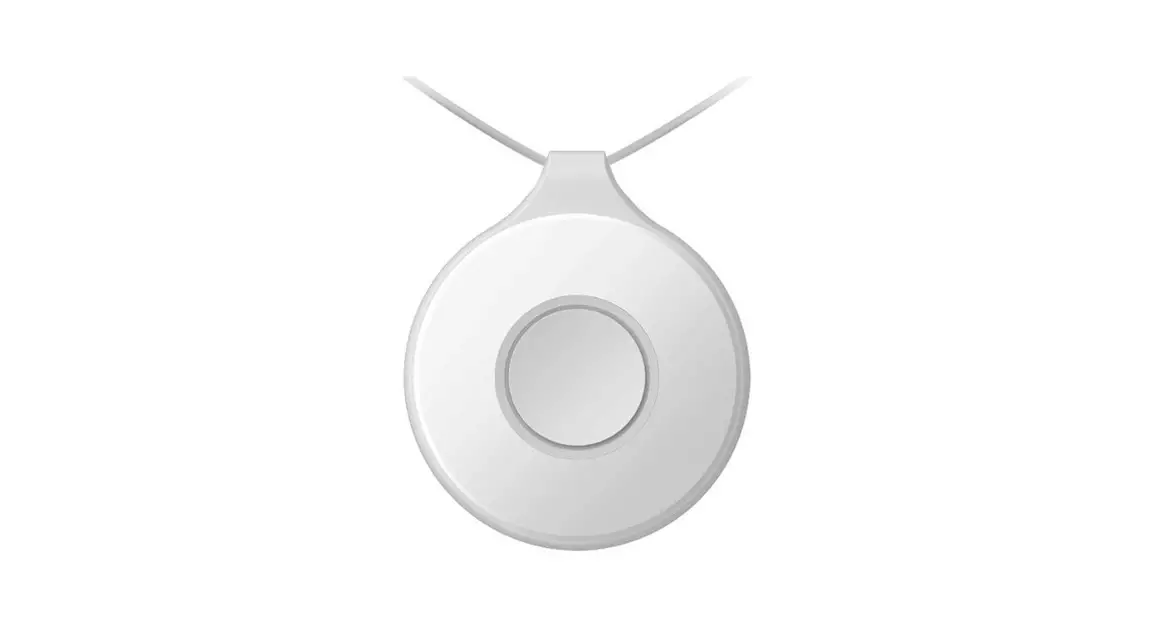
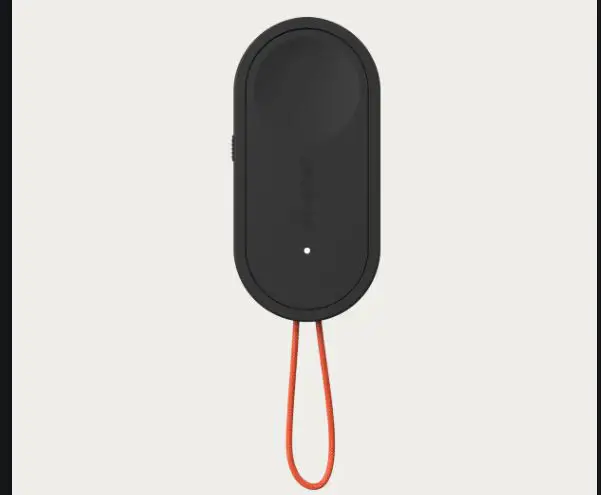
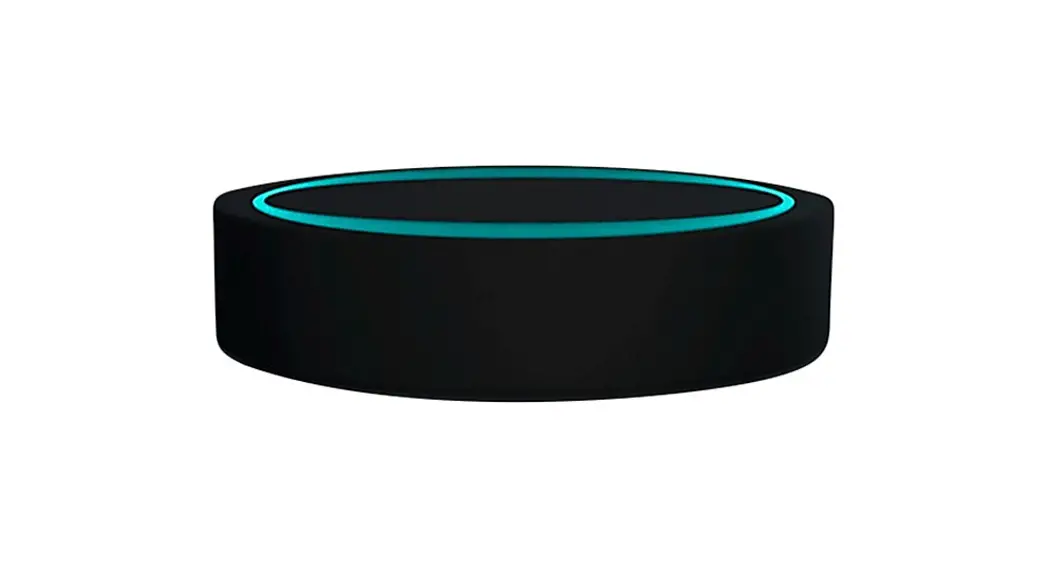
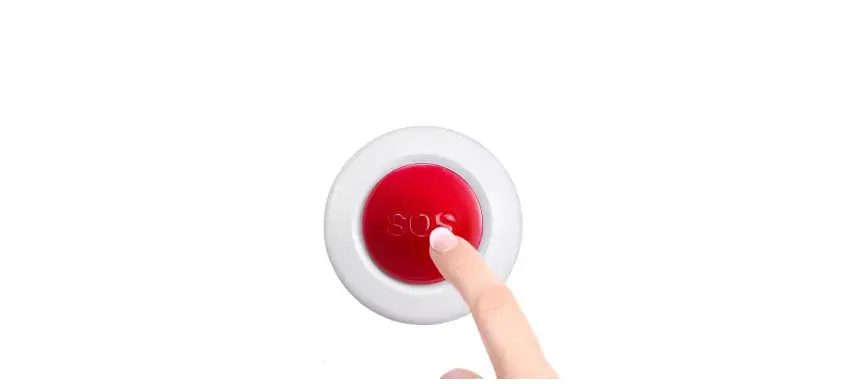
DSBC-110 is Is a kk keyfob/wristband emergency button n, it has one button for press s in case of emergency, The prod used with Dusun GG gateway, and then users can receive emergency alarm signals from anywhere through the cloud.
Product Specification
| Product Name | Bluetooth Emergency button | Model No. | DSBC-110-1 |
| Protocol | Bluetooth 5.2 | Temp | -10~65°C |
| Humidity | 0~100% | ||
| Battery Capacity | 225mAh | Distance | 50~100m |
| Product Size | Φ41mm | Weight | 30g |
Product Overview 
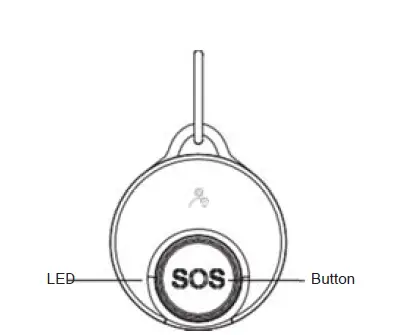
OTA
The product support the OTA function, Press and hold the button and insert the battery, to enter OTA mode, the LEE D will be always on, and it will last 60s. When in the OTA mode, gateway or mobile phone can pair the product and start the OTA.
Low voltage indicattion
When the battery level is lower than 20%, the product will enter the low batton mode, the LED light will flash per 10s, and the gateway can also obtain the product’s battery information from the data packet.
FCC Warning Statement
This device complies with Part 15 of the FCC Rules. Operation is subject to the following two conditions: (1) this device may not cause harmful interference, and (2) this device must accept any interference received, including interference that may cause undesired operation
This device has been tested and found to comply with the limits for a Class B digital device, pursuant to Part 15 of the FCC Rules. These limits are designed to provide reasonable protection against harmful nterference in a residential installation. This device generates, uses and can radiate radio frequency energy and, if not installed and used in accordance with the instructions, may cause harmful interference to radio communications. However, there is no guarantee that interfere eence will not occur in a particular installation. If this device does cause harmful interference to radio or try to correct the interference by one or more of the follow television reception, which can be determined by turning
Directions For Installation
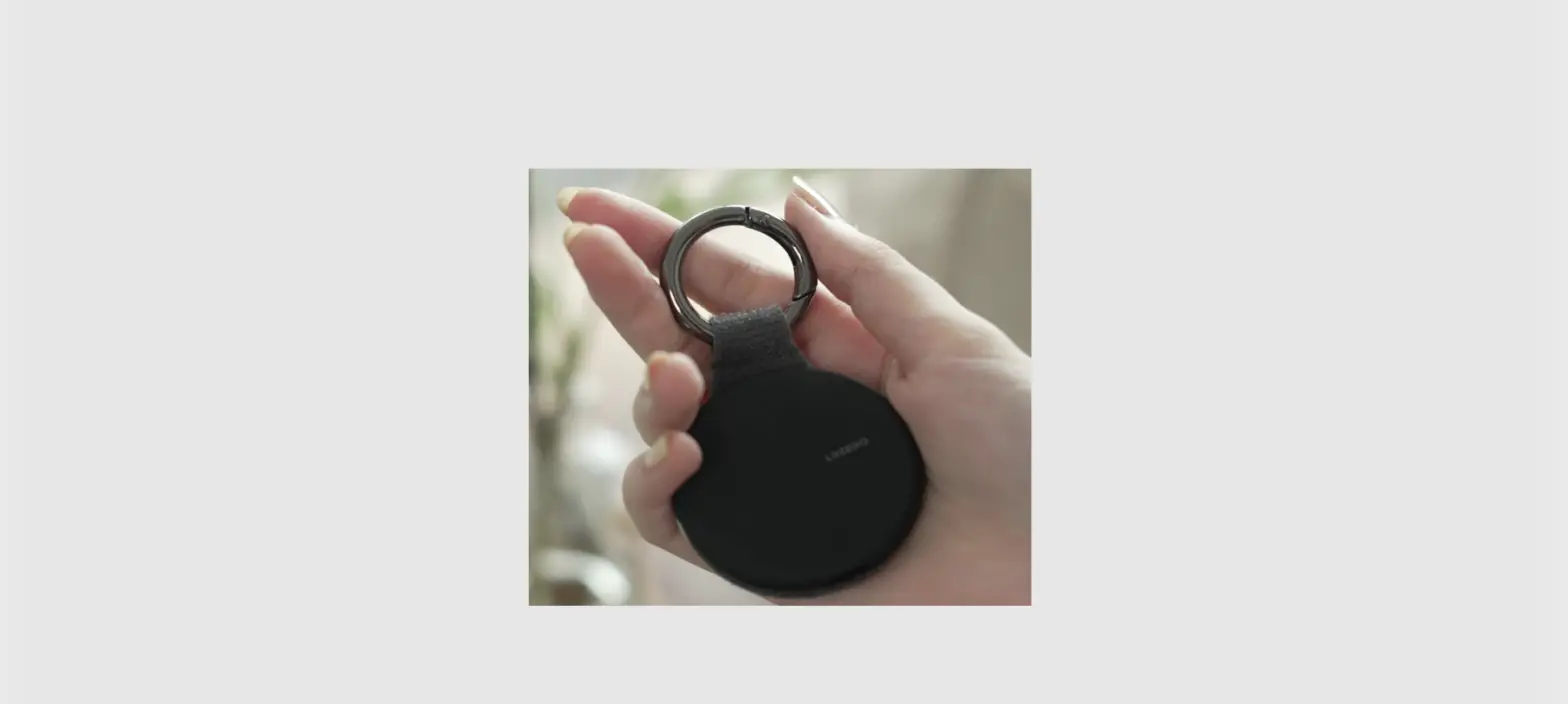
Keyfob
With metal ring accessories, the product can be hung on key rings, badges, backpacks
Wristband
With rubber wristband accessories, can wear the product on the wrist 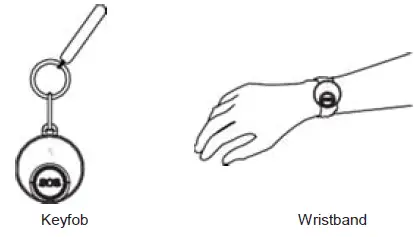
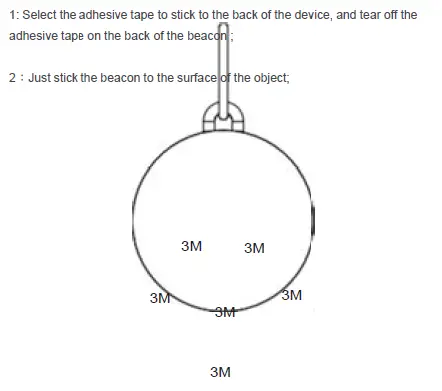
3 Madheesive  directions For Battery Replace
 directions For Battery Replace
Turn counterclockwise to open the product
Replace the battery, the battery model is CR2
attention
- being close to a metal object will interfere with the signal, causing the signal to be weakened
- note the distance between DSBC-100-1 and the receiver to guarantee the uracy of receiving.
- keep away from the corrosive objects.
- when installing, make sure that the sensor part is installed facing down.